
Waves Waves Tune LT
Professional music gear - detailed information and where to buy
Waves
Waves Tune LT
Product Info
* Prices may vary. Check retailer for current pricing and availability.
Product Description
- Waves Tune LT Easy
- Uncomplicated Pitch Correction When time is your priority
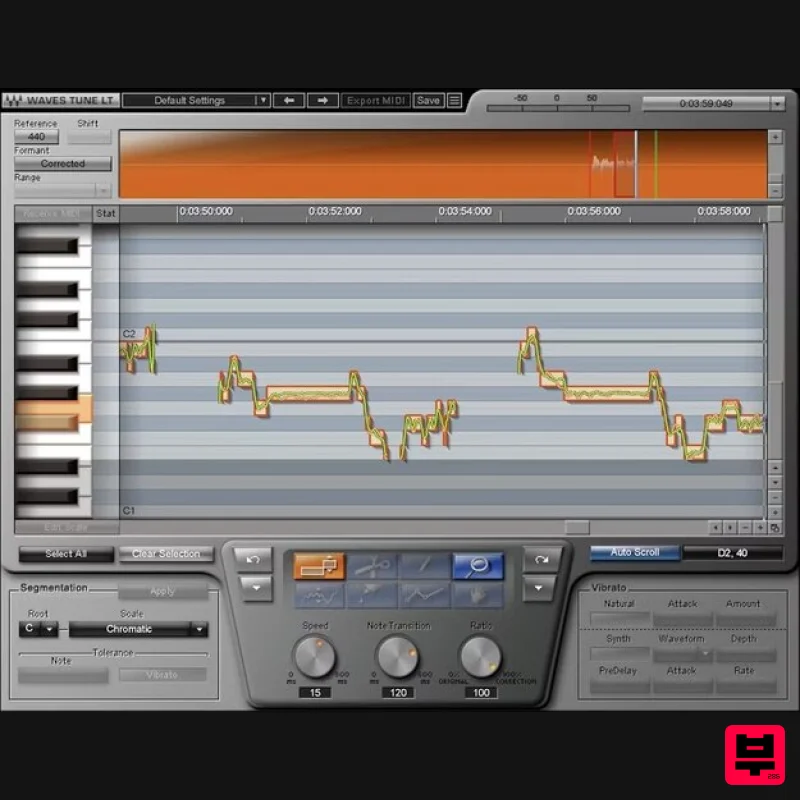
- Waves Tune LT is the quick solution for pitch-correcting vocals—and even guitar
- and other single-note melody lines in the vocal range. Simply tell Tune LT how fast to correct the pitch
- the length of note transitions
- and the correction strength. Done. Concentrate on expressiveness when singing—Waves Tune LT can fix a bad note in an otherwise great performance. Or
- set the controls to extreme
- for the hard correction “T-Pain” sound. Features Simple interface for quick vocal pitch correction Create special vocal effects like octave drops Conform the notes to 43 traditional and ethnic scales Customize scales by specifying “legal” or “illegal” notes Graphic display shows amount of pitch correction in real time Supports ReWire for transport control within the plugin System Requirements Mac macOS Monterey 12
- Ventura 13
- Sonoma 14
- Sequoia 15 VST / AU / AAX PC Windows 10+ VST / AAX 1. Head to https: //www.waves.com/create-account 2. Enter your email and choose a password to create an account (if you already have a Waves account
- choose Log in
- enter your details and head to Step 5) > click 'Submit' 3. Open your email inbox > click the activation link in the email from Waves 4. Click 'Log in here' > Log in to your Waves account 5. Click 'Register New Products' 6. Enter the Serial Number found in your Plugin Boutique user account > click 'Submit' 7. Click download in your Plugin Boutique user account or head to https: //www.waves.com/downloads/central > download the Waves Central app for your operating system 8. Install Waves Central > Open Waves Central 9. Click 'Log in' > enter your log in details 10. Click the 'Install Products' tab 11. Tick the blue dot on all products you wish to install or click the top dot to install all products > click 'Install & Activate' 12. Click 'OK' 13. Open your DAW > open the Waves plugin Your Waves plugins are installed and ready to use
- enjoy!
Additional Information
About the Waves Waves Tune LT
Discover the distinctive sound and feel of the Waves Waves Tune LT, a standout choice among Vocal Processing.
Why Choose the Waves Waves Tune LT?
- •Authentic Waves craftsmanship and design
- •Versatile sound suitable for multiple musical genres
- •Professional build quality and reliable performance
- •Part of Waves's respected Vocal Processing lineup
Compare & Explore
Browse our complete selection of Waves instruments or explore other Vocal Processing options. Use our comparison tools to find the perfect match for your musical style and budget.
Similar Products
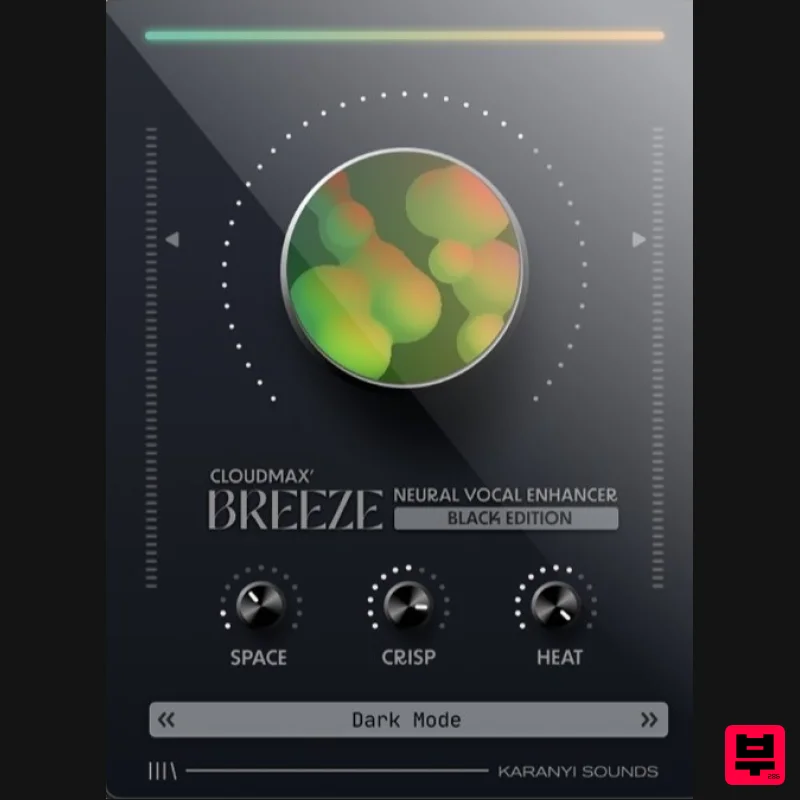
Karanyi Sounds Cloudmax Breeze Black Edition
Vocal Processing
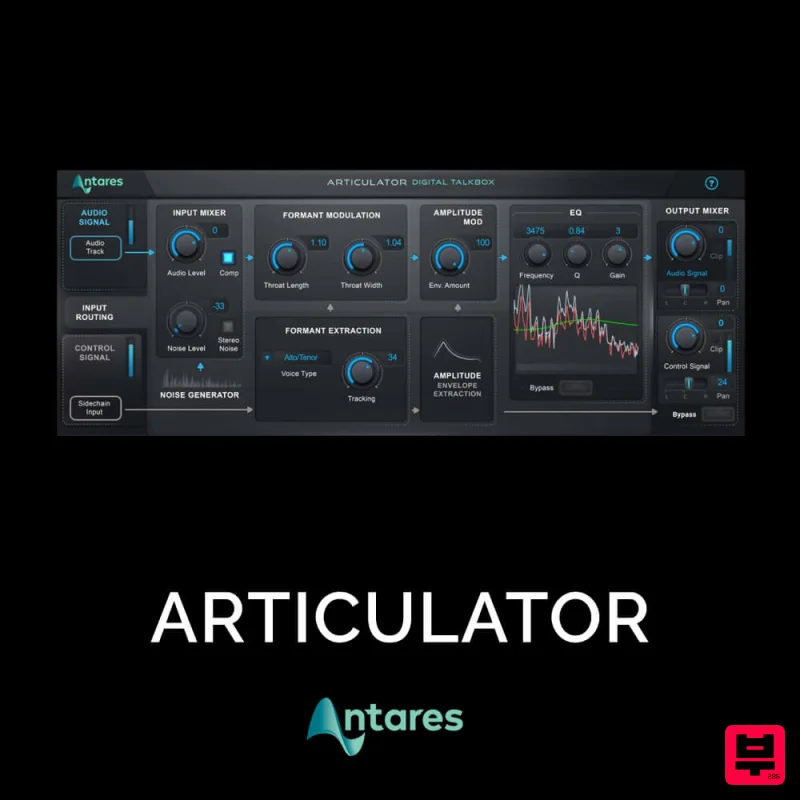
Antares ARTICULATOR
Vocal Processing
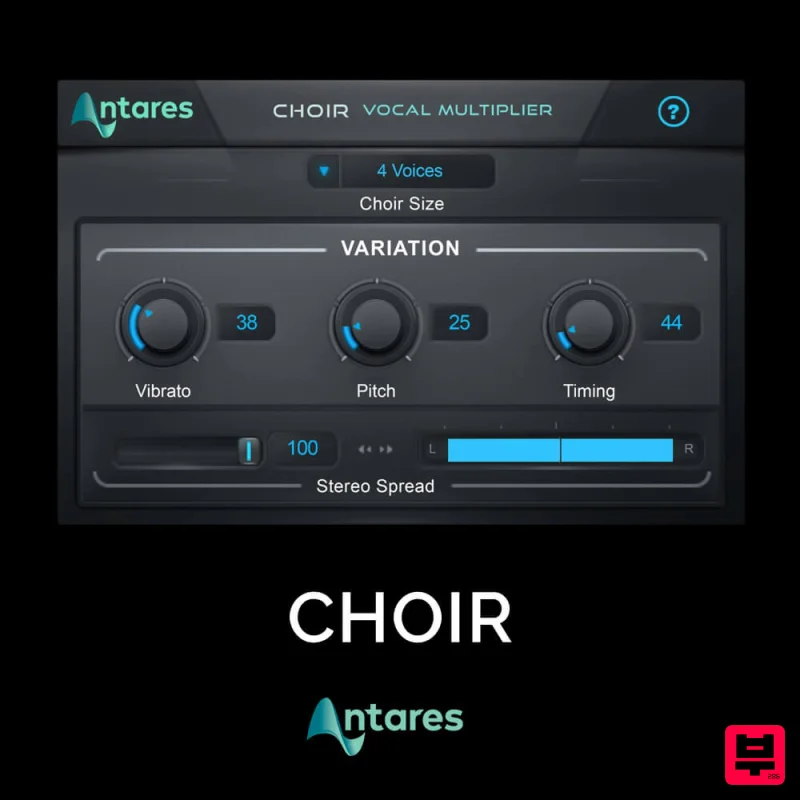
Antares CHOIR
Vocal Processing
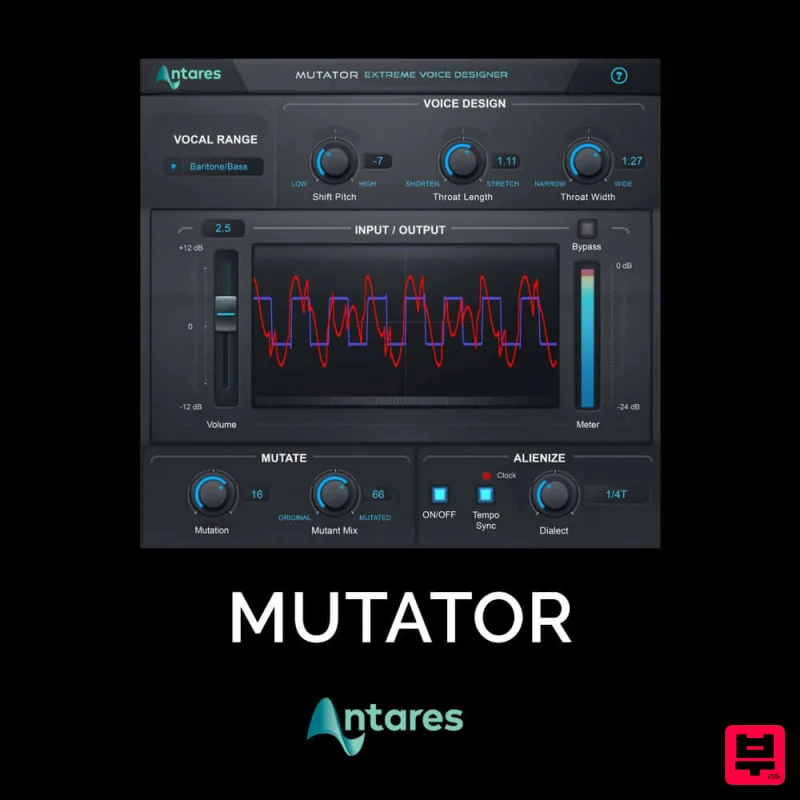
Antares MUTATOR
Vocal Processing
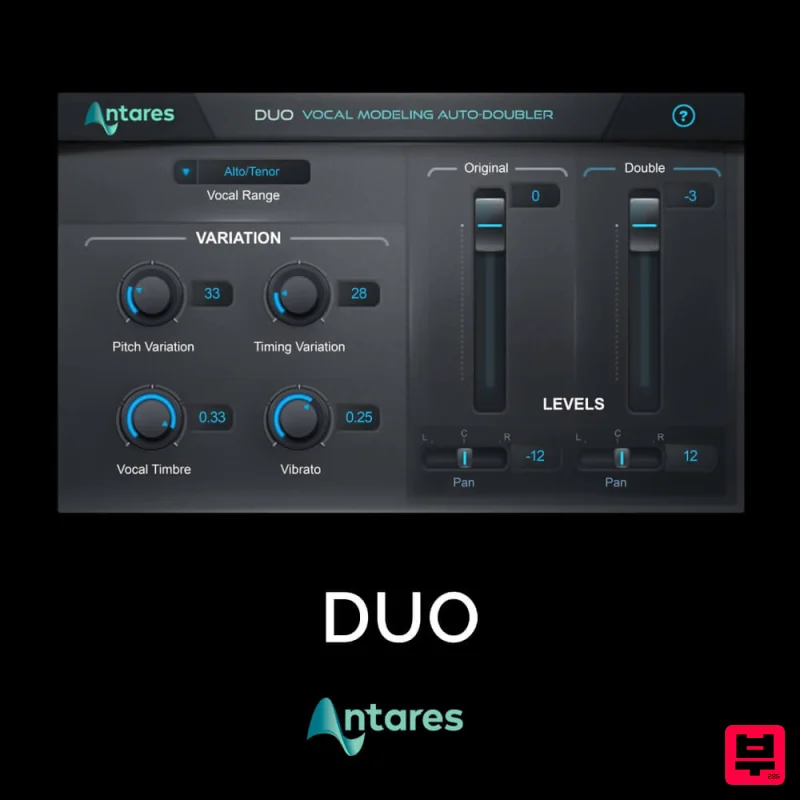
Antares DUO
Vocal Processing
Krotos Krotos Dehumaniser 2
Vocal Processing
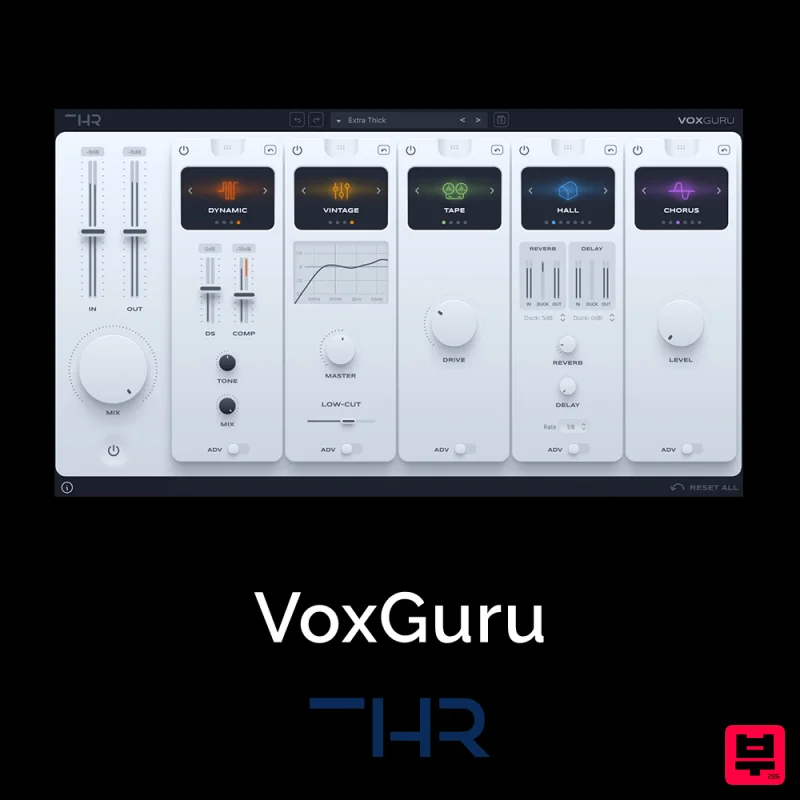
THR VoxGuru
Vocal Processing
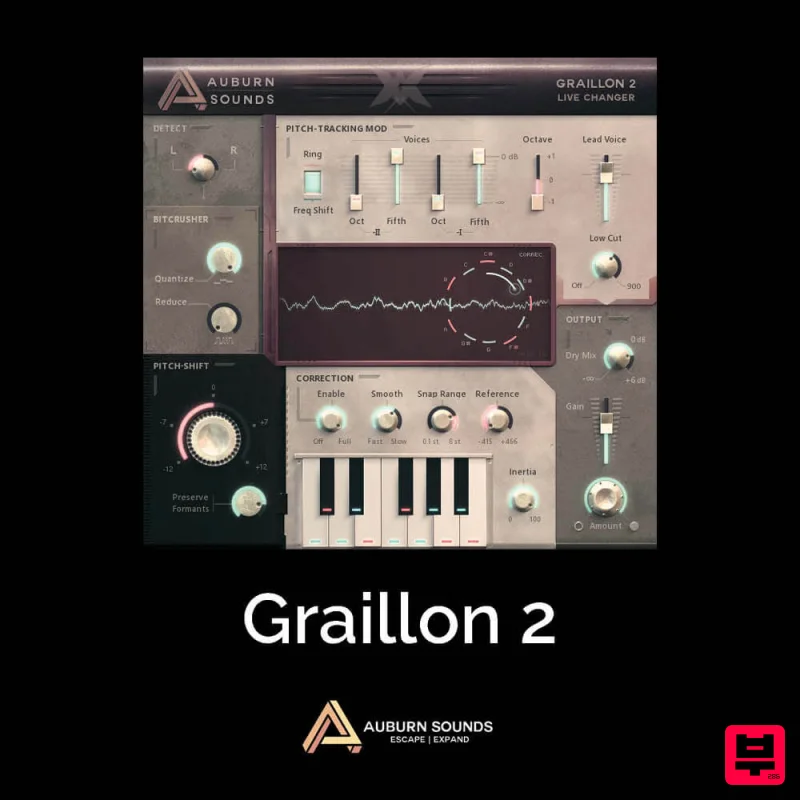
Auburn Sounds Graillon 2
Vocal Processing

