
Waves Waves Tune
Professional music gear - detailed information and where to buy
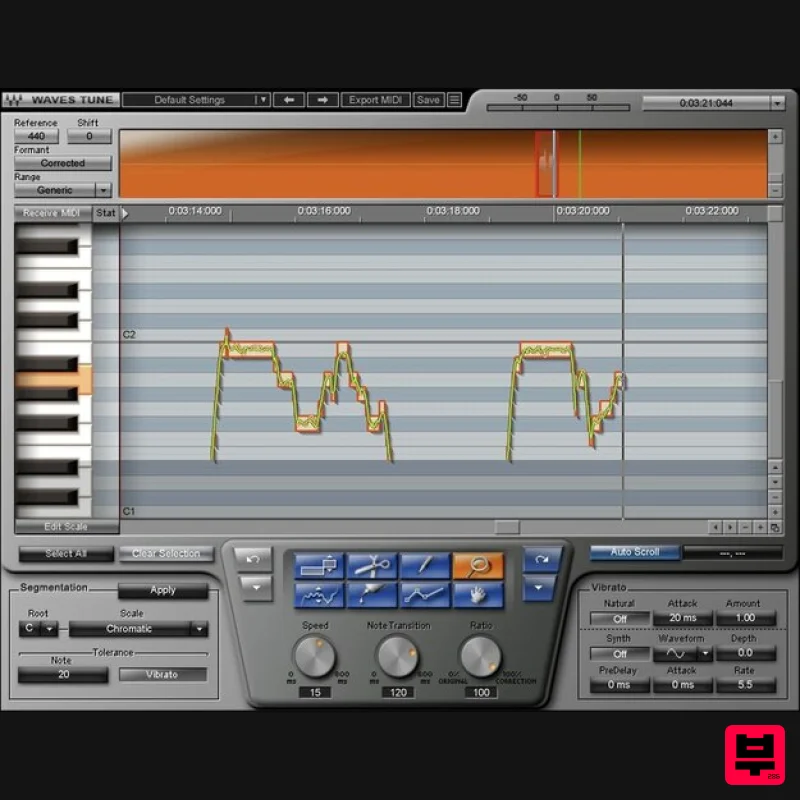
Waves
Waves Tune
Product Info
* Prices may vary. Check retailer for current pricing and availability.
Product Description
- Waves Tune If You Didn’t Have Perfect Pitch… You Do Now Pitch correction isn’t only about fixing mistakes
- but giving you freedom. Go ahead: stretch your voice
- try out different techniques
- and push your performance. If you sing an unexpectedly great vocal but there are a couple of wrong notes
- just fix them—and preserve that special magic. Waves Tune is as precise or as broad as you want. Or
- get creative: Waves Tune can add amazing pitch effects to any instrument whose single-note lines fall within a vocal’s pitch range. Features Precision control over all pitch parameters
- including slides Correct pitch with transparency and natural results Conform notes to 43 scales
- or a custom scale Create hip hop and EDM “hard” correction effects easily Choose correction speed
- transition time
- and amount Retain natural vibrato and enhance it
- or synthesize new vibrato ReWire support for additional flexibility Works for guitar and monophonic instruments in a vocal’s range System Requirements Mac macOS Monterey 12
- Ventura 13
- Sonoma 14
- Sequoia 15 VST / AU / AAX PC Windows 10+ VST / AAX 1. Head to https: //www.waves.com/create-account 2. Enter your email and choose a password to create an account (if you already have a Waves account
- choose Log in
- enter your details and head to Step 5) > click 'Submit' 3. Open your email inbox > click the activation link in the email from Waves 4. Click 'Log in here' > Log in to your Waves account 5. Click 'Register New Products' 6. Enter the Serial Number found in your Plugin Boutique user account > click 'Submit' 7. Click download in your Plugin Boutique user account or head to https: //www.waves.com/downloads/central > download the Waves Central app for your operating system 8. Install Waves Central > Open Waves Central 9. Click 'Log in' > enter your log in details 10. Click the 'Install Products' tab 11. Tick the blue dot on all products you wish to install or click the top dot to install all products > click 'Install & Activate' 12. Click 'OK' 13. Open your DAW > open the Waves plugin Your Waves plugins are installed and ready to use
- enjoy!
Additional Information
About the Waves Waves Tune
The Waves Waves Tune represents excellent craftsmanship in the Vocal Processing category.
Why Choose the Waves Waves Tune?
- •Authentic Waves craftsmanship and design
- •Versatile sound suitable for multiple musical genres
- •Professional build quality and reliable performance
- •Part of Waves's respected Vocal Processing lineup
Compare & Explore
Browse our complete selection of Waves instruments or explore other Vocal Processing options. Use our comparison tools to find the perfect match for your musical style and budget.
Similar Products
Krotos Krotos Dehumaniser 2
Vocal Processing
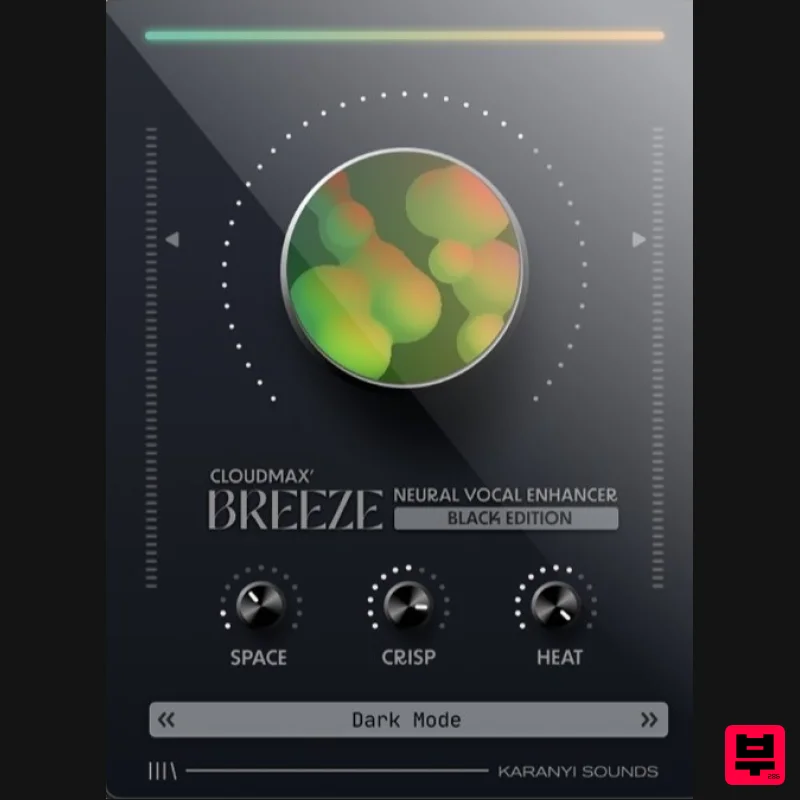
Karanyi Sounds Cloudmax Breeze Black Edition
Vocal Processing
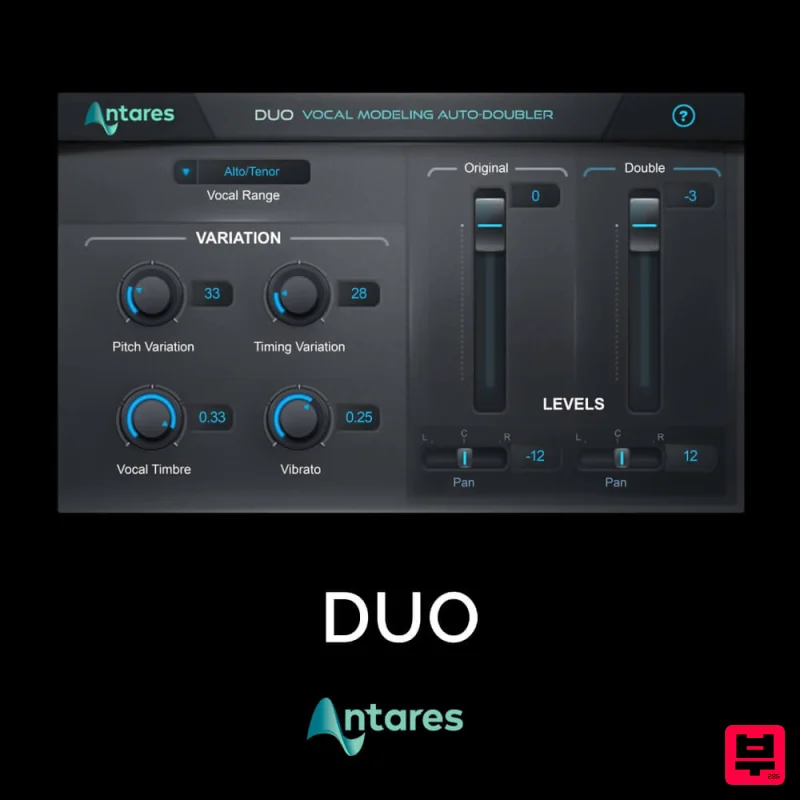
Antares DUO
Vocal Processing
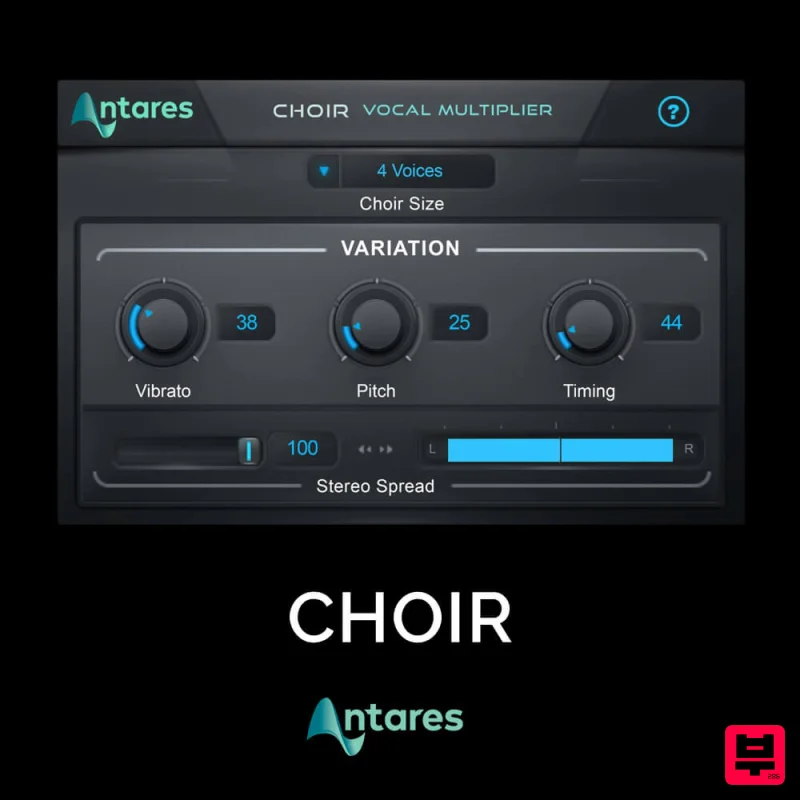
Antares CHOIR
Vocal Processing
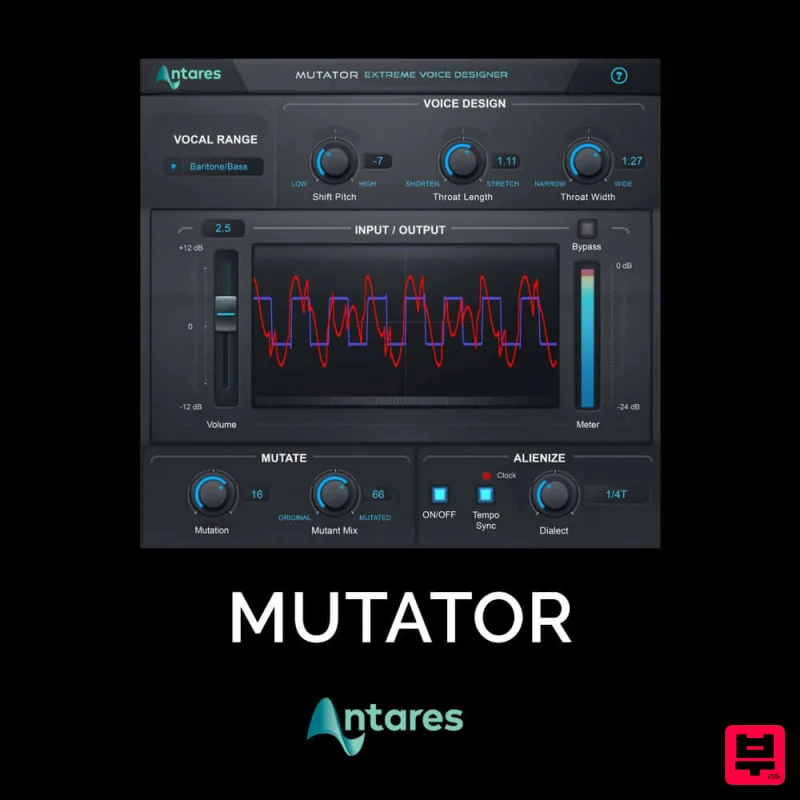
Antares MUTATOR
Vocal Processing
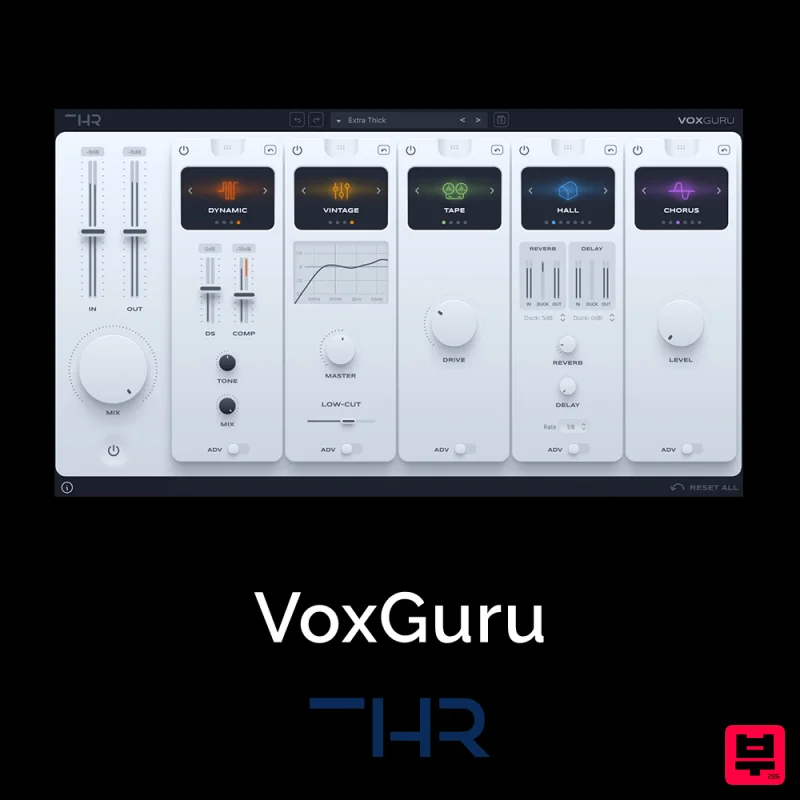
THR VoxGuru
Vocal Processing
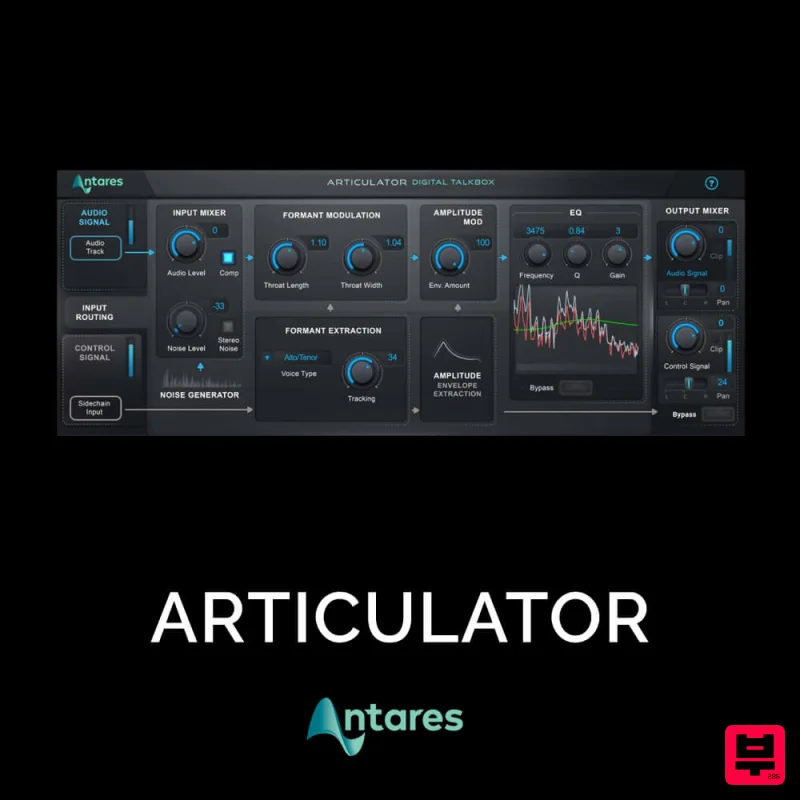
Antares ARTICULATOR
Vocal Processing
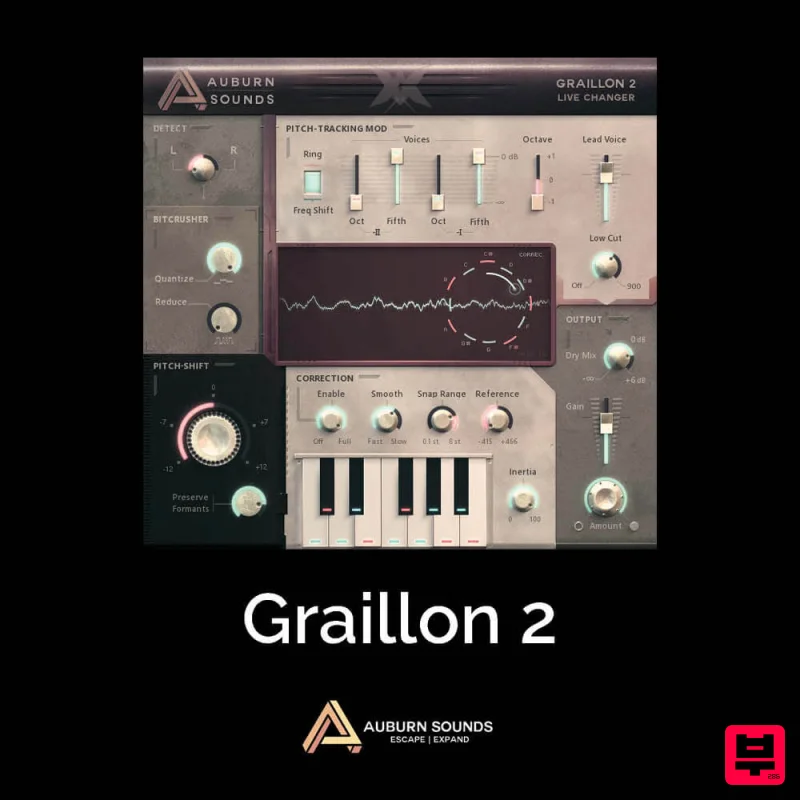
Auburn Sounds Graillon 2
Vocal Processing

