
Waves Waves Harmony
Professional music gear - detailed information and where to buy
Waves
Waves Harmony
Product Info
* Prices may vary. Check retailer for current pricing and availability.
Product Description
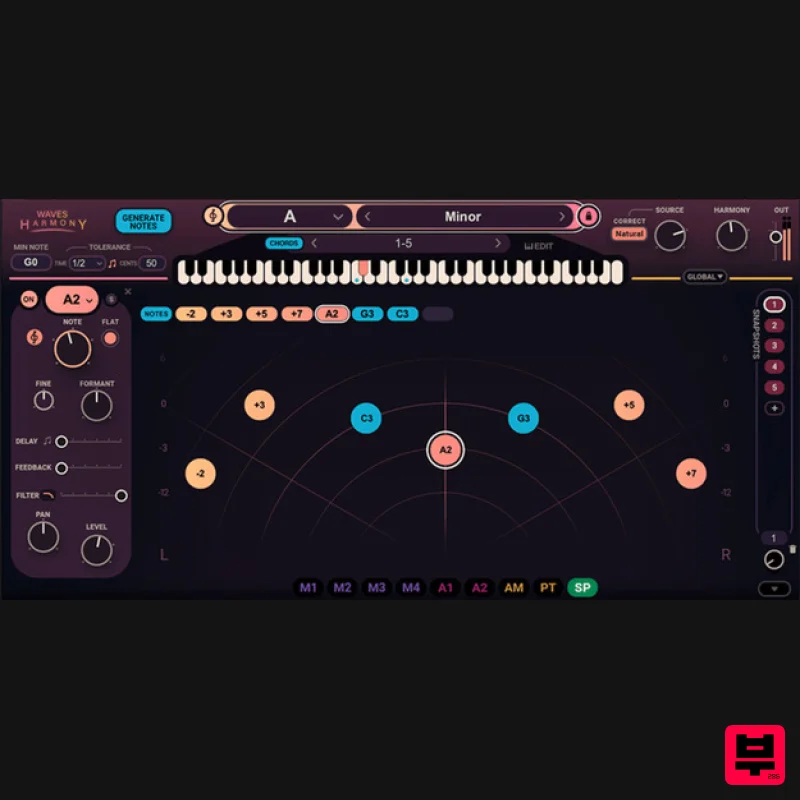
- Waves Harmony Introduce Harmony to Your Music—It’s That Simple Create instant vocal harmonies—up to 8 voices generated from a single voice—and quickly craft your dream vocal production. Waves Harmony gives you three choices of workflow
- so whether you’re a producer
- songwriter
- mix engineer or composer
- it’s easily adaptable to your creative process. Easily personalize the character and texture of each voice with built-in pitch
- formant
- panning
- delay
- filtering and drag-and-drop modulation
- to back up your vocal leads with creative color. In seconds
- audition Jacob Collier
- Ty Dolla $ign and Imogen Heap-style sounds in your song. Better yet—perform them live in real-time. Features Real-time vocal harmonies
- immediately in your tracks Instant generation of up to 8 voices from a single vocal Automatic mode: Generate instant harmonies with chord presets MIDI mode: Play harmonies live on your keyboard as you sing Graphic mode: Draw harmonies graphically and tweak each voice Adjust pitch
- formant
- panning
- delay
- filtering
- modulation 450+ creative artist and factory presets to get you started Perfect for the studio and performing on stage Easy-to-use interface: No music theory knowledge needed Powerful vocal FX toolkit for harmonization
- layering
- mod FX System Requirements Mac macOS Monterey 12
- Ventura 13
- Sonoma 14
- Sequoia 15 VST / AU / AAX PC Windows 10+ VST / AAX 1. Head to https: //www.waves.com/create-account 2. Enter your email and choose a password to create an account (if you already have a Waves account
- choose Log in
- enter your details and head to Step 5) > click 'Submit' 3. Open your email inbox > click the activation link in the email from Waves 4. Click 'Log in here' > Log in to your Waves account 5. Click 'Register New Products' 6. Enter the Serial Number found in your Plugin Boutique user account > click 'Submit' 7. Click download in your Plugin Boutique user account or head to https: //www.waves.com/downloads/central > download the Waves Central app for your operating system 8. Install Waves Central > Open Waves Central 9. Click 'Log in' > enter your log in details 10. Click the 'Install Products' tab 11. Tick the blue dot on all products you wish to install or click the top dot to install all products > click 'Install & Activate' 12. Click 'OK' 13. Open your DAW > open the Waves plugin Your Waves plugins are installed and ready to use
- enjoy!
Additional Information
About the Waves Waves Harmony
The Waves Waves Harmony combines traditional design with modern performance for Vocal Processing enthusiasts.
Why Choose the Waves Waves Harmony?
- •Authentic Waves craftsmanship and design
- •Versatile sound suitable for multiple musical genres
- •Professional build quality and reliable performance
- •Part of Waves's respected Vocal Processing lineup
Compare & Explore
Browse our complete selection of Waves instruments or explore other Vocal Processing options. Use our comparison tools to find the perfect match for your musical style and budget.
Similar Products
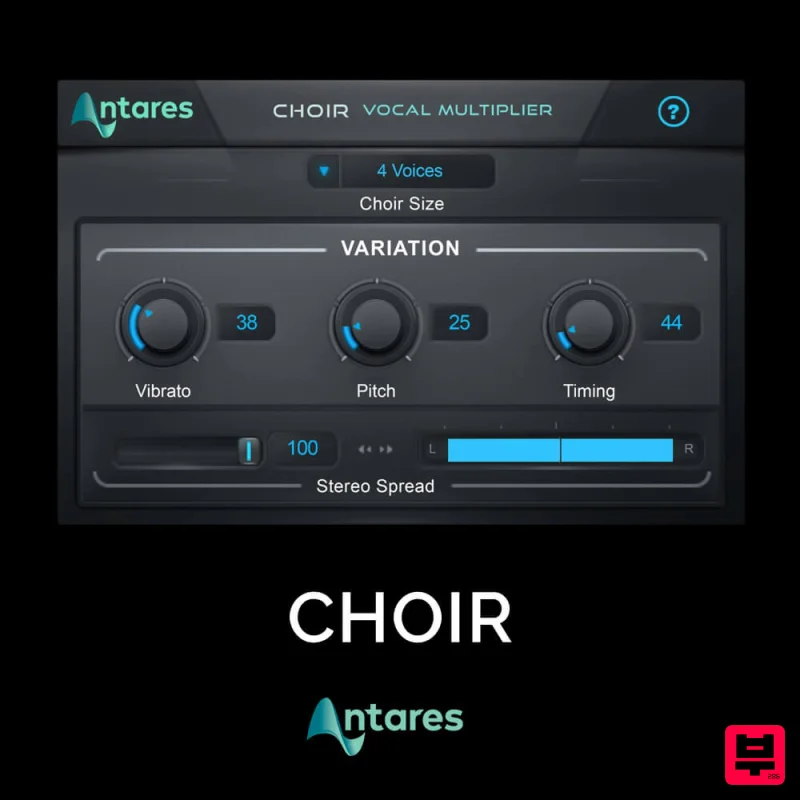
Antares CHOIR
Vocal Processing
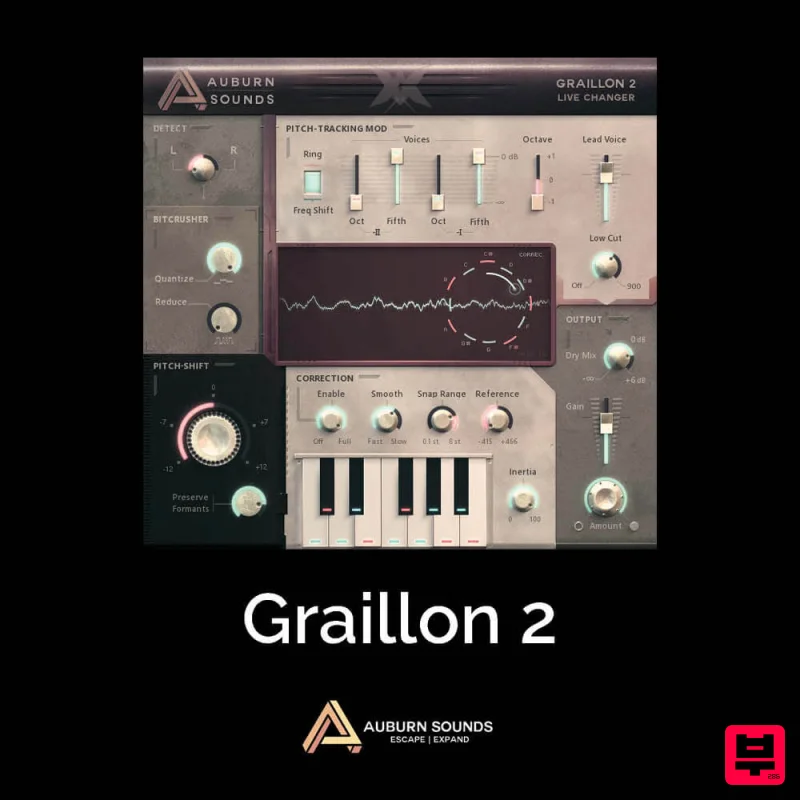
Auburn Sounds Graillon 2
Vocal Processing
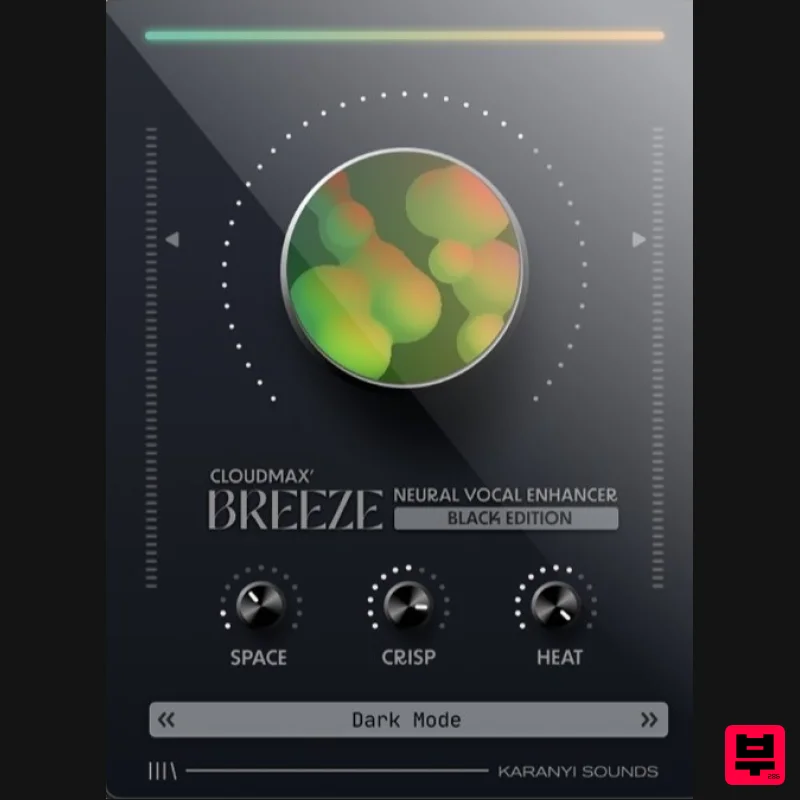
Karanyi Sounds Cloudmax Breeze Black Edition
Vocal Processing
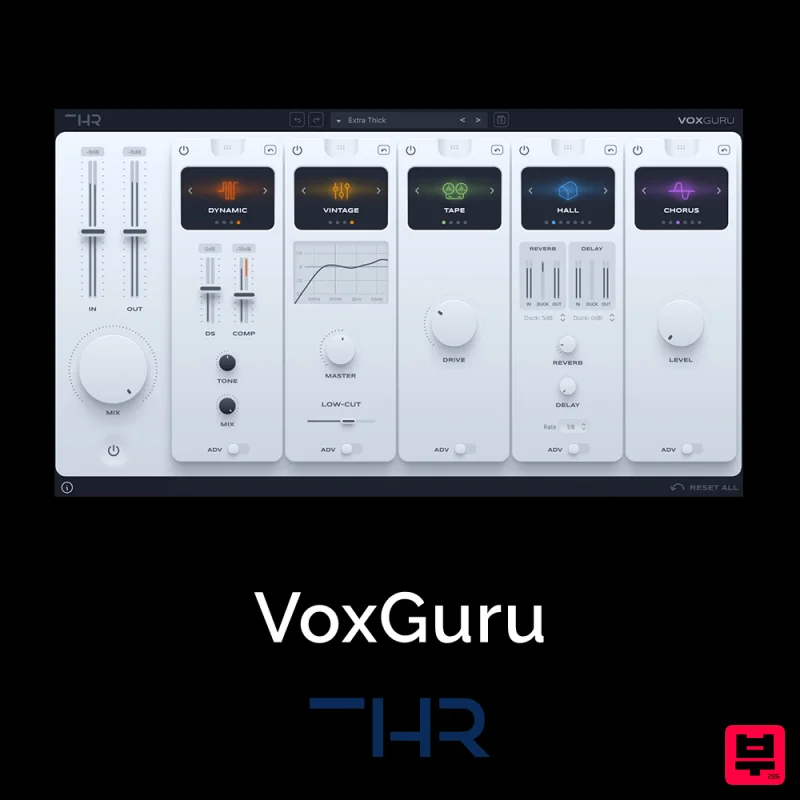
THR VoxGuru
Vocal Processing
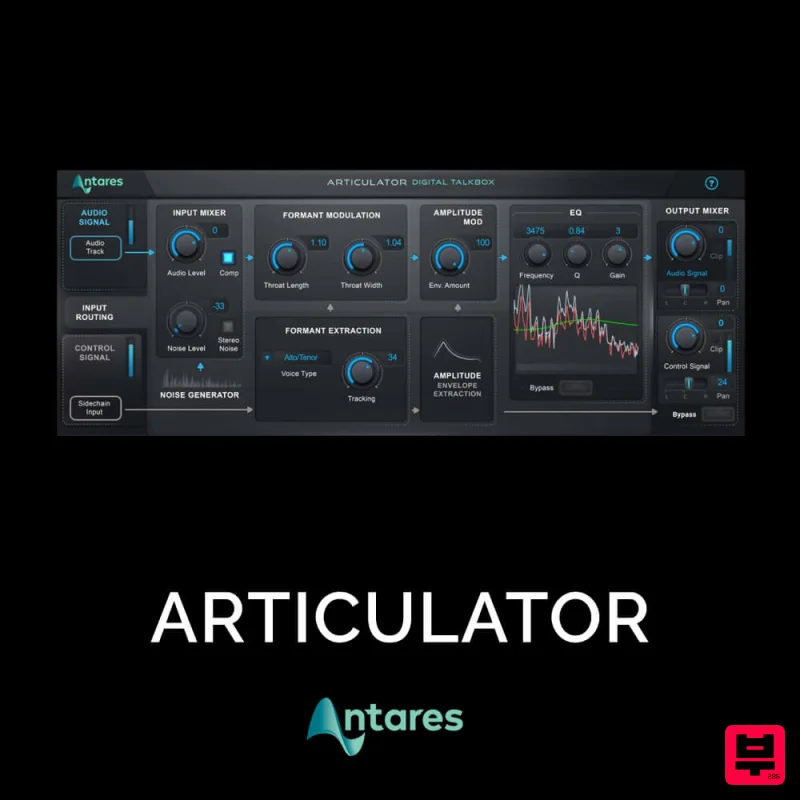
Antares ARTICULATOR
Vocal Processing
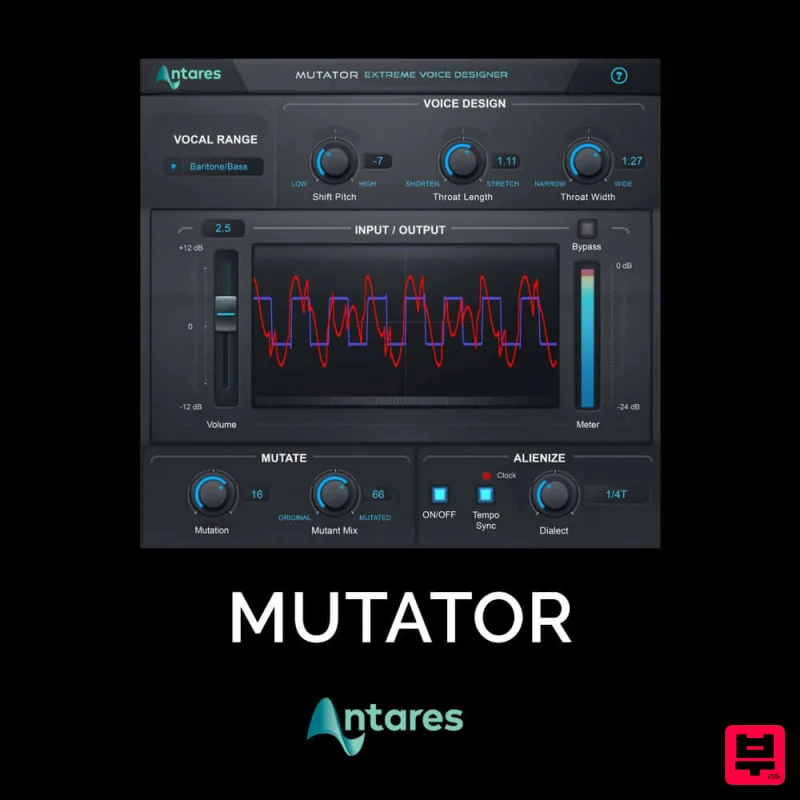
Antares MUTATOR
Vocal Processing
Krotos Krotos Dehumaniser 2
Vocal Processing
Antares DUO
Vocal Processing

