
Waves Vocal Bender
Professional music gear - detailed information and where to buy
Waves
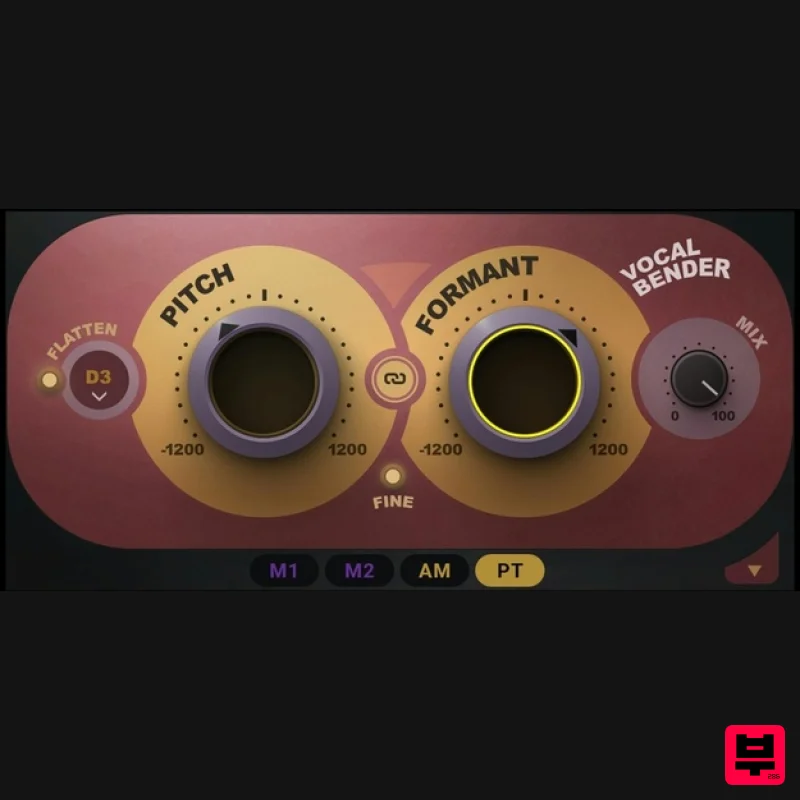
Vocal Bender
Product Info
* Prices may vary. Check retailer for current pricing and availability.
Product Description
- Vocal Bender Transform Your Vocals in Real Time Bend your vocals in real time for the most popular sounds in hip hop
- R&B and electronic genres. With zero latency and two simple pitch and formant controls
- Vocal Bender is the fastest
- easiest
- highest-quality way to record and produce hit-sounding vocal effects instantly. Travis Scott-style deep-voiced adlibs. Billie Eilish-style vocal doubles. Frank Ocean’s pitch-shifted lead vocals. The high-pitched vocal topline you hear in every EDM drop. Vocal Bender will twist your vocals in real time
- letting you hear how your pitch/formant-shifted vocals sound as you perform. Features Real-time monophonic voice manipulation plugin Easy vocal pitch shifting and formant control Zero latency for studio recording and live performance Powerful modulation panel opens up new and exciting possibilities LFO
- Amplitude
- and Pitch modulators for deeper effects Vibrato
- pitch drops
- sequenced pitching
- and more ‘Flatten’ feature for robotic vocal effects Mix knob for blending harmonies and doubles on inserts Optimized for voice; manipulate other sources for sound design Dozens of presets for instant gratification Link control to link the Pitch and Formant knobs Mix control to blend the original vocal and the effect System Requirements Mac macOS Monterey 12
- Ventura 13
- Sonoma 14
- Sequoia 15 VST / AU / AAX PC Windows 10+ VST / AAX 1. Head to https: //www.waves.com/create-account 2. Enter your email and choose a password to create an account (if you already have a Waves account
- choose Log in
- enter your details and head to Step 5) > click 'Submit' 3. Open your email inbox > click the activation link in the email from Waves 4. Click 'Log in here' > Log in to your Waves account 5. Click 'Register New Products' 6. Enter the Serial Number found in your Plugin Boutique user account > click 'Submit' 7. Click download in your Plugin Boutique user account or head to https: //www.waves.com/downloads/central > download the Waves Central app for your operating system 8. Install Waves Central > Open Waves Central 9. Click 'Log in' > enter your log in details 10. Click the 'Install Products' tab 11. Tick the blue dot on all products you wish to install or click the top dot to install all products > click 'Install & Activate' 12. Click 'OK' 13. Open your DAW > open the Waves plugin Your Waves plugins are installed and ready to use
- enjoy!
Additional Information
About the Waves Vocal Bender
Discover the distinctive sound and feel of the Waves Vocal Bender, a standout choice among Vocal Processing.
Why Choose the Waves Vocal Bender?
- •Authentic Waves craftsmanship and design
- •Versatile sound suitable for multiple musical genres
- •Professional build quality and reliable performance
- •Part of Waves's respected Vocal Processing lineup
Compare & Explore
Browse our complete selection of Waves instruments or explore other Vocal Processing options. Use our comparison tools to find the perfect match for your musical style and budget.
Similar Products
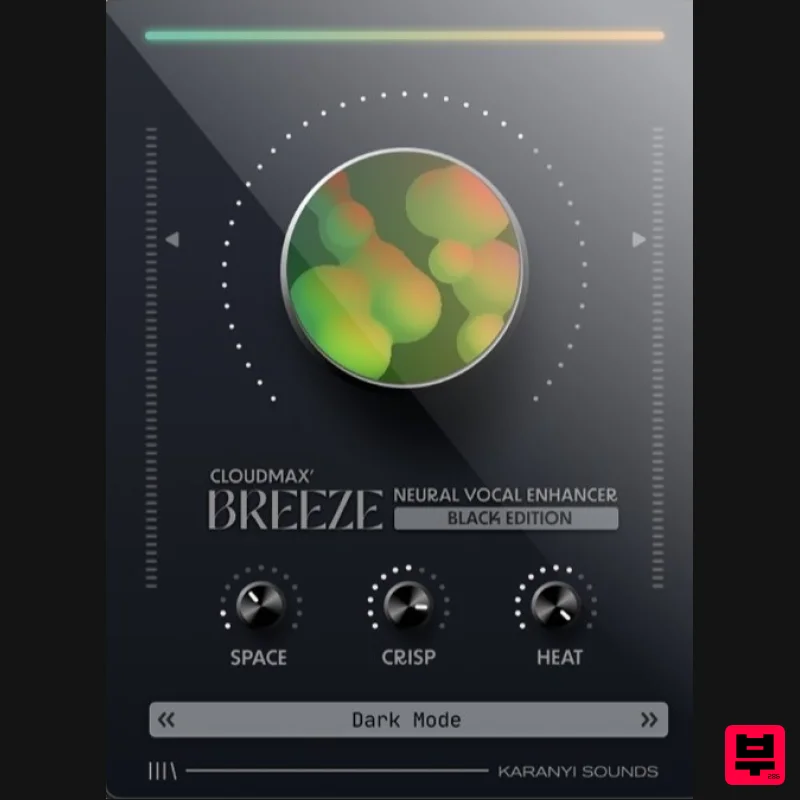
Karanyi Sounds Cloudmax Breeze Black Edition
Vocal Processing
Krotos Krotos Dehumaniser 2
Vocal Processing
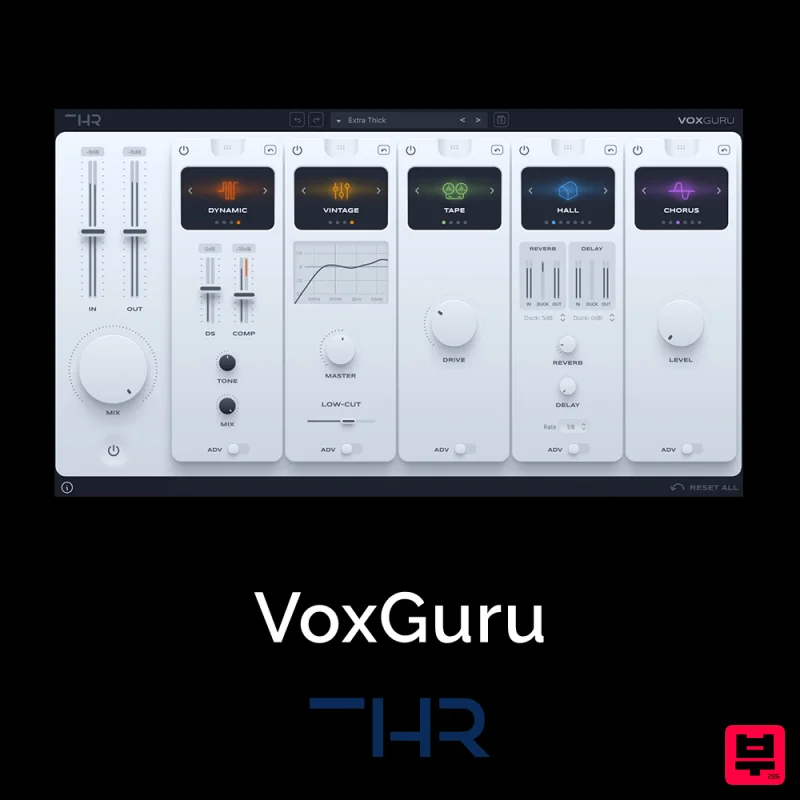
THR VoxGuru
Vocal Processing
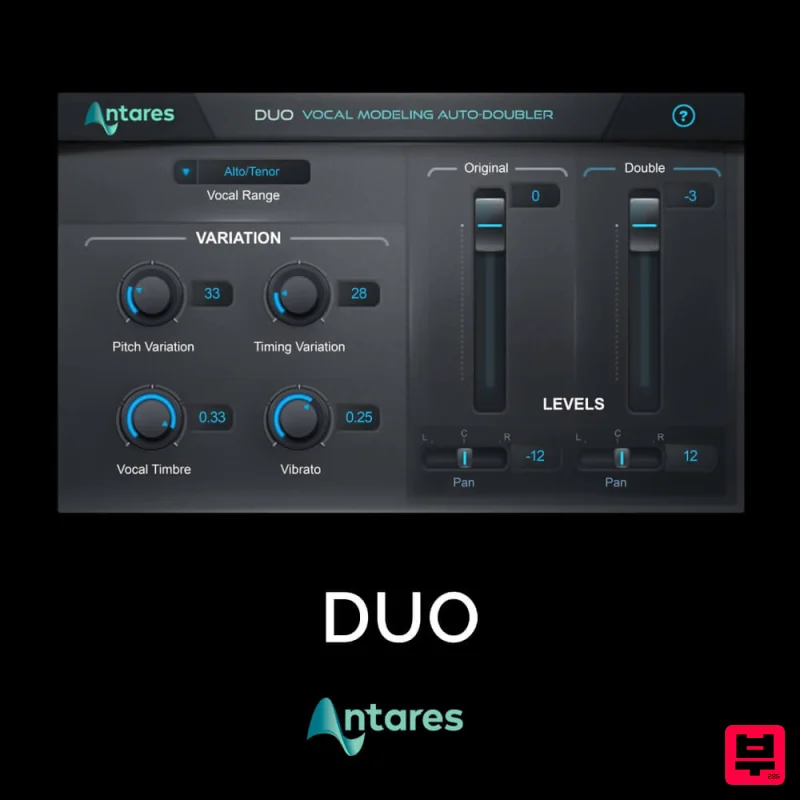
Antares DUO
Vocal Processing
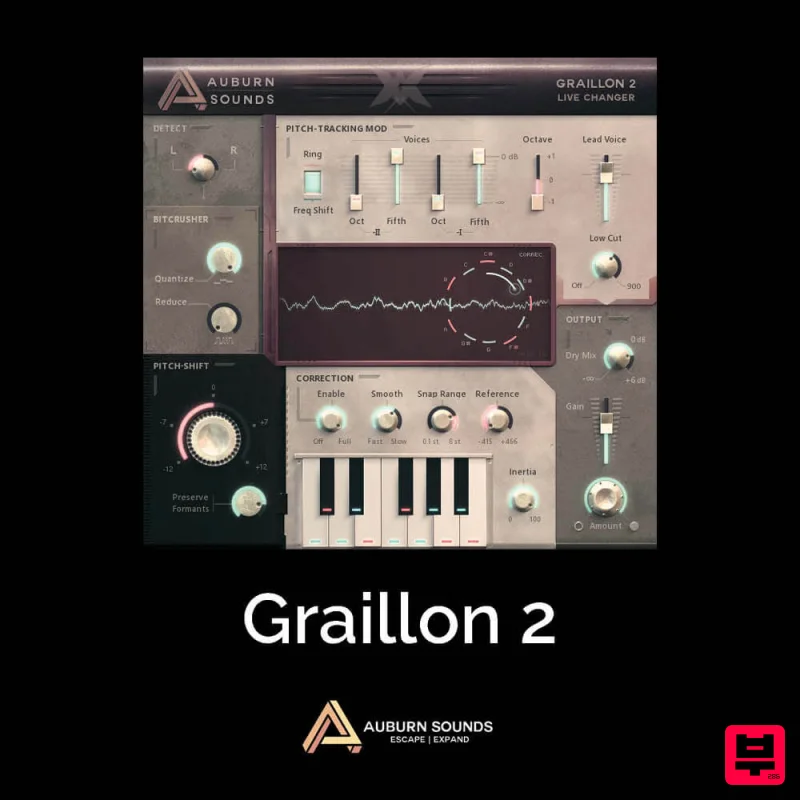
Auburn Sounds Graillon 2
Vocal Processing
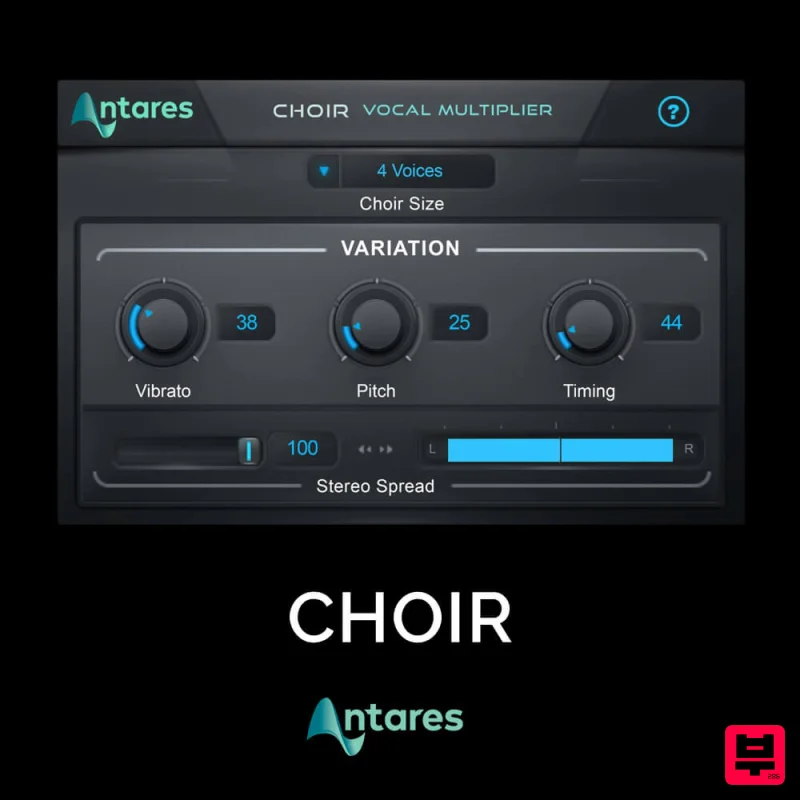
Antares CHOIR
Vocal Processing
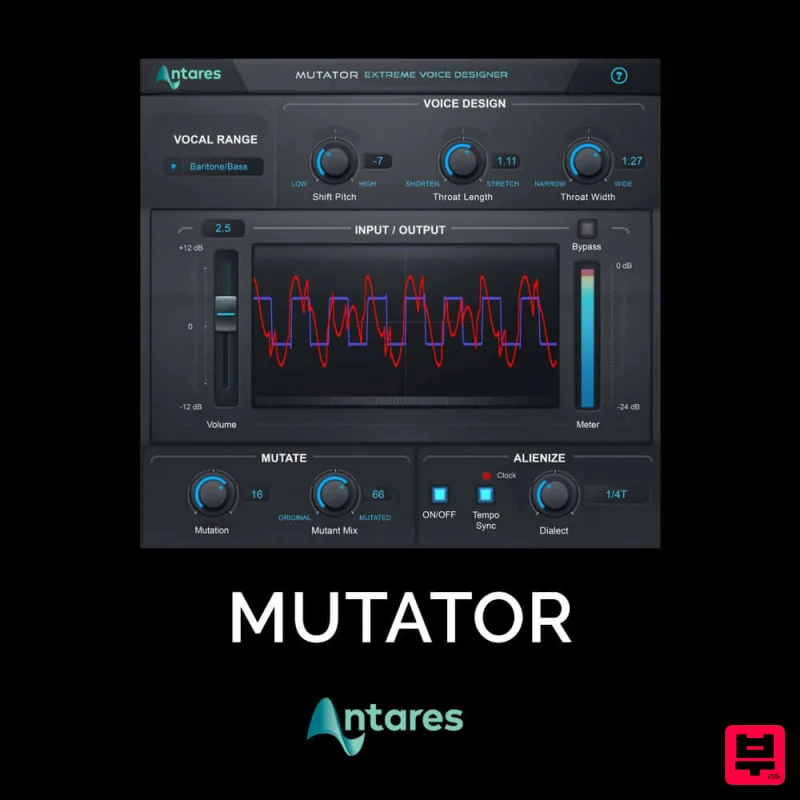
Antares MUTATOR
Vocal Processing
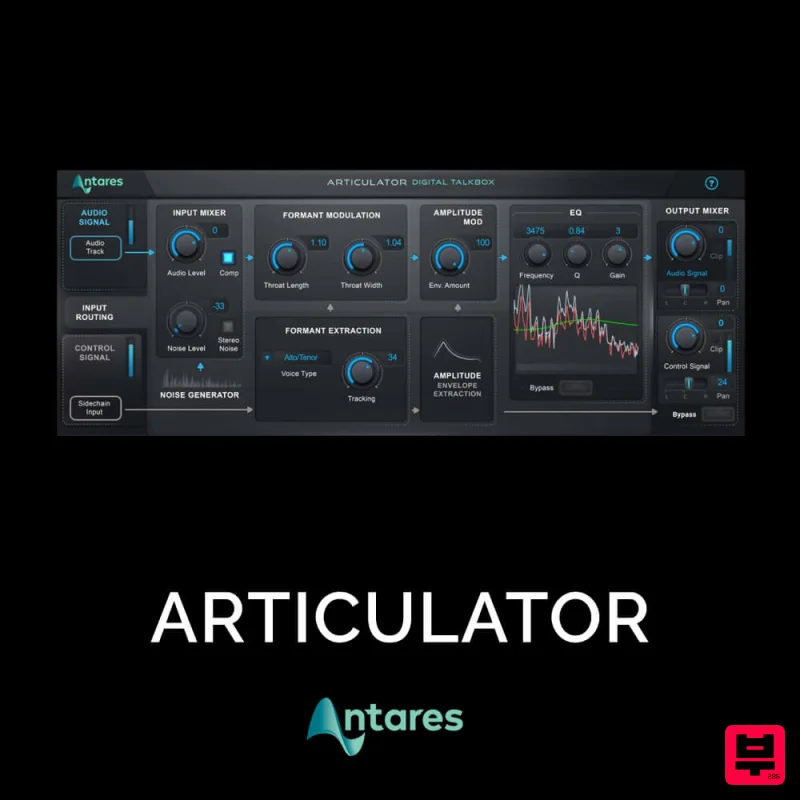
Antares ARTICULATOR
Vocal Processing

