
Waves Sync Vx
Professional music gear - detailed information and where to buy
Waves
Sync Vx
Product Info
* Prices may vary. Check retailer for current pricing and availability.
Product Description
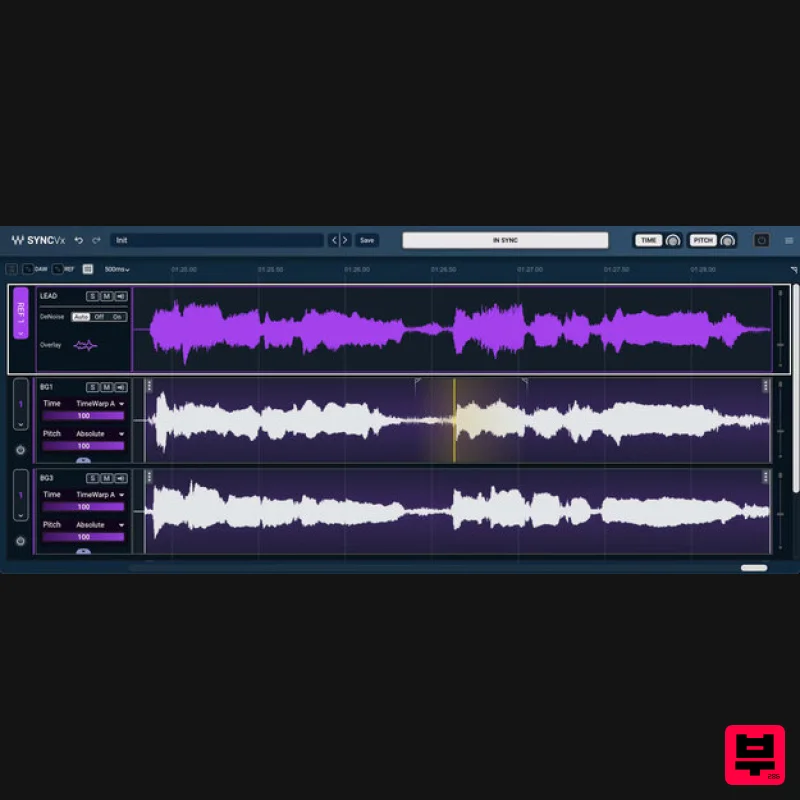
- Sync Vx The New Standard in Vocal Alignment. Streamlined Workflow. Unparalleled Control. Every music producer knows the struggle: hours of manual vocal editing to sync backing vocals and doubles with the lead. It’s tedious and time-consuming—and one misaligned vocal track can make the difference between an amateur production and one that is chart-ready. Similarly
- post-production engineers and dialogue editors spend countless hours aligning re-recorded dialogue to match the actor’s original performance
- knowing that even one slip in timing will require the ADR to be redone. But it doesn’t have to be this way. Sync Vx unclutters ALL your vocal tracks in seconds
- automatically locking the time and pitch of multiple vocal tracks to your lead performance. Say goodbye to chaotic arrangements and hello to vocals that feel tight
- polished
- and professional—all in a fraction of the time. With Sync Vx
- vocal alignment is more streamlined than ever: Now you can manage your entire vocal arrangement in one neat display for maximum control
- assign multiple reference tracks
- fine-tune pitch and time
- or get creative with transposition and formant manipulation—all without leaving the plugin. Features De-clutter vocal stacks in seconds Instantly tighten backing vocals and vocal doubles Process entire vocal arrangement from a single-window display Sync entire vocal sections with 4 reference tracks ARA technology for faster workflow & real-time sync Replace tedious manual vocal editing with automatic processing Intuitive workflow with customizable shortcuts
- Ignore
- Bypass & Sync Marker features Perfect for syncing ADR dialogue recordings Creative features including transpose & formant manipulation Adjust settings globally
- per track or per region System Requirements Mac macOS Monterey 12
- Ventura 13
- Sonoma 14
- Sequoia 15 VST / AU / AAX PC Windows 10+ VST / AAX 1. Head to https: //www.waves.com/create-account 2. Enter your email and choose a password to create an account (if you already have a Waves account
- choose Log in
- enter your details and head to Step 5) > click 'Submit' 3. Open your email inbox > click the activation link in the email from Waves 4. Click 'Log in here' > Log in to your Waves account 5. Click 'Register New Products' 6. Enter the Serial Number found in your Plugin Boutique user account > click 'Submit' 7. Click download in your Plugin Boutique user account or head to https: //www.waves.com/downloads/central > download the Waves Central app for your operating system 8. Install Waves Central > Open Waves Central 9. Click 'Log in' > enter your log in details 10. Click the 'Install Products' tab 11. Tick the blue dot on all products you wish to install or click the top dot to install all products > click 'Install & Activate' 12. Click 'OK' 13. Open your DAW > open the Waves plugin Your Waves plugins are installed and ready to use
- enjoy!
Additional Information
About the Waves Sync Vx
The Waves Sync Vx represents excellent craftsmanship in the Vocal Processing category.
Why Choose the Waves Sync Vx?
- •Authentic Waves craftsmanship and design
- •Versatile sound suitable for multiple musical genres
- •Professional build quality and reliable performance
- •Part of Waves's respected Vocal Processing lineup
Compare & Explore
Browse our complete selection of Waves instruments or explore other Vocal Processing options. Use our comparison tools to find the perfect match for your musical style and budget.
Similar Products
Antares MUTATOR
Vocal Processing
Krotos Krotos Dehumaniser 2
Vocal Processing
Auburn Sounds Graillon 2
Vocal Processing
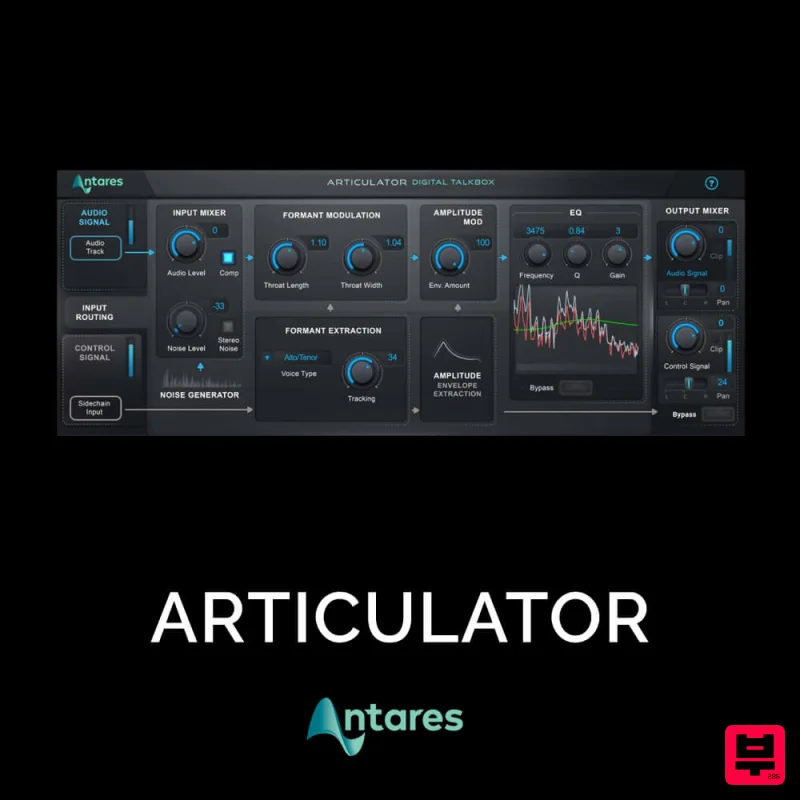
Antares ARTICULATOR
Vocal Processing
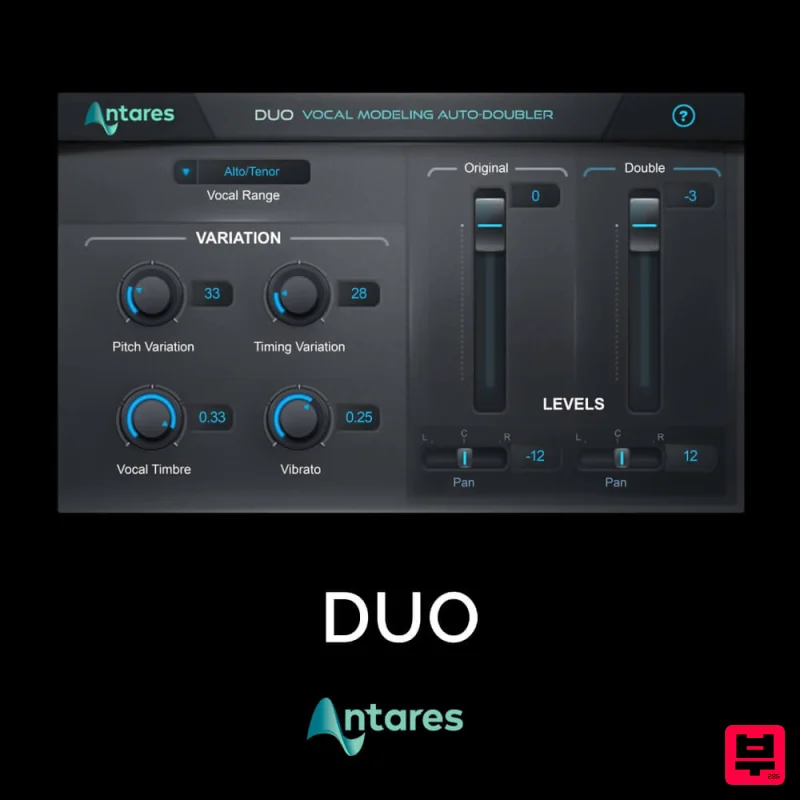
Antares DUO
Vocal Processing
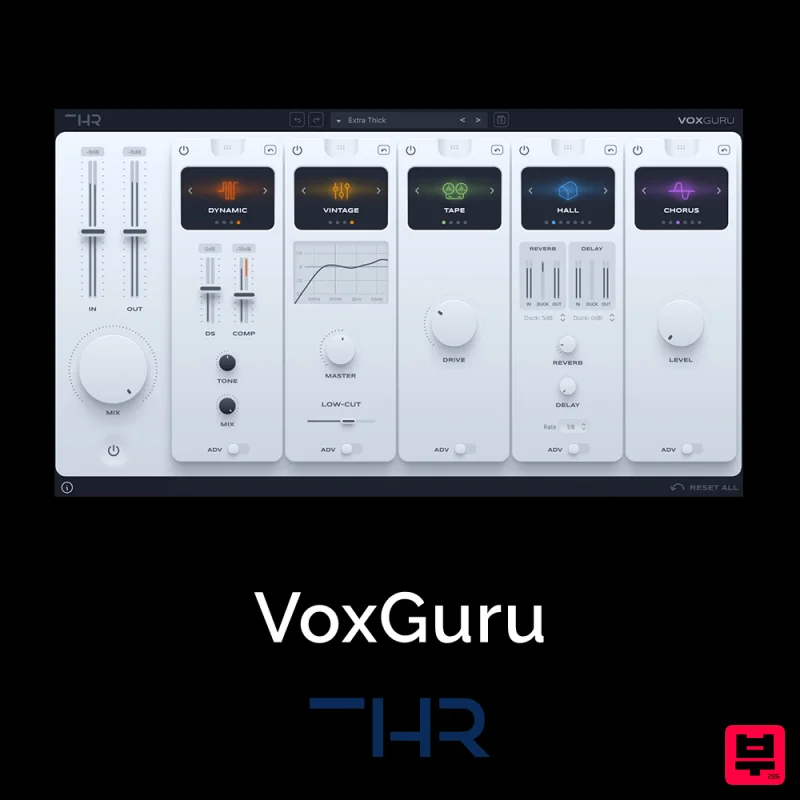
THR VoxGuru
Vocal Processing
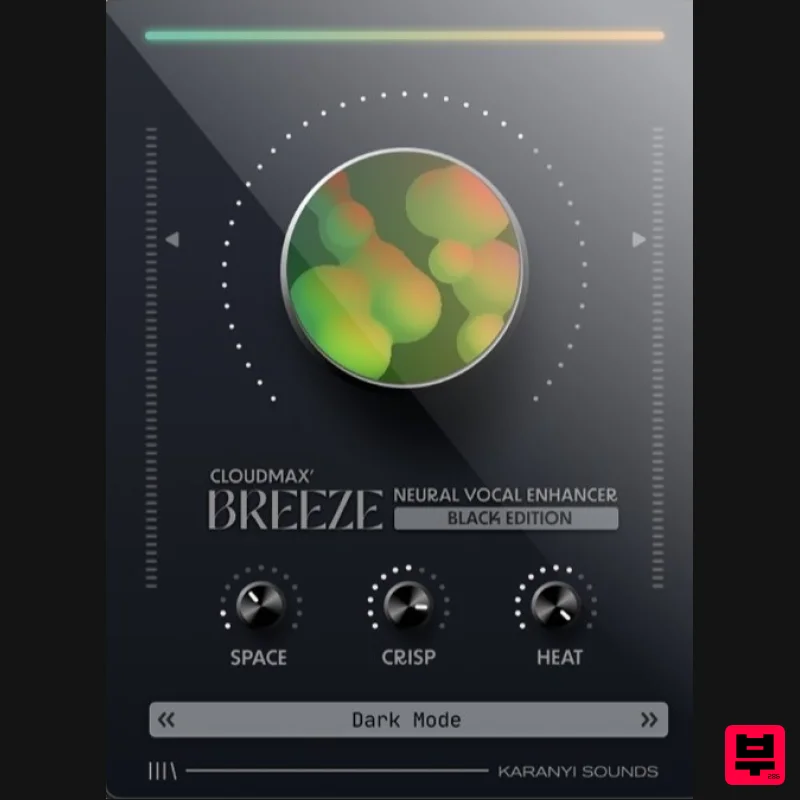
Karanyi Sounds Cloudmax Breeze Black Edition
Vocal Processing
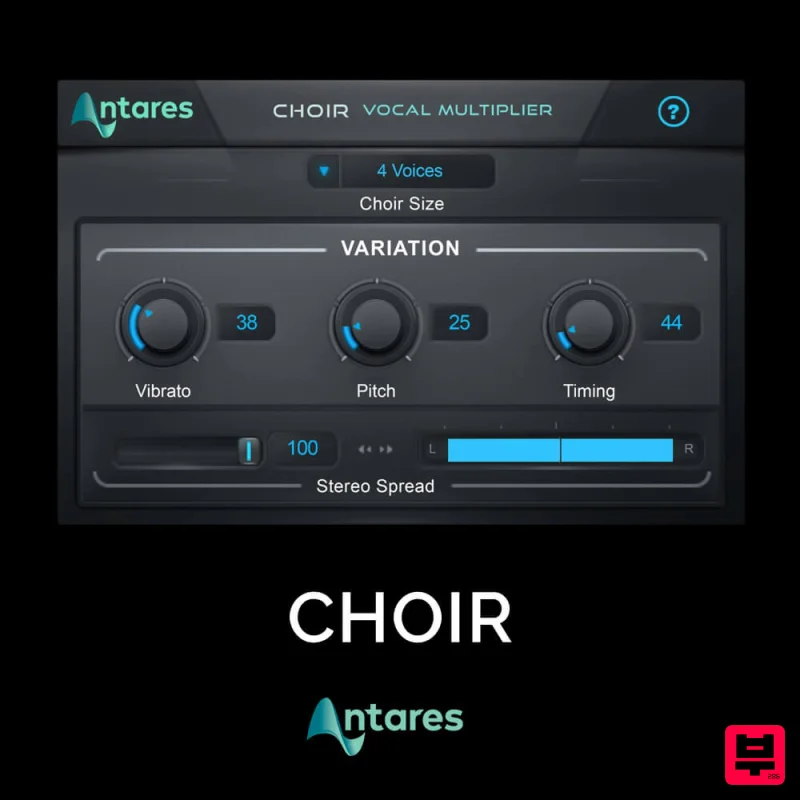
Antares CHOIR
Vocal Processing

