
Waves SuperTap
Professional music gear - detailed information and where to buy
Product Description
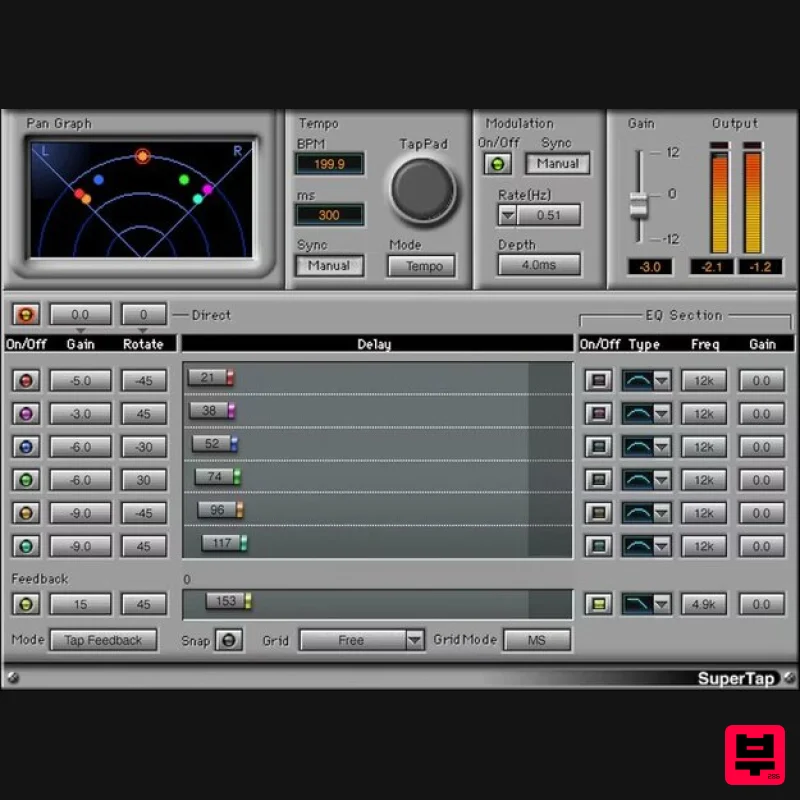
- SuperTap Vintage Tape Echo Effects—Modernized and Redefined Multi-head tape delays defined the sound of spacey echoes. SuperTap does everything the vintage hardware did
- but its 6 independent stereo delay lines deliver far more flexibility. SuperTap’s modulation
- feedback delay
- and filtering enhance echoes even more. From evocative solos
- to playful polyrhythms
- to thick slapback and early reflections
- SuperTap is a classic delay powerhouse. Features Delay times up to 4958 ms
- tap delay
- or sync to host tempo 6 independent
- full-function delay lines Tailor the tone of individual delay lines with 6 filter curves Advanced feedback options
- including self-oscillation Add modulation for lush delayed chorusing effects Rotation-based panning preserves right and left channel levels Create polyrhythmic delays with 6x tap tempo button Add rhythmic effects plus analog-style self-oscillating feedback System Requirements Mac macOS Monterey 12
- Ventura 13
- Sonoma 14
- Sequoia 15 VST / AU / AAX PC Windows 10+ VST / AAX 1. Head to https: //www.waves.com/create-account 2. Enter your email and choose a password to create an account (if you already have a Waves account
- choose Log in
- enter your details and head to Step 5) > click 'Submit' 3. Open your email inbox > click the activation link in the email from Waves 4. Click 'Log in here' > Log in to your Waves account 5. Click 'Register New Products' 6. Enter the Serial Number found in your Plugin Boutique user account > click 'Submit' 7. Click download in your Plugin Boutique user account or head to https: //www.waves.com/downloads/central > download the Waves Central app for your operating system 8. Install Waves Central > Open Waves Central 9. Click 'Log in' > enter your log in details 10. Click the 'Install Products' tab 11. Tick the blue dot on all products you wish to install or click the top dot to install all products > click 'Install & Activate' 12. Click 'OK' 13. Open your DAW > open the Waves plugin Your Waves plugins are installed and ready to use
- enjoy!
Additional Information
About the Waves SuperTap
Discover the distinctive sound and feel of the Waves SuperTap, a standout choice among Delay.
Why Choose the Waves SuperTap?
- •Authentic Waves craftsmanship and design
- •Versatile sound suitable for multiple musical genres
- •Professional build quality and reliable performance
- •Part of Waves's respected Delay lineup
Compare & Explore
Browse our complete selection of Waves instruments or explore other Delay options. Use our comparison tools to find the perfect match for your musical style and budget.
Similar Products
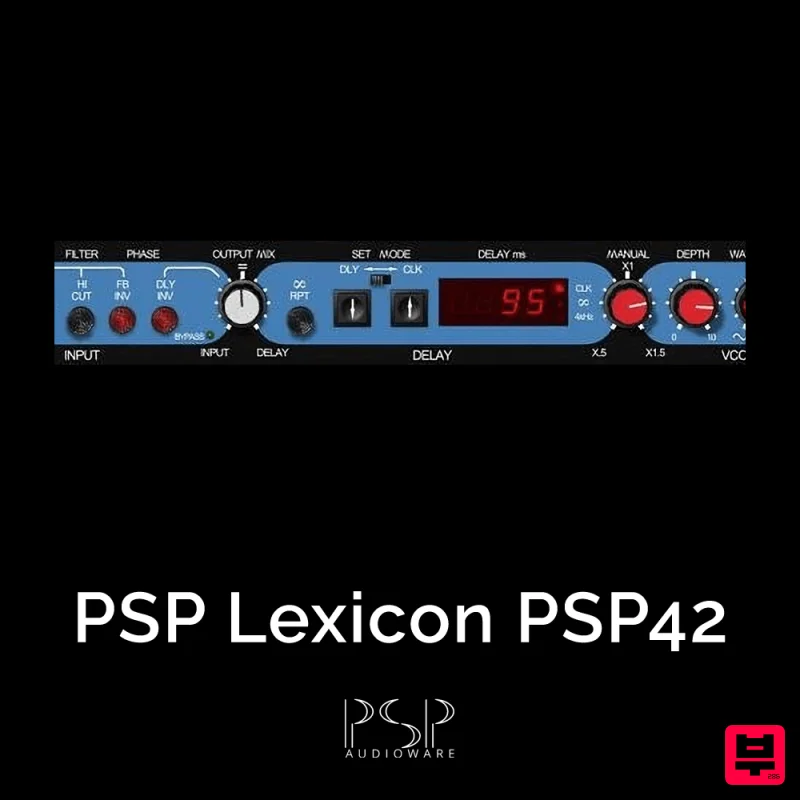
PSP Audioware PSP Lexicon PSP42x
Delay
$30
Lexicon PSP 42 is a high-quality digital stereo delay and phrase sampler plug-in based on the legendary Lexicon PCM42...
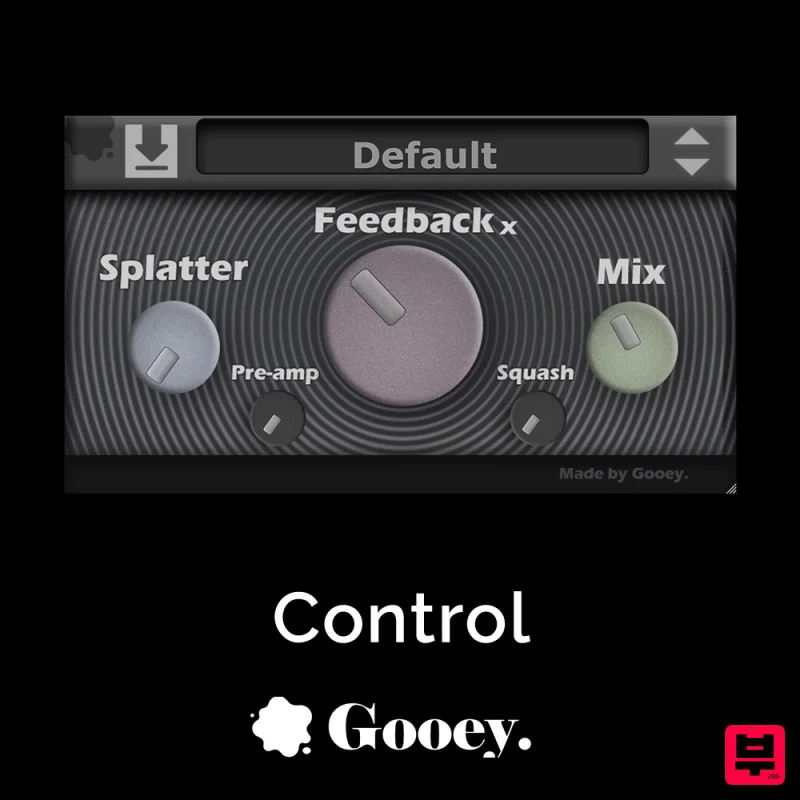
Gooey Audio Control
Delay
$30
Control by Gooey Audio is a feedback delay network plugin built for experimental sound designers, ambient composers,...

Korneff Audio Micro Digital Reverberator
Delay
$30
Nerdy. Easy. Super Cool. The Micro Digital Reverberator combines killer reverb and delay effects with a super friendly...

Beastsamples Beast-DLAY
Delay
$30
Beast-Dlay is a game-changer delay VST plugin with unprecedented processing power ready to add the hardware realism and...
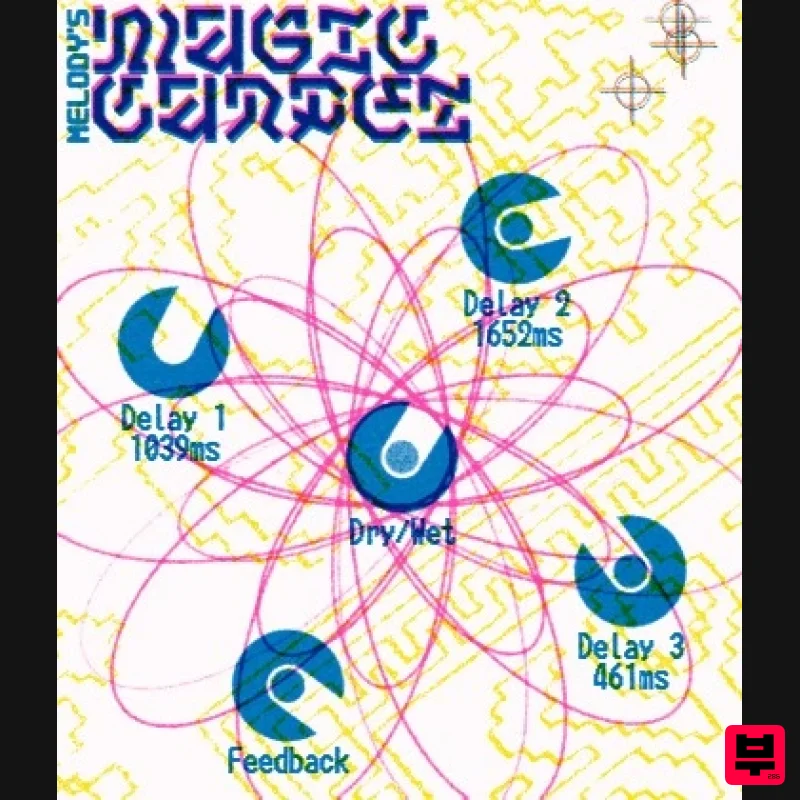
UnplugRed Magic Carpet
Delay
Free
Three delay lines with a shared feedback path, makes a delay that starts sparse but continues to get denser with each...

Martinic Lem Echo Music
Delay
$30
Authentic Vintage Tape Delay Emulation with Added Customization The Lem Echo Music plugin recreates the nostalgic tones...

Red Sounds Mojo-Fi
Delay
$30
Multi-effect Delay Plugin On Steroids Great for adding life and texture to your boring soft synths, pianos, drums, and...
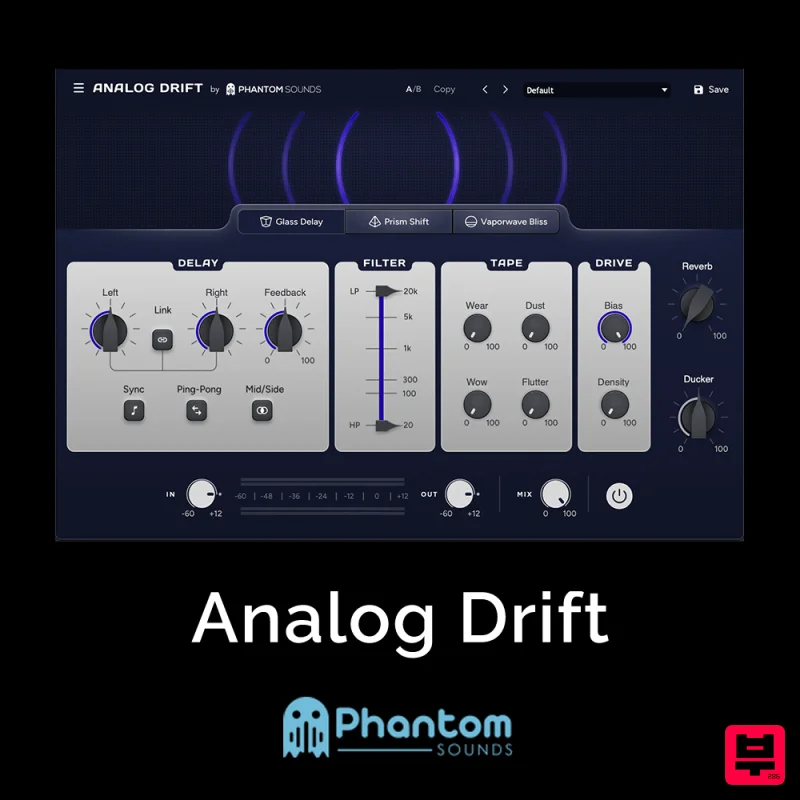
Phantom Sounds Analog Drift
Delay
$30
Redefine Your Sound with Distinctive Delays Analog Drift is a delay plugin that combines the pristine clarity of...
Frequently Asked Questions
The Waves SuperTap stands out for its exceptional Waves craftsmanship and innovative design.
Yes! With its affordable price point and quality construction, it's perfect for learning delay.
Browse the similar products section to see how it stacks up against other delay.

