
Waves SSL EV2 Channel
Professional music gear - detailed information and where to buy
Waves
SSL EV2 Channel
Product Info
* Prices may vary. Check retailer for current pricing and availability.
Product Description
- SSL EV2 Channel The SSL Sound. Elevated. Authorized by Solid State Logic
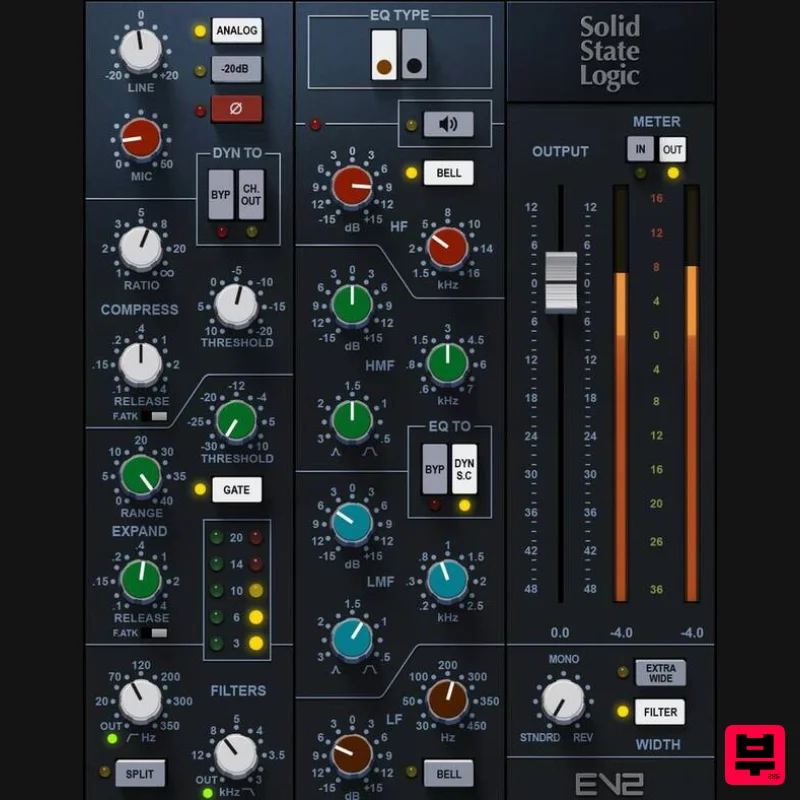
- SSL EV2 is a brand-new recreation of the legendary SSL 4000E console channel strip. Using proprietary Precision Analog Component technology
- SSL EV2 has been modeled component-by-component from a meticulously maintained reference console selected by SSL. Now you can choose between the original
- gritty SSL ‘O2’ Brown Knob EQ vs. the clean ‘242’ Black Knob EQ. SSL EV2 also adds the console’s richly saturated mic pre and line inputs. The result is a new level of analog depth and detail—an elevated take on the timeless SSL sound. Features Brand new modeling of the classic SSL 4000E console channels Brown and Black Knob EQ for more tonal choice: gritty to New mic/line preamp design
- with superb analog saturation Program-dependent dynamics responds sensitively to attacks Split high and low filters
- place EQ or filters before/after dynamics Analog switch adds THD
- or turn off for digital clarity Internal and external sidechaining
- with flexible routing Output section width control
- with mono/stereo/reverse stereo Over 600 presets from an all-star lineup of producers and engineers Analog modeling authorized by Solid State Logic System Requirements Mac macOS Monterey 12
- Ventura 13
- Sonoma 14
- Sequoia 15 VST / AU / AAX PC Windows 10+ VST / AAX 1. Head to https: //www.waves.com/create-account 2. Enter your email and choose a password to create an account (if you already have a Waves account
- choose Log in
- enter your details and head to Step 5) > click 'Submit' 3. Open your email inbox > click the activation link in the email from Waves 4. Click 'Log in here' > Log in to your Waves account 5. Click 'Register New Products' 6. Enter the Serial Number found in your Plugin Boutique user account > click 'Submit' 7. Click download in your Plugin Boutique user account or head to https: //www.waves.com/downloads/central > download the Waves Central app for your operating system 8. Install Waves Central > Open Waves Central 9. Click 'Log in' > enter your log in details 10. Click the 'Install Products' tab 11. Tick the blue dot on all products you wish to install or click the top dot to install all products > click 'Install & Activate' 12. Click 'OK' 13. Open your DAW > open the Waves plugin Your Waves plugins are installed and ready to use
- enjoy!
Additional Information
About the Waves SSL EV2 Channel
The Waves SSL EV2 Channel combines traditional design with modern performance for Channel Strip enthusiasts.
Why Choose the Waves SSL EV2 Channel?
- •Authentic Waves craftsmanship and design
- •Versatile sound suitable for multiple musical genres
- •Professional build quality and reliable performance
- •Part of Waves's respected Channel Strip lineup
Compare & Explore
Browse our complete selection of Waves instruments or explore other Channel Strip options. Use our comparison tools to find the perfect match for your musical style and budget.
Similar Products

Safari Audio The Camel Strip
Channel Strip
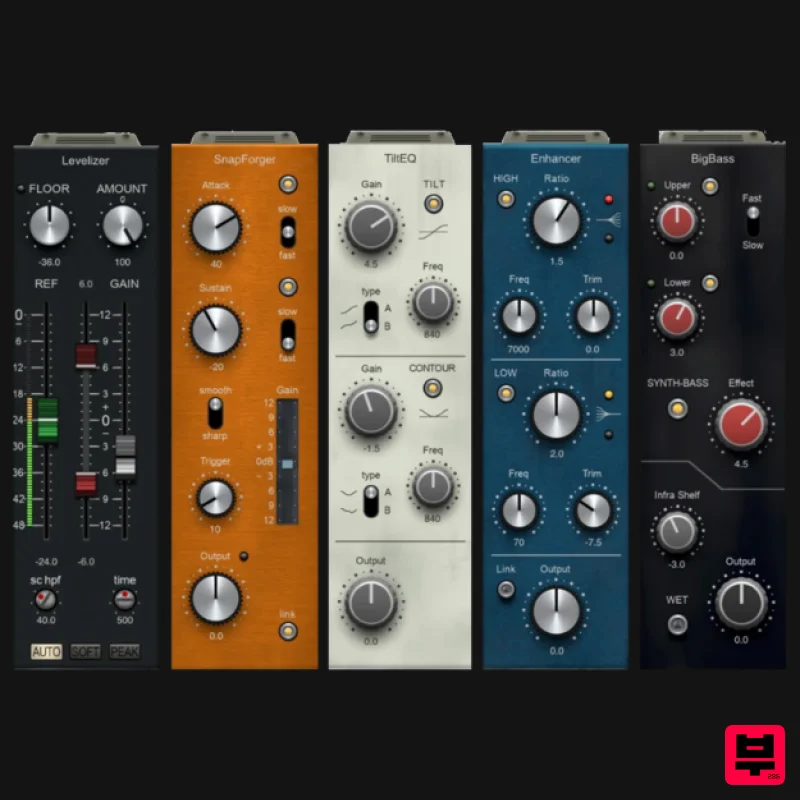
PSP Audioware PSP InfiniStrip Earth Edition
Channel Strip
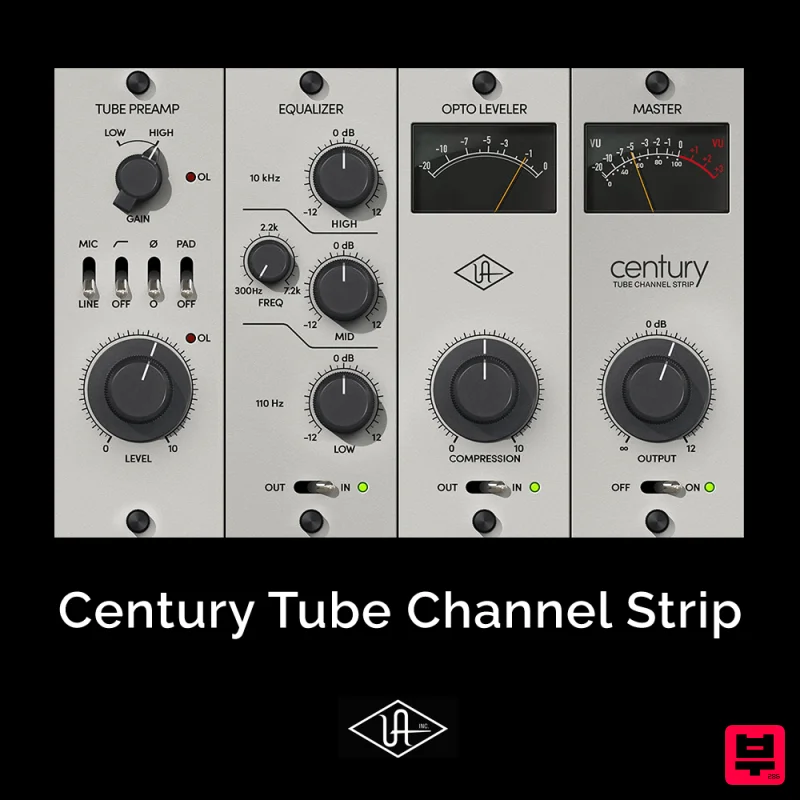
Universal Audio Century Tube Channel Strip
Channel Strip
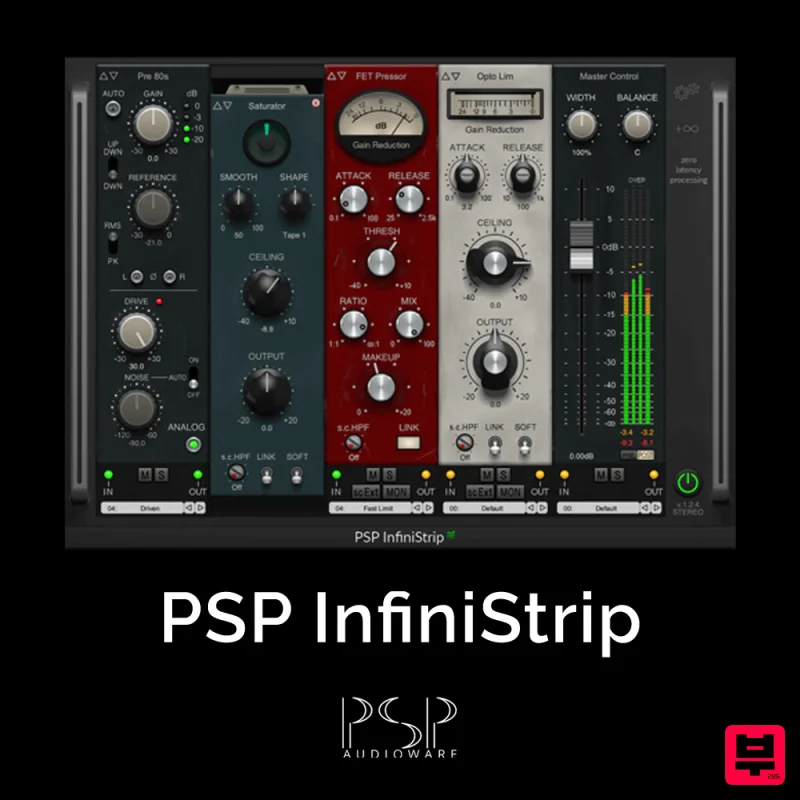
PSP Audioware PSP InfiniStrip
Channel Strip
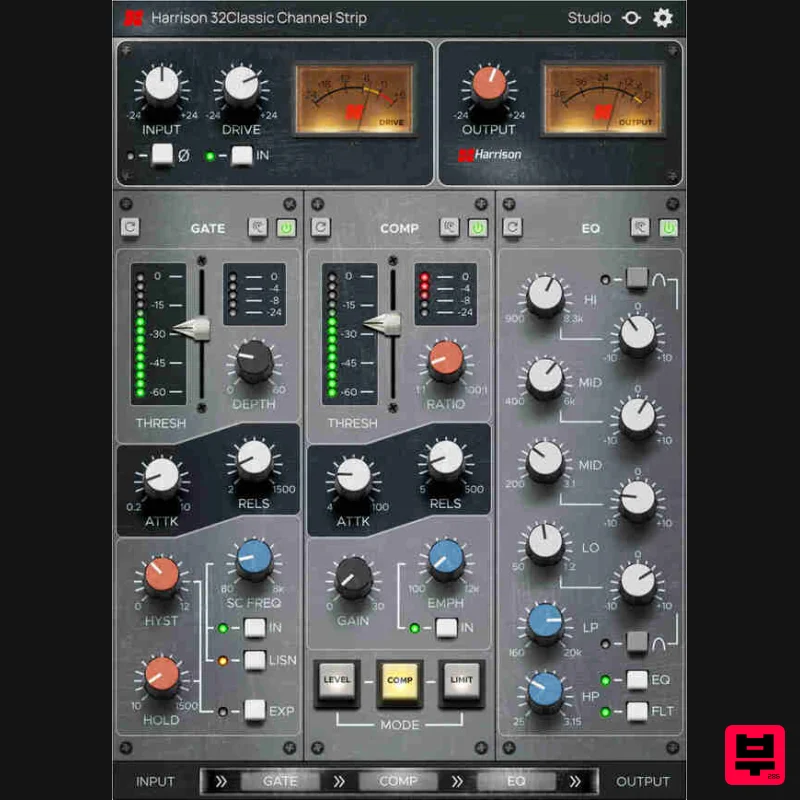
Harrison Consoles 32Classic Channel
Channel Strip

NoiseAsh Prestige Racks
Channel Strip
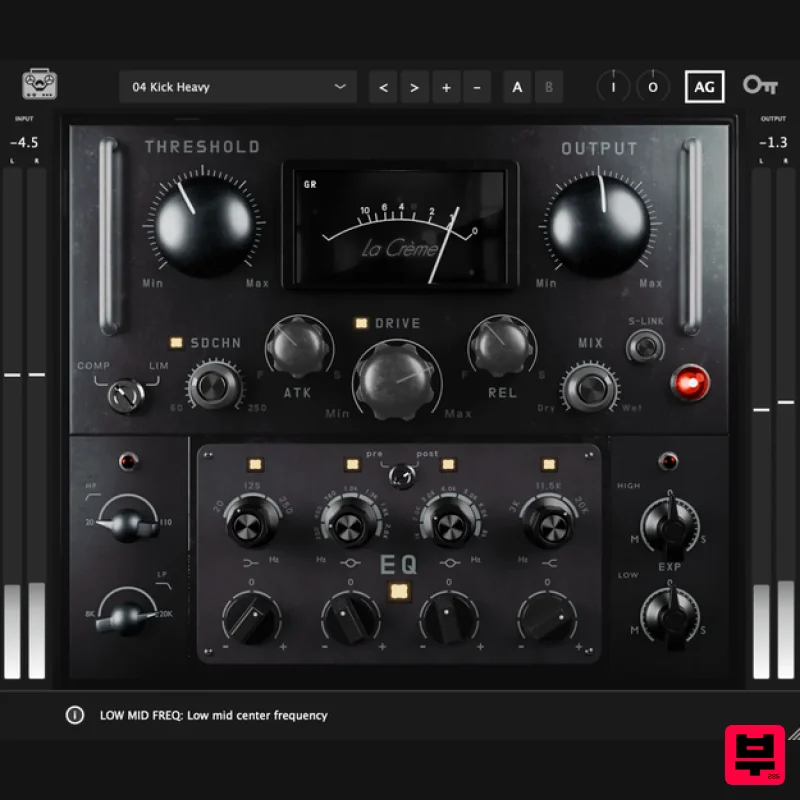
Tone Empire La Crème 3
Channel Strip
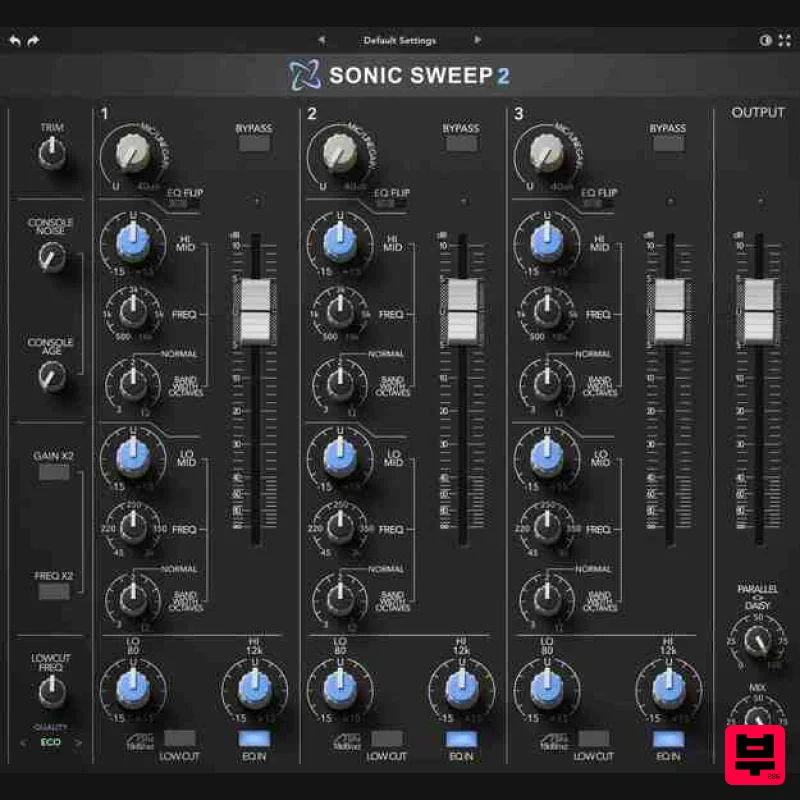
Rave Generation Sonic Sweep 2
Channel Strip

