
Waves SSL E-Channel
Professional music gear - detailed information and where to buy
Waves
SSL E-Channel
Product Info
* Prices may vary. Check retailer for current pricing and availability.
Product Description
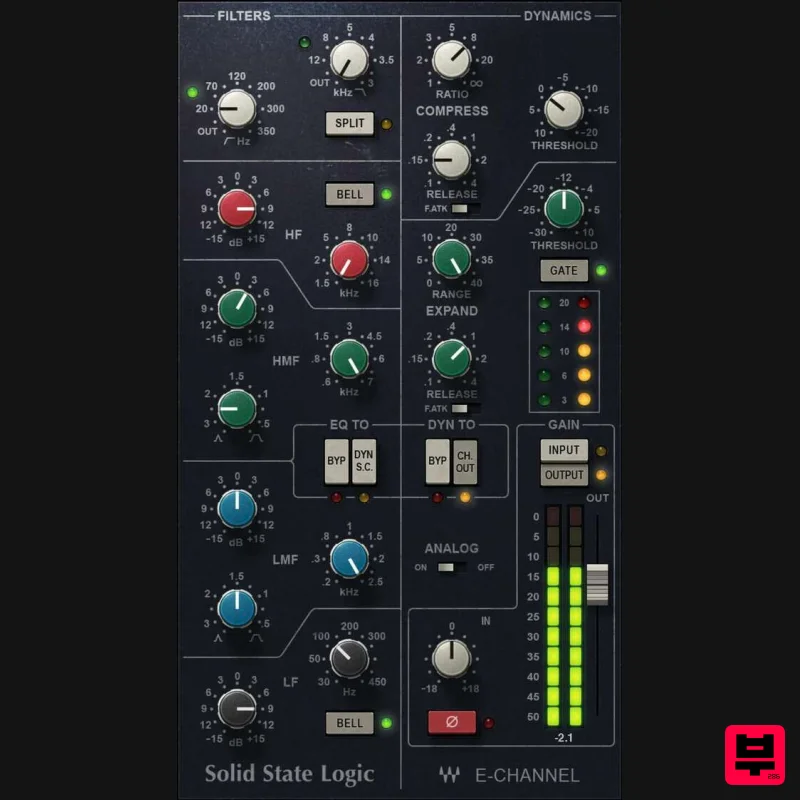
- SSL E-Channel The SSL That Modernized Recording Solid State Logic’s SL 4000 series of consoles was the first to incorporate not just EQ
- but dynamics processing in every channel. This “channel strip” concept revolutionized workflow
- because the crucial elements needed to optimize a channel’s sound were in one place
- right at your fingertips. Decades later
- the E-series’ classic status has been reborn in hip hop and pop genres—thanks to the yet punchy dynamics
- and the bright
- clear sound of the famed “black knob” EQ. Features Developed under license and in close collaboration with SSL Incorporates the “black knob” EQ developed with George Martin 4-band EQ (2 shelf and 2 parametric stages)
- dual filters Internal dynamics sidechaining
- with switchable source soft-knee compressor/limiter CPU-efficient for use with large
- demanding multitrack projects System Requirements Mac macOS Monterey 12
- Ventura 13
- Sonoma 14
- Sequoia 15 VST / AU / AAX PC Windows 10+ VST / AAX 1. Head to https: //www.waves.com/create-account 2. Enter your email and choose a password to create an account (if you already have a Waves account
- choose Log in
- enter your details and head to Step 5) > click 'Submit' 3. Open your email inbox > click the activation link in the email from Waves 4. Click 'Log in here' > Log in to your Waves account 5. Click 'Register New Products' 6. Enter the Serial Number found in your Plugin Boutique user account > click 'Submit' 7. Click download in your Plugin Boutique user account or head to https: //www.waves.com/downloads/central > download the Waves Central app for your operating system 8. Install Waves Central > Open Waves Central 9. Click 'Log in' > enter your log in details 10. Click the 'Install Products' tab 11. Tick the blue dot on all products you wish to install or click the top dot to install all products > click 'Install & Activate' 12. Click 'OK' 13. Open your DAW > open the Waves plugin Your Waves plugins are installed and ready to use
- enjoy!
Additional Information
About the Waves SSL E-Channel
Discover the distinctive sound and feel of the Waves SSL E-Channel, a standout choice among Channel Strip.
Why Choose the Waves SSL E-Channel?
- •Authentic Waves craftsmanship and design
- •Versatile sound suitable for multiple musical genres
- •Professional build quality and reliable performance
- •Part of Waves's respected Channel Strip lineup
Compare & Explore
Browse our complete selection of Waves instruments or explore other Channel Strip options. Use our comparison tools to find the perfect match for your musical style and budget.
Similar Products
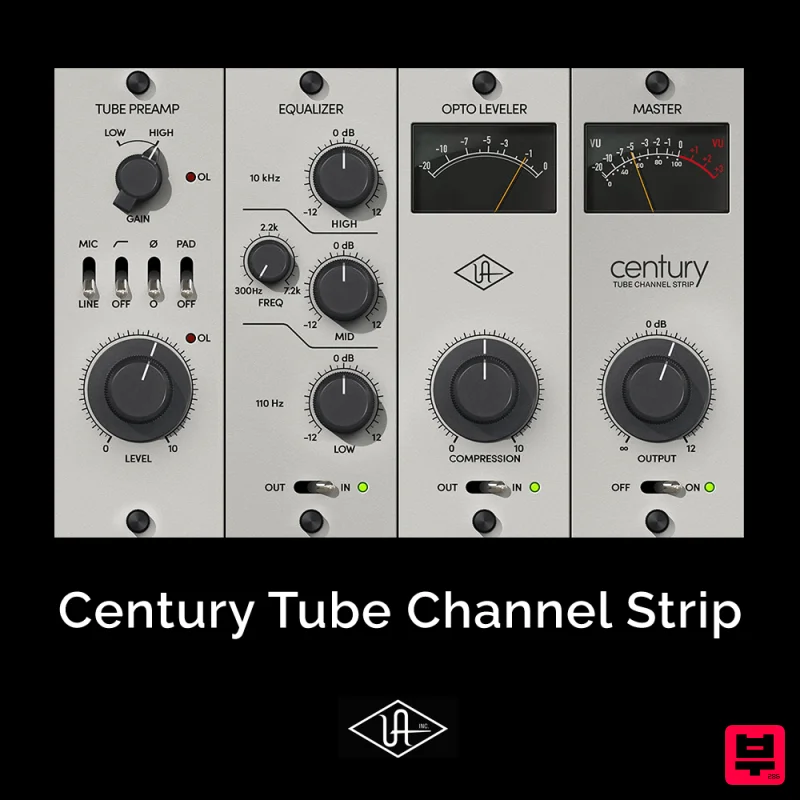
Universal Audio Century Tube Channel Strip
Channel Strip
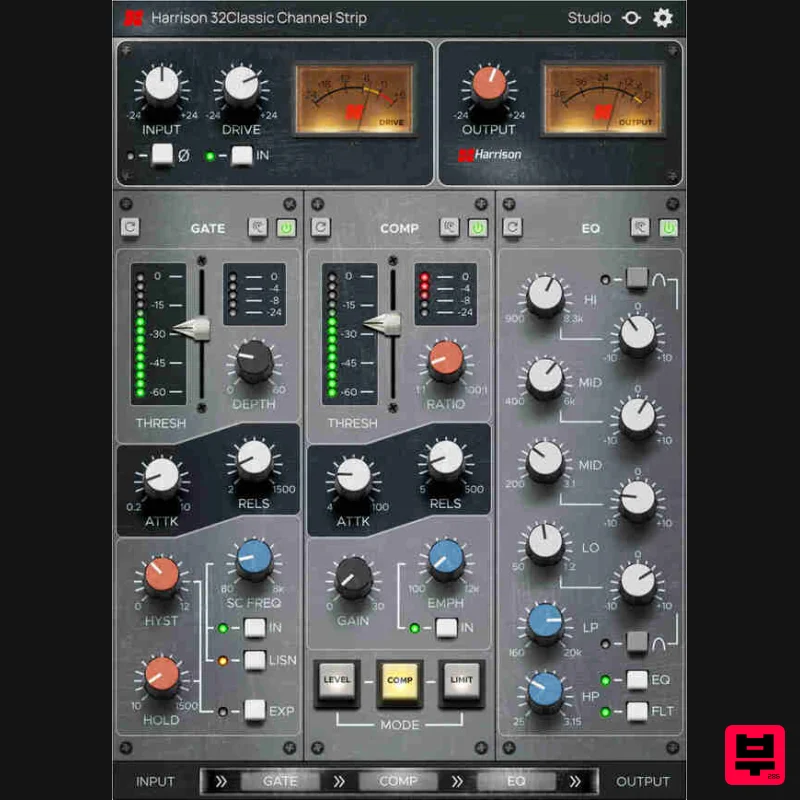
Harrison Consoles 32Classic Channel
Channel Strip
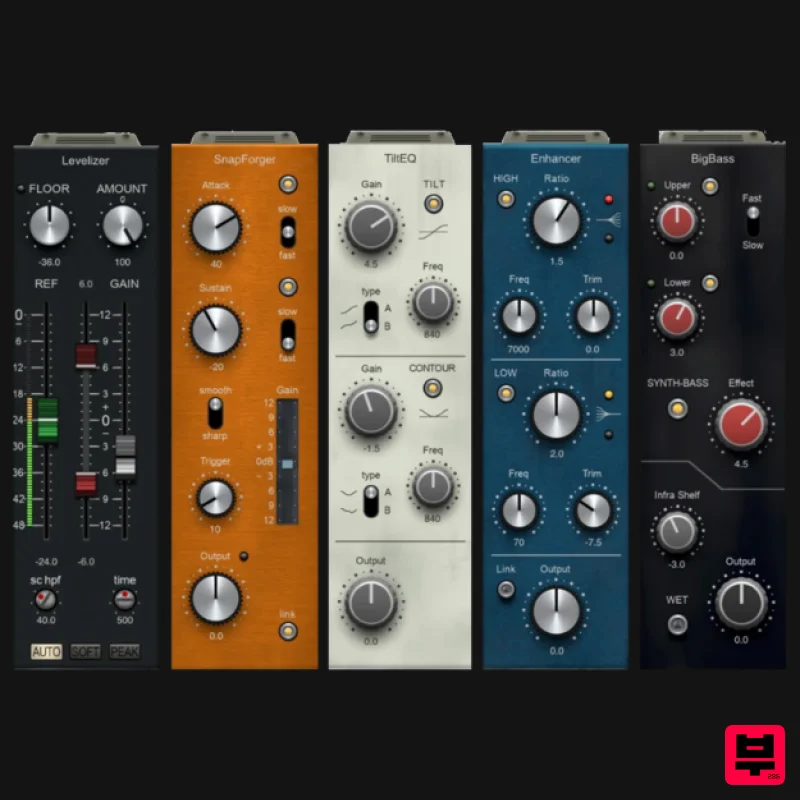
PSP Audioware PSP InfiniStrip Earth Edition
Channel Strip
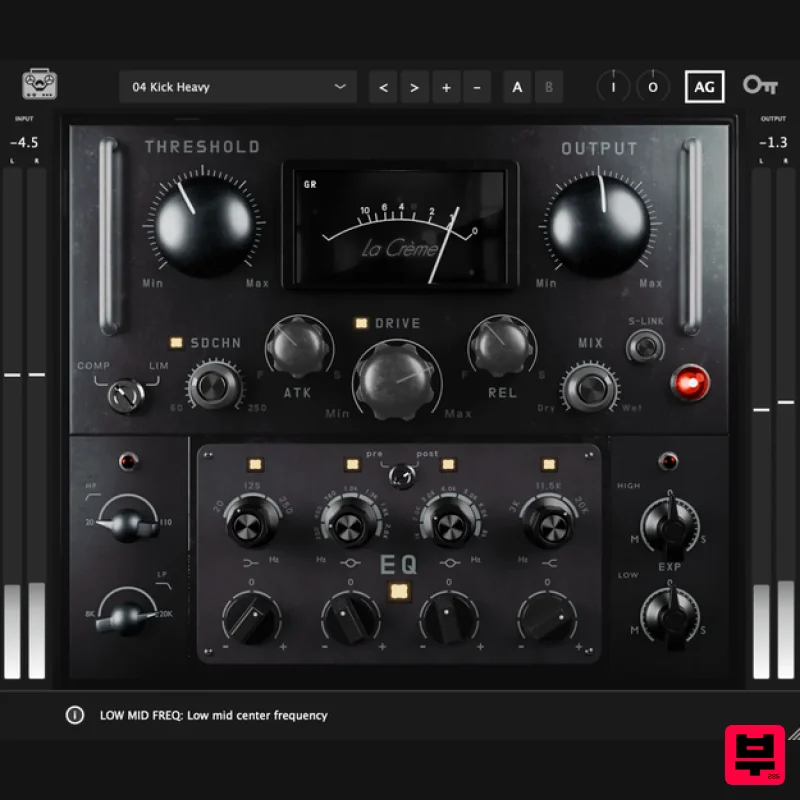
Tone Empire La Crème 3
Channel Strip
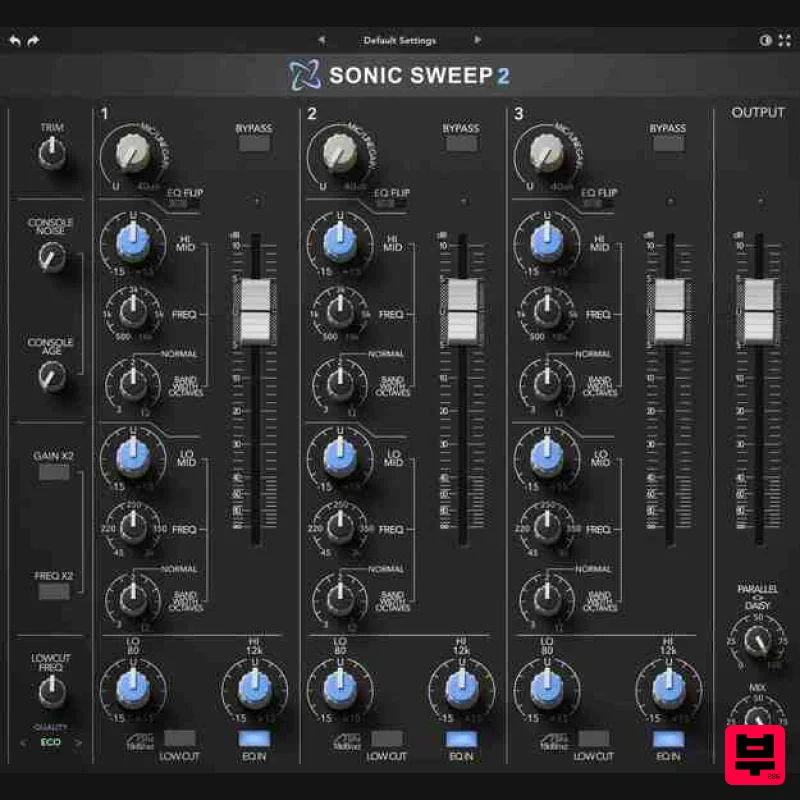
Rave Generation Sonic Sweep 2
Channel Strip
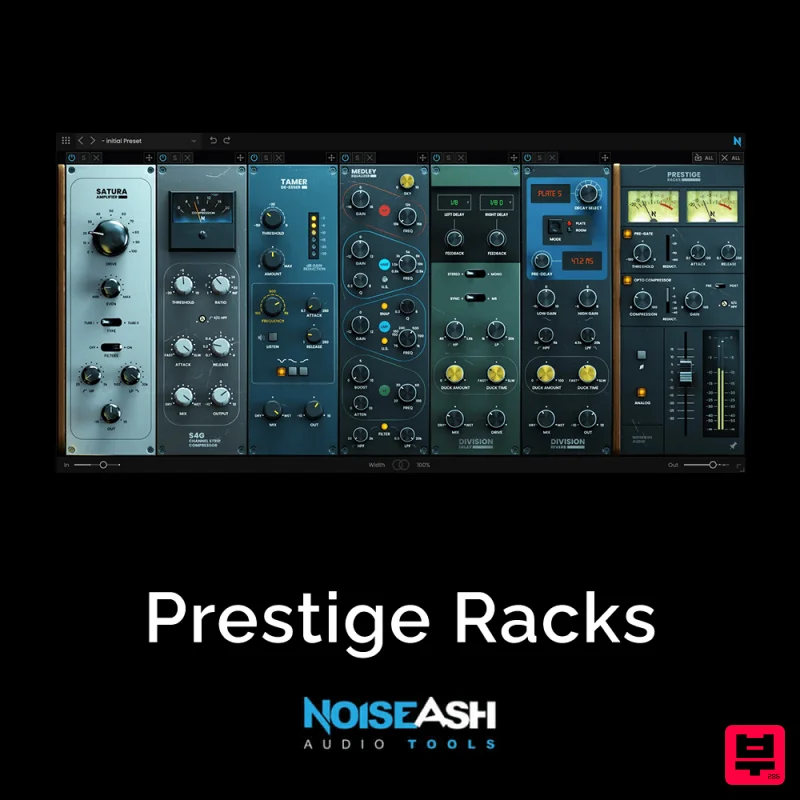
NoiseAsh Prestige Racks
Channel Strip
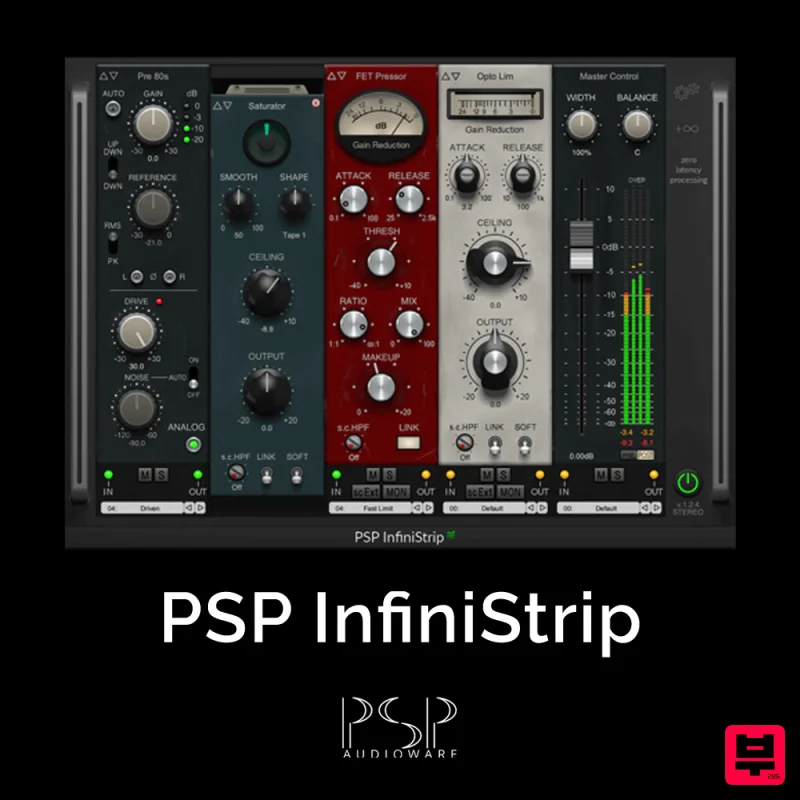
PSP Audioware PSP InfiniStrip
Channel Strip
Safari Audio The Camel Strip
Channel Strip

