
Waves Smack Attack
Professional music gear - detailed information and where to buy
Waves
Smack Attack
Product Info
* Prices may vary. Check retailer for current pricing and availability.
Product Description
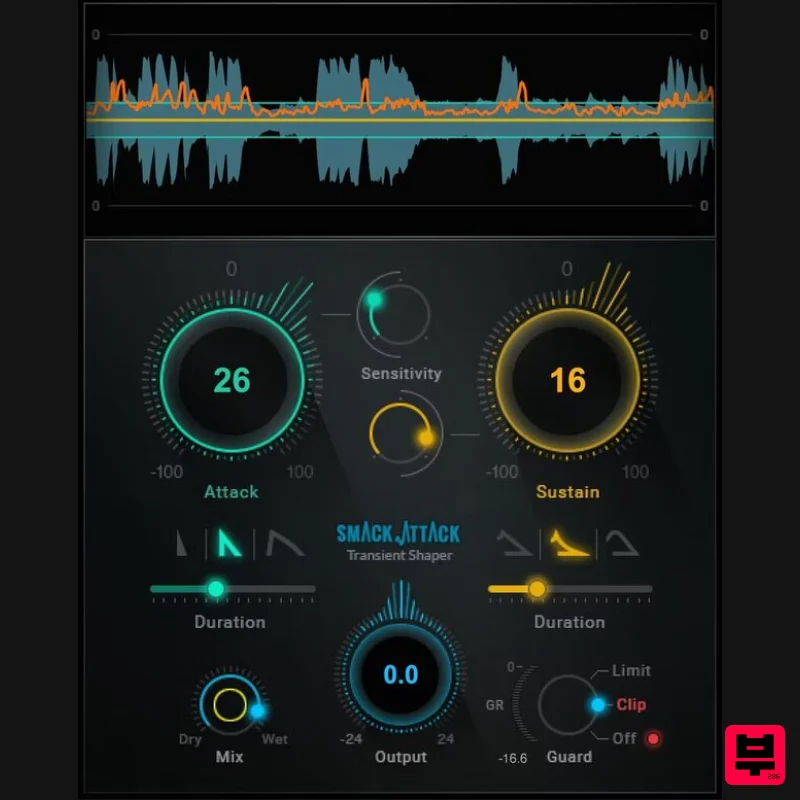
- Attack Shape Your Drums’ Punch with the Ultimate Transient Shaper Make drums leap out of a mix. Help the snare crack instead of thud. Get strummed acoustic guitar to sound crisper. Enable percussive rap vocals to hit hard. Or
- go in the other direction—tame hand percussion to sit better in the mix
- or pull back a bass’s attack to emphasize sustain. Compared to traditional transient shapers
- Attack’s powerful processing provides more detailed control over the initial attack. From tracks to masters
- your sound comes alive. Features Emphasizes percussive peaks for more punch and presence Controls attack characteristics more flexibly than ever before Customize attack levels
- and how much of the attack to process Softens peaks to place instruments further back in the mix Selectively tighten or extend transients and sustain Sensitivity control for selective transient shaping Advanced features—parallel processing
- MIDI control Limiter/clipper to drive your sound to the limit Real-time graphic display makes it easy to optimize settings quickly Zero latency for live sound mixing in real time System Requirements Mac macOS Monterey 12
- Ventura 13
- Sonoma 14
- Sequoia 15 VST / AU / AAX PC Windows 10+ VST / AAX 1. Head to https: //www.waves.com/create-account 2. Enter your email and choose a password to create an account (if you already have a Waves account
- choose Log in
- enter your details and head to Step 5) > click 'Submit' 3. Open your email inbox > click the activation link in the email from Waves 4. Click 'Log in here' > Log in to your Waves account 5. Click 'Register New Products' 6. Enter the Serial Number found in your Plugin Boutique user account > click 'Submit' 7. Click download in your Plugin Boutique user account or head to https: //www.waves.com/downloads/central > download the Waves Central app for your operating system 8. Install Waves Central > Open Waves Central 9. Click 'Log in' > enter your log in details 10. Click the 'Install Products' tab 11. Tick the blue dot on all products you wish to install or click the top dot to install all products > click 'Install & Activate' 12. Click 'OK' 13. Open your DAW > open the Waves plugin Your Waves plugins are installed and ready to use
- enjoy!
Additional Information
About the Waves Smack Attack
The Waves Smack Attack combines traditional design with modern performance for Transient Shaper enthusiasts.
Why Choose the Waves Smack Attack?
- •Authentic Waves craftsmanship and design
- •Versatile sound suitable for multiple musical genres
- •Professional build quality and reliable performance
- •Part of Waves's respected Transient Shaper lineup
Compare & Explore
Browse our complete selection of Waves instruments or explore other Transient Shaper options. Use our comparison tools to find the perfect match for your musical style and budget.
Similar Products
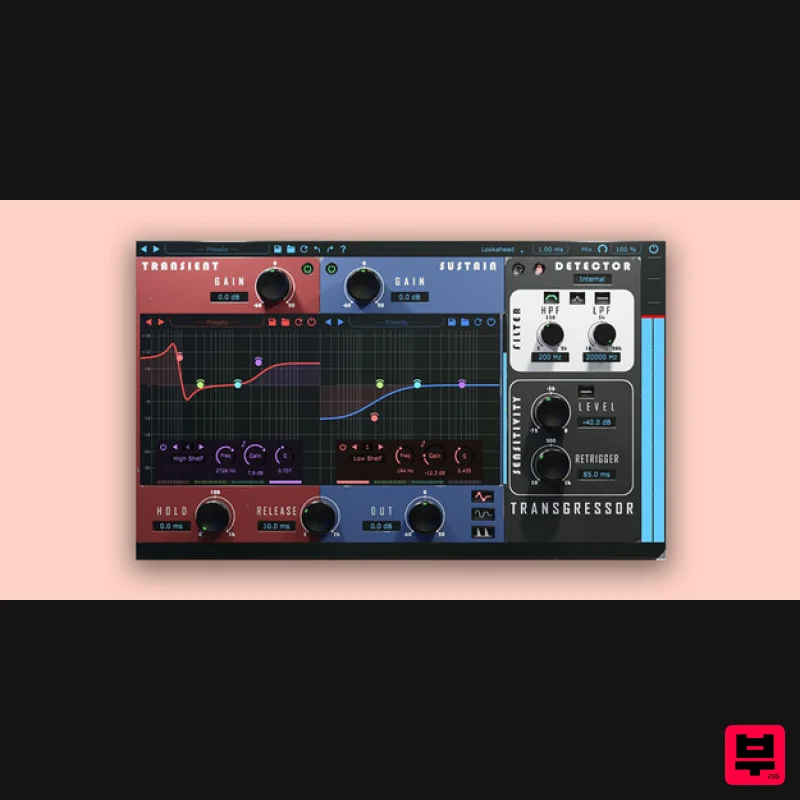
Boz Digital Labs Transgressor 3
Transient Shaper
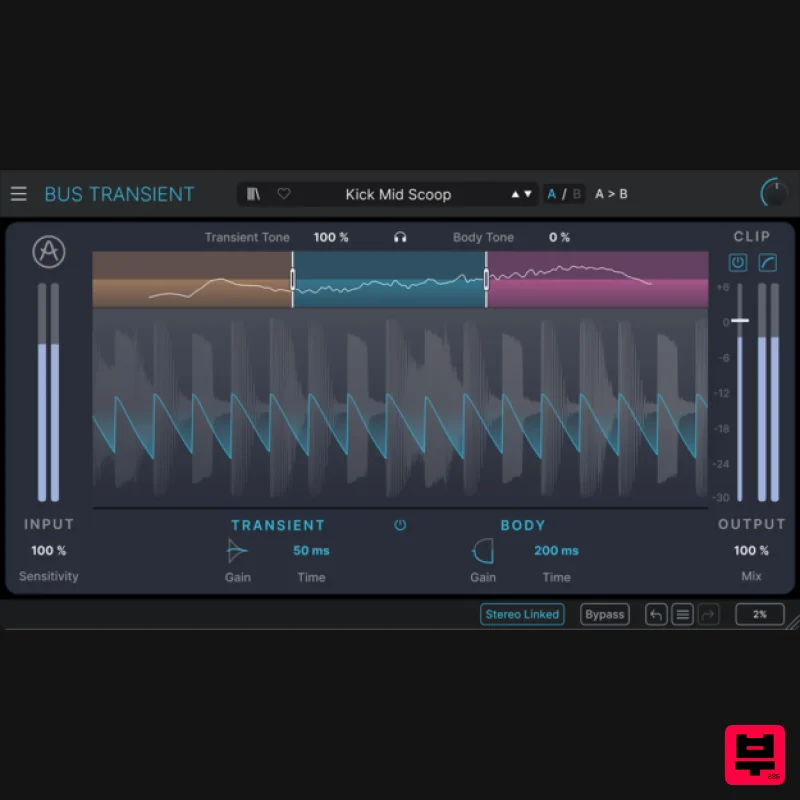
Arturia Bus TRANSIENT
Transient Shaper
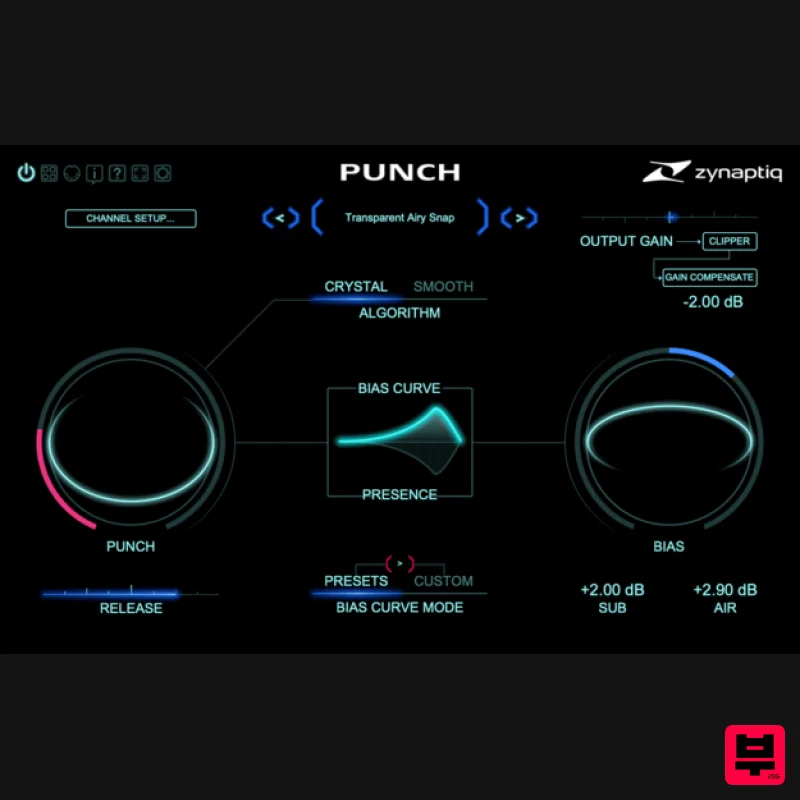
Zynaptiq PUNCH
Transient Shaper
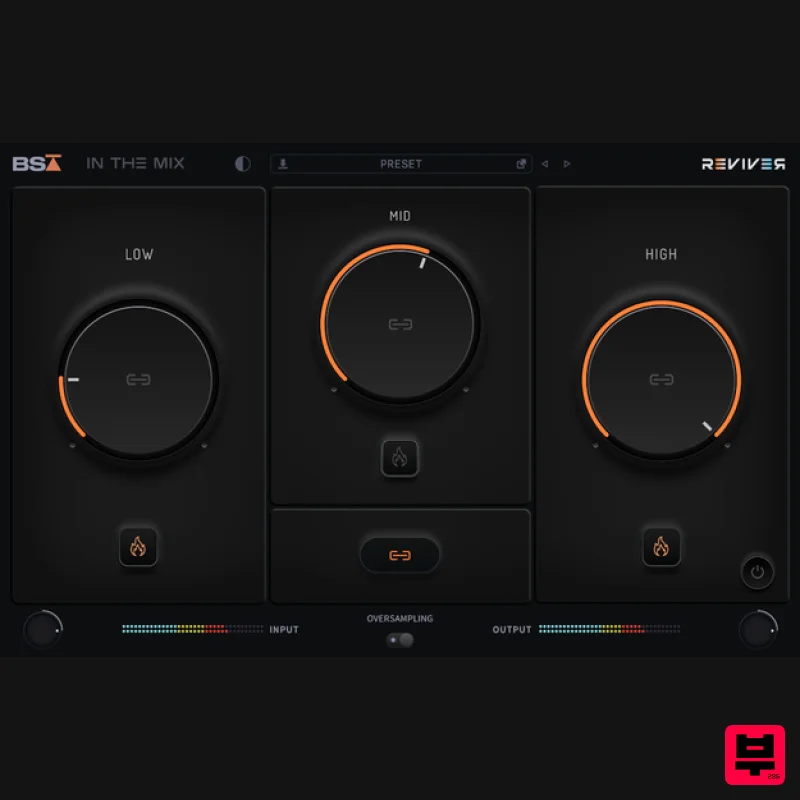
Black Salt Audio Reviver
Transient Shaper
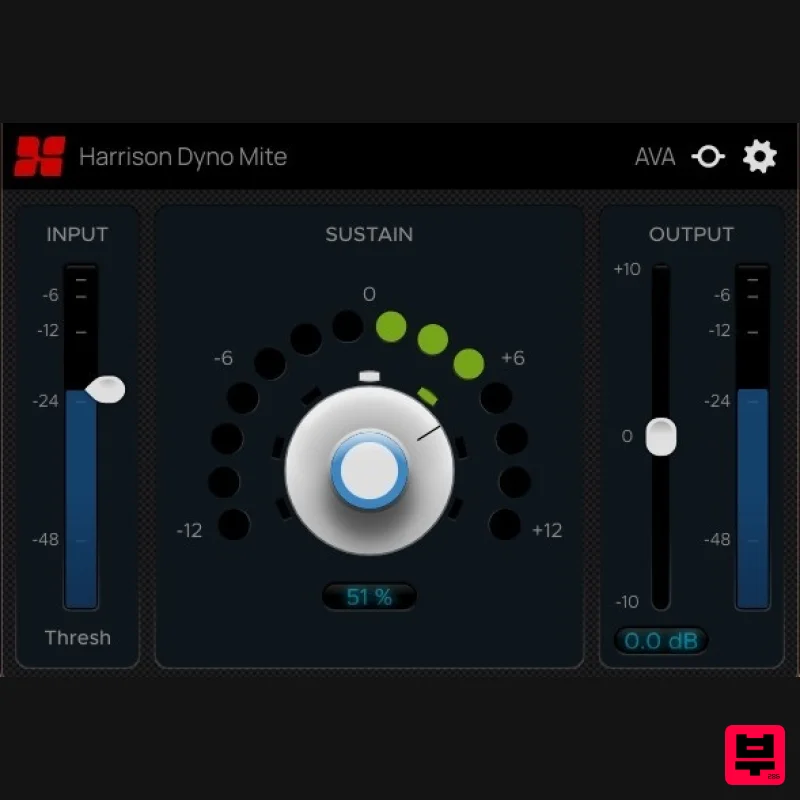
Harrison Consoles Dyno Mite
Transient Shaper
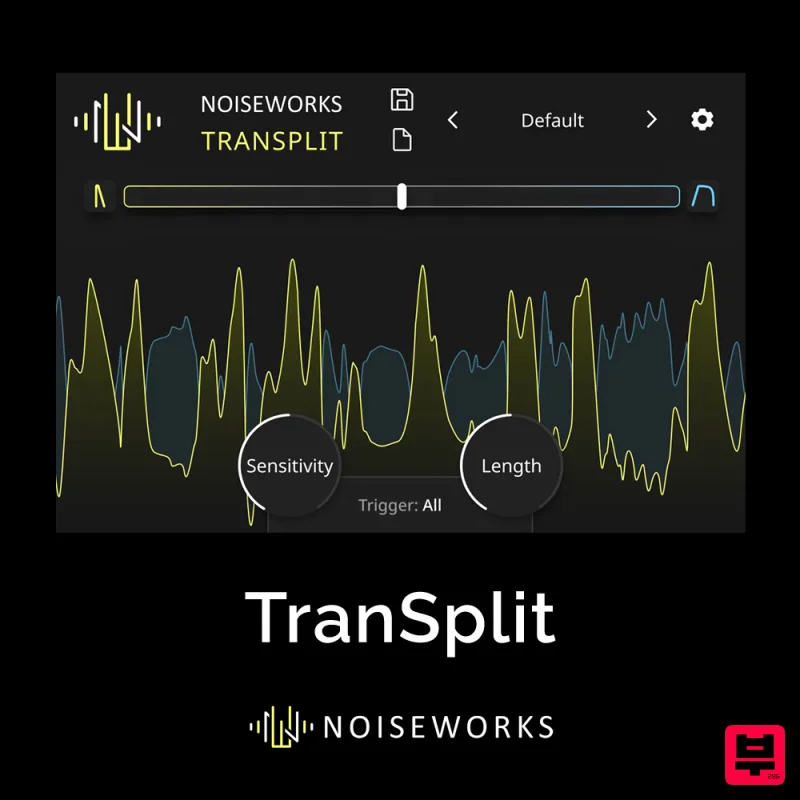
NoiseWorks TranSplit
Transient Shaper
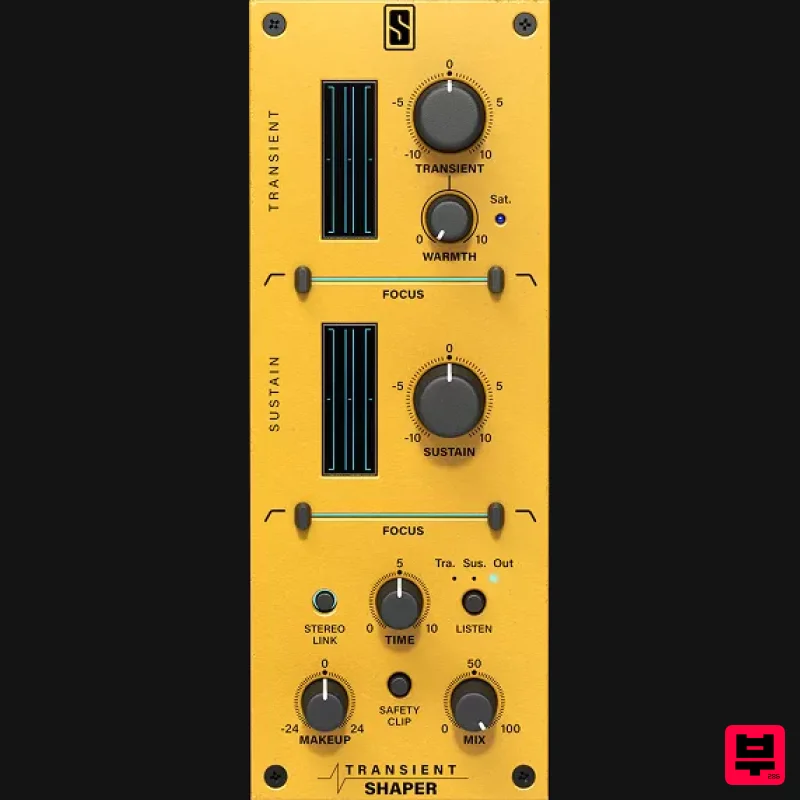
Slate Digital Transient Shaper
Transient Shaper
Waves Trans-X
Transient Shaper

