
Waves Sibilance
Professional music gear - detailed information and where to buy
Product Description
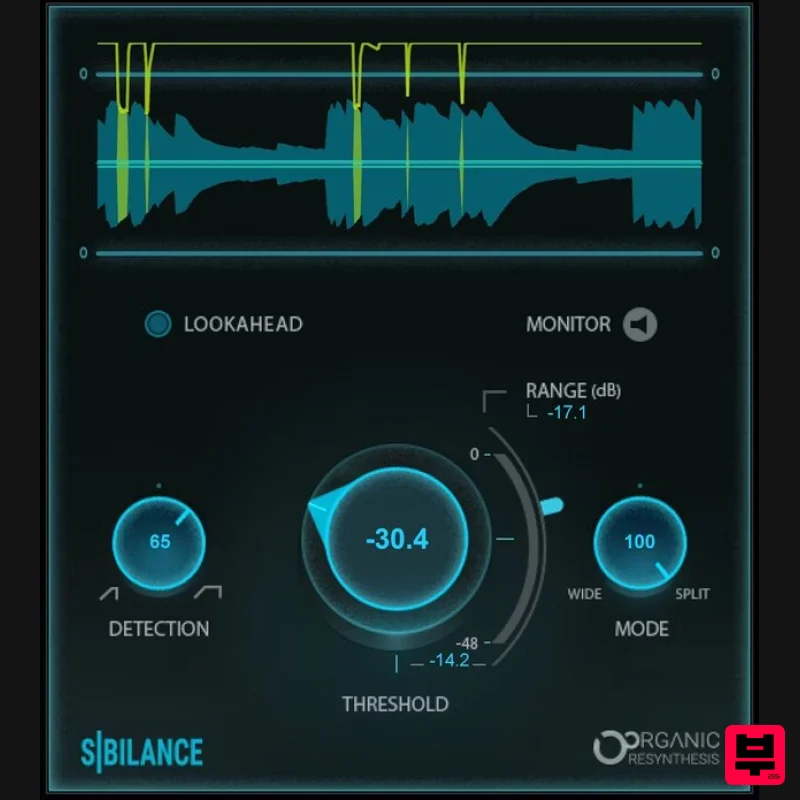
- Sibilance Breakthrough DeEsser Optimized for Vocal Brightness and Tone Sibilance breaks down sound into basic
- individual components prior to processing. When Sibilance recognizes unwated “ess” and “shh” vocal sounds
- it reduces only their levels without affecting other components—even ones with high frequencies. The result: ultra-precise de-essing. For vocals
- dialogue
- voiceover
- and podcasting
- no other de-esser maintains the original timbre
- duration
- and resonance of the human voice as well—or as effectively—as Sibilance. Features Organic ReSynthesis keeps brightness and removes harshness Retains the vocal’s original tone
- even with heavy de-essing Variable frequency range for de-essing
- from wide to split-band Informative graph shows de-essing occurrence and amount Variable detection mode for transients or longer ess sounds Includes zero-latency version for live performance System Requirements Mac macOS Monterey 12
- Ventura 13
- Sonoma 14
- Sequoia 15 VST / AU / AAX PC Windows 10+ VST / AAX 1. Head to https: //www.waves.com/create-account 2. Enter your email and choose a password to create an account (if you already have a Waves account
- choose Log in
- enter your details and head to Step 5) > click 'Submit' 3. Open your email inbox > click the activation link in the email from Waves 4. Click 'Log in here' > Log in to your Waves account 5. Click 'Register New Products' 6. Enter the Serial Number found in your Plugin Boutique user account > click 'Submit' 7. Click download in your Plugin Boutique user account or head to https: //www.waves.com/downloads/central > download the Waves Central app for your operating system 8. Install Waves Central > Open Waves Central 9. Click 'Log in' > enter your log in details 10. Click the 'Install Products' tab 11. Tick the blue dot on all products you wish to install or click the top dot to install all products > click 'Install & Activate' 12. Click 'OK' 13. Open your DAW > open the Waves plugin Your Waves plugins are installed and ready to use
- enjoy!
Additional Information
About the Waves Sibilance
The Waves Sibilance combines traditional design with modern performance for De Esser enthusiasts.
Why Choose the Waves Sibilance?
- •Authentic Waves craftsmanship and design
- •Versatile sound suitable for multiple musical genres
- •Professional build quality and reliable performance
- •Part of Waves's respected De Esser lineup
Compare & Explore
Browse our complete selection of Waves instruments or explore other De Esser options. Use our comparison tools to find the perfect match for your musical style and budget.
Similar Products
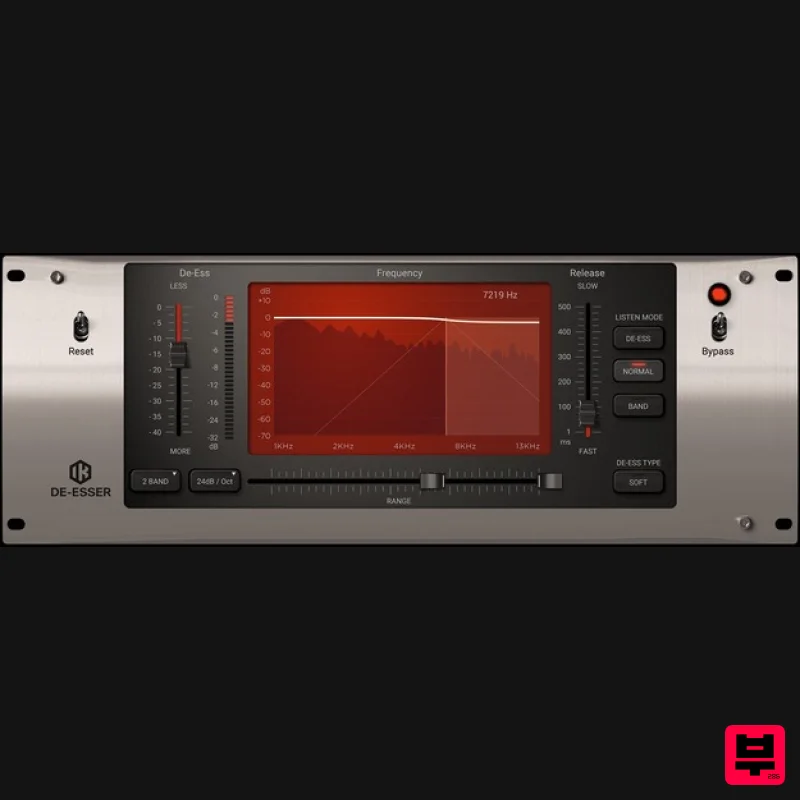
IK Multimedia De-esser
De Esser
$63
Multi-Band De-Esser Frequency Conscious Dynamic Processor De-essing is also known as "frequency dependent compression,"...
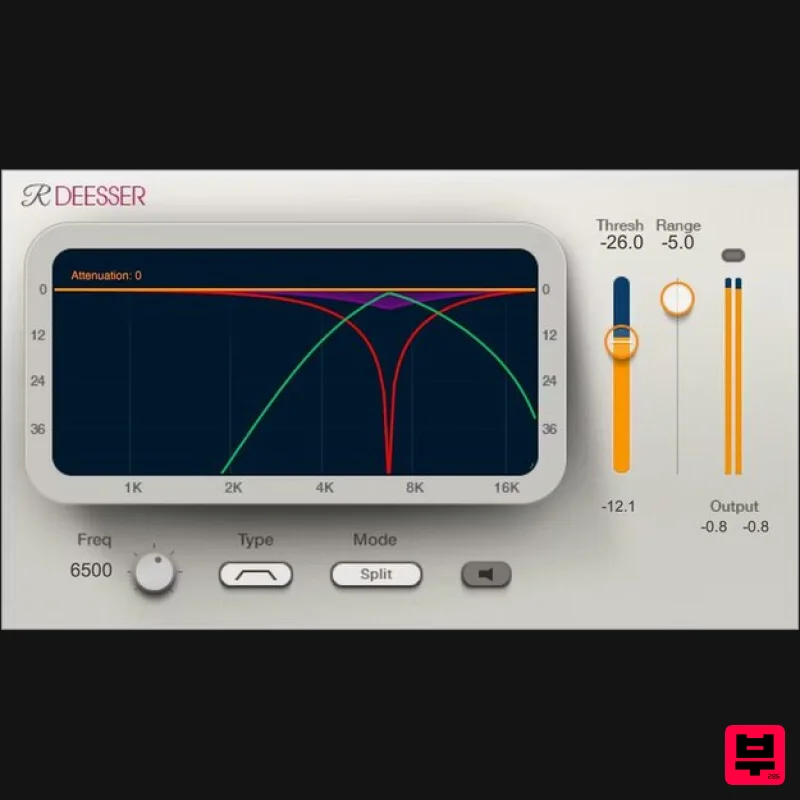
Waves Renaissance DeEsser
De Esser
$44
Renaissance DeEsser A New Solution to a Persistent Problem De-essing is an essential process when recording vocals,...
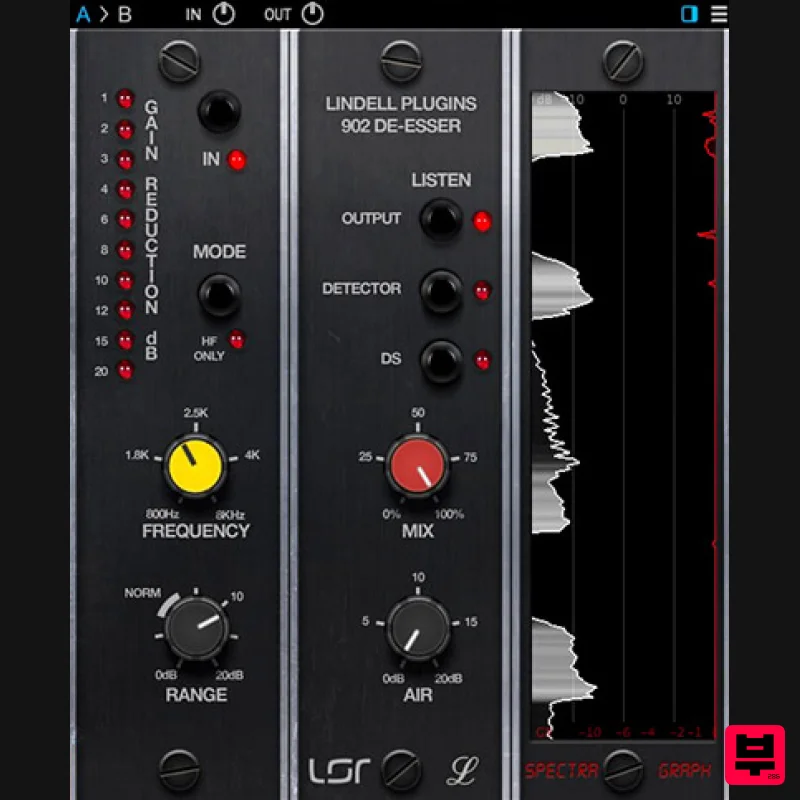
Plugin Alliance Lindell Audio 902 De-Esser
De Esser
$43
The original “intelligent de-esser”: A classic tone that naturally adapts to any signal Great de-essing doesn’t...
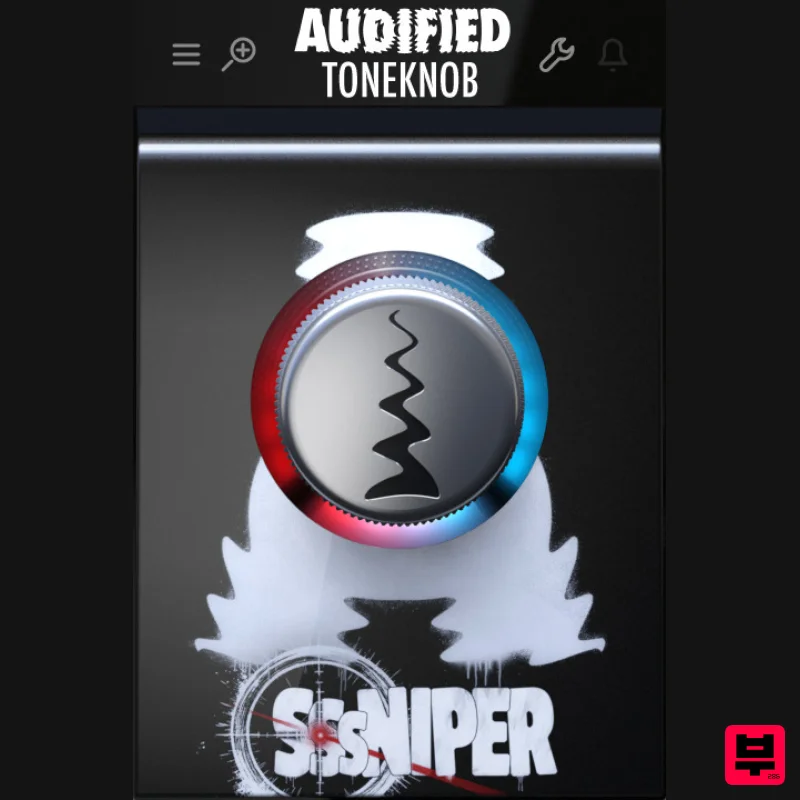
Audified ToneKnob SSSniper
De Esser
$30
Witness the S-pocalypse What’s it for? Sssniper is basically a de-esser — a handy effect that reduces harsh...
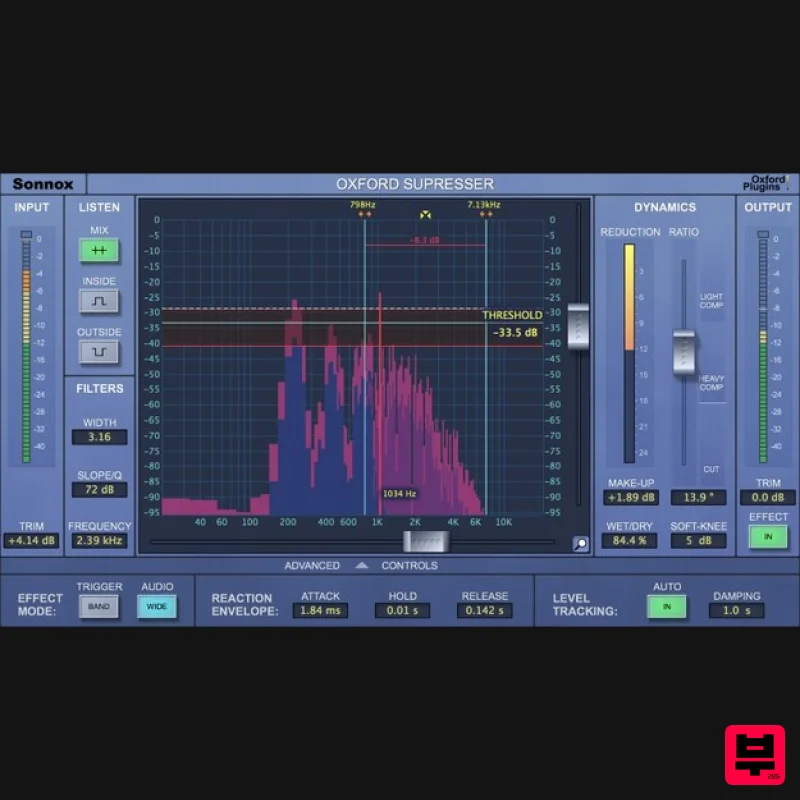
Sonnox Oxford SuprEsser
De Esser
$271
The Oxford SuprEsser is both a very highly-featured professional De-Esser and a Dynamic EQ. There is a simple mode for...
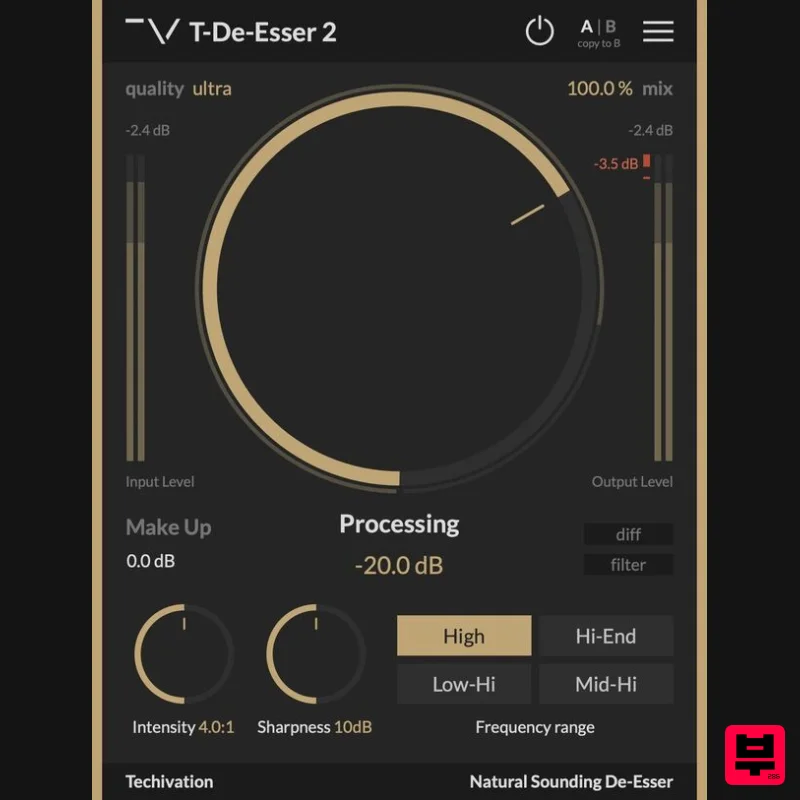
Techivation T-De-Esser 2
De Esser
Free
Remove sibilance and harshness, fast T-De-Esser 2 is an intuitive and user-friendly De-Esser plugin designed to out...
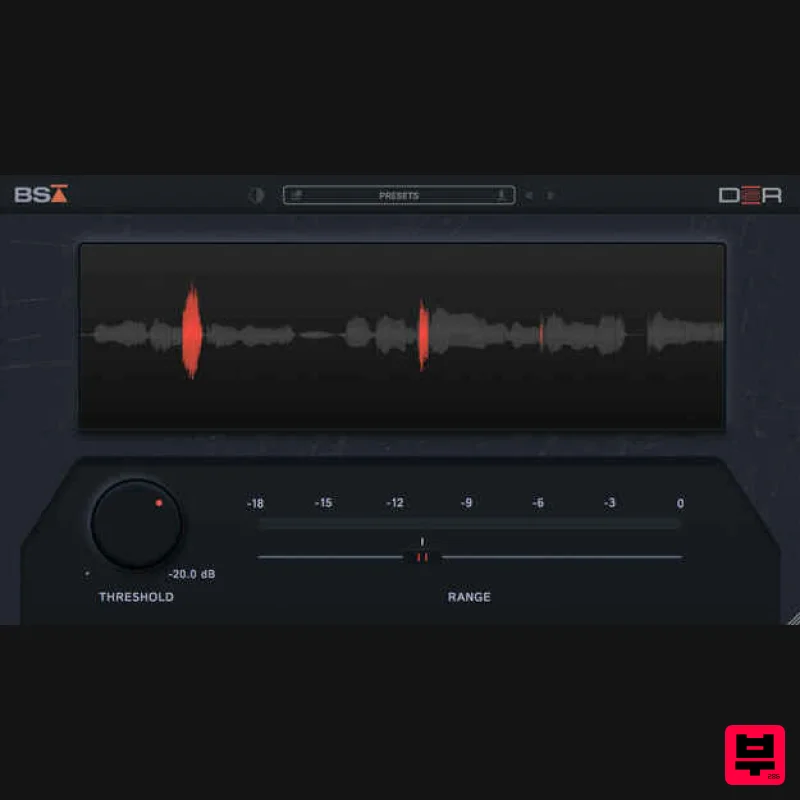
Black Salt Audio DSR
De Esser
$68
De-essing should be simple Black Salt Audio believe de-essing should be fast and easy. No complicated controls, no...
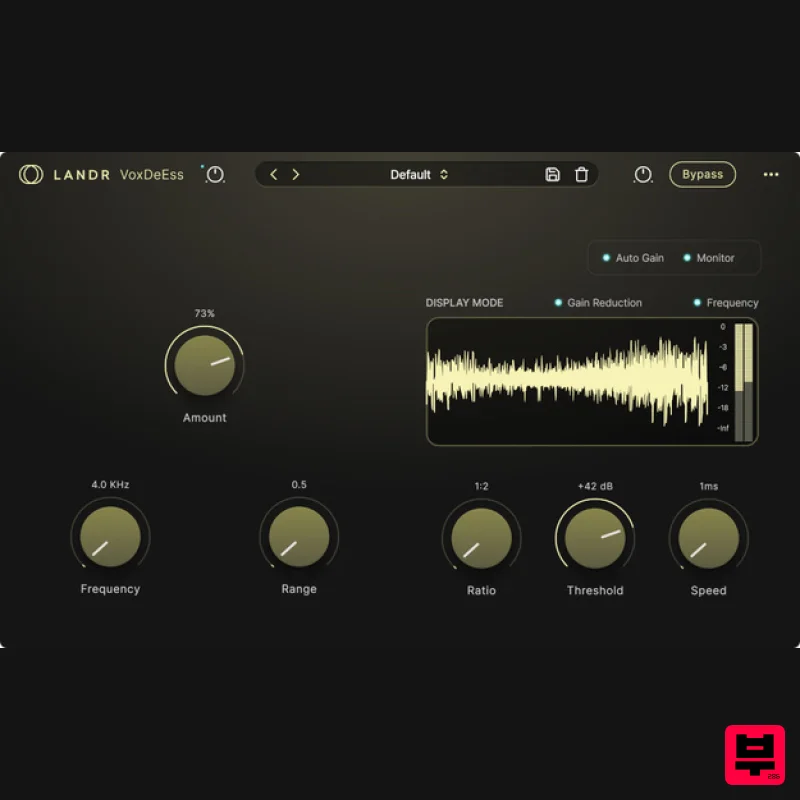
LANDR LANDR VoxDeEss
De Esser
$40
Effortlessly clean, natural vocals Quickly clean up harsh sibilance without compromising tone, brightness, or feel....
Frequently Asked Questions
The Waves Sibilance stands out for its exceptional Waves craftsmanship and innovative design.
Yes! With its affordable price point and quality construction, it's perfect for learning de esser.
Browse the similar products section to see how it stacks up against other de esser.

