
Waves S1 Stereo Imager
Professional music gear - detailed information and where to buy
Waves
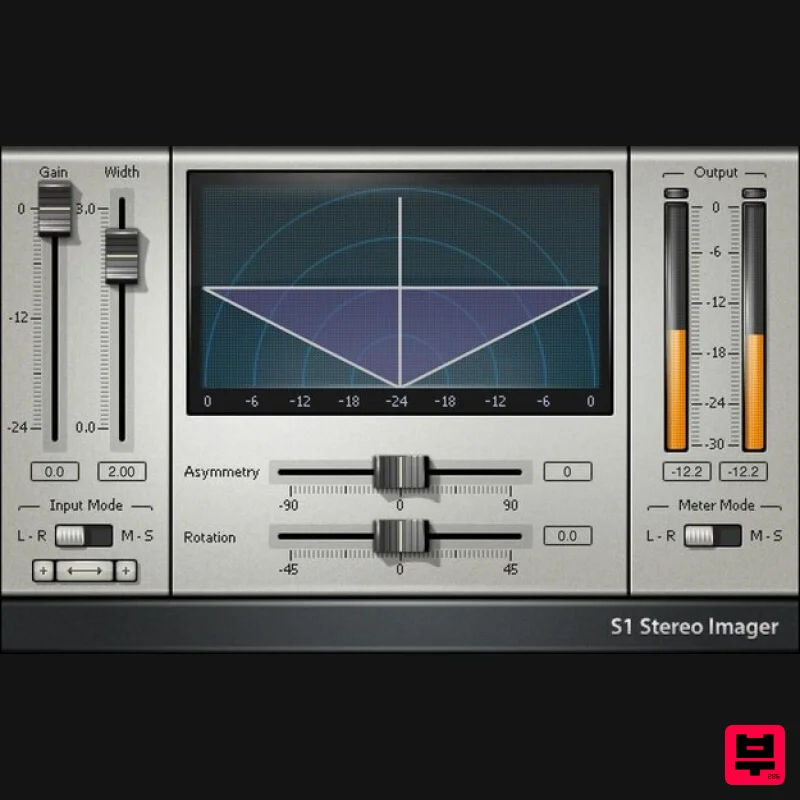
S1 Stereo Imager
Product Info
* Prices may vary. Check retailer for current pricing and availability.
Product Description
- S1 Stereo Imager Image Is Everything: 3 Plugins for a Wider & Better Stereo Image Create a massive spread of background vocals or layered guitars. Push reverb and delay further away from the center. Tilt the stereo image. Correct unbalanced loops and stereo mixes. This suite of three plugins has everything you need to alter width
- stereo positioning
- and stereo imaging. Whether using the S1 Imager to enhance stereo
- S1 Shuffler to also widen bass (with full mono compatibility)
- or the S1 MS utility for mid-side processing
- this toolkit will upgrade your image. Features S1 Imager enhances imaging with stereo mixes S1 Shuffler also widens bass
- yet retains full mono compatibility Widen buses
- stereo tracks
- or even full mixes Powerful alternative to panning provides more mixdown flexibility Give mixes more width
- size
- and authority Create mid-side processing with the MS Matrix utility plugin System Requirements Mac macOS Monterey 12
- Ventura 13
- Sonoma 14
- Sequoia 15 VST / AU / AAX PC Windows 10+ VST / AAX 1. Head to https: //www.waves.com/create-account 2. Enter your email and choose a password to create an account (if you already have a Waves account
- choose Log in
- enter your details and head to Step 5) > click 'Submit' 3. Open your email inbox > click the activation link in the email from Waves 4. Click 'Log in here' > Log in to your Waves account 5. Click 'Register New Products' 6. Enter the Serial Number found in your Plugin Boutique user account > click 'Submit' 7. Click download in your Plugin Boutique user account or head to https: //www.waves.com/downloads/central > download the Waves Central app for your operating system 8. Install Waves Central > Open Waves Central 9. Click 'Log in' > enter your log in details 10. Click the 'Install Products' tab 11. Tick the blue dot on all products you wish to install or click the top dot to install all products > click 'Install & Activate' 12. Click 'OK' 13. Open your DAW > open the Waves plugin Your Waves plugins are installed and ready to use
- enjoy!
Additional Information
About the Waves S1 Stereo Imager
The Waves S1 Stereo Imager combines traditional design with modern performance for Stereo Width enthusiasts.
Why Choose the Waves S1 Stereo Imager?
- •Authentic Waves craftsmanship and design
- •Versatile sound suitable for multiple musical genres
- •Professional build quality and reliable performance
- •Part of Waves's respected Stereo Width lineup
Compare & Explore
Browse our complete selection of Waves instruments or explore other Stereo Width options. Use our comparison tools to find the perfect match for your musical style and budget.
Similar Products
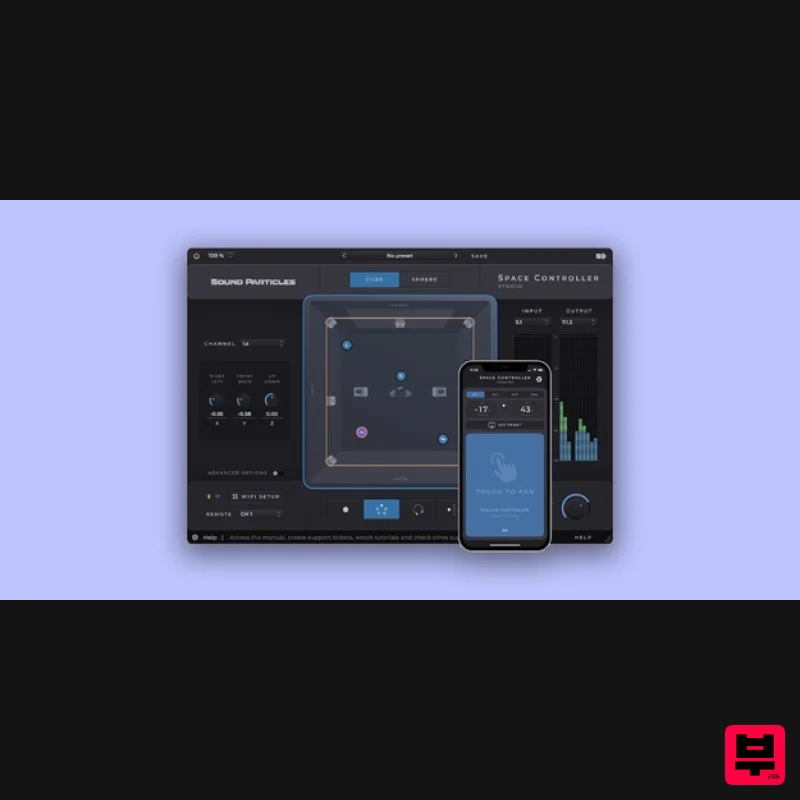
Sound Particles Space Controller Studio | Educational Version
Stereo Width
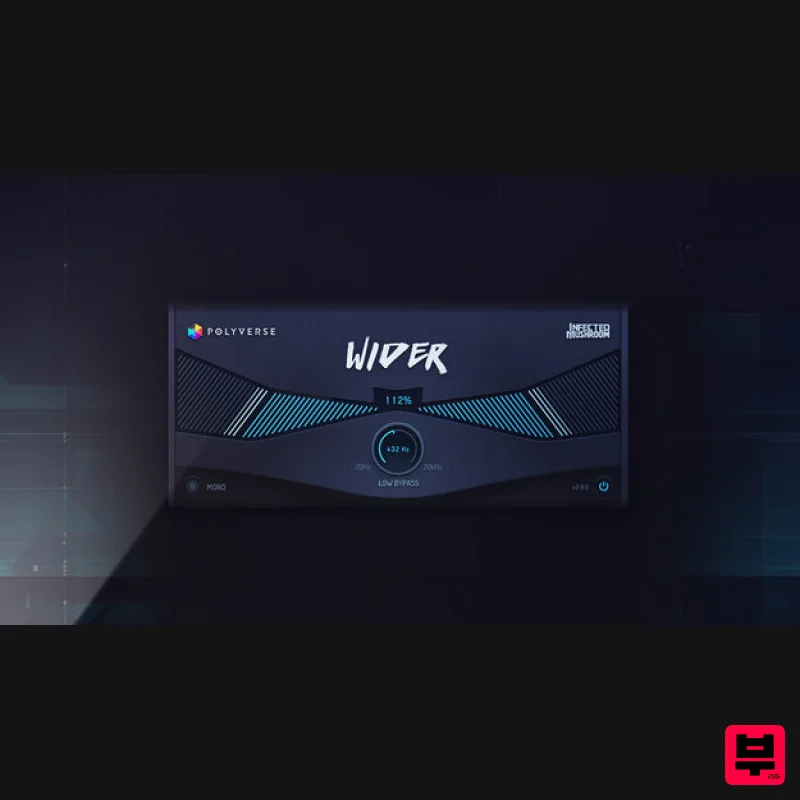
Polyverse Wider 2
Stereo Width
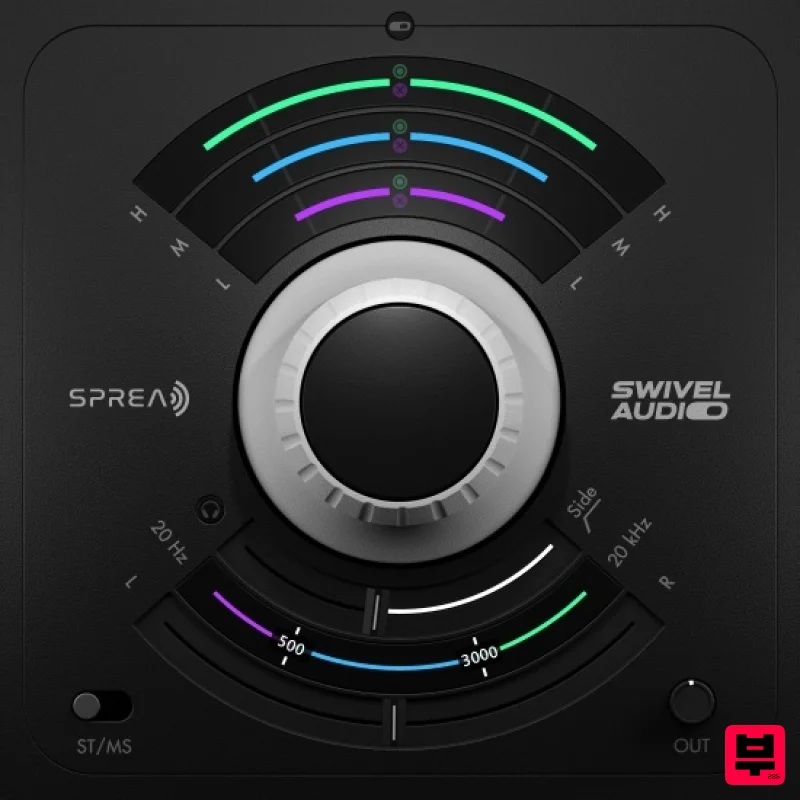
Plugin Alliance Swivel Audio Spread
Stereo Width
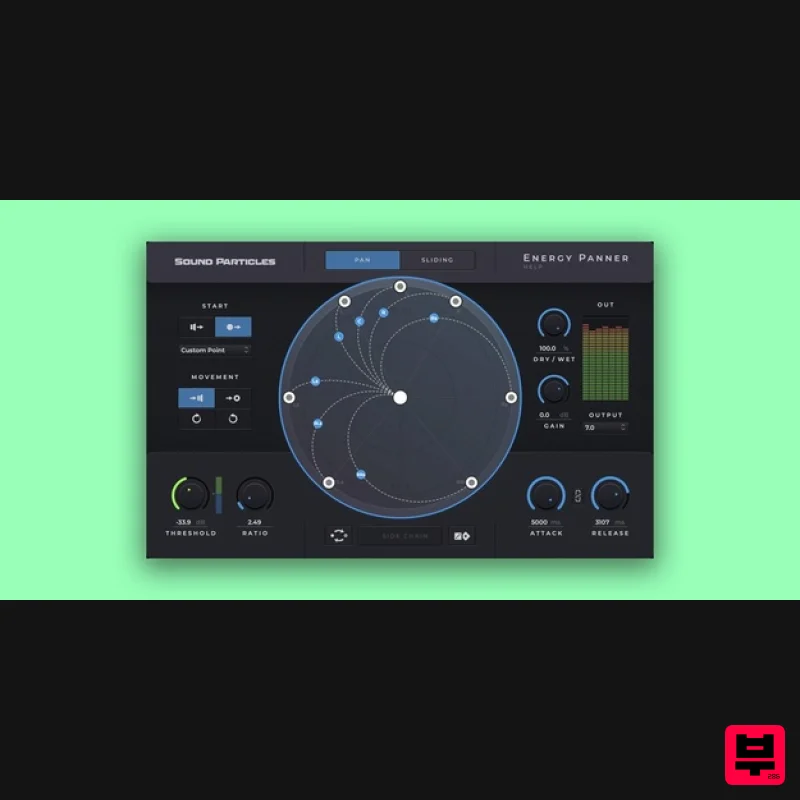
Sound Particles Energy Panner | Educational Version
Stereo Width
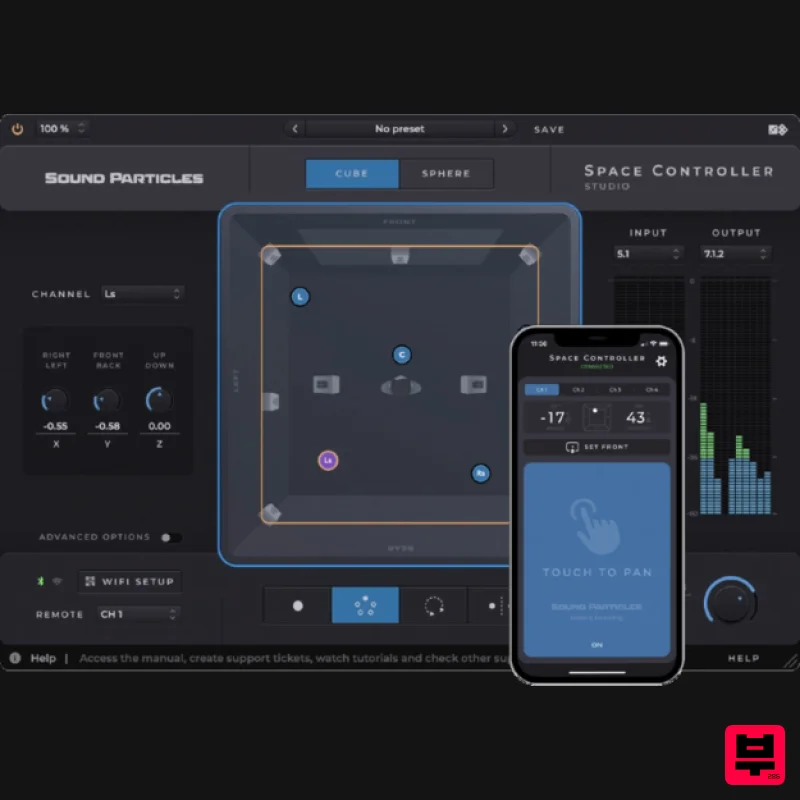
Sound Particles Space Controller Standard | Educational Version
Stereo Width
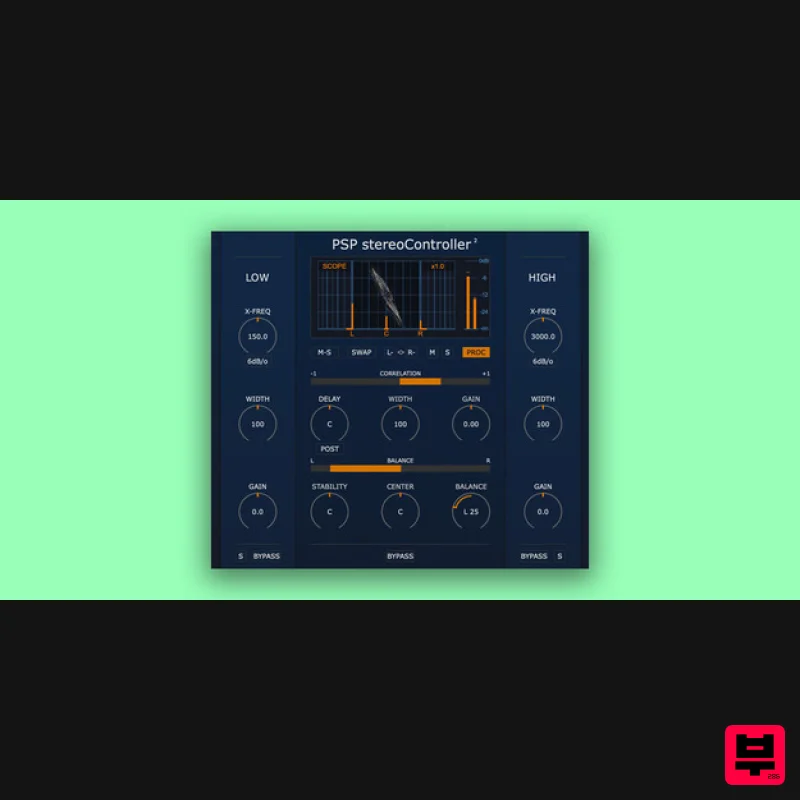
PSP Audioware PSP StereoController2
Stereo Width
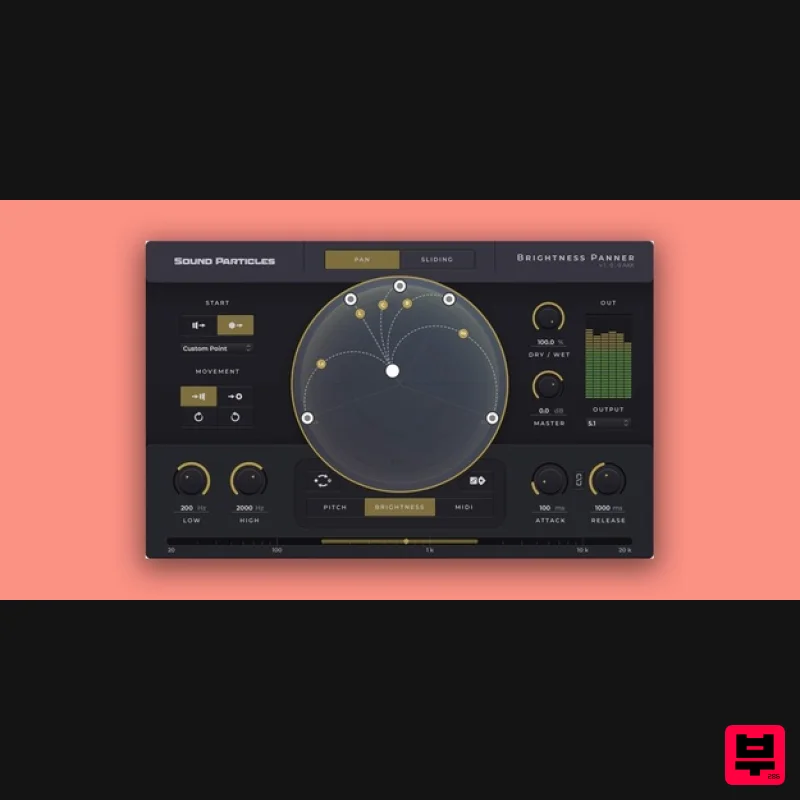
Sound Particles Brightness Panner | Educational Version
Stereo Width
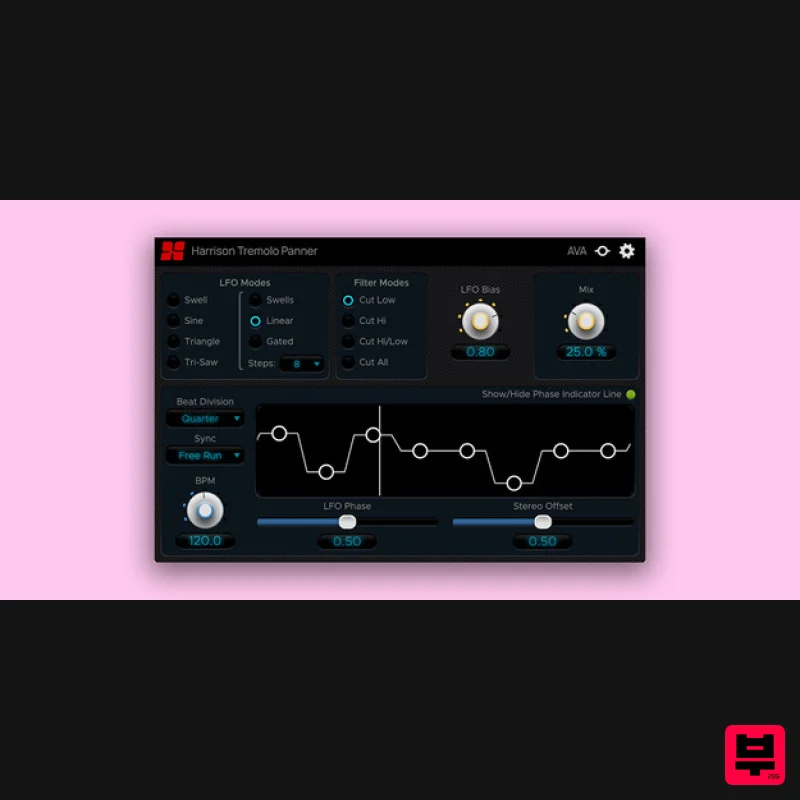
Harrison Consoles Tremolo Panner
Stereo Width

