
Waves PRS SuperModels
Professional music gear - detailed information and where to buy
Waves
PRS SuperModels
Product Info
* Prices may vary. Check retailer for current pricing and availability.
Product Description
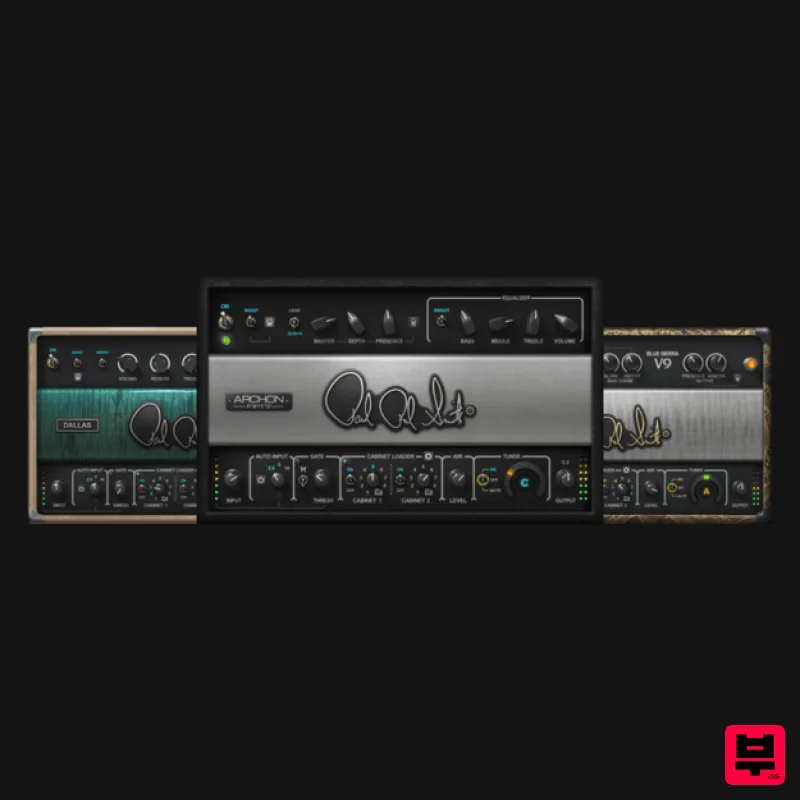
- PRS SuperModels Experience the Feel of Physical Guitar Amps This is the breakthrough guitarists have craved: amp models that not only sound like physical amps
- but feel like them. Created in close collaboration with Paul Reed this power trio of three unique models re-creates the experience—not just the tone—of playing through high-end tube amplifiers. From the Blue Sierra/V9’s clean crunch
- to the Dallas amp’s range of big rock and blues overdrive
- to the Archon’s versatility that ranges from pristine to high-gain
- these SuperModels have it all. Features The feel of playing through physical amplifiers 3 amps deliver exquisite tones for all musical genres Customize the dual cabs with 8 cab IRs
- or use 3rd-party IRs Musical tone stacks to shape your own distinctive sound Auto-Gain provides the perfect match for your guitar Boost switch sends amps into high-gain territory Controls for shaping tube
- transformer and boost responses Full MIDI implementation for compatibility with foot controllers Plugin or standalone app Mix
- Phase Fix & Time Fix for perfectly matching any 2 cabs System Requirements Mac macOS Monterey 12
- Ventura 13
- Sonoma 14
- Sequoia 15 VST / AU / AAX PC Windows 10+ VST / AAX 1. Head to https: //www.waves.com/create-account 2. Enter your email and choose a password to create an account (if you already have a Waves account
- choose Log in
- enter your details and head to Step 5) > click 'Submit' 3. Open your email inbox > click the activation link in the email from Waves 4. Click 'Log in here' > Log in to your Waves account 5. Click 'Register New Products' 6. Enter the Serial Number found in your Plugin Boutique user account > click 'Submit' 7. Click download in your Plugin Boutique user account or head to https: //www.waves.com/downloads/central > download the Waves Central app for your operating system 8. Install Waves Central > Open Waves Central 9. Click 'Log in' > enter your log in details 10. Click the 'Install Products' tab 11. Tick the blue dot on all products you wish to install or click the top dot to install all products > click 'Install & Activate' 12. Click 'OK' 13. Open your DAW > open the Waves plugin Your Waves plugins are installed and ready to use
- enjoy!
Additional Information
About the Waves PRS SuperModels
The Waves PRS SuperModels combines traditional design with modern performance for Amp Simulator enthusiasts.
Why Choose the Waves PRS SuperModels?
- •Authentic Waves craftsmanship and design
- •Versatile sound suitable for multiple musical genres
- •Professional build quality and reliable performance
- •Part of Waves's respected Amp Simulator lineup
Compare & Explore
Browse our complete selection of Waves instruments or explore other Amp Simulator options. Use our comparison tools to find the perfect match for your musical style and budget.
Similar Products
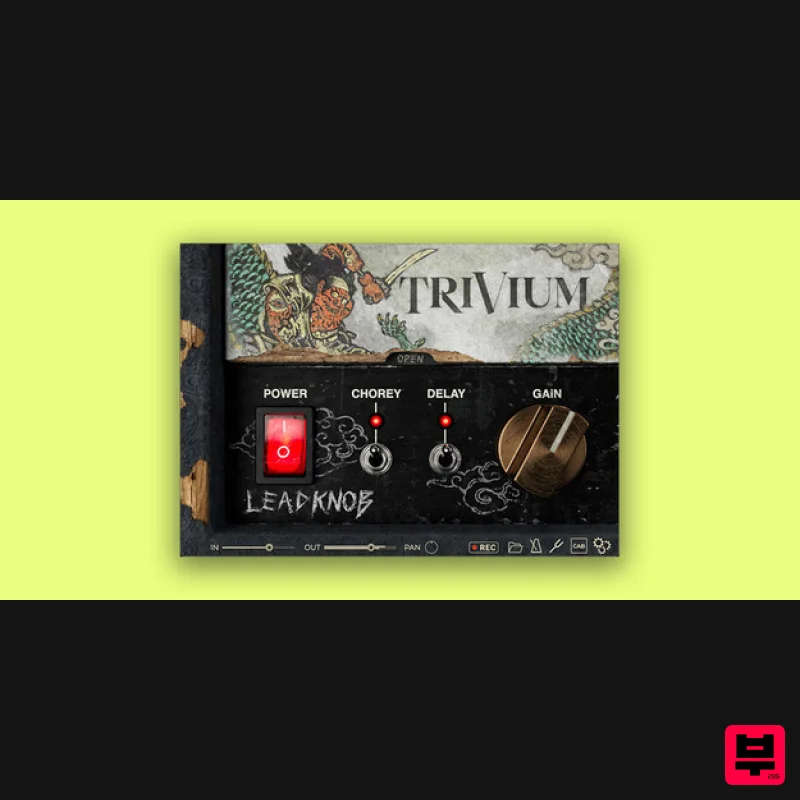
Bogren Digital AmpKnob Trivium Lead
Amp Simulator
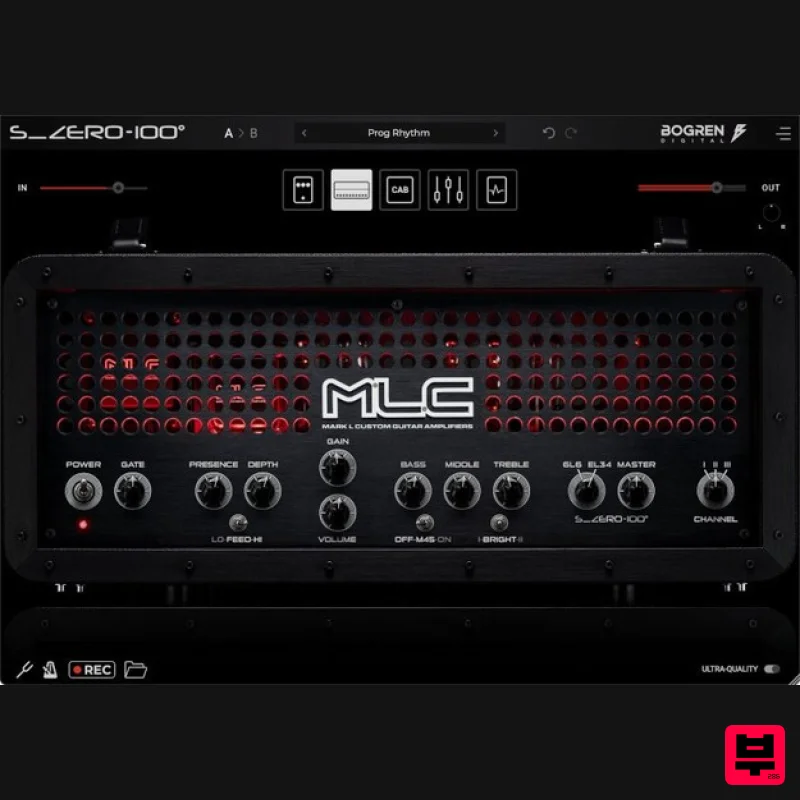
Bogren Digital MLC S_Zero 100
Amp Simulator
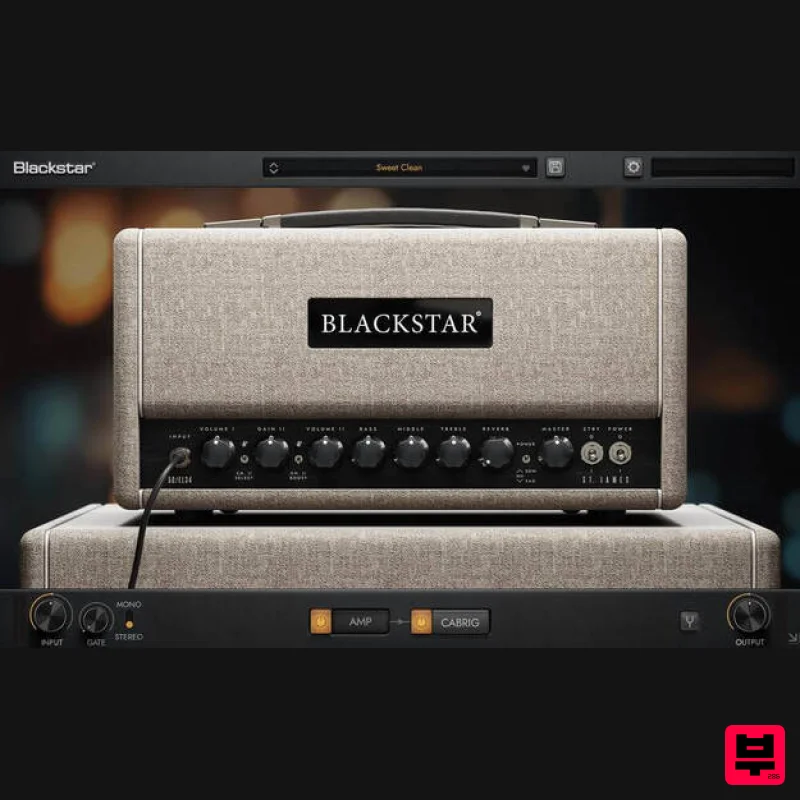
Blackstar St. James EL34
Amp Simulator
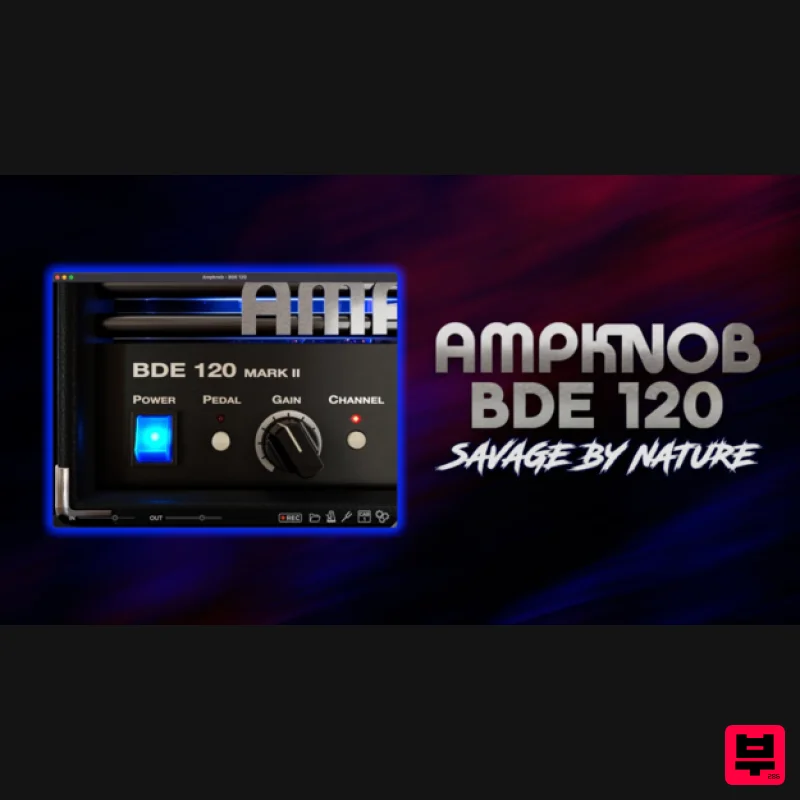
Bogren Digital AmpKnob BDE 120
Amp Simulator
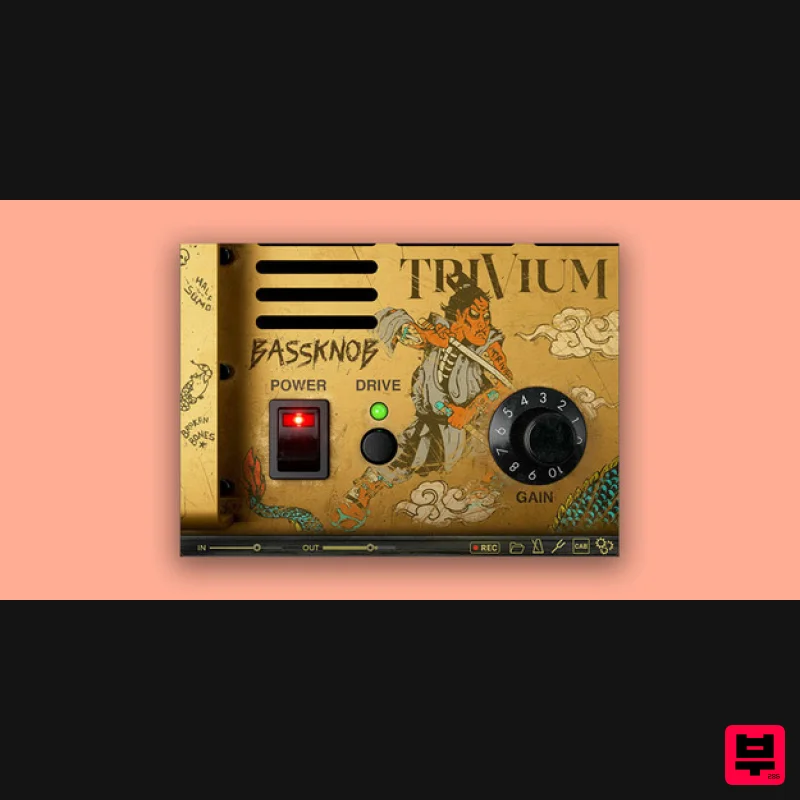
Bogren Digital BassKnob Trivium
Amp Simulator

Two Notes Audio Engineering Torpedo Wall of Sound | Plugin Boutique Edition
Amp Simulator
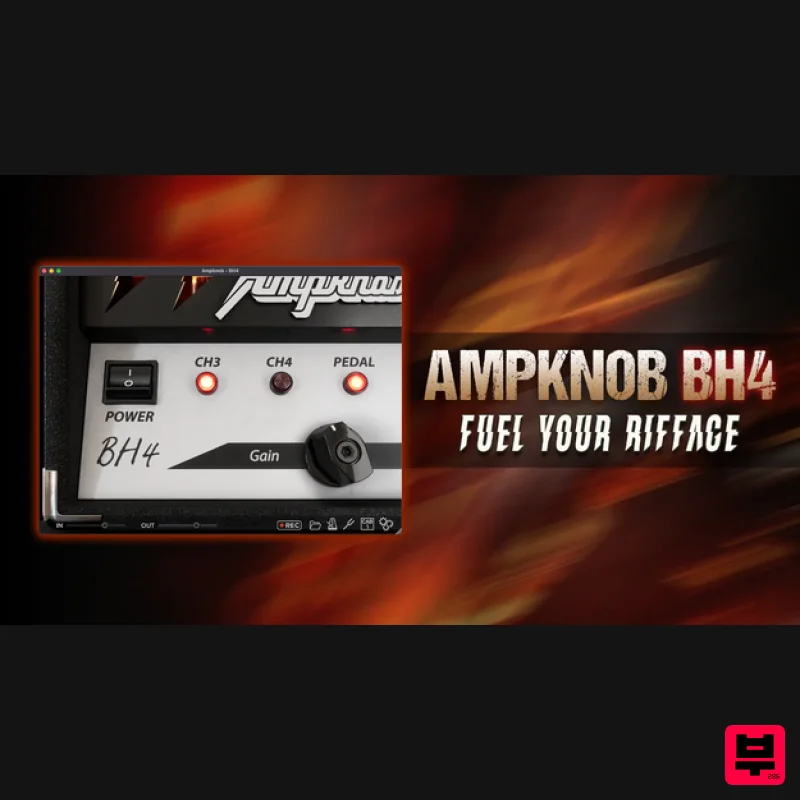
Bogren Digital AmpKnob BH4
Amp Simulator
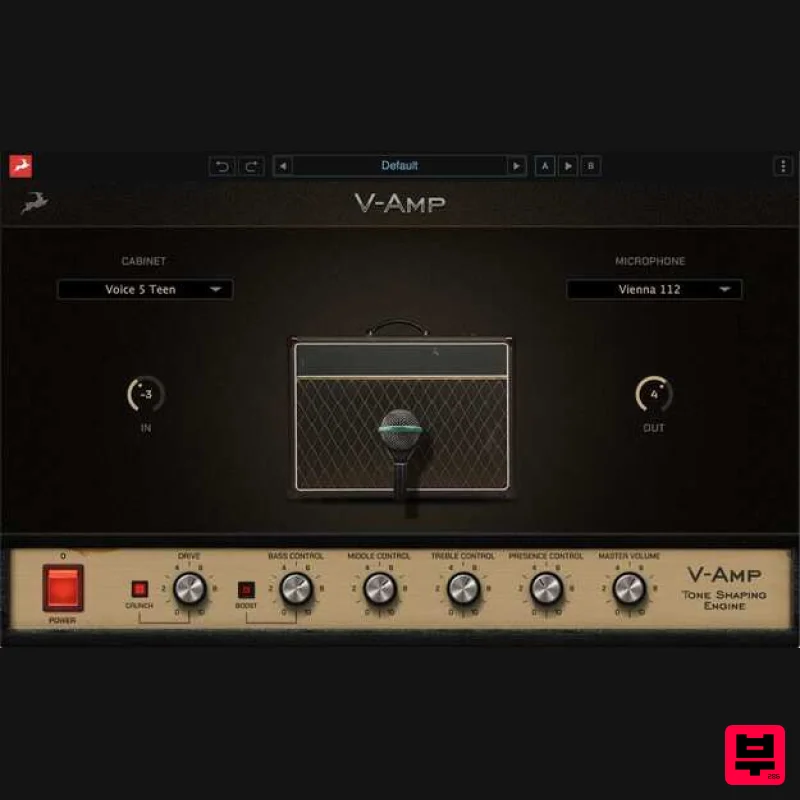
Antelope Audio V-AMP
Amp Simulator

