
Waves PAZ Analyzer
Professional music gear - detailed information and where to buy
Waves
PAZ Analyzer
Product Info
* Prices may vary. Check retailer for current pricing and availability.
Product Description
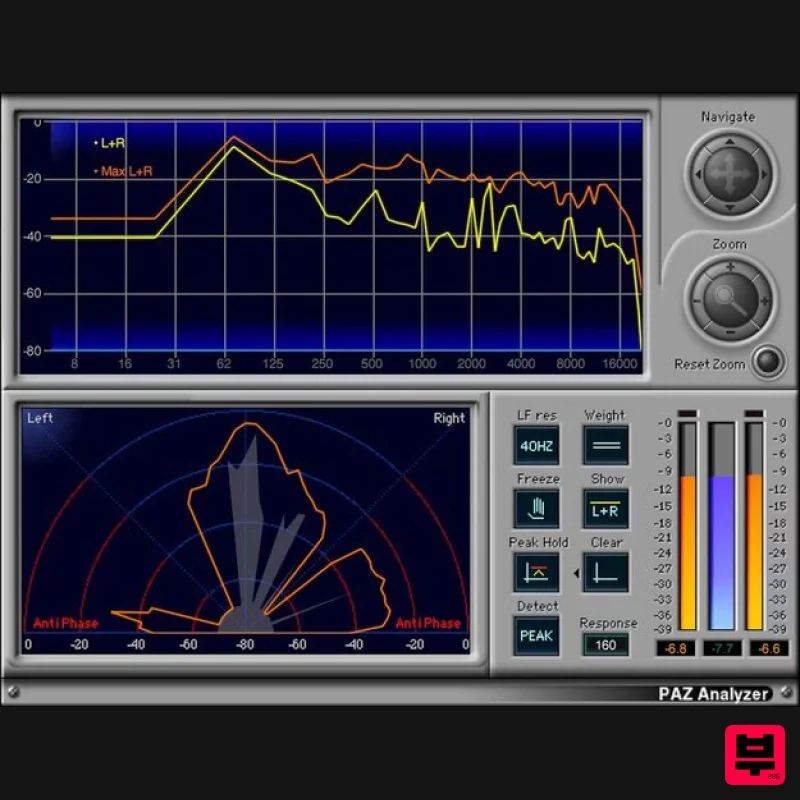
- PAZ Analyzer Reveal Your Audio’s Sonic Secrets The more you know about your audio
- the better—and PAZ shows what you need to know. Improve mixes and masters by seeing frequency response
- stereo field loudness spread
- phase anomalies
- and adjacent peak and RMS level meters (with four different weighting curves). PAZ Analyzer is amazingly accurate
- and a breeze to use. Load the full analyzer to see all graphic representations simultaneously
- or load separate components—even save results as a text file. Features Choose Peak or RMS spectrum analysis
- and response time 52 or 68 bands of precision spectrum analysis Indicates potential issues with out-of-phase audio Stereo Position Display shows stereo loudness distribution Meters can hold peak values
- with independent reset RMS meter is between left/right peak meters for easy comparison Weighting curves are unweighted
- and dBC Meters in the full plugin have resettable clip indicators System Requirements Mac macOS Monterey 12
- Ventura 13
- Sonoma 14
- Sequoia 15 VST / AU / AAX PC Windows 10+ VST / AAX 1. Head to https: //www.waves.com/create-account 2. Enter your email and choose a password to create an account (if you already have a Waves account
- choose Log in
- enter your details and head to Step 5) > click 'Submit' 3. Open your email inbox > click the activation link in the email from Waves 4. Click 'Log in here' > Log in to your Waves account 5. Click 'Register New Products' 6. Enter the Serial Number found in your Plugin Boutique user account > click 'Submit' 7. Click download in your Plugin Boutique user account or head to https: //www.waves.com/downloads/central > download the Waves Central app for your operating system 8. Install Waves Central > Open Waves Central 9. Click 'Log in' > enter your log in details 10. Click the 'Install Products' tab 11. Tick the blue dot on all products you wish to install or click the top dot to install all products > click 'Install & Activate' 12. Click 'OK' 13. Open your DAW > open the Waves plugin Your Waves plugins are installed and ready to use
- enjoy!
Additional Information
About the Waves PAZ Analyzer
Discover the distinctive sound and feel of the Waves PAZ Analyzer, a standout choice among Spectral Analysis.
Why Choose the Waves PAZ Analyzer?
- •Authentic Waves craftsmanship and design
- •Versatile sound suitable for multiple musical genres
- •Professional build quality and reliable performance
- •Part of Waves's respected Spectral Analysis lineup
Compare & Explore
Browse our complete selection of Waves instruments or explore other Spectral Analysis options. Use our comparison tools to find the perfect match for your musical style and budget.
Similar Products
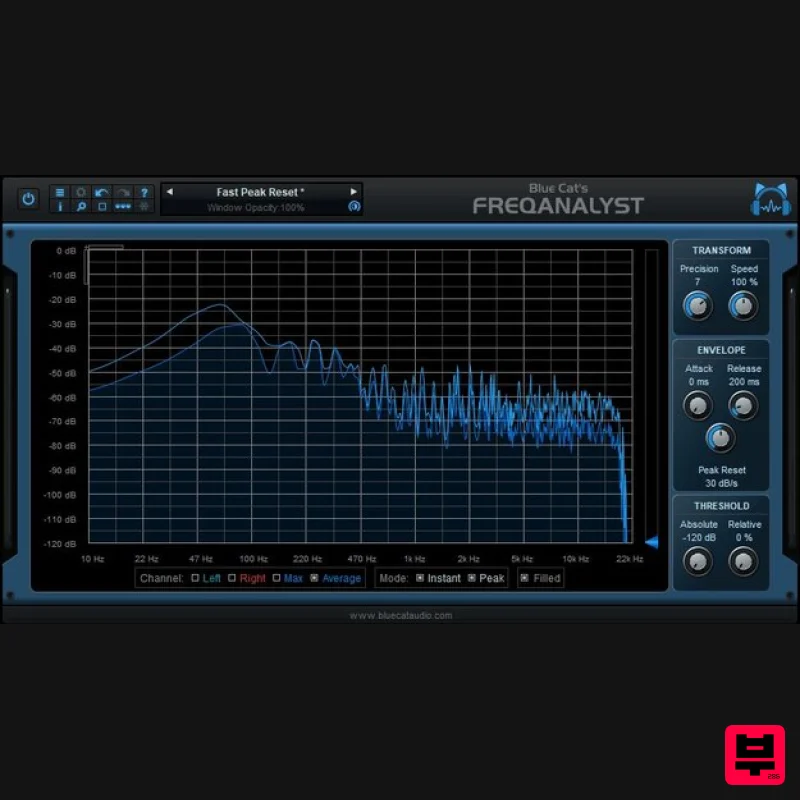
Blue Cat Audio Blue Cat's FreqAnalyst
Spectral Analysis
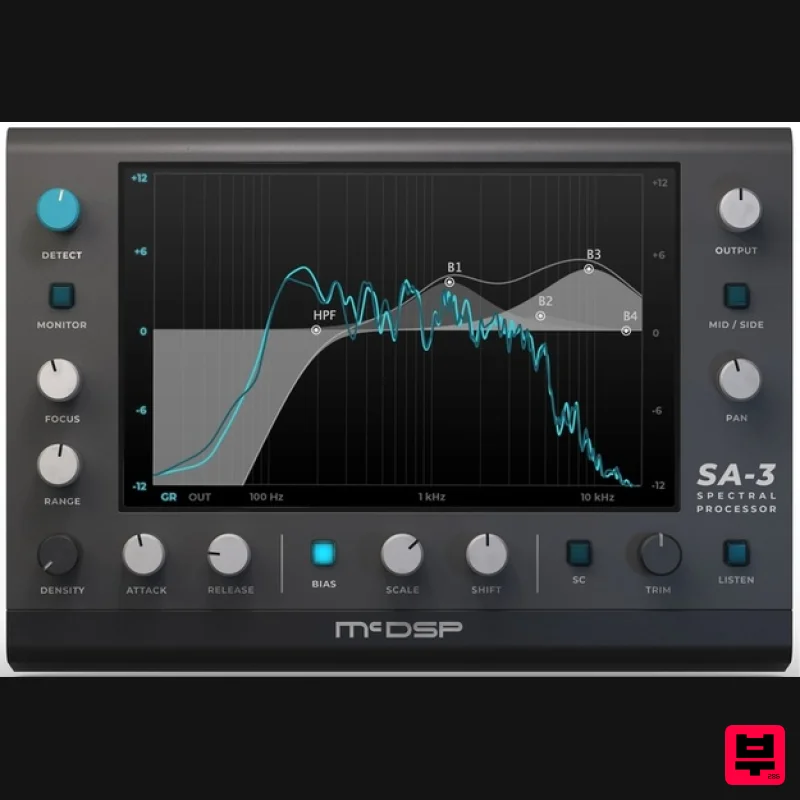
McDSP SA-3 Spectral Processor
Spectral Analysis
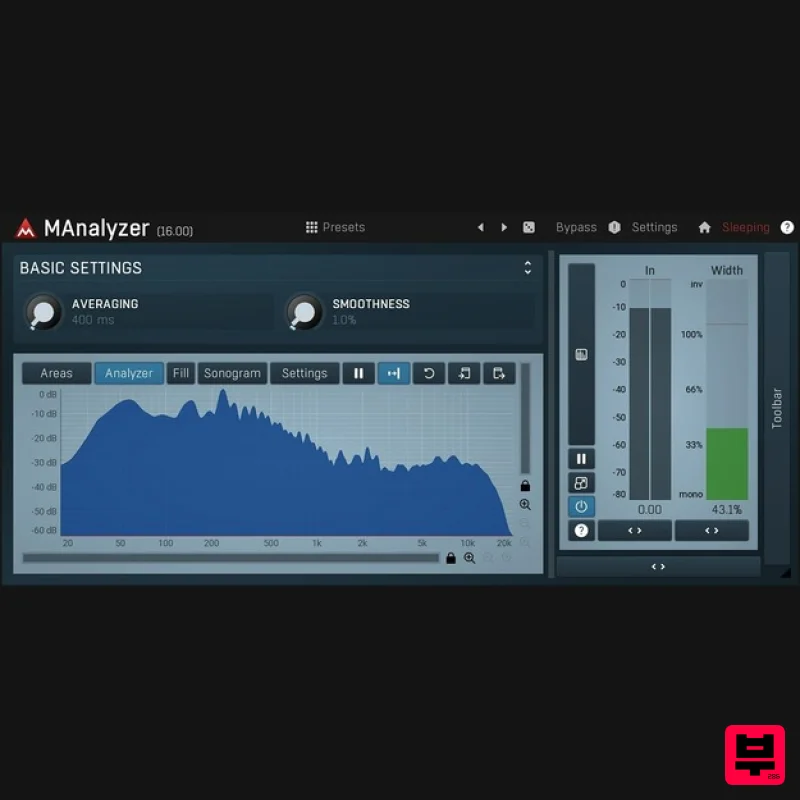
MeldaProduction MAnalyzer
Spectral Analysis
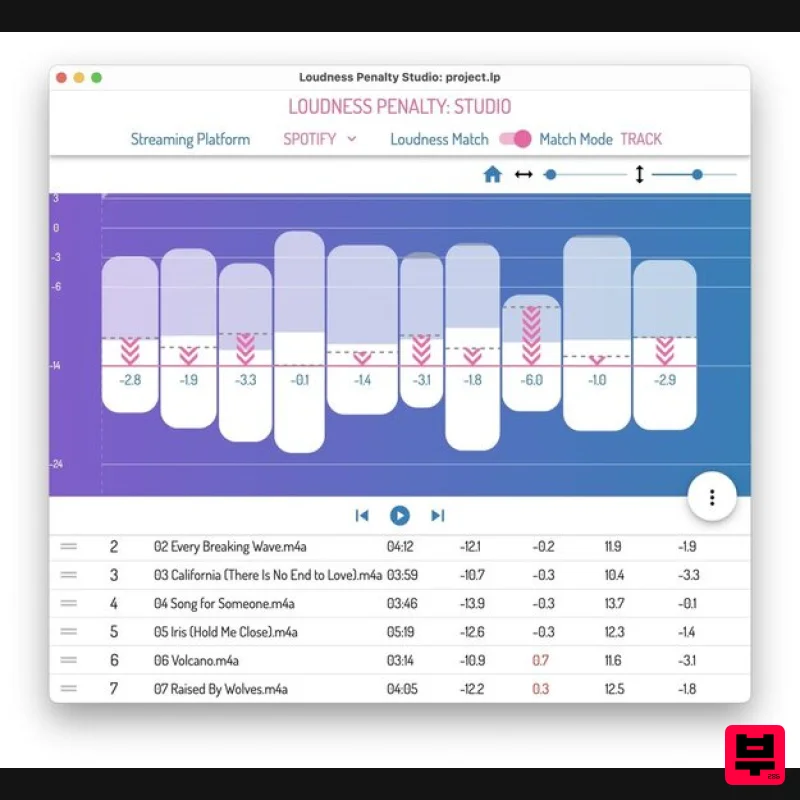
MeterPlugs Loudness Penalty Studio
Spectral Analysis
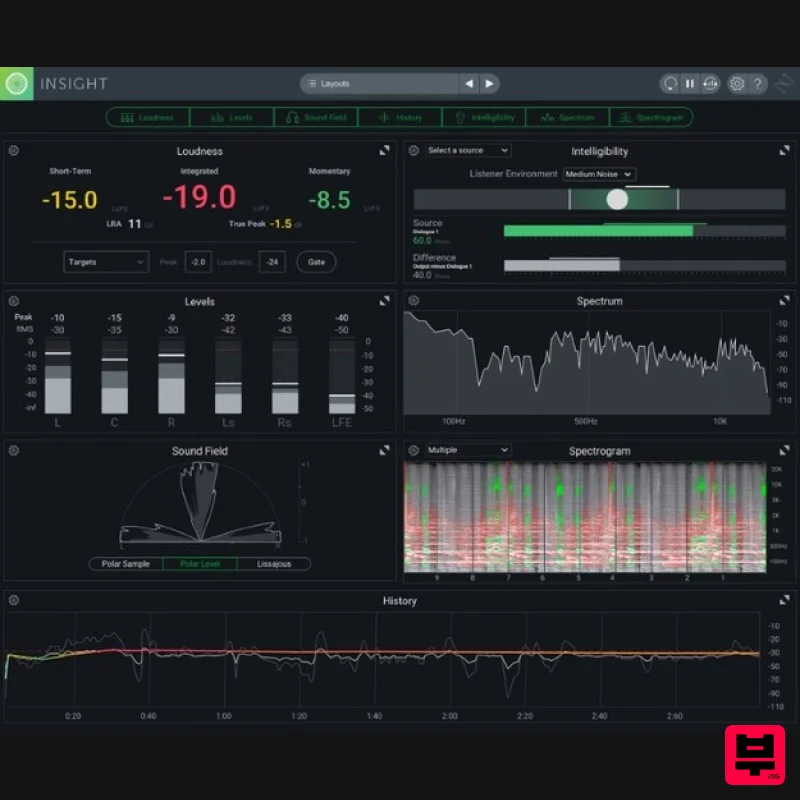
iZotope Insight 2 Educational Version
Spectral Analysis
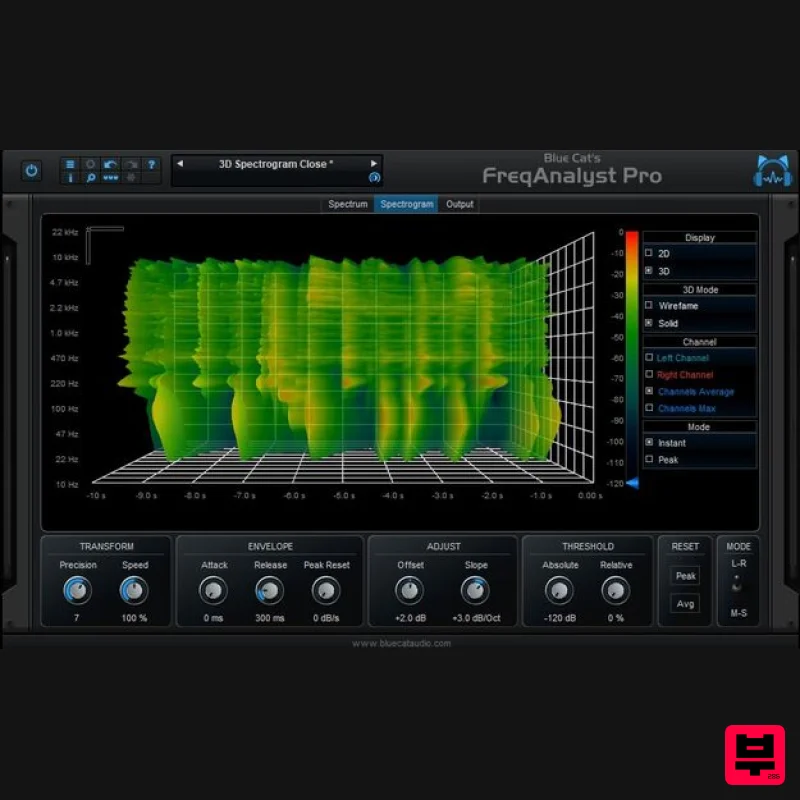
Blue Cat Audio Blue Cat's FreqAnalyst Pro
Spectral Analysis
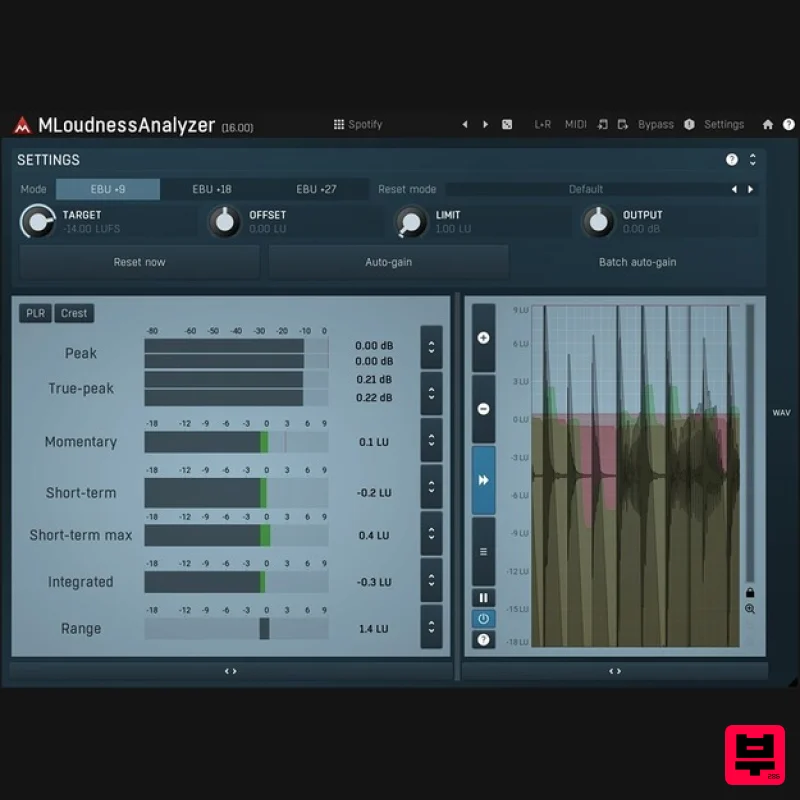
MeldaProduction MLoudnessAnalyzer
Spectral Analysis
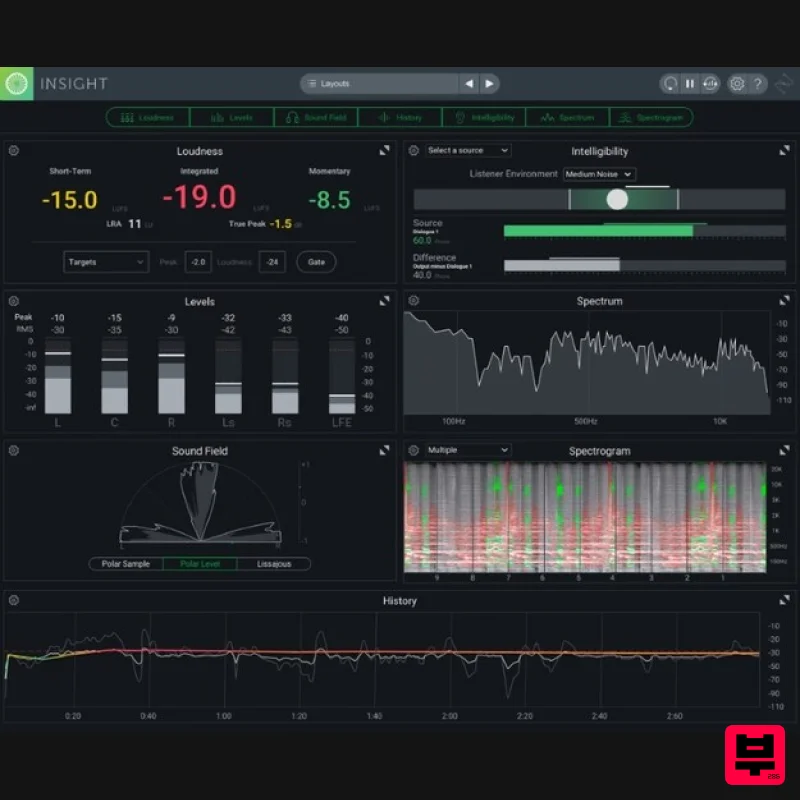
iZotope Insight 2
Spectral Analysis

