
Waves OneKnob Driver
Professional music gear - detailed information and where to buy
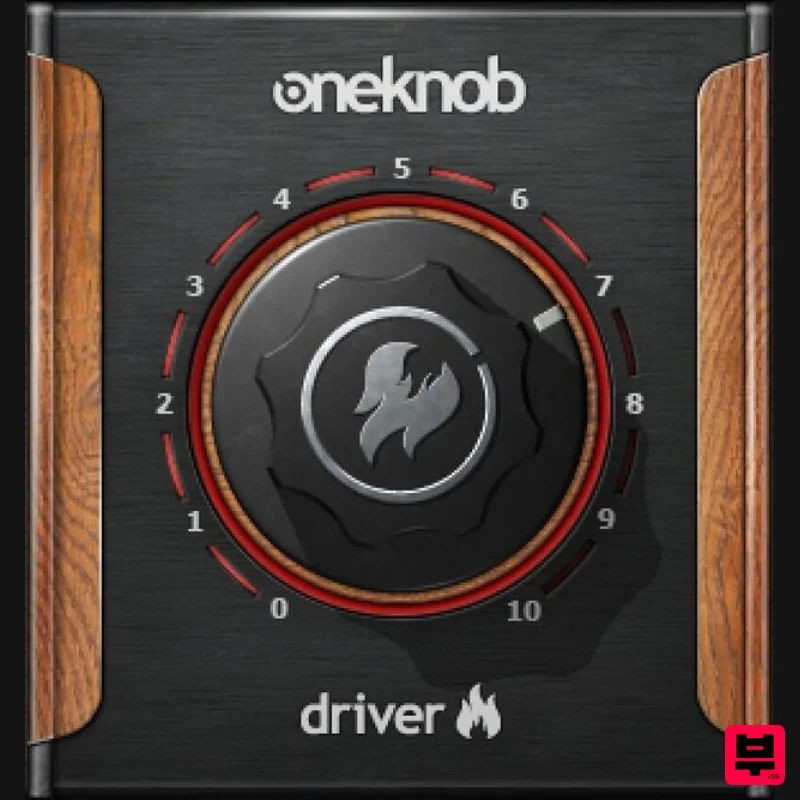
Waves
OneKnob Driver
Product Info
* Prices may vary. Check retailer for current pricing and availability.
Product Description
- OneKnob Driver Subtle Crunch
- Brutal Overdrive
- and Everything in Between There’s a lot going on behind this deceptively simple knob. Turn it up
- and distortion goes from nothing
- to 2nd and 3rd harmonic distortion
- and finally to heavy 3rd harmonic distortion. Meanwhile
- EQ tracks the crunch to boost just the right frequencies at the right settings. OneKnob Driver is like having several guitar overdrive pedals
- but with one knob across all their overdrive characteristics. And as many have discovered—overdrive is definitely not only for guitars. Features Level
- and saturation are optimized to work together Multiple sonic variations as you turn the knob Much more convenient than trying out multiple overdrive pedals A favorite for kick
- bass
- and even vocals Transitions from traditional analog sound to digital at higher settings Makes rhythm guitars and aux channels come alive in a mix System Requirements Mac macOS Monterey 12
- Ventura 13
- Sonoma 14
- Sequoia 15 VST / AU / AAX PC Windows 10+ VST / AAX 1. Head to https: //www.waves.com/create-account 2. Enter your email and choose a password to create an account (if you already have a Waves account
- choose Log in
- enter your details and head to Step 5) > click 'Submit' 3. Open your email inbox > click the activation link in the email from Waves 4. Click 'Log in here' > Log in to your Waves account 5. Click 'Register New Products' 6. Enter the Serial Number found in your Plugin Boutique user account > click 'Submit' 7. Click download in your Plugin Boutique user account or head to https: //www.waves.com/downloads/central > download the Waves Central app for your operating system 8. Install Waves Central > Open Waves Central 9. Click 'Log in' > enter your log in details 10. Click the 'Install Products' tab 11. Tick the blue dot on all products you wish to install or click the top dot to install all products > click 'Install & Activate' 12. Click 'OK' 13. Open your DAW > open the Waves plugin Your Waves plugins are installed and ready to use
- enjoy!
Additional Information
About the Waves OneKnob Driver
The Waves OneKnob Driver represents excellent craftsmanship in the Distortion category.
Why Choose the Waves OneKnob Driver?
- •Authentic Waves craftsmanship and design
- •Versatile sound suitable for multiple musical genres
- •Professional build quality and reliable performance
- •Part of Waves's respected Distortion lineup
Compare & Explore
Browse our complete selection of Waves instruments or explore other Distortion options. Use our comparison tools to find the perfect match for your musical style and budget.
Similar Products
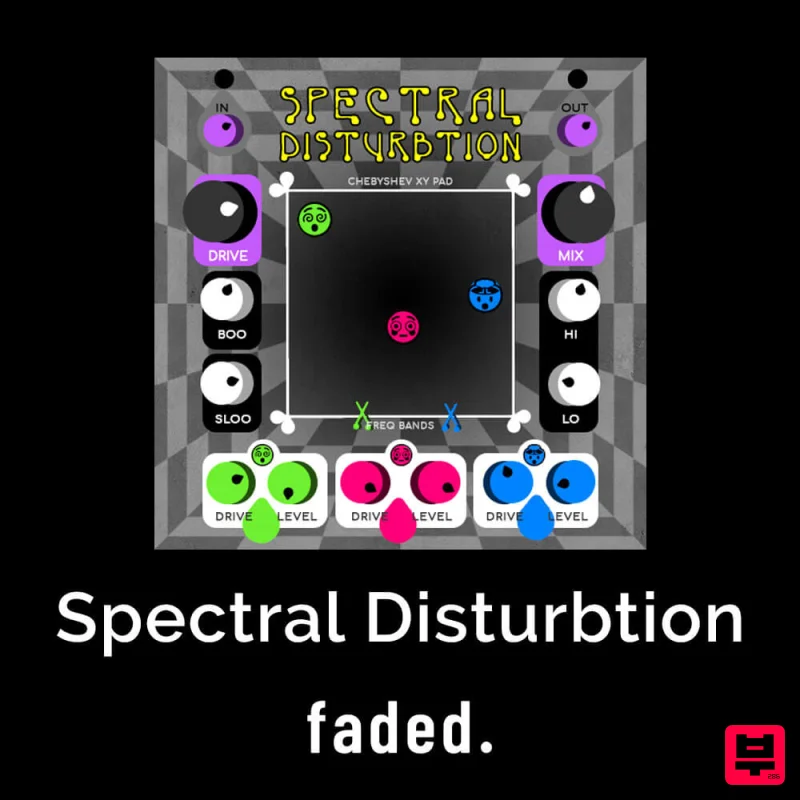
Faded Instruments Spectral Disturbtion
Distortion
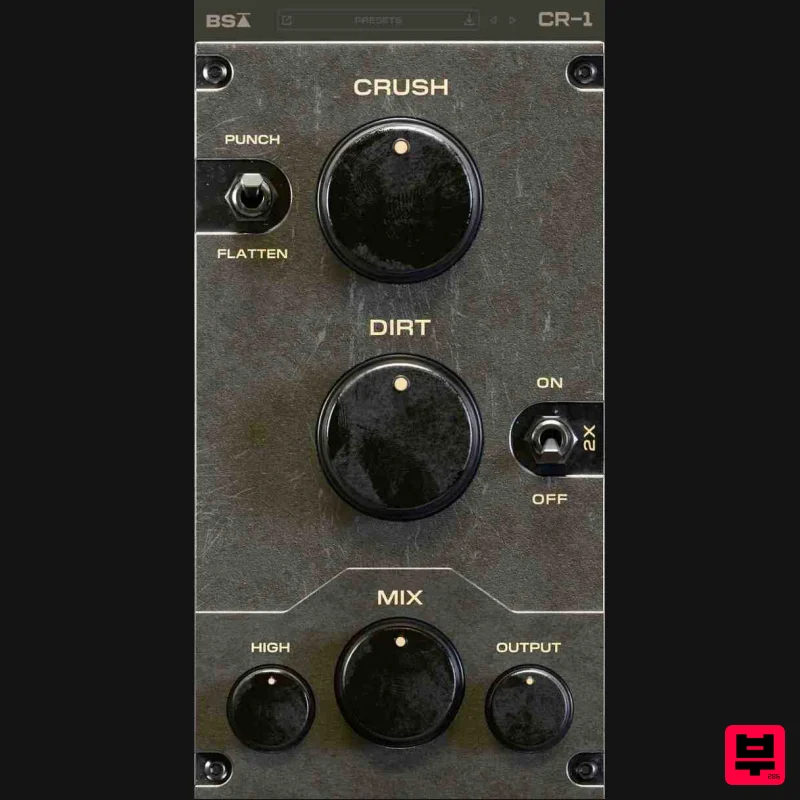
Black Salt Audio CR-1
Distortion
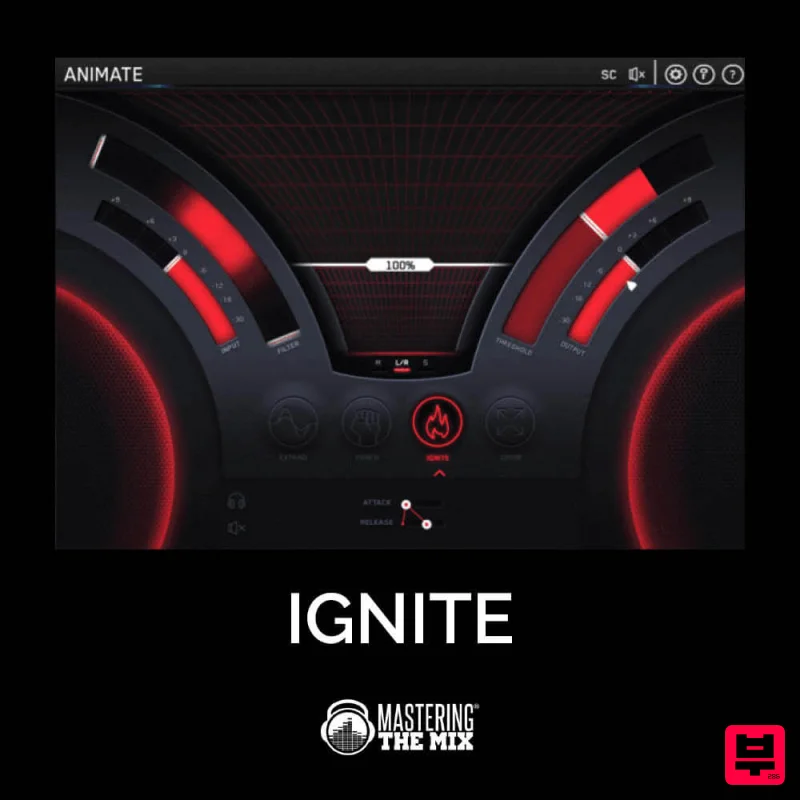
Mastering The Mix IGNITE
Distortion
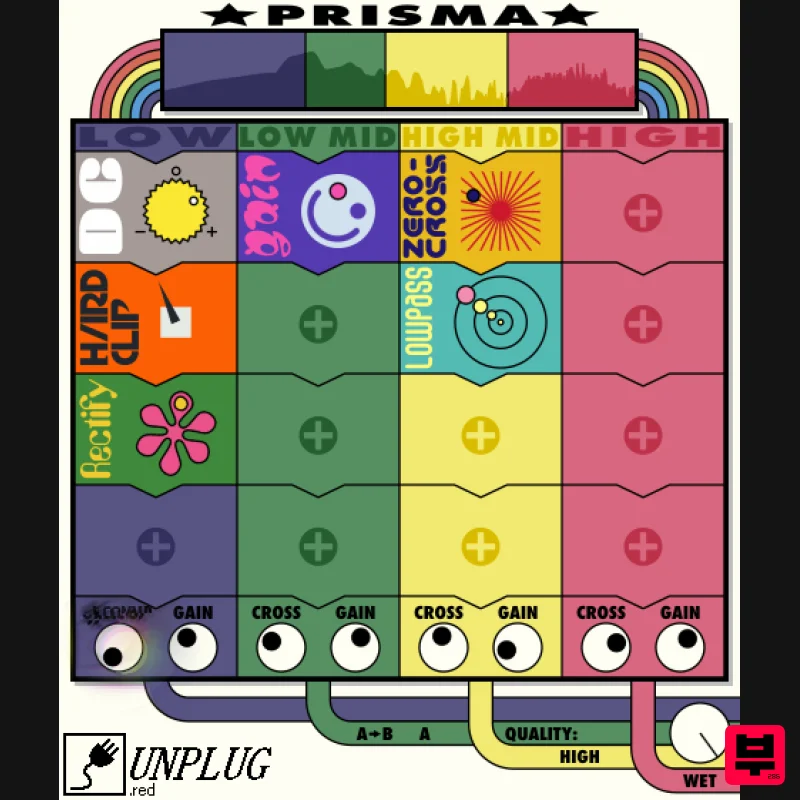
UnplugRed Prisma
Distortion
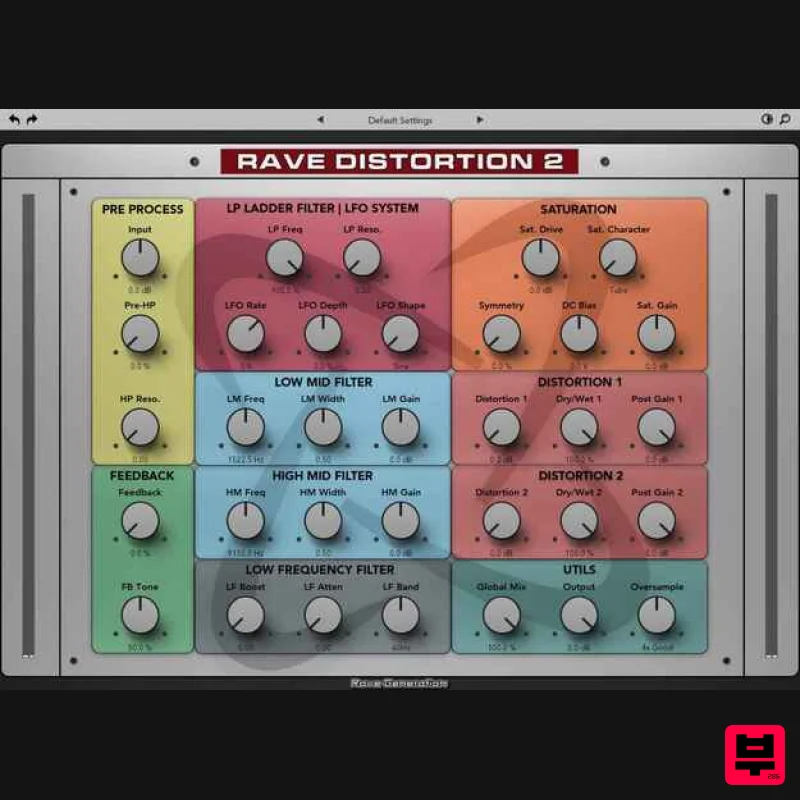
Rave Generation Rave Distortion 2
Distortion
Soundspear Blowfish
Distortion
Soundspear Rumble
Distortion
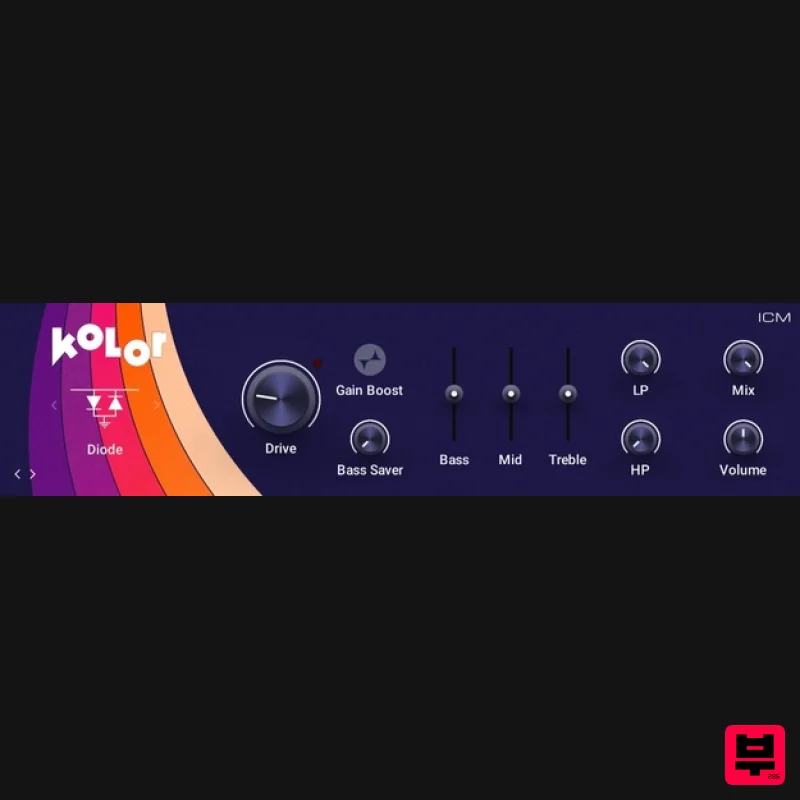
Native Instruments Kolor
Distortion

