
Waves Morphoder
Professional music gear - detailed information and where to buy
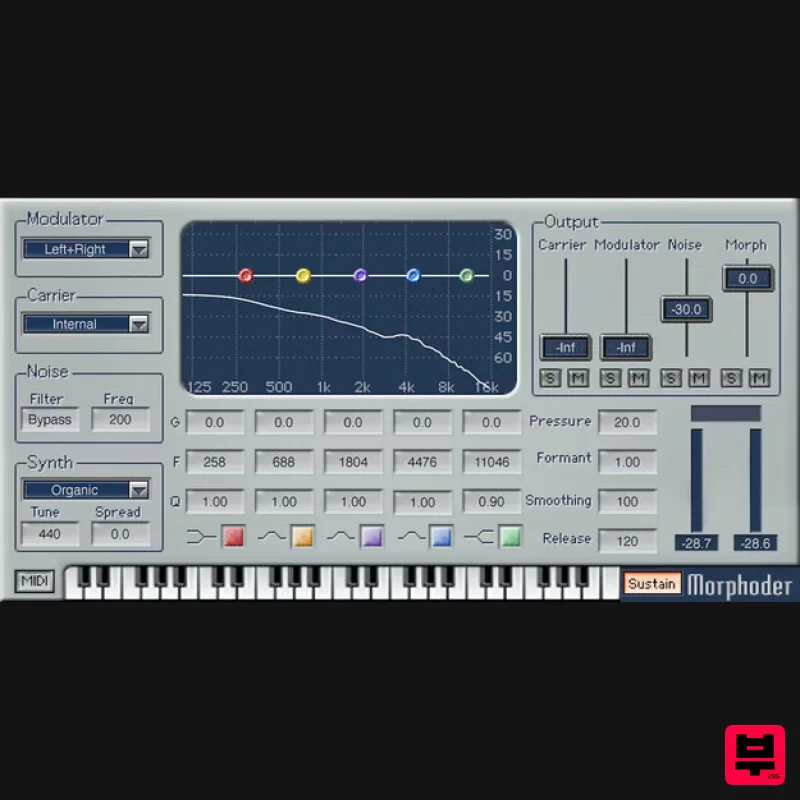
Product Description
- Morphoder A Sound Designer’s Paradise
- with Built-In Vocoder This is the vocoder that goes beyond vocoding. It’s not just about “talking instruments”—play the built-in polysynth (or an external synth) via MIDI
- and “drumcode” the sound for rhythmic pads. Create crowd sounds
- double vocals with creepy whispers
- invent new sound effects
- and more. With extra features like multiband parametric EQ
- output mixer for dry and morphed sounds
- and not being limited to using only keyboards
- Morphoder is an unparalleled sonic playground. Features Intelligible vocoding
- with filtered white noise for “s” sounds Internal polysynth (useable separately) with 10 presets 5-band parametric EQ for precision sound-shaping Re-create classic 80s vocoder sounds
- or invent modern effects Apply modulation to the synth
- track
- sidechain
- or either channel Modulate audio with a stereo track
- either channel
- or sidechain Control the vocal formant
- and release time Inserts like an effect
- but also has MIDI in for keyboard control System Requirements Mac macOS Monterey 12
- Ventura 13
- Sonoma 14
- Sequoia 15 VST / AU / AAX PC Windows 10+ VST / AAX 1. Head to https: //www.waves.com/create-account 2. Enter your email and choose a password to create an account (if you already have a Waves account
- choose Log in
- enter your details and head to Step 5) > click 'Submit' 3. Open your email inbox > click the activation link in the email from Waves 4. Click 'Log in here' > Log in to your Waves account 5. Click 'Register New Products' 6. Enter the Serial Number found in your Plugin Boutique user account > click 'Submit' 7. Click download in your Plugin Boutique user account or head to https: //www.waves.com/downloads/central > download the Waves Central app for your operating system 8. Install Waves Central > Open Waves Central 9. Click 'Log in' > enter your log in details 10. Click the 'Install Products' tab 11. Tick the blue dot on all products you wish to install or click the top dot to install all products > click 'Install & Activate' 12. Click 'OK' 13. Open your DAW > open the Waves plugin Your Waves plugins are installed and ready to use
- enjoy!
Additional Information
About the Waves Morphoder
The Waves Morphoder combines traditional design with modern performance for Vocoder enthusiasts.
Why Choose the Waves Morphoder?
- •Authentic Waves craftsmanship and design
- •Versatile sound suitable for multiple musical genres
- •Professional build quality and reliable performance
- •Part of Waves's respected Vocoder lineup
Compare & Explore
Browse our complete selection of Waves instruments or explore other Vocoder options. Use our comparison tools to find the perfect match for your musical style and budget.
Similar Products
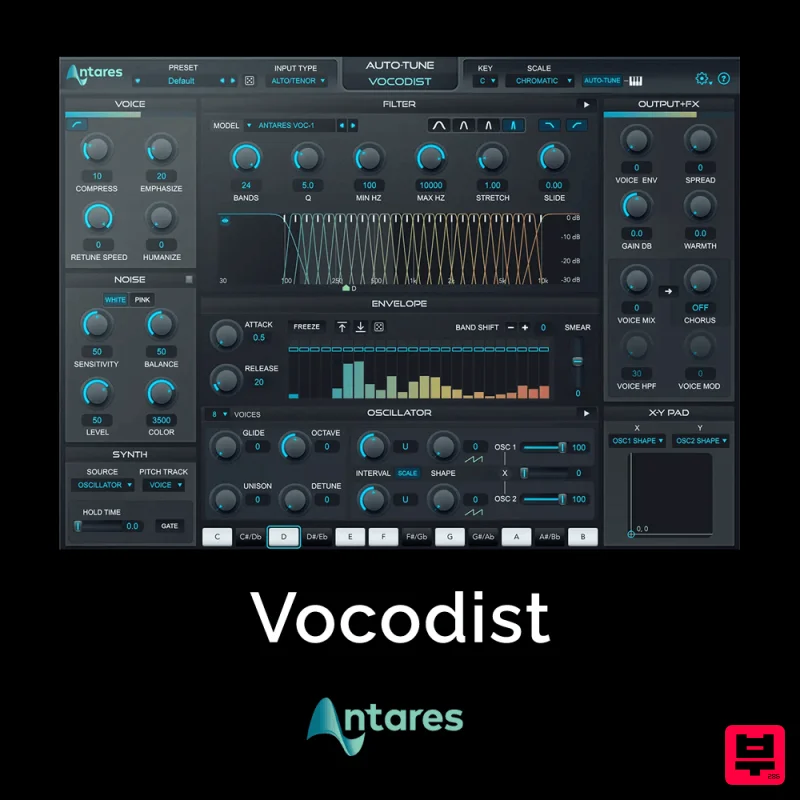
Antares Vocodist
Vocoder
$30
The Human Voice. Synthesized Immediately recognizable, always unforgettable. Produce the unmistakable effect made...
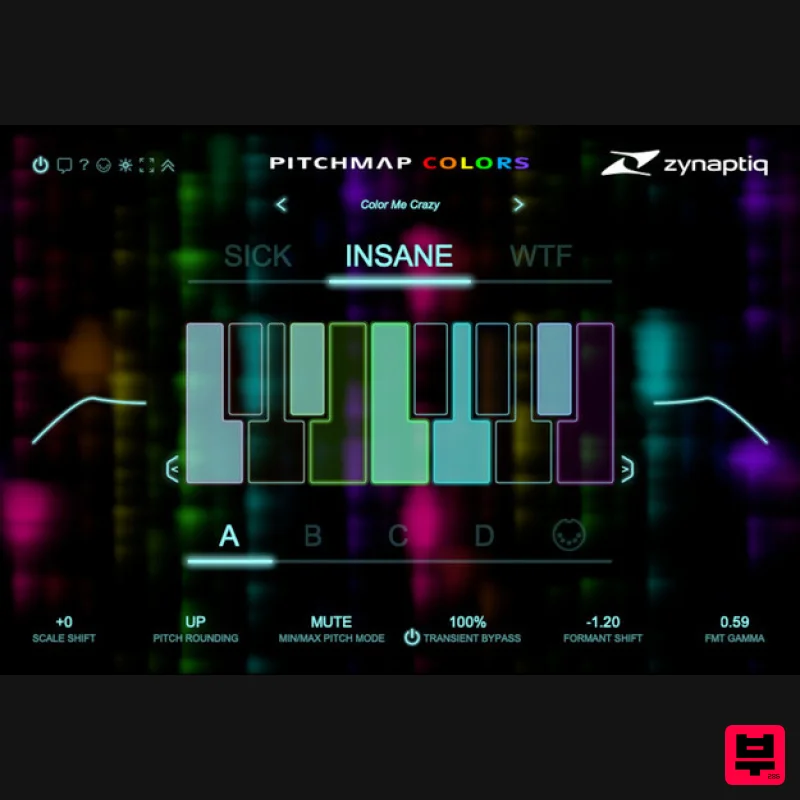
Zynaptiq PITCHMAP::COLORS
Vocoder
$119
Pitchmap::Colors Bring COLOR to Your Sound Conform audio to your song's key/scale, colorize your basses and synths, and...
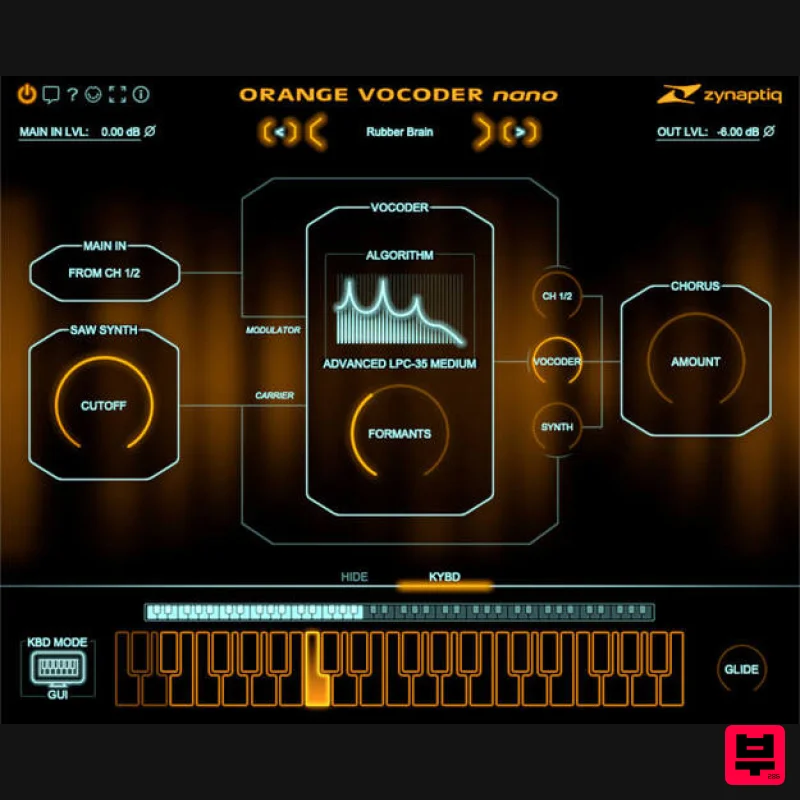
Zynaptiq ORANGE VOCODER NANO
Vocoder
$59
Orange Vocoder Nano Awesome Vocoding, Streamlined Add pristine vocoder sounds to your projects quickly and easily with...
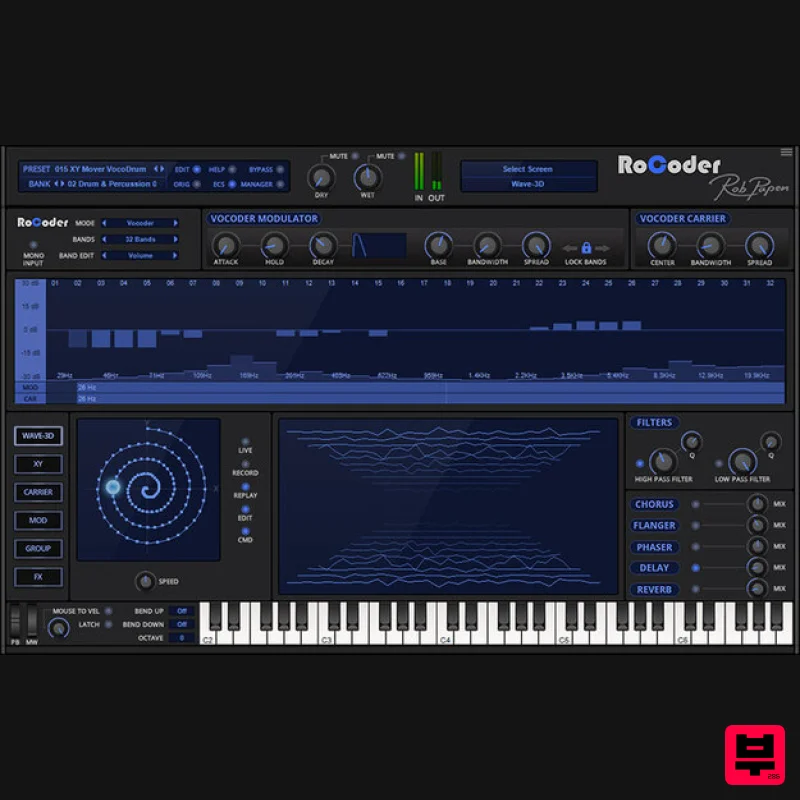
Rob Papen RoCoder
Vocoder
$51
Extreme Vocal Modulation in One Complete Package The RoCoder name is very close to that of the original Vocoders given...
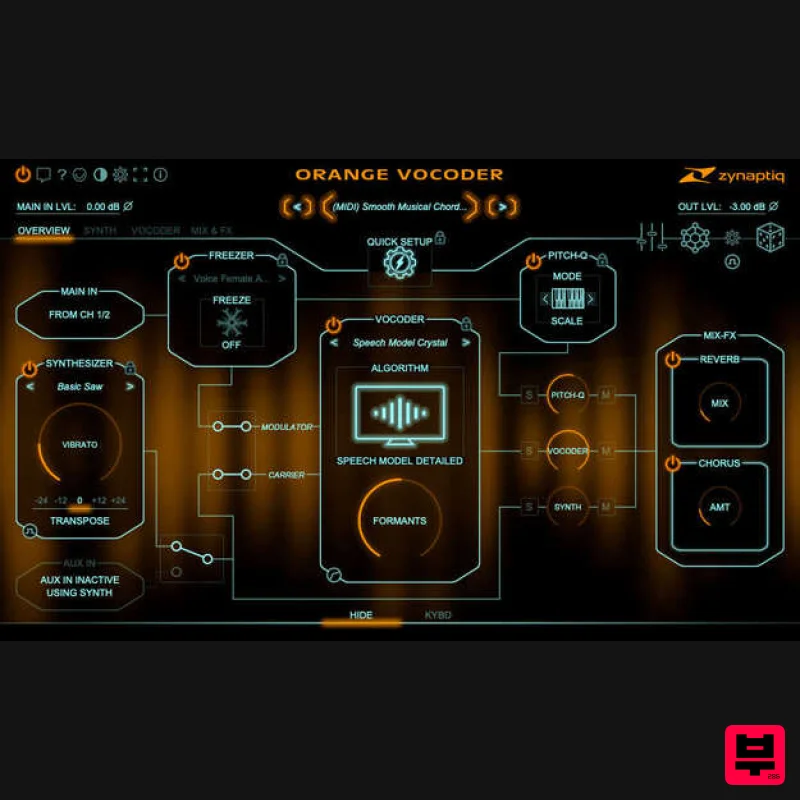
Zynaptiq ORANGE VOCODER IV
Vocoder
$179
Orange Vocoder IV Vocoding, Zynaptified Combining the most comprehensive and best-sounding set of vocoding algorithms...
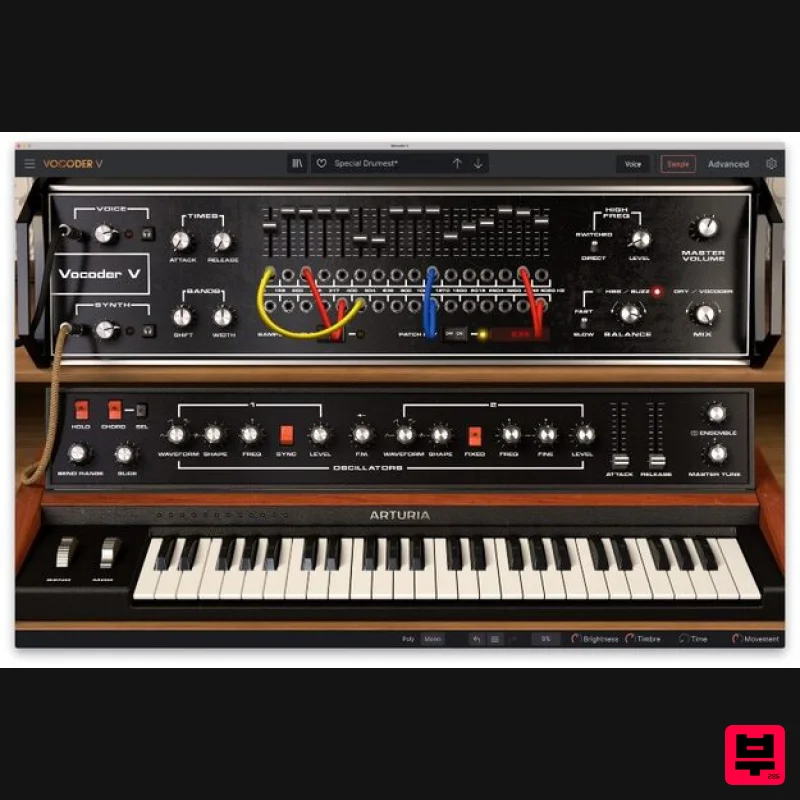
Arturia Vocoder V
Vocoder
$156
Ultimate Voice Electrifier Vocoder V takes the iconic 16-Band Vocoder and retrofits it with advanced synth, sampler,...
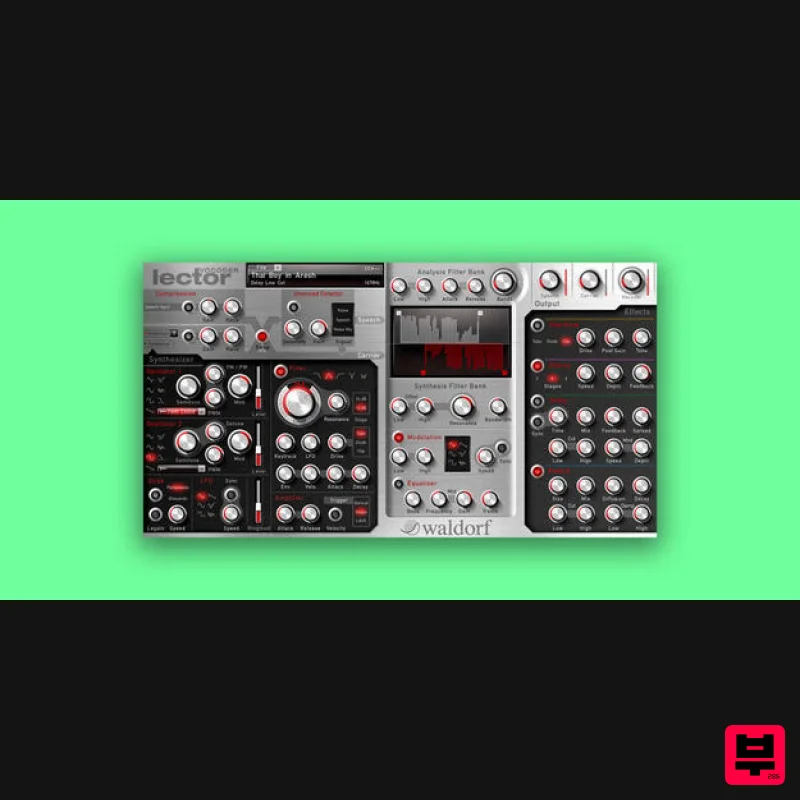
Waldorf Lector
Vocoder
$169
Lector is a vocoder with superior intelligibility and performance. The 100 band stereo vocoder core is flanked by a...
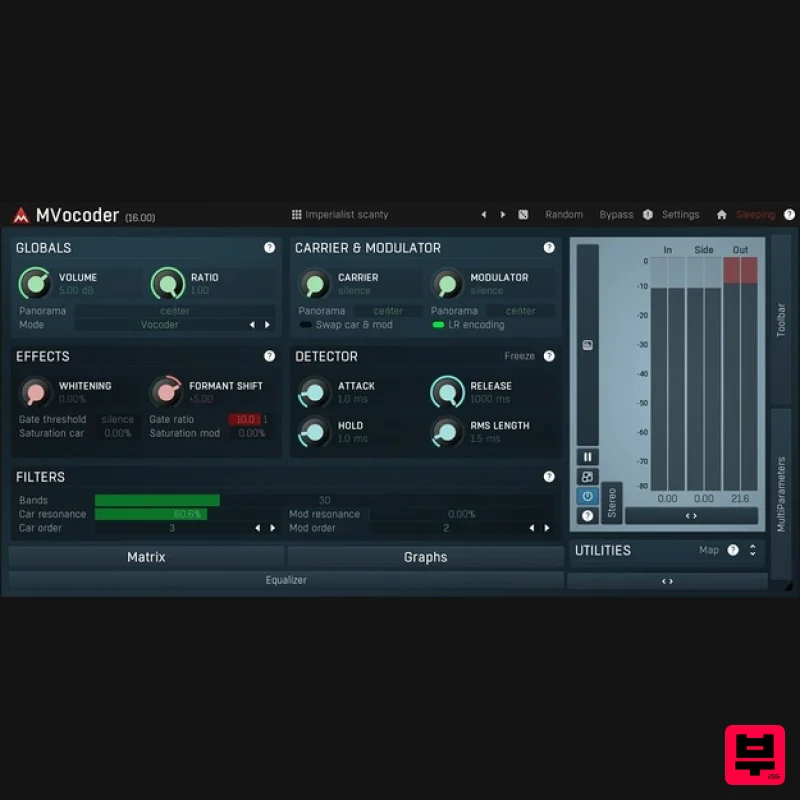
MeldaProduction MVocoder
Vocoder
$51
Robotic voices, singing synthesizers, morphing between multiple audio materials. That's MVocoder, a vocoder with...
Frequently Asked Questions
The Waves Morphoder stands out for its exceptional Waves craftsmanship and innovative design.
Yes! With its affordable price point and quality construction, it's perfect for learning vocoder.
Browse the similar products section to see how it stacks up against other vocoder.

