
Waves MondoMod
Professional music gear - detailed information and where to buy
Waves
MondoMod
Product Info
* Prices may vary. Check retailer for current pricing and availability.
Product Description
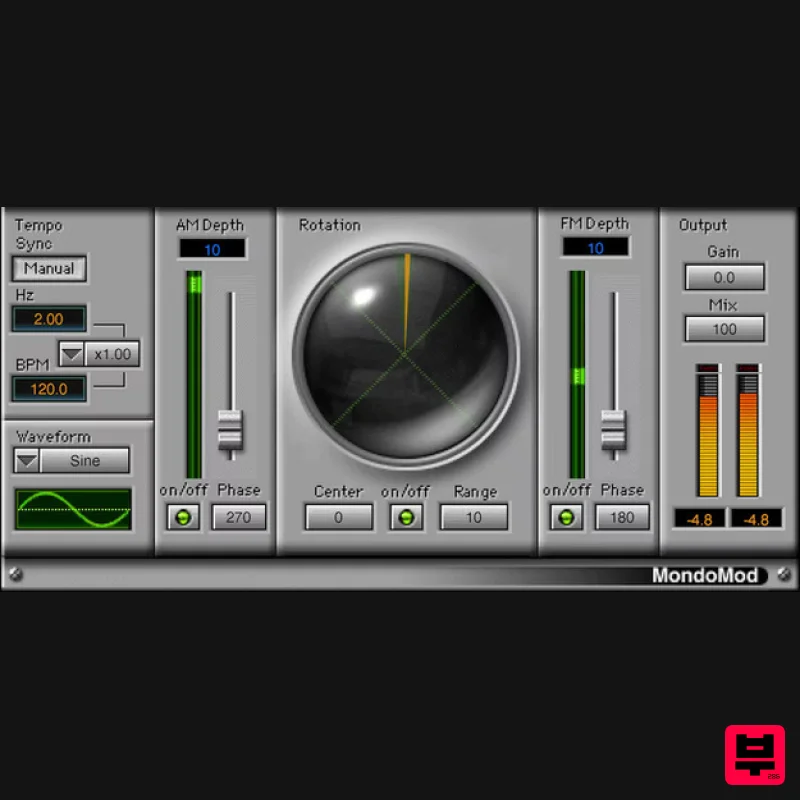
- MondoMod Visit an Alternate Universe of Modulation Effects Whether you’re a seasoned sound designer or exploring the furthest reaches of what effects can do
- MondoMod re-casts the role of tremolo
- vibrato
- and panning. Spanning the range from sweet to insane
- MondoMod ventures where other no other modulation effect has gone before. From vibrato frequencies so high they can create lo-fi ring mod FX
- to rotation-based panning that gives movement beyond stereo placement
- MondoMod makes modulation surprising again. Features Use frequency
- amplitude
- and rotational panning simultaneously 360-degree rotational panning gives space and motion to sounds Pan audio over any range in the stereo field Modulation rate goes to 6 kHz
- for ring modulation and lo-fi effects Turn off FM modulation to add tight delay to processed sound Create subtle chorusing
- doubling
- and image-widening System Requirements Mac macOS Monterey 12
- Ventura 13
- Sonoma 14
- Sequoia 15 VST / AU / AAX PC Windows 10+ VST / AAX 1. Head to https: //www.waves.com/create-account 2. Enter your email and choose a password to create an account (if you already have a Waves account
- choose Log in
- enter your details and head to Step 5) > click 'Submit' 3. Open your email inbox > click the activation link in the email from Waves 4. Click 'Log in here' > Log in to your Waves account 5. Click 'Register New Products' 6. Enter the Serial Number found in your Plugin Boutique user account > click 'Submit' 7. Click download in your Plugin Boutique user account or head to https: //www.waves.com/downloads/central > download the Waves Central app for your operating system 8. Install Waves Central > Open Waves Central 9. Click 'Log in' > enter your log in details 10. Click the 'Install Products' tab 11. Tick the blue dot on all products you wish to install or click the top dot to install all products > click 'Install & Activate' 12. Click 'OK' 13. Open your DAW > open the Waves plugin Your Waves plugins are installed and ready to use
- enjoy!
Additional Information
About the Waves MondoMod
The Waves MondoMod combines traditional design with modern performance for Stereo Width enthusiasts.
Why Choose the Waves MondoMod?
- •Authentic Waves craftsmanship and design
- •Versatile sound suitable for multiple musical genres
- •Professional build quality and reliable performance
- •Part of Waves's respected Stereo Width lineup
Compare & Explore
Browse our complete selection of Waves instruments or explore other Stereo Width options. Use our comparison tools to find the perfect match for your musical style and budget.
Similar Products
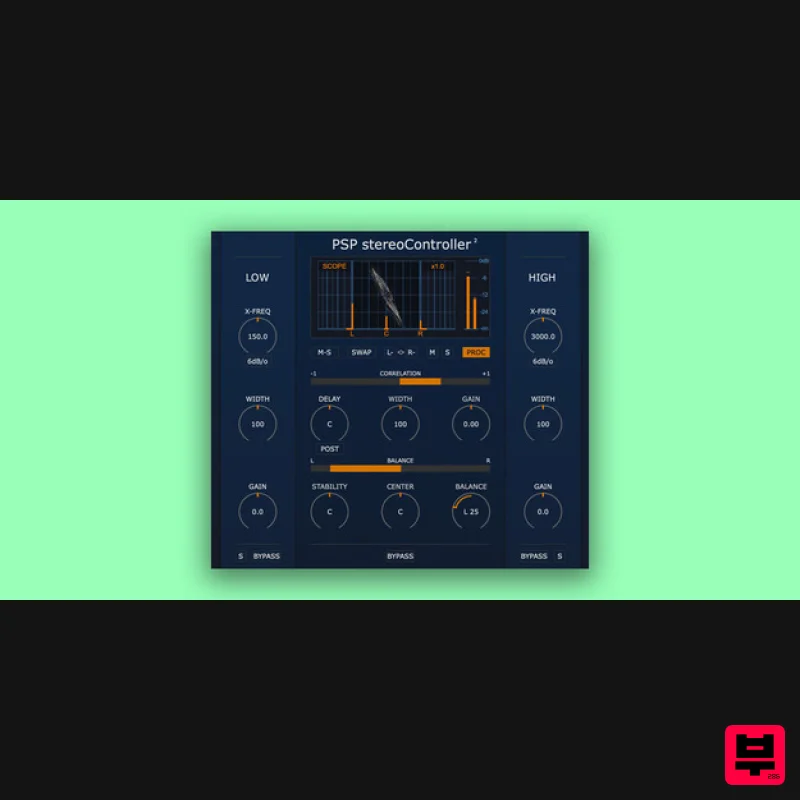
PSP Audioware PSP StereoController2
Stereo Width
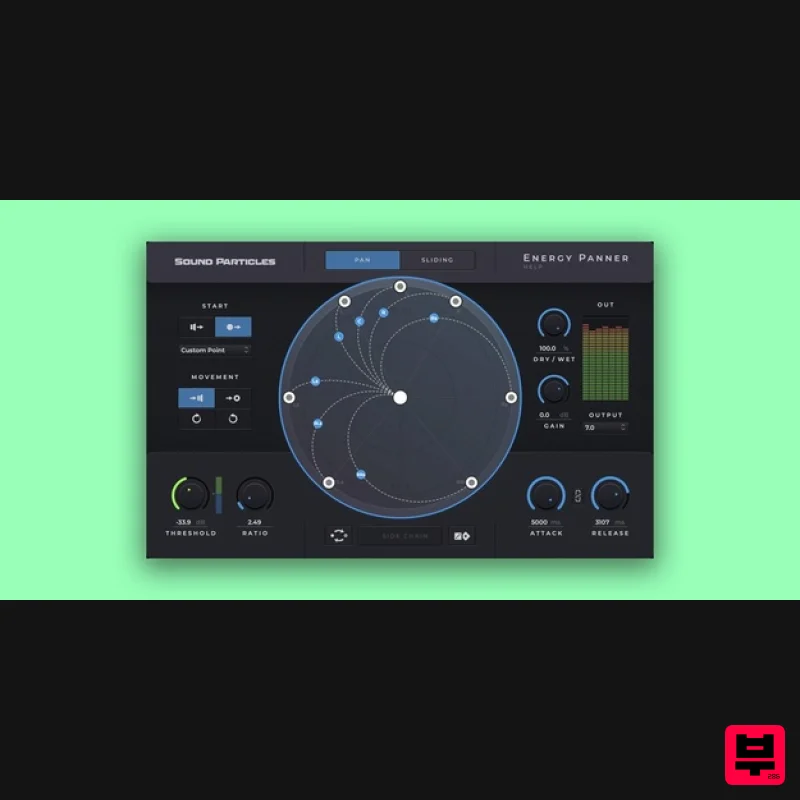
Sound Particles Energy Panner | Educational Version
Stereo Width
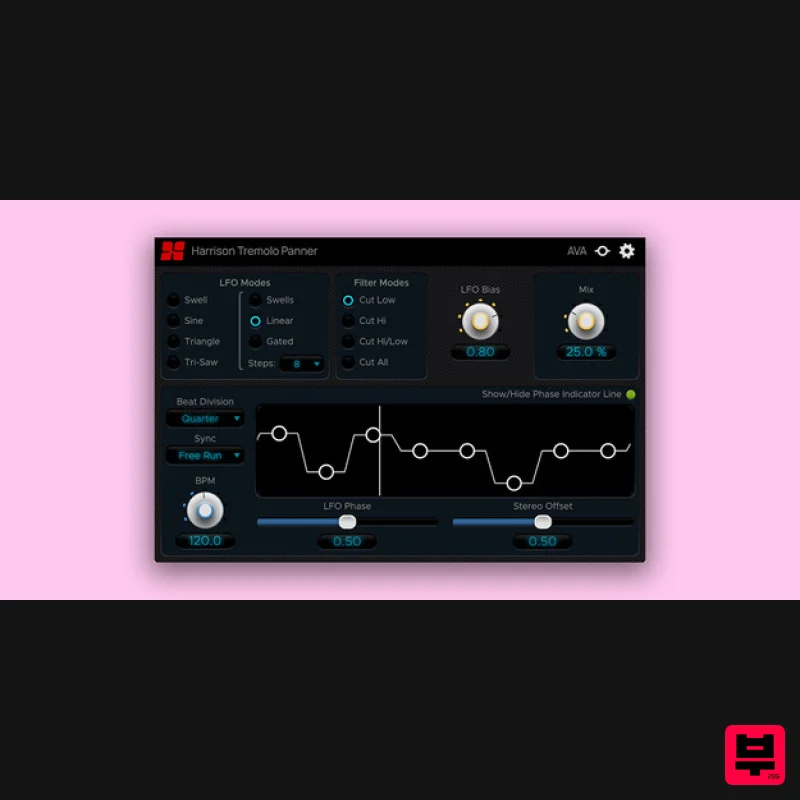
Harrison Consoles Tremolo Panner
Stereo Width
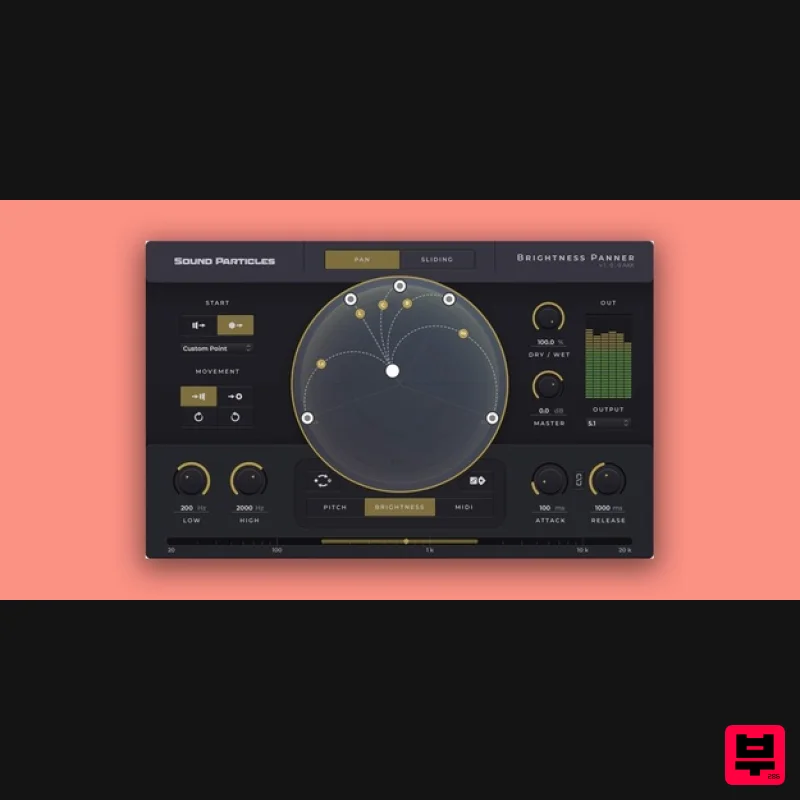
Sound Particles Brightness Panner | Educational Version
Stereo Width
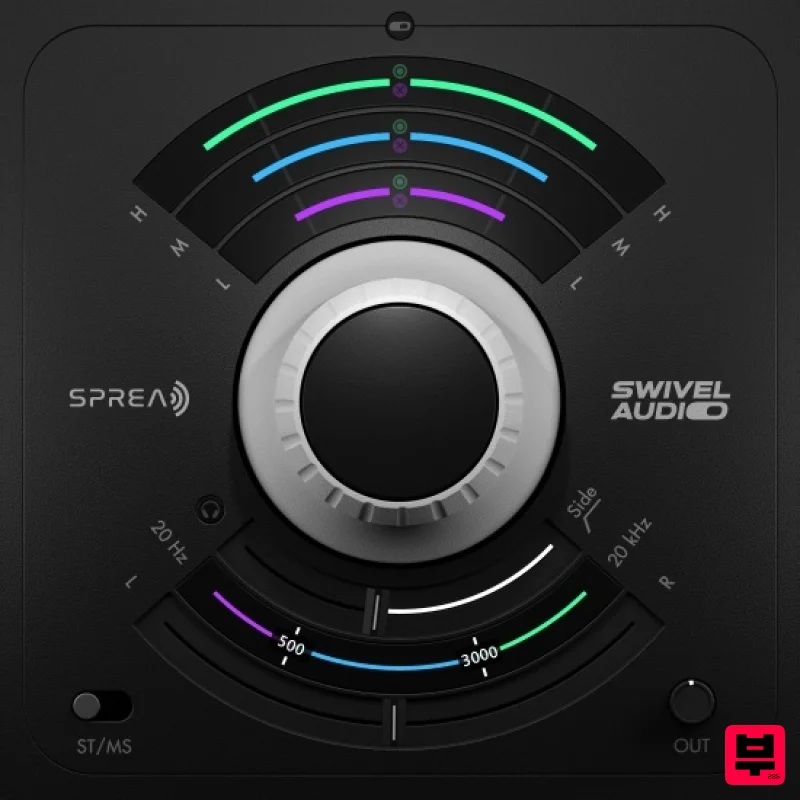
Plugin Alliance Swivel Audio Spread
Stereo Width
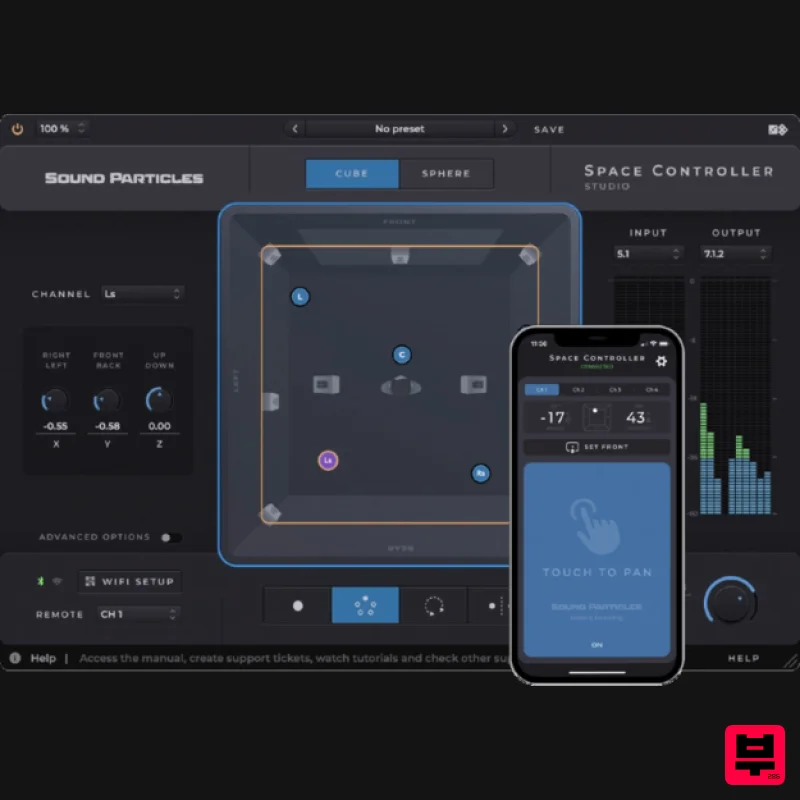
Sound Particles Space Controller Standard | Educational Version
Stereo Width
Sound Particles Space Controller Studio | Educational Version
Stereo Width
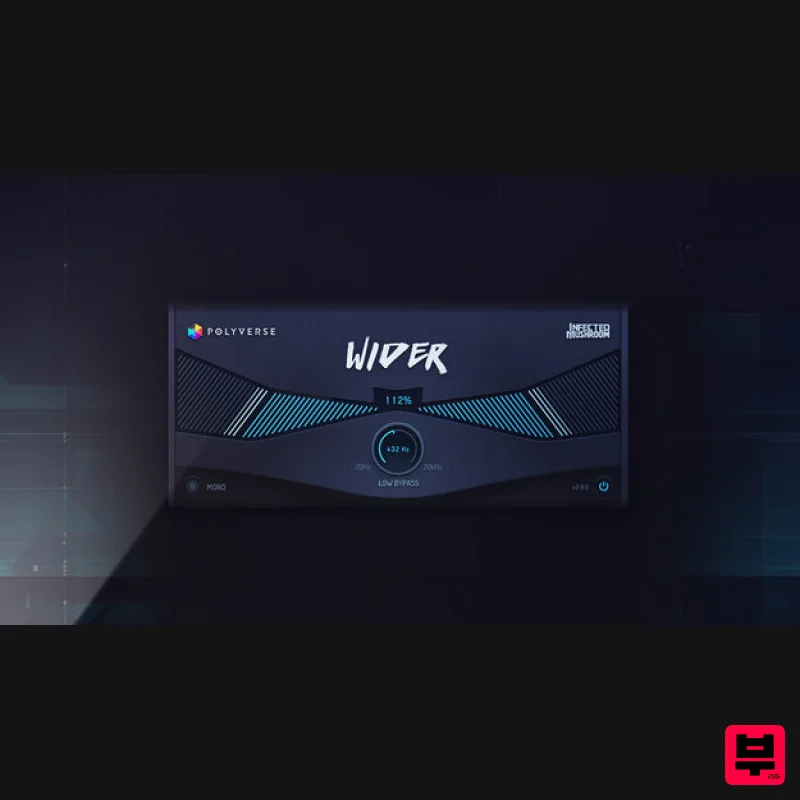
Polyverse Wider 2
Stereo Width

