
Waves MetaFilter
Professional music gear - detailed information and where to buy
Product Description
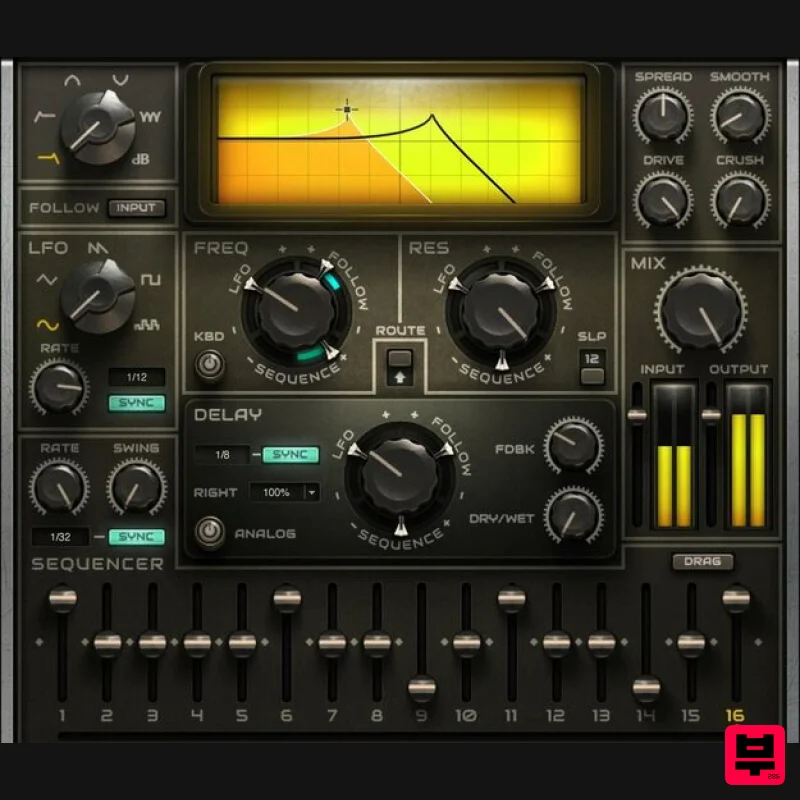
- MetaFilter A Creativity Engine for Your Productions MetaFilter transforms filtering into a creativity machine—with 6 different modes
- envelope following
- LFO and sequencer control
- drive and bit-crushing options
- delay
- sidechain
- and MIDI learn. MetaFilter makes synths
- drums
- guitars
- bass
- and samples of all types breathe
- move
- and excite. Have MetaFilter add subtle animation
- or go for sequenced resonance and wild LFO textures. Shovel some dirt on the sound
- or keep it clean—from DJ to sound design
- MetaFilter does it all. Features 5 filter curves (HP
- notch
- comb) and VCA Multiple modulation sources for cutoff
- resonance
- delay time Envelope-follow the input
- or an external sidechain LFO for sweeps or wobbles
- with 5 waveforms (including random) Sequencer with 1 to 16 steps
- variable level
- swing
- and sync Delay with analog sound option
- offset left and right channels Rough up the audio with saturation and bitcrushing Over 90 carefully crafted presets get you up and running fast System Requirements Mac macOS Monterey 12
- Ventura 13
- Sonoma 14
- Sequoia 15 VST / AU / AAX PC Windows 10+ VST / AAX 1. Head to https: //www.waves.com/create-account 2. Enter your email and choose a password to create an account (if you already have a Waves account
- choose Log in
- enter your details and head to Step 5) > click 'Submit' 3. Open your email inbox > click the activation link in the email from Waves 4. Click 'Log in here' > Log in to your Waves account 5. Click 'Register New Products' 6. Enter the Serial Number found in your Plugin Boutique user account > click 'Submit' 7. Click download in your Plugin Boutique user account or head to https: //www.waves.com/downloads/central > download the Waves Central app for your operating system 8. Install Waves Central > Open Waves Central 9. Click 'Log in' > enter your log in details 10. Click the 'Install Products' tab 11. Tick the blue dot on all products you wish to install or click the top dot to install all products > click 'Install & Activate' 12. Click 'OK' 13. Open your DAW > open the Waves plugin Your Waves plugins are installed and ready to use
- enjoy!
Additional Information
About the Waves MetaFilter
Experience the quality and tone that makes the Waves MetaFilter a popular choice for musicians.
Why Choose the Waves MetaFilter?
- •Authentic Waves craftsmanship and design
- •Versatile sound suitable for multiple musical genres
- •Professional build quality and reliable performance
- •Part of Waves's respected Filter lineup
Compare & Explore
Browse our complete selection of Waves instruments or explore other Filter options. Use our comparison tools to find the perfect match for your musical style and budget.
Similar Products
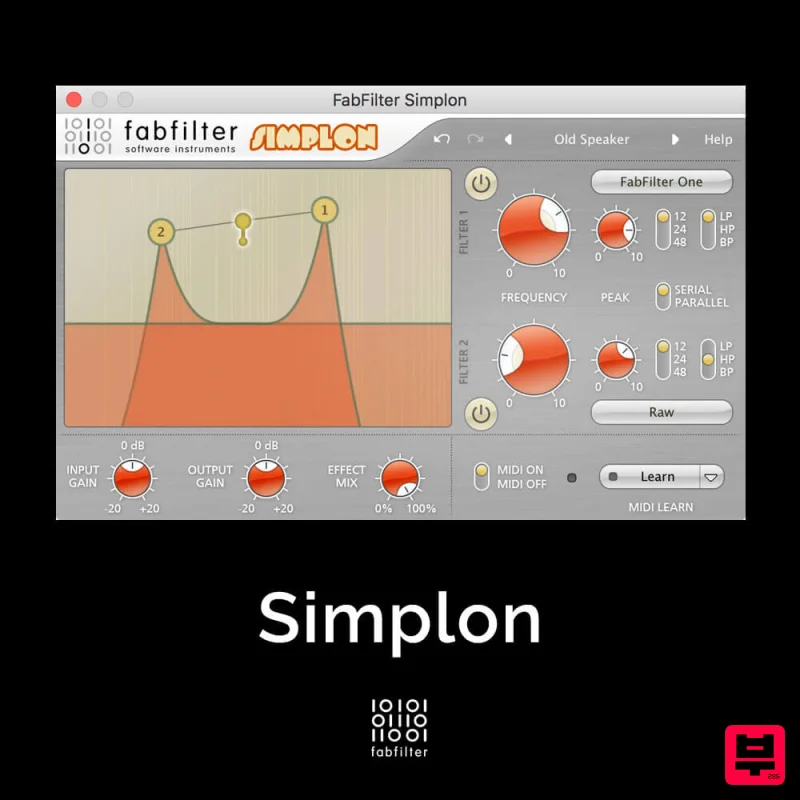
FabFilter Simplon
Filter
$30
Unique Filters, Easy Display FabFilter Simplon is a simplified version of FabFilter Volcano 2 with two independent...

Red Sounds Modern Vox Engine
Filter
$30
Please welcome a collaboration. Red Sounds x Channel Robot. Over a year in development. We recorded vocal samples for 5...
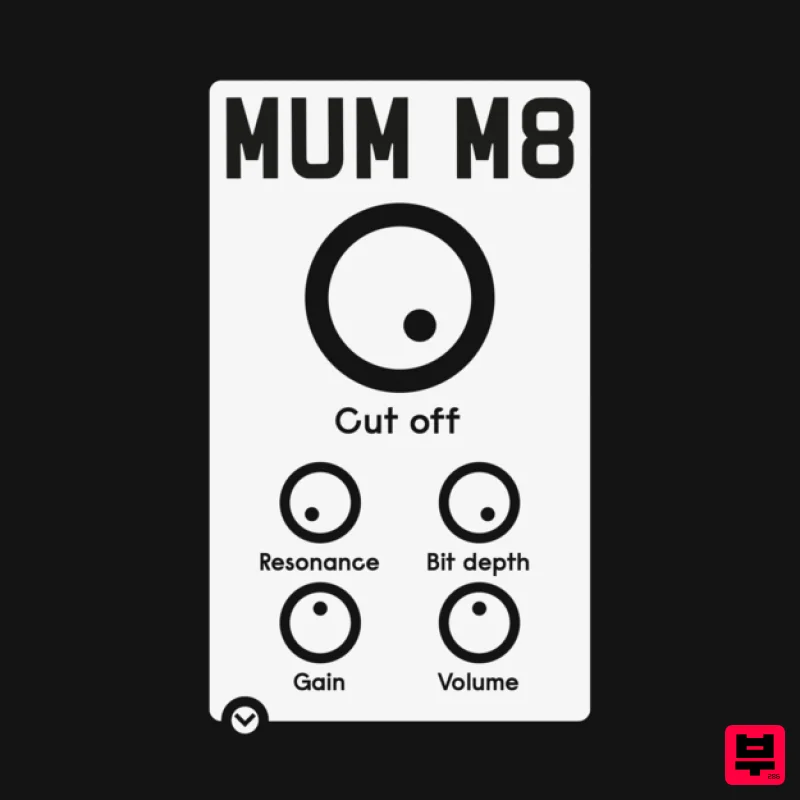
ALM / Busy Circuits MUM M8 DSP
Filter
$10
‘MUM M8 DSP’ is a low pass filter plug-in emulating the filter used in the classic Akai S950 12 bit sampler with...
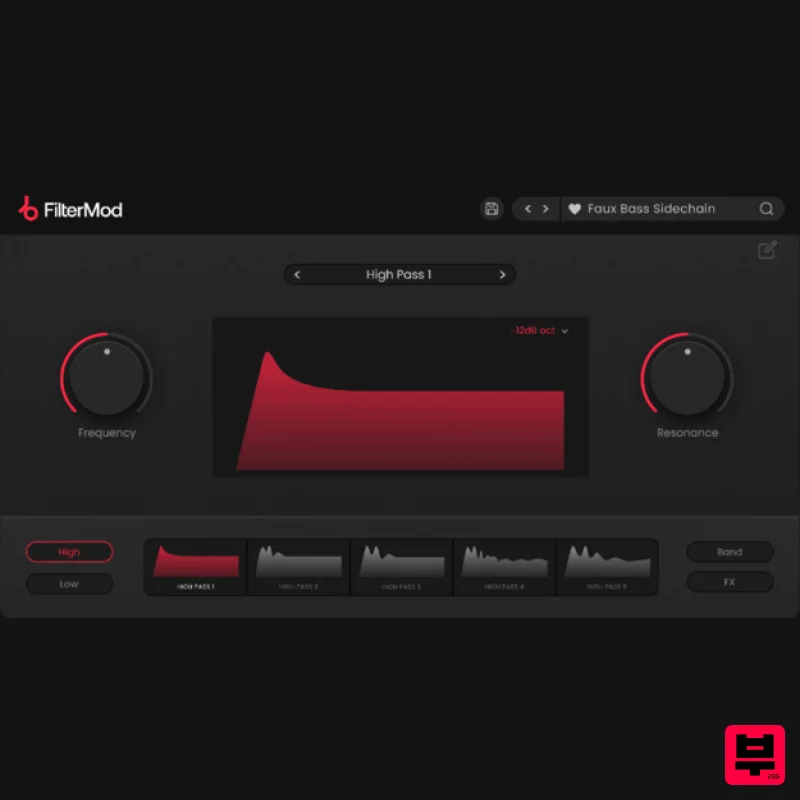
Plugin Boutique FilterMod
Filter
$51
Animate your Filtering Whether it's drums, bass, synths, pads or vocals, filtering is a key element of the production...
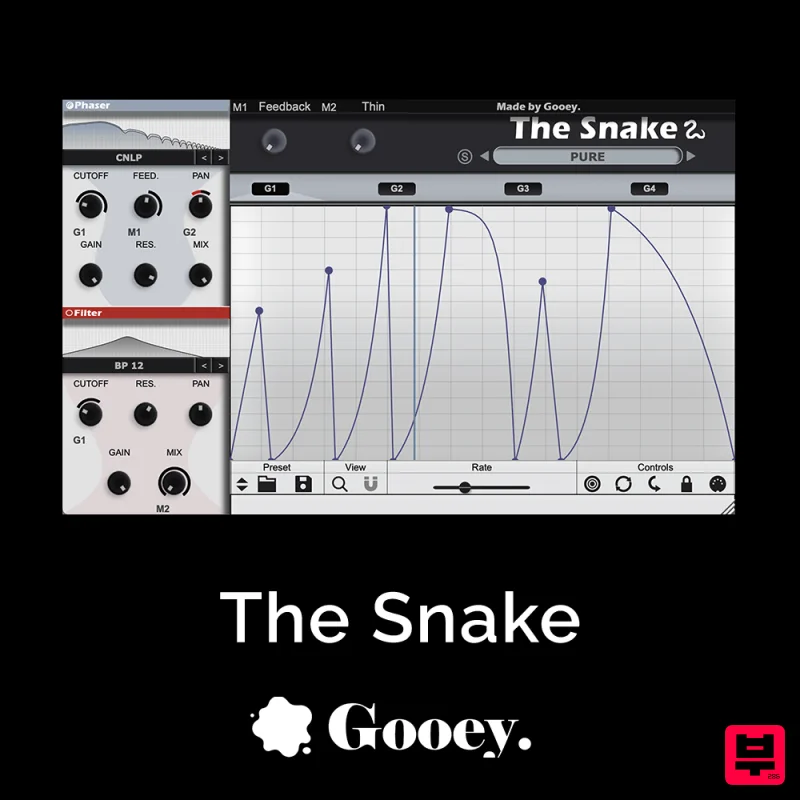
Gooey Audio The Snake
Filter
$30
The Snake has a venomous bite with colorful comb filters, phasers, and more. With The Snake you can widen the stereo...

NoiseAsh Action Filter
Filter
$30
ANALOG FILTER ADDICTION With tons of classic filter models, unique advanced modulation options and convincing analog...
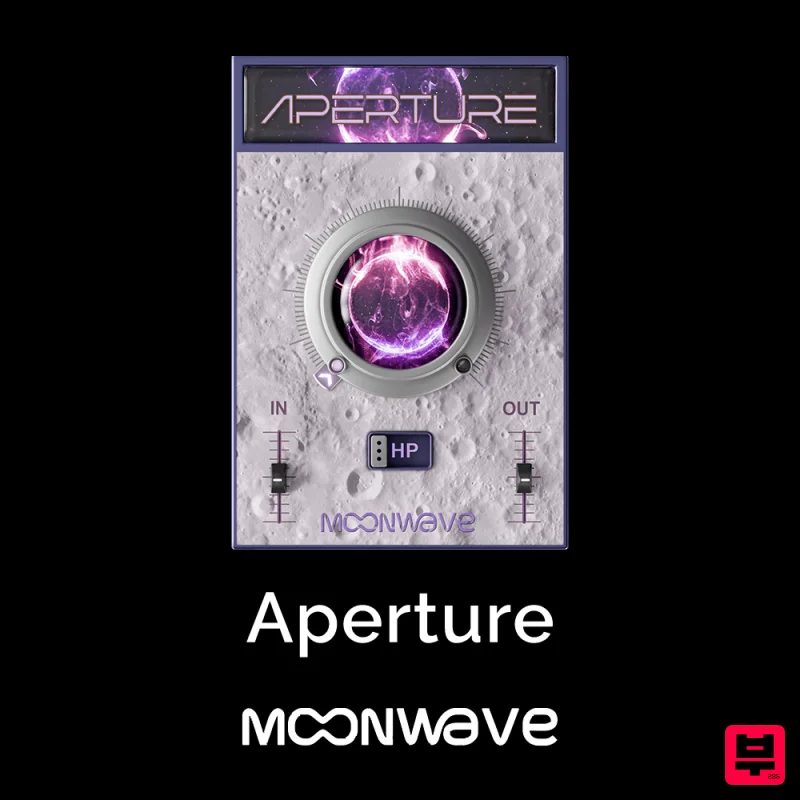
Moonwave Aperture
Filter
$30
Shape The Horizon Of Sound Unlock the gateway to precision filtering with Aperture, a powerful tool designed to give...
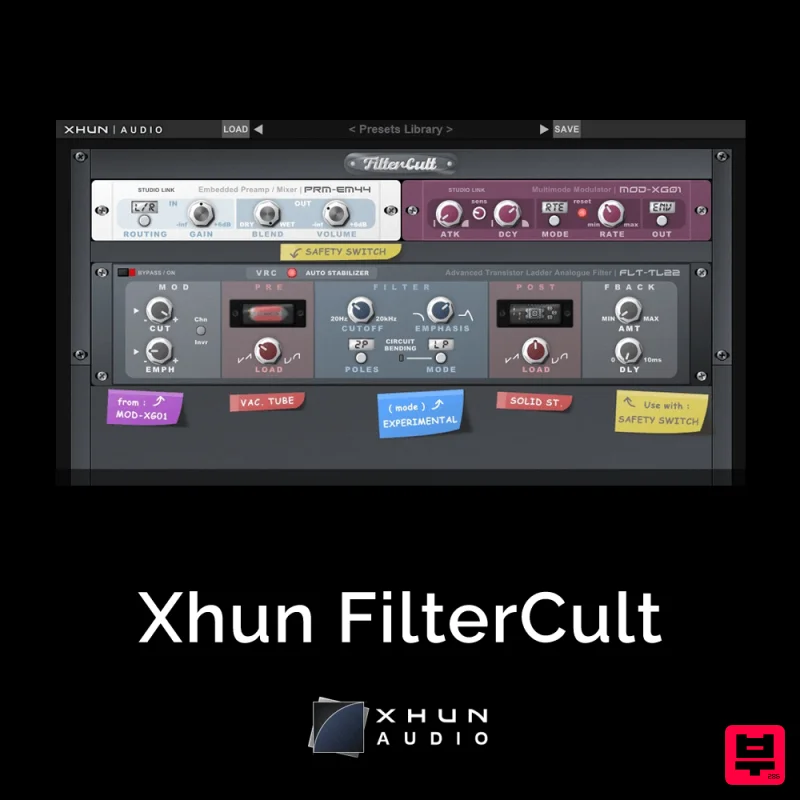
XHUN Audio Xhun FilterCult
Filter
$30
FilterCult is an accurate simulation of the infamous and iconic transistor ladder analogue filter, meticulously...
Frequently Asked Questions
The Waves MetaFilter stands out for its exceptional Waves craftsmanship and innovative design.
Yes! With its affordable price point and quality construction, it's perfect for learning filter.
Browse the similar products section to see how it stacks up against other filter.

