
Waves MaxxBass
Professional music gear - detailed information and where to buy
Product Description
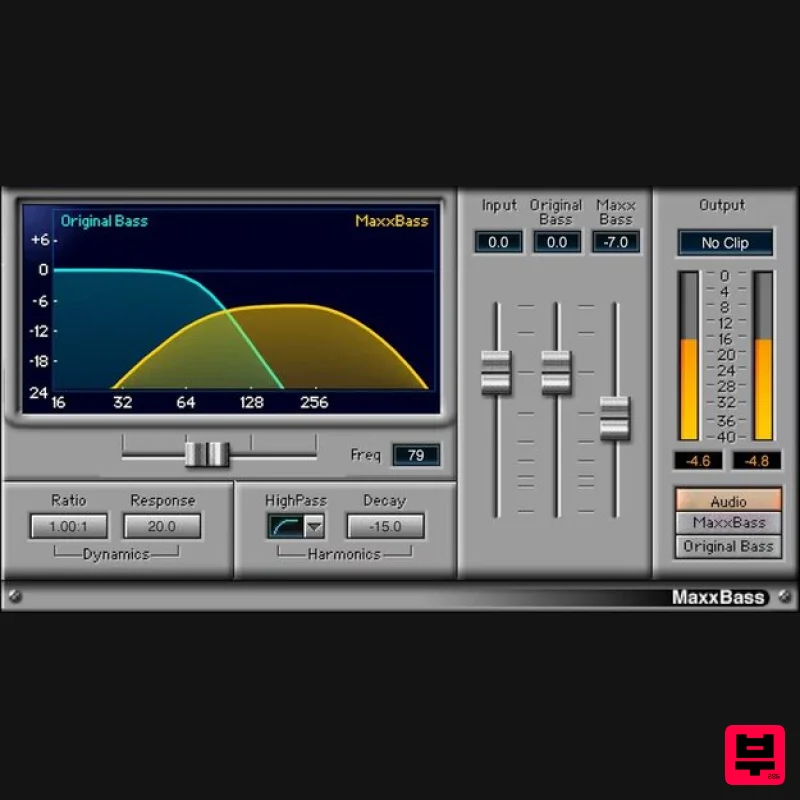
- MaxxBass Pump Up Your Lows on Any Sound System MaxxBass® does the seemingly impossible: it gives a strong sensation of bass
- even on the speakers. Based on psychoacoustic research about how the ear perceives bass
- MaxxBass generates harmonics that convince the ear it’s hearing deeper bass than what actually exists. Add depth to music mixes
- videos and film
- or any other content. Give masters more low-end power without losing clarity. Overcome the limitations of speakers in laptops
- mobile phones
- and systems—or simply boost the low end for any system. MaxxBass is the proven solution. Features Improve hip hop and dance mixes by enhancing perceived bass Creates a greater sense of bass on existing speakers Choose the ratio of the original and enhanced bass elements Preserves the clarity
- character
- and dynamics of the original bass Informative graphic display simplifies editing Upward expansion can emphasize the bass harmonics’ dynamics System Requirements Mac macOS Monterey 12
- Ventura 13
- Sonoma 14
- Sequoia 15 VST / AU / AAX PC Windows 10+ VST / AAX 1. Head to https: //www.waves.com/create-account 2. Enter your email and choose a password to create an account (if you already have a Waves account
- choose Log in
- enter your details and head to Step 5) > click 'Submit' 3. Open your email inbox > click the activation link in the email from Waves 4. Click 'Log in here' > Log in to your Waves account 5. Click 'Register New Products' 6. Enter the Serial Number found in your Plugin Boutique user account > click 'Submit' 7. Click download in your Plugin Boutique user account or head to https: //www.waves.com/downloads/central > download the Waves Central app for your operating system 8. Install Waves Central > Open Waves Central 9. Click 'Log in' > enter your log in details 10. Click the 'Install Products' tab 11. Tick the blue dot on all products you wish to install or click the top dot to install all products > click 'Install & Activate' 12. Click 'OK' 13. Open your DAW > open the Waves plugin Your Waves plugins are installed and ready to use
- enjoy!
Additional Information
About the Waves MaxxBass
Experience the quality and tone that makes the Waves MaxxBass a popular choice for musicians.
Why Choose the Waves MaxxBass?
- •Authentic Waves craftsmanship and design
- •Versatile sound suitable for multiple musical genres
- •Professional build quality and reliable performance
- •Part of Waves's respected Enhancer lineup
Compare & Explore
Browse our complete selection of Waves instruments or explore other Enhancer options. Use our comparison tools to find the perfect match for your musical style and budget.
Similar Products
United Plugins BassRift
Enhancer
$83
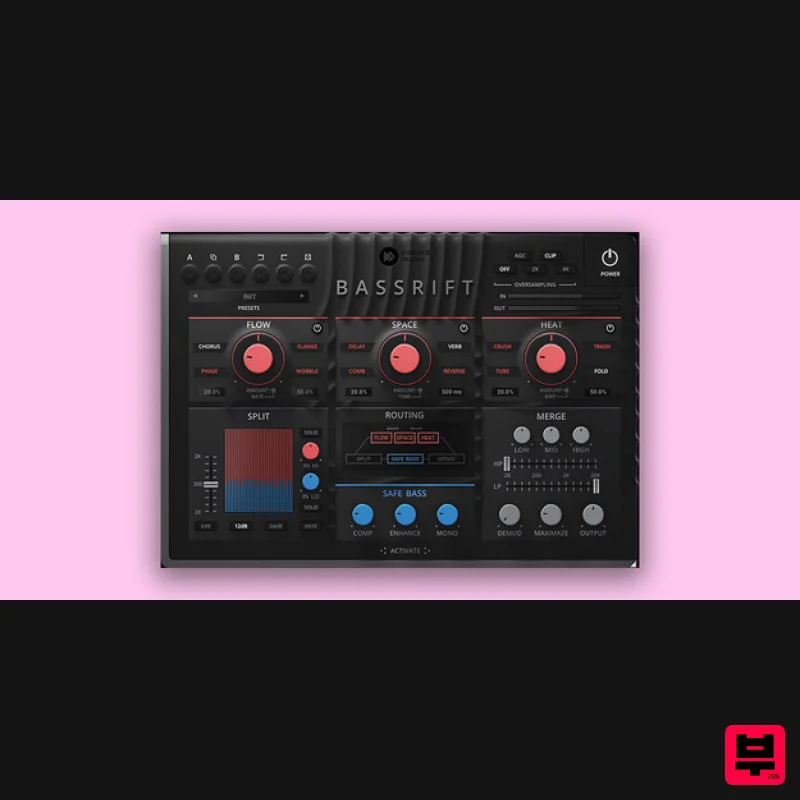
Fuel Your Basslines Bass is the main power source of your tracks. Therefore, we created the ultimate all-in-one bass...
THR LowEnhance
Enhancer
$30
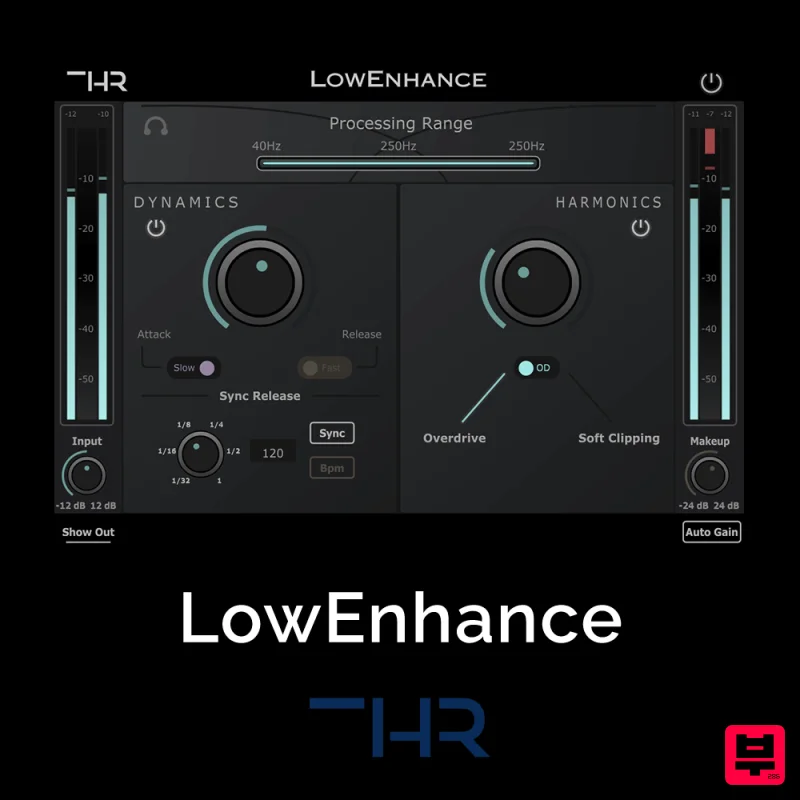
Control and add grit to the Low End The Low End can be one of the greatest enemies when it comes to mixing. Boominess...
Slate Digital FG-Bomber
Enhancer
$51
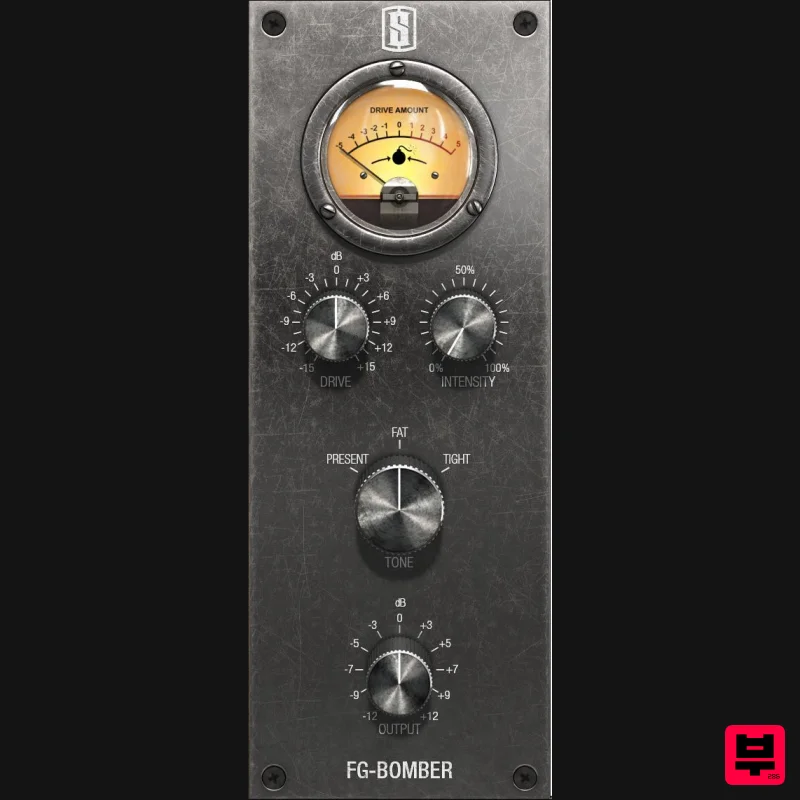
Analog Modeled Dynamic Impact Enhancer FG-Bomber is a unique analog-modeled Dynamic Impact Enhancer, and it can...

Safari Audio Bull Sub Machine
Enhancer
$51
Leslie Brathwaite’s Secret Weapon for Ground-Shaking Low-End Bull Sub Machine is engineered for seismic bass impact,...
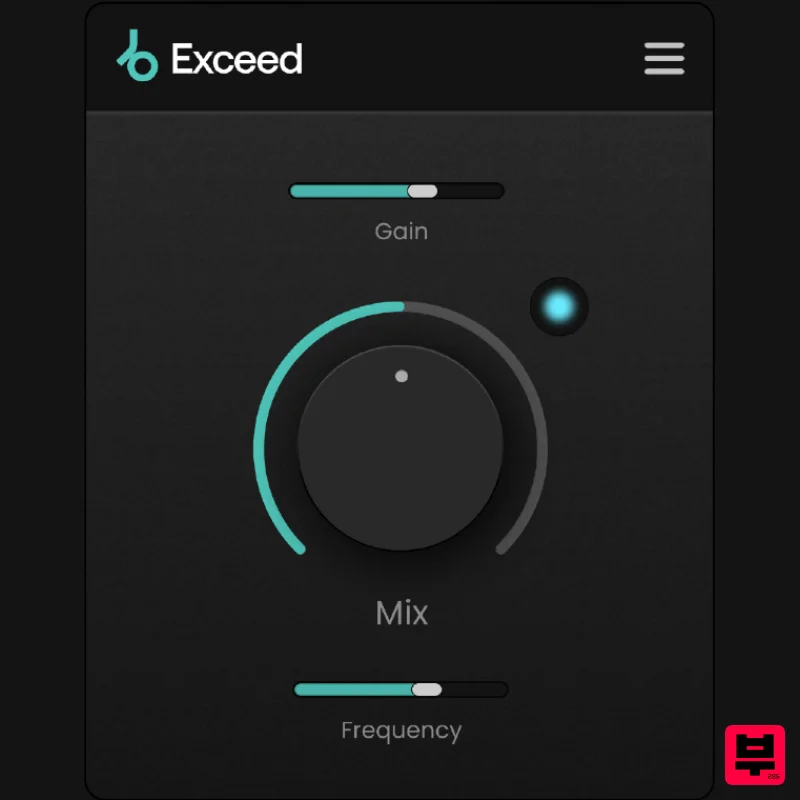
Plugin Boutique Exceed
Enhancer
$30
Punch, warmth and presence, instantly. This streamlined effect has the power to give your masters, busses or individual...
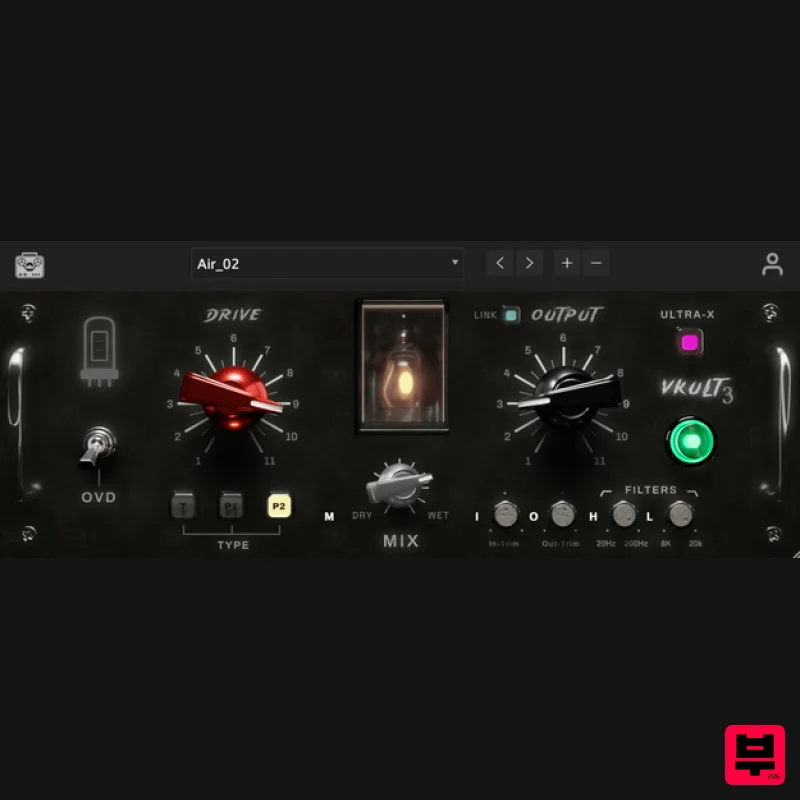
Tone Empire ValveKult 3
Enhancer
$115
Valvekult V3 The British Tube Enhancer Plugin Experience an amplified frequency response, enriching your audio with...
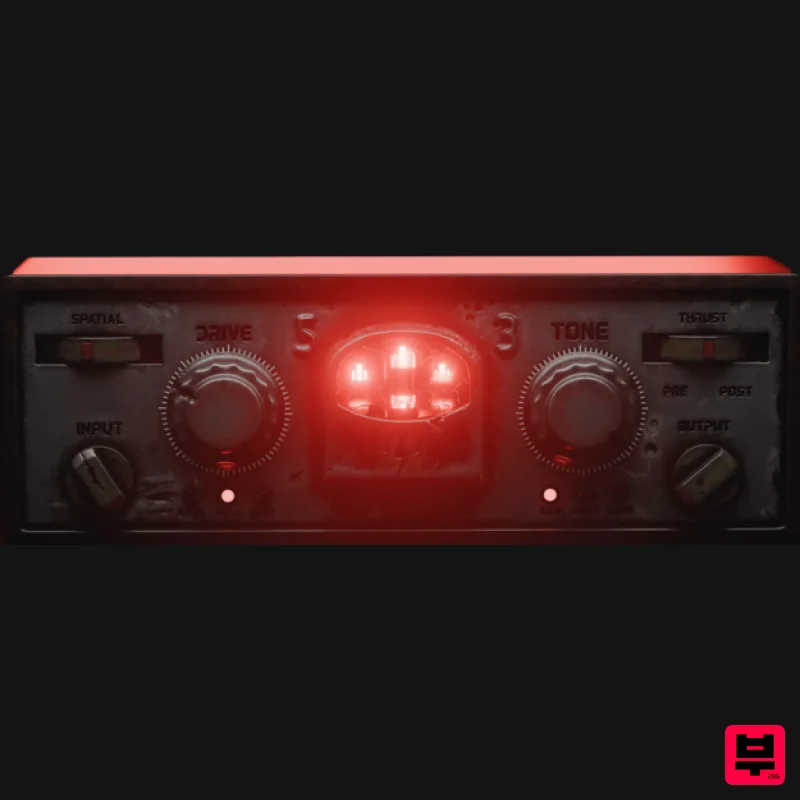
Tone Empire Cryptone
Enhancer
$104
Tones from the Crypt Cryptone delivers authentic analog tone instantly—without hunting through multiple plugins or...
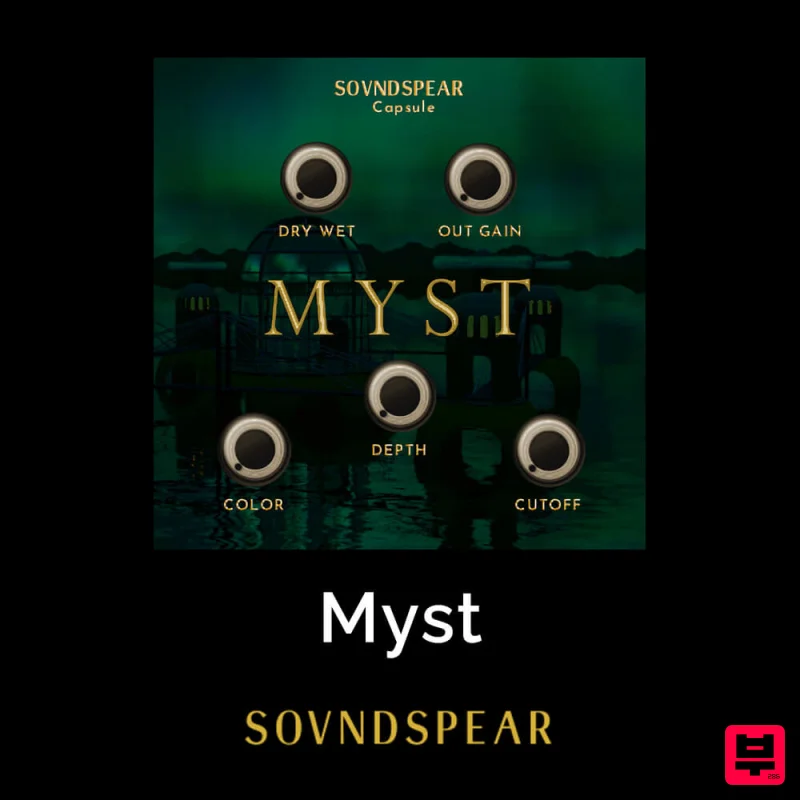
Soundspear Myst
Enhancer
$30
Very often, an instrument sounds great but feels empty when put in a mix. Myst is an easy way to add depth and...
Frequently Asked Questions
The Waves MaxxBass stands out for its exceptional Waves craftsmanship and innovative design.
Yes! With its affordable price point and quality construction, it's perfect for learning enhancer.
Browse the similar products section to see how it stacks up against other enhancer.

