
Waves Maserati VX1
Professional music gear - detailed information and where to buy
Waves
Maserati VX1
Product Info
* Prices may vary. Check retailer for current pricing and availability.
Product Description
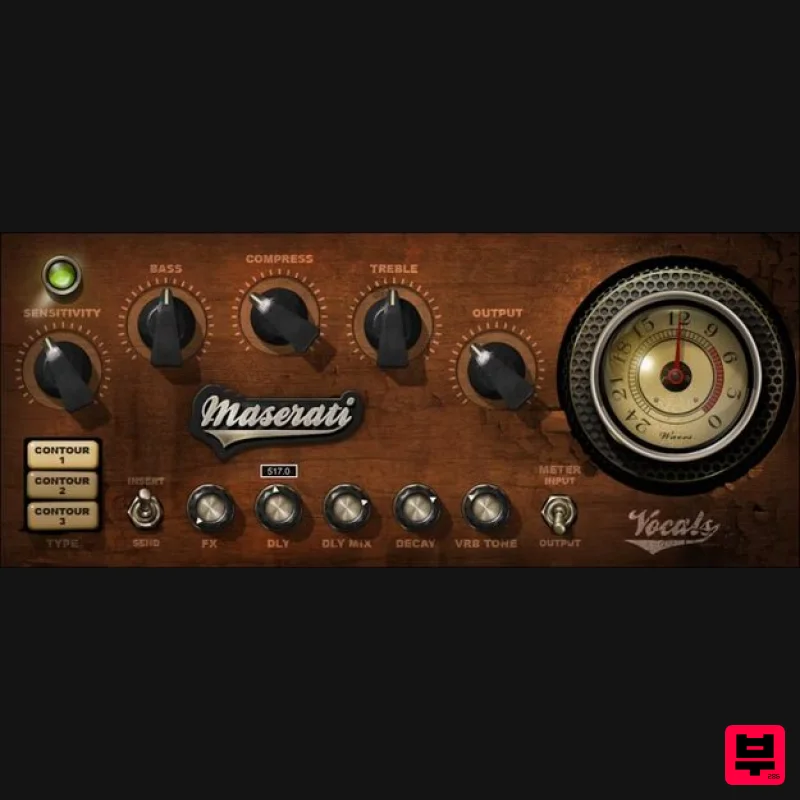
- Maserati VX1 Enhance Vocals with Go-To Chains by Tony Maserati (Beyoncé) Contour 1 provides the sound of studio recording
- 2 is a larger chamber
- and 3 is a room with delay optimized for uptempo songs. These aren’t just different reverb or delay settings
- but involve incorporating the right effects for squeezing out subtleties
- or engulfing vocals in a full production. Created in close collaboration with Grammy winner Tony Maserati (Beyoncé
- Jason Mraz
- Robin Thicke
- more)
- this is the easiest way to bring his platinum vocal sounds into your studio. “VX1 will help you squeeze more emotion from a subtle performance
- or get the vocal to sit just right in a large production. CONTOUR 1 gives you a studio or venue room; CONTOUR 2 is a larger chamber with reflective pre-delays
- most suited for slow ballads; CONTOUR 3 is set up for quicker-tempo songs with a very room and matching pre-delay.”—Tony Maserati Features Designed with Grammy®-winning mixer Tony Maserati (Beyoncé) 3 Contours shape the overall initial effect for different vocals The Compress control in Contours 1 and 2 accentuates nuances Contour 3’s Air control gives clarity with uptempo vocals Delay and reverb interact to create animated textures Each Contour has customized Bass and Treble control curves Delay effect changes subtly for the 3 Contours 16 presets cover multiple Contour applications System Requirements Mac macOS Monterey 12
- Ventura 13
- Sonoma 14
- Sequoia 15 VST / AU / AAX PC Windows 10+ VST / AAX 1. Head to https: //www.waves.com/create-account 2. Enter your email and choose a password to create an account (if you already have a Waves account
- choose Log in
- enter your details and head to Step 5) > click 'Submit' 3. Open your email inbox > click the activation link in the email from Waves 4. Click 'Log in here' > Log in to your Waves account 5. Click 'Register New Products' 6. Enter the Serial Number found in your Plugin Boutique user account > click 'Submit' 7. Click download in your Plugin Boutique user account or head to https: //www.waves.com/downloads/central > download the Waves Central app for your operating system 8. Install Waves Central > Open Waves Central 9. Click 'Log in' > enter your log in details 10. Click the 'Install Products' tab 11. Tick the blue dot on all products you wish to install or click the top dot to install all products > click 'Install & Activate' 12. Click 'OK' 13. Open your DAW > open the Waves plugin Your Waves plugins are installed and ready to use
- enjoy!
Additional Information
About the Waves Maserati VX1
Discover the distinctive sound and feel of the Waves Maserati VX1, a standout choice among Vocal Processing.
Why Choose the Waves Maserati VX1?
- •Authentic Waves craftsmanship and design
- •Versatile sound suitable for multiple musical genres
- •Professional build quality and reliable performance
- •Part of Waves's respected Vocal Processing lineup
Compare & Explore
Browse our complete selection of Waves instruments or explore other Vocal Processing options. Use our comparison tools to find the perfect match for your musical style and budget.
Similar Products
Krotos Krotos Dehumaniser 2
Vocal Processing
Antares CHOIR
Vocal Processing
Antares ARTICULATOR
Vocal Processing
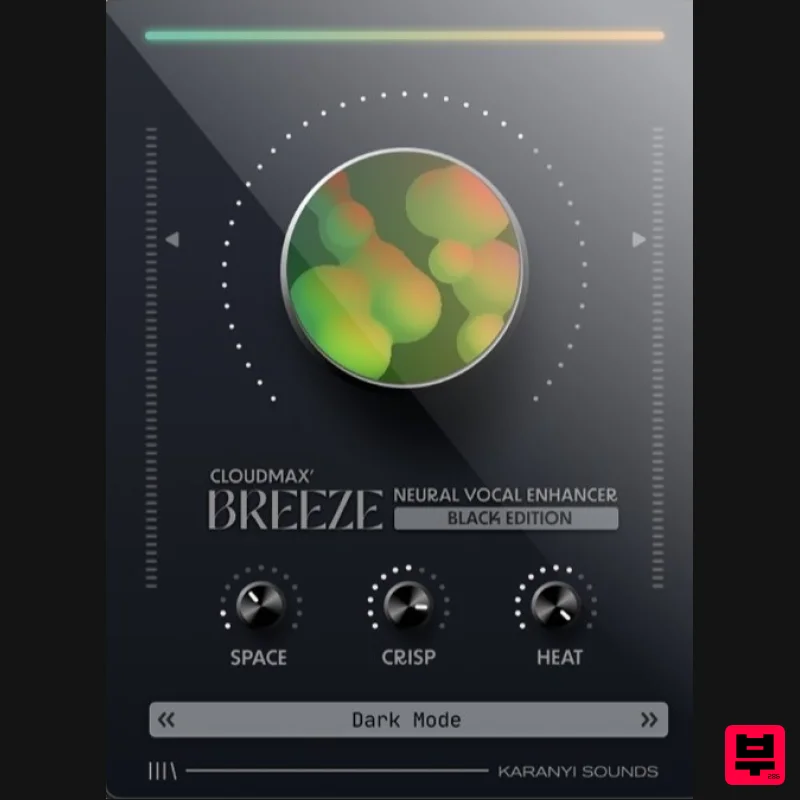
Karanyi Sounds Cloudmax Breeze Black Edition
Vocal Processing
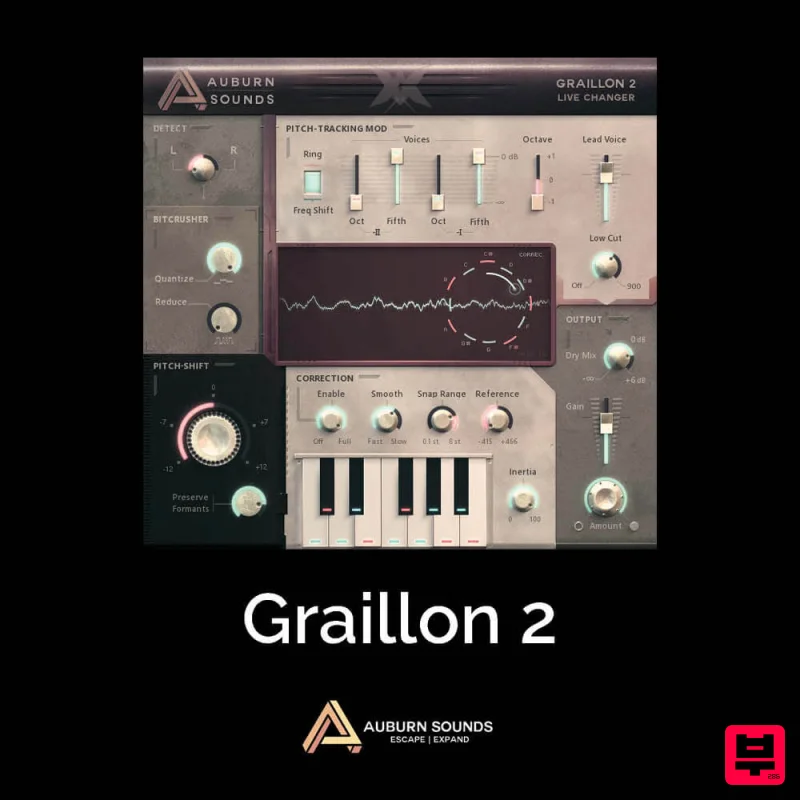
Auburn Sounds Graillon 2
Vocal Processing
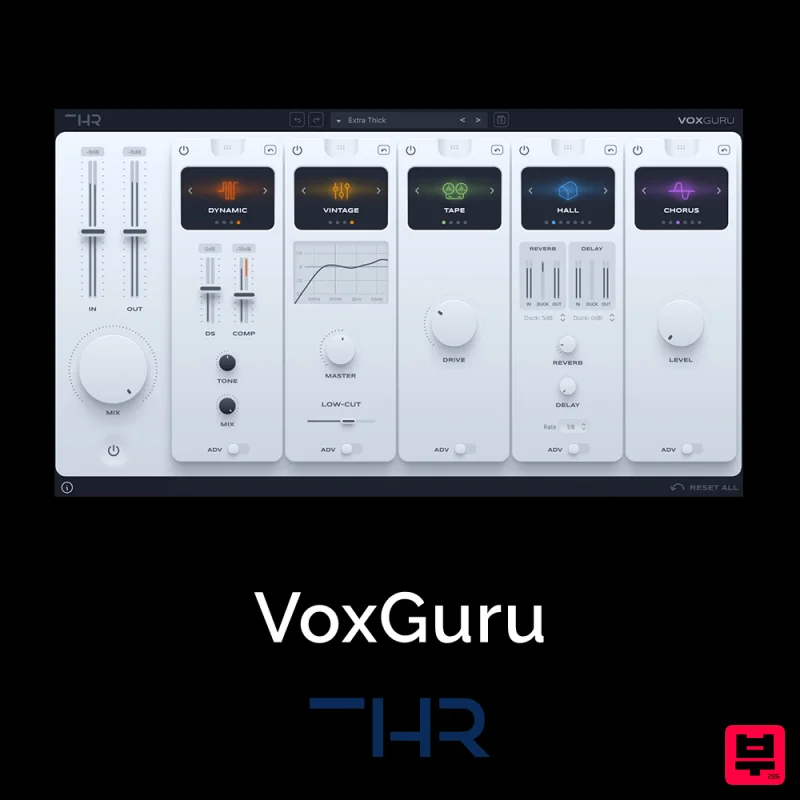
THR VoxGuru
Vocal Processing
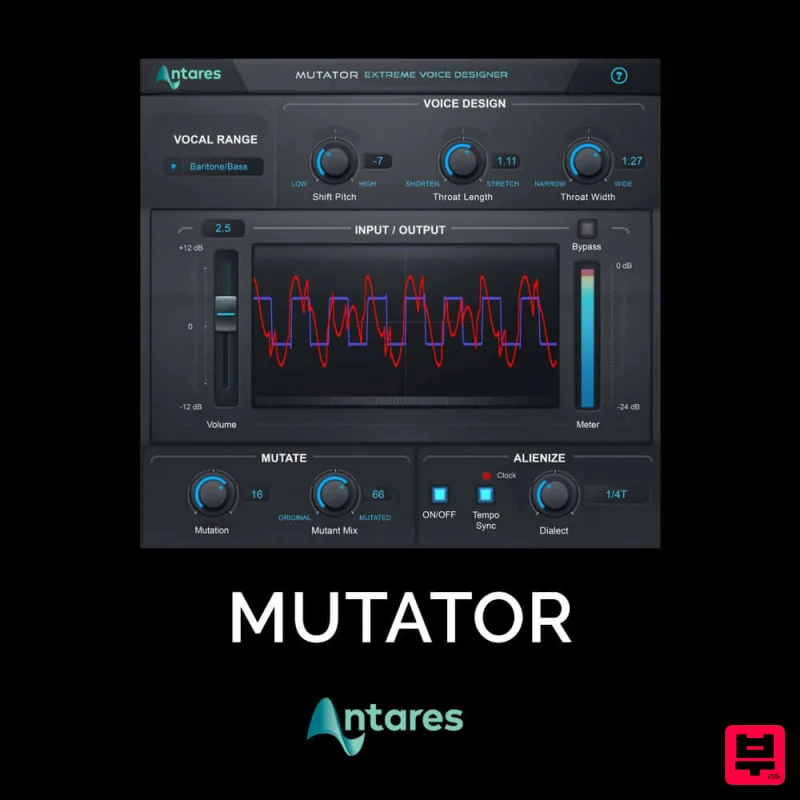
Antares MUTATOR
Vocal Processing
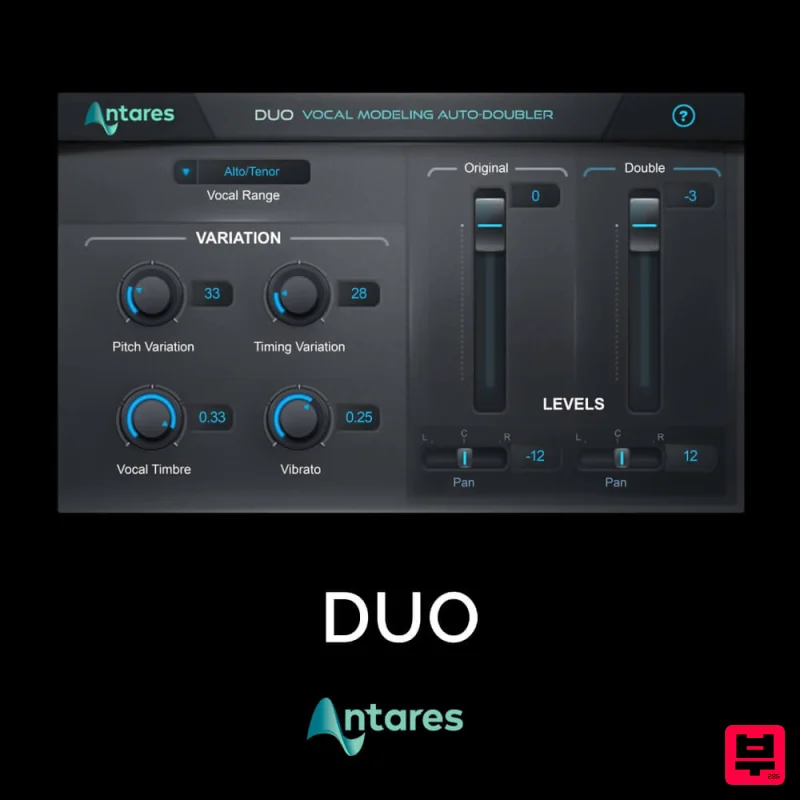
Antares DUO
Vocal Processing

