
Waves Maserati ACG
Professional music gear - detailed information and where to buy
Waves
Maserati ACG
Product Info
* Prices may vary. Check retailer for current pricing and availability.
Product Description
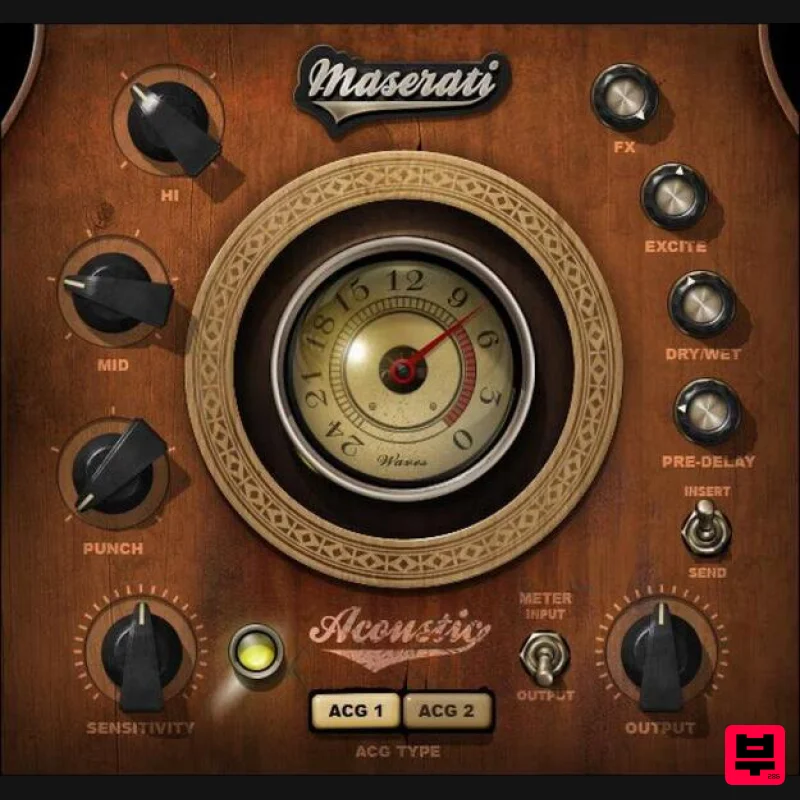
- Maserati ACG Standout Acoustic Guitar Sounds—Every Time There’s nothing like a driving acoustic guitar to push a song’s rhythm
- or solo picking for expressive leads. But in a dense mix
- acoustic instruments can end up getting buried. This multi-effect chain plugin by master mixer Tony Maserati (Beyoncé
- Jason Mraz
- David Bowie) helps you solve that. Prioritize level and tone for rhythm
- or nuances for leads
- with two modes. Then
- shape the sound further with punch
- mid and hi EQ
- reverb
- and exciter—for a guitar sound with focus and energy. “These controls give you my chains for giving acoustic guitars an energy boost: ACG 1 helps you to maximize levels and sculpt your top and bottom. ACG 2 has more built-in compression for bringing out the subtleties in a live performance. Both have appropriate room settings available to be dialed in at varying levels.”—Tony Maserati Features Designed with Grammy®-winning mix engineer Tony Maserati Choose from customizable chains: ACG1 and ACG2 PUNCH helps guitar cut through crowded mixes EXCITE adds shimmer and emphasizes strums Reverb with pre-delay adds ambiance Mid and hi frequency controls optimized for acoustic guitar 42 ready-to-go presets in multiple styles Separate modes for use as an insert or send effect System Requirements Mac macOS Monterey 12
- Ventura 13
- Sonoma 14
- Sequoia 15 VST / AU / AAX PC Windows 10+ VST / AAX 1. Head to https: //www.waves.com/create-account 2. Enter your email and choose a password to create an account (if you already have a Waves account
- choose Log in
- enter your details and head to Step 5) > click 'Submit' 3. Open your email inbox > click the activation link in the email from Waves 4. Click 'Log in here' > Log in to your Waves account 5. Click 'Register New Products' 6. Enter the Serial Number found in your Plugin Boutique user account > click 'Submit' 7. Click download in your Plugin Boutique user account or head to https: //www.waves.com/downloads/central > download the Waves Central app for your operating system 8. Install Waves Central > Open Waves Central 9. Click 'Log in' > enter your log in details 10. Click the 'Install Products' tab 11. Tick the blue dot on all products you wish to install or click the top dot to install all products > click 'Install & Activate' 12. Click 'OK' 13. Open your DAW > open the Waves plugin Your Waves plugins are installed and ready to use
- enjoy!
Additional Information
About the Waves Maserati ACG
Discover the distinctive sound and feel of the Waves Maserati ACG, a standout choice among Channel Strip.
Why Choose the Waves Maserati ACG?
- •Authentic Waves craftsmanship and design
- •Versatile sound suitable for multiple musical genres
- •Professional build quality and reliable performance
- •Part of Waves's respected Channel Strip lineup
Compare & Explore
Browse our complete selection of Waves instruments or explore other Channel Strip options. Use our comparison tools to find the perfect match for your musical style and budget.
Similar Products
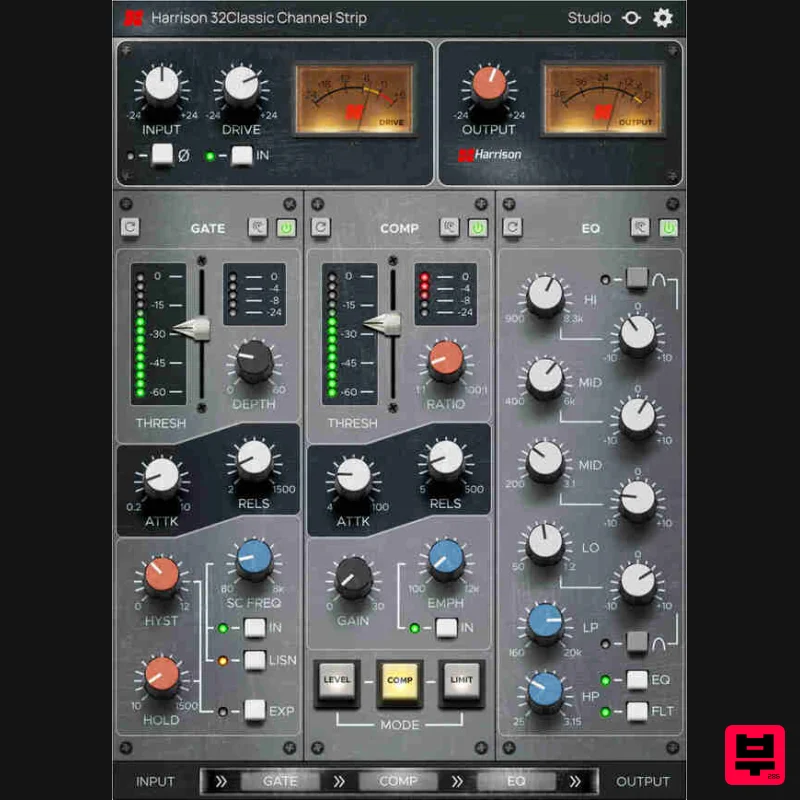
Harrison Consoles 32Classic Channel
Channel Strip
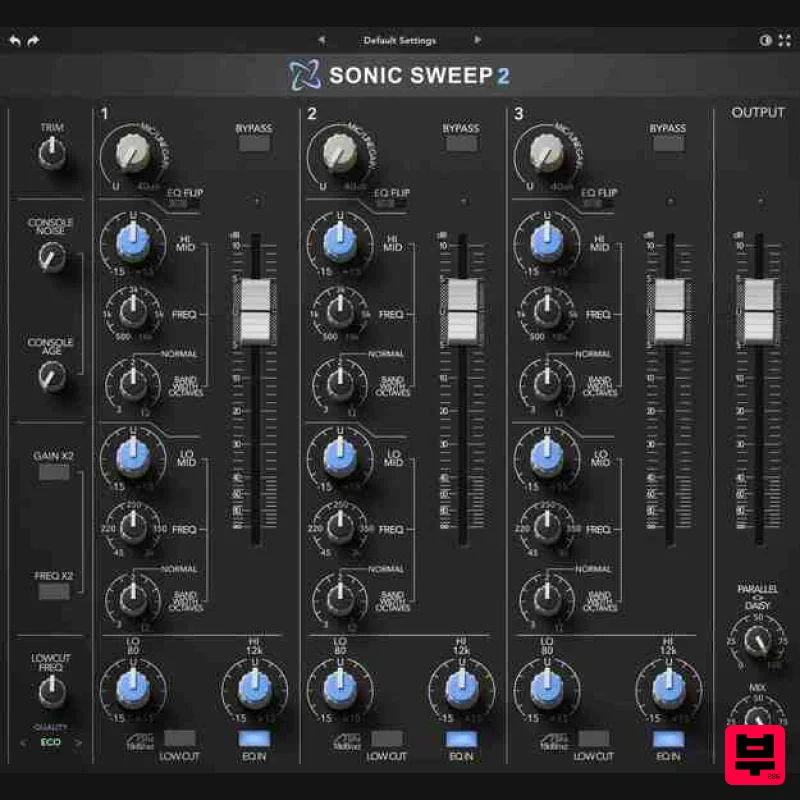
Rave Generation Sonic Sweep 2
Channel Strip
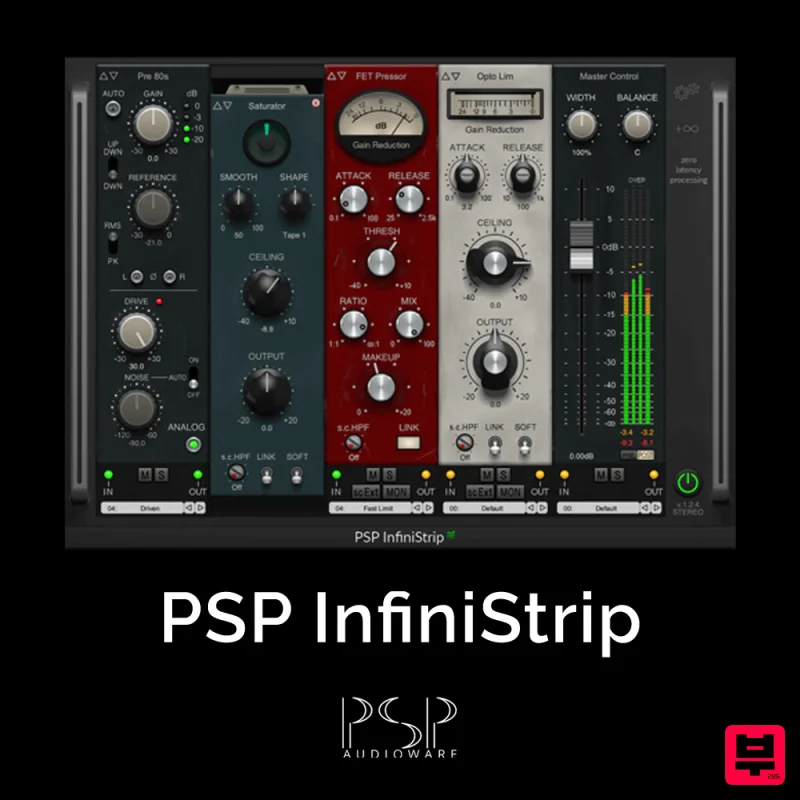
PSP Audioware PSP InfiniStrip
Channel Strip
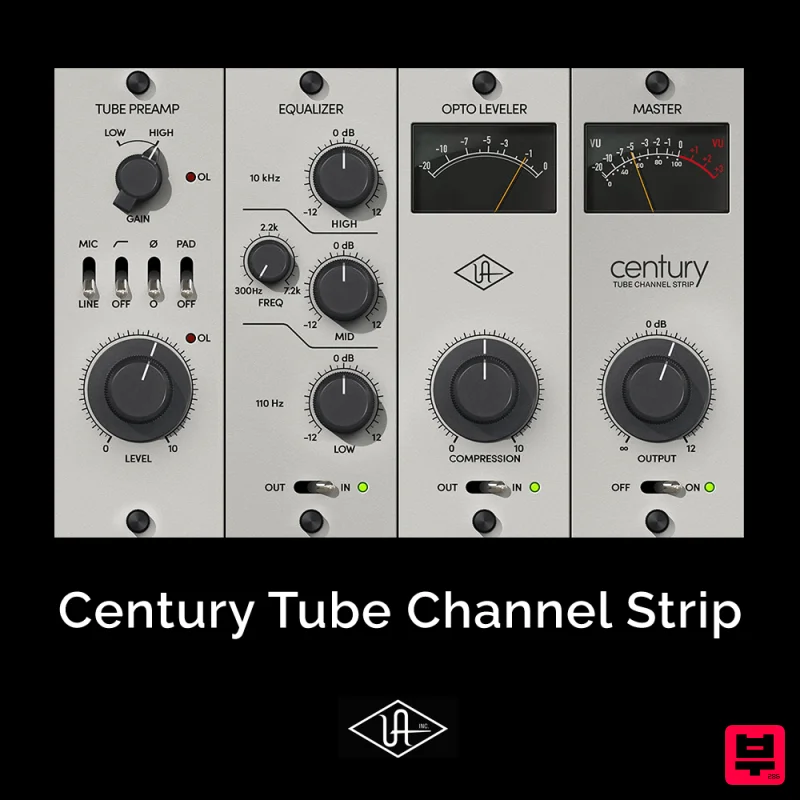
Universal Audio Century Tube Channel Strip
Channel Strip
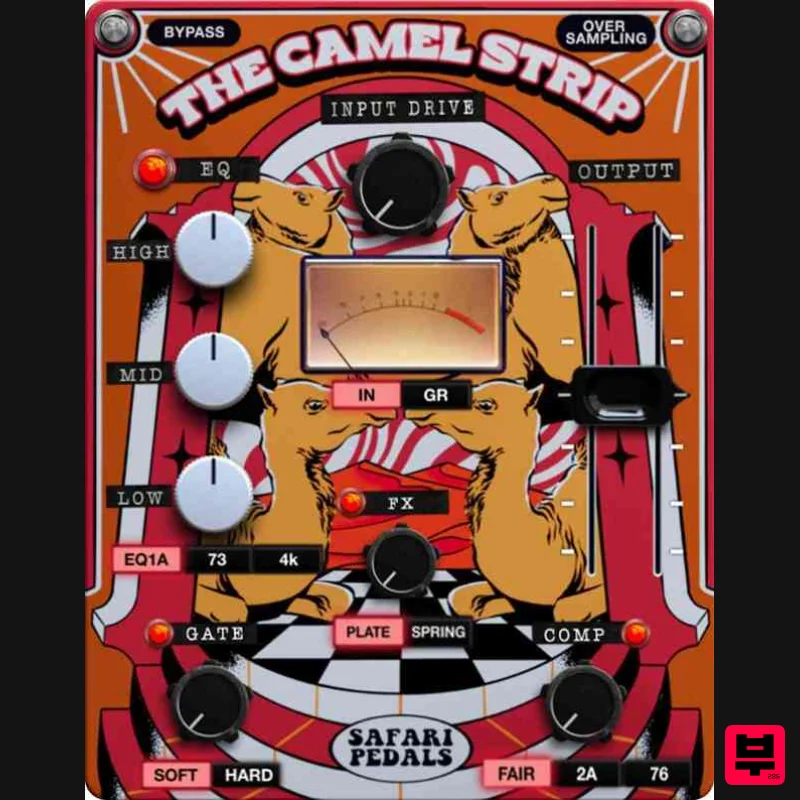
Safari Audio The Camel Strip
Channel Strip
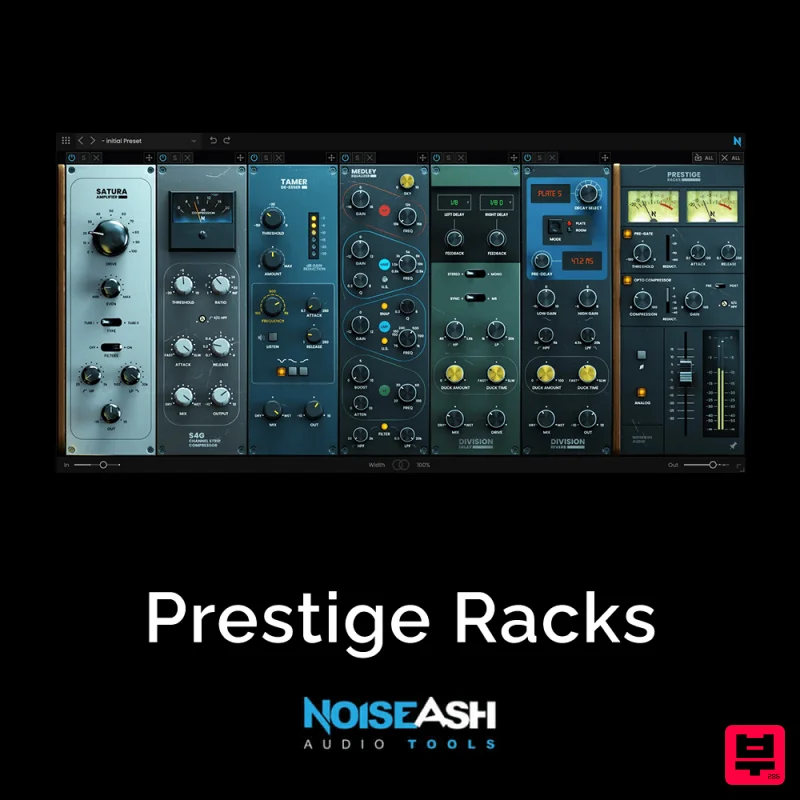
NoiseAsh Prestige Racks
Channel Strip
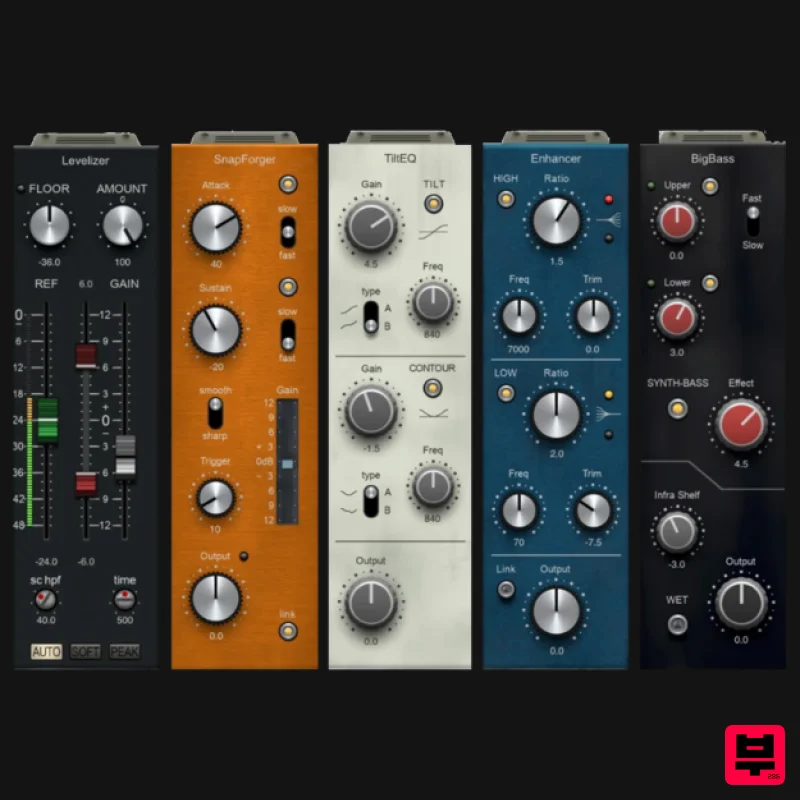
PSP Audioware PSP InfiniStrip Earth Edition
Channel Strip
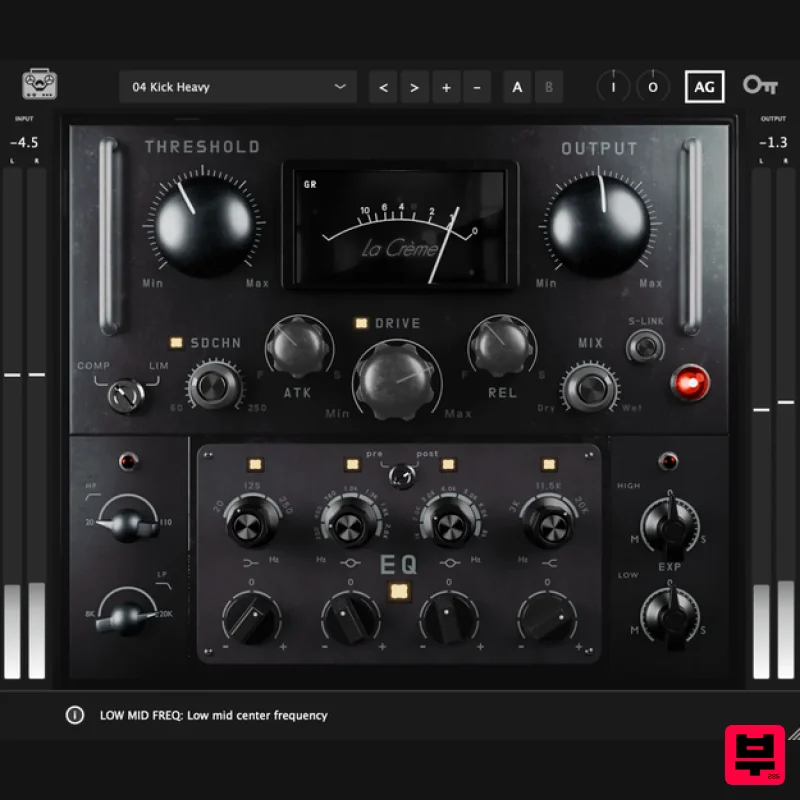
Tone Empire La Crème 3
Channel Strip

