
Waves Manny Marroquin Triple D
Professional music gear - detailed information and where to buy
Waves
Manny Marroquin Triple D
Product Info
* Prices may vary. Check retailer for current pricing and availability.
Product Description
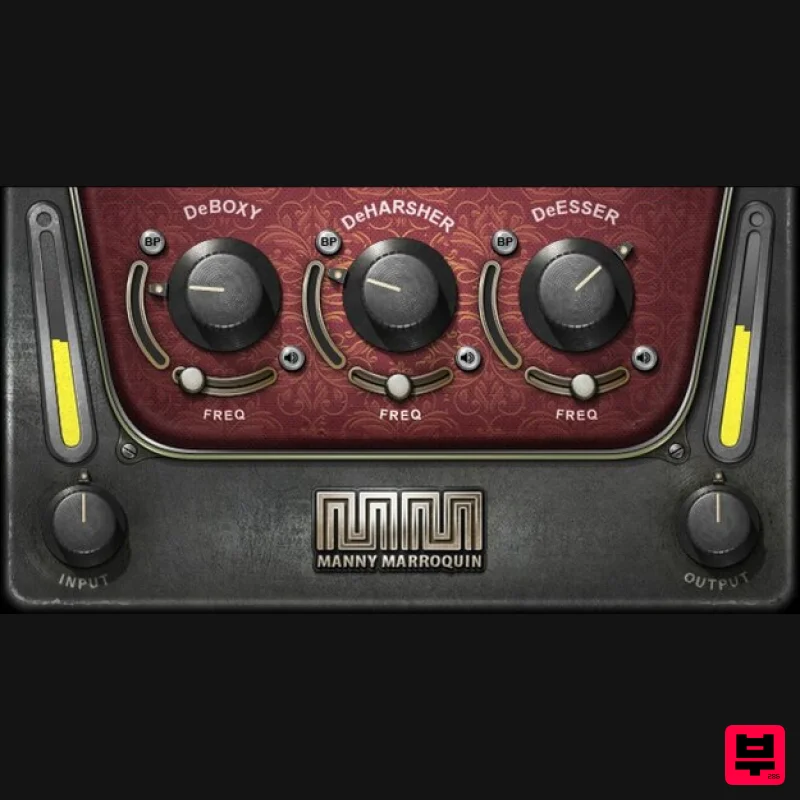
- Manny Marroquin Triple D Fix Vocal Problems with Surgical Precision The usual technique of using EQ to fix boxy
- sibilant
- or harsh vocal sounds also gets rid of the EQed frequencies even when there’s not a problem. Developed by 10x Grammy® winning mix engineer Manny Marroquin (Kendrick Lamar
- Kanye West
- Lizzo
- Future)
- Triple D fixes issues only when they’re present—and otherwise leaves the vocal alone. For vocals
- podcasts and voiceover
- Triple D is the ingenious solution that saves time
- delivers quality recordings
- and retains the voice’s natural characteristics. Features Created with mix engineer Manny Marroquin (Kendrick Lamar
- Lizzo) Independent controls to tame boxy
- harsh
- or sibilant sounds Based on dynamic EQ
- but optimized for ease of use Threshold setting triggers attenuation of problem sounds Listen buttons isolate the three processes for easy tweaking Frequency trims for each stage choose problematic frequencies Attenuation meter shows reduction at the chosen frequency Bypass buttons allow comparing each section’s effect System Requirements Mac macOS Monterey 12
- Ventura 13
- Sonoma 14
- Sequoia 15 VST / AU / AAX PC Windows 10+ VST / AAX 1. Head to https: //www.waves.com/create-account 2. Enter your email and choose a password to create an account (if you already have a Waves account
- choose Log in
- enter your details and head to Step 5) > click 'Submit' 3. Open your email inbox > click the activation link in the email from Waves 4. Click 'Log in here' > Log in to your Waves account 5. Click 'Register New Products' 6. Enter the Serial Number found in your Plugin Boutique user account > click 'Submit' 7. Click download in your Plugin Boutique user account or head to https: //www.waves.com/downloads/central > download the Waves Central app for your operating system 8. Install Waves Central > Open Waves Central 9. Click 'Log in' > enter your log in details 10. Click the 'Install Products' tab 11. Tick the blue dot on all products you wish to install or click the top dot to install all products > click 'Install & Activate' 12. Click 'OK' 13. Open your DAW > open the Waves plugin Your Waves plugins are installed and ready to use
- enjoy!
Additional Information
About the Waves Manny Marroquin Triple D
Experience the quality and tone that makes the Waves Manny Marroquin Triple D a popular choice for musicians.
Why Choose the Waves Manny Marroquin Triple D?
- •Authentic Waves craftsmanship and design
- •Versatile sound suitable for multiple musical genres
- •Professional build quality and reliable performance
- •Part of Waves's respected Vocal Processing lineup
Compare & Explore
Browse our complete selection of Waves instruments or explore other Vocal Processing options. Use our comparison tools to find the perfect match for your musical style and budget.
Similar Products
Antares DUO
Vocal Processing
THR VoxGuru
Vocal Processing
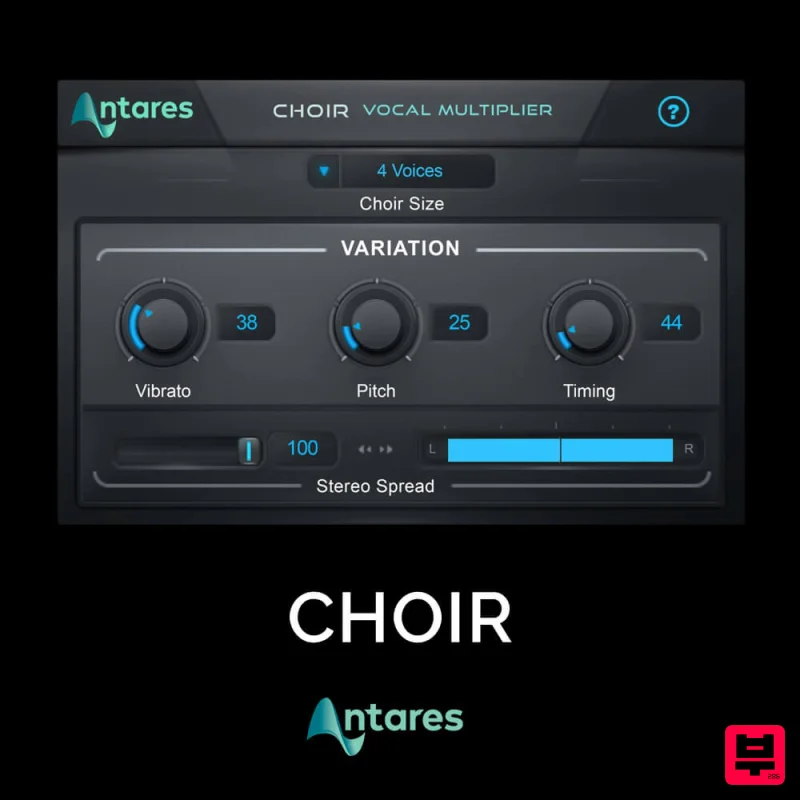
Antares CHOIR
Vocal Processing
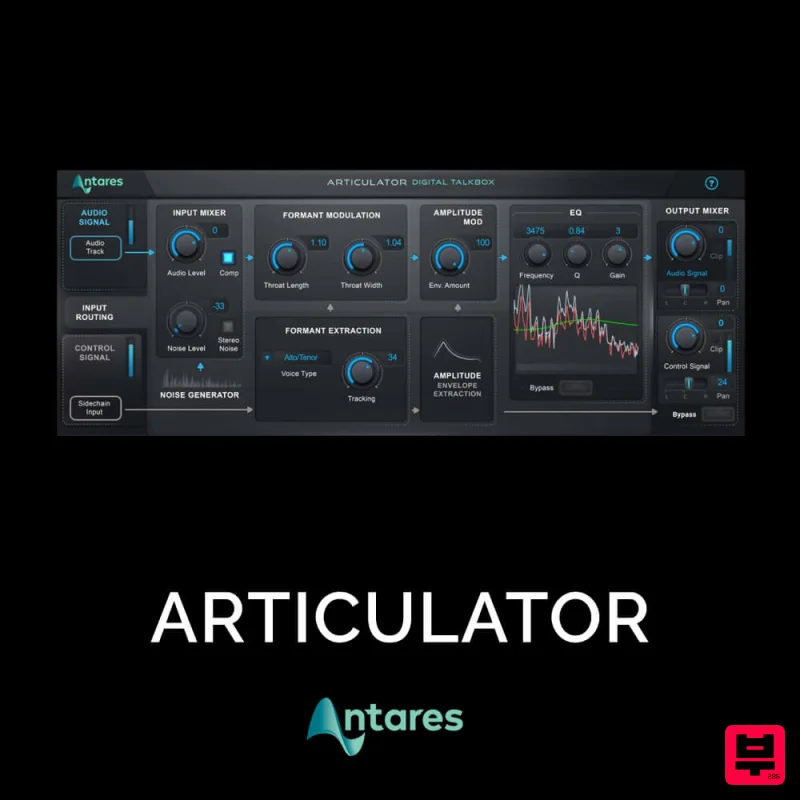
Antares ARTICULATOR
Vocal Processing
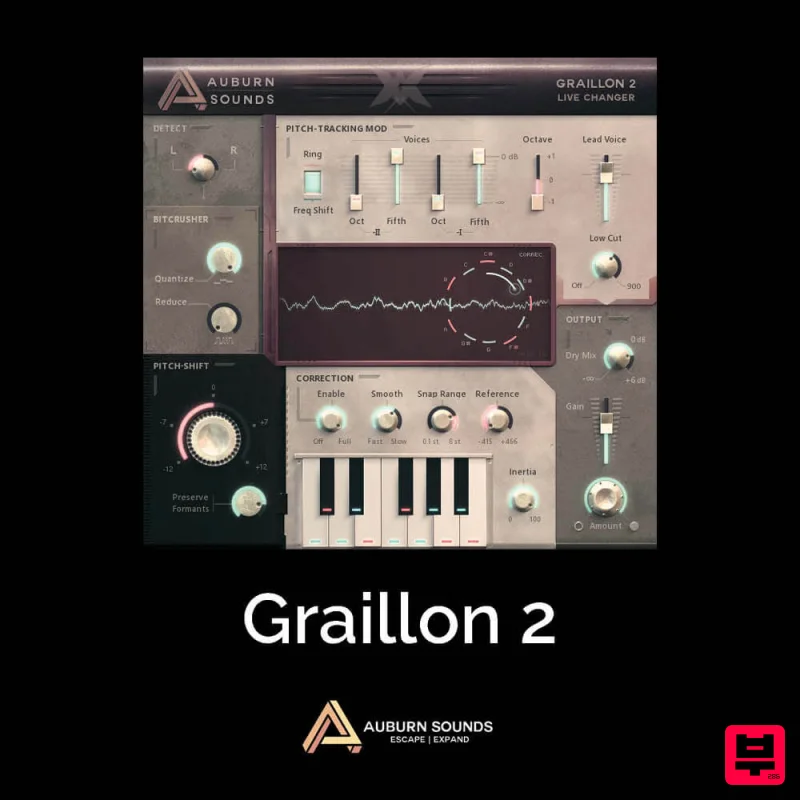
Auburn Sounds Graillon 2
Vocal Processing
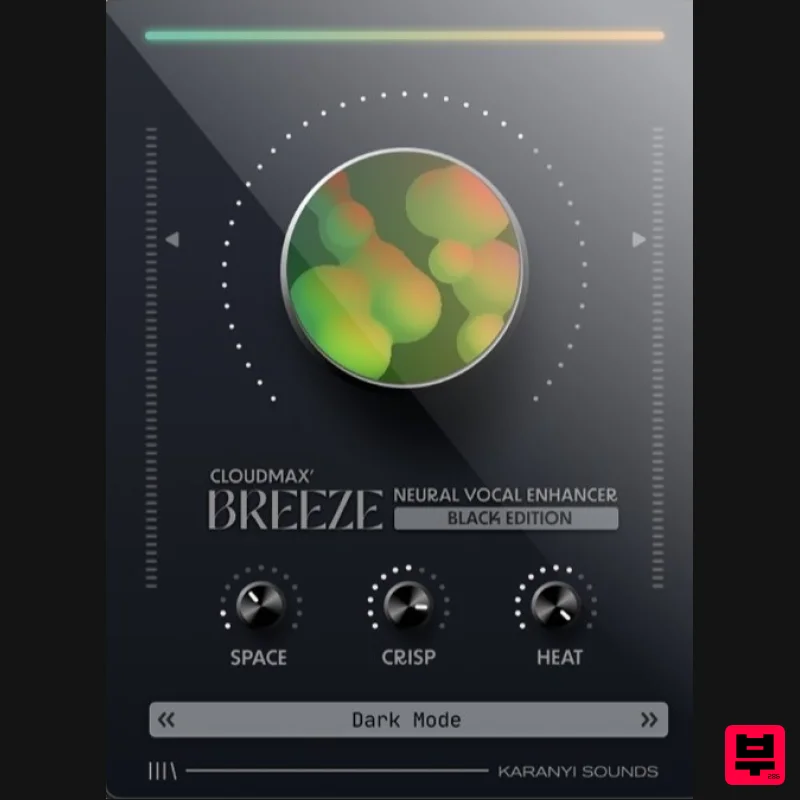
Karanyi Sounds Cloudmax Breeze Black Edition
Vocal Processing
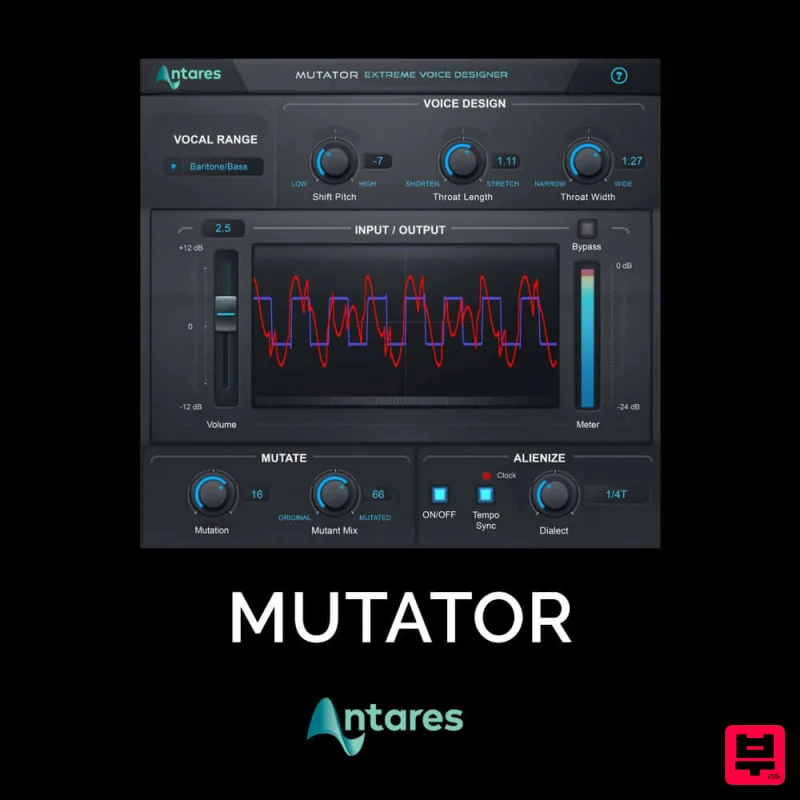
Antares MUTATOR
Vocal Processing

