
Waves Manny Marroquin Distortion
Professional music gear - detailed information and where to buy
Waves
Manny Marroquin Distortion
Product Info
* Prices may vary. Check retailer for current pricing and availability.
Product Description
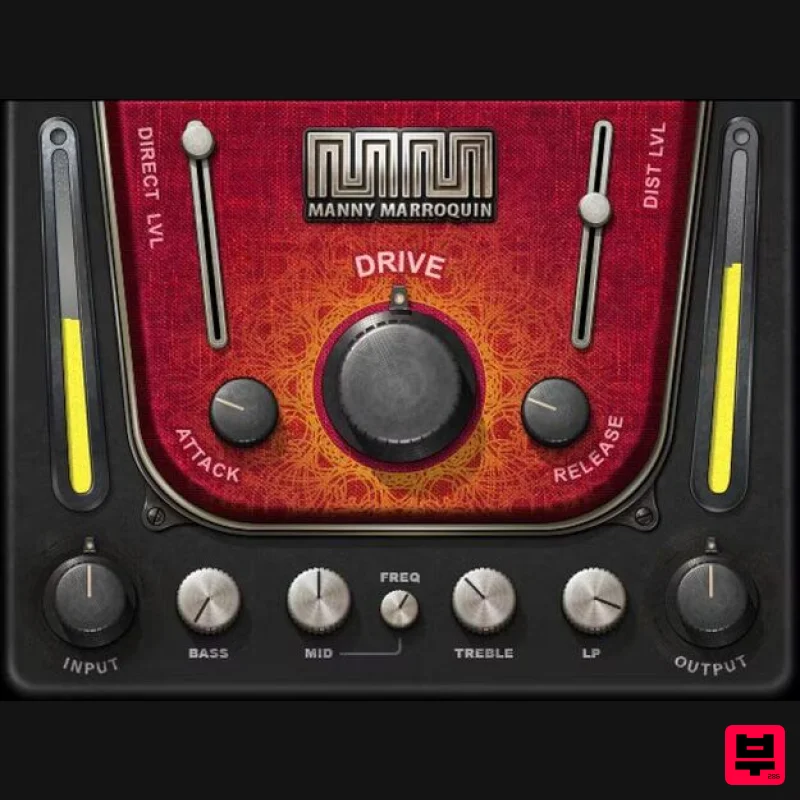
- Manny Marroquin Distortion Not Your Ordinary Distortion 10x Grammy winner Manny Marroquin (Kendrick Lamar
- Kanye West
- Lizzo
- Future) isn’t your ordinary mixing engineer
- and this isn’t your ordinary distortion. Parallel processing layers distortion that growls and teases instead of crushes—thicken digital synths
- add grit to bass amps
- toughen up drums
- and more. As Manny Marroquin says
- “Whether or not it’s audible
- sometimes I just want to feel distortion.” Now
- you can feel—and hear—distortion that imparts a distinctive character to any sound. Features Created with mix engineer Manny Marroquin (Kendrick Lamar
- Lizzo) 4 pre-distortion EQ stages focus on the frequencies to be saturated Excels at making synths sound less sterile
- and fit better in mixes Beefs up drums for a bigger
- more powerful sound Pre-distortion compressor shapes the dynamics Attack control determines how rapidly the distortion develops Release determines whether distortion lingers with note tails With subtle settings
- makes vocals punch more than with a limiter Makes single-coil pickups sound less thin and more assertive The ideal fix when some sounds are just too “clean” System Requirements Mac macOS Monterey 12
- Ventura 13
- Sonoma 14
- Sequoia 15 VST / AU / AAX PC Windows 10+ VST / AAX 1. Head to https: //www.waves.com/create-account 2. Enter your email and choose a password to create an account (if you already have a Waves account
- choose Log in
- enter your details and head to Step 5) > click 'Submit' 3. Open your email inbox > click the activation link in the email from Waves 4. Click 'Log in here' > Log in to your Waves account 5. Click 'Register New Products' 6. Enter the Serial Number found in your Plugin Boutique user account > click 'Submit' 7. Click download in your Plugin Boutique user account or head to https: //www.waves.com/downloads/central > download the Waves Central app for your operating system 8. Install Waves Central > Open Waves Central 9. Click 'Log in' > enter your log in details 10. Click the 'Install Products' tab 11. Tick the blue dot on all products you wish to install or click the top dot to install all products > click 'Install & Activate' 12. Click 'OK' 13. Open your DAW > open the Waves plugin Your Waves plugins are installed and ready to use
- enjoy!
Additional Information
About the Waves Manny Marroquin Distortion
The Waves Manny Marroquin Distortion represents excellent craftsmanship in the Distortion category.
Why Choose the Waves Manny Marroquin Distortion?
- •Authentic Waves craftsmanship and design
- •Versatile sound suitable for multiple musical genres
- •Professional build quality and reliable performance
- •Part of Waves's respected Distortion lineup
Compare & Explore
Browse our complete selection of Waves instruments or explore other Distortion options. Use our comparison tools to find the perfect match for your musical style and budget.
Similar Products
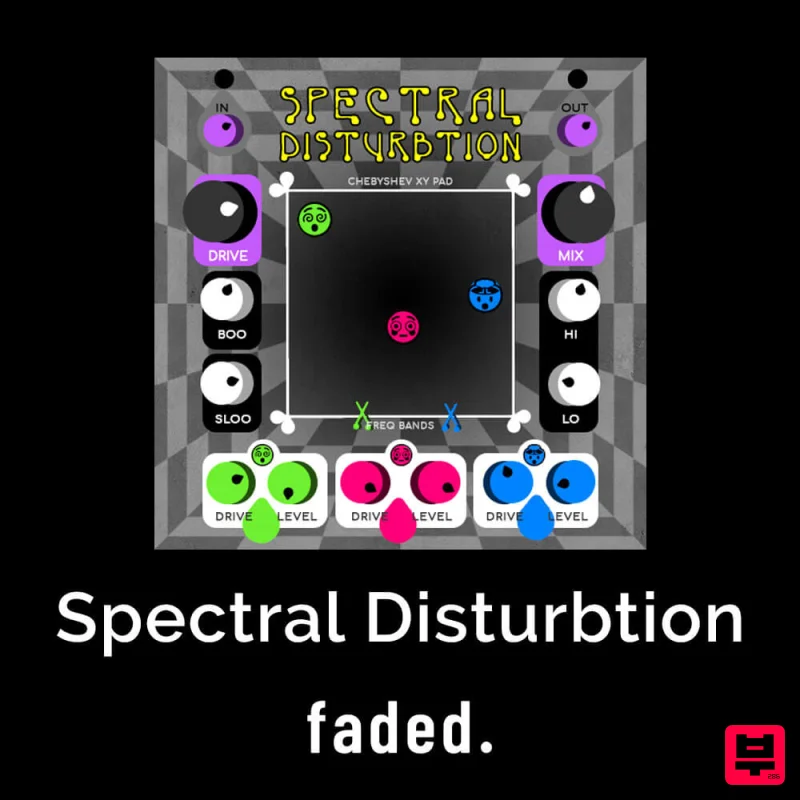
Faded Instruments Spectral Disturbtion
Distortion
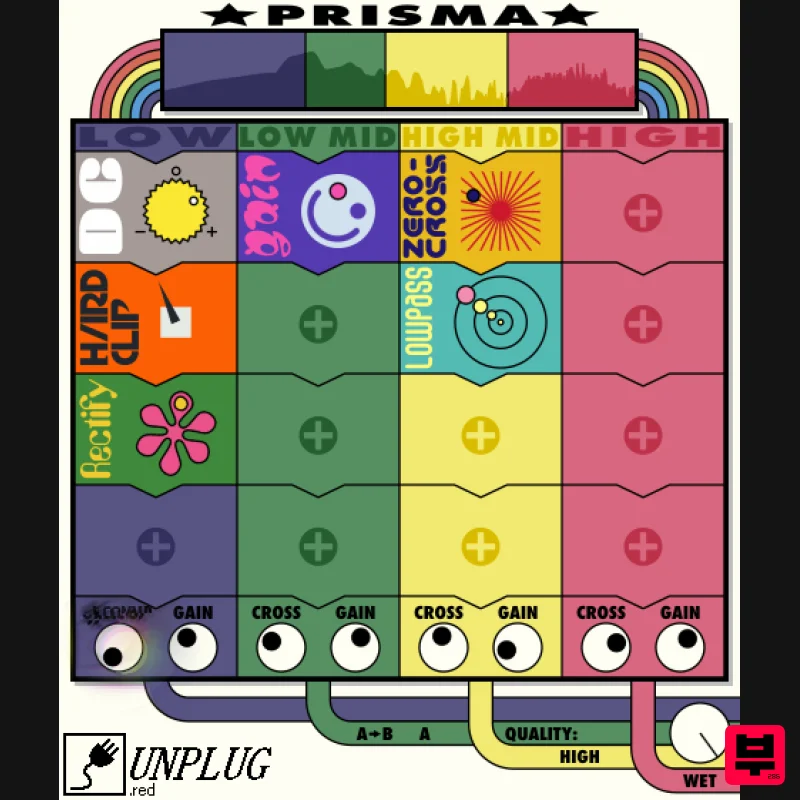
UnplugRed Prisma
Distortion
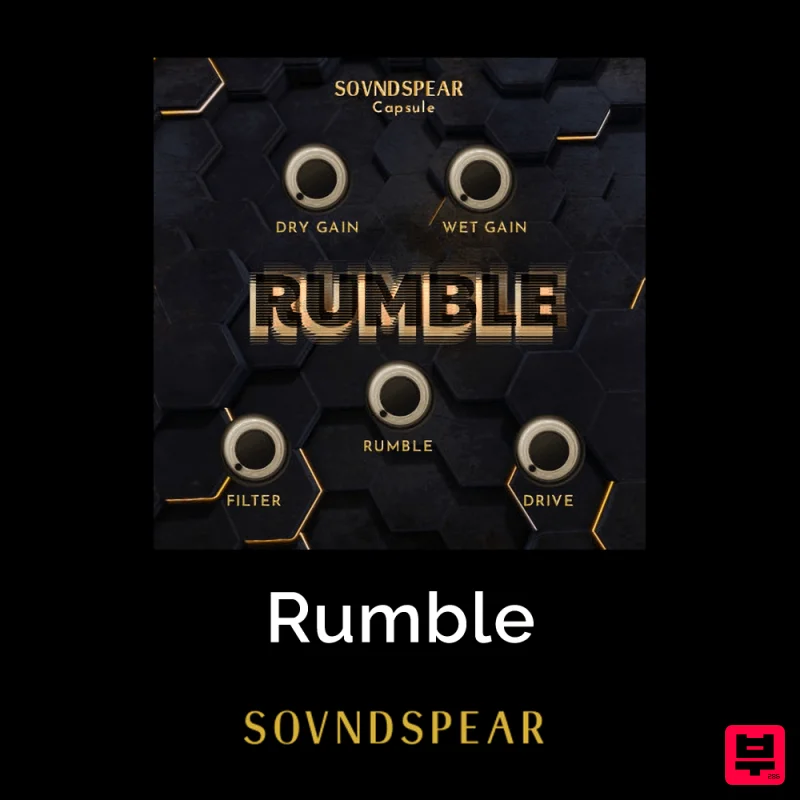
Soundspear Rumble
Distortion
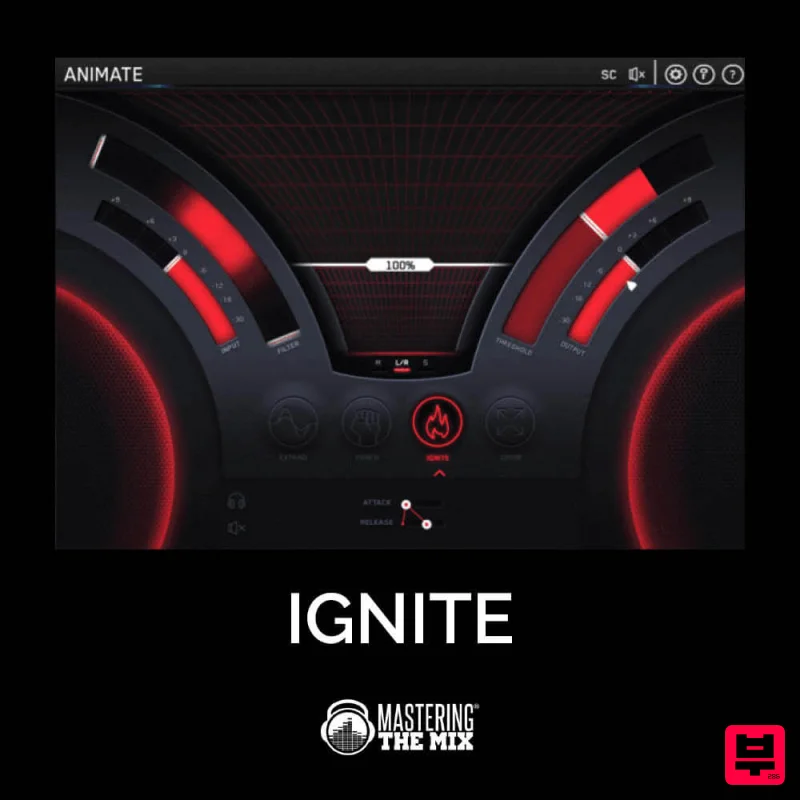
Mastering The Mix IGNITE
Distortion
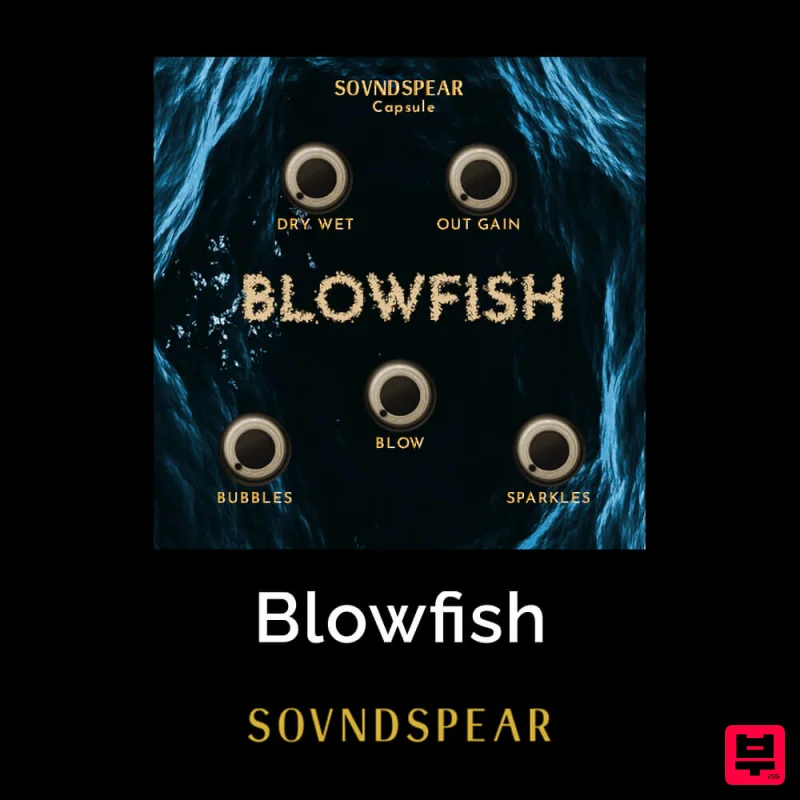
Soundspear Blowfish
Distortion
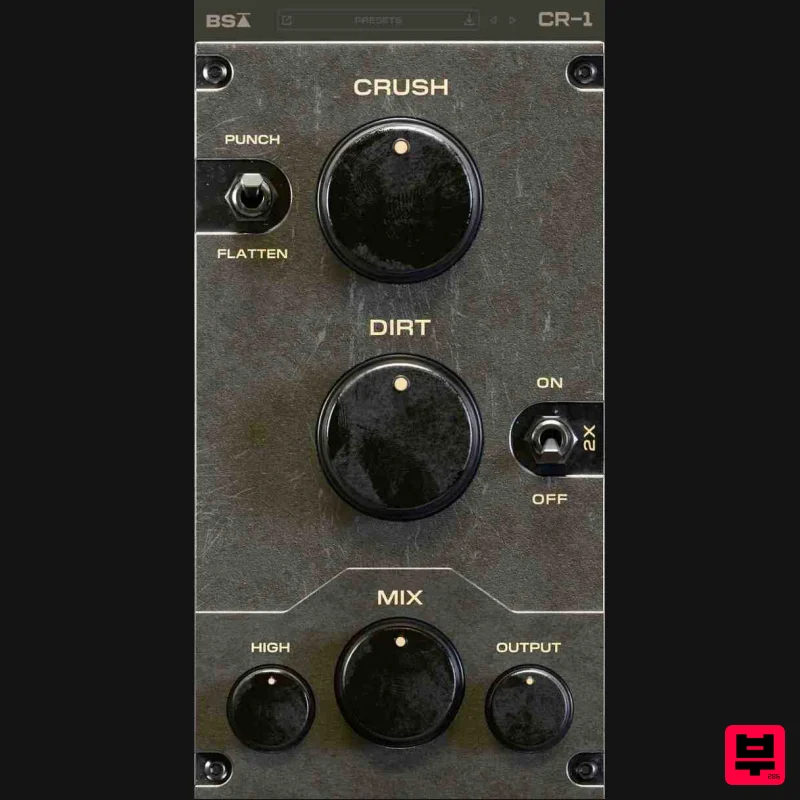
Black Salt Audio CR-1
Distortion
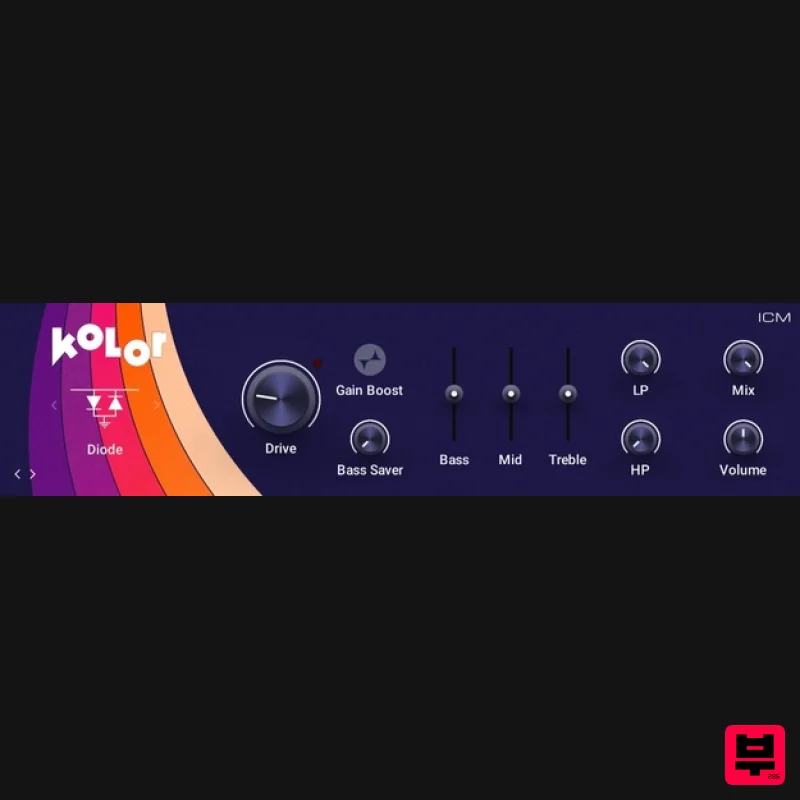
Native Instruments Kolor
Distortion
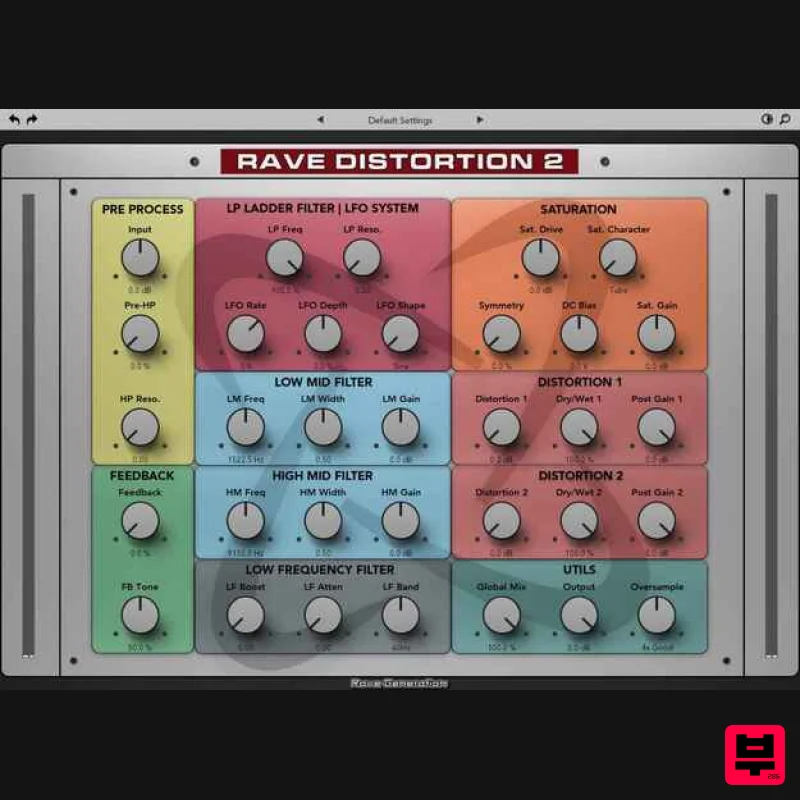
Rave Generation Rave Distortion 2
Distortion

