
Waves L4 Ultramaximizer
Professional music gear - detailed information and where to buy
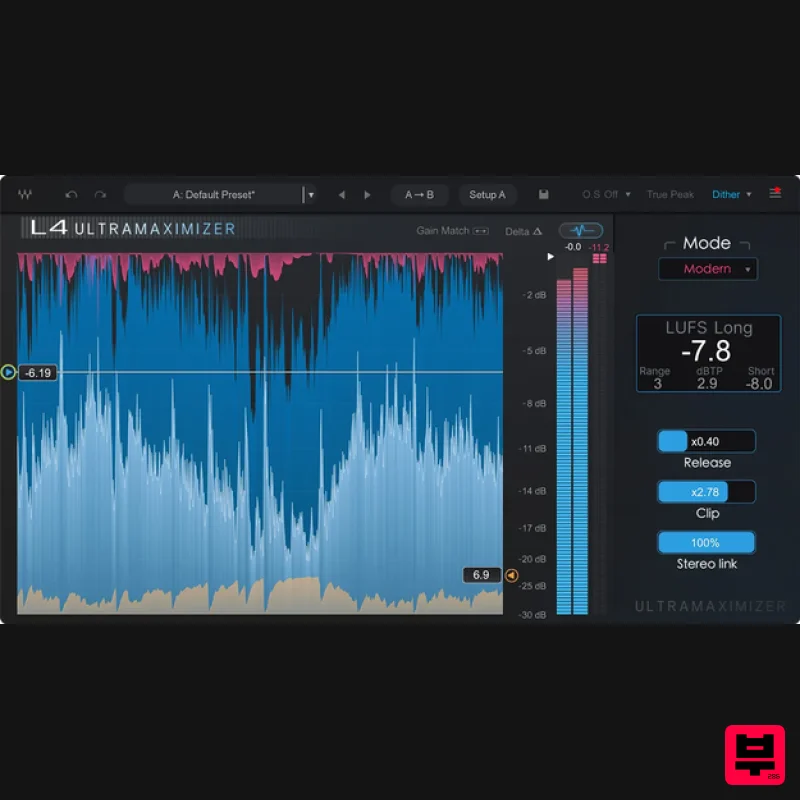
Product Description
- The limiter for a new era of loud In the ’90s and 2000s
- L1 and L2 were loudness. From Red Hot Chili Peppers to Metallica to Timbaland
- countless iconic records ran through them – that was how you stood out. But loudness was yesterday’s battle. Today
- music needs more. And L4 delivers. An adaptive limiter designed for modern music
- L4 delivers not just (super) competitive levels for streaming
- but also musicality: More low end. More transient punch. More life. Today’s sound is deeper. Bigger. More dynamic. Artists grab attention with more than just volume – with nuance
- impact and feel. Limiters need to enhance music
- not just squash it. L4 adds 5 unique limiting algorithms
- adaptive Clipping & Release controls
- Upward compression
- True Peak
- and much more. Features 5 unique limiting algorithms: Modern
- Aggressive
- Safe
- L2 Adaptive clipping & release controls Upward compression Ultra-low latency True Peak limiting LUFS metering Gain-match button Oversampling 2 GUI views: graph & classic mode Stereo link Mac CPU: Intel or Silicon Architecture Memory: 16 GB RAM
- 30 GB free disk space on the system drive Operating System: macOS Ventura 13
- Sonoma 14
- Sequoia 15
- Tahoe 26 Screen Resolution: Recommended: 1920x1080
- USB displays are not supported as the primary display. Windows CPU: X64 compatible Intel or AMD CPU Memory: 16 GB RAM
- 30 GB free disk space on the system drive Operating System: Windows 10 64 bit
- Windows 11 Screen Resolution: Recommended: 1920x1080 1. Head to https://www.waves.com/create-account 2. Enter your email and choose a password to create an account (if you already have a Waves account
- choose Log in
- enter your details and head to Step 5) > click 'Submit' 3. Open your email inbox > click the activation link in the email from Waves 4. Click 'Log in here' > Log in to your Waves account 5. Click 'Register New Products' 6. Enter the Serial Number found in your Plugin Boutique user account > click 'Submit' 7. Click download in your Plugin Boutique user account or head to https: //www.waves.com/downloads/central > download the Waves Central app for your operating system 8. Install Waves Central > Open Waves Central 9. Click 'Log in' > enter your log in details 10. Click the 'Install Products' tab 11. Tick the blue dot on all products you wish to install or click the top dot to install all products > click 'Install & Activate' 12. Click 'OK' 13. Open your DAW > open the Waves plugin Your Waves plugins are installed and ready to use
- enjoy!
Additional Information
About the Waves L4 Ultramaximizer
The Waves L4 Ultramaximizer combines traditional design with modern performance for Limiter enthusiasts.
Why Choose the Waves L4 Ultramaximizer?
- •Authentic Waves craftsmanship and design
- •Versatile sound suitable for multiple musical genres
- •Professional build quality and reliable performance
- •Part of Waves's respected Limiter lineup
Compare & Explore
Browse our complete selection of Waves instruments or explore other Limiter options. Use our comparison tools to find the perfect match for your musical style and budget.
Similar Products
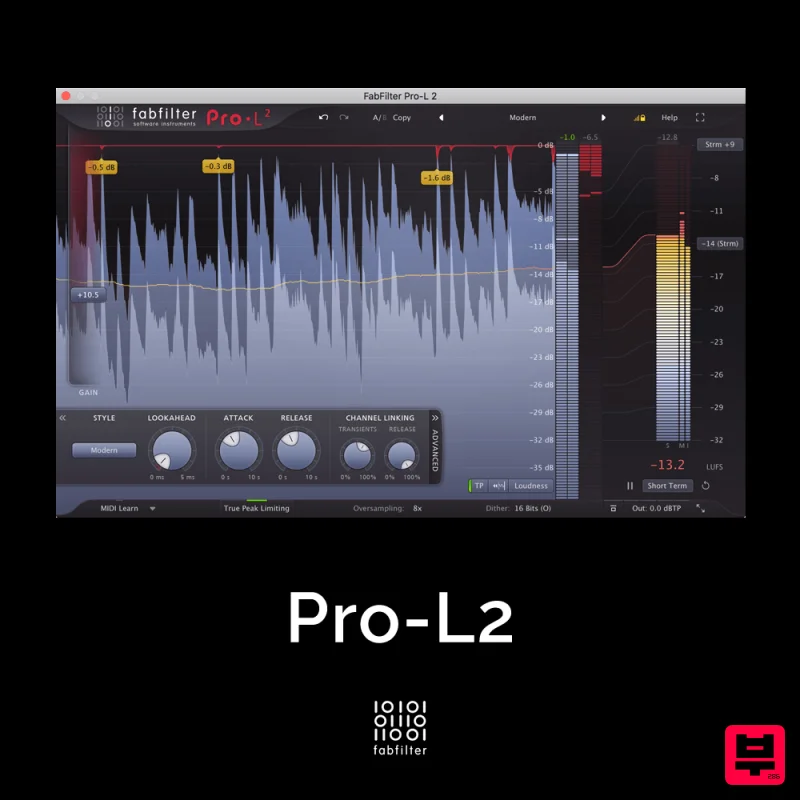
FabFilter Pro-L2
Limiter
$30
A true peak limiter is an essential tool for every mastering or mixing engineer. Are you looking for a professional,...
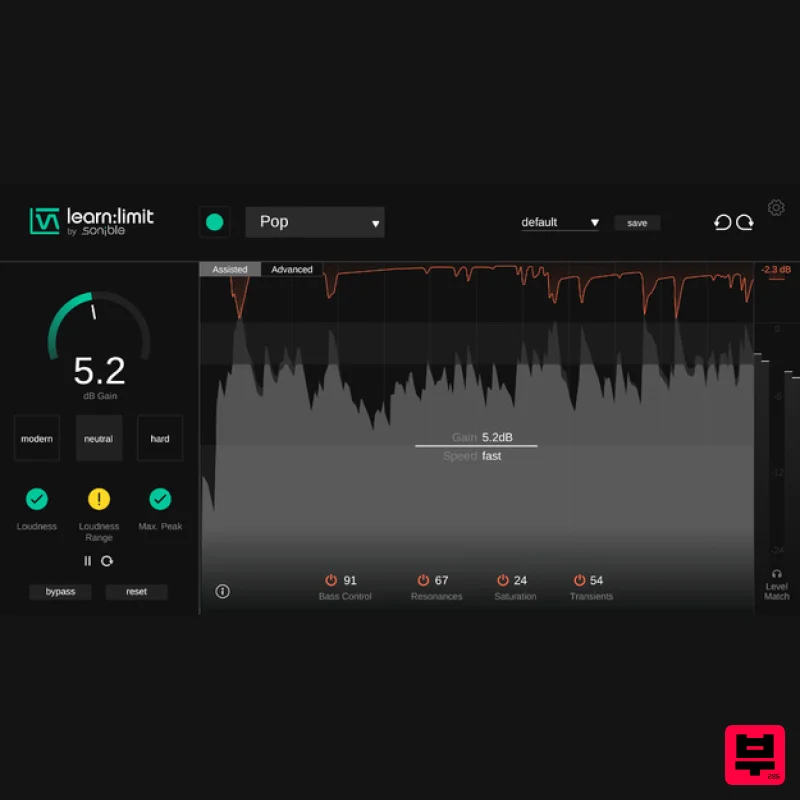
sonible learn:limit
Limiter
$72
An intelligent limiter with built-in loudness monitoring and educational hints learn:limit uses AI to set optimal...
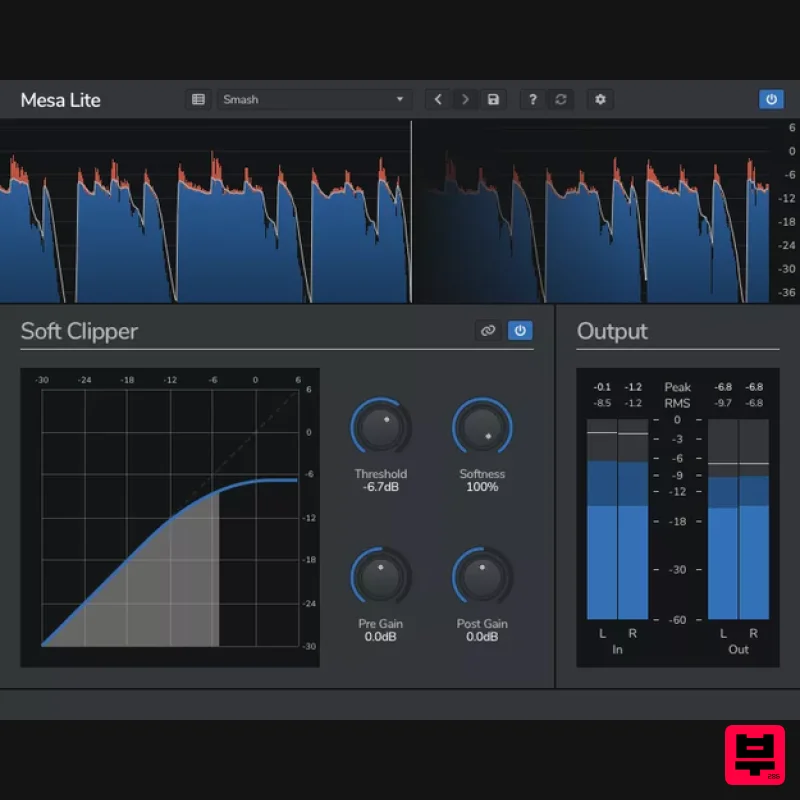
Venomode Mesa Lite
Limiter
Free
Control peaks and increase loudness without pumping Mesa is a free soft clipper designed to increase loudness and...
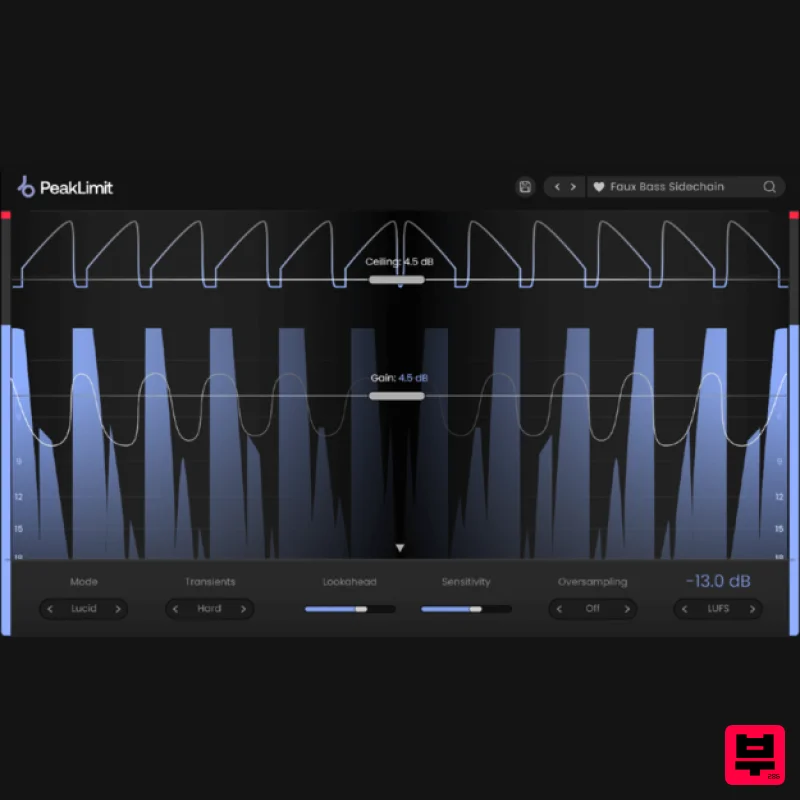
Plugin Boutique PeakLimit
Limiter
$62
Complete your Mastering Chain Before a track is complete and ready for commercial release, the mix has to go through...
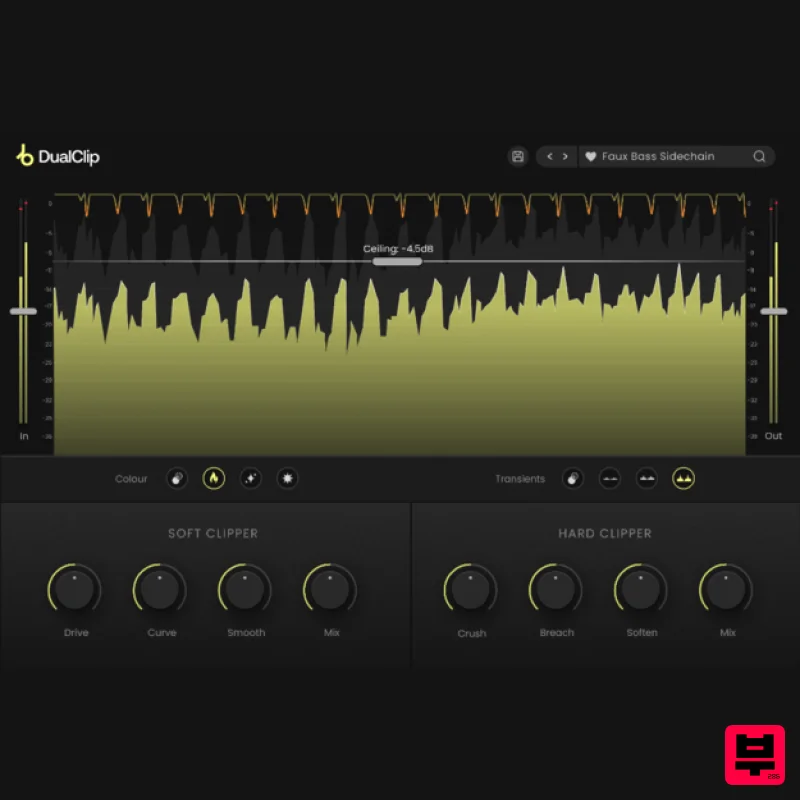
Plugin Boutique DualClip
Limiter
$62
Loudness with Colour Clippers are an essential tool for achieving a huge range of saturation effects. They can...
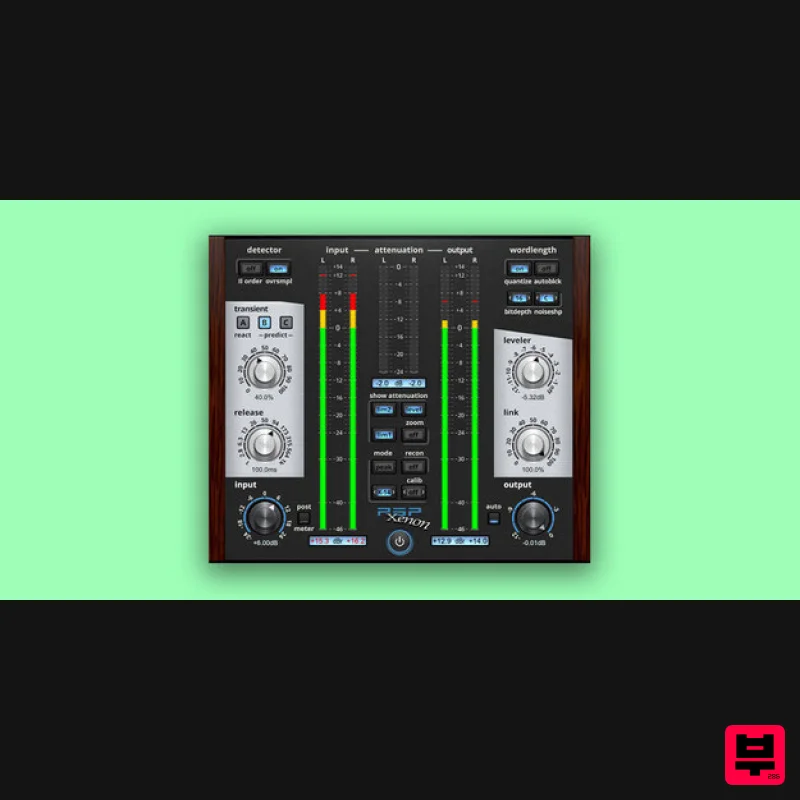
PSP Audioware PSP Xenon
Limiter
$208
PSP Xenon is a full band, dual-stage limiter plug-in featuring an integrated leveler, advanced K-System metering, and...
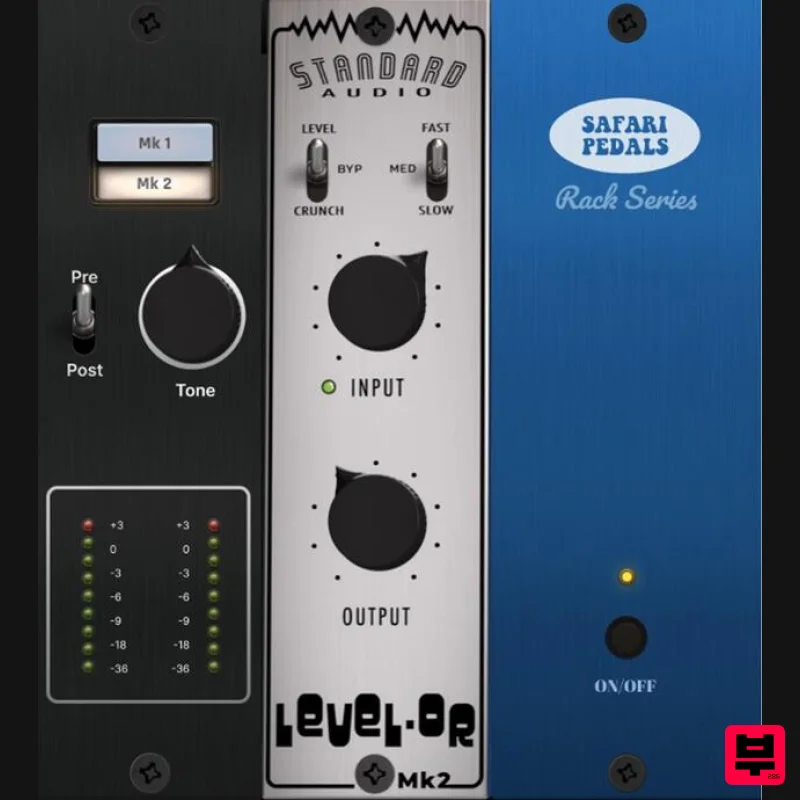
Safari Audio Standard Audio Level-Or
Limiter
$51
Level-Or by Standard Audio x Safari Audio Level-Or is a fierce character compressor/limiter based on the cult-classic...

Safari Audio Lion Master
Limiter
$51
Precision Limiting with Saturation & Width Control Lion Master by Safari Audio is a powerful limiter designed for...
Frequently Asked Questions
The Waves L4 Ultramaximizer stands out for its exceptional Waves craftsmanship and innovative design.
Yes! With its affordable price point and quality construction, it's perfect for learning limiter.
Browse the similar products section to see how it stacks up against other limiter.

