
Waves L3-16 Multimaximizer
Professional music gear - detailed information and where to buy
Product Description
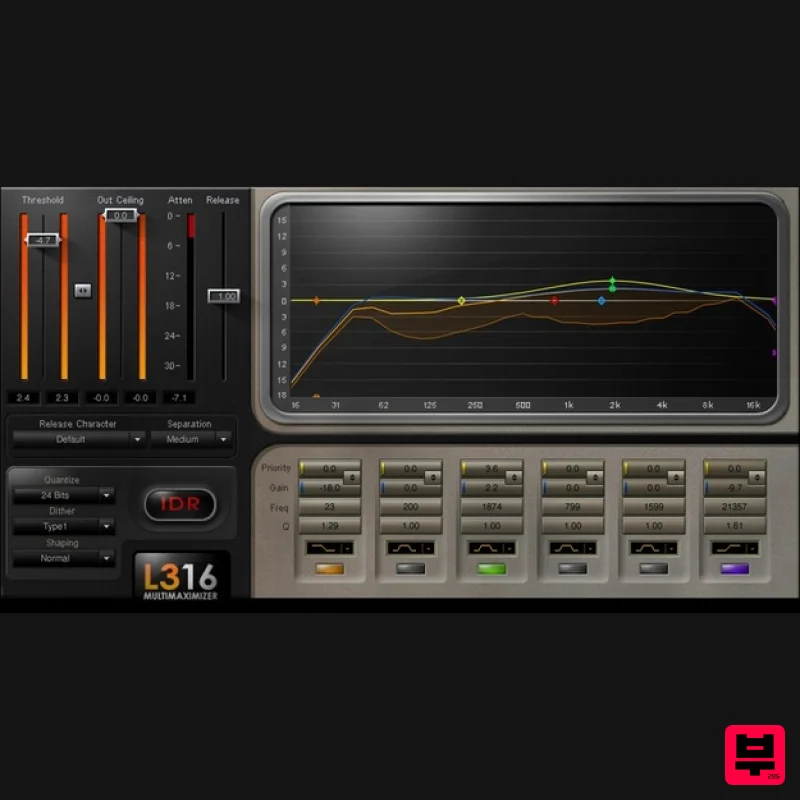
- L3-16 Multimaximizer Multiband Level Maximization with Unparalleled Precision There’s nothing like the L3-16. Fusing paragraphic EQ and dynamics control
- the informative displays shows 16 virtual bands
- with response represented by three discrete curves—attenuation
- and priority. And it’s all under intuitive control
- thanks to a familiar paragraphic EQ control set. The result is an uncanny ability to shape masters beyond traditional dynamics—it’s almost like you’re getting inside the music
- then re-balancing dynamics and frequency for the perfect mix. Features Engineered from the ground up for maximum
- yet transparent
- impact No phase “ thanks to linear-phase crossover filtering 21 release characters
- from warm classical to punchy modern Auto-release optimizes the response to changes in dynamics 3 different band slopes give broader or narrower control Linear-phase design reproduces transients with utmost clarity “Priority” option ensures key elements like vocals aren’t masked Includes sophisticated dithering and noise-shaping options 38 stellar presets
- for all types of mastering applications Use bell EQ stage for precise focus
- or shelf for broader changes System Requirements Mac macOS Monterey 12
- Ventura 13
- Sonoma 14
- Sequoia 15 VST / AU / AAX PC Windows 10+ VST / AAX 1. Head to https: //www.waves.com/create-account 2. Enter your email and choose a password to create an account (if you already have a Waves account
- choose Log in
- enter your details and head to Step 5) > click 'Submit' 3. Open your email inbox > click the activation link in the email from Waves 4. Click 'Log in here' > Log in to your Waves account 5. Click 'Register New Products' 6. Enter the Serial Number found in your Plugin Boutique user account > click 'Submit' 7. Click download in your Plugin Boutique user account or head to https: //www.waves.com/downloads/central > download the Waves Central app for your operating system 8. Install Waves Central > Open Waves Central 9. Click 'Log in' > enter your log in details 10. Click the 'Install Products' tab 11. Tick the blue dot on all products you wish to install or click the top dot to install all products > click 'Install & Activate' 12. Click 'OK' 13. Open your DAW > open the Waves plugin Your Waves plugins are installed and ready to use
- enjoy!
Additional Information
About the Waves L3-16 Multimaximizer
The Waves L3-16 Multimaximizer represents excellent craftsmanship in the Limiter category.
Why Choose the Waves L3-16 Multimaximizer?
- •Authentic Waves craftsmanship and design
- •Versatile sound suitable for multiple musical genres
- •Professional build quality and reliable performance
- •Part of Waves's respected Limiter lineup
Compare & Explore
Browse our complete selection of Waves instruments or explore other Limiter options. Use our comparison tools to find the perfect match for your musical style and budget.
Similar Products
Plugin Boutique PeakLimit
Limiter
$62
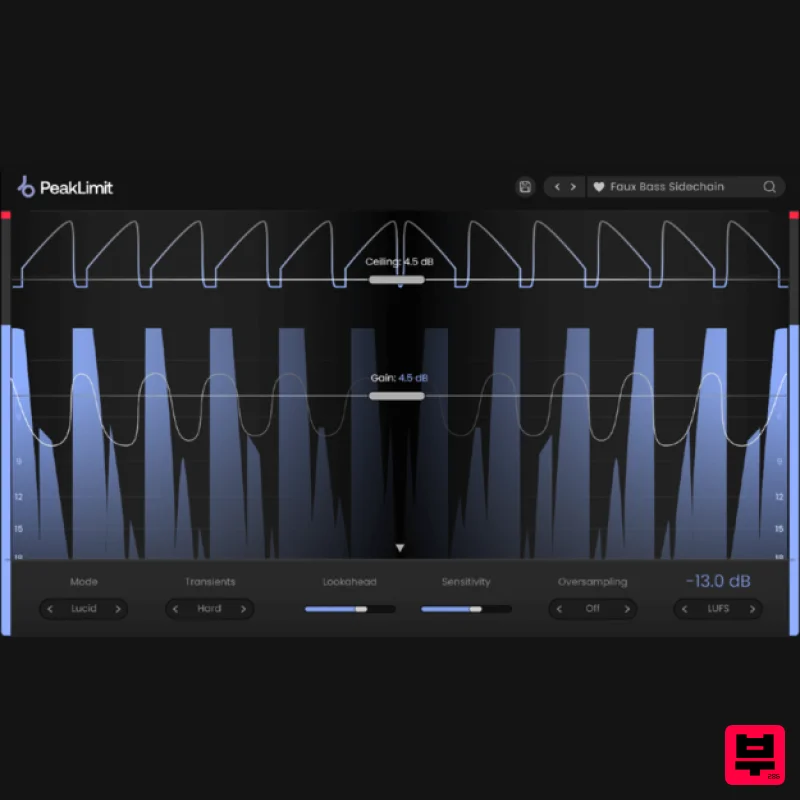
Complete your Mastering Chain Before a track is complete and ready for commercial release, the mix has to go through...
Safari Audio Standard Audio Level-Or
Limiter
$51
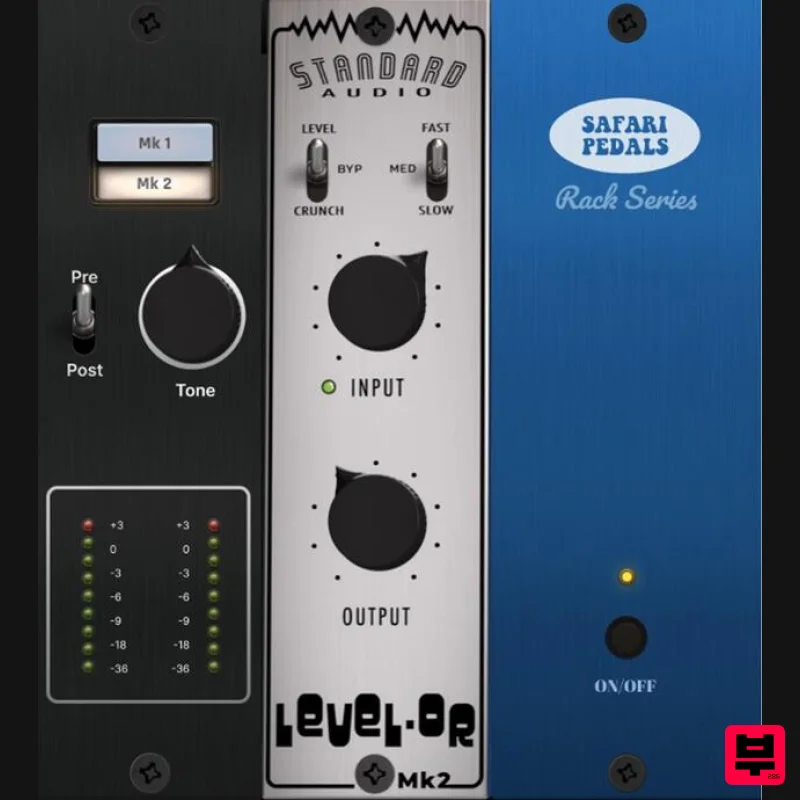
Level-Or by Standard Audio x Safari Audio Level-Or is a fierce character compressor/limiter based on the cult-classic...

Safari Audio Lion Master
Limiter
$51
Precision Limiting with Saturation & Width Control Lion Master by Safari Audio is a powerful limiter designed for...
Plugin Boutique DualClip
Limiter
$62
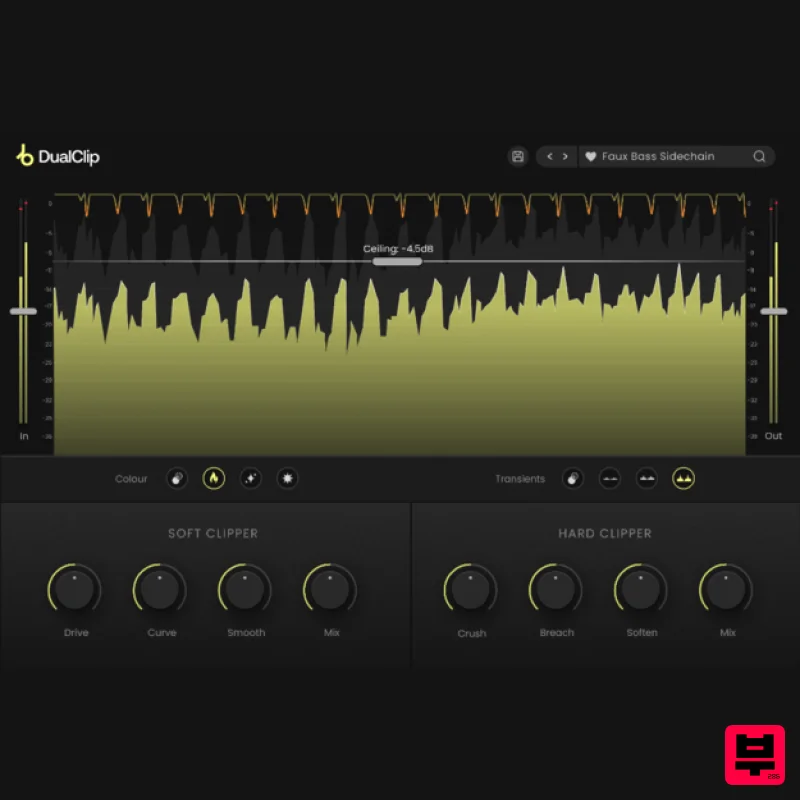
Loudness with Colour Clippers are an essential tool for achieving a huge range of saturation effects. They can...
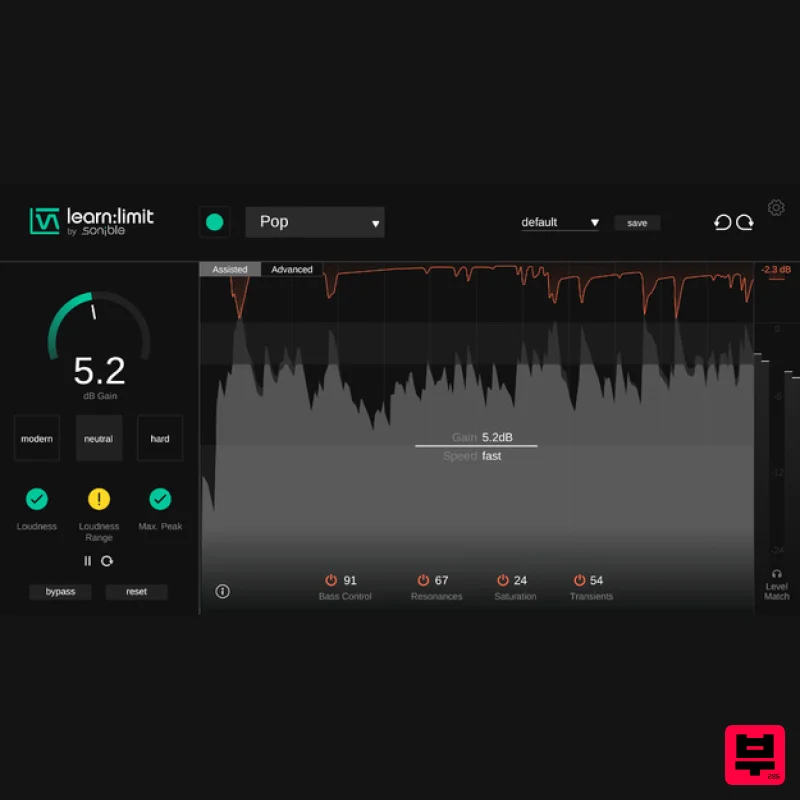
sonible learn:limit
Limiter
$72
An intelligent limiter with built-in loudness monitoring and educational hints learn:limit uses AI to set optimal...
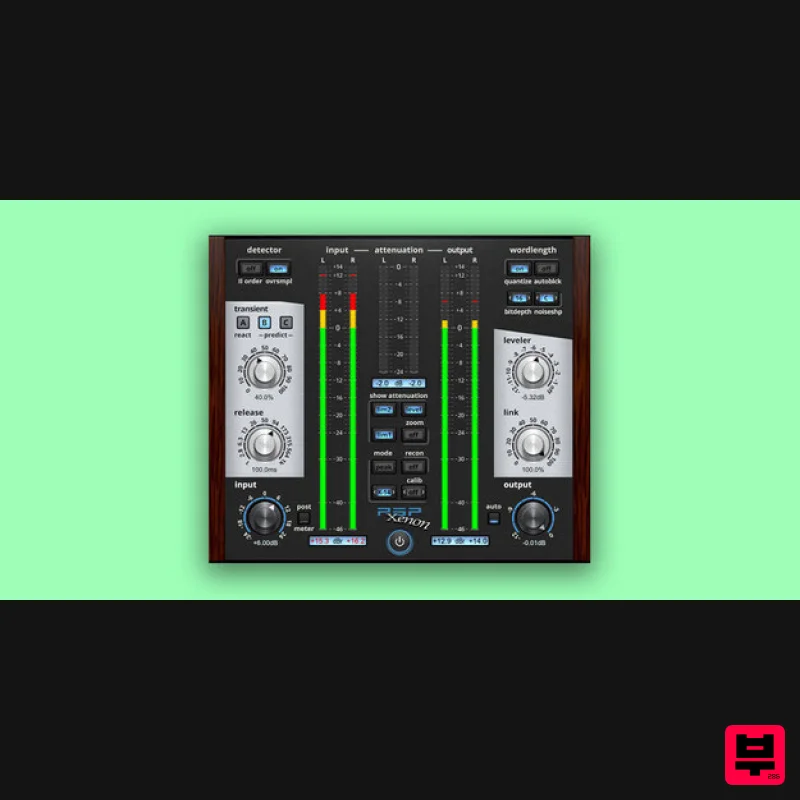
PSP Audioware PSP Xenon
Limiter
$208
PSP Xenon is a full band, dual-stage limiter plug-in featuring an integrated leveler, advanced K-System metering, and...
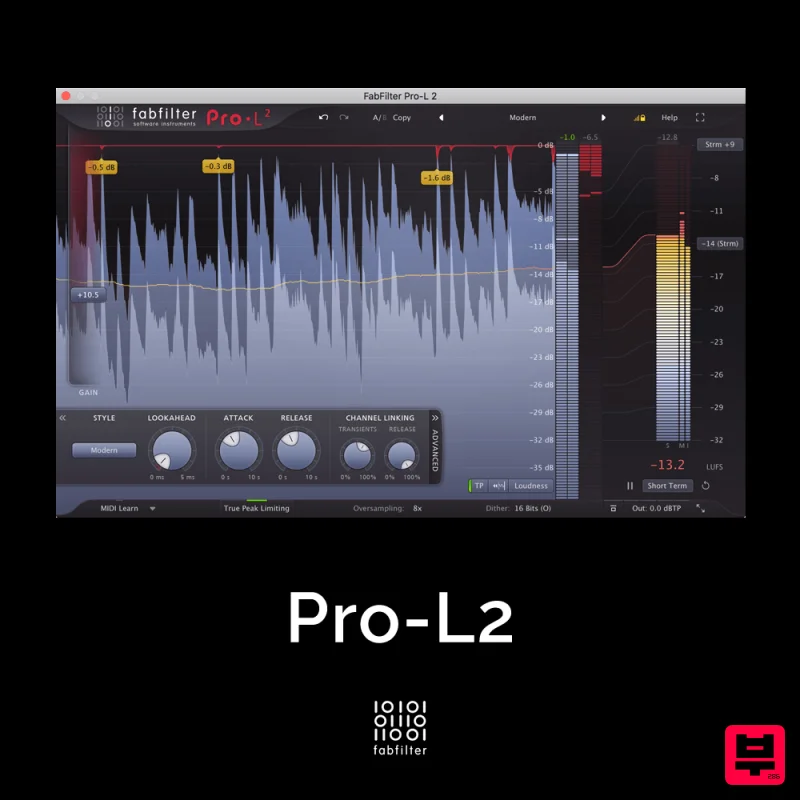
FabFilter Pro-L2
Limiter
$30
A true peak limiter is an essential tool for every mastering or mixing engineer. Are you looking for a professional,...
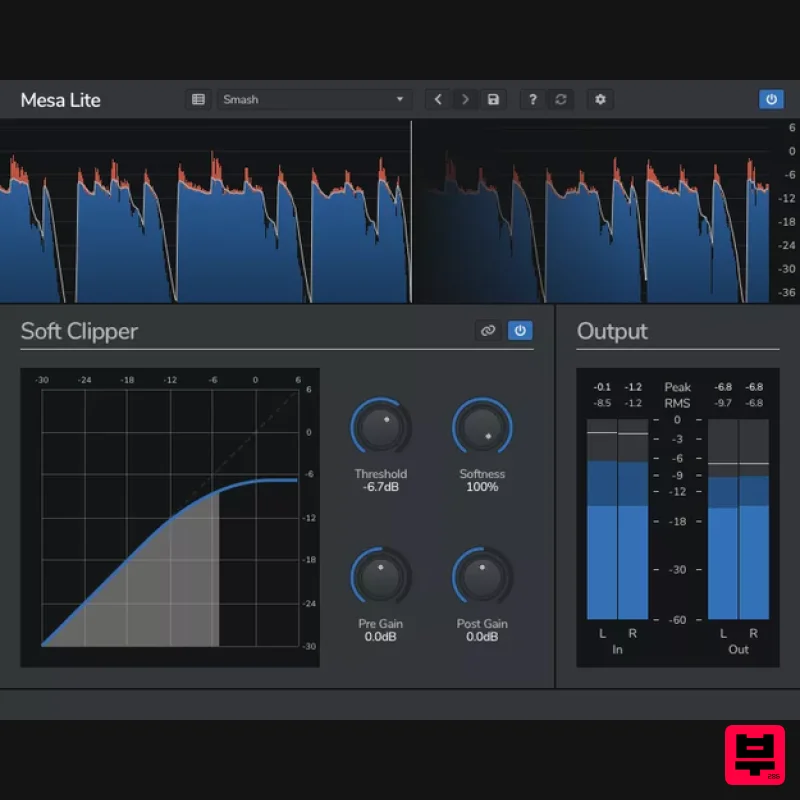
Venomode Mesa Lite
Limiter
Free
Control peaks and increase loudness without pumping Mesa is a free soft clipper designed to increase loudness and...
Frequently Asked Questions
The Waves L3-16 Multimaximizer stands out for its exceptional Waves craftsmanship and innovative design.
Yes! With its affordable price point and quality construction, it's perfect for learning limiter.
Browse the similar products section to see how it stacks up against other limiter.

