
Waves JJP Vocals
Professional music gear - detailed information and where to buy
Waves
JJP Vocals
Product Info
* Prices may vary. Check retailer for current pricing and availability.
Product Description
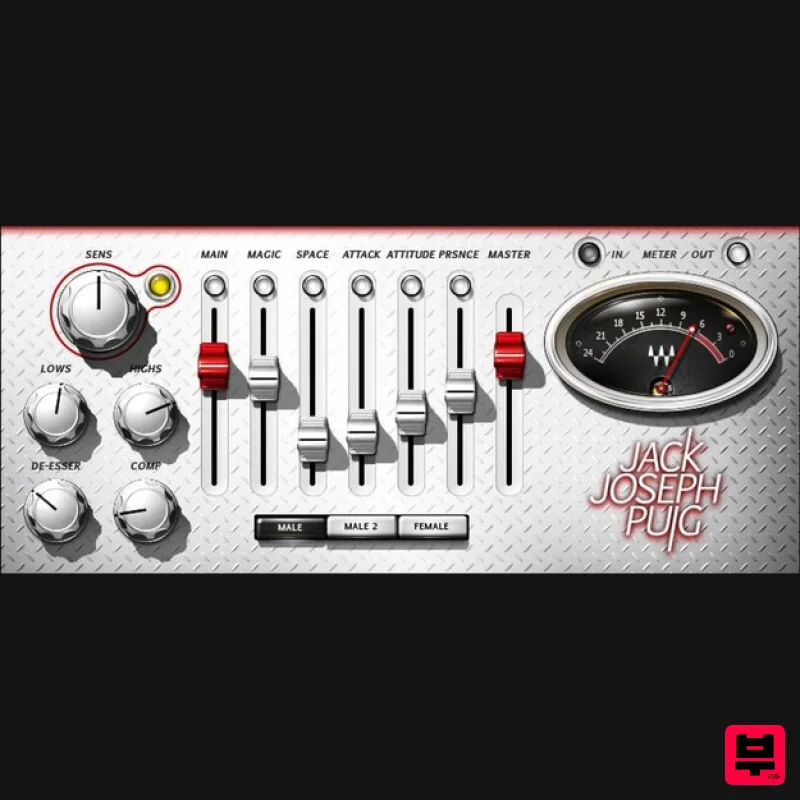
- JJP Vocals The Only Multi-effect Dedicated to Vocal Feel Created with Grammy®-winning producer/engineer Jack Joseph Puig (John Mayer
- Lady Gaga
- the Rolling Stones)
- JJP Vocals is an entirely different vocal processor. Instead of the usual effects
- this unorthodox plugin lets you shape vocals in terms of Magic
- Space
- Attack
- Attitude
- and Presence. The powerful parallel chains under the hood combine complex compression
- vocal-optimized equalization
- delay
- and other effects. But all you need to do on the interface is adjust the 5 sliders—and shape your vocal intuitively with instant satisfaction. “This is how I myself mix vocals. My approach is instinctive. I don’t think in terms of ‘which delay’ or ‘how to EQ it.’ I just care how it makes you feel. Each singer is unique
- so there’s no single way to go about it. I do whatever it takes to make sure the vocal is open
- sits well in the mix
- most importantly
- conveys the message of the song. JJP Vocals helps you get there.” --Jack Joseph Puig Features S5 parallel processors layer effects with the vocal track Not just for music vocals
- but podcasts
- voiceover
- audiobooks 2 male/1 female voice options create a helpful starting point Give power to rap vocals—boost initial consonants with Attack Enhance articulation and clarity with the Presence slider Add authority and power to vocals with the Attitude slider Add a slapback-style ambience with the Space control Subtly spotlight a vocal’s character with the Magic option Tweak further de-esser
- low and high EQs
- and compression Vary the blend of dry and processed sounds System Requirements Mac macOS Monterey 12
- Ventura 13
- Sonoma 14
- Sequoia 15 VST / AU / AAX PC Windows 10+ VST / AAX 1. Head to https: //www.waves.com/create-account 2. Enter your email and choose a password to create an account (if you already have a Waves account
- choose Log in
- enter your details and head to Step 5) > click 'Submit' 3. Open your email inbox > click the activation link in the email from Waves 4. Click 'Log in here' > Log in to your Waves account 5. Click 'Register New Products' 6. Enter the Serial Number found in your Plugin Boutique user account > click 'Submit' 7. Click download in your Plugin Boutique user account or head to https: //www.waves.com/downloads/central > download the Waves Central app for your operating system 8. Install Waves Central > Open Waves Central 9. Click 'Log in' > enter your log in details 10. Click the 'Install Products' tab 11. Tick the blue dot on all products you wish to install or click the top dot to install all products > click 'Install & Activate' 12. Click 'OK' 13. Open your DAW > open the Waves plugin Your Waves plugins are installed and ready to use
- enjoy!
Additional Information
About the Waves JJP Vocals
Experience the quality and tone that makes the Waves JJP Vocals a popular choice for musicians.
Why Choose the Waves JJP Vocals?
- •Authentic Waves craftsmanship and design
- •Versatile sound suitable for multiple musical genres
- •Professional build quality and reliable performance
- •Part of Waves's respected Vocal Processing lineup
Compare & Explore
Browse our complete selection of Waves instruments or explore other Vocal Processing options. Use our comparison tools to find the perfect match for your musical style and budget.
Similar Products
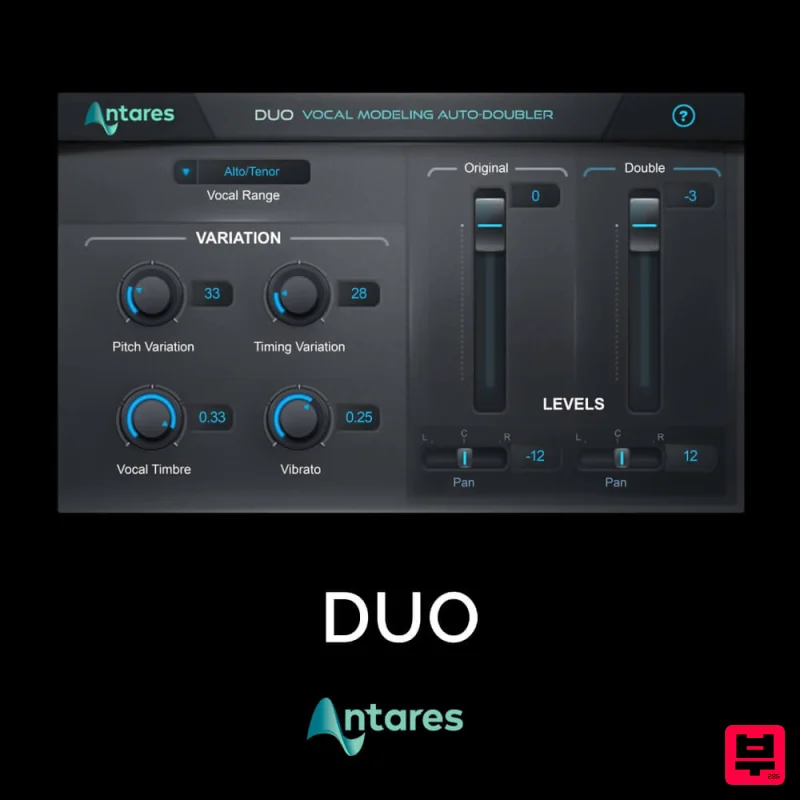
Antares DUO
Vocal Processing
Krotos Krotos Dehumaniser 2
Vocal Processing
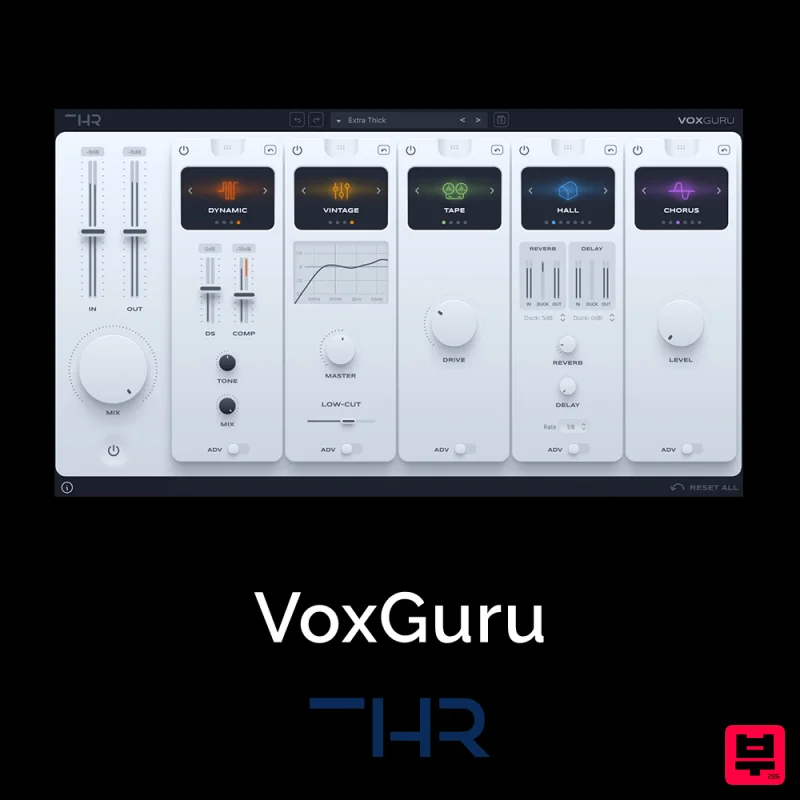
THR VoxGuru
Vocal Processing
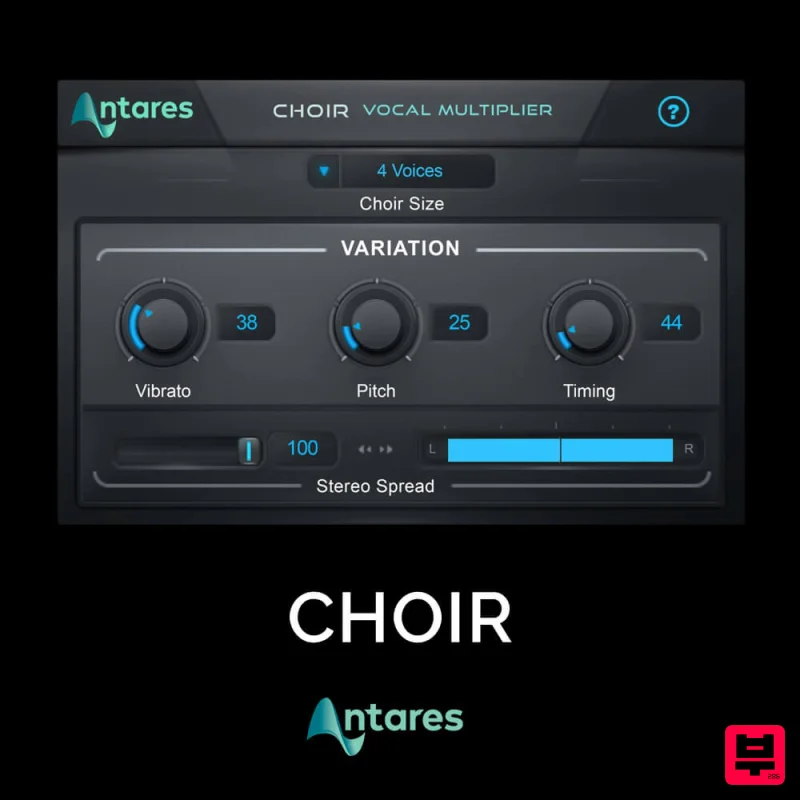
Antares CHOIR
Vocal Processing
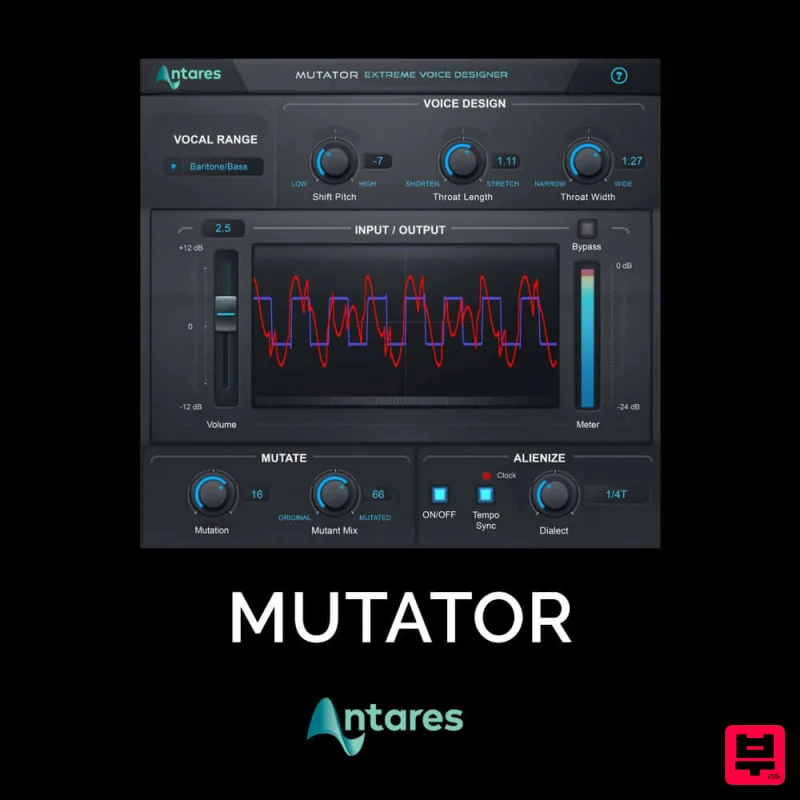
Antares MUTATOR
Vocal Processing
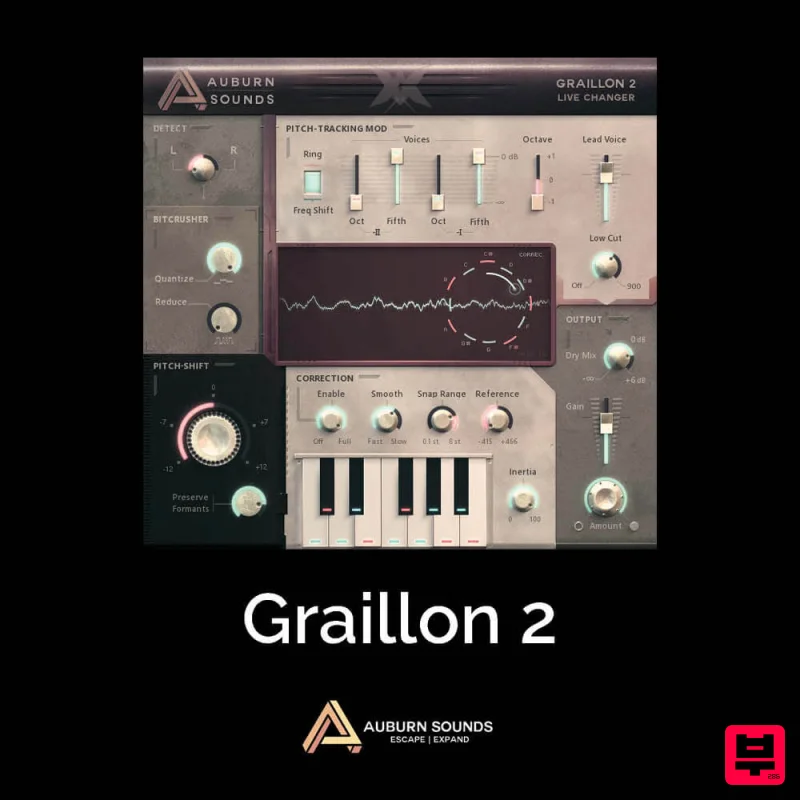
Auburn Sounds Graillon 2
Vocal Processing
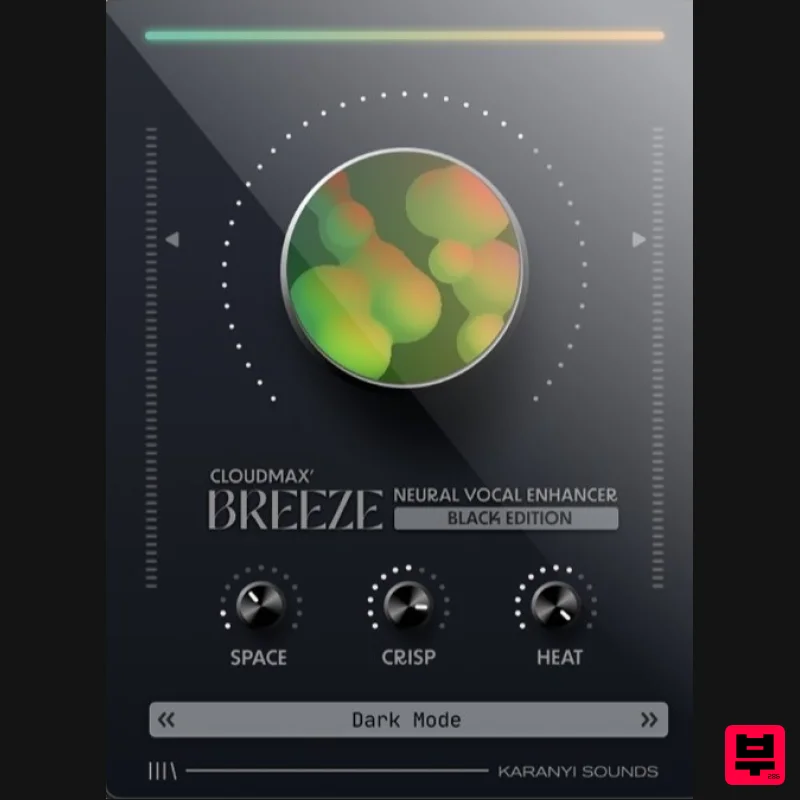
Karanyi Sounds Cloudmax Breeze Black Edition
Vocal Processing
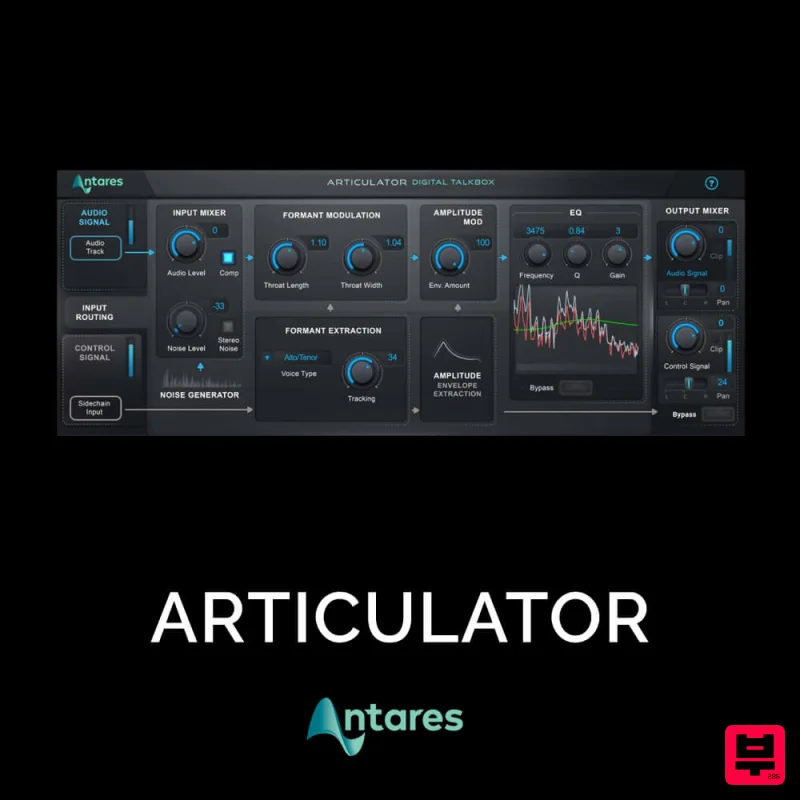
Antares ARTICULATOR
Vocal Processing

