
Waves GTR Solo
Professional music gear - detailed information and where to buy
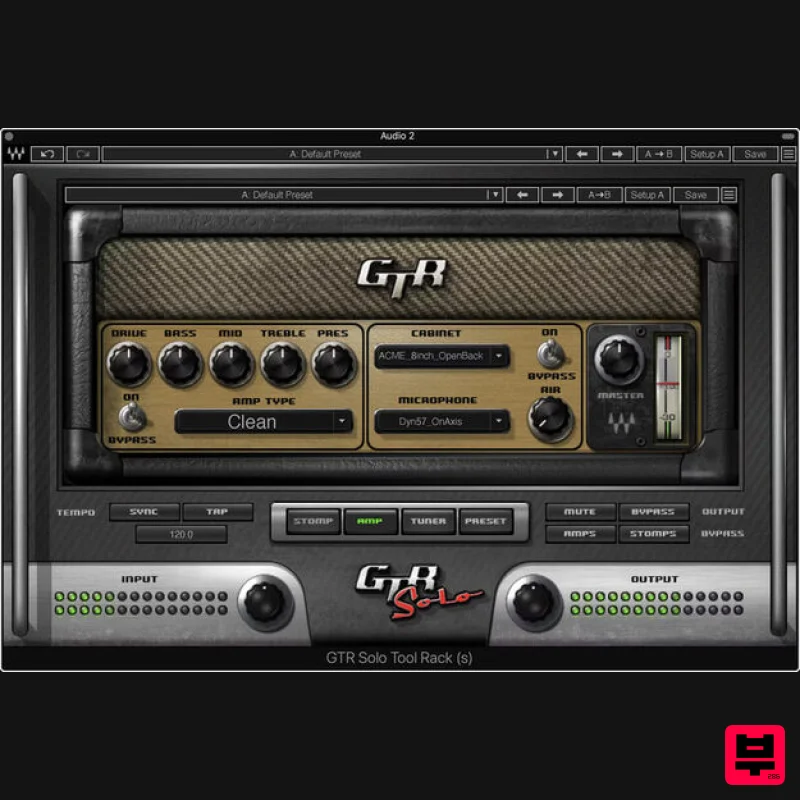
Waves
GTR Solo
Product Info
* Prices may vary. Check retailer for current pricing and availability.
Product Description
- GTR Solo Superb Sim Sounds
- with Stellar Simplicity GTR Solo is a “greatest hits” version of Waves’ acclaimed GTR3 suite of amps and effects
- with the same meticulous modeling and detail. Clean
- overdrive
- and high-gain amps (including two custom amps by Paul Reed provide all the power you need for studio sessions or live performance. To complete your pedalboard
- choose from a dozen popular stompbox guitar effects. Then
- use the ToolRack module to create a complete guitar setup with virtual cabs and miking options. Features 2 clean
- 3 overdrive
- and 4 high-gain amps for guitar 9 guitar cabs
- 1 bass cab
- and 12 miking options (with 3 mic types) Insert up to 4 pedal effects
- and choose pre- or post-amp position Chorus
- overdrive
- distortion
- delay
- 2 reverbs
- 6 more effects Drag-and-drop effect positions in the effects chain Tap tempo
- tempo sync
- and many more extras The ToolRack paradigm is ideal for real-time live performance Compatible with multipoint touch-sensitive screens Tuner for guitar and bass
- with alternate and user-defined tunings 68 factory presets start you off in style System Requirements Mac macOS Monterey 12
- Ventura 13
- Sonoma 14
- Sequoia 15 VST / AU / AAX PC Windows 10+ VST / AAX 1. Head to https: //www.waves.com/create-account 2. Enter your email and choose a password to create an account (if you already have a Waves account
- choose Log in
- enter your details and head to Step 5) > click 'Submit' 3. Open your email inbox > click the activation link in the email from Waves 4. Click 'Log in here' > Log in to your Waves account 5. Click 'Register New Products' 6. Enter the Serial Number found in your Plugin Boutique user account > click 'Submit' 7. Click download in your Plugin Boutique user account or head to https: //www.waves.com/downloads/central > download the Waves Central app for your operating system 8. Install Waves Central > Open Waves Central 9. Click 'Log in' > enter your log in details 10. Click the 'Install Products' tab 11. Tick the blue dot on all products you wish to install or click the top dot to install all products > click 'Install & Activate' 12. Click 'OK' 13. Open your DAW > open the Waves plugin Your Waves plugins are installed and ready to use
- enjoy!
Additional Information
About the Waves GTR Solo
Experience the quality and tone that makes the Waves GTR Solo a popular choice for musicians.
Why Choose the Waves GTR Solo?
- •Authentic Waves craftsmanship and design
- •Versatile sound suitable for multiple musical genres
- •Professional build quality and reliable performance
- •Part of Waves's respected Amp Simulator lineup
Compare & Explore
Browse our complete selection of Waves instruments or explore other Amp Simulator options. Use our comparison tools to find the perfect match for your musical style and budget.
Similar Products
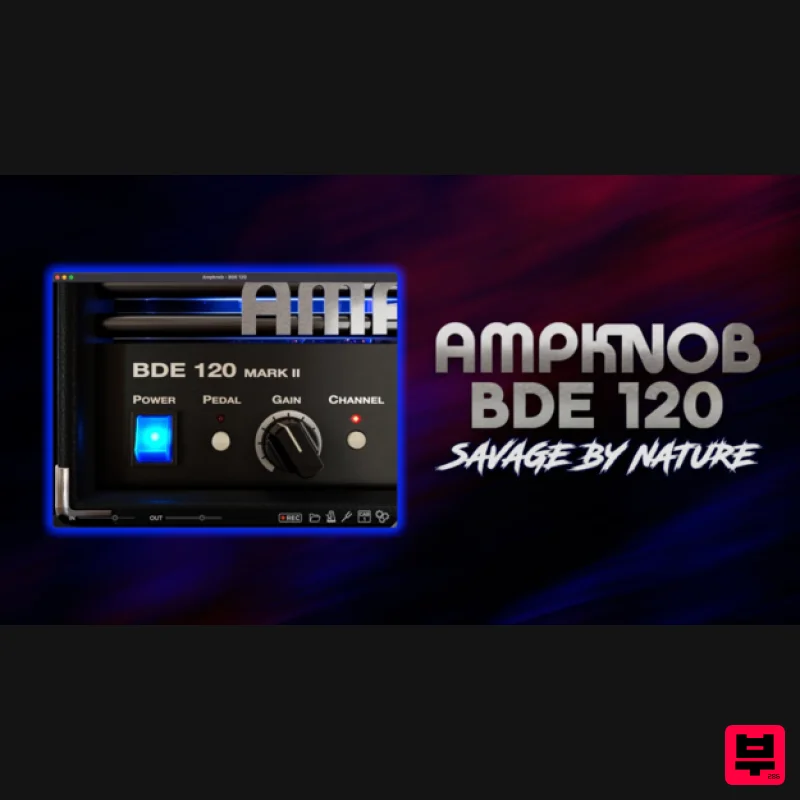
Bogren Digital AmpKnob BDE 120
Amp Simulator
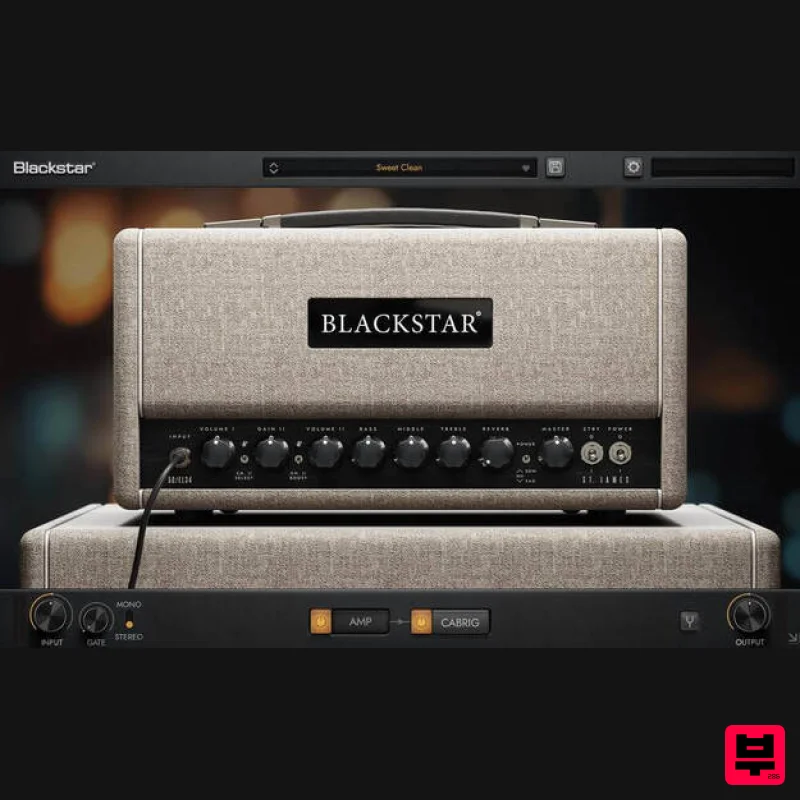
Blackstar St. James EL34
Amp Simulator
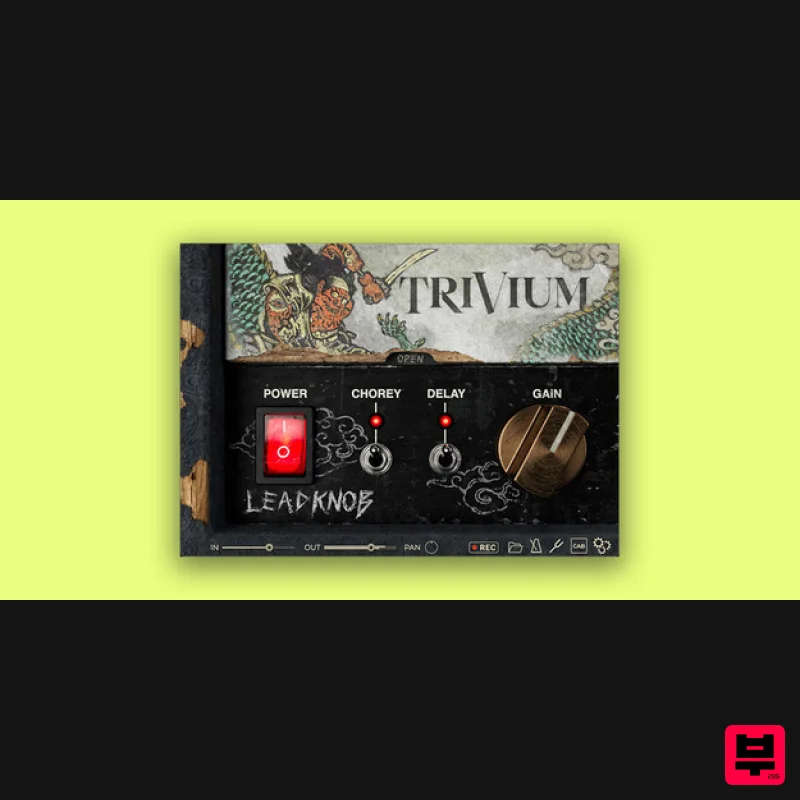
Bogren Digital AmpKnob Trivium Lead
Amp Simulator

Two Notes Audio Engineering Torpedo Wall of Sound | Plugin Boutique Edition
Amp Simulator
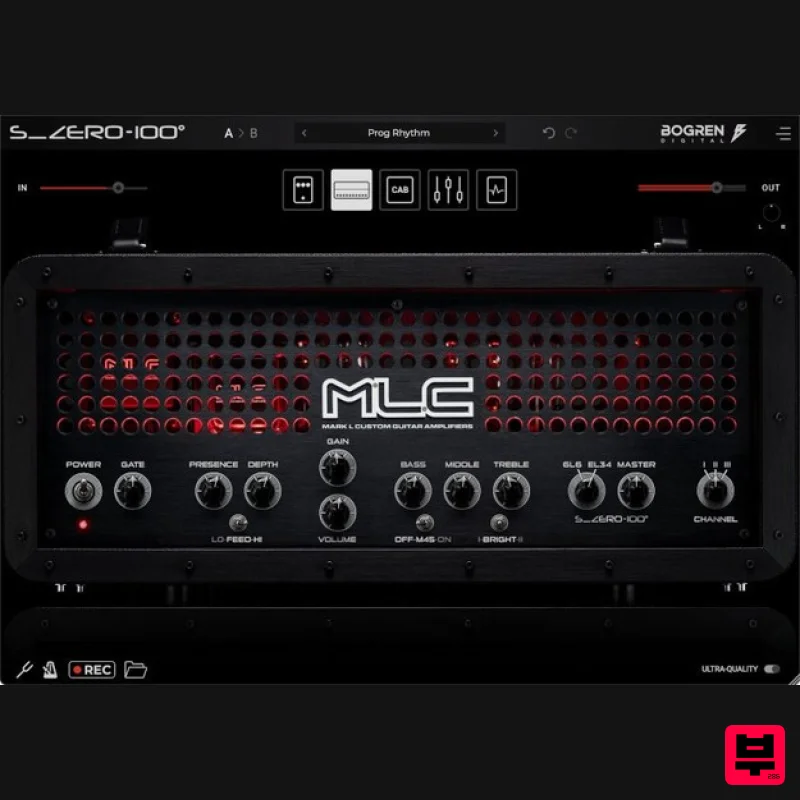
Bogren Digital MLC S_Zero 100
Amp Simulator
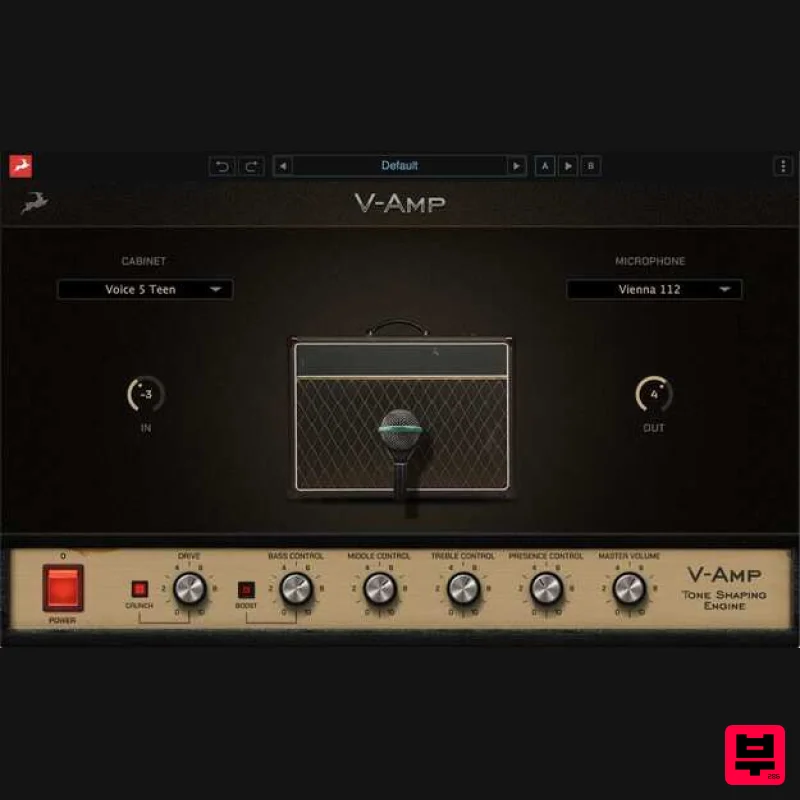
Antelope Audio V-AMP
Amp Simulator
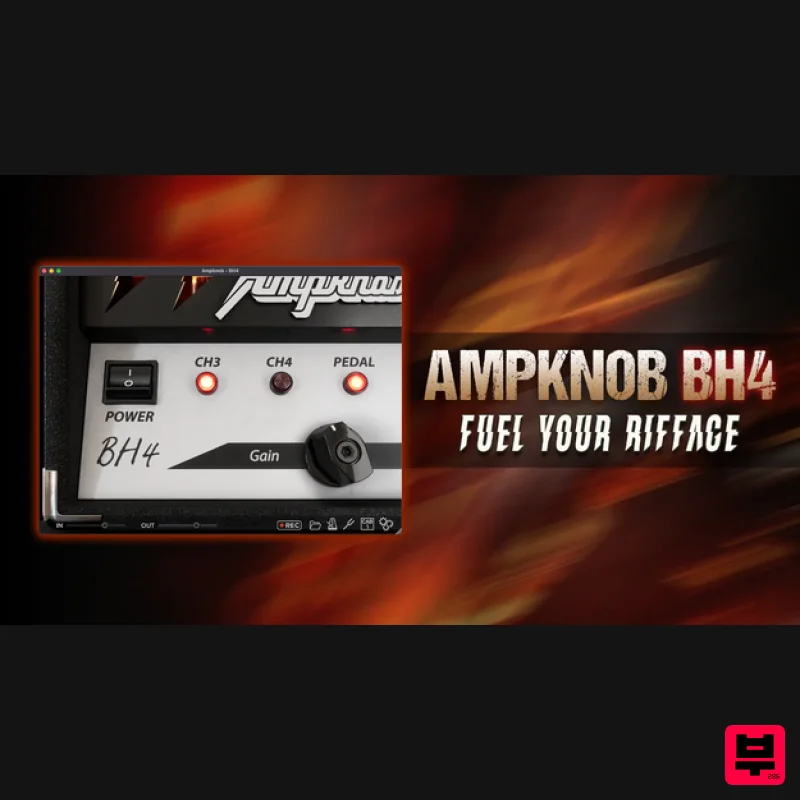
Bogren Digital AmpKnob BH4
Amp Simulator
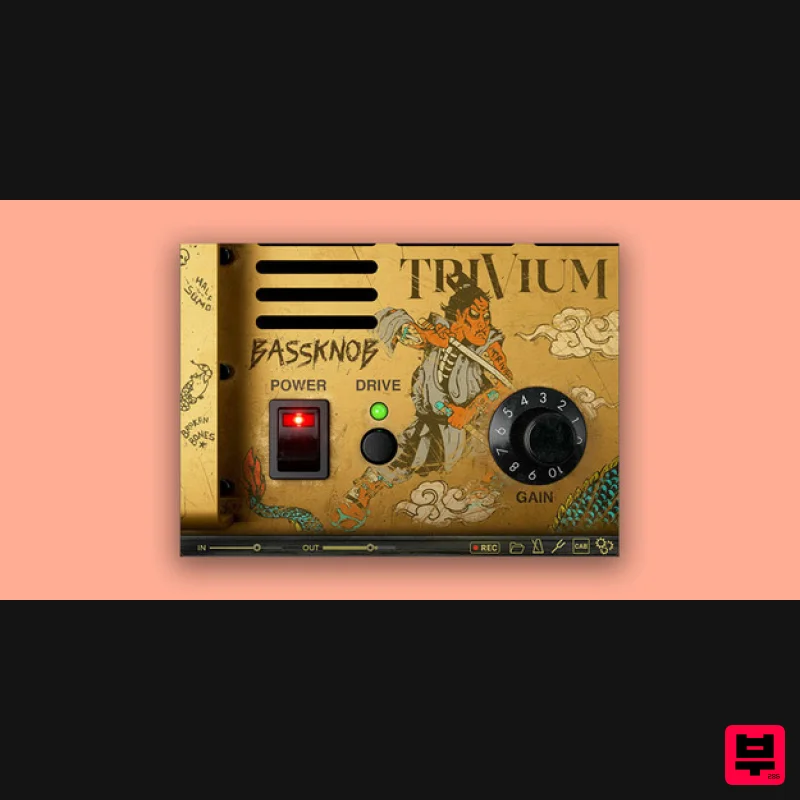
Bogren Digital BassKnob Trivium
Amp Simulator

