
Waves F6 Floating-Band Dynamic EQ
Professional music gear - detailed information and where to buy
Product Description
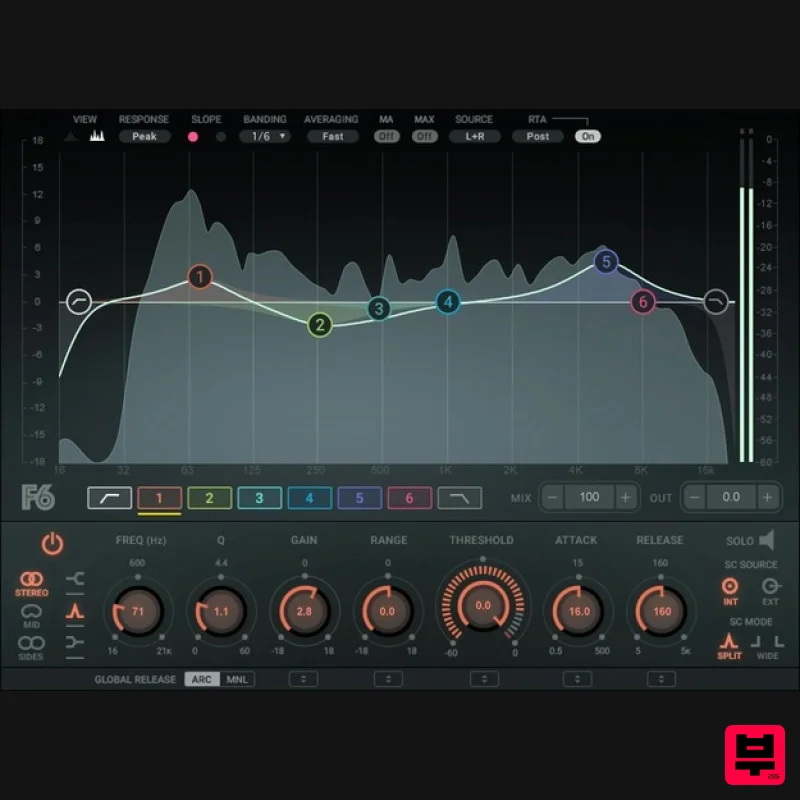
- F6 Floating-Band Dynamic EQ The Ultimate Problem-Solving EQ Dynamic EQ takes parametric equalization a giant step forward
- by letting you boost or cut a defined frequency range in a way that dynamically depends on the threshold of the chosen frequency. Now
- EQ can flow with the music’s dynamics—it’s not just a static boost or cut. Take vocals for example: A singer’s tone can vary throughout a performance. An EQ setting that works well when the singer is close to the mic and singing softly will not be as effective when the singer backs up and starts belting. F6 moves in time with the singer
- kicking in when the vocal level crosses a certain threshold that you’ve set—and laying off when it falls below that threshold. With F6 you can EQ more precisely
- with filters that can be as narrow or as wide as you like
- free-floating bands that can overlap
- variable EQ shapes
- and threshold-sensitive EQ settings. F6 is ideal for isolating specific problems on individual tracks and fixing them transparently only when they pop out. The plugin’s advanced mid-side processing capabilities give you even greater ability to carve out EQ space in a busy mix
- so you can breathe more life into your mixes. Features Combines the best of multiband dynamics and EQ Apply dynamics individually within 6 floating bands of parametric EQ Compress/expand only for levels in a band that exceed a threshold Additional high and lowpass filters with 6 to 24 dB/octave slopes Each parametric EQ can have peak
- high-
- or low-shelf response Internal or external sidechain control
- with two response modes Stereo
- or sides processing for extra flexibility Global mix control for parallel compression System Requirements Mac macOS Monterey 12
- Ventura 13
- Sonoma 14
- Sequoia 15 VST / AU / AAX PC Windows 10+ VST / AAX 1. Head to https: //www.waves.com/create-account 2. Enter your email and choose a password to create an account (if you already have a Waves account
- choose Log in
- enter your details and head to Step 5) > click 'Submit' 3. Open your email inbox > click the activation link in the email from Waves 4. Click 'Log in here' > Log in to your Waves account 5. Click 'Register New Products' 6. Enter the Serial Number found in your Plugin Boutique user account > click 'Submit' 7. Click download in your Plugin Boutique user account or head to https: //www.waves.com/downloads/central > download the Waves Central app for your operating system 8. Install Waves Central > Open Waves Central 9. Click 'Log in' > enter your log in details 10. Click the 'Install Products' tab 11. Tick the blue dot on all products you wish to install or click the top dot to install all products > click 'Install & Activate' 12. Click 'OK' 13. Open your DAW > open the Waves plugin Your Waves plugins are installed and ready to use
- enjoy!
Additional Information
About the Waves F6 Floating-Band Dynamic EQ
The Waves F6 Floating-Band Dynamic EQ combines traditional design with modern performance for EQ enthusiasts.
Why Choose the Waves F6 Floating-Band Dynamic EQ?
- •Authentic Waves craftsmanship and design
- •Versatile sound suitable for multiple musical genres
- •Professional build quality and reliable performance
- •Part of Waves's respected EQ lineup
Compare & Explore
Browse our complete selection of Waves instruments or explore other EQ options. Use our comparison tools to find the perfect match for your musical style and budget.
Similar Products
TBProAudio sTiltV2
EQ
Free
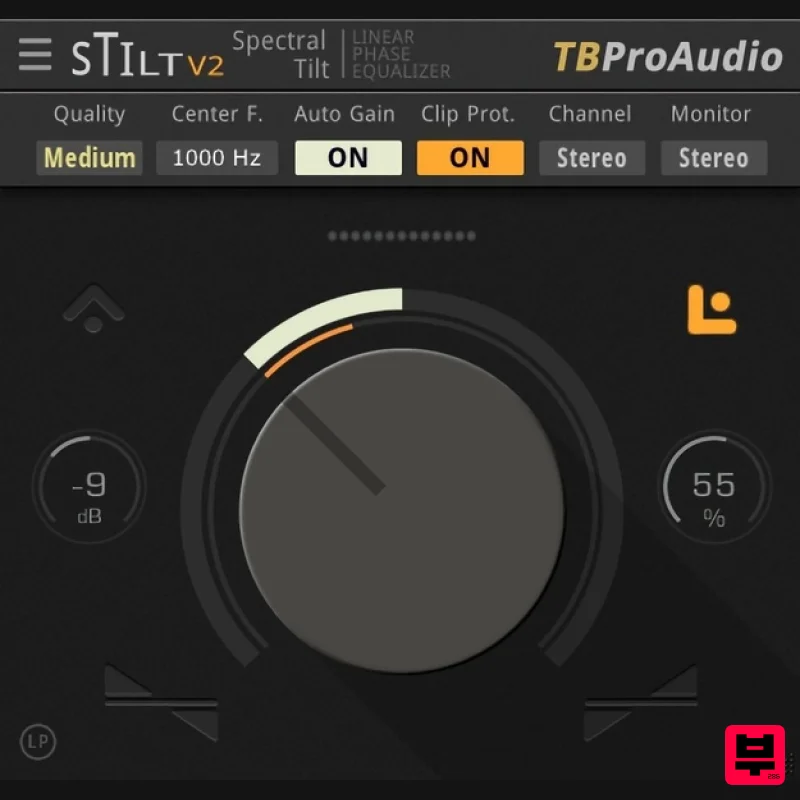
sTilt is a linear/minimum phase and IIR filter which tilts the audio spectrum around a given center frequency. Features...
PSP Audioware PSP Tilt-Q
EQ
$72
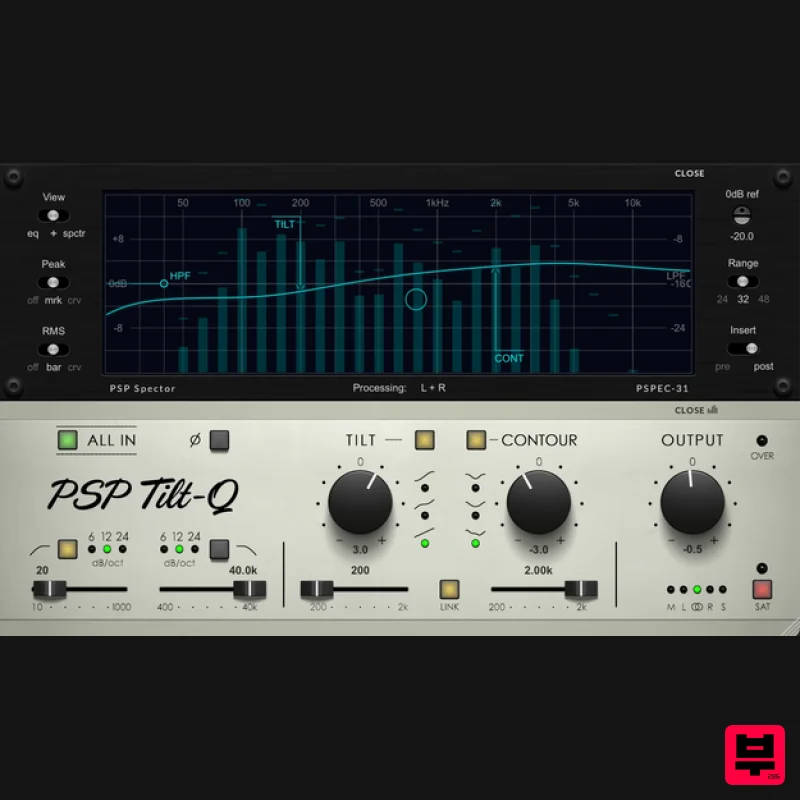
Tilt Equalizer with Three Characteristics Musical tilt EQ offering three distinct curve shapes, allowing you to quickly...
Rave Generation TubEQ
EQ
$42
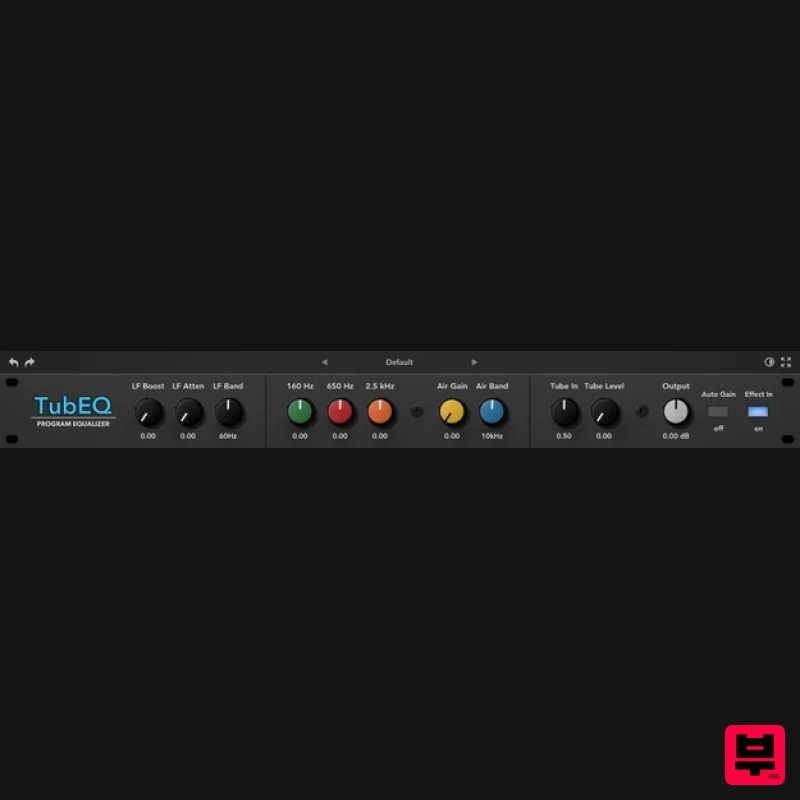
TubEQ is an authentic analog equalizer plugin that combines the musical character of two legendary EQs in a single...
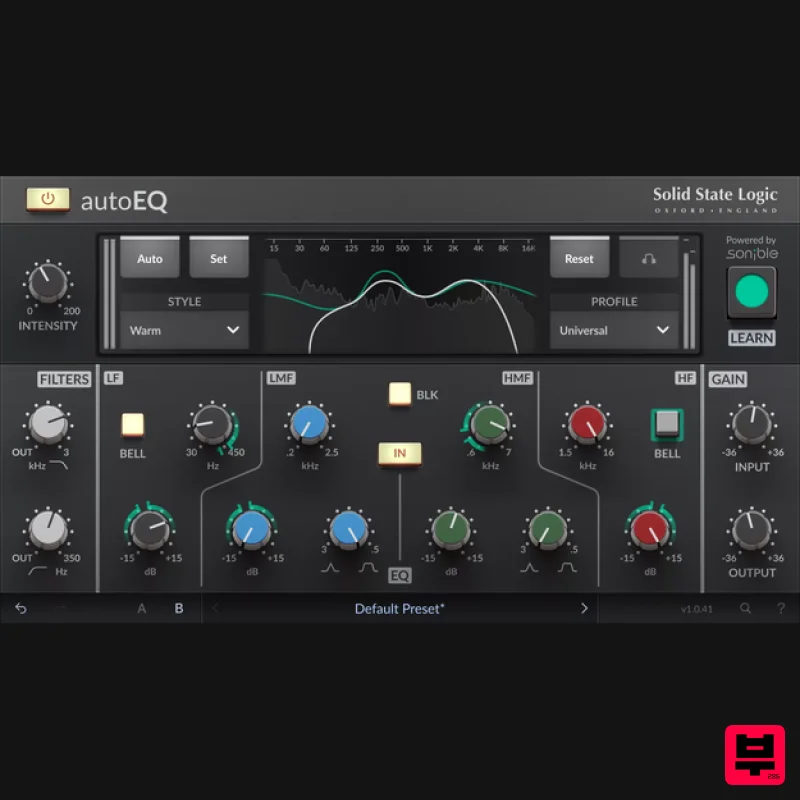
Solid State Logic SSL autoEQ
EQ
$109
SSL 4000E EQ processing with sonible AI assisted analysis Introducing autoEQ, part of the autoSeries with autoDYN and...
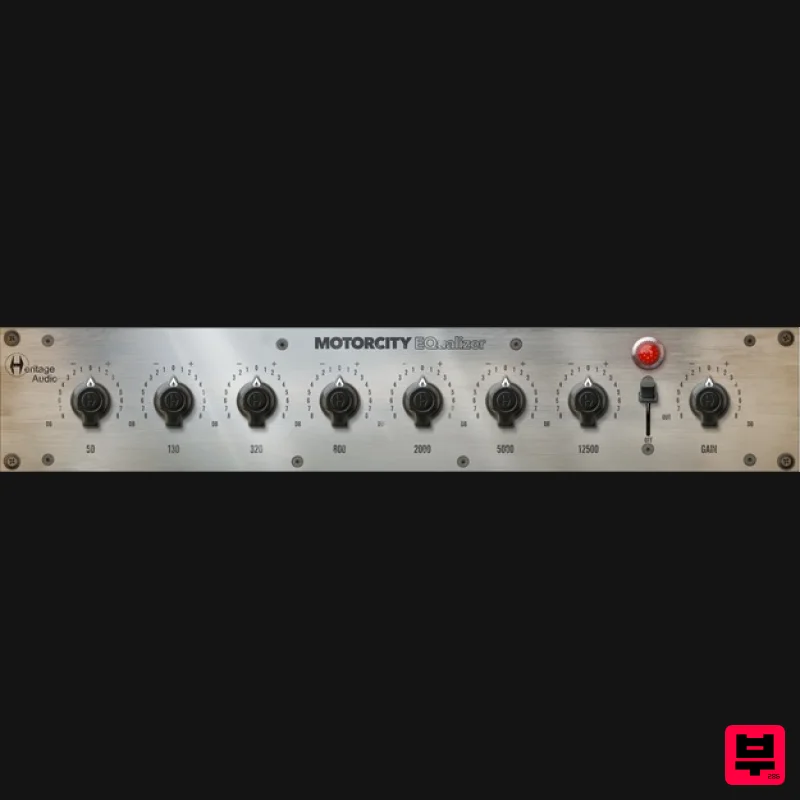
Heritage Audio MOTORCITY EQ
EQ
$104
The classiest EQ ever created finally gets the thorough plugin treatment it so long deserved Recreated from the...
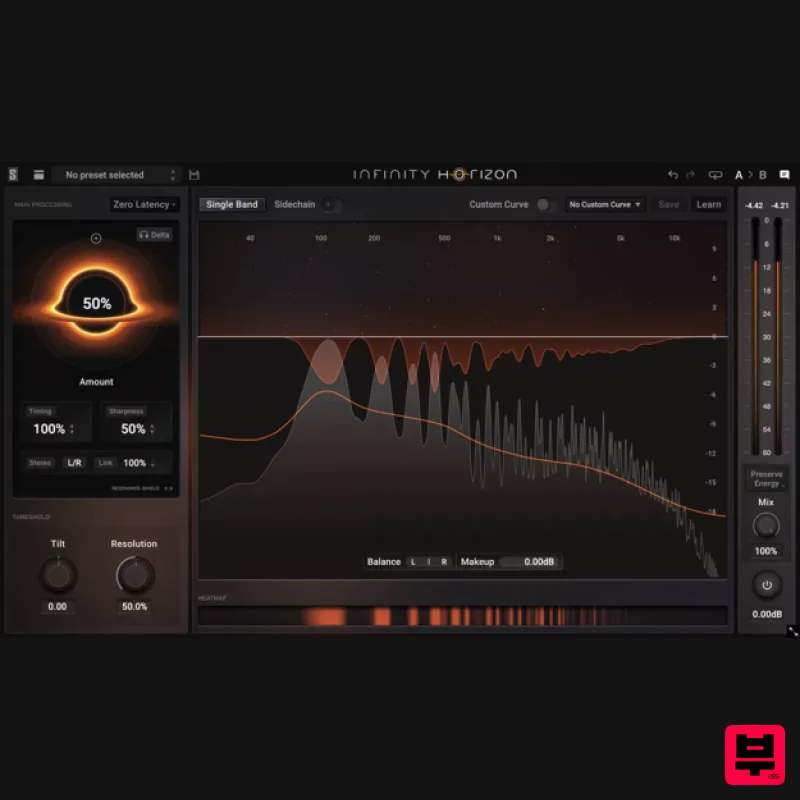
Slate Digital Infinity Horizon
EQ
$156
Rogue Frequencies Cannot Escape Infinity Horizon finds harsh frequency build ups and them in real time. If you're...
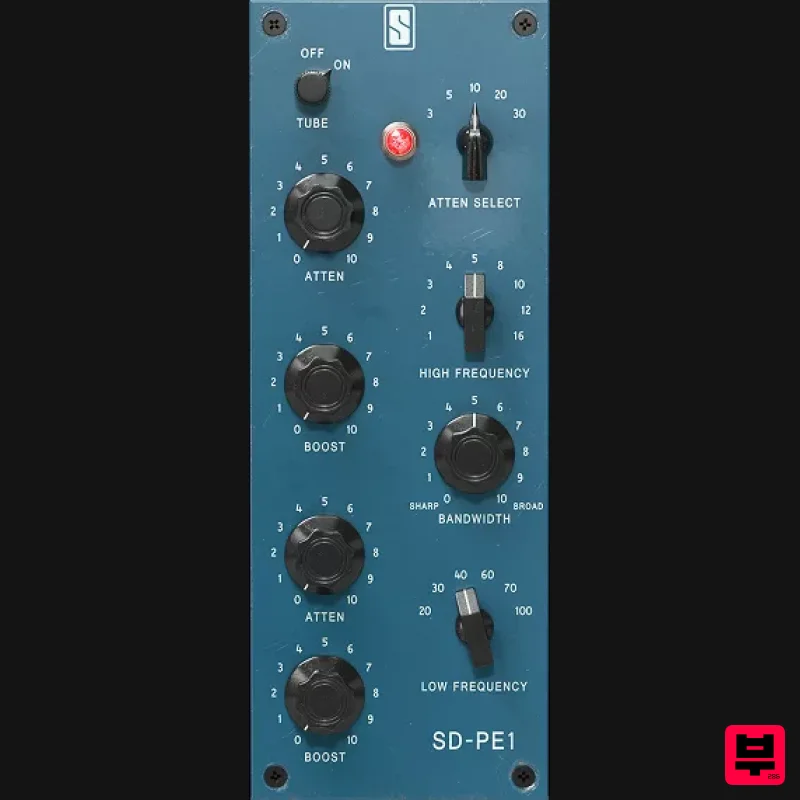
Slate Digital SD-PE1
EQ
$104
Meet SD-PE1! The most unique passive equalizer ever made joins the ever-expanding lineup of processors that make up the...
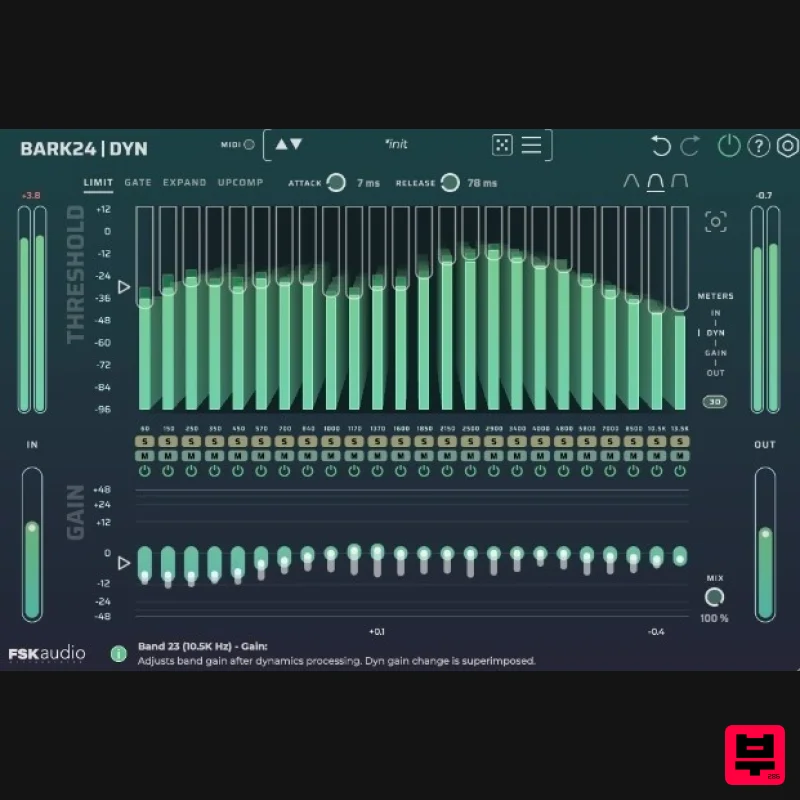
FSK Audio Bark24 | Dyn
EQ
$120
Bark24 | Dyn is a dynamic EQ that takes you far beyond a standard compressor or EQ. Based on the Bark scale - a model...
Frequently Asked Questions
The Waves F6 Floating-Band Dynamic EQ stands out for its exceptional Waves craftsmanship and innovative design.
Yes! With its affordable price point and quality construction, it's perfect for learning eq.
Browse the similar products section to see how it stacks up against other eq.

