
Waves eMo Q4 Equalizer
Professional music gear - detailed information and where to buy
Product Description
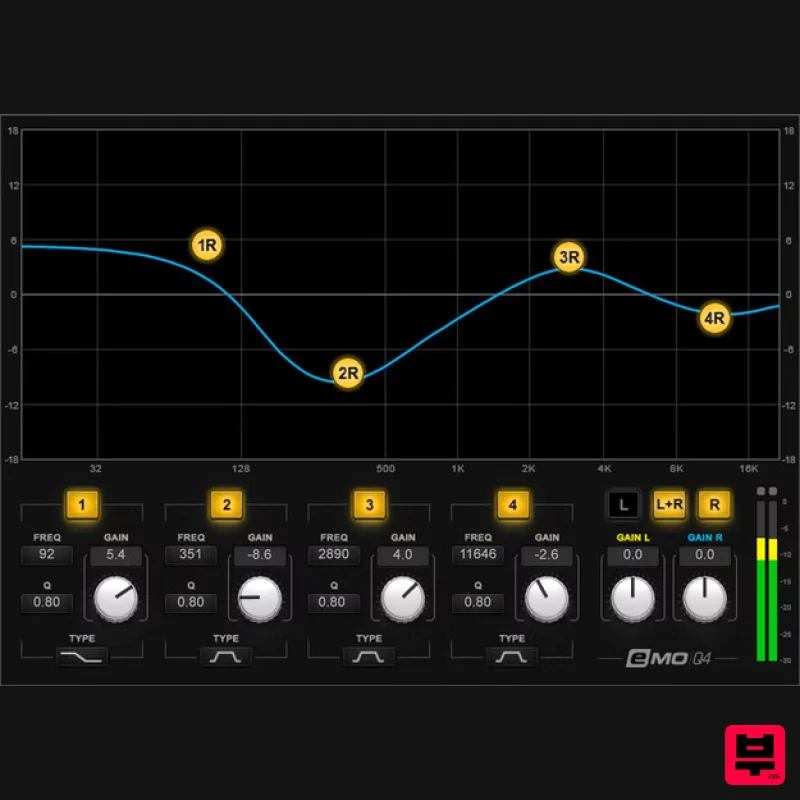
- eMo Q4 Equalizer The Essential Tool for Live Performance EQ With zero latency
- ultra-low CPU consumption
- multitouch response (with a generous interface size)
- transparent sound quality
- and full integration within the channel strip of the eMotion LV1 live mixer
- this 4-band paragraphic EQ comes fully optimized for live sound. On stage
- you don’t have time to dig into menus. With eMo Q4
- all parameters are on one screen
- and touch-sensitive—you can probably fix an issue before anyone even knows it’s happening. Features 4-band paragraphic EQ. All four filters have parametric
- high-shelf
- or low-shelf response Use as a separate plugin or as part of the eMotion LV1 live mixer’s channel strip High band also has resonant high-frequency shelf or lowpass Low band also has resonant low-frequency shelf or highpass Configure as two independent mono EQs
- or ganged for stereo See right and left channel responses simultaneously Low and highpass responses have 12 dB/octave slopes Enable or bypass each band individually To edit
- drag on the display
- use controls
- or enter numbers Multi-touch compatibility System Requirements Mac macOS Monterey 12
- Ventura 13
- Sonoma 14
- Sequoia 15 VST / AU / AAX PC Windows 10+ VST / AAX 1. Head to https: //www.waves.com/create-account 2. Enter your email and choose a password to create an account (if you already have a Waves account
- choose Log in
- enter your details and head to Step 5) > click 'Submit' 3. Open your email inbox > click the activation link in the email from Waves 4. Click 'Log in here' > Log in to your Waves account 5. Click 'Register New Products' 6. Enter the Serial Number found in your Plugin Boutique user account > click 'Submit' 7. Click download in your Plugin Boutique user account or head to https: //www.waves.com/downloads/central > download the Waves Central app for your operating system 8. Install Waves Central > Open Waves Central 9. Click 'Log in' > enter your log in details 10. Click the 'Install Products' tab 11. Tick the blue dot on all products you wish to install or click the top dot to install all products > click 'Install & Activate' 12. Click 'OK' 13. Open your DAW > open the Waves plugin Your Waves plugins are installed and ready to use
- enjoy!
Additional Information
About the Waves eMo Q4 Equalizer
Experience the quality and tone that makes the Waves eMo Q4 Equalizer a popular choice for musicians.
Why Choose the Waves eMo Q4 Equalizer?
- •Authentic Waves craftsmanship and design
- •Versatile sound suitable for multiple musical genres
- •Professional build quality and reliable performance
- •Part of Waves's respected EQ lineup
Compare & Explore
Browse our complete selection of Waves instruments or explore other EQ options. Use our comparison tools to find the perfect match for your musical style and budget.
Similar Products
TBProAudio sTiltV2
EQ
Free
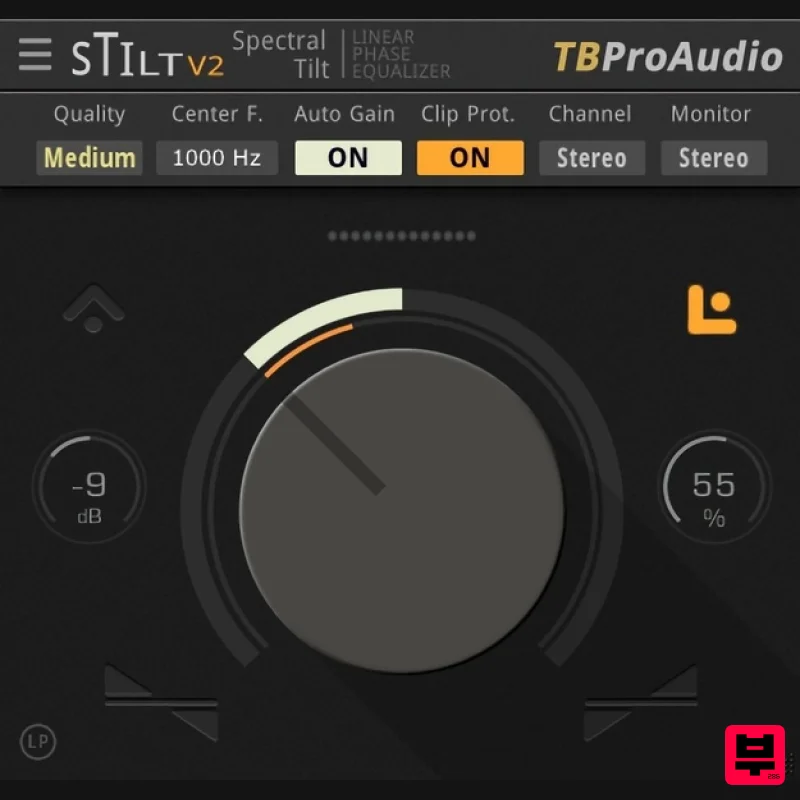
sTilt is a linear/minimum phase and IIR filter which tilts the audio spectrum around a given center frequency. Features...
Rave Generation TubEQ
EQ
$42
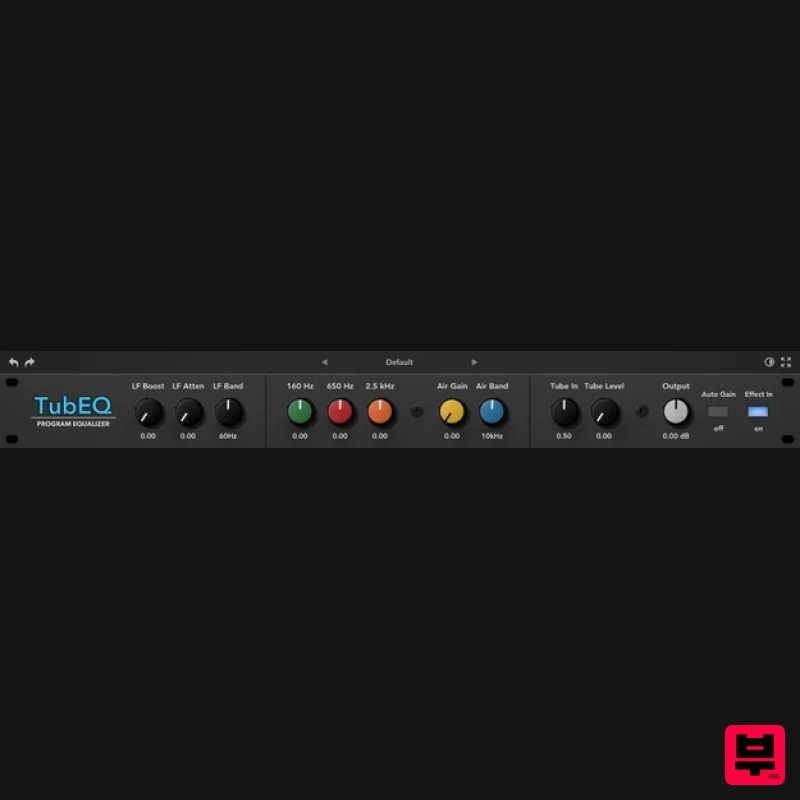
TubEQ is an authentic analog equalizer plugin that combines the musical character of two legendary EQs in a single...
Slate Digital Infinity Horizon
EQ
$156
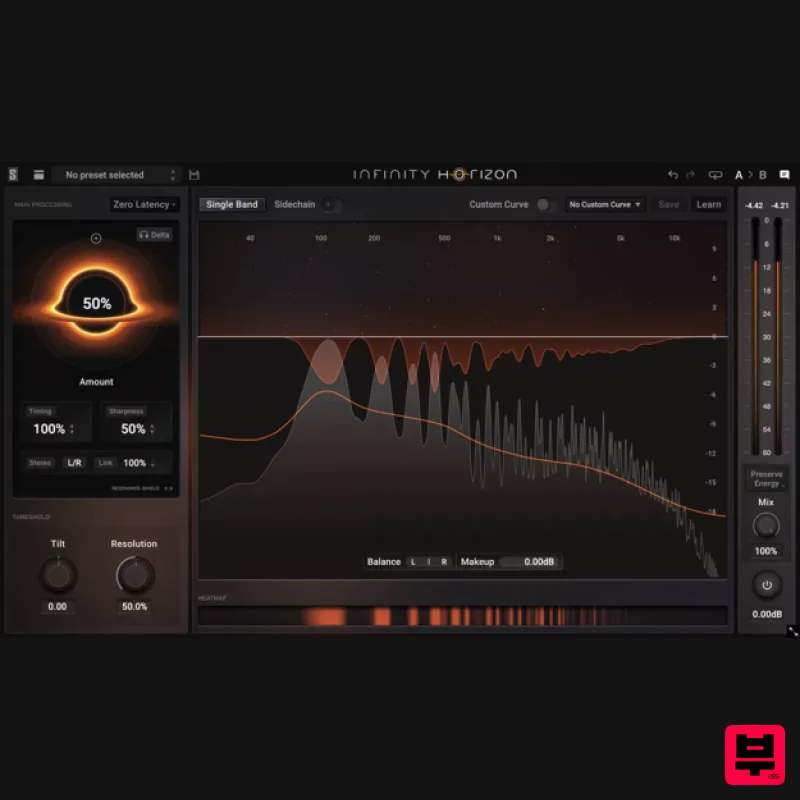
Rogue Frequencies Cannot Escape Infinity Horizon finds harsh frequency build ups and them in real time. If you're...
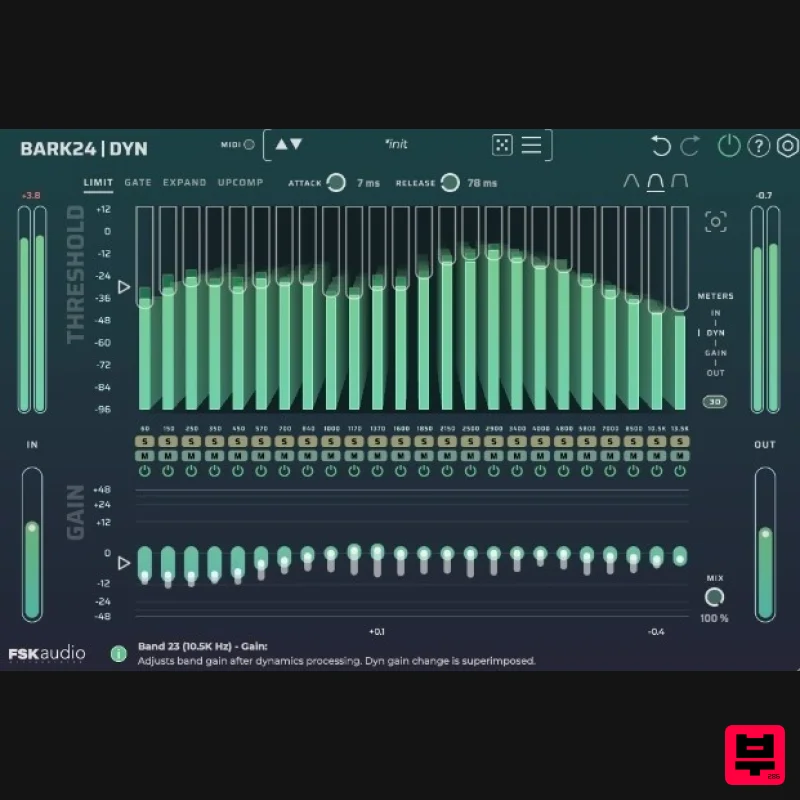
FSK Audio Bark24 | Dyn
EQ
$120
Bark24 | Dyn is a dynamic EQ that takes you far beyond a standard compressor or EQ. Based on the Bark scale - a model...
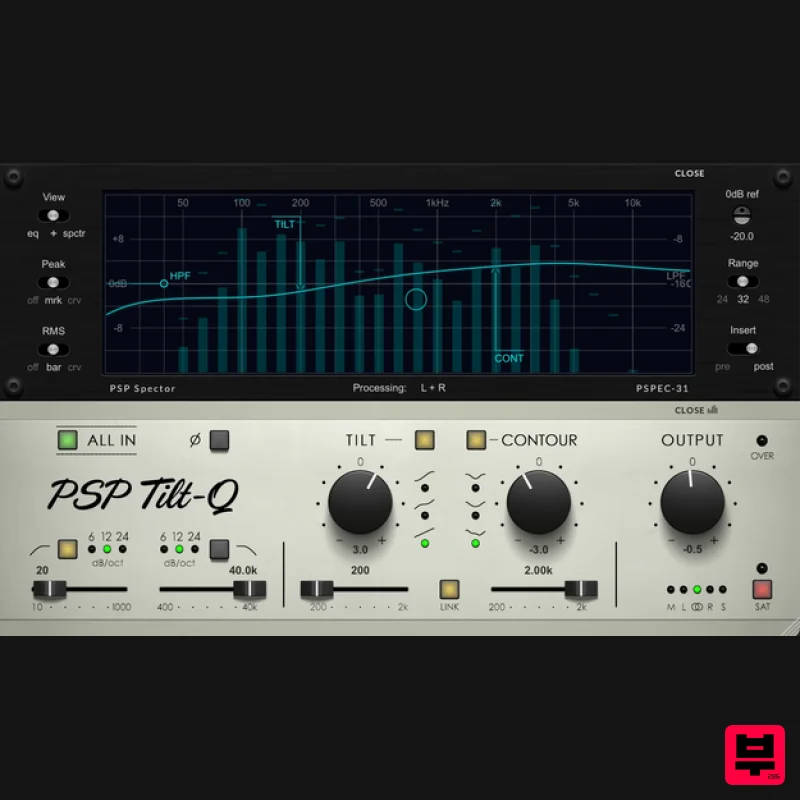
PSP Audioware PSP Tilt-Q
EQ
$72
Tilt Equalizer with Three Characteristics Musical tilt EQ offering three distinct curve shapes, allowing you to quickly...
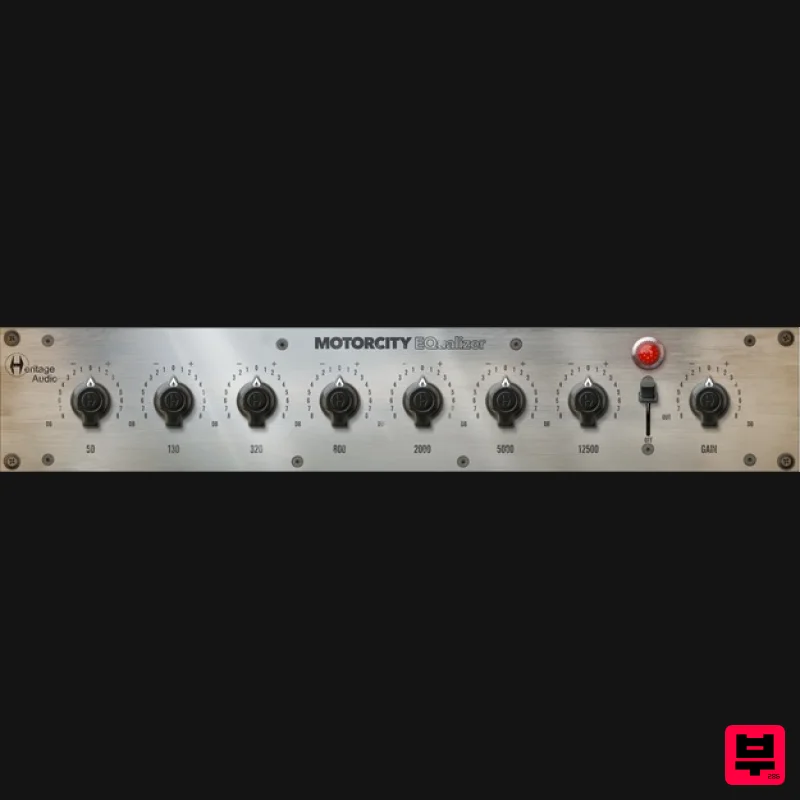
Heritage Audio MOTORCITY EQ
EQ
$104
The classiest EQ ever created finally gets the thorough plugin treatment it so long deserved Recreated from the...
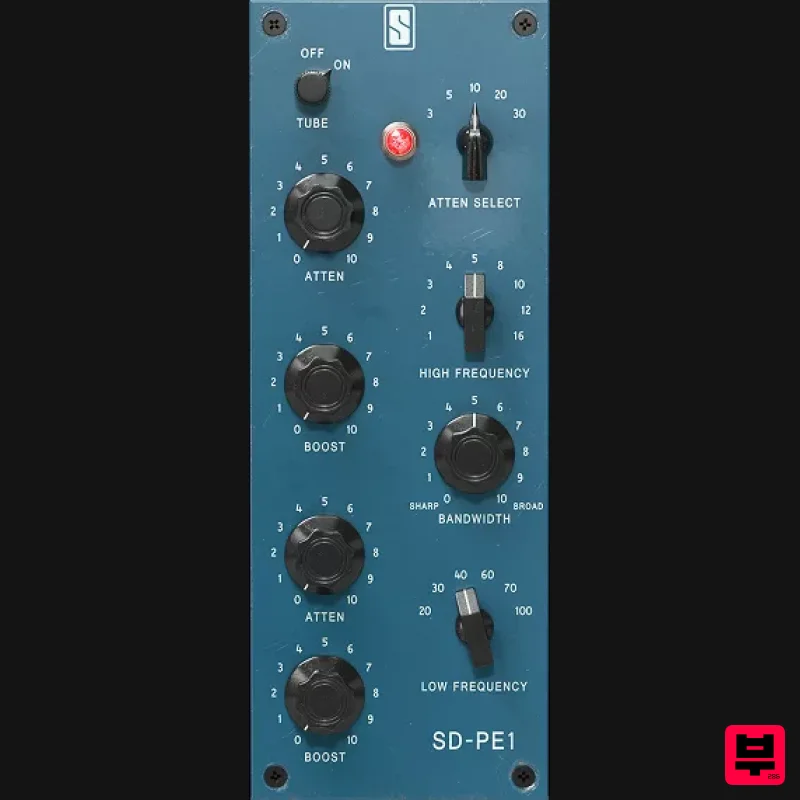
Slate Digital SD-PE1
EQ
$104
Meet SD-PE1! The most unique passive equalizer ever made joins the ever-expanding lineup of processors that make up the...
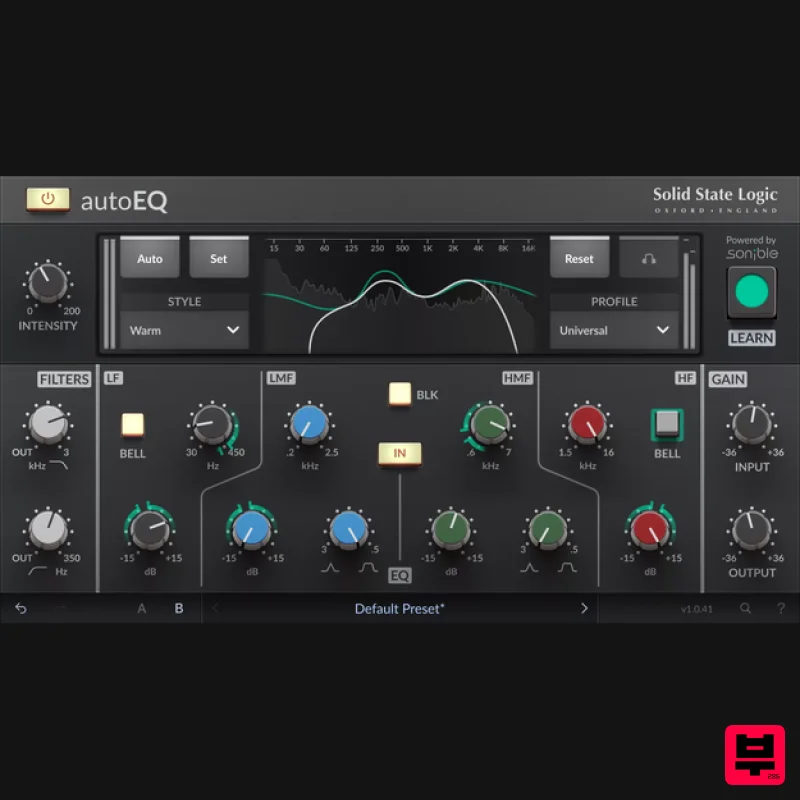
Solid State Logic SSL autoEQ
EQ
$109
SSL 4000E EQ processing with sonible AI assisted analysis Introducing autoEQ, part of the autoSeries with autoDYN and...
Frequently Asked Questions
The Waves eMo Q4 Equalizer stands out for its exceptional Waves craftsmanship and innovative design.
Yes! With its affordable price point and quality construction, it's perfect for learning eq.
Browse the similar products section to see how it stacks up against other eq.

