
Waves Dorrough Surround
Professional music gear - detailed information and where to buy
Waves
Dorrough Surround
Product Info
* Prices may vary. Check retailer for current pricing and availability.
Product Description
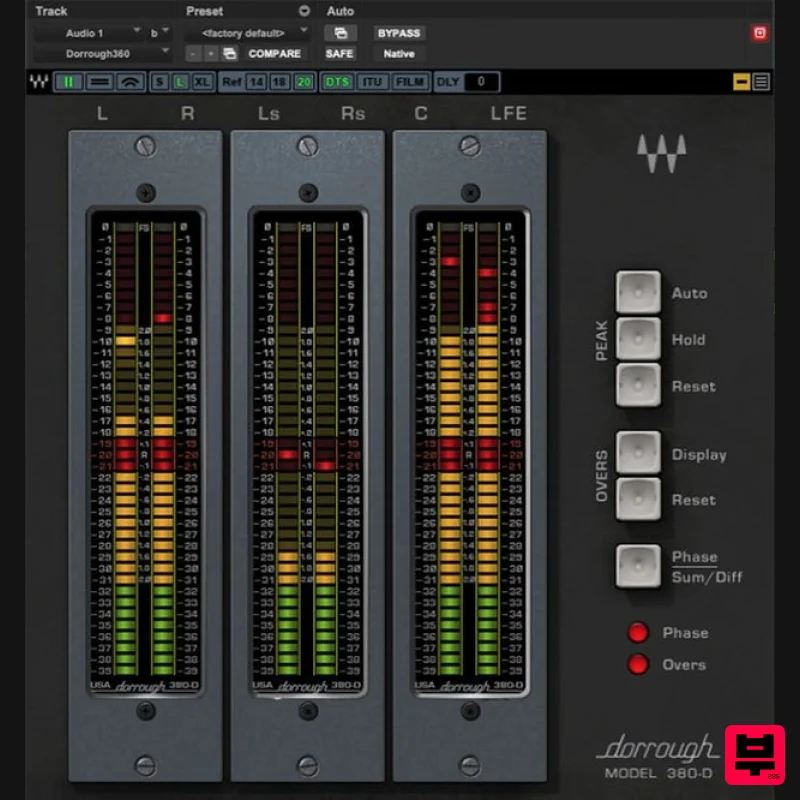
- Dorrough Surround Safeguard Surround Levels with Absolute Accuracy Surround multiplies the options for stunning sound—but also multiplies the opportunities for problems. It’s essential to make sure that peaks aren’t creating distortion
- average levels have the correct relationship to peaks
- and that all the surround channels are mixed as intended. Working in close cooperation with Dorrough Electronics
- Waves has modeled the physics of hardware meters with uncanny accuracy—so that you’ll see the truth behind the levels you hear. Features Includes 5.0 and 5.1 meters
- plus all Dorrough Stereo meters Displays both average and peak levels in a single meter Responds instantly to peaks
- and averages the overall levels DTS
- ITU/ and Film/Dolby Digital modes “Overs” LED stays on when more than 3 samples exceed 0 dBFS Makes it easy to adhere to standards for film and television Meters can display in 3 sizes: large
- and extra large Hold peaks for 3 seconds
- hold indefinitely
- or reset peaks Controls for meter Order
- Sum & Diff/Phase
- and Collapse Meters Left/Right
- Sum/Difference
- and Phase Correlation modes Vertical
- horizontal
- and arc meter configurations System Requirements Mac macOS Monterey 12
- Ventura 13
- Sonoma 14
- Sequoia 15 VST / AU / AAX PC Windows 10+ VST / AAX 1. Head to https: //www.waves.com/create-account 2. Enter your email and choose a password to create an account (if you already have a Waves account
- choose Log in
- enter your details and head to Step 5) > click 'Submit' 3. Open your email inbox > click the activation link in the email from Waves 4. Click 'Log in here' > Log in to your Waves account 5. Click 'Register New Products' 6. Enter the Serial Number found in your Plugin Boutique user account > click 'Submit' 7. Click download in your Plugin Boutique user account or head to https: //www.waves.com/downloads/central > download the Waves Central app for your operating system 8. Install Waves Central > Open Waves Central 9. Click 'Log in' > enter your log in details 10. Click the 'Install Products' tab 11. Tick the blue dot on all products you wish to install or click the top dot to install all products > click 'Install & Activate' 12. Click 'OK' 13. Open your DAW > open the Waves plugin Your Waves plugins are installed and ready to use
- enjoy!
Additional Information
About the Waves Dorrough Surround
Experience the quality and tone that makes the Waves Dorrough Surround a popular choice for musicians.
Why Choose the Waves Dorrough Surround?
- •Authentic Waves craftsmanship and design
- •Versatile sound suitable for multiple musical genres
- •Professional build quality and reliable performance
- •Part of Waves's respected Surround Tools lineup
Compare & Explore
Browse our complete selection of Waves instruments or explore other Surround Tools options. Use our comparison tools to find the perfect match for your musical style and budget.
Similar Products
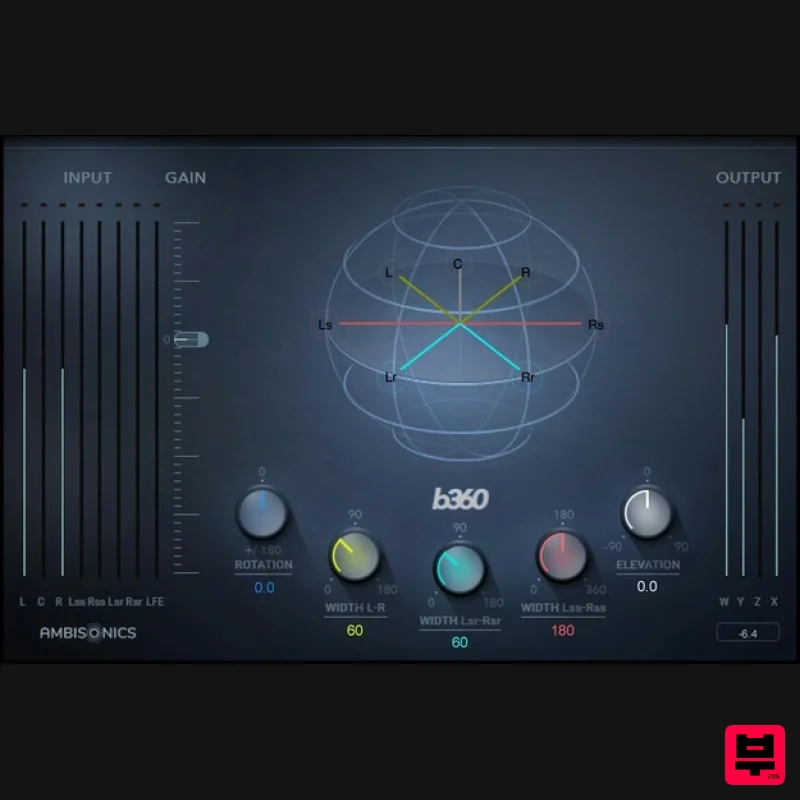
Waves B360 Ambisonics Encoder
Surround Tools
$375
B360 Ambisonics Encoder Finally—User-Friendly Ambisonics Conversion Workflow B360 meets the ever-increasing demand...
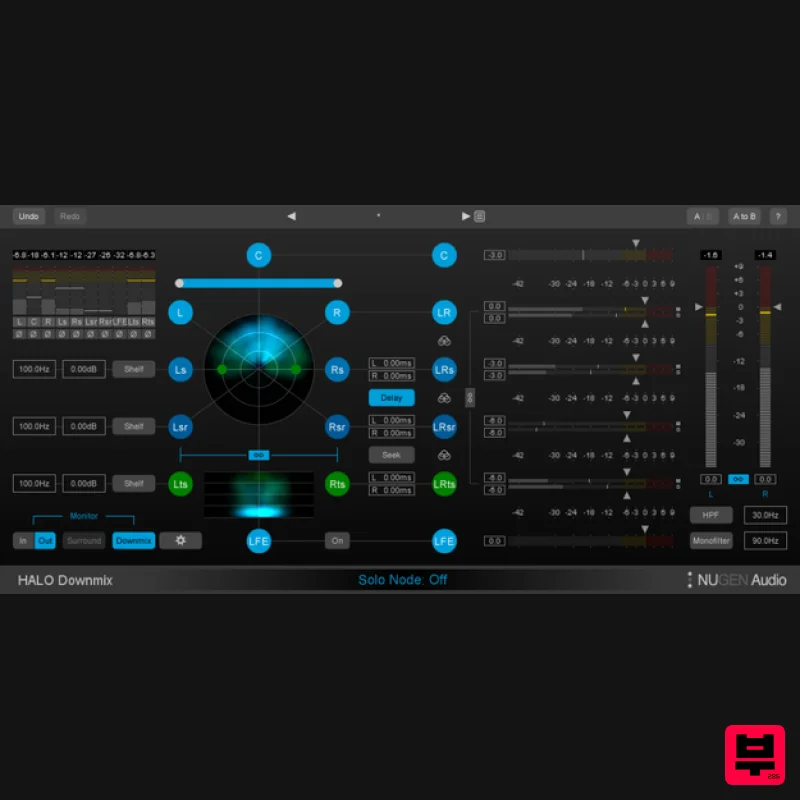
NUGEN Audio Halo Downmix 3D Immersive Extension
Surround Tools
$100
3D Immersive Extension The new 3D Immersive Extension option for Halo Downmix adds the capability for downmixing 7.1.2...
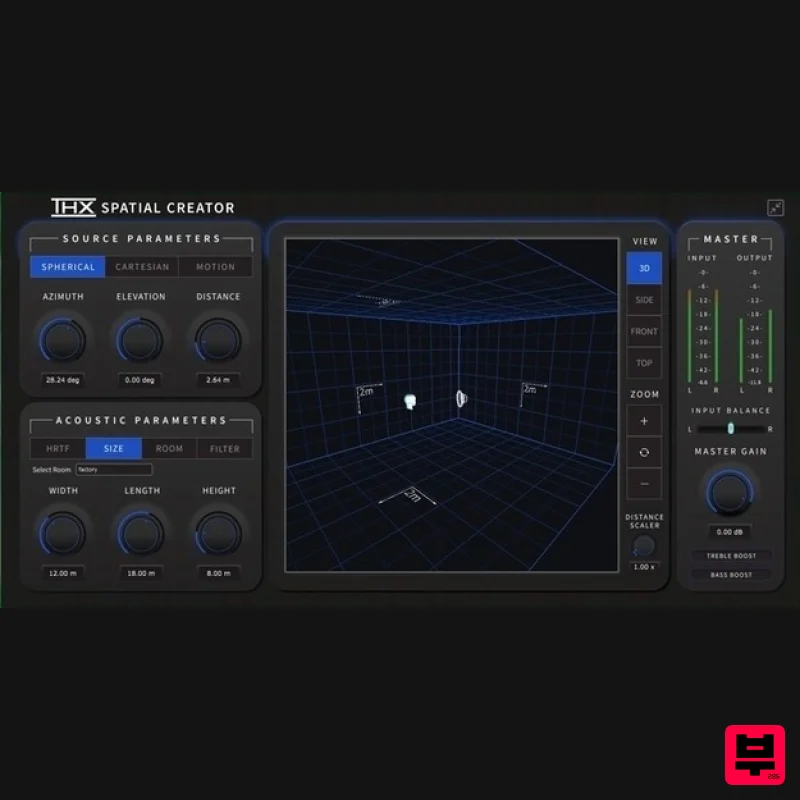
Plugin Alliance THX Spatial Creator
Surround Tools
$43
The Spatial Audio Plugin For Music Producers, Video/Podcast Producers & Sound Designers Made by Brainworx What is...
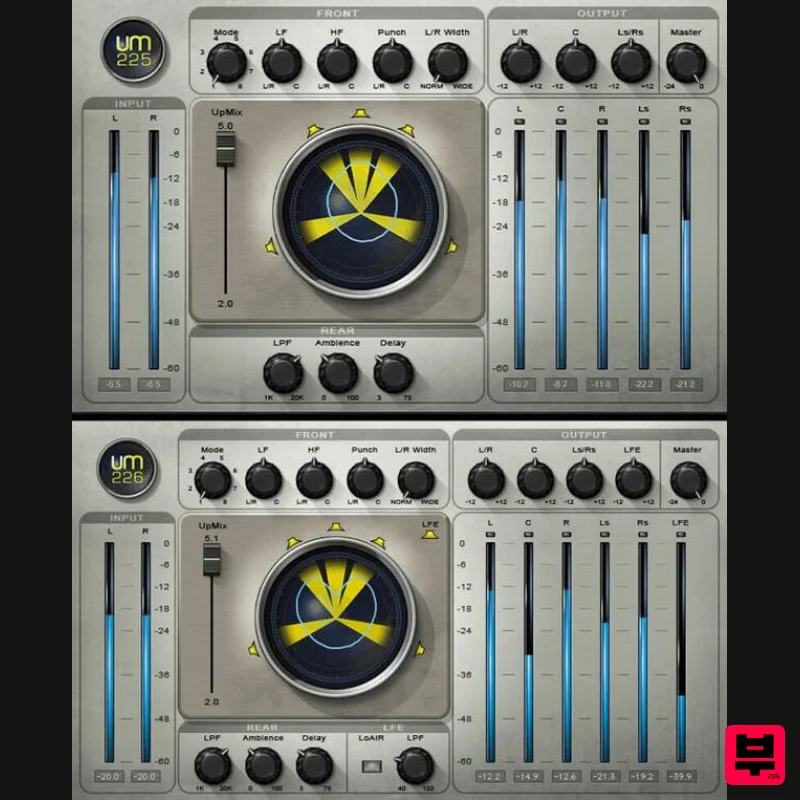
Waves UM225 / UM226
Surround Tools
$44
UM225 / UM226 Convert Stereo Music, Videos and Films to Surround With surround and immersive becoming increasingly...
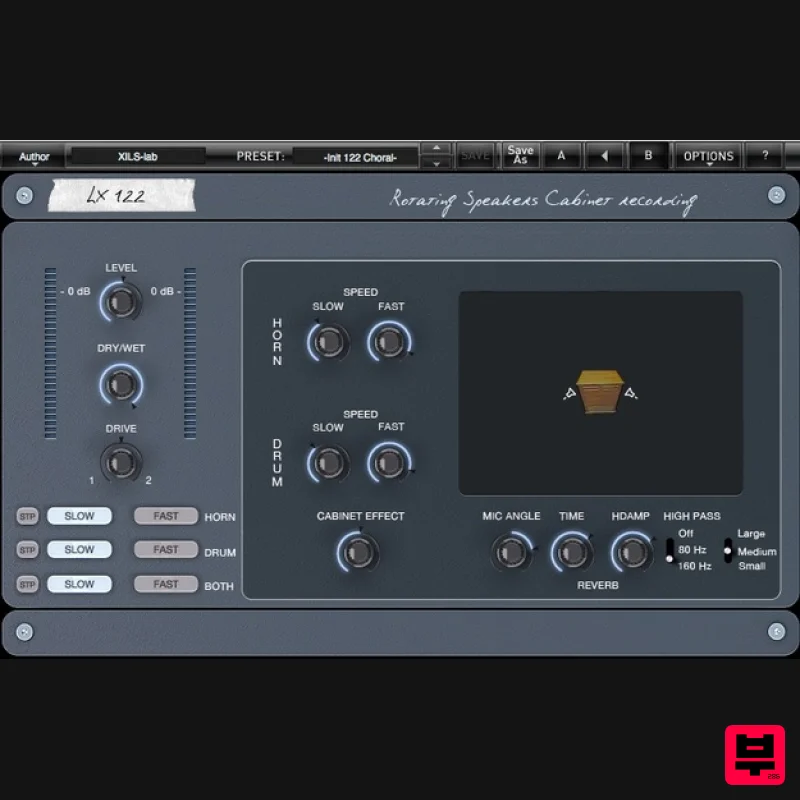
XILS Lab LX122 Pro
Surround Tools
$83
Organ and Keyboard Companion At the middle of the last Century, Mr. Leslie was disappointed by the sound of his just...
Frequently Asked Questions
The Waves Dorrough Surround stands out for its exceptional Waves craftsmanship and innovative design.
Yes! With its affordable price point and quality construction, it's perfect for learning surround tools.
Browse the similar products section to see how it stacks up against other surround tools.

