
Waves CR8 Creative Sampler
Professional music gear - detailed information and where to buy
Product Description
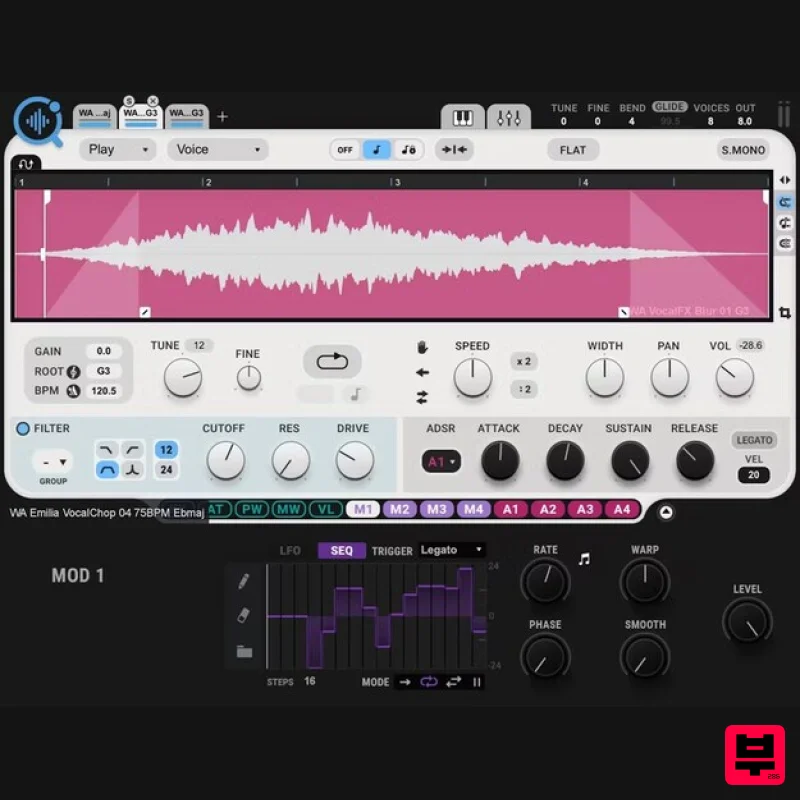
- CR8 Creative Sampler Turn Any Sound into an Inspiring Playable Instrument—Instantly Ideal for beats
- looping
- instrument creation
- sound design
- and more
- CR8 makes sampling easy and fun—just drag in a sample
- and start playing. Or
- take your creativity to the max: stretch
- loop
- sync
- layer
- stack
- freeze
- reverse
- modulate
- and use analog synth modules to process your sounds. Take advantage of the vast collection of over 2500 free samples and over 800 presets—CR8 pairs with the AI-powered COSMOS Sample Finder
- so you can find any sound you want in seconds. Features Layer up to 8 samples for rich sample textures 5 stretching options: Voice
- Beats
- Melodic
- Harmonic
- Classic Easy Loop
- Reverse
- Freeze & more for instant playback control Key and BPM detection to get you in sync with your session instantly Modulate any sound with easy drag-and-drop LFO/sequencer and ADSR modulators Integrates seamlessly with COSMOS
- the AI-powered sampler finder 2500 royalty-free samples included 800 creative presets included System Requirements Mac macOS Monterey 12
- Ventura 13
- Sonoma 14
- Sequoia 15 VST / AU / AAX PC Windows 10+ VST / AAX 1. Head to https: //www.waves.com/create-account 2. Enter your email and choose a password to create an account (if you already have a Waves account
- choose Log in
- enter your details and head to Step 5) > click 'Submit' 3. Open your email inbox > click the activation link in the email from Waves 4. Click 'Log in here' > Log in to your Waves account 5. Click 'Register New Products' 6. Enter the Serial Number found in your Plugin Boutique user account > click 'Submit' 7. Click download in your Plugin Boutique user account or head to https: //www.waves.com/downloads/central > download the Waves Central app for your operating system 8. Install Waves Central > Open Waves Central 9. Click 'Log in' > enter your log in details 10. Click the 'Install Products' tab 11. Tick the blue dot on all products you wish to install or click the top dot to install all products > click 'Install & Activate' 12. Click 'OK' 13. Open your DAW > open the Waves plugin Your Waves plugins are installed and ready to use
- enjoy!
Additional Information
About the Waves CR8 Creative Sampler
The Waves CR8 Creative Sampler combines traditional design with modern performance for Sampler enthusiasts.
Why Choose the Waves CR8 Creative Sampler?
- •Authentic Waves craftsmanship and design
- •Versatile sound suitable for multiple musical genres
- •Professional build quality and reliable performance
- •Part of Waves's respected Sampler lineup
Compare & Explore
Browse our complete selection of Waves instruments or explore other Sampler options. Use our comparison tools to find the perfect match for your musical style and budget.
Similar Products
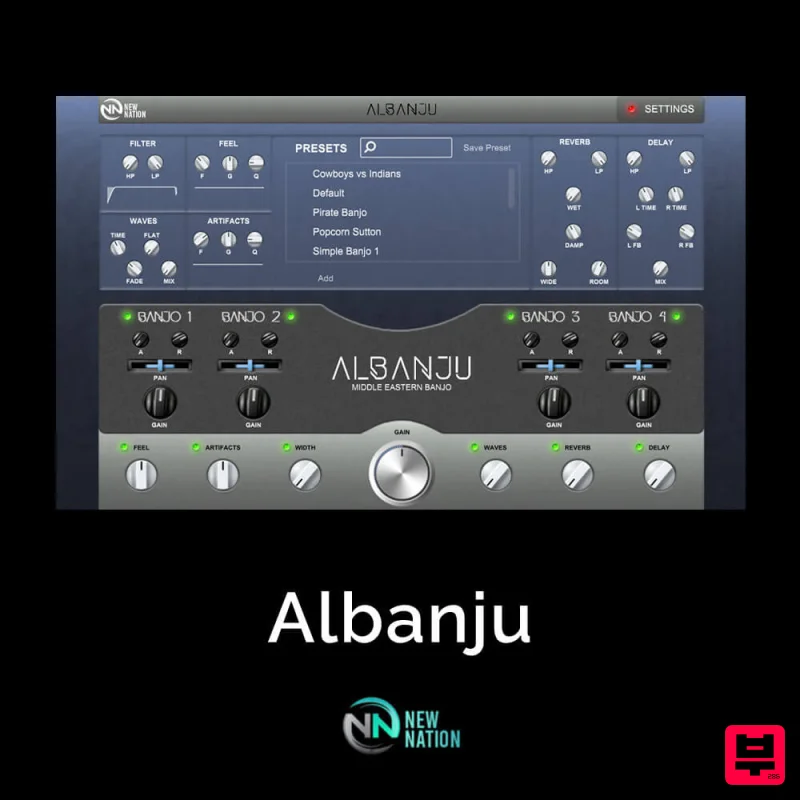
New Nation Software Albanju
Sampler
$30
Ethnic Instruments & Sounds have been on the rise year after year. With many producers realizing the individuality you...
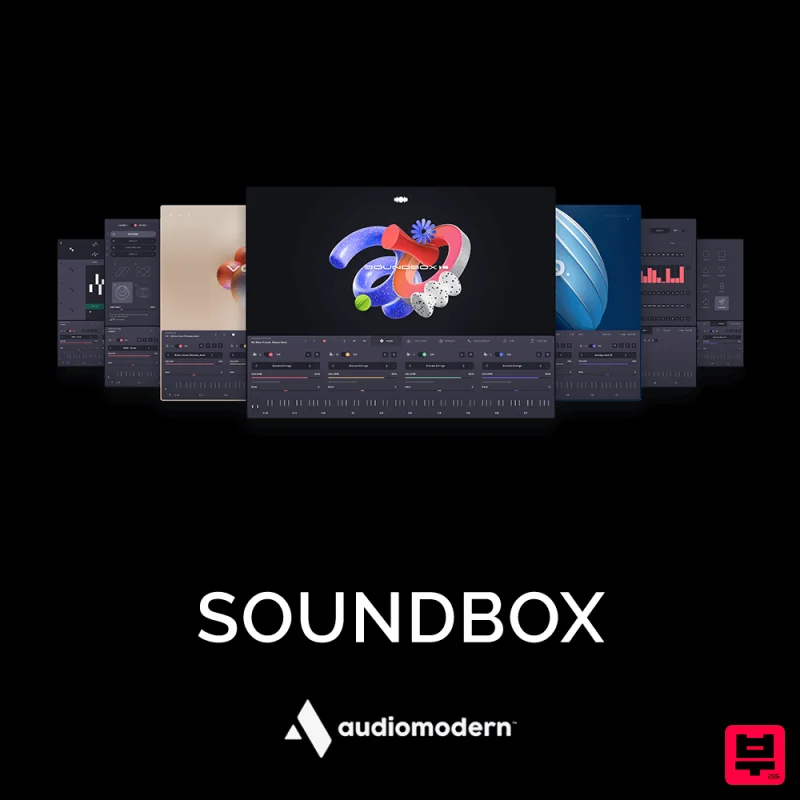
Audiomodern SOUNDBOX
Sampler
$30
Your All-in-One Musical Machine Soundbox is our new fully customizable MPE sampler crafted to introduce cutting-edge...
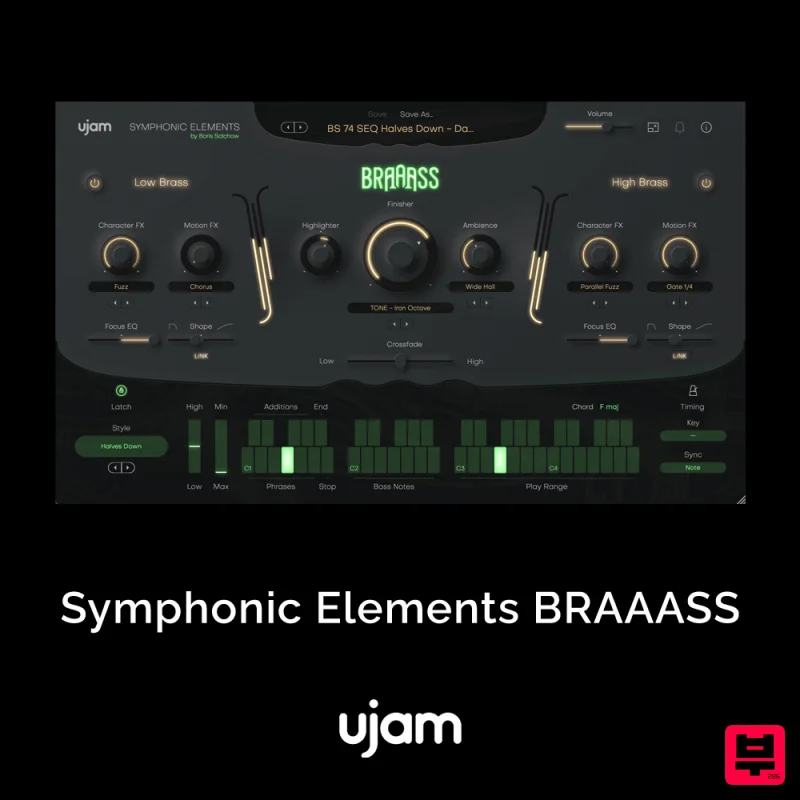
UJAM UJAM BRAAASS
Sampler
$30
The Call to Adventure – Mighty brass from Hans Zimmer’s personal collection Make anything epic! BRAAASS puts Hans...
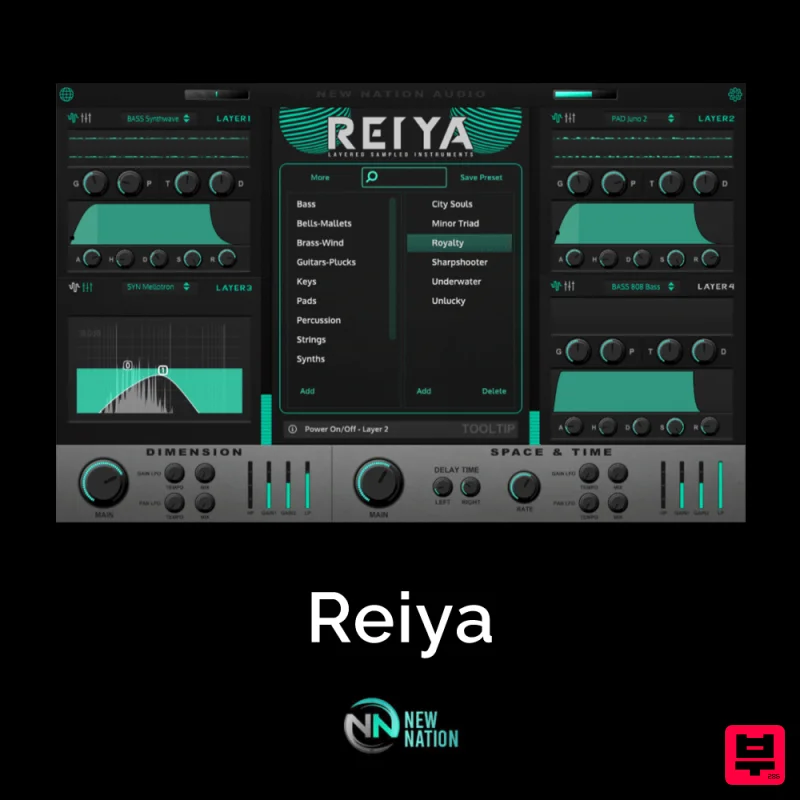
New Nation Software Reiya
Sampler
$30
Reiya is a Japanese word meaning “Layers” and is the perfect way to describe the best technique to use with this...
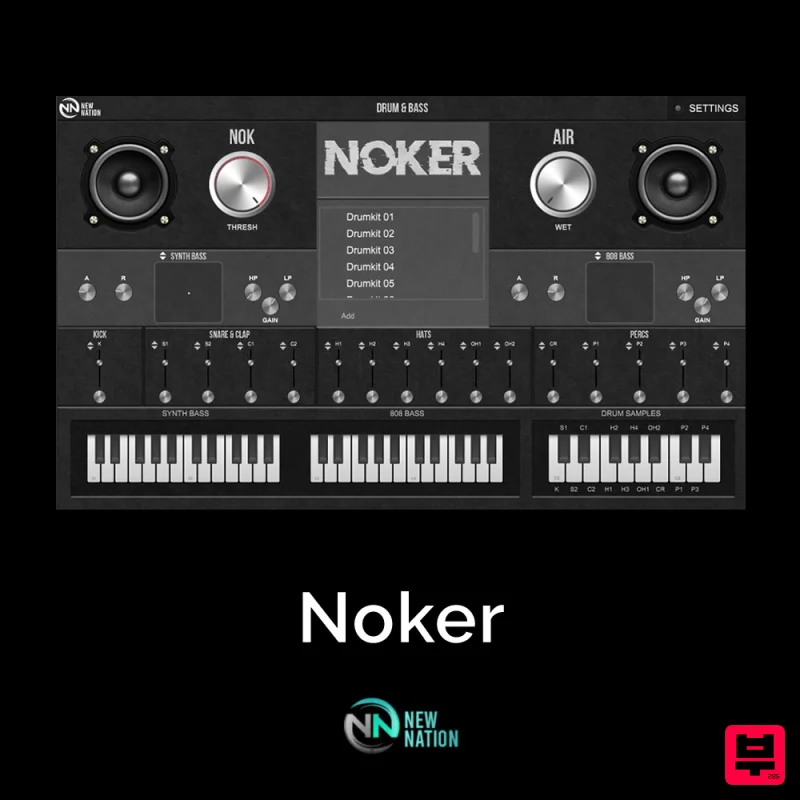
New Nation Software Noker
Sampler
$30
Simple & Unique Drum & Bass Sounds. The Noker – Drum & Bass Instrument VST will help you get the slapping drum sounds...
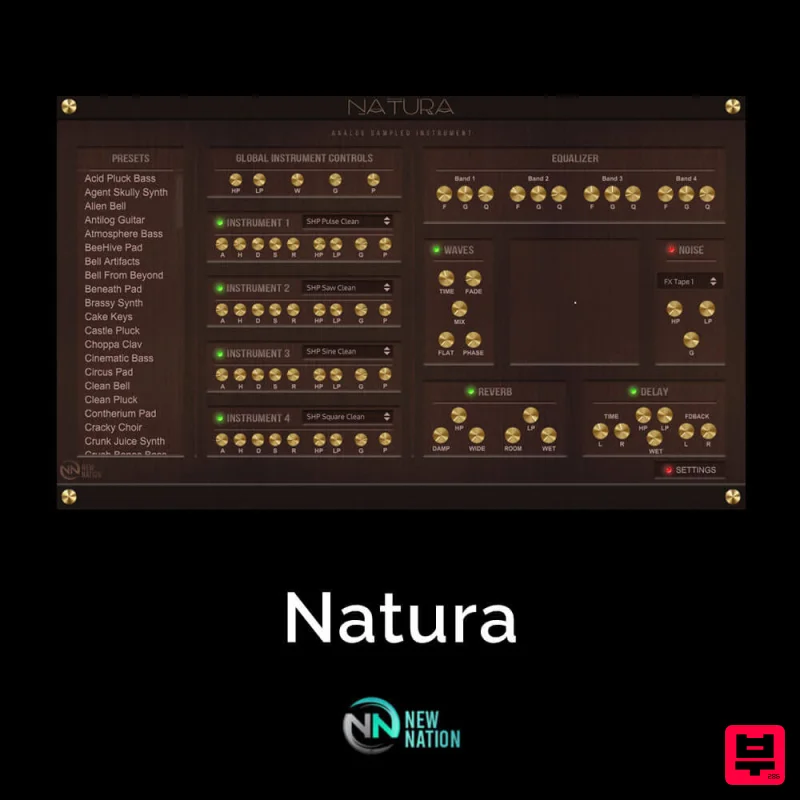
New Nation Software Natura
Sampler
$30
Simple & Unique Analog Sounds. The Natura – Analog Sampled VST will help you get the Analog Sounds you’re looking...
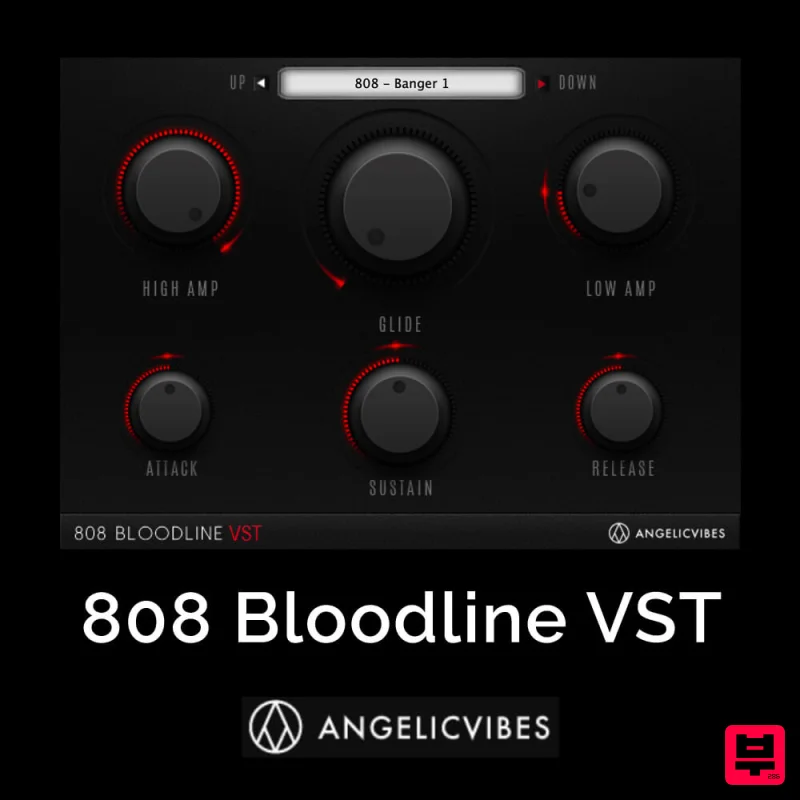
AngelicVibes 808 Bloodline VST
Sampler
$30
Bloodline is a trendy Virtual Instruments designed specifically for 808s. Introducing The 808 Bloodline VST Fully...
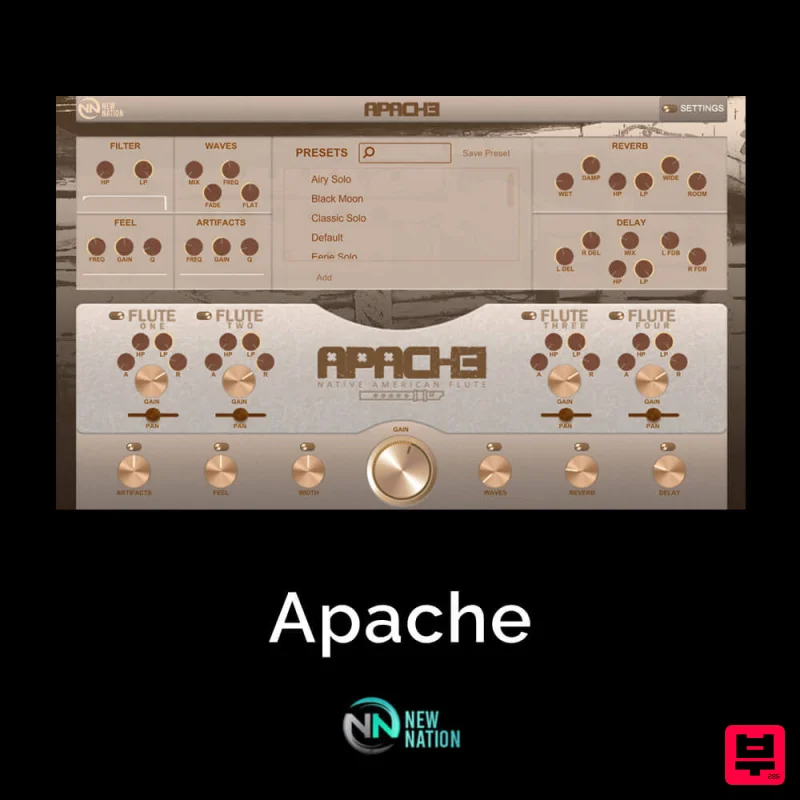
New Nation Software Apache
Sampler
$30
If you’ve been searching for an Authentic, Real & 100% Original Flute VST, look no further! You’ve found ‘Apache...
Frequently Asked Questions
The Waves CR8 Creative Sampler stands out for its exceptional Waves craftsmanship and innovative design.
Yes! With its affordable price point and quality construction, it's perfect for learning sampler.
Browse the similar products section to see how it stacks up against other sampler.

