
Waves Cobalt Saphira
Professional music gear - detailed information and where to buy
Waves
Cobalt Saphira
Product Info
* Prices may vary. Check retailer for current pricing and availability.
Product Description
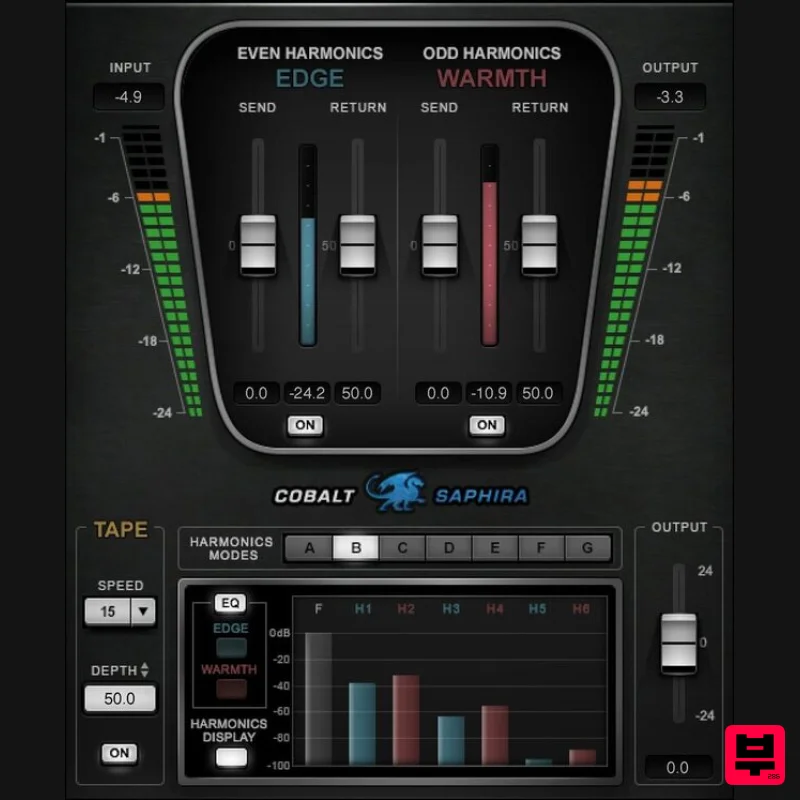
- Cobalt Saphira Surgically enhance odd and even harmonics Analog sound’s most compelling component is subtle harmonic distortion. Cobalt Saphira’s harmonic synthesis engine allows you to add harmonics to your tracks with unprecedented control
- by letting you separately introduce odd and even harmonics at specific frequencies
- with optional tape sound processing. Dial in even harmonics to add clarity and warmth
- odd harmonics to add a rough edge
- or both. Saphira’s harmonic enhancement gives a welcome analog touch to tracks
- buses
- and full mixes. Features Enjoy complete control when adding analog harmonics Revitalize buses
- mixes
- and masters with specific harmonics Add sparkle
- definition
- and warmth with even harmonics Add edge
- with saturation-like effects
- by boosting odd harmonics Choose the frequencies where you want to synthesize harmonics Give drums edge and clarity
- with odd and even harmonics Augment depth and liveliness with modeled tape processing Vastly more versatile than traditional “exciter” effects Over 50 presets for master bus
- groups
- and various instruments 7 modes alter the odd/even harmonic balance System Requirements Mac macOS Monterey 12
- Ventura 13
- Sonoma 14
- Sequoia 15 VST / AU / AAX PC Windows 10+ VST / AAX 1. Head to https: //www.waves.com/create-account 2. Enter your email and choose a password to create an account (if you already have a Waves account
- choose Log in
- enter your details and head to Step 5) > click 'Submit' 3. Open your email inbox > click the activation link in the email from Waves 4. Click 'Log in here' > Log in to your Waves account 5. Click 'Register New Products' 6. Enter the Serial Number found in your Plugin Boutique user account > click 'Submit' 7. Click download in your Plugin Boutique user account or head to https: //www.waves.com/downloads/central > download the Waves Central app for your operating system 8. Install Waves Central > Open Waves Central 9. Click 'Log in' > enter your log in details 10. Click the 'Install Products' tab 11. Tick the blue dot on all products you wish to install or click the top dot to install all products > click 'Install & Activate' 12. Click 'OK' 13. Open your DAW > open the Waves plugin Your Waves plugins are installed and ready to use
- enjoy!
Additional Information
About the Waves Cobalt Saphira
The Waves Cobalt Saphira combines traditional design with modern performance for Saturation enthusiasts.
Why Choose the Waves Cobalt Saphira?
- •Authentic Waves craftsmanship and design
- •Versatile sound suitable for multiple musical genres
- •Professional build quality and reliable performance
- •Part of Waves's respected Saturation lineup
Compare & Explore
Browse our complete selection of Waves instruments or explore other Saturation options. Use our comparison tools to find the perfect match for your musical style and budget.
Similar Products
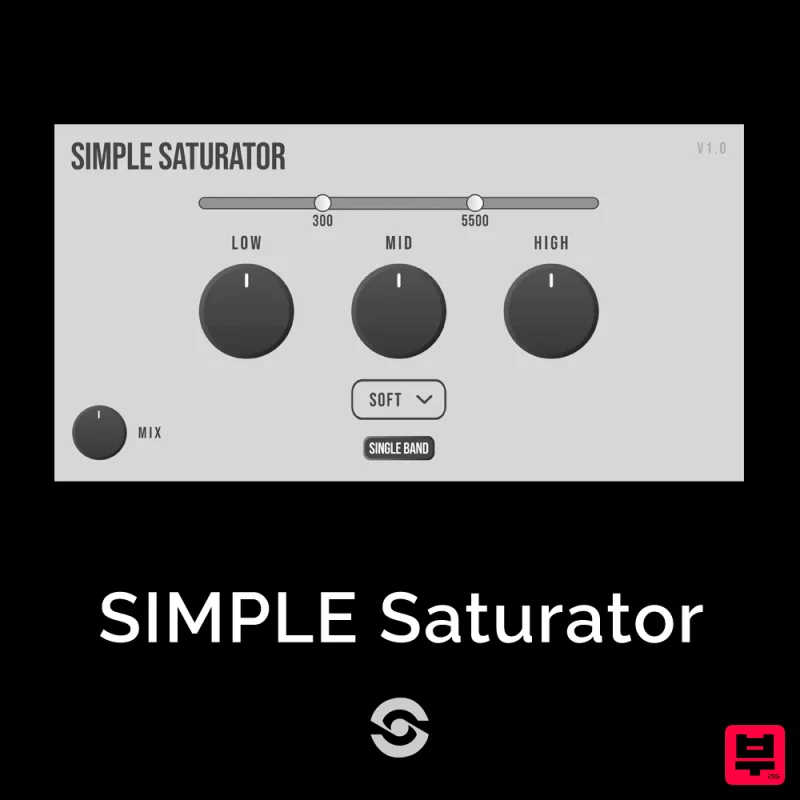
SIMPLE Plugins SIMPLE Saturator
Saturation
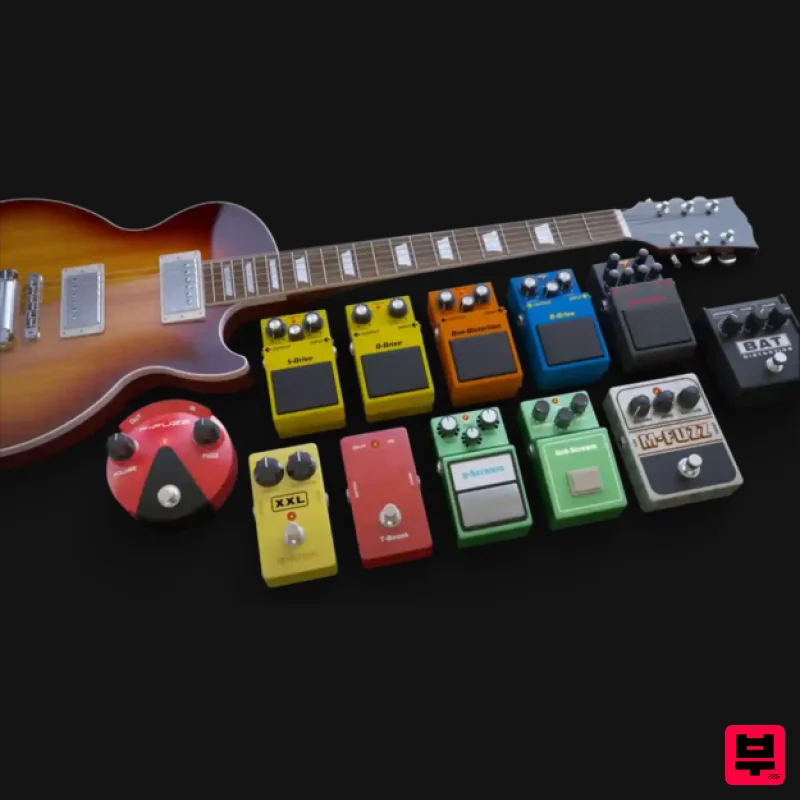
Audified MultiDrive PRO
Saturation
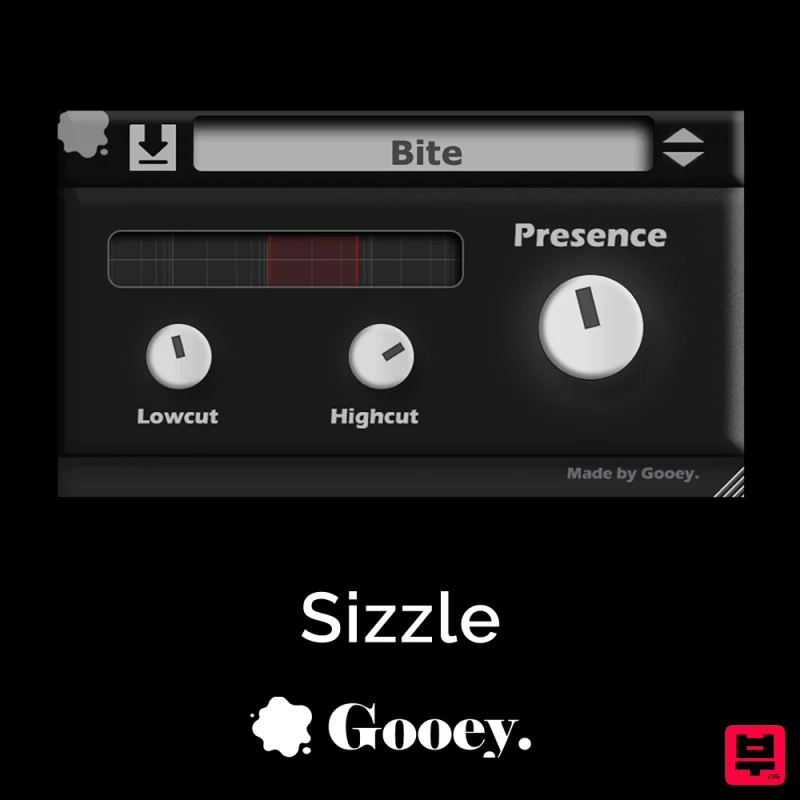
Gooey Audio Sizzle
Saturation
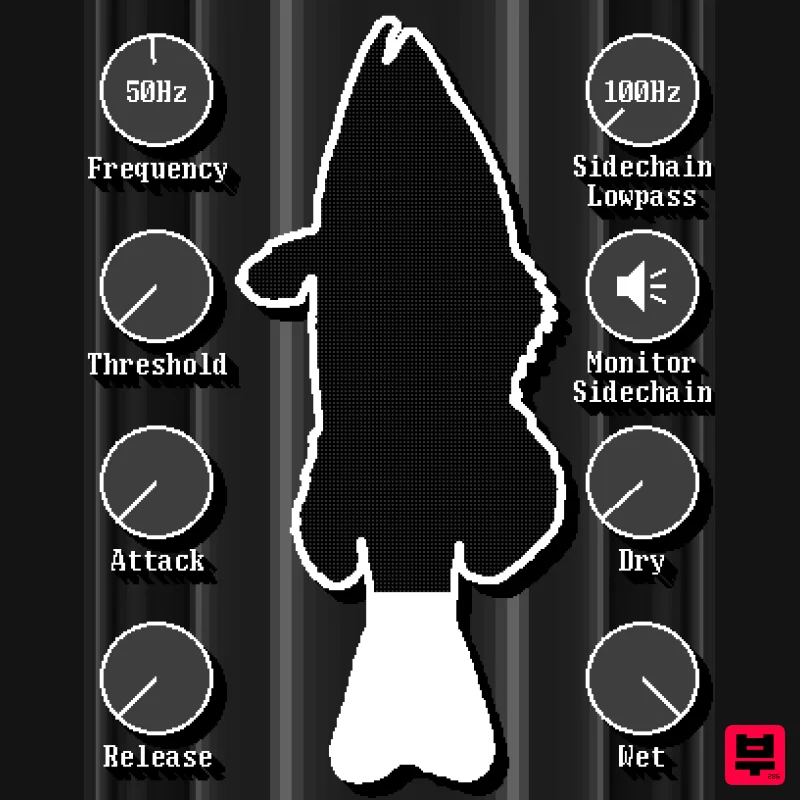
UnplugRed Red Bass
Saturation
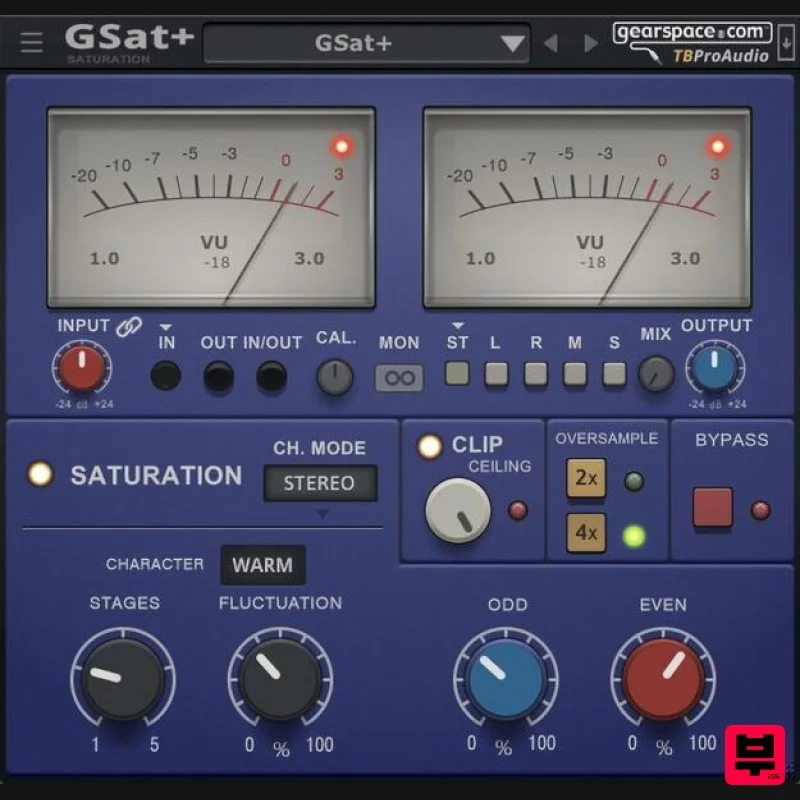
TBProAudio GSat+
Saturation

Antares Warm
Saturation
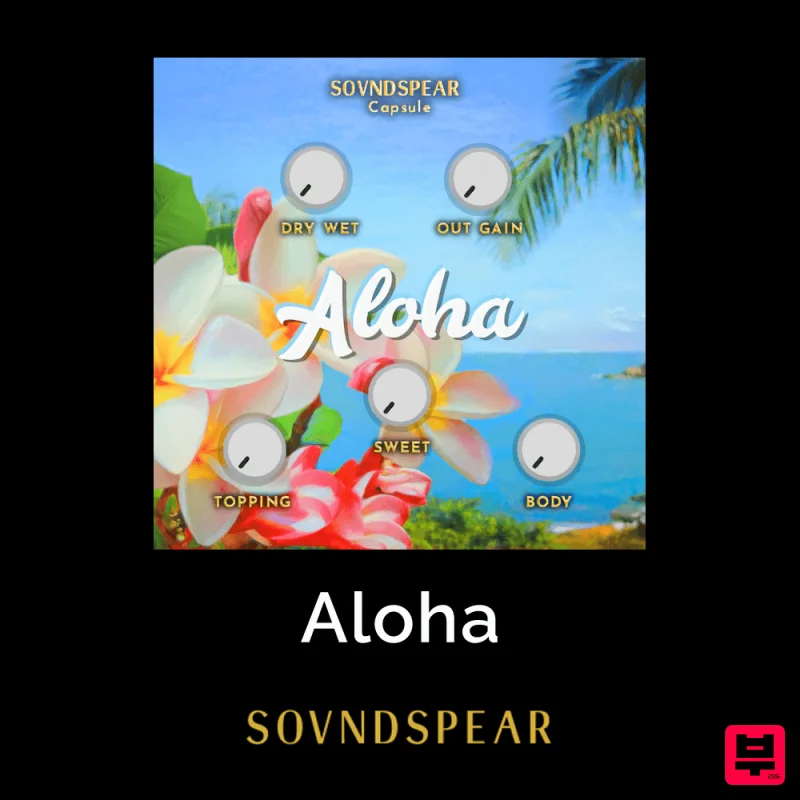
Soundspear Aloha
Saturation
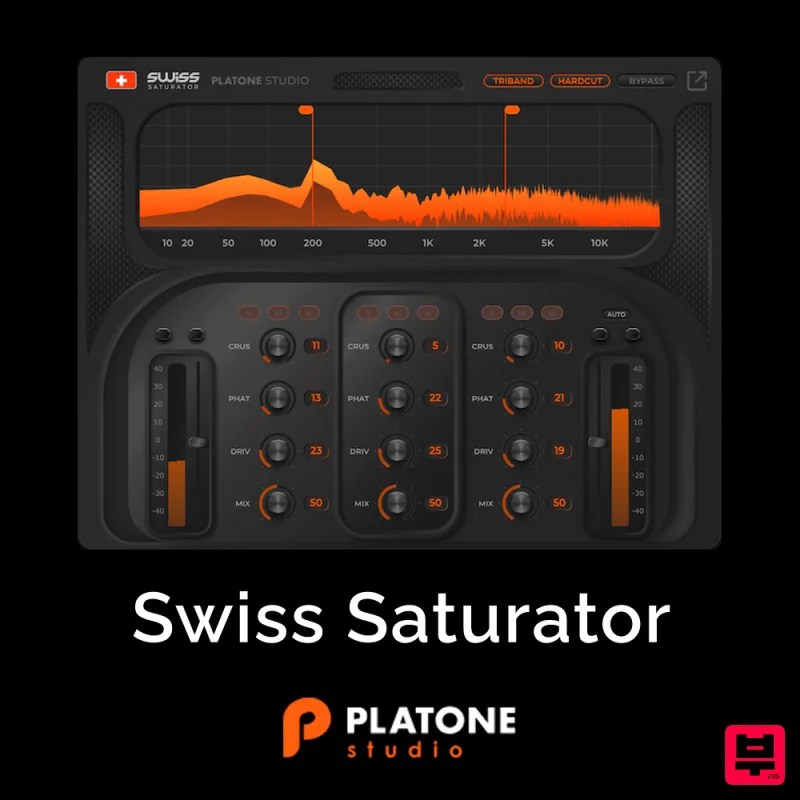
Platone Studio Swiss Saturator
Saturation

