
Waves Clarix LB
Professional music gear - detailed information and where to buy
Waves
Clarix LB
Product Info
* Prices may vary. Check retailer for current pricing and availability.
Product Description
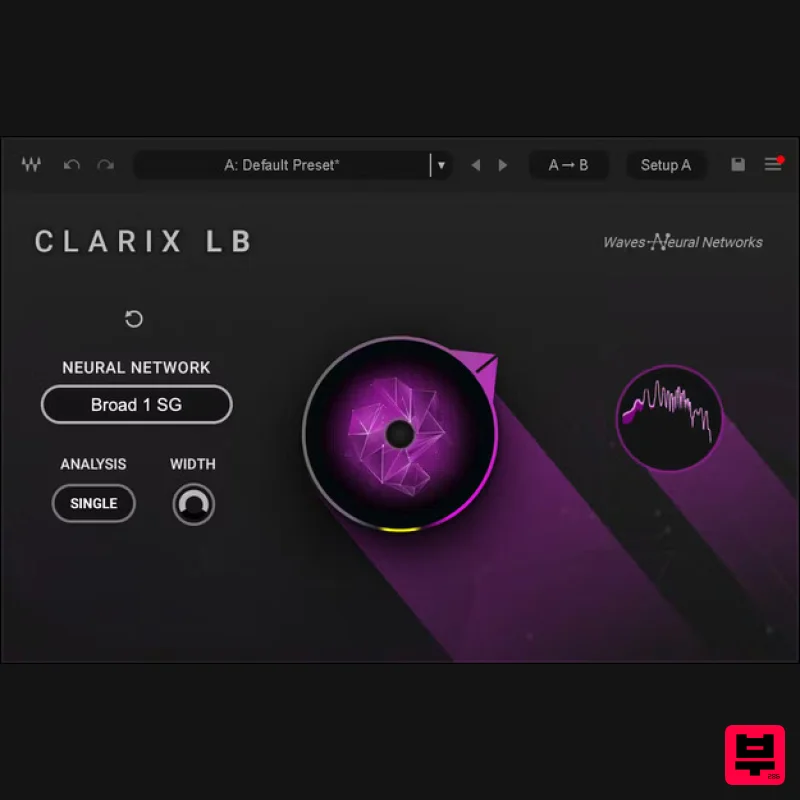
- Clarix LB Instantly Clean Background Noise in Live Broadcast Voice Sources Clarix LB is an AI-powered noise reduction plugin for voice and dialogue in live broadcast and live streaming scenarios. Now you can clean up ambient noise in real-time live broadcast—ideal for on-location anchors
- reporters
- live-streamed worship services
- or any live voice capture. Clarix LB is compatible with the Waves SoundGrid real-time processing platform
- making it suited for real-time live broadcast workflows. The plugin can run on any major mixing console via SuperRack SoundGrid or SuperRack LiveBox
- or on eMotion LV1 live mixer systems. (Please note that to run Clarix LB on SuperRack SoundGrid or on LV1 systems including the LV1 Classic console
- you’ll need to connect an external Titan SoundGrid server: see more info below.) The plugin’s AI noise reduction is powered by the same Technology Emmy® Award winning Waves Neural Networks engine that powers Waves’ latest generaiton of noise removal plugins for studio and live applications
- such as Clarity Vx. Important notes: At 47 ms latency
- Clarix LB is perfect for live broadcast and streaming scenarios
- but is not intended for in-venue live concert audio. Also
- due to the need to run advanced neural networks
- Clarix LB requires high processing power via the Waves Titan server: see more details below. Features AI engine powered by Emmy®-winning Waves Neural Networks SoundGrid-compatible for use in SuperRack and eMotion LV1 Choose the exact voice/noise balance with a single knob Large UI
- ideal for easy broadcast control Up to 96 kHz sample rate 47 ms latency ‘Double’ analysis plus width control for stereo sources Requires Waves Titan server for real-time SoundGrid processing System Requirements Mac macOS Ventura 13
- Sonoma 14
- Sequoia 15 Apple Silicon M2 or Higher AU/AAX/VST 16 GB RAM 30 GB free disk space on the system drive PC Windows 10+ Intel 14th Gen or AMD Ryzen 9 5900HX (Minimum) VST/AAX 16 GB RAM 30 GB free disk space on the system drive 1. Head to https: //www.waves.com/create-account 2. Enter your email and choose a password to create an account (if you already have a Waves account
- choose Log in
- enter your details and head to Step 5) > click 'Submit' 3. Open your email inbox > click the activation link in the email from Waves 4. Click 'Log in here' > Log in to your Waves account 5. Click 'Register New Products' 6. Enter the Serial Number found in your Plugin Boutique user account > click 'Submit' 7. Click download in your Plugin Boutique user account or head to https: //www.waves.com/downloads/central > download the Waves Central app for your operating system 8. Install Waves Central > Open Waves Central 9. Click 'Log in' > enter your log in details 10. Click the 'Install Products' tab 11. Tick the blue dot on all products you wish to install or click the top dot to install all products > click 'Install & Activate' 12. Click 'OK' 13. Open your DAW > open the Waves plugin Your Waves plugins are installed and ready to use
- enjoy!
Additional Information
About the Waves Clarix LB
Experience the quality and tone that makes the Waves Clarix LB a popular choice for musicians.
Why Choose the Waves Clarix LB?
- •Authentic Waves craftsmanship and design
- •Versatile sound suitable for multiple musical genres
- •Professional build quality and reliable performance
- •Part of Waves's respected Vocal Processing lineup
Compare & Explore
Browse our complete selection of Waves instruments or explore other Vocal Processing options. Use our comparison tools to find the perfect match for your musical style and budget.
Similar Products
THR VoxGuru
Vocal Processing
Antares DUO
Vocal Processing
Antares ARTICULATOR
Vocal Processing
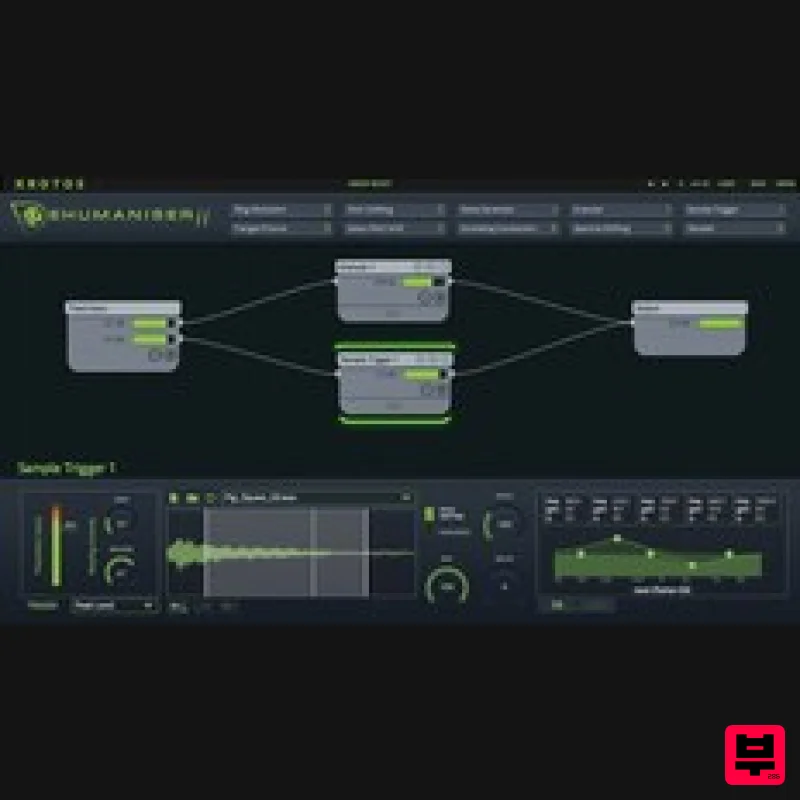
Krotos Krotos Dehumaniser 2
Vocal Processing
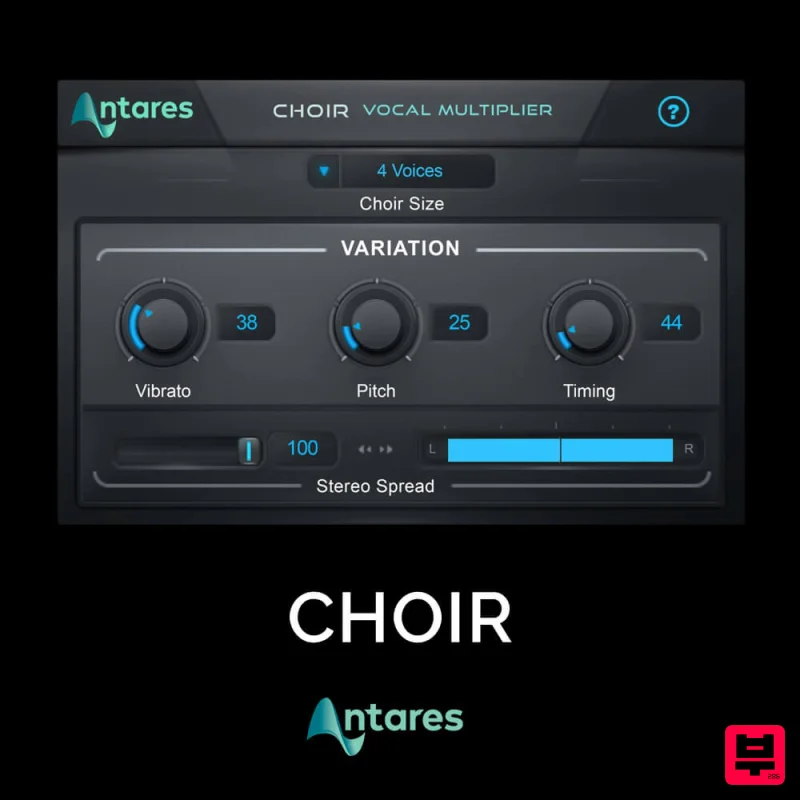
Antares CHOIR
Vocal Processing
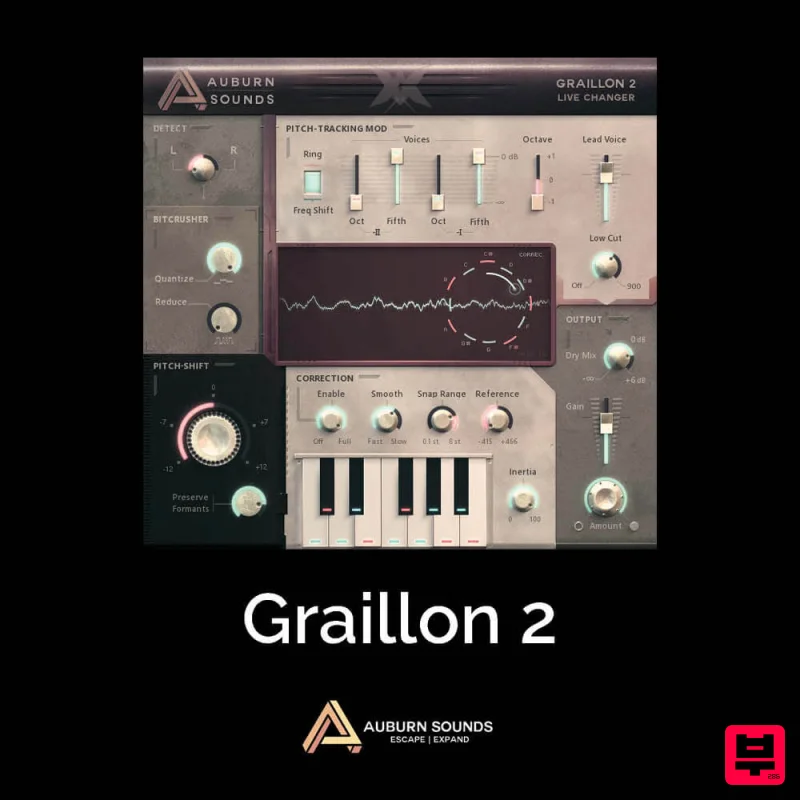
Auburn Sounds Graillon 2
Vocal Processing
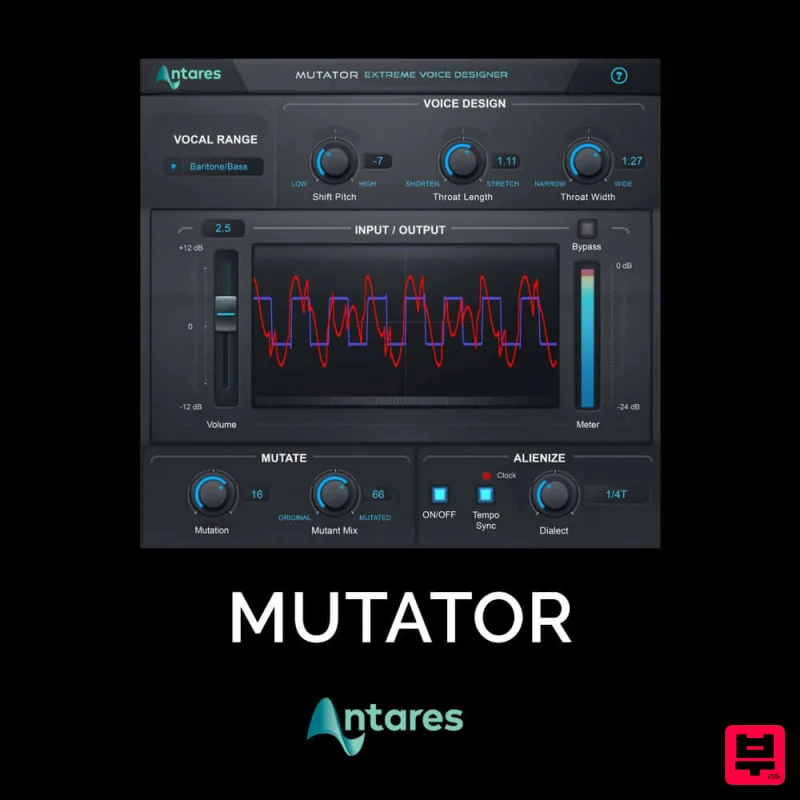
Antares MUTATOR
Vocal Processing
Karanyi Sounds Cloudmax Breeze Black Edition
Vocal Processing

