
Waves CLA Drums
Professional music gear - detailed information and where to buy
Product Description
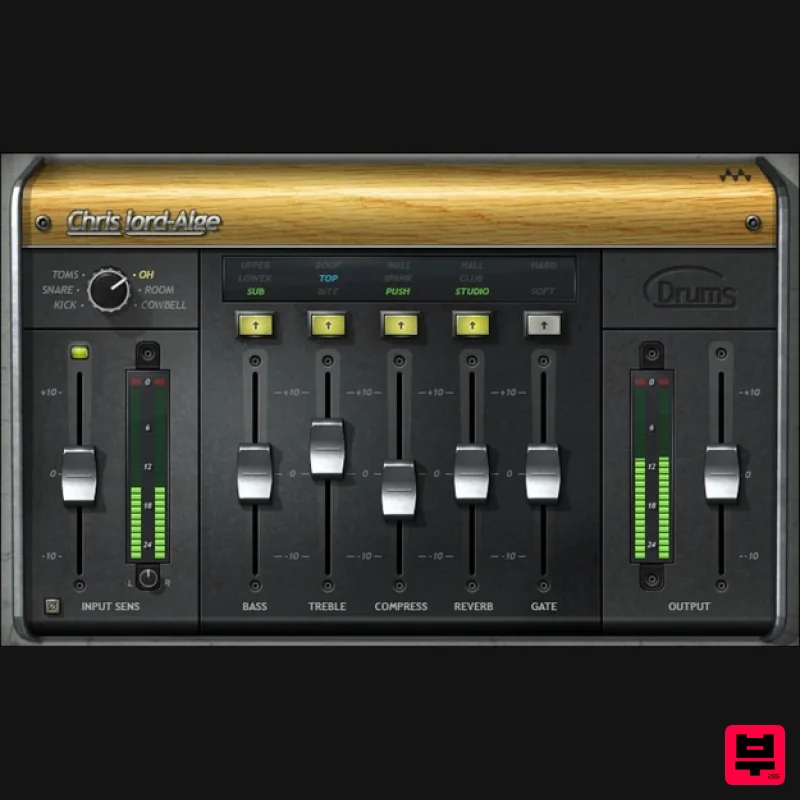
- CLA Drums Easy Processing for Detailed Drums Grammy winner Chris Lord-Alge (Springsteen
- Green Day
- Muse) says it best: “When creating the CLA Drums plugin
- I had one thing in mind—anyone who uses it can get a great drum sound for any song and any mix
- and just have fun!” Mission accomplished. With separate processing for individual drum tracks
- each sound has its own focus that contributes strength and detail in the final mix. With CLA Drums
- the whole is greater than the sum of its parts. Features Process tom
- snare
- kick
- room
- overhead
- or cymbal/hats tracks 5 effects
- with 3 modes
- optimized for each of the 5 drum sounds Treble and bass EQ give snap and depth—or trim harshness and mud Choose your punch: compress some drums
- but not others 3 different reverb modes add ambiance and space Use with individual outputs from samplers and drum machines Hard or soft gating for special “gated drums” effects Brings old-school analog drum sounds into the modern world System Requirements Mac macOS Monterey 12
- Ventura 13
- Sonoma 14
- Sequoia 15 VST / AU / AAX PC Windows 10+ VST / AAX 1. Head to https: //www.waves.com/create-account 2. Enter your email and choose a password to create an account (if you already have a Waves account
- choose Log in
- enter your details and head to Step 5) > click 'Submit' 3. Open your email inbox > click the activation link in the email from Waves 4. Click 'Log in here' > Log in to your Waves account 5. Click 'Register New Products' 6. Enter the Serial Number found in your Plugin Boutique user account > click 'Submit' 7. Click download in your Plugin Boutique user account or head to https: //www.waves.com/downloads/central > download the Waves Central app for your operating system 8. Install Waves Central > Open Waves Central 9. Click 'Log in' > enter your log in details 10. Click the 'Install Products' tab 11. Tick the blue dot on all products you wish to install or click the top dot to install all products > click 'Install & Activate' 12. Click 'OK' 13. Open your DAW > open the Waves plugin Your Waves plugins are installed and ready to use
- enjoy!
Additional Information
About the Waves CLA Drums
Discover the distinctive sound and feel of the Waves CLA Drums, a standout choice among Drum FX.
Why Choose the Waves CLA Drums?
- •Authentic Waves craftsmanship and design
- •Versatile sound suitable for multiple musical genres
- •Professional build quality and reliable performance
- •Part of Waves's respected Drum FX lineup
Compare & Explore
Browse our complete selection of Waves instruments or explore other Drum FX options. Use our comparison tools to find the perfect match for your musical style and budget.
Similar Products
Waves JJP Drums
Drum FX
$44
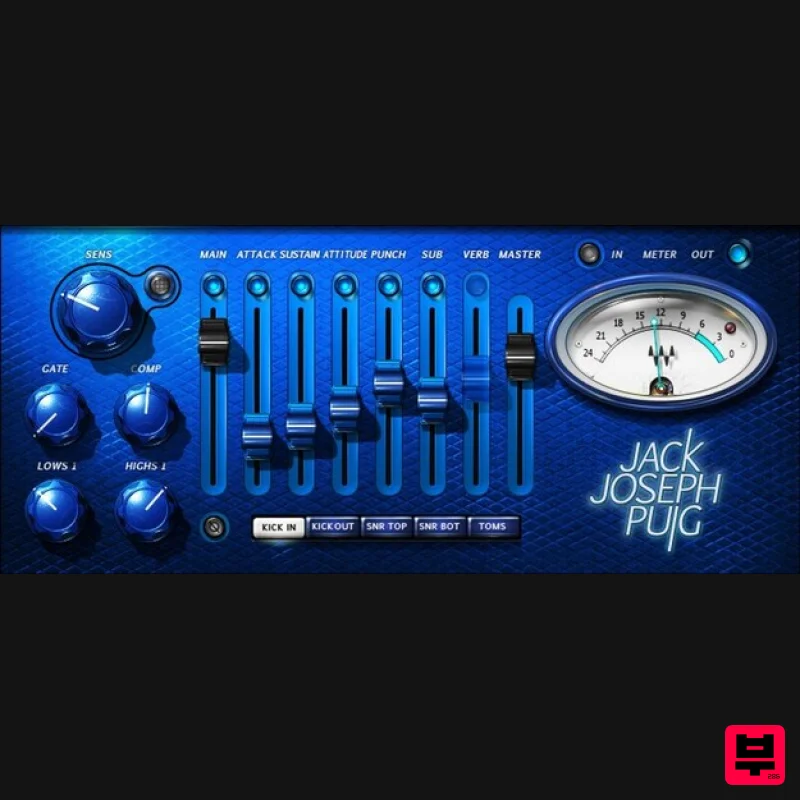
JJP Drums Professional Drum Production Made Easy Grammy® winning producer/mixer Jack Joseph Puig (Rolling Stones, U2,...
Stagecraft Software Beat ReBuilder
Drum FX
$74
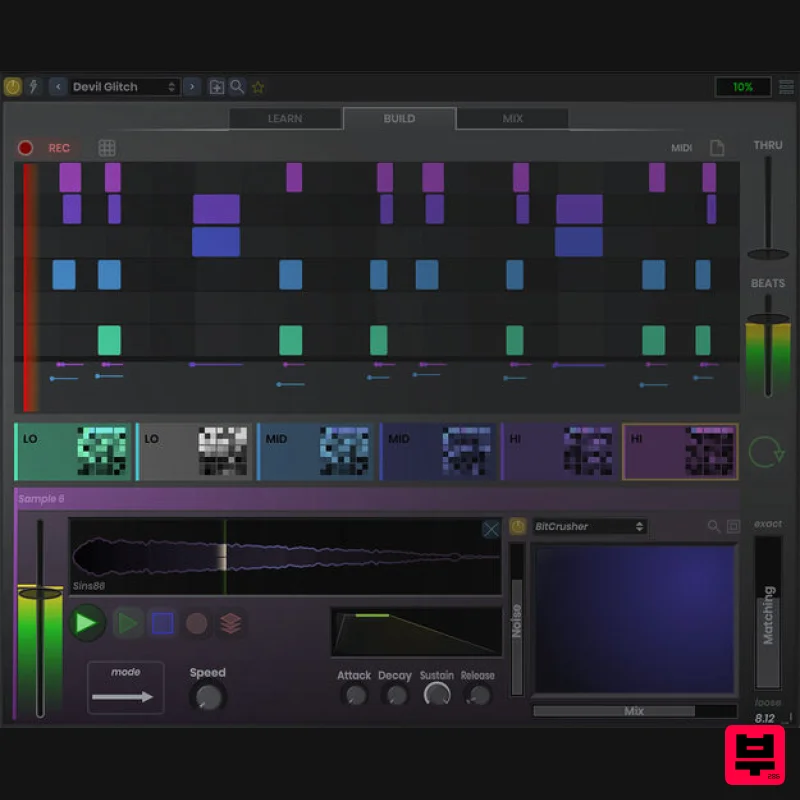
Replace and Rebuild Beats Grab beats out of thin air! This plugin deciphers a beat and adds layers of sound on it. You...
Waves JJP Cymbals & Percussion
Drum FX
$44
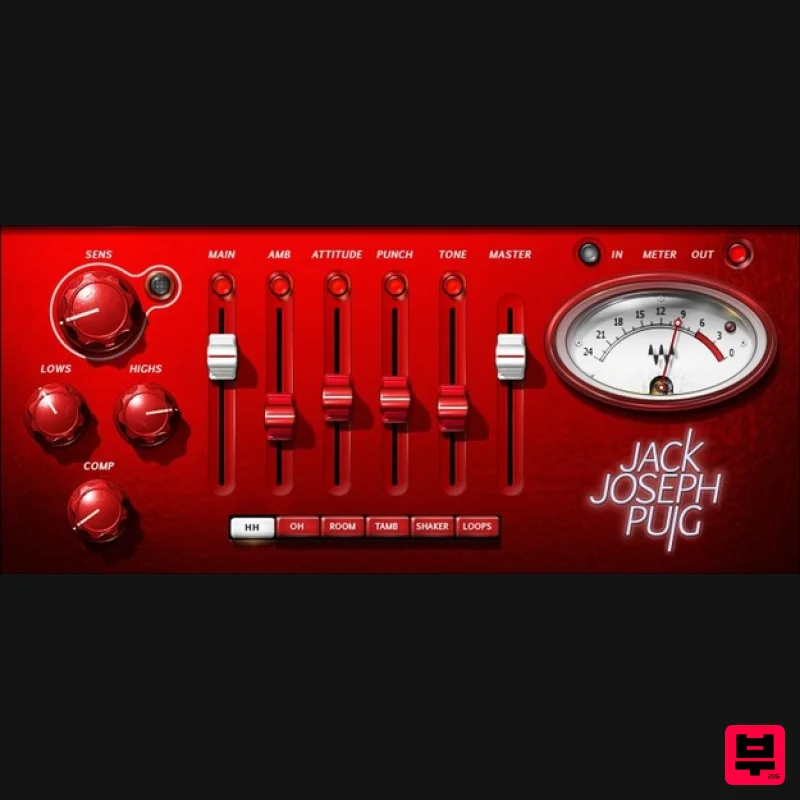
JJP Cymbals & Percussion Add Character and Power to Cymbals, Percussion, and Loops Finally—a multi-effect that shines...
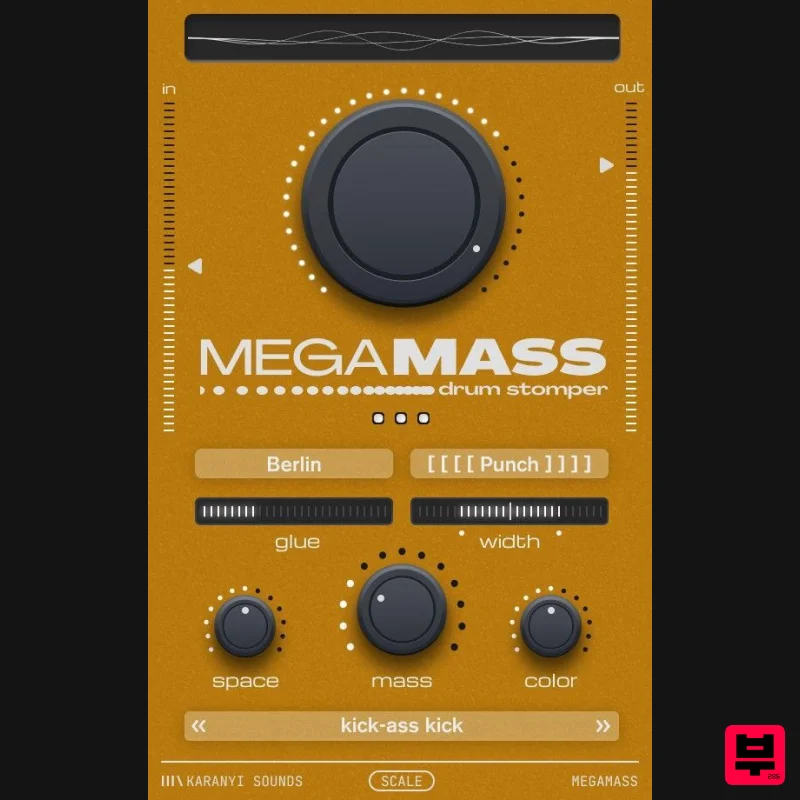
Karanyi Sounds Megamass
Drum FX
$62
Make your kicks hit hard and sit perfectly. Add instant weight, punch and depth - so they cut through the mix...
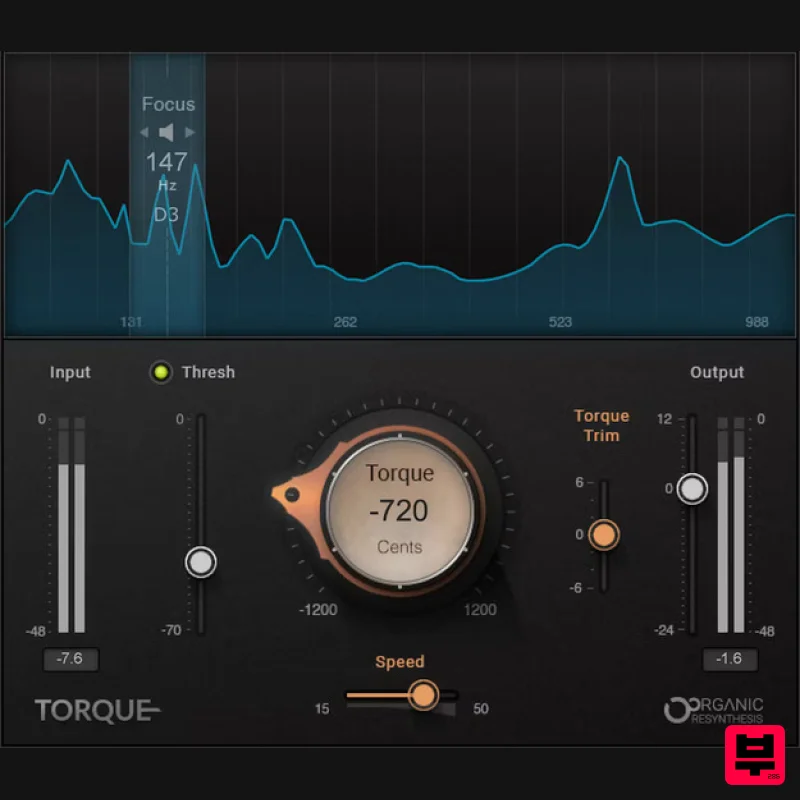
Waves Torque
Drum FX
$50
Torque Tune Your Drums for Better Mixes If you’ve tried to fix out-of-tune drums when mixing, you know pitch shifters...
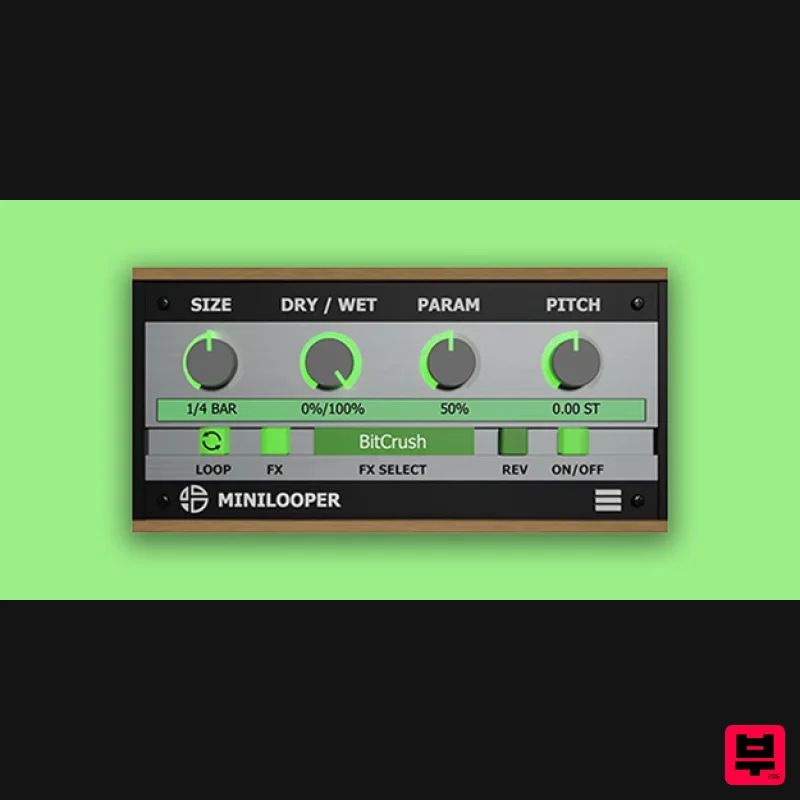
Audio Blast MiniLooper
Drum FX
$16
Use MiniLooper to create breaks, fills, rolls, reverse, and glitch effects synchronized to the tempo of the DAW. ...
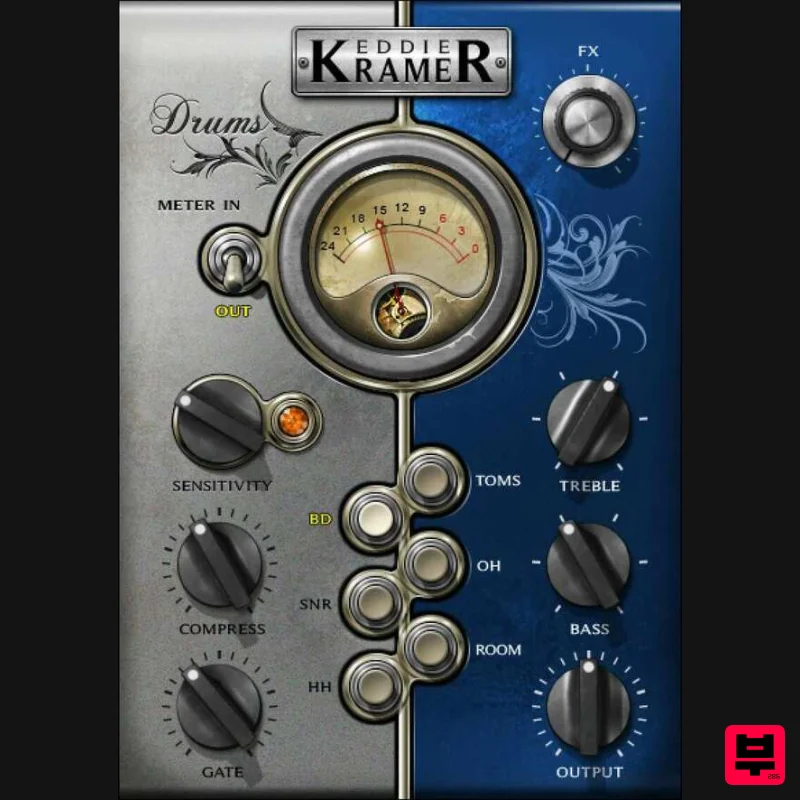
Waves Eddie Kramer Drum Channel
Drum FX
$44
Eddie Kramer Drum Channel Classic Drum Sounds from the Legendary Producer for Hendrix and Zeppelin Eddie Kramer’s...
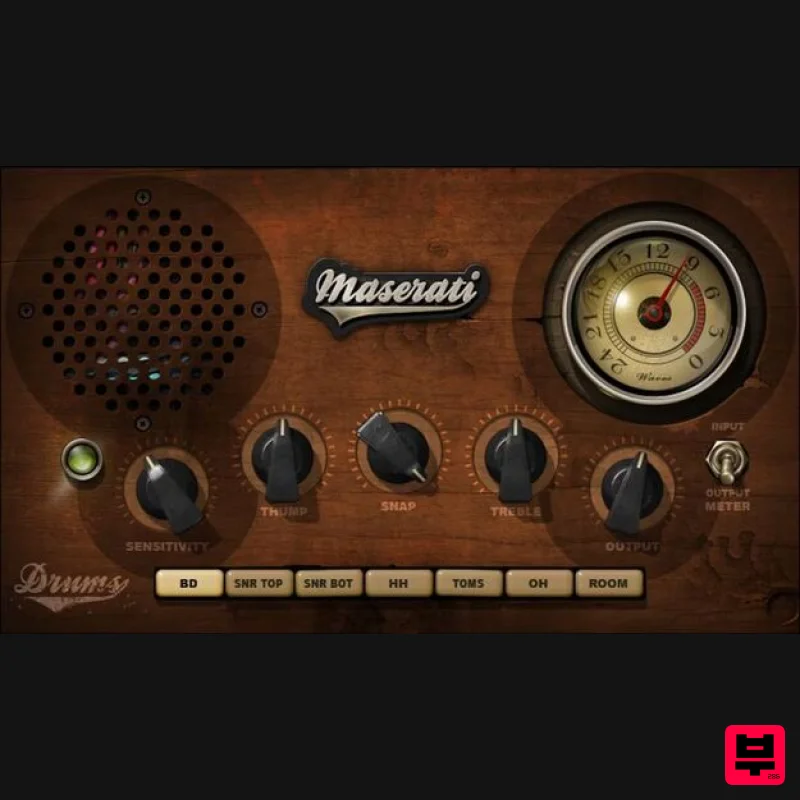
Waves Maserati DRM
Drum FX
$44
Maserati DRM Pump Up the Power for Drums in Thick Mixes DRM leverages its THUMP, SNAP, and TREBLE controls for...
Frequently Asked Questions
The Waves CLA Drums stands out for its exceptional Waves craftsmanship and innovative design.
Yes! With its affordable price point and quality construction, it's perfect for learning drum fx.
Browse the similar products section to see how it stacks up against other drum fx.

