
Waves Butch Vig Vocals
Professional music gear - detailed information and where to buy
Waves
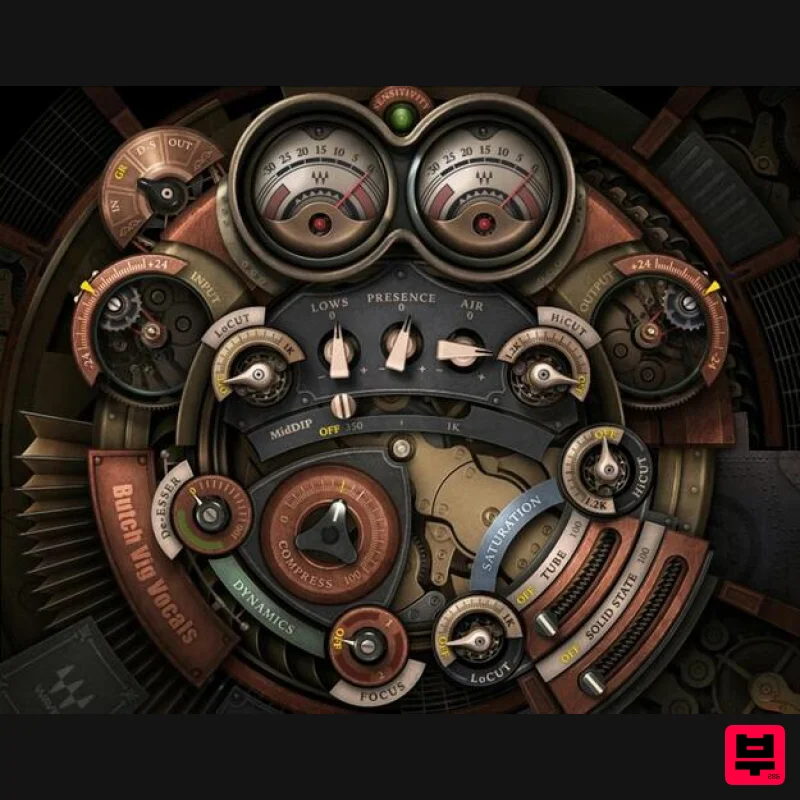
Butch Vig Vocals
Product Info
* Prices may vary. Check retailer for current pricing and availability.
Product Description
- Butch Vig Vocals Let a Member of Rock Royalty Produce Your Vocals Nirvana. Foo Fighters. Pumpkins. Green Day. Garbage. No producer has had a greater impact on modern alternative rock than Butch Vig. Now
- you can take advantage of his Grammy-winning expertise to add impact
- presence and edge to your vocals. From subtle enhancements that bring out any singer’s personality
- to crushing distortion and lo-fi that cut through mixes like a knife
- let Butch Vig’s production mastery realize your vocals’ potential. Features Created in close collaboration with legendary producer Butch Vig Multieffects with dynamics
- filters
- and harmonic saturation Add an edge to vocals with tube or solid-state saturation Flexible compression can out vocals
- or add aggression Saturation effects are layered in parallel with vocals 81 custom presets by Butch Vig
- Chris Lord-Alge
- Ross Hogarth System Requirements Mac macOS Monterey 12
- Ventura 13
- Sonoma 14
- Sequoia 15 VST / AU / AAX PC Windows 10+ VST / AAX 1. Head to https: //www.waves.com/create-account 2. Enter your email and choose a password to create an account (if you already have a Waves account
- choose Log in
- enter your details and head to Step 5) > click 'Submit' 3. Open your email inbox > click the activation link in the email from Waves 4. Click 'Log in here' > Log in to your Waves account 5. Click 'Register New Products' 6. Enter the Serial Number found in your Plugin Boutique user account > click 'Submit' 7. Click download in your Plugin Boutique user account or head to https: //www.waves.com/downloads/central > download the Waves Central app for your operating system 8. Install Waves Central > Open Waves Central 9. Click 'Log in' > enter your log in details 10. Click the 'Install Products' tab 11. Tick the blue dot on all products you wish to install or click the top dot to install all products > click 'Install & Activate' 12. Click 'OK' 13. Open your DAW > open the Waves plugin Your Waves plugins are installed and ready to use
- enjoy!
Additional Information
About the Waves Butch Vig Vocals
Discover the distinctive sound and feel of the Waves Butch Vig Vocals, a standout choice among Vocal Processing.
Why Choose the Waves Butch Vig Vocals?
- •Authentic Waves craftsmanship and design
- •Versatile sound suitable for multiple musical genres
- •Professional build quality and reliable performance
- •Part of Waves's respected Vocal Processing lineup
Compare & Explore
Browse our complete selection of Waves instruments or explore other Vocal Processing options. Use our comparison tools to find the perfect match for your musical style and budget.
Similar Products
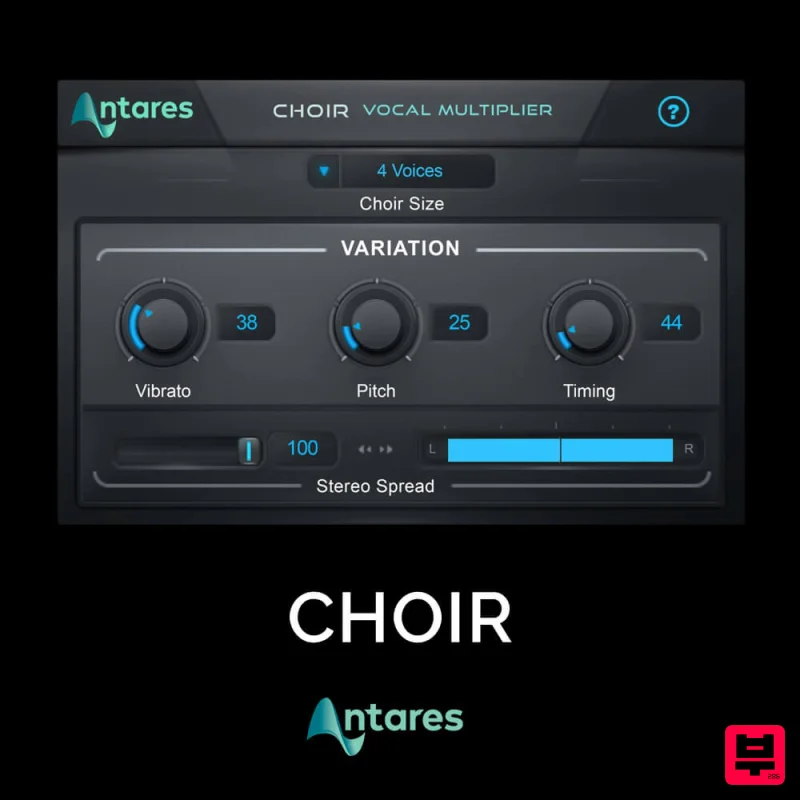
Antares CHOIR
Vocal Processing
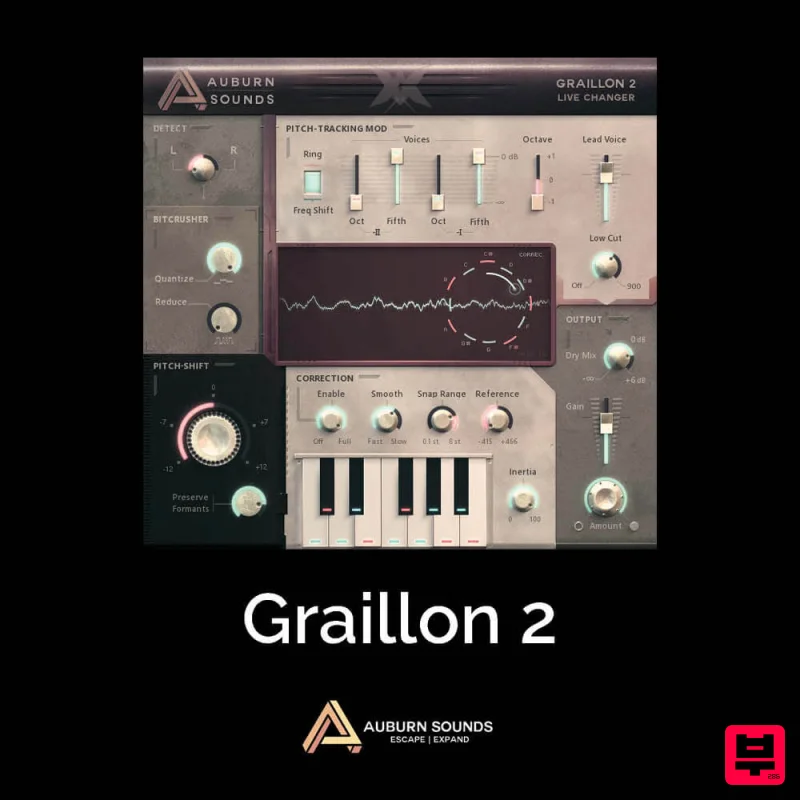
Auburn Sounds Graillon 2
Vocal Processing
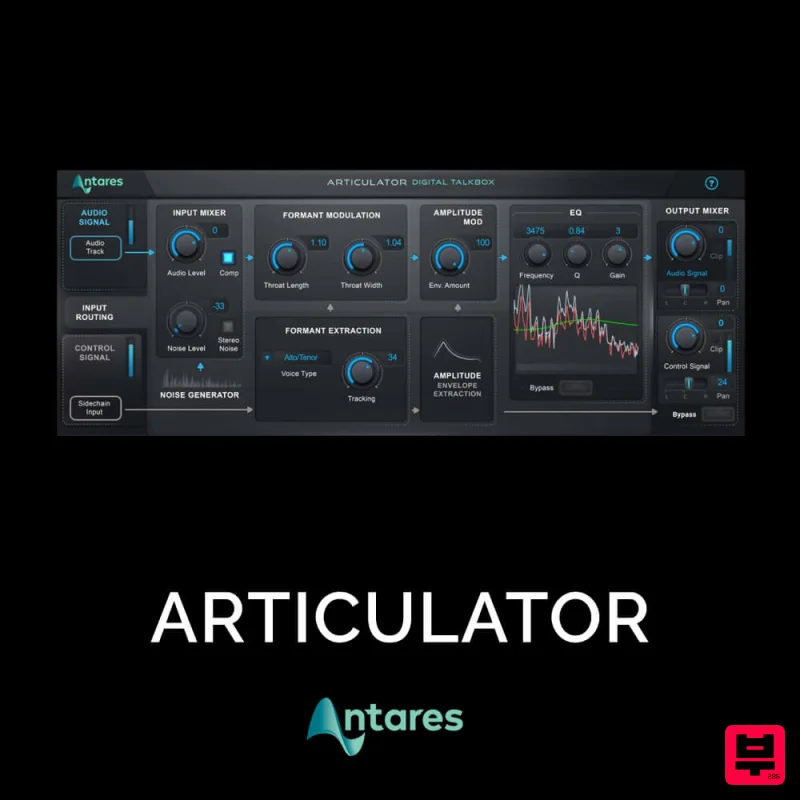
Antares ARTICULATOR
Vocal Processing
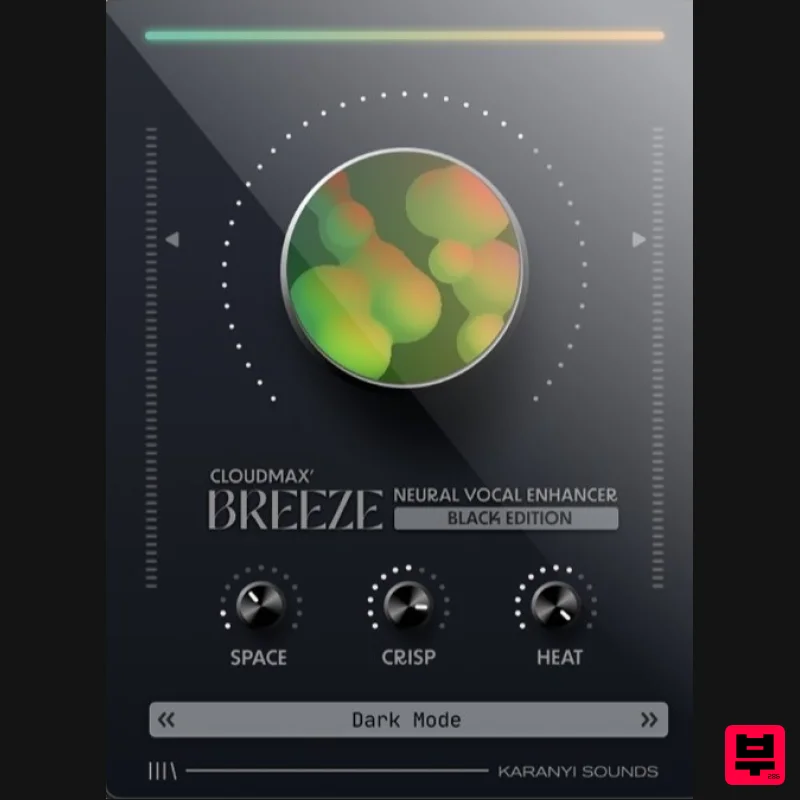
Karanyi Sounds Cloudmax Breeze Black Edition
Vocal Processing
Krotos Krotos Dehumaniser 2
Vocal Processing
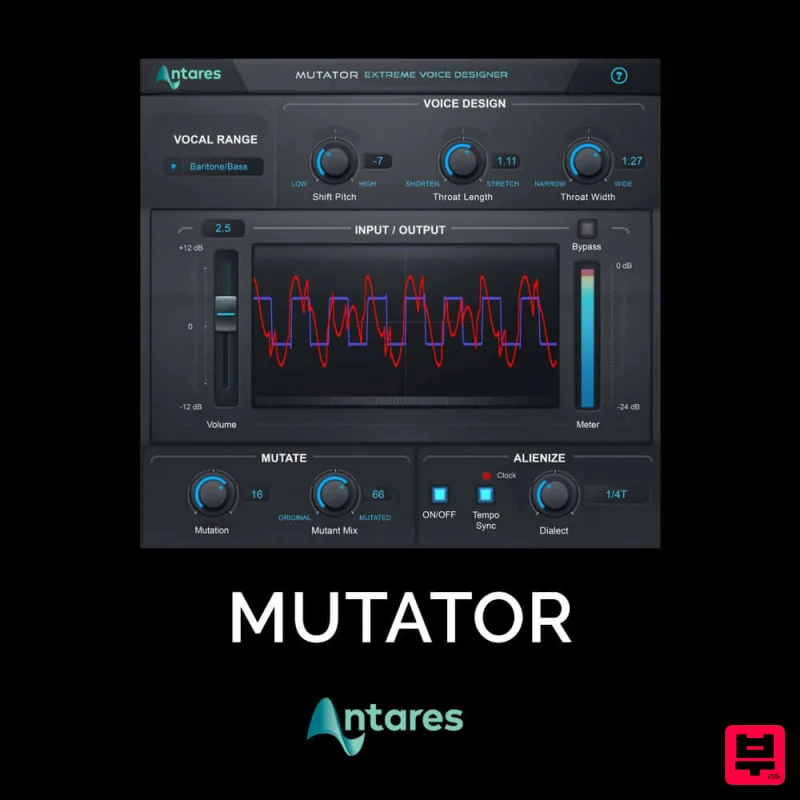
Antares MUTATOR
Vocal Processing
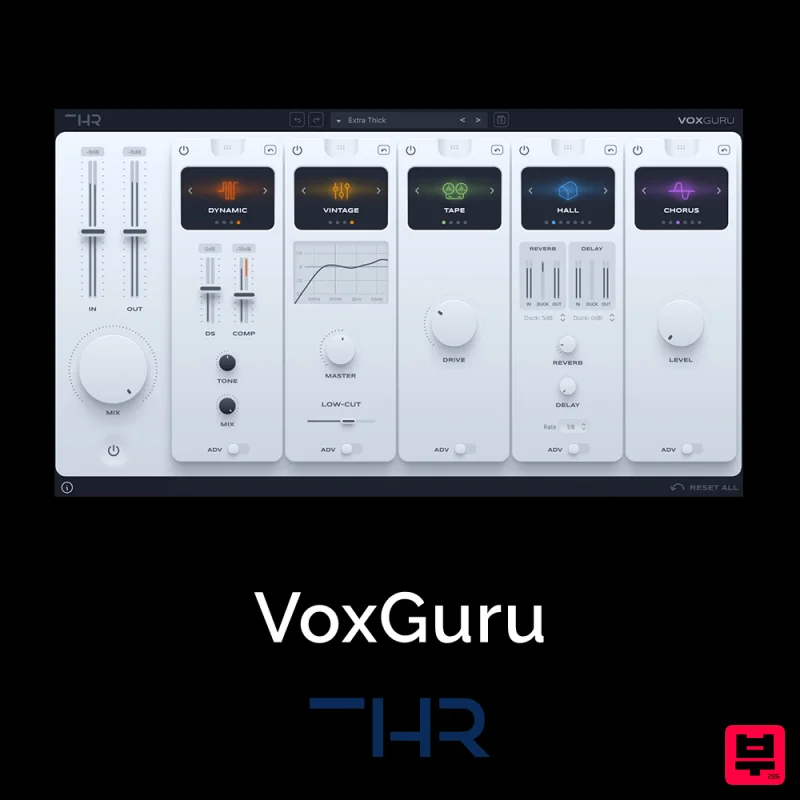
THR VoxGuru
Vocal Processing
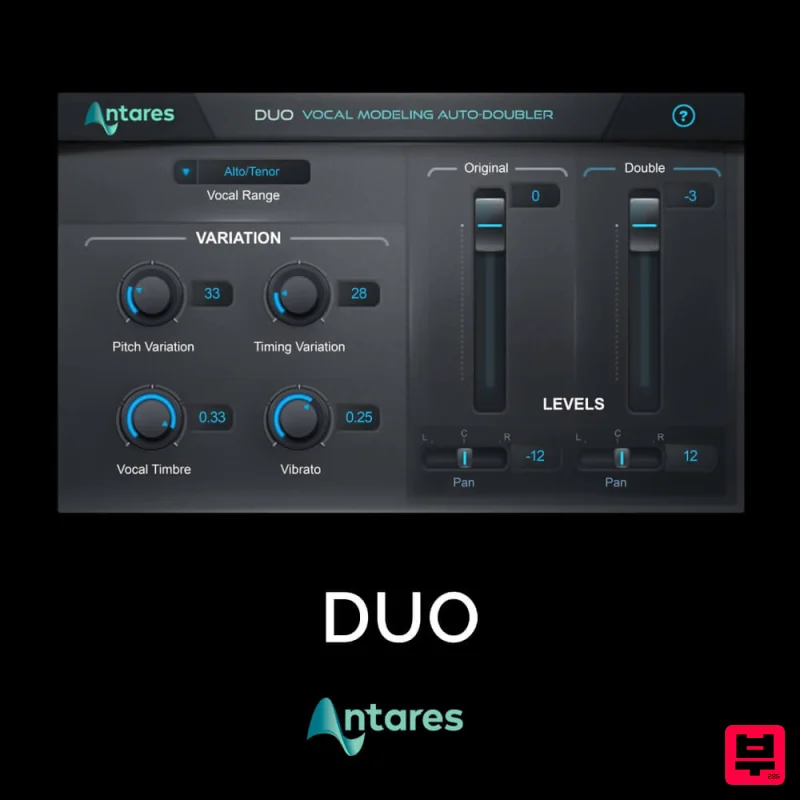
Antares DUO
Vocal Processing

