
Waves B360 Ambisonics Encoder
Professional music gear - detailed information and where to buy
Waves
B360 Ambisonics Encoder
Product Info
* Prices may vary. Check retailer for current pricing and availability.
Product Description
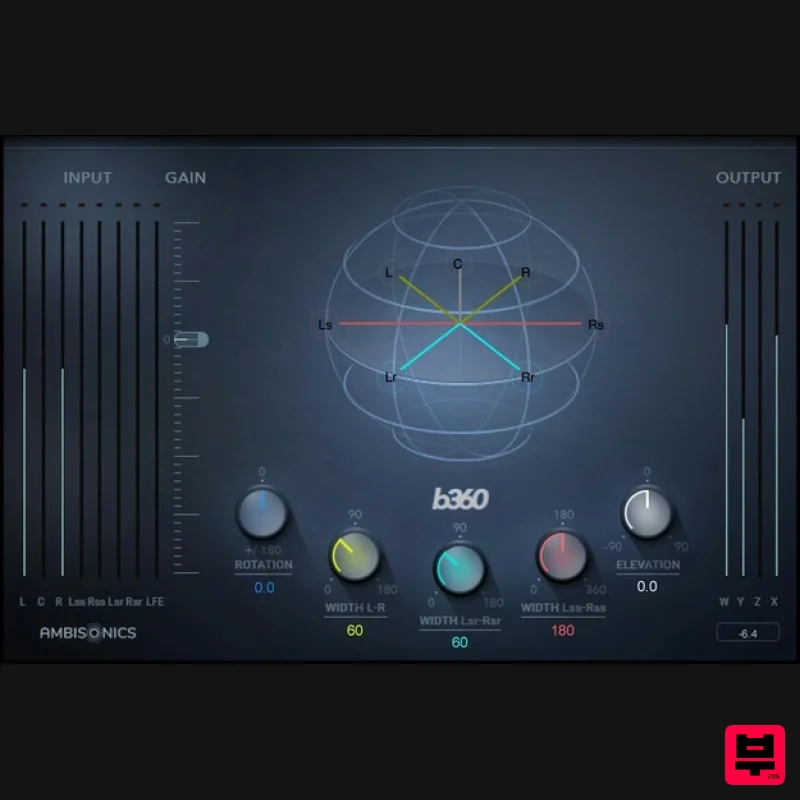
- B360 Ambisonics Encoder Finally—User-Friendly Ambisonics Conversion Workflow B360 meets the ever-increasing demand from YouTube
- gaming
- sound effects libraries
- and others for 360⸰ mixes using the industry-standard Ambisonics B-format. Unlike standard mono
- stereo or surround tracks
- which route to individual speakers
- B-format has four channels that together represent the entire spherical soundfield. When you want to include mono
- stereo or surround tracks in an Ambisonics mix
- you first need to convert them to the 4-channel B-format. B360 is the fastest
- most intuitive way to do that. Whether inserted in your final mix to encode Ambisonics mixes
- or inserted in individual channels for precise positioning in the spherical sound field
- B360 is your answer to simplified workflow. Features Designed for the industry-standard Ambisonics B-format Deliver audio for VR and 360° videos Converts mono
- stereo & surround to Ambisonics 4-channel format Width
- rotation and elevation controls for precise positioning Accurate panning
- in up to seven image sources File format follows the common AmbiX convention Includes AmbiX-to-FuMa and FuMa to AmbiX utilities Familiar interface meshes easily with traditional mixing methods System Requirements Mac macOS Monterey 12
- Ventura 13
- Sonoma 14
- Sequoia 15 VST / AU / AAX PC Windows 10+ VST / AAX 1. Head to https: //www.waves.com/create-account 2. Enter your email and choose a password to create an account (if you already have a Waves account
- choose Log in
- enter your details and head to Step 5) > click 'Submit' 3. Open your email inbox > click the activation link in the email from Waves 4. Click 'Log in here' > Log in to your Waves account 5. Click 'Register New Products' 6. Enter the Serial Number found in your Plugin Boutique user account > click 'Submit' 7. Click download in your Plugin Boutique user account or head to https: //www.waves.com/downloads/central > download the Waves Central app for your operating system 8. Install Waves Central > Open Waves Central 9. Click 'Log in' > enter your log in details 10. Click the 'Install Products' tab 11. Tick the blue dot on all products you wish to install or click the top dot to install all products > click 'Install & Activate' 12. Click 'OK' 13. Open your DAW > open the Waves plugin Your Waves plugins are installed and ready to use
- enjoy!
Additional Information
About the Waves B360 Ambisonics Encoder
Discover the distinctive sound and feel of the Waves B360 Ambisonics Encoder, a standout choice among Surround Tools.
Why Choose the Waves B360 Ambisonics Encoder?
- •Authentic Waves craftsmanship and design
- •Versatile sound suitable for multiple musical genres
- •Professional build quality and reliable performance
- •Part of Waves's respected Surround Tools lineup
Compare & Explore
Browse our complete selection of Waves instruments or explore other Surround Tools options. Use our comparison tools to find the perfect match for your musical style and budget.
Similar Products
XILS Lab LX122 Pro
Surround Tools
$83
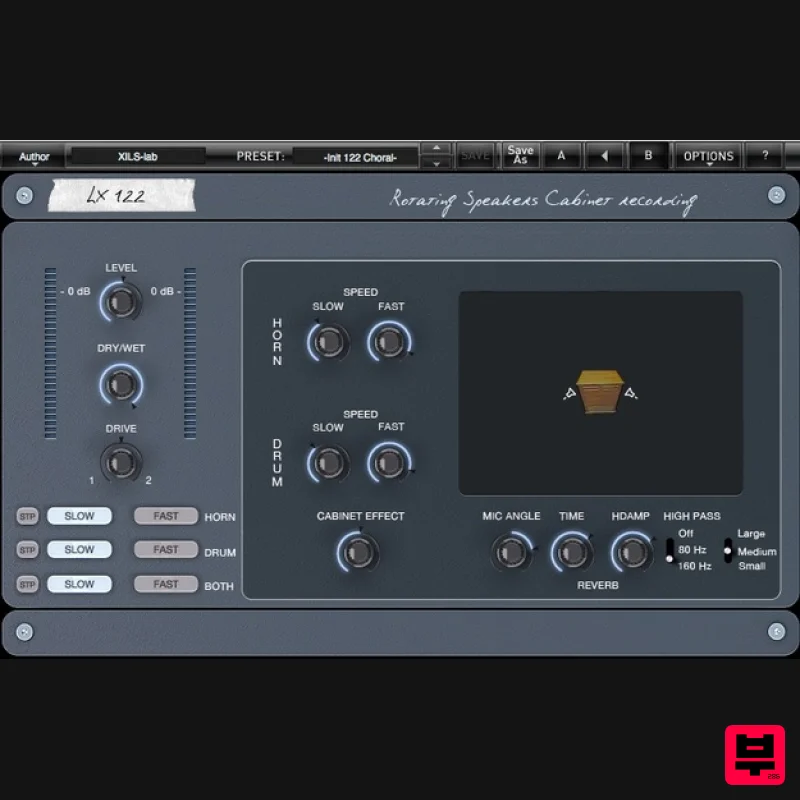
Organ and Keyboard Companion At the middle of the last Century, Mr. Leslie was disappointed by the sound of his just...
NUGEN Audio Halo Downmix 3D Immersive Extension
Surround Tools
$100
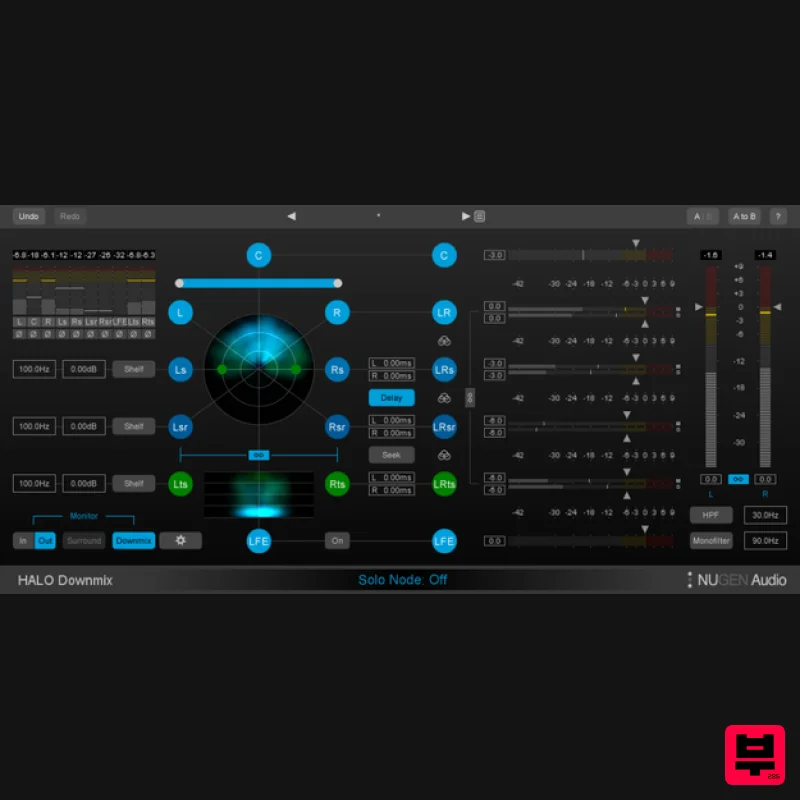
3D Immersive Extension The new 3D Immersive Extension option for Halo Downmix adds the capability for downmixing 7.1.2...
Waves UM225 / UM226
Surround Tools
$44
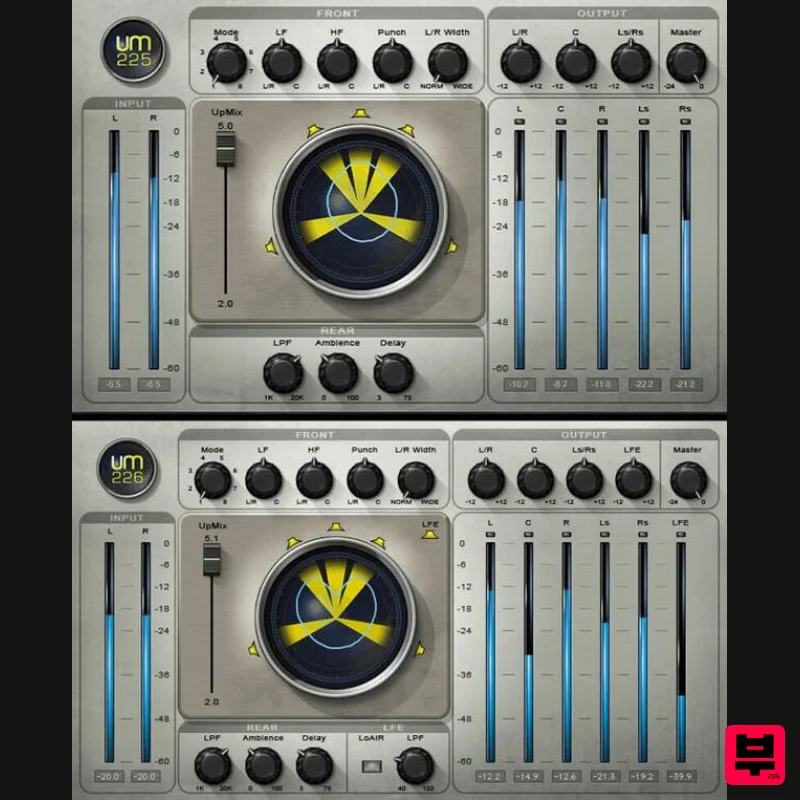
UM225 / UM226 Convert Stereo Music, Videos and Films to Surround With surround and immersive becoming increasingly...
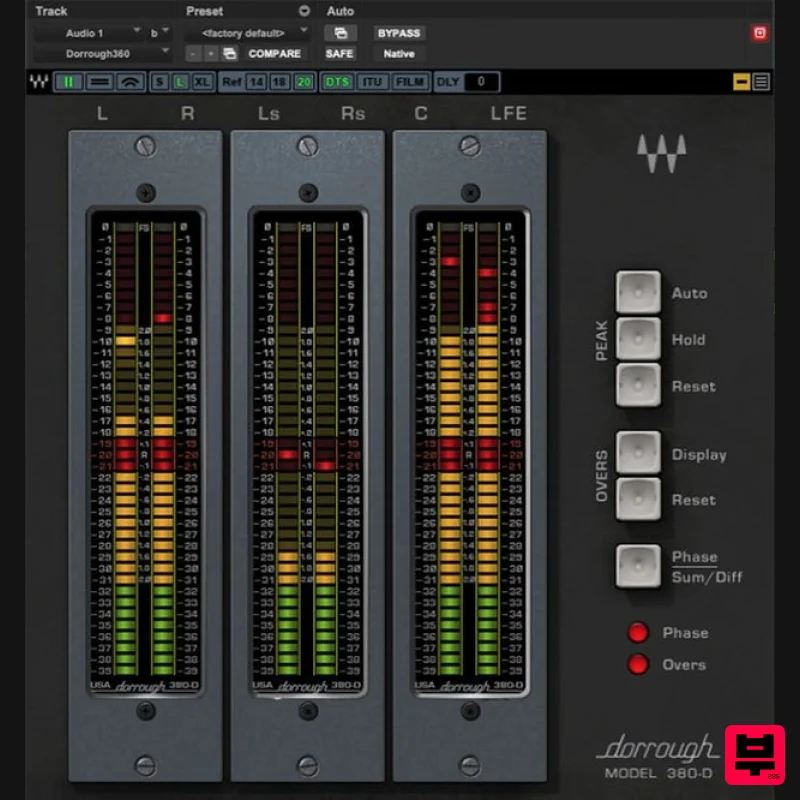
Waves Dorrough Surround
Surround Tools
$50
Dorrough Surround Safeguard Surround Levels with Absolute Accuracy Surround multiplies the options for stunning...
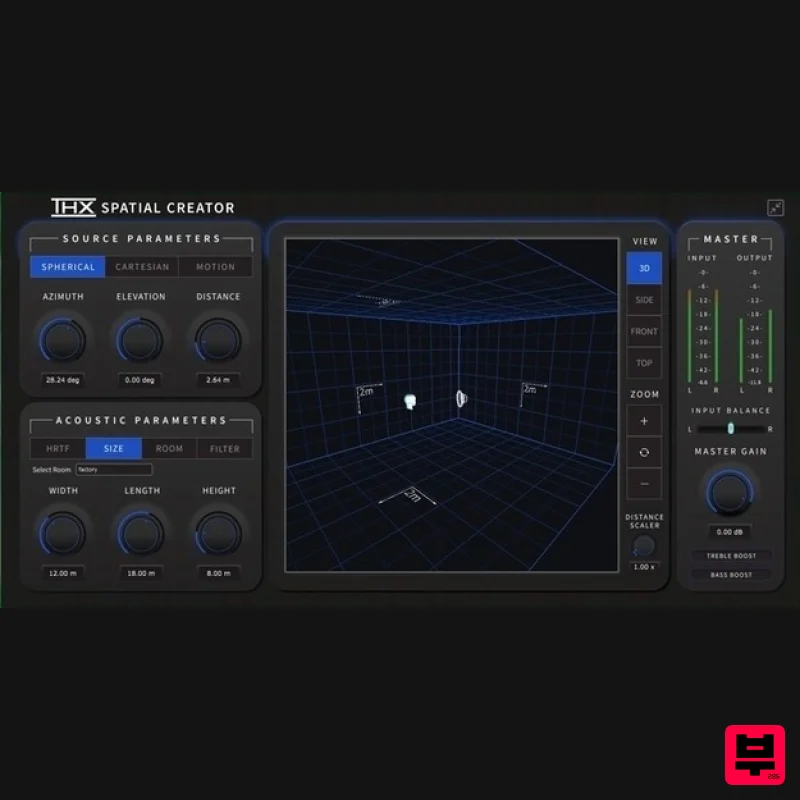
Plugin Alliance THX Spatial Creator
Surround Tools
$43
The Spatial Audio Plugin For Music Producers, Video/Podcast Producers & Sound Designers Made by Brainworx What is...
Frequently Asked Questions
The Waves B360 Ambisonics Encoder stands out for its exceptional Waves craftsmanship and innovative design.
Yes! With its affordable price point and quality construction, it's perfect for learning surround tools.
Browse the similar products section to see how it stacks up against other surround tools.

