
Waves Abbey Road Saturator
Professional music gear - detailed information and where to buy
Waves
Abbey Road Saturator
Product Info
* Prices may vary. Check retailer for current pricing and availability.
Product Description
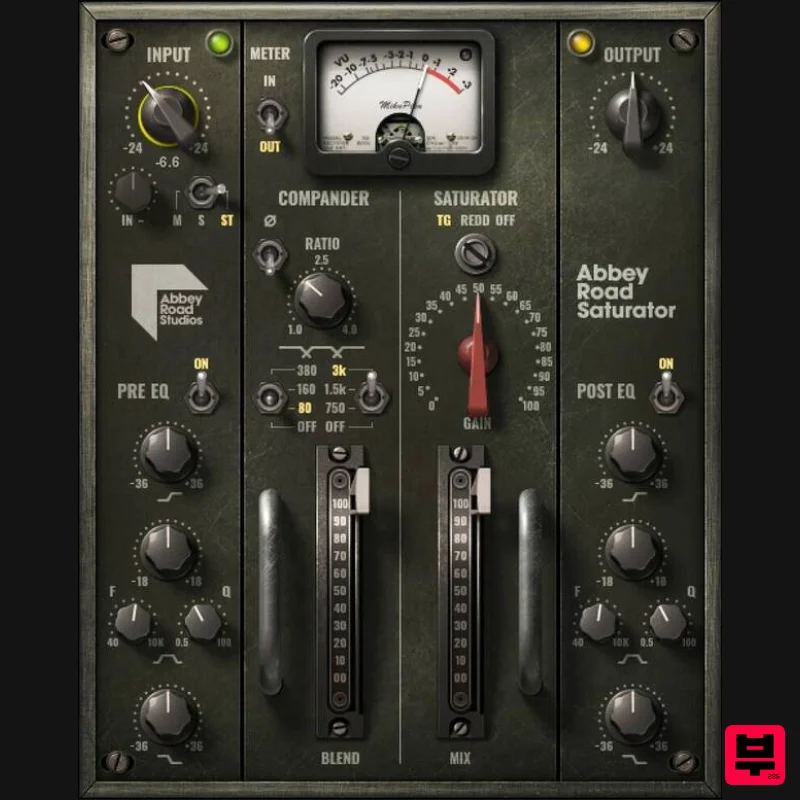
- Abbey Road Saturator Classic Tube & Solid-State Console Saturation: Subtle to Extreme From light saturation for an exquisite vocal or synth edge
- to heavier saturation that gives bass and drums palpable punch
- to industrial-grade mayhem and everything in between—this isn’t about ordinary saturation. It’s about the color and power unleashed by Abbey Road’s saturation signal chain. Choose the REDD console’s tube sound
- or the TG12345’s round
- solid-state tone. Add pre- and post-saturation EQ
- and then excite it all through the ultra-rare TG12321 “secret weapon” compander—nothing sounds like this. Features Designed and calibrated with Abbey Road Studios Choose from tube and solid-state console saturation characters Excite your signal with the rare EMI TG12321 Compander Shape saturation character with detailed pre- and post-gain EQ Dramatically alter the distortion sound with the Phase control Sculpt your saturation effects with M/S processing Mix/Dry control to blend the saturated and original signal Artist presets by top mixers Joe Barresi
- Dave Pensado
- Lu Diaz System Requirements Mac macOS Monterey 12
- Ventura 13
- Sonoma 14
- Sequoia 15 VST / AU / AAX PC Windows 10+ VST / AAX 1. Head to https: //www.waves.com/create-account 2. Enter your email and choose a password to create an account (if you already have a Waves account
- choose Log in
- enter your details and head to Step 5) > click 'Submit' 3. Open your email inbox > click the activation link in the email from Waves 4. Click 'Log in here' > Log in to your Waves account 5. Click 'Register New Products' 6. Enter the Serial Number found in your Plugin Boutique user account > click 'Submit' 7. Click download in your Plugin Boutique user account or head to https: //www.waves.com/downloads/central > download the Waves Central app for your operating system 8. Install Waves Central > Open Waves Central 9. Click 'Log in' > enter your log in details 10. Click the 'Install Products' tab 11. Tick the blue dot on all products you wish to install or click the top dot to install all products > click 'Install & Activate' 12. Click 'OK' 13. Open your DAW > open the Waves plugin Your Waves plugins are installed and ready to use
- enjoy!
Additional Information
About the Waves Abbey Road Saturator
Discover the distinctive sound and feel of the Waves Abbey Road Saturator, a standout choice among Saturation.
Why Choose the Waves Abbey Road Saturator?
- •Authentic Waves craftsmanship and design
- •Versatile sound suitable for multiple musical genres
- •Professional build quality and reliable performance
- •Part of Waves's respected Saturation lineup
Compare & Explore
Browse our complete selection of Waves instruments or explore other Saturation options. Use our comparison tools to find the perfect match for your musical style and budget.
Similar Products

Antares Warm
Saturation
TBProAudio GSat+
Saturation
Platone Studio Swiss Saturator
Saturation
Soundspear Aloha
Saturation
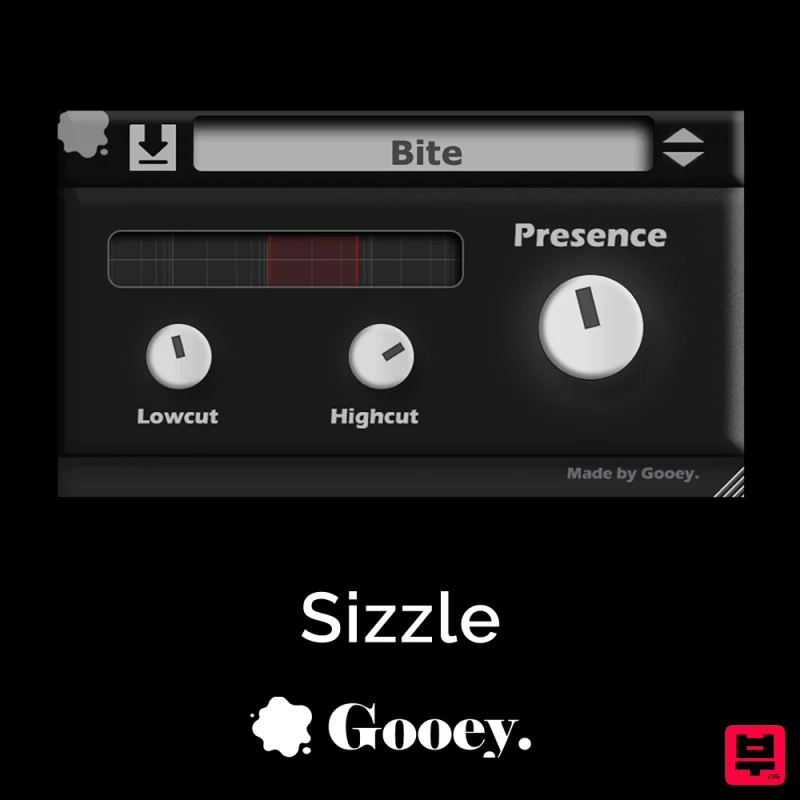
Gooey Audio Sizzle
Saturation
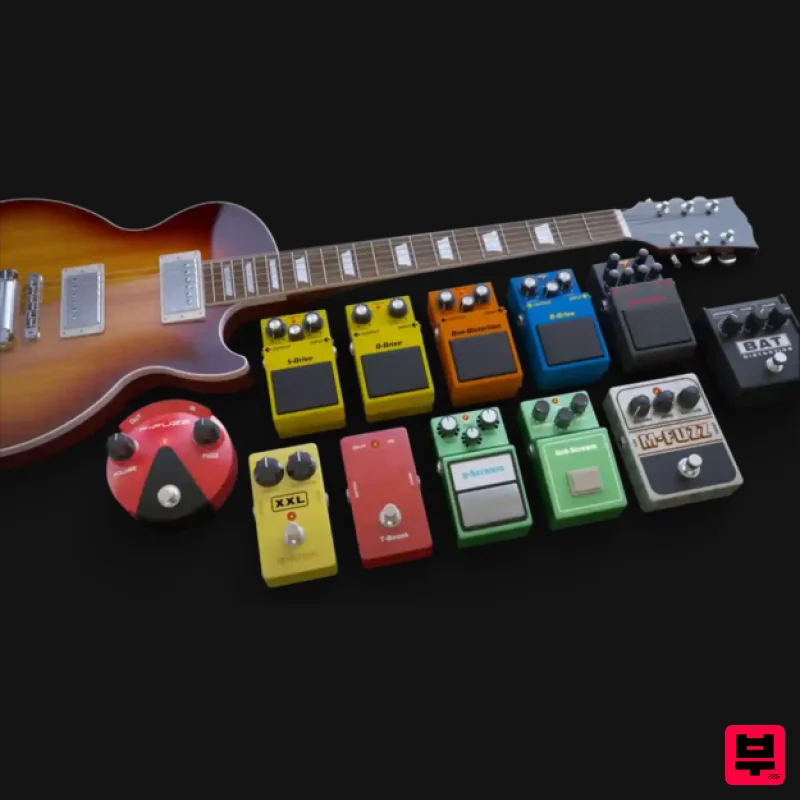
Audified MultiDrive PRO
Saturation
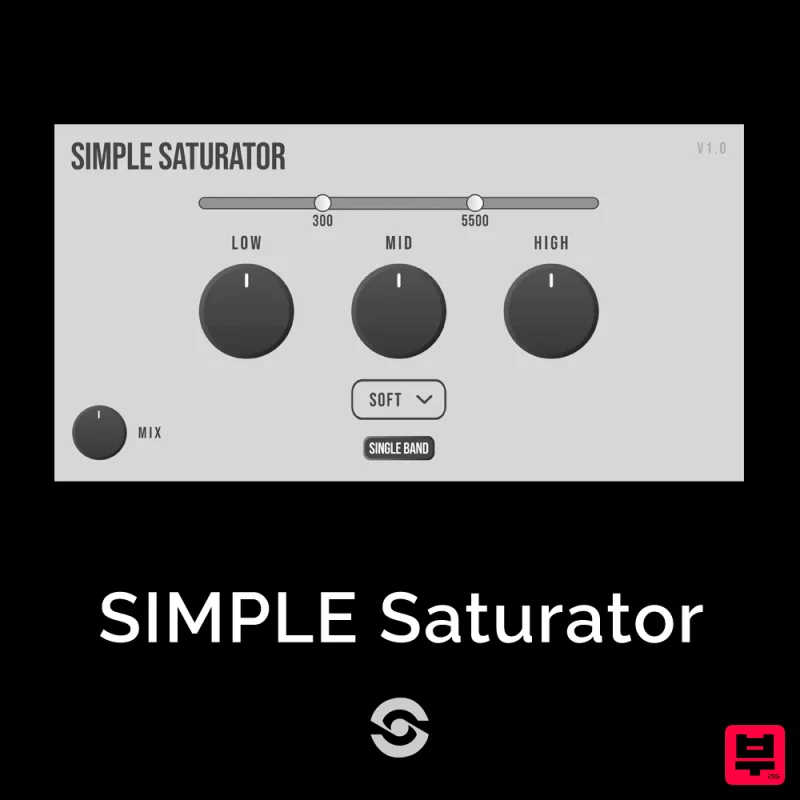
SIMPLE Plugins SIMPLE Saturator
Saturation
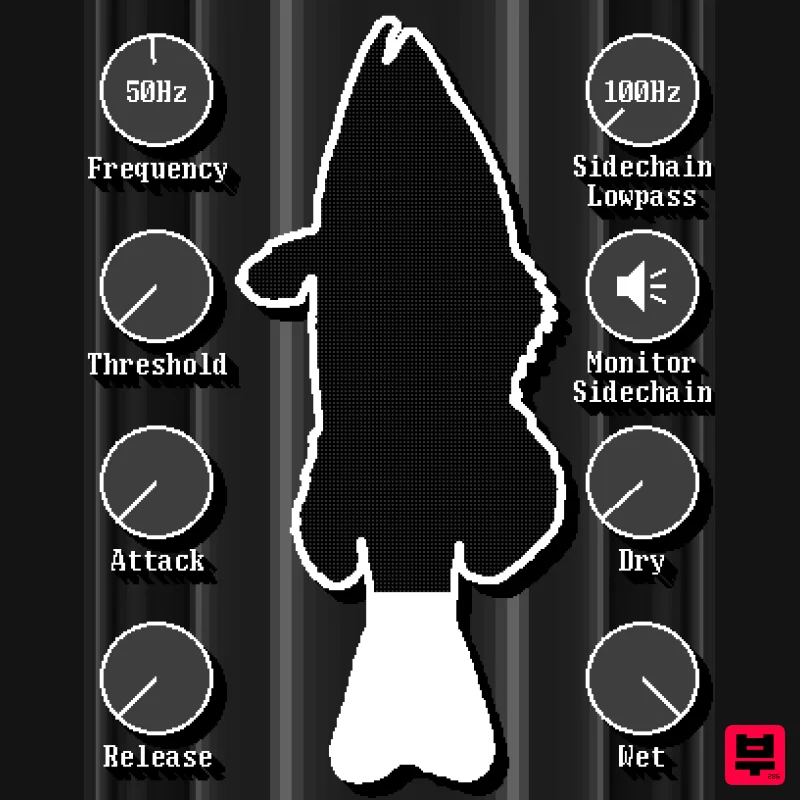
UnplugRed Red Bass
Saturation

