
Waves Abbey Road J37 Tape
Professional music gear - detailed information and where to buy
Waves
Abbey Road J37 Tape
Product Info
* Prices may vary. Check retailer for current pricing and availability.
Product Description
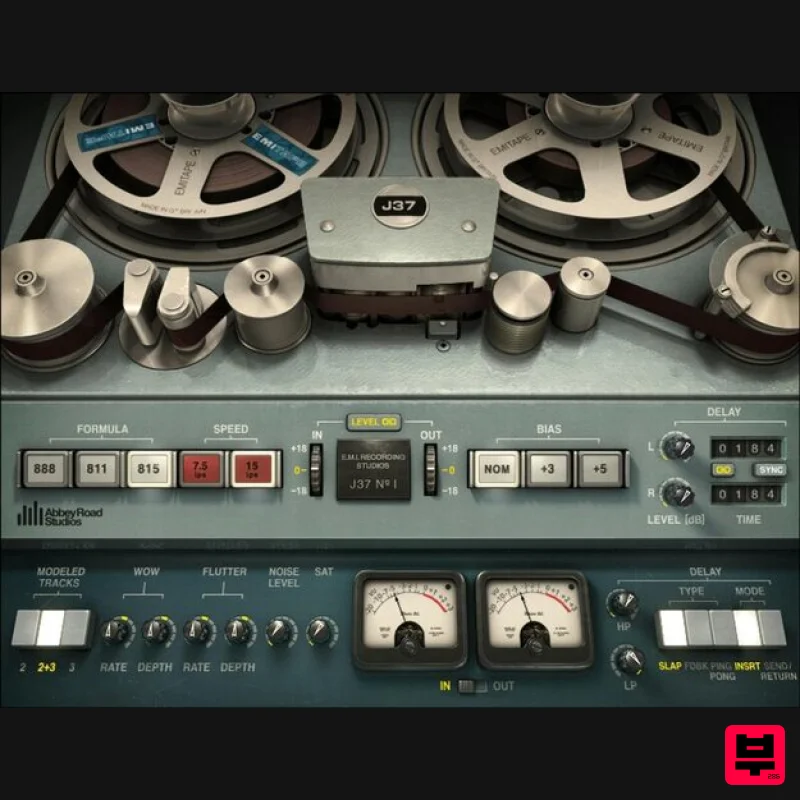
- Abbey Road J37 Tape Give Your Tracks the Seductive Sound of Warm Analog Tape Tape’s warm-sounding harmonic distortion made classic tracks come alive. J37 delivers the true sound of the all-valve analog tape machine—Abbey Road Studios’ powerhouse Studer machine
- which captured legendary recordings by the Beatles and Pink Floyd. Compare the sound of vocals
- drums
- synths
- masters
- and more with and without the J37—you’ll hear how the authentic sound of analog tape saturation makes tracks warmer
- more detailed
- glued together
- and above all
- more exciting. Features Created in collaboration with Abbey Road Studios Models the machine that recorded countless 60s and 70s classics Add analog warmth
- depth and width to digital recordings Customize the sound with 3 exclusive 60s EMI tape formulas Introduce wow and flutter to emulate tape’s imperfections Recreate authentic tape delay with 3 different delay types Control Bias
- Tape Speed
- Hiss and other original tape qualities Perfect for mixing individual tracks and groups or for mastering System Requirements Mac macOS Monterey 12
- Ventura 13
- Sonoma 14
- Sequoia 15 VST / AU / AAX PC Windows 10+ VST / AAX 1. Head to https: //www.waves.com/create-account 2. Enter your email and choose a password to create an account (if you already have a Waves account
- choose Log in
- enter your details and head to Step 5) > click 'Submit' 3. Open your email inbox > click the activation link in the email from Waves 4. Click 'Log in here' > Log in to your Waves account 5. Click 'Register New Products' 6. Enter the Serial Number found in your Plugin Boutique user account > click 'Submit' 7. Click download in your Plugin Boutique user account or head to https: //www.waves.com/downloads/central > download the Waves Central app for your operating system 8. Install Waves Central > Open Waves Central 9. Click 'Log in' > enter your log in details 10. Click the 'Install Products' tab 11. Tick the blue dot on all products you wish to install or click the top dot to install all products > click 'Install & Activate' 12. Click 'OK' 13. Open your DAW > open the Waves plugin Your Waves plugins are installed and ready to use
- enjoy!
Additional Information
About the Waves Abbey Road J37 Tape
Experience the quality and tone that makes the Waves Abbey Road J37 Tape a popular choice for musicians.
Why Choose the Waves Abbey Road J37 Tape?
- •Authentic Waves craftsmanship and design
- •Versatile sound suitable for multiple musical genres
- •Professional build quality and reliable performance
- •Part of Waves's respected Tape Emulation lineup
Compare & Explore
Browse our complete selection of Waves instruments or explore other Tape Emulation options. Use our comparison tools to find the perfect match for your musical style and budget.
Similar Products
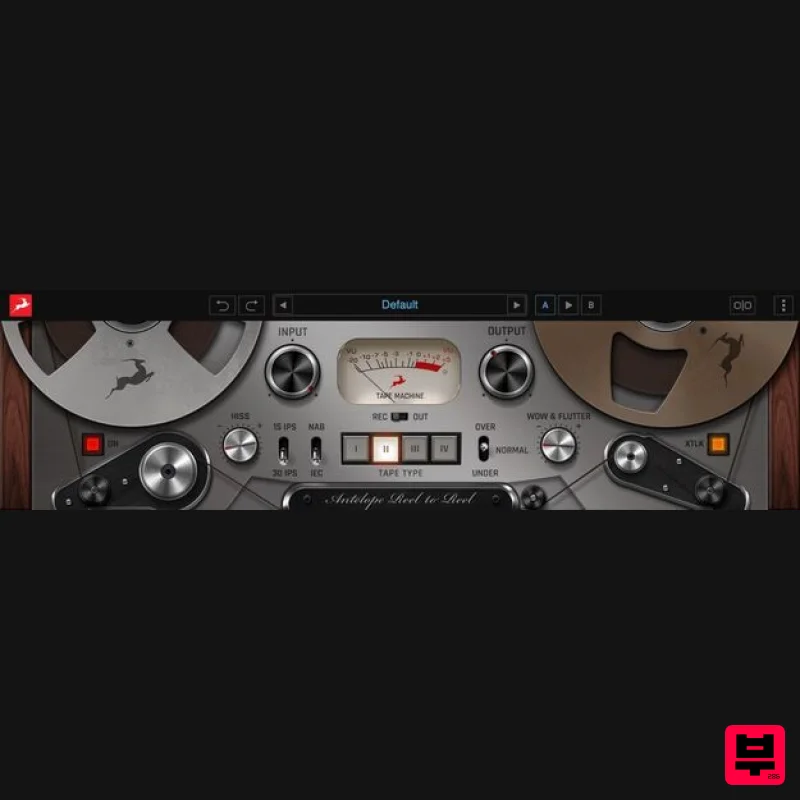
Antelope Audio Reel-To-Reel
Tape Emulation
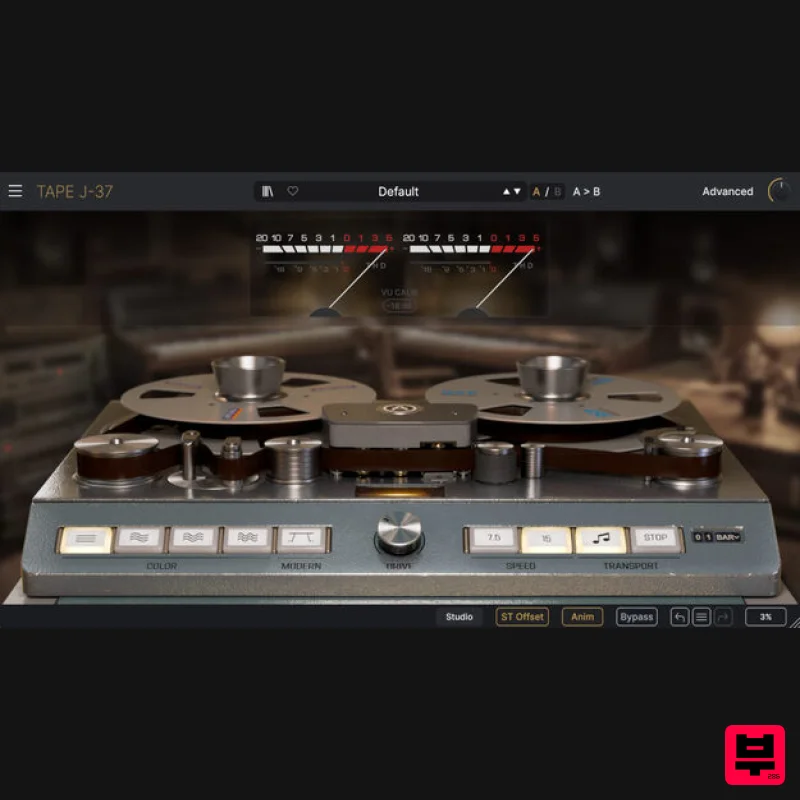
Arturia Tape J-37
Tape Emulation
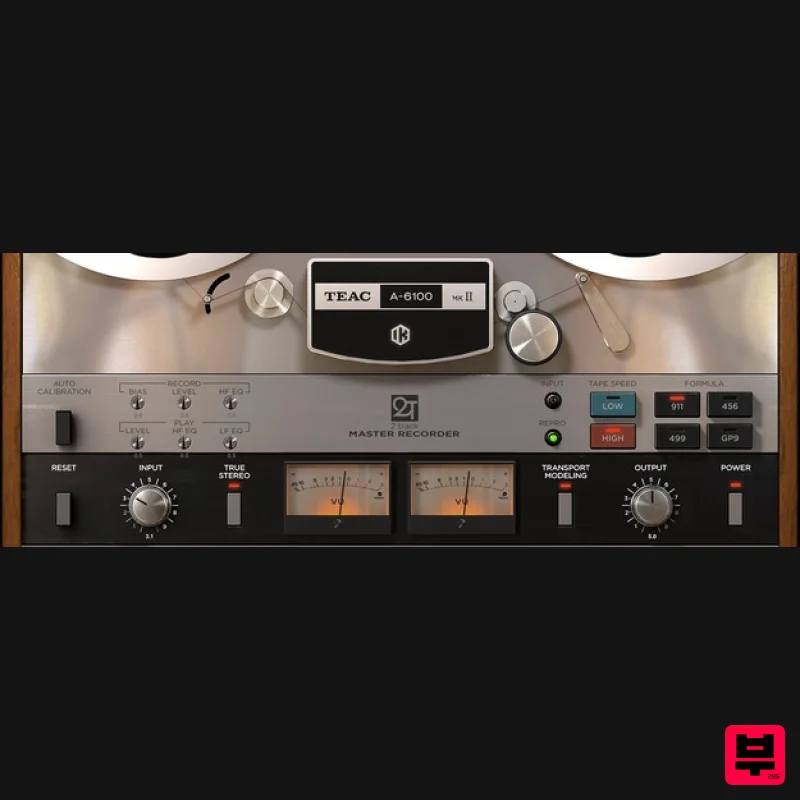
IK Multimedia TEAC A-6100 MKII
Tape Emulation
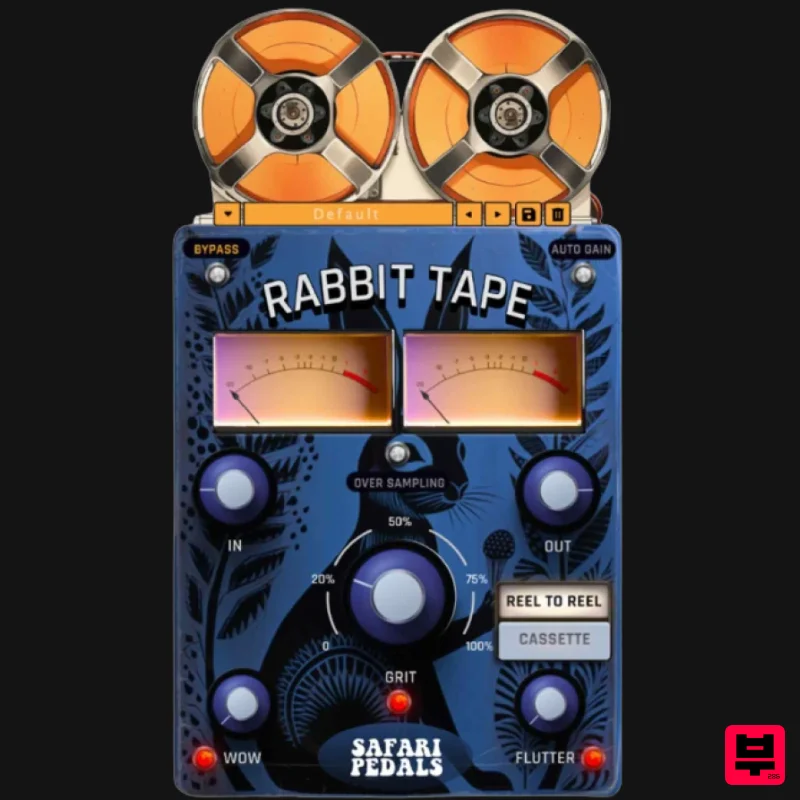
Safari Audio Rabbit Tape
Tape Emulation
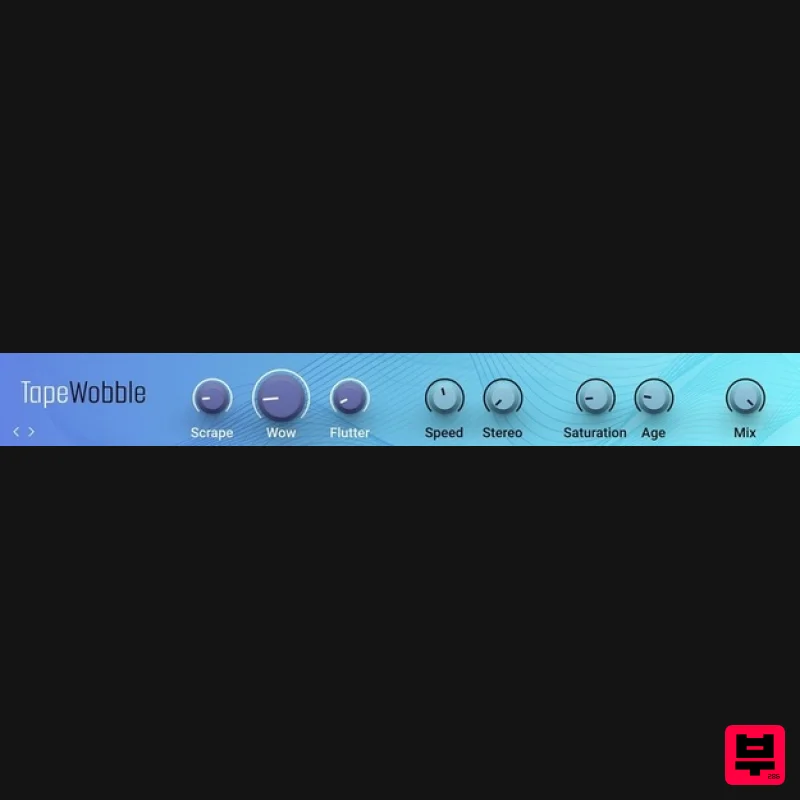
Native Instruments Tape Wobble
Tape Emulation
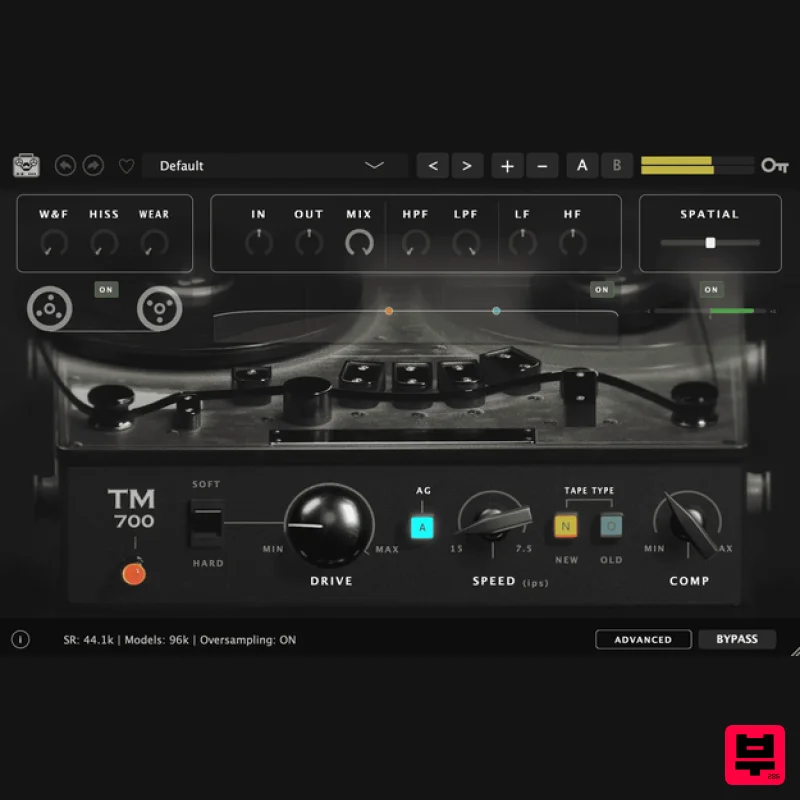
Tone Empire TM700 V3
Tape Emulation
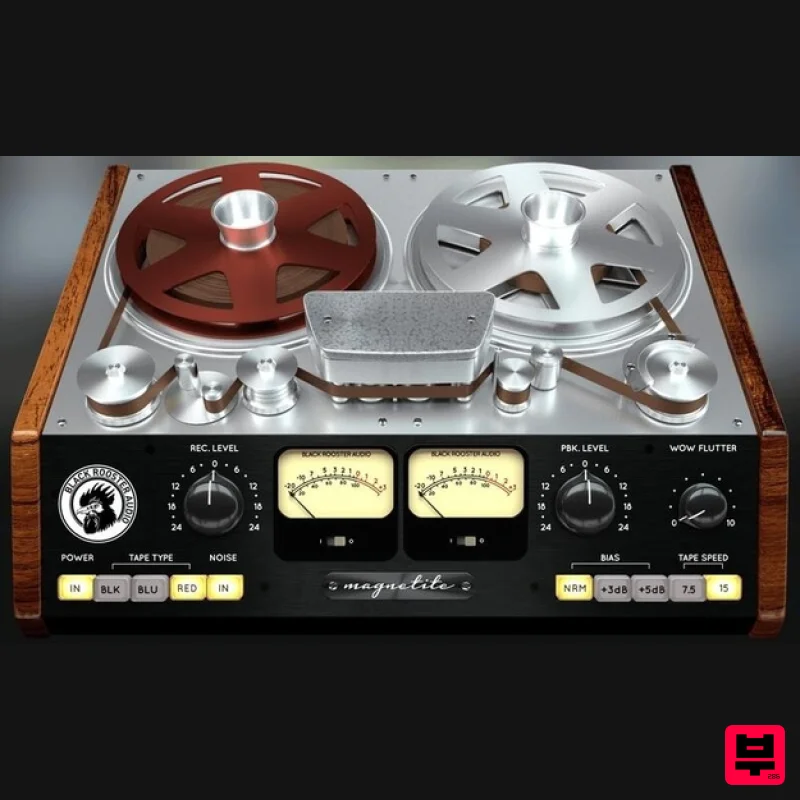
Black Rooster Audio Magnetite
Tape Emulation
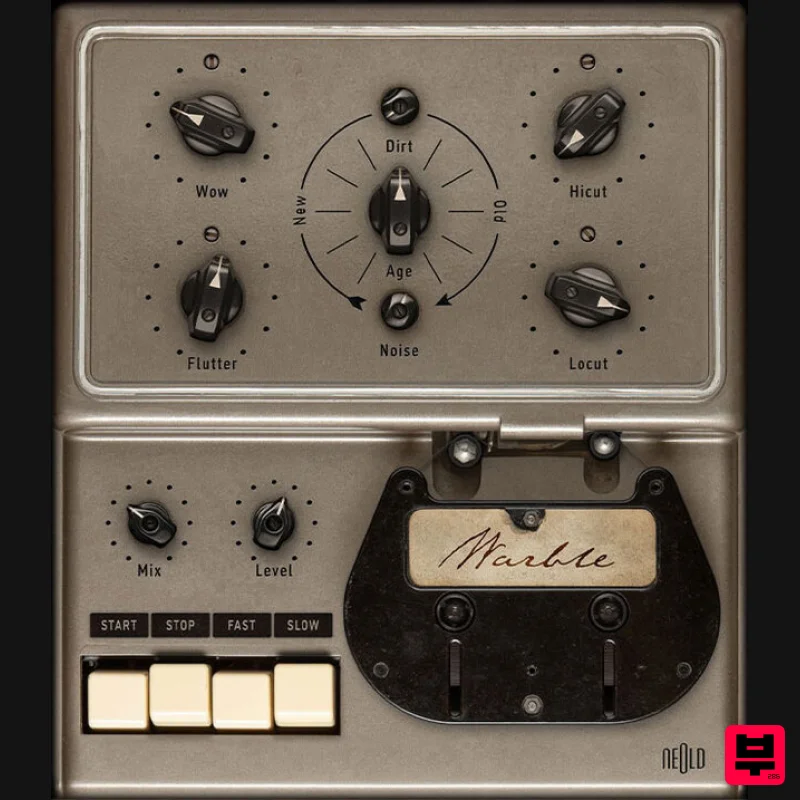
Plugin Alliance NEOLD WARBLE
Tape Emulation

