
Waves Abbey Road EMI TG12345 Channel
Professional music gear - detailed information and where to buy
Waves
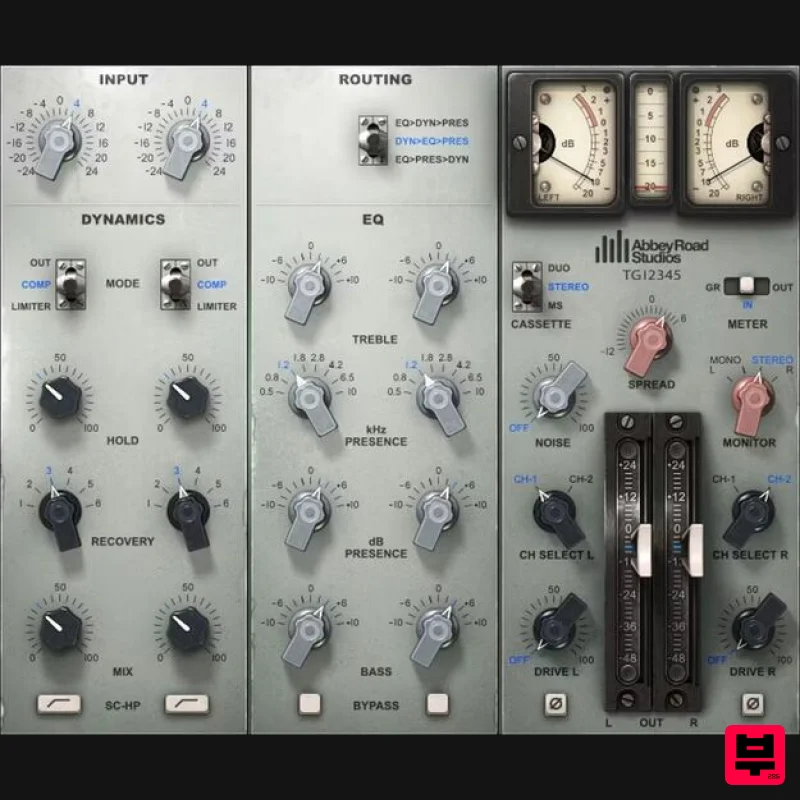
Abbey Road EMI TG12345 Channel
Product Info
* Prices may vary. Check retailer for current pricing and availability.
Product Description
- Abbey Road EMI TG12345 Channel The Console that Bridged 60s Power with 70s Clarity The Beatles created Abbey Road
- their last-recorded album
- using the TG12345 channel strip—but the TG12345 itself was just at the beginning of an illustrious recording career. Its hyped
- solid-state analog sound was clean
- bright
- and punchy
- with exceptional top-end sparkle and aggressive compression. In close collaboration with Abbey Road
- we’ve modeled the pivotal generational changeover from tube to solid-state—with a channel strip that retains 60s power
- while adding 70s clarity. Features Modeled on the actual desk used on the Beatles’ Abbey Road album Sidechain filter excels for bass and frequency-selective compression 3 EQ stages
- with variable dynamics>EQ>presence routing The polished character is outstanding for modern rock and EDM tracks Includes TG12345’s famous compressor/limiter Hyped clarity and punch are exemplary for loops and beats System Requirements Mac macOS Monterey 12
- Ventura 13
- Sonoma 14
- Sequoia 15 VST / AU / AAX PC Windows 10+ VST / AAX 1. Head to https: //www.waves.com/create-account 2. Enter your email and choose a password to create an account (if you already have a Waves account
- choose Log in
- enter your details and head to Step 5) > click 'Submit' 3. Open your email inbox > click the activation link in the email from Waves 4. Click 'Log in here' > Log in to your Waves account 5. Click 'Register New Products' 6. Enter the Serial Number found in your Plugin Boutique user account > click 'Submit' 7. Click download in your Plugin Boutique user account or head to https: //www.waves.com/downloads/central > download the Waves Central app for your operating system 8. Install Waves Central > Open Waves Central 9. Click 'Log in' > enter your log in details 10. Click the 'Install Products' tab 11. Tick the blue dot on all products you wish to install or click the top dot to install all products > click 'Install & Activate' 12. Click 'OK' 13. Open your DAW > open the Waves plugin Your Waves plugins are installed and ready to use
- enjoy!
Additional Information
About the Waves Abbey Road EMI TG12345 Channel
Discover the distinctive sound and feel of the Waves Abbey Road EMI TG12345 Channel, a standout choice among Channel Strip.
Why Choose the Waves Abbey Road EMI TG12345 Channel?
- •Authentic Waves craftsmanship and design
- •Versatile sound suitable for multiple musical genres
- •Professional build quality and reliable performance
- •Part of Waves's respected Channel Strip lineup
Compare & Explore
Browse our complete selection of Waves instruments or explore other Channel Strip options. Use our comparison tools to find the perfect match for your musical style and budget.
Similar Products
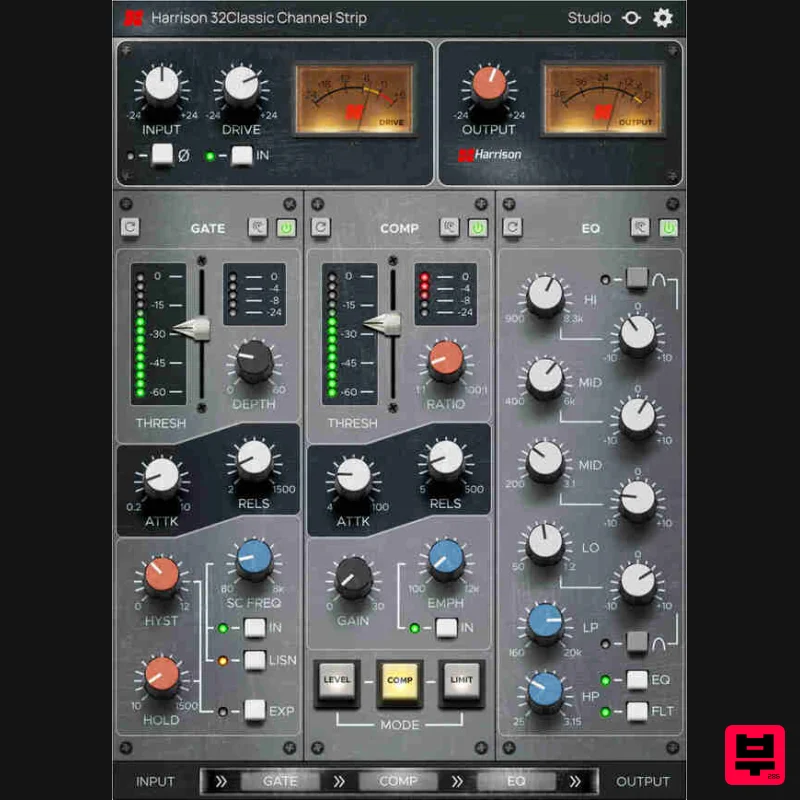
Harrison Consoles 32Classic Channel
Channel Strip
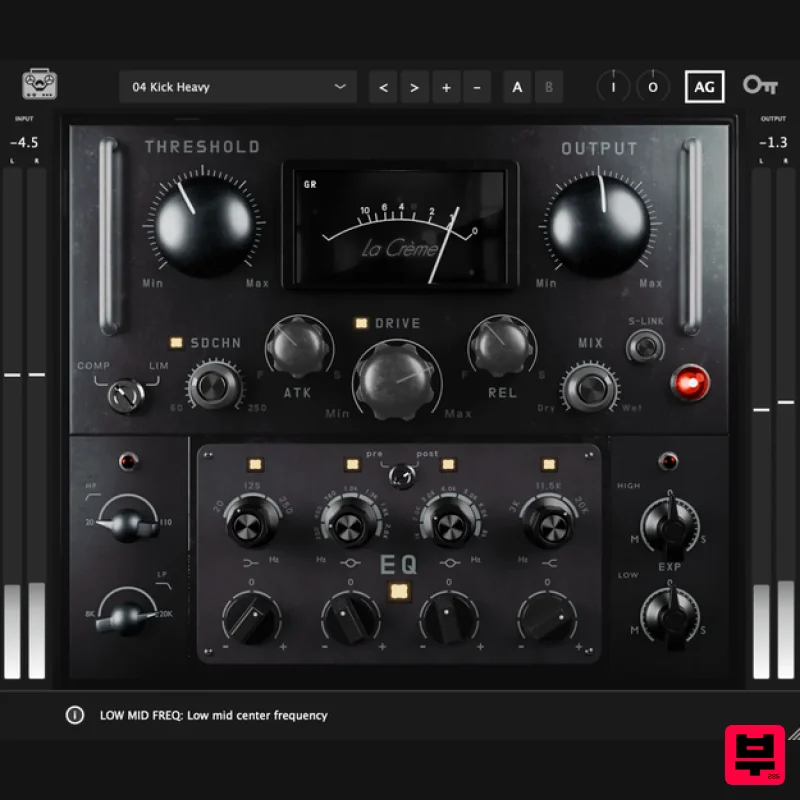
Tone Empire La Crème 3
Channel Strip

NoiseAsh Prestige Racks
Channel Strip
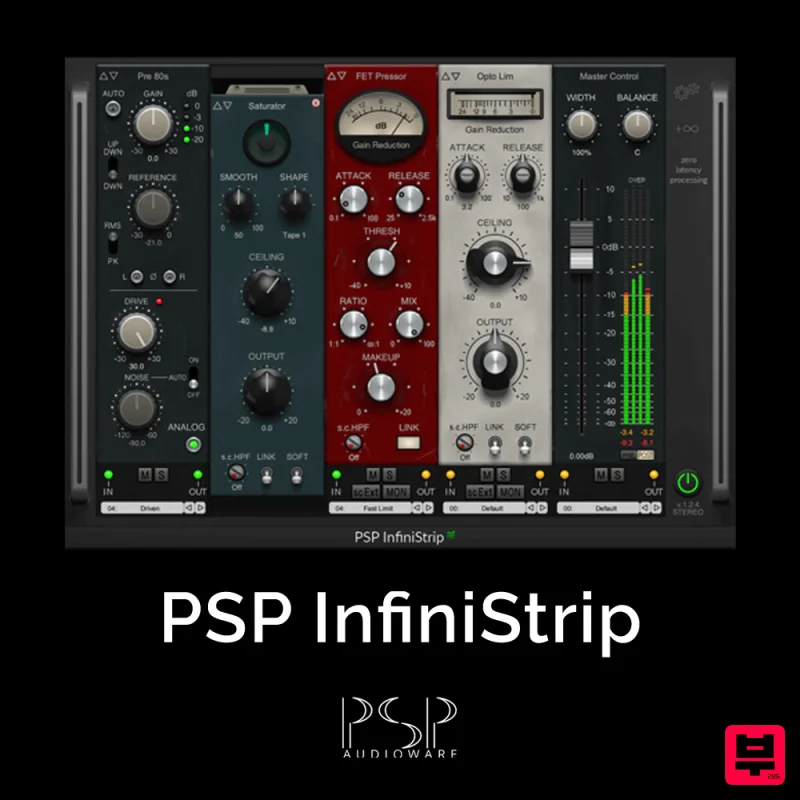
PSP Audioware PSP InfiniStrip
Channel Strip

PSP Audioware PSP InfiniStrip Earth Edition
Channel Strip

Rave Generation Sonic Sweep 2
Channel Strip

Safari Audio The Camel Strip
Channel Strip
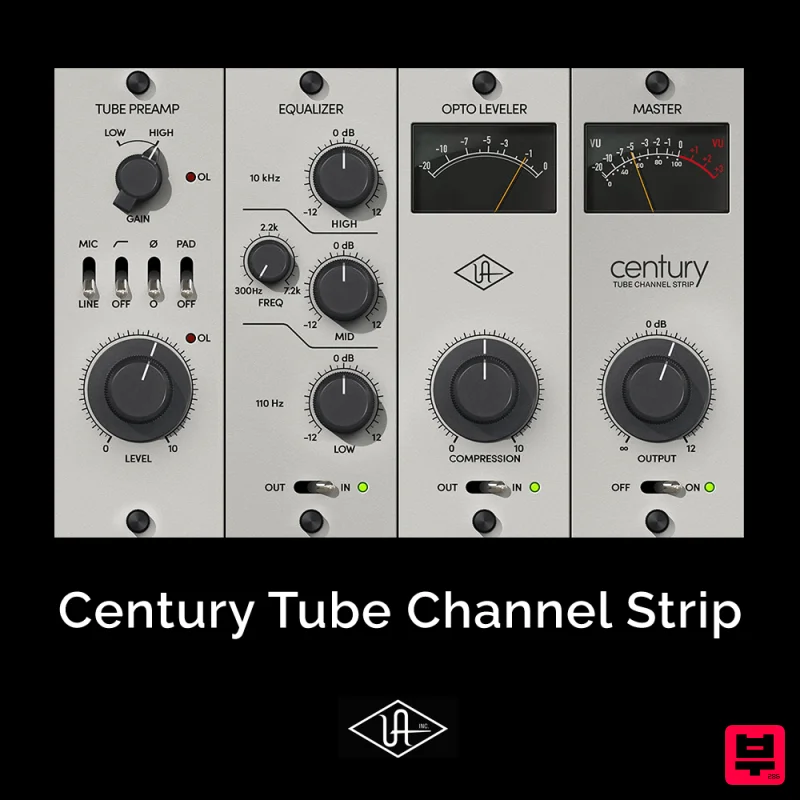
Universal Audio Century Tube Channel Strip
Channel Strip

