
W. A. Production Vocal Limiter
Professional music gear - detailed information and where to buy
W. A. Production
Vocal Limiter
Product Info
* Prices may vary. Check retailer for current pricing and availability.
Product Description
- Lift Your Voice For a vocal to really cut through the mix and ride other instruments
- it’s usually a good idea to make sure it’s loud and proud. However
- the dynamics of a vocalist’s performance can vary wildly
- from softly sung verses to strident choruses. Despite a comprehensive vocal effects chain
- with careful volume-riding and compression
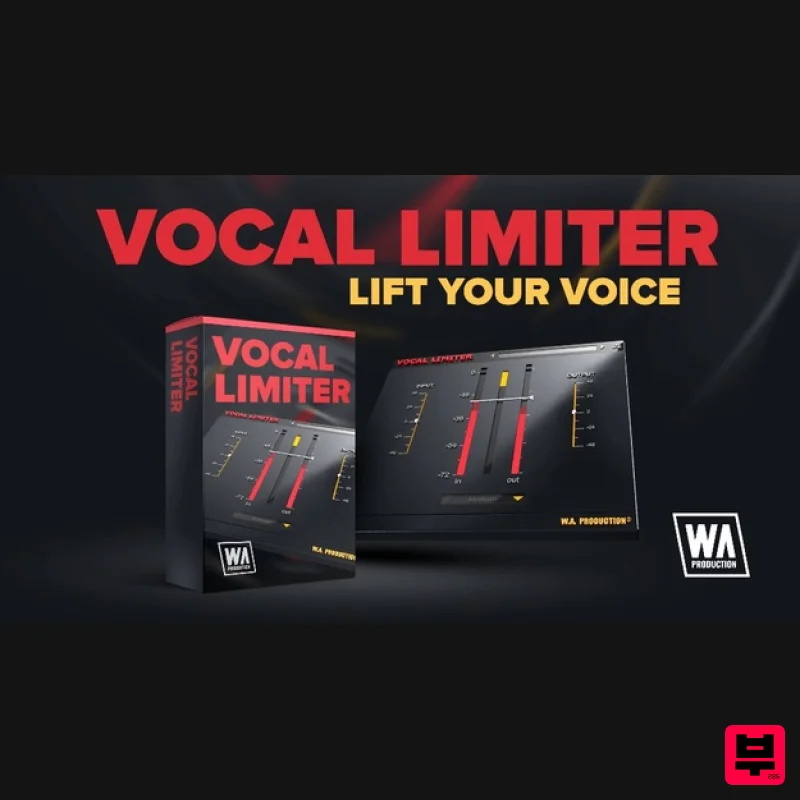
- you’ll often need a final limiter to clamp down on fluctuating dynamics or to slower phrases. W.A Production designed Vocal Limiter to be the last step in your vocal processing chain and as simple to use as possible. It’s specifically developed to target the frequencies of vocal performances so is less affected by overly high or low-frequency content. With multiple speed modes and real-time VU meters
- you can use your eyes and ears to find the perfect settings… or just flick through the included presets. With Vocal Limiter you can be sure that your vocals will sit comfortably in the mix and be heard loud and clear. Threshold You’ll probably already be familiar with the normal functions of a limiter; set the threshold to clamp down on levels above a certain amplitude. How quickly a signal recovers after this is dictated by the Speed button. 4 Release Speed Modes Use the central button at the bottom of the interface to toggle the auto-release of the limiter to 4-speed settings. Depending on the performance of your vocalist
- each of these settings will give a different effect. Use a slow speed for performances such as ballads and acoustic songs
- and fast speed for quicker changes
- perfect for vocal chops and raps. Medium speed is suitable for most other kinds of vocal but feel free to experiment and discover the best settings for your particular style. Ultra Slow speed has also been included as a bonus; useful for synth parts and other types of audio that require a more gentle
- transparent release setting. Input & Output Adjust the Input and Output faders to balance vocals recorded at different volumes and dynamics. These parameters are also useful when used in conjunction with the click and pop-free bypass button
- for accurate A/Bing in context. Visual Feedback The live VU meters of the interface show exactly what’s happening to your audio signal in real-time. This allows for accurate monitoring at every step of the chain. Presets It’s easy to adjust the parameters of Vocal Limiter and since this is such a simple plugin
- finding the right settings is so fast. Nevertheless
- W.A Production have bundled some of the most useful combinations of settings as factory presets
- easily accessible via either the browser or the arrows to the left and right of the interface preset section. Just click these for quick access to curated presets. Features Super simple vocal limiting 4 speed modes Input & Output gain sliders Real-time VU metering Pop & click free bypass Responsive & CPU friendly Factory presets Full PDF Manual & Tutorial video Resizable user interface System Requirements Mac macOS 10.13 and later (64-bit only) VST
- AAX Windows Windows 8 or higher (32 / 64-bit) VST
- AAX Note: The AAX format of this plugin requires Pro Tools 11 or higher. Important Note for Mac Apple Silicon users: Before purchasing
- please review the current compatibility status of this plugin on your system here. NENE "A great addition to your series of vocal effects. It adds a nice final touch to any vocal or acapella." The SampleCast "Quick and easy
- just what I need for some limiting of my vocal lines and more!" Registration and Activation Video <iframe frameborder="0" height="315" src="https: //www.youtube.com/embed/YJHtWvm8z0Y" width="560"></iframe> Please Note: CHORDS is used as an example. Registration 1. Click the Download button in your Plugin Boutique account or go to https://www.waproduction.com/users/login 2. Click 'Create New Account' (if you already have a W.A Production account
- enter your details
- log in and skip to step 5). 3. Enter your details > Choose your marketing preferences > Click 'Finish Registration'. 4. Your account has been registered > Click 'Register Plugin'. 5. On the license registration page
- enter the license key from your Plugin Boutique account (which will be referred to as 'serial number' on our site) > Click 'Add'. 6. Your product will now be displayed in your W.A Production account > Scroll down to My Orders and click 'View Order'. 7. Click 'Download Files'. 8. Click 'Download'. Mac Installation 1. Once the download is complete
- extract and open the ZIP folder you just downloaded > Open the Mac folder > Double-click the CHORDS .pkg installer file. 2. Click 'Continue'. 3. Read the Software License Agreement > Click 'Continue'. 4. Click 'Agree'. 5. Click 'Install'. 6. Click 'Close'. 7. Open CHORDS in your DAW. 8. Click the information icon in the bottom left-hand corner > Enter the serial number you were given in your W.A Production account > Click 'Authorize'. Your software is now ready to use in your DAW! Windows Installation 1. Once the download is complete
- extract and open the ZIP folder you just downloaded > Open the PC folder > Double-click the CHORDS PC installer file. 2. Click 'Next'. 3. Click 'Next'. 4. Select which plugin formats you would like to install > Click 'Next' > Click 'Install'. 5. Click 'Finish'. 6. Open CHORDS in your DAW. 7. Click the information icon in the bottom left-hand corner > Enter the serial number you were given in your W.A Production account > Click 'Authorize'. Your software is now activated and ready to use in your DAW!
Additional Information
About the W. A. Production Vocal Limiter
The W. A. Production Vocal Limiter combines traditional design with modern performance for Vocal Processing enthusiasts.
Why Choose the W. A. Production Vocal Limiter?
- •Authentic W. A. Production craftsmanship and design
- •Versatile sound suitable for multiple musical genres
- •Professional build quality and reliable performance
- •Part of W. A. Production's respected Vocal Processing lineup
Compare & Explore
Browse our complete selection of W. A. Production instruments or explore other Vocal Processing options. Use our comparison tools to find the perfect match for your musical style and budget.
Similar Products
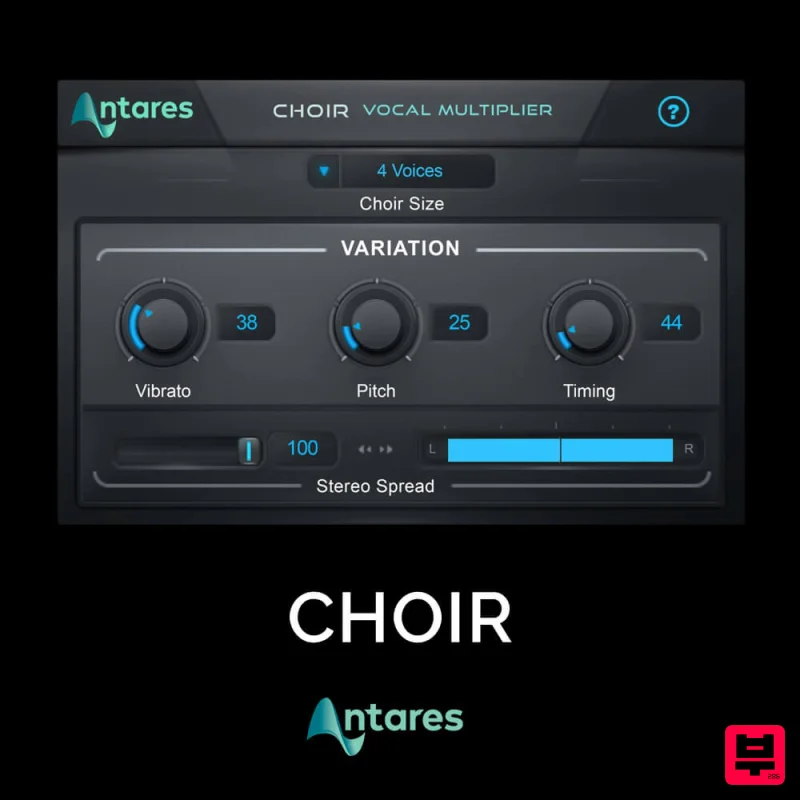
Antares CHOIR
Vocal Processing
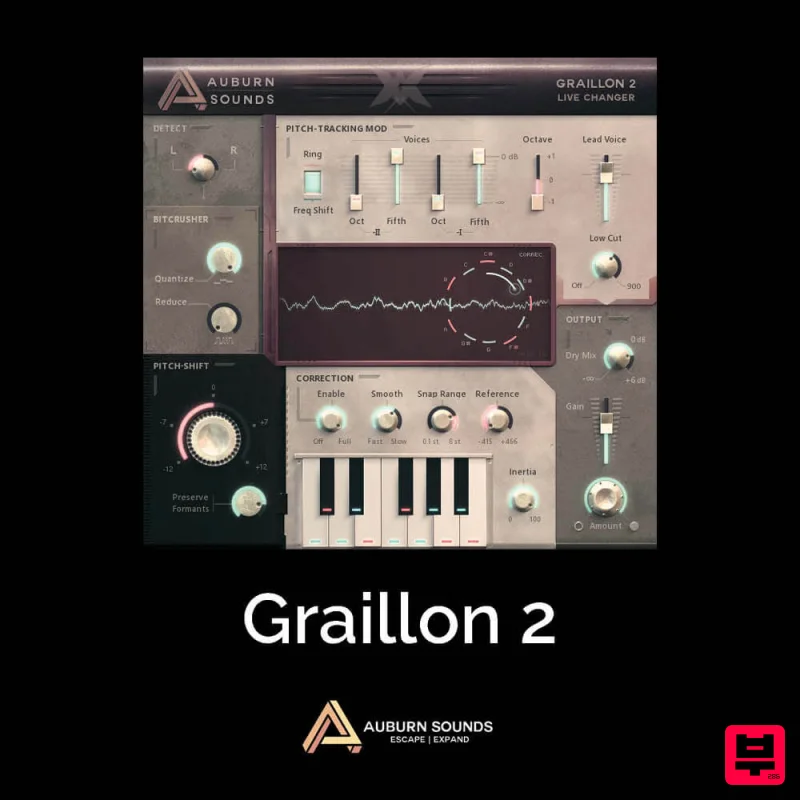
Auburn Sounds Graillon 2
Vocal Processing
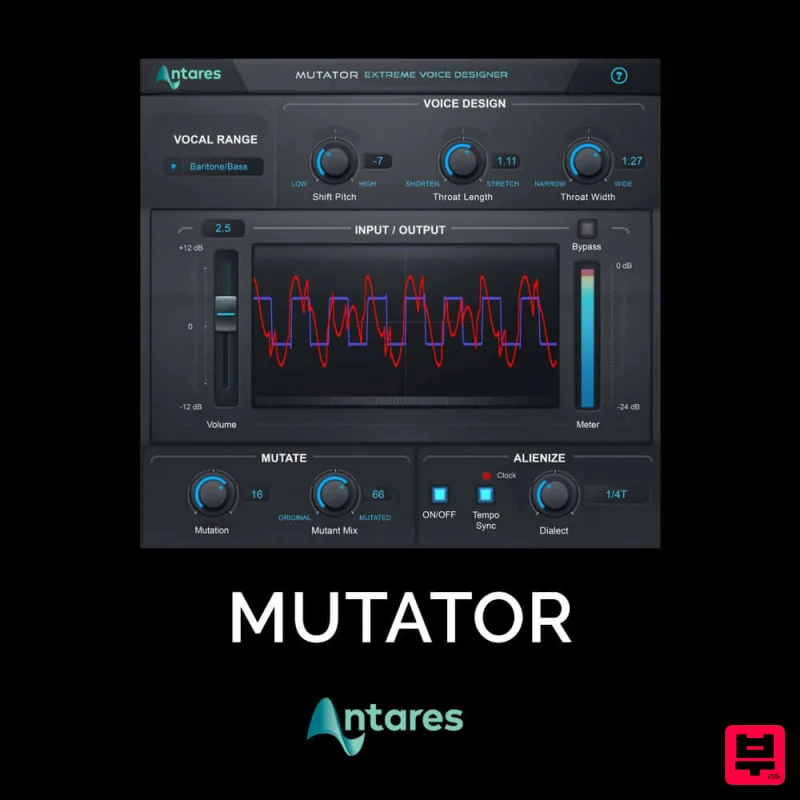
Antares MUTATOR
Vocal Processing
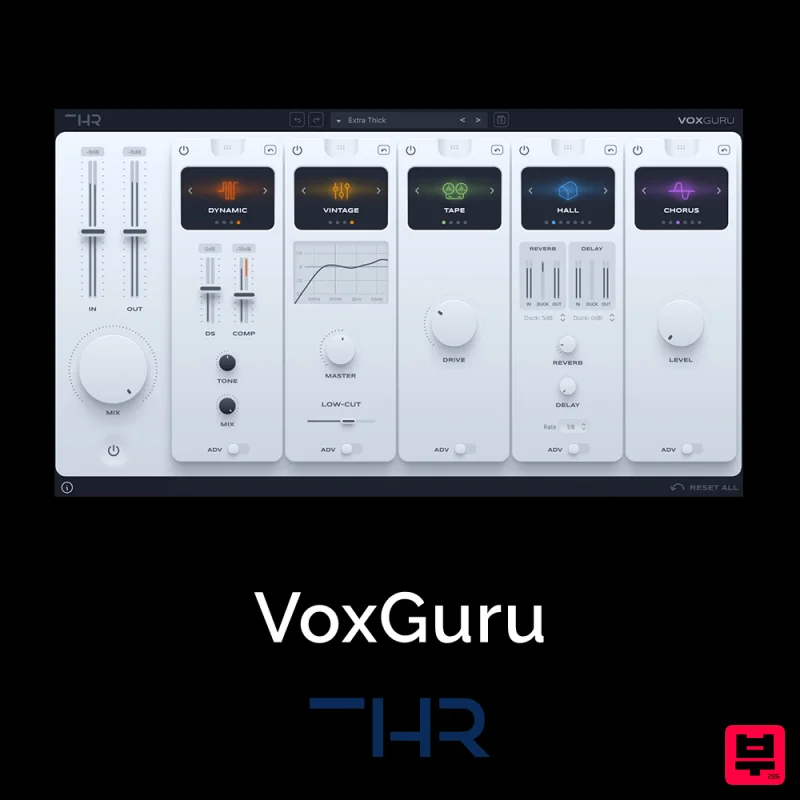
THR VoxGuru
Vocal Processing
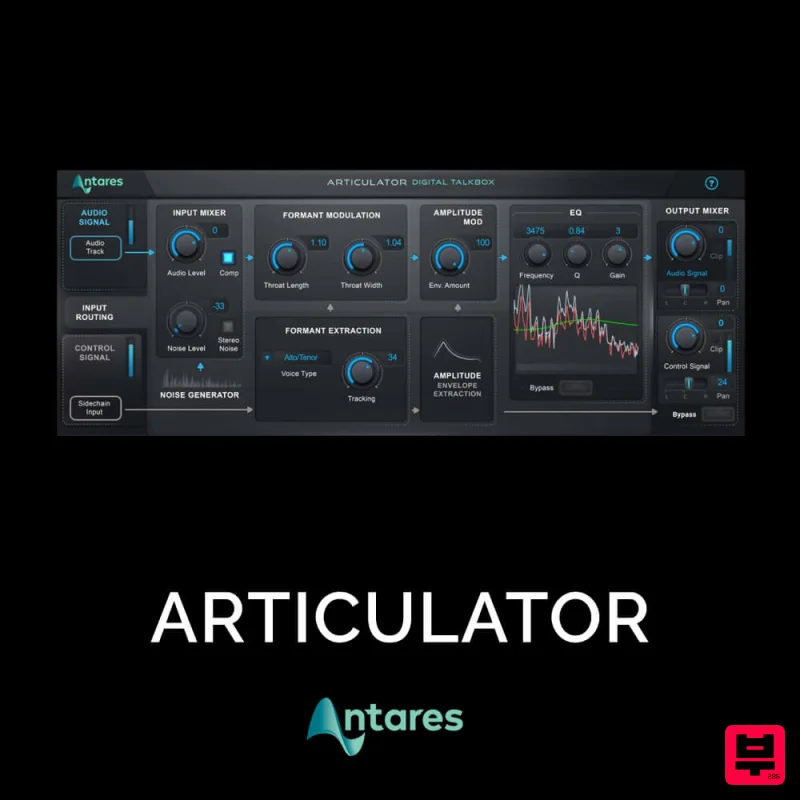
Antares ARTICULATOR
Vocal Processing
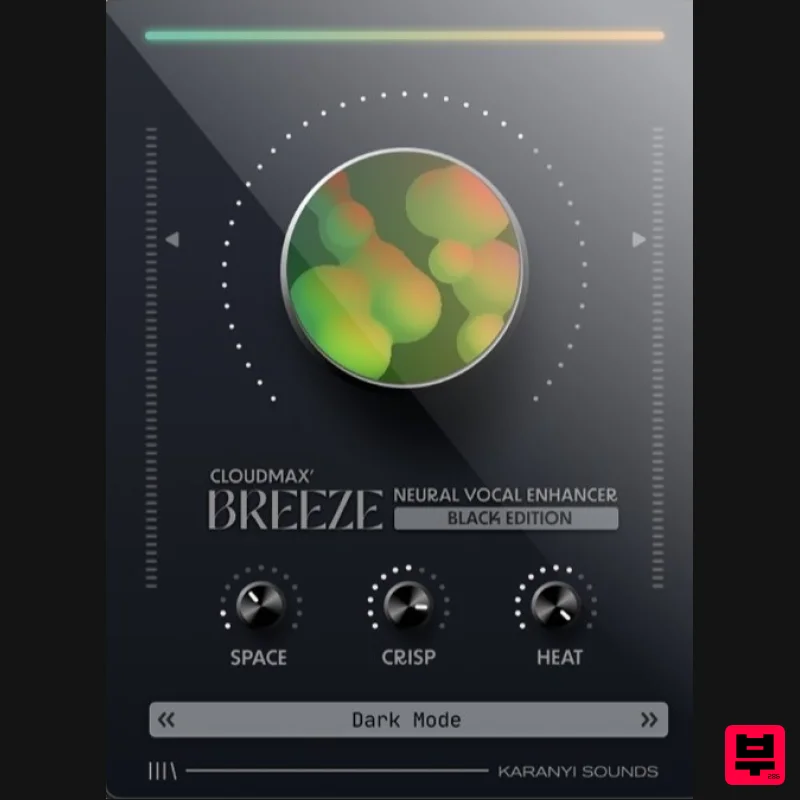
Karanyi Sounds Cloudmax Breeze Black Edition
Vocal Processing
Krotos Krotos Dehumaniser 2
Vocal Processing
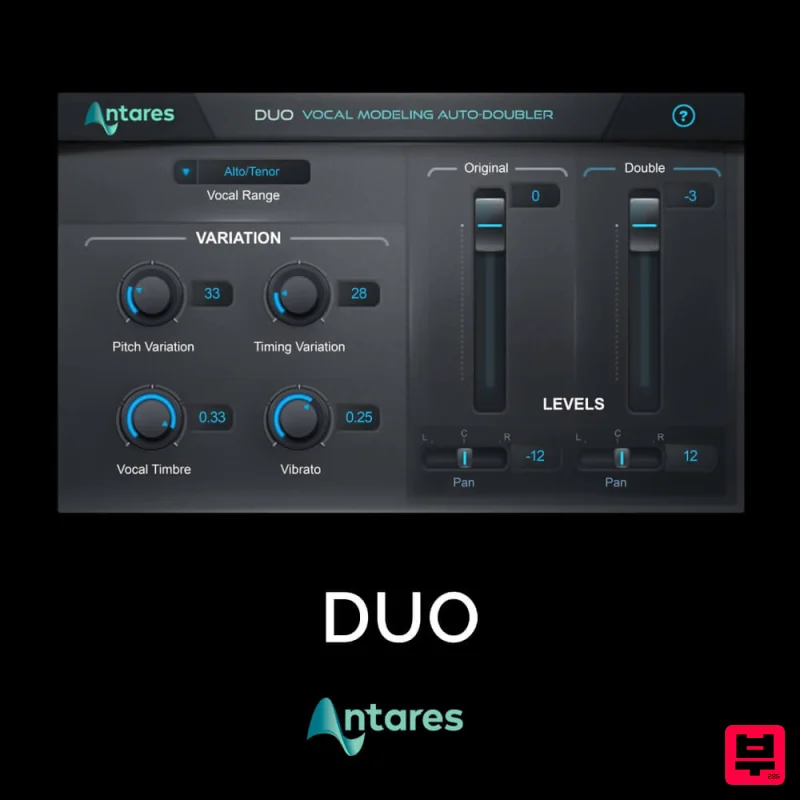
Antares DUO
Vocal Processing

