
W. A. Production Vocal Cleaner
Professional music gear - detailed information and where to buy
W. A. Production
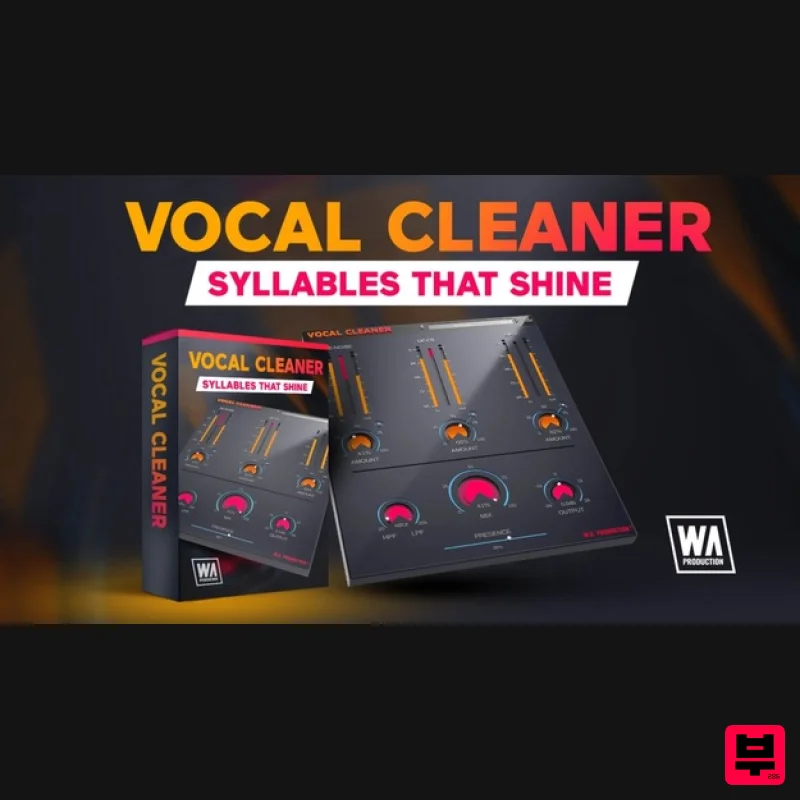
Vocal Cleaner
Product Info
* Prices may vary. Check retailer for current pricing and availability.
Product Description
- Syllables That Shine However hard you try
- capturing a perfect vocal is an almost impossible task. Contending with plosives and pops
- crackles and clicks
- has driven many a producer to distraction. The first hurdle is getting your dry vocal track as pristine as possible and fixing all those troublesome little audio imperfections. This is way before you can even think about compression or reverb. Vocal Cleaner puts your vocals through a rinse cycle
- subtly taming harsh sibilance and removing intermittent noise. With simple threshold sliders and Amount dials for easy operation
- this should be the first plugin in your vocal effects chain
- taking the pain out of that initial stage of vocal processing. So load it into your DAW and get ready to really clean up. De-Noise Applying an intelligent algorithm to the incoming audio
- this process splits the signal into voice and noise and allows you to strip away the background hum
- hiss and other extraneous noise. Experiment with the main fader and the Amount dial to reduce the noise to a manageable level without compromising the vocal quality. De-Ess Hissing mouth sounds created by “sss” and “shh” sounds are known as sibilance. These can be exaggerated by some microphones and result in a recording that sounds unbalanced and is difficult to listen to comfortably. The De-Es unit within Vocal Cleaner detects these harsh high frequency sounds and creates an intelligent and adaptable EQ curve
- reducing the volume of these unwanted artefacts. Noise Gate Setting a minimum threshold of amplitude
- the Noise Gate clamps down on quiet sections of audio whilst letting louder parts through. This is ideal for cutting out breath sounds and room noise. Fine-tune the effect with the Amount dial to maintain a natural sound. Bright
- Natural & Dark The signal algorithms are optimised for audio with different qualities
- so you can click the B/N/D buttons to tailor the processing to your individual needs. Choose either Bright
- for high frequency noise
- dark for noise in the lower register or Natural for a balanced effect. High / Low Filter & Presence Using the high and low pass filter helps to roll-off unwanted hum and upper frequencies
- balancing the audio in a comfortable centre-ground. The Presence control restores some of the definition with a combination of saturation
- compression and EQ. Bright
- Natural & Dark (B/N/D) The signal algorithms are optimised for audio with different qualities
- so you can click the B/N/D buttons to tailor the processing to your individual needs. Choose either Bright
- for high frequency noise
- dark for noise in the lower register or Natural for a balanced effect. Bypass
- Output & Master Mix The bypass control is to be as click and pop free as possible for unhindered A/B testing when combined with the Output dial. Choose to mix the cleaned vocal signal with your original raw audio via the central Master Mix ratio control
- allowing you to dial down the impact of heavier processing for parallel effects. Visual Feedback The live VU meters of the interface show exactly what’s happening to the signal as it travels through each stage of cleaning in real time. This allows for accurate monitoring at every step of the chain. Presets With many included presets
- it’s easy to find the perfect starting point for almost any type of vocal. With specific presets for female vocals
- male vocals
- backing vocals and many other options
- you can find useful initial settings for most types of voice. Features Easy to use clean up for all sorts of vocals 3 processing stages De-noise
- De-ess & Noise Gate Bright
- Normal & Dark optimisation modes Presence control Low and high pass filter Pop & click free bypass Responsive & CPU friendly Factory presets Resizable user interface System Requirements Mac macOS 10.13 and later (64-bit only) VST
- AAX Windows Windows 8 or later (32 / 64-bit) VST
- AAX Note: The AAX format of this plugin requires Pro Tools 11 or higher. Important Note for Mac Apple Silicon users: Before purchasing
- please review the current compatibility status of this plugin on your system here. The SampleCast The type of vocal clean up that would’ve once taken me 3 plugins has been reduced to just this one! Manene Another great vocal processing plugin from WA
- thanks! Registration and Activation Video <iframe frameborder="0" height="315" src="https: //www.youtube.com/embed/YJHtWvm8z0Y" width="560"></iframe> Please Note: CHORDS is used as an example. Registration 1. Click the Download button in your Plugin Boutique account or go to https://www.waproduction.com/users/login 2. Click 'Create New Account' (if you already have a W.A Production account
- enter your details
- log in and skip to step 5). 3. Enter your details > Choose your marketing preferences > Click 'Finish Registration'. 4. Your account has been registered > Click 'Register Plugin'. 5. On the license registration page
- enter the license key from your Plugin Boutique account (which will be referred to as 'serial number' on our site) > Click 'Add'. 6. Your product will now be displayed in your W.A Production account > Scroll down to My Orders and click 'View Order'. 7. Click 'Download Files'. 8. Click 'Download'. Mac Installation 1. Once the download is complete
- extract and open the ZIP folder you just downloaded > Open the Mac folder > Double-click the CHORDS .pkg installer file. 2. Click 'Continue'. 3. Read the Software License Agreement > Click 'Continue'. 4. Click 'Agree'. 5. Click 'Install'. 6. Click 'Close'. 7. Open CHORDS in your DAW. 8. Click the information icon in the bottom left-hand corner > Enter the serial number you were given in your W.A Production account > Click 'Authorize'. Your software is now ready to use in your DAW! Windows Installation 1. Once the download is complete
- extract and open the ZIP folder you just downloaded > Open the PC folder > Double-click the CHORDS PC installer file. 2. Click 'Next'. 3. Click 'Next'. 4. Select which plugin formats you would like to install > Click 'Next' > Click 'Install'. 5. Click 'Finish'. 6. Open CHORDS in your DAW. 7. Click the information icon in the bottom left-hand corner > Enter the serial number you were given in your W.A Production account > Click 'Authorize'. Your software is now activated and ready to use in your DAW!
Additional Information
About the W. A. Production Vocal Cleaner
The W. A. Production Vocal Cleaner represents excellent craftsmanship in the Vocal Processing category.
Why Choose the W. A. Production Vocal Cleaner?
- •Authentic W. A. Production craftsmanship and design
- •Versatile sound suitable for multiple musical genres
- •Professional build quality and reliable performance
- •Part of W. A. Production's respected Vocal Processing lineup
Compare & Explore
Browse our complete selection of W. A. Production instruments or explore other Vocal Processing options. Use our comparison tools to find the perfect match for your musical style and budget.
Similar Products
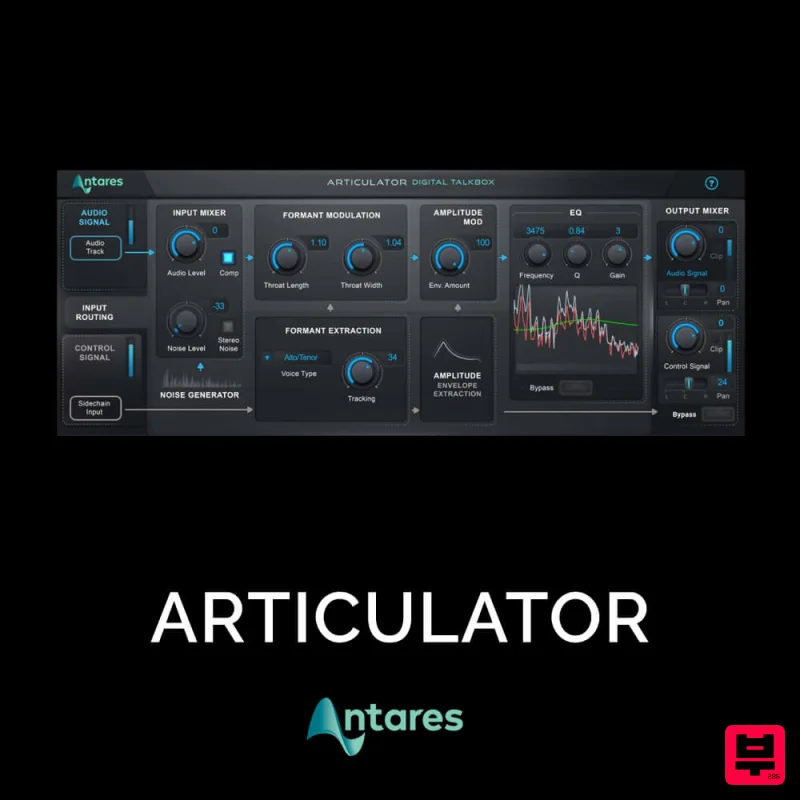
Antares ARTICULATOR
Vocal Processing
Krotos Krotos Dehumaniser 2
Vocal Processing
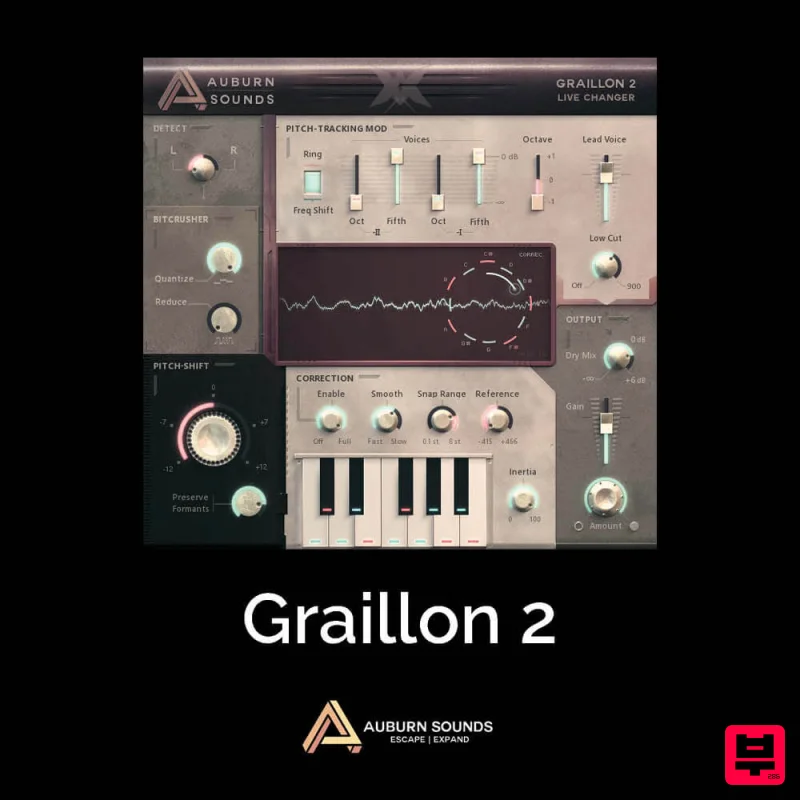
Auburn Sounds Graillon 2
Vocal Processing
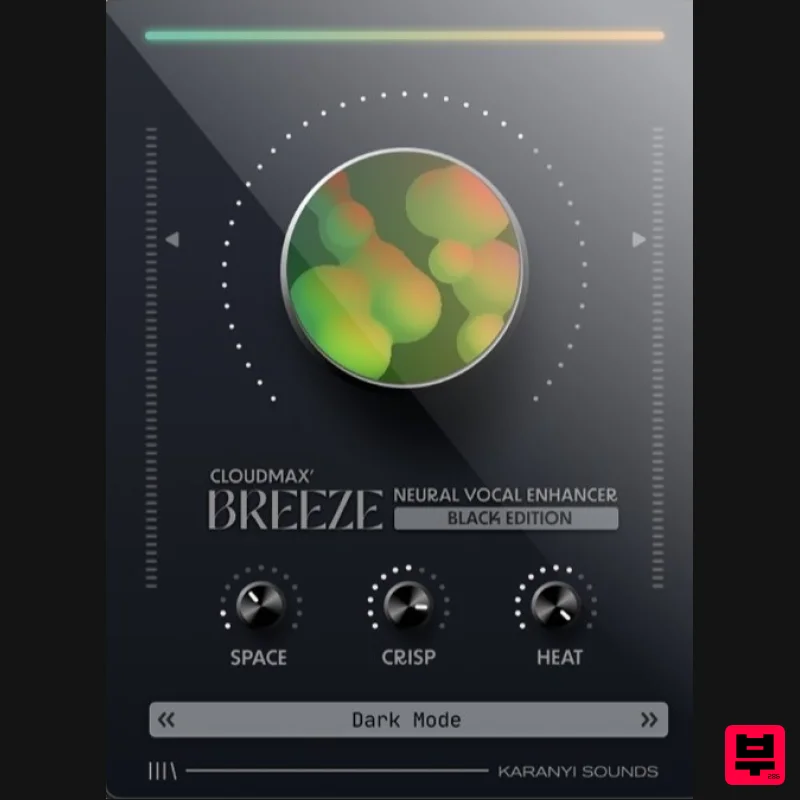
Karanyi Sounds Cloudmax Breeze Black Edition
Vocal Processing
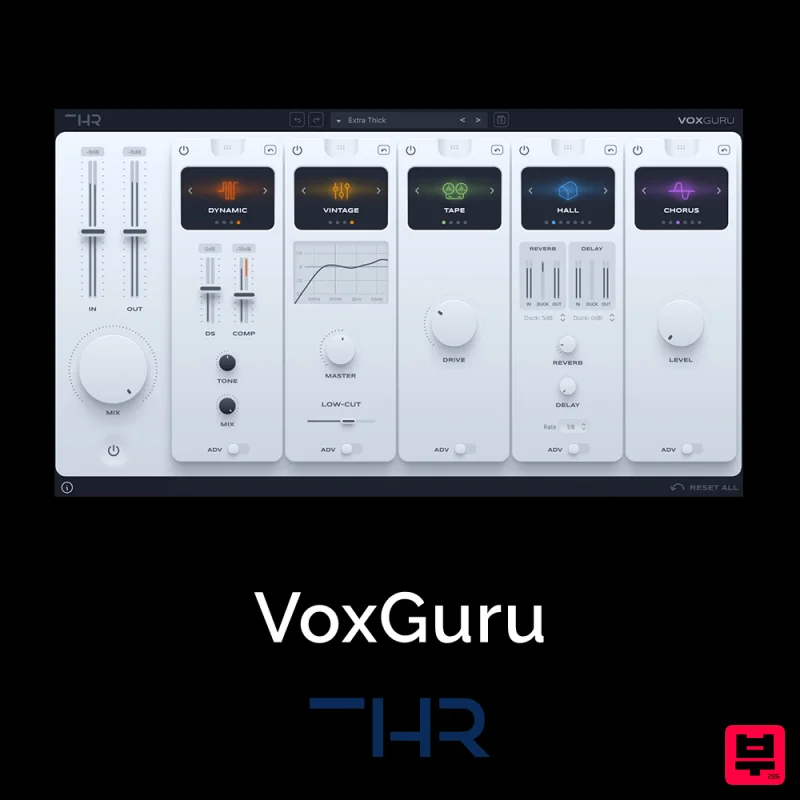
THR VoxGuru
Vocal Processing
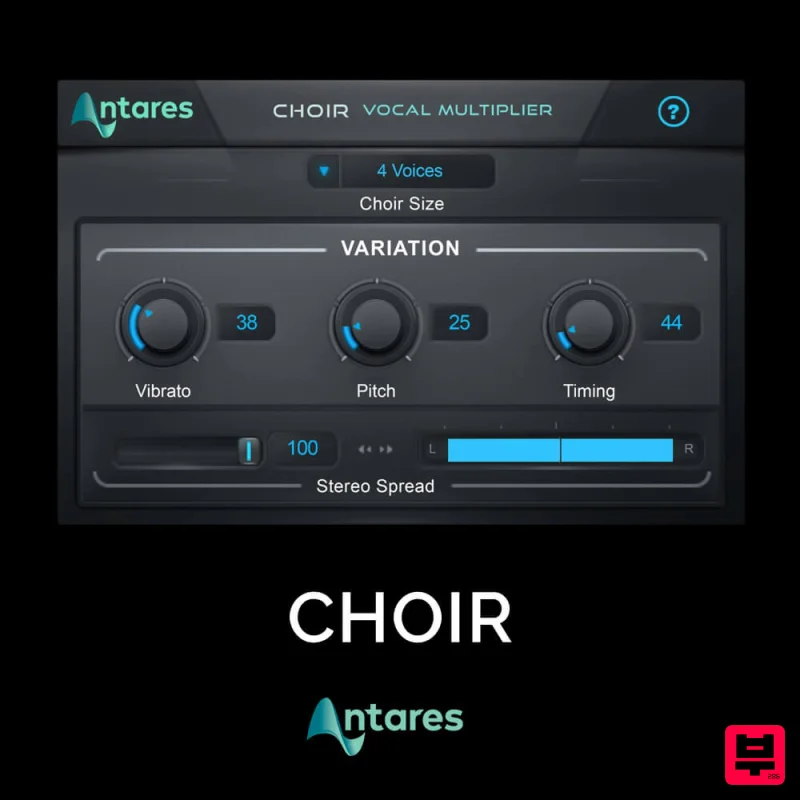
Antares CHOIR
Vocal Processing
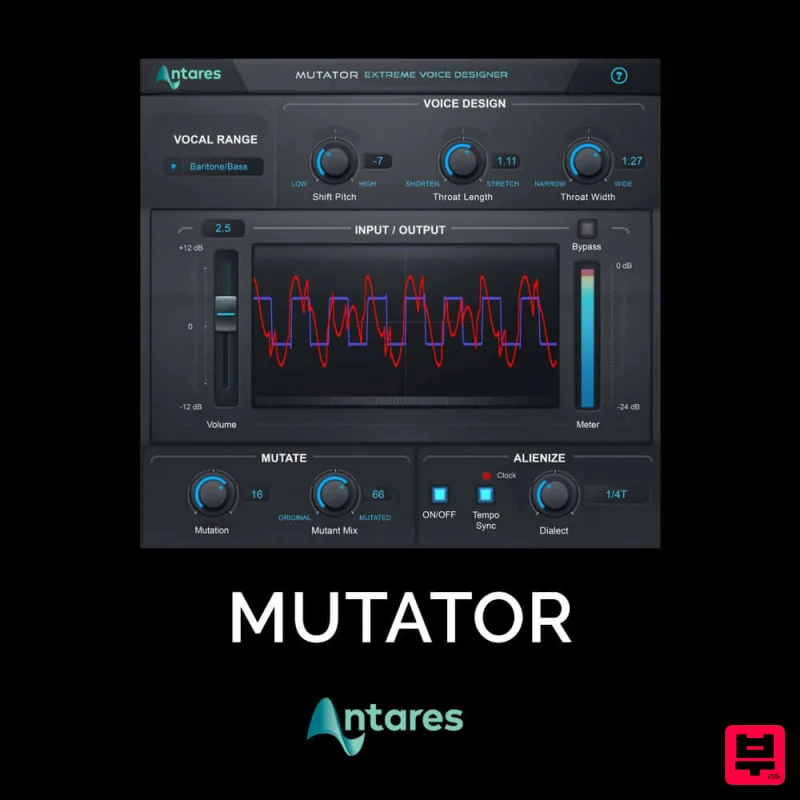
Antares MUTATOR
Vocal Processing
Antares DUO
Vocal Processing

