
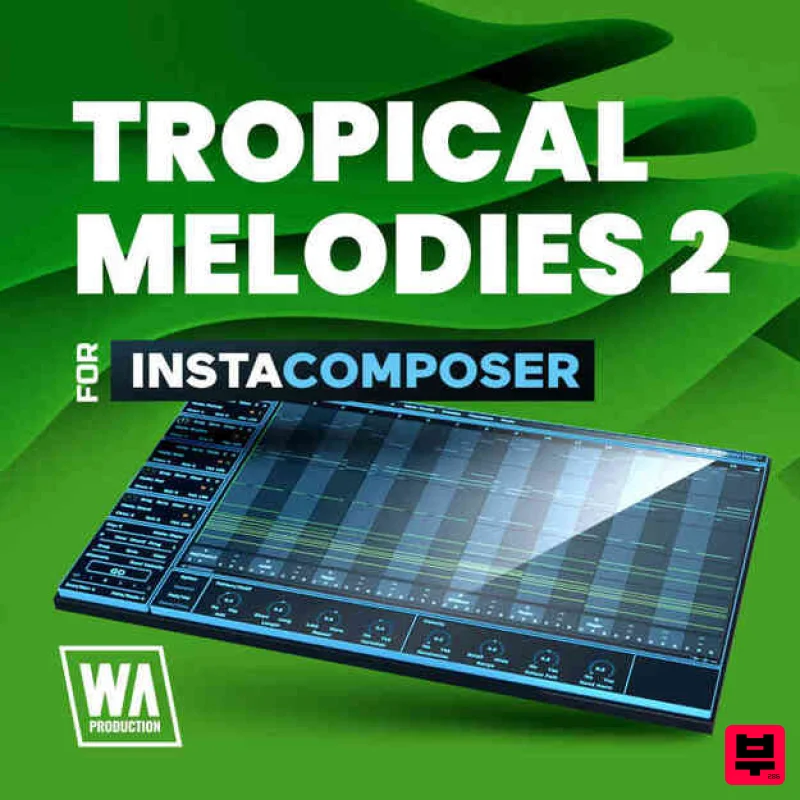
W. A. Production Tropical Melodies 2 for InstaComposer
Professional music gear - detailed information and where to buy
W. A. Production
Tropical Melodies 2 for InstaComposer
Product Info
* Prices may vary. Check retailer for current pricing and availability.
Product Description
- Introducing Tropical Melodies 2 for InstaComposer
- a vibrant collection of captivating melodies designed to infuse your compositions with the warm and breezy vibes of tropical music. This expansion pack effortlessly sparks inspiration and adds an exotic touch to your productions. Featuring meticulously composed tropical melodies
- Tropical Melodies 2 offers a range of uplifting hooks
- infectious rhythms
- and grooves. From catchy marimba patterns to soulful steel drum melodies
- each captures the essence of tropical music
- transporting listeners to sunny shores and tropical landscapes. Compatible with InstaComposer
- this expansion seamlessly integrates with the innovative composition tool
- empowering you to explore and experiment with these tropical melodies in real-time. Customize and shape the melodies to fit your unique vision and let the blissful sounds of tropical music elevate your productions. Immerse yourself in a musical journey filled with tropical delights. Features 11.4 MB 40 InstaComposer Presets 100% Royalty-Free System Requirements A copy of W.A Production InstaComposer is required to run this software. Mac Installation 1. Download the .zip folder from within your Plugin Boutique User Account > Double-click it to extract the contents. 2. Open the latest version of InstaComposer in your DAW > Click 'MENU'. 3. Select 'Open Preset Folder' from the drop-down menu. 4. Double-click the 'Presets' folder. 5. Copy the 'WA_Cinematic_For_InstaComposer' folder from the downloaded .zip file > Paste it into the 'Presets' folder. Your presets are now installed and ready to use. Windows Installation 1. Download the .zip folder from within your Plugin Boutique User Account > Double-click it to extract the contents. 2. Open the latest version of InstaComposer in your DAW > Click 'MENU'. 3. Select 'Open Preset Folder' from the drop-down menu. 4. Double-click the 'Presets' folder. 5. Copy the 'WA_Cinematic_For_InstaComposer' folder from the downloaded .zip file > Paste it into the 'Presets' folder. Your presets are now installed and ready to use.
Additional Information
About the W. A. Production Tropical Melodies 2 for InstaComposer
The W. A. Production Tropical Melodies 2 for InstaComposer represents excellent craftsmanship in the Synth Presets category.
Why Choose the W. A. Production Tropical Melodies 2 for InstaComposer?
- •Authentic W. A. Production craftsmanship and design
- •Versatile sound suitable for multiple musical genres
- •Professional build quality and reliable performance
- •Part of W. A. Production's respected Synth Presets lineup
Compare & Explore
Browse our complete selection of W. A. Production instruments or explore other Synth Presets options. Use our comparison tools to find the perfect match for your musical style and budget.
Similar Products
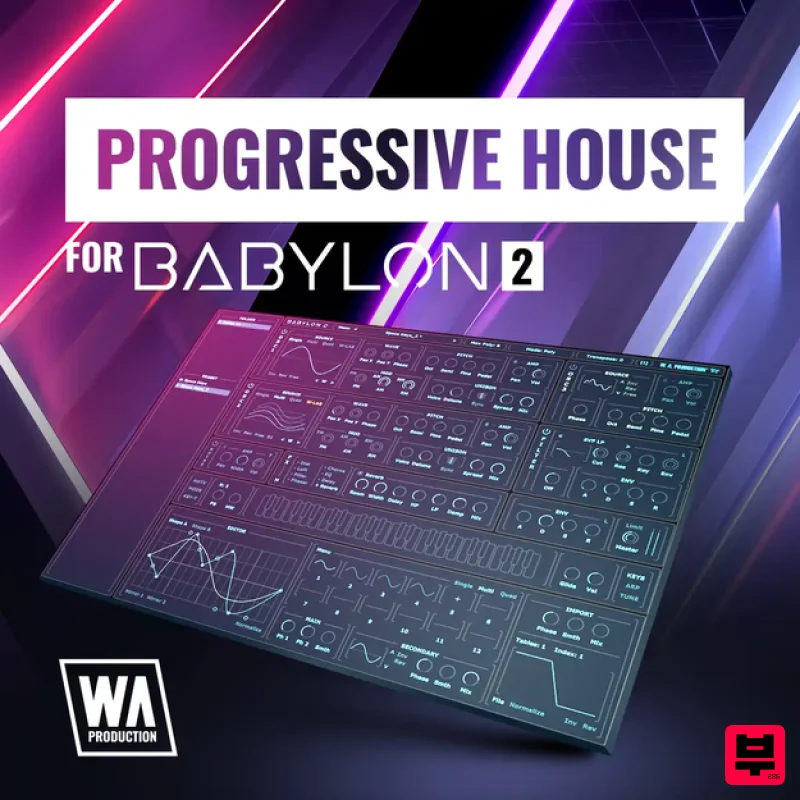
W. A. Production Progressive House for Babylon 2
Synth Presets

W. A. Production Cinematic Synths for Babylon 2
Synth Presets

Resonance Sound UK Speed Garage Vol. 1 for Serum 2
Synth Presets
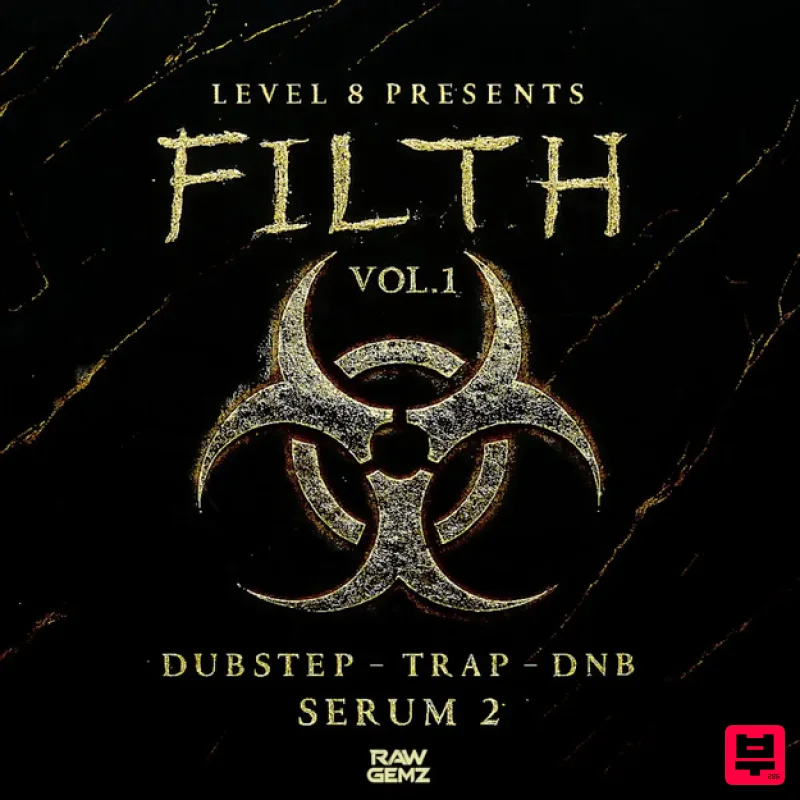
Resonance Sound FILTH Vol. 1 for Serum 2
Synth Presets
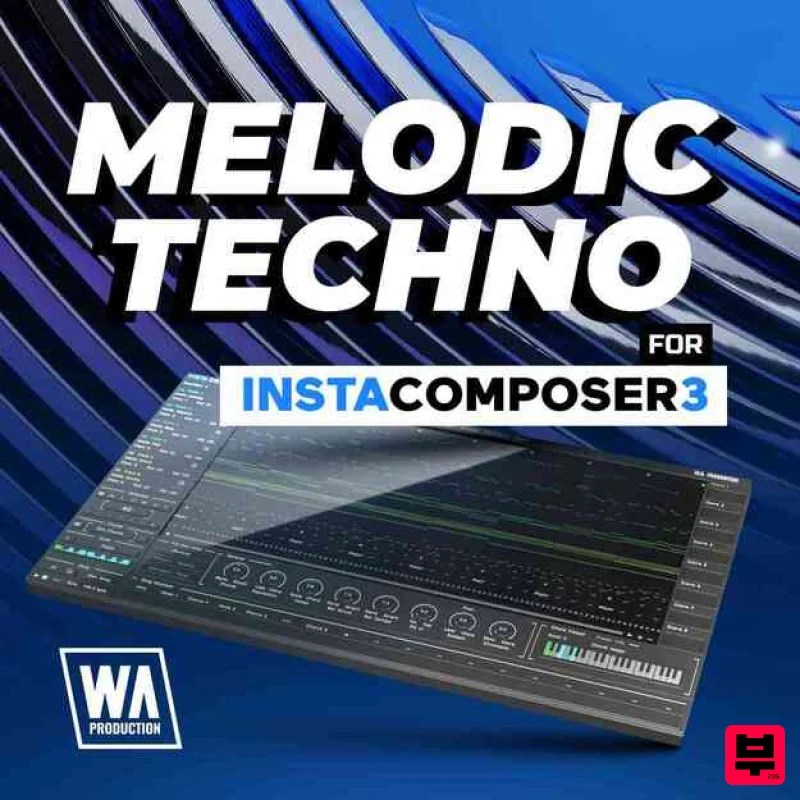
W. A. Production Melodic Techno for InstaComposer 3
Synth Presets
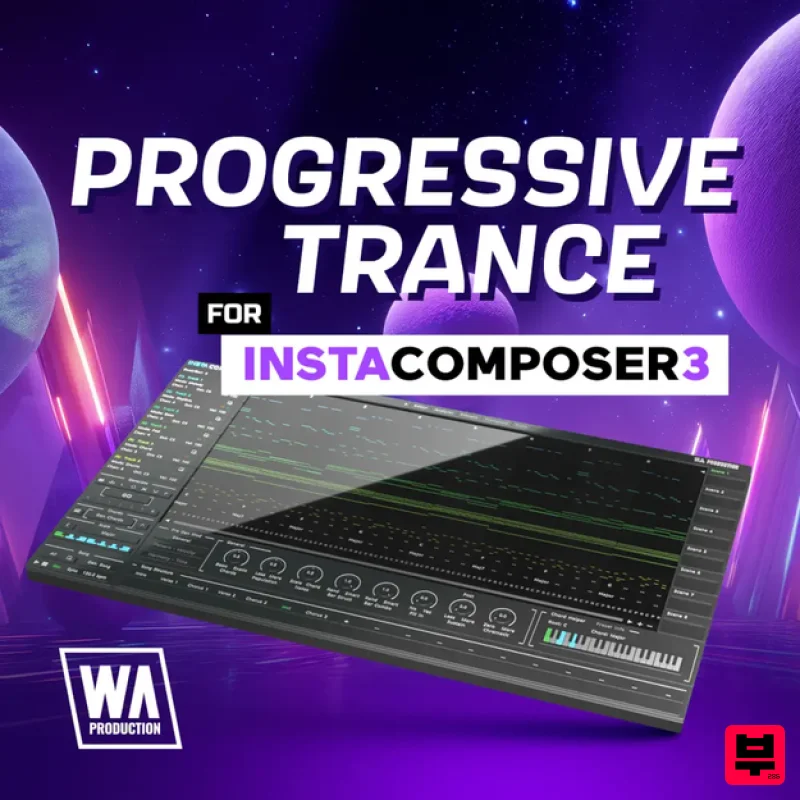
W. A. Production Progressive Trance for InstaComposer 3
Synth Presets

Resonance Sound Main Stage Techno Vol. 1 for Serum 2
Synth Presets

Resonance Sound Stranger Serum Synths Vol. 1 for Serum 2
Synth Presets

