
W. A. Production Tech House for InstaChord 2
Professional music gear - detailed information and where to buy
W. A. Production
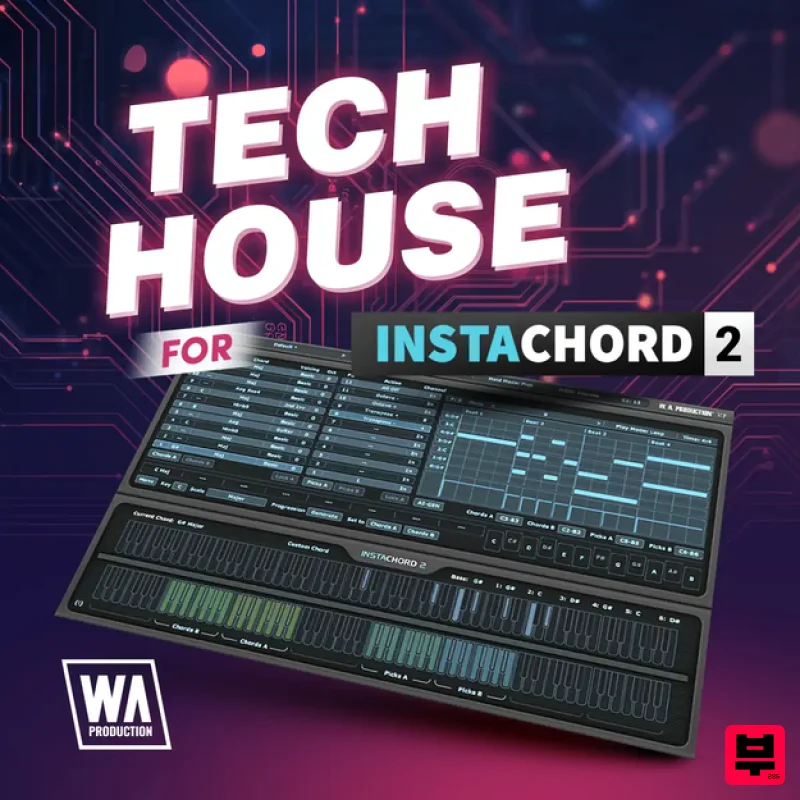
Tech House for InstaChord 2
Product Info
* Prices may vary. Check retailer for current pricing and availability.
Product Description
- Tech House for InstaChord 2 is a versatile expansion designed to capture the stripped-back groove and club-focused energy of modern Tech House. This collection delivers a curated selection of chord presets and rhythmic patterns that make it easy to build rolling
- percussive progressions that lock tightly with your drums and bass. From tight stabs and syncopated hits to deeper
- moodier voicings
- every preset is tailored to help you create catchy
- dancefloor-ready ideas in seconds. Harness InstaChord 2’s advanced pattern engine and performance modes to trigger choppy chord sequences
- swung rhythms
- and evolving variations with just a few keys. Each preset is set up to respond musically to your playing
- so you can quickly experiment with different voicings
- inversions
- and keys without needing deep music theory knowledge. Whether you are sketching ideas or finishing a track
- this expansion keeps your workflow fast and inspiring while maintaining a polished
- professional Tech House sound. Perfect for producers who want immediate access to genre-focused harmony
- Tech House for InstaChord 2 turns simple MIDI input into rich
- club-ready progressions. Use it to build groovy drops
- stripped-back breaks
- and rolling transitions that sit right alongside today’s Tech House releases. Features 40 InstaChord 2 Presets & Patterns 100% Royalty-Free Mac Installation 1. Download the .zip folder from within your Plugin Boutique User Account > Double-click it to extract the contents. 2. Open the latest version of InstaComposer in your DAW > Click 'MENU'. 3. Select 'Open Preset Folder' from the drop-down menu. 4. Double-click the 'Presets' folder. 5. Copy the 'WA_Cinematic_For_InstaComposer' folder from the downloaded .zip file > Paste it into the 'Presets' folder. Your presets are now installed and ready to use. Windows Installation 1. Download the .zip folder from within your Plugin Boutique User Account > Double-click it to extract the contents. 2. Open the latest version of InstaComposer in your DAW > Click 'MENU'. 3. Select 'Open Preset Folder' from the drop-down menu. 4. Double-click the 'Presets' folder. 5. Copy the 'WA_Cinematic_For_InstaComposer' folder from the downloaded .zip file > Paste it into the 'Presets' folder. Your presets are now installed and ready to use.
Additional Information
About the W. A. Production Tech House for InstaChord 2
The W. A. Production Tech House for InstaChord 2 combines traditional design with modern performance for Expansion Packs enthusiasts.
Why Choose the W. A. Production Tech House for InstaChord 2?
- •Authentic W. A. Production craftsmanship and design
- •Versatile sound suitable for multiple musical genres
- •Professional build quality and reliable performance
- •Part of W. A. Production's respected Expansion Packs lineup
Compare & Explore
Browse our complete selection of W. A. Production instruments or explore other Expansion Packs options. Use our comparison tools to find the perfect match for your musical style and budget.
Similar Products

Tracktion Suitcase in a Box Expansion Pack (for Attracktive)
Expansion Packs

Tracktion Poly-One Expansion Pack (for Attracktive)
Expansion Packs

Tracktion SH-20 Expansion Pack (for Attracktive)
Expansion Packs

Tracktion Stonegrabber D-232 Expansion Pack (for Attracktive)
Expansion Packs

Tracktion SA-1000 Expansion Pack (for Attracktive)
Expansion Packs

Tracktion Langweil 150 Expansion Pack (for Attracktive)
Expansion Packs

Tracktion DG-8000 Expansion Pack (for Attracktive)
Expansion Packs

Tracktion Taurinorum Expansion Pack (for Attracktive)
Expansion Packs

