
W. A. Production RedClip
Professional music gear - detailed information and where to buy
W. A. Production
RedClip
Product Info
* Prices may vary. Check retailer for current pricing and availability.
Product Description
- Clip With Style Tired of your tracks sounding flat and lifeless? Feeling a bit blah about your beats? REDCLIP is here to change the game. Crafted by the award-winning audio engineer Emrah Celik
- this plugin goes way beyond the capabilities of your average clipper. With more options than just peaks
- REDCLIP is all about shaping your sound in creative ways and building multiband character into any audio. Whether you're mixing
- mastering
- or just wanting to add serious punch to an individual channel
- REDCLIP has the power to transform audio. With this supercharged sound sculpting tool at your fingertips
- you can go from subtle enhancement to full-on multiband madness. Loaded with a pro-grade clipping algorithm
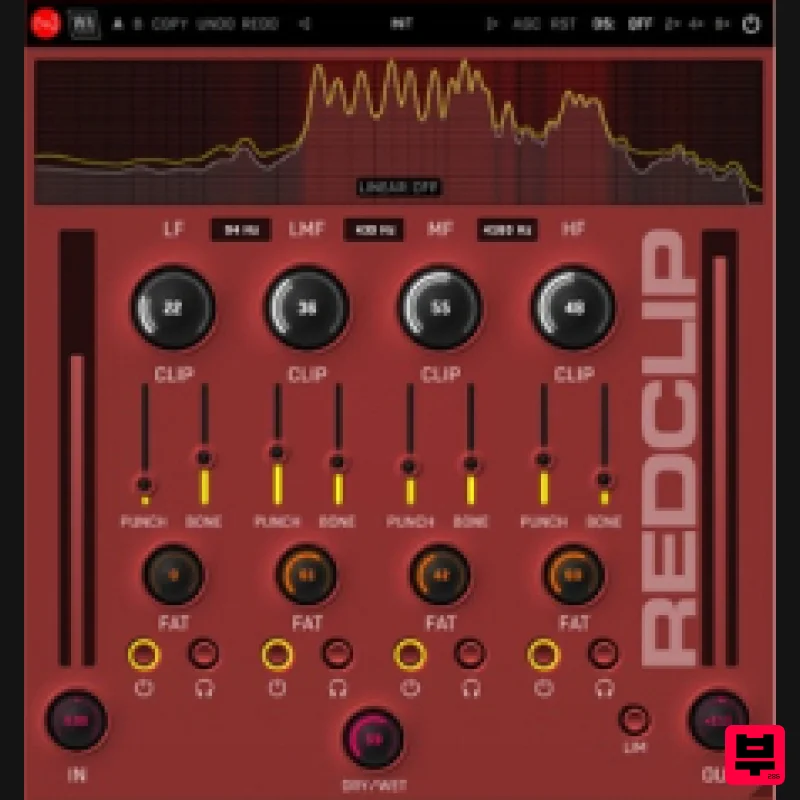
- this plugin is a true loudness monster… a sonic powerhouse that produces a characterful sound and adds a distinctive character to any track. Creative Crossovers REDCLIP's multiband capabilities is where the clipping magic begins
- allowing you to separate your audio into 4 distinct bands before sculpting. Achieve a wider range of sonic possibilities than most other loudness plugins by combining these faders with other powerful onboard features. Unlock the power of precision with the multiband crossover controls of REDCLIP
- all user-controllable. Whether you prefer the transparency of linear phase or the classic warmth of analog minimum phase
- this plugin gives you the flexibility to personalise your sound. Swap between modes with just one button
- and use the frequency adjustment to decide exactly where the bands cross. Beyond Classic Clipping The multiband Clip knobs determine how much “classic” clipping will be applied to the signal. Under the hood
- these knobs work completely in parallel. Don't be afraid to turn them up to the max
- as the processing is tuned to continue working in parallel even at the highest setting. Fat & Punchy Sound The Fat knobs do exactly what they say - adding serious weight and character to your frequencies. It’s not your average loudness processing; we’ve blended soft and hard clipping for a controlled distortion. Combine these multiband capabilities with the main clip knob and you’ll hear some seriously rich sound. Next up is Punch - your sound’s personal trainer. These sliders add muscle and definition without sacrificing clarity. We’ve combined compression and harmonic enhancement for a unique process that delivers a stable clip that really Finally
- there’s Bone with sliders that add thickness and body
- like strengthening the skeletal structure of your sound. By boosting the midrange before clipping
- you’ll hear a more robust sound. Visual Feedback & Comparison REDCLIP is built on vector graphics with a resizable interface. A live spectrum is displayed at the top
- to help you identify frequency changes. This shows exactly what’s happening to the signal as it travels through the plugin in real time. Accurately monitor your audio at every step of the chain. For those who like to experiment
- contrast different processing chains with AB comparison and copy / paste. Use the undo / redo buttons to revert any changes. Mix & Monitor Power is nothing without control
- so REDCLIP has all the options you need to keep tabs on your sound. For more gentle enhancements
- the Dry / Wet knob allows you to mix your creatively clipped signal with the original audio. Use the Bypass and Solo buttons to monitor each of the multiband signals in turn
- ensuring that you have full control over what you’re processing and hearing. Presets REDCLIP includes a huge number of factory presets
- covering everything from subtle soft clipping
- to completely transformations. Use the categorised starting points to embark on multiband clipping adventures to bring characterful loudness to any type of audio
- bringing the best out of your sounds and productions. W. A. Production are real-life producers making creative plugins to help you achieve studio quality processing quickly and easily. Enjoy! Features Creative clipping plugin with multiband separation More than just classic clipping Fatness controls for each band Adjustable character via Punch & Bone sliders Linear phase & Analog-type crossovers Frequency spectrum monitoring AB comparison & Undo / Redo Resizable interface Responsive & CPU friendly Flexible factory presets Full PDF Manual & Tutorial videos System Requirements Windows Windows 8 and later (64-bit only) Formats: VST2
- VST3
- AAX Mac macOS 10.10 and later (64-bit only) Formats: VST2
- VST3
- AU Please Note: AAX compatible with ProTools 11 and higher only. Important Note for Mac Apple Silicon users: Before purchasing
- please review the current compatibility status of this plugin on your system here. Registration and Activation Video <iframe frameborder="0" height="315" src="https: //www.youtube.com/embed/YJHtWvm8z0Y" width="560"></iframe> Please Note: CHORDS is used as an example. Registration 1. Click the Download button in your Plugin Boutique account or go to https://www.waproduction.com/users/login 2. Click 'Create New Account' (if you already have a W.A Production account
- enter your details
- log in and skip to step 5). 3. Enter your details > Choose your marketing preferences > Click 'Finish Registration'. 4. Your account has been registered > Click 'Register Plugin'. 5. On the license registration page
- enter the license key from your Plugin Boutique account (which will be referred to as 'serial number' on our site) > Click 'Add'. 6. Your product will now be displayed in your W.A Production account > Scroll down to My Orders and click 'View Order'. 7. Click 'Download Files'. 8. Click 'Download'. Mac Installation 1. Once the download is complete
- extract and open the ZIP folder you just downloaded > Open the Mac folder > Double-click the CHORDS .pkg installer file. 2. Click 'Continue'. 3. Read the Software License Agreement > Click 'Continue'. 4. Click 'Agree'. 5. Click 'Install'. 6. Click 'Close'. 7. Open CHORDS in your DAW. 8. Click the information icon in the bottom left-hand corner > Enter the serial number you were given in your W.A Production account > Click 'Authorize'. Your software is now ready to use in your DAW! Windows Installation 1. Once the download is complete
- extract and open the ZIP folder you just downloaded > Open the PC folder > Double-click the CHORDS PC installer file. 2. Click 'Next'. 3. Click 'Next'. 4. Select which plugin formats you would like to install > Click 'Next' > Click 'Install'. 5. Click 'Finish'. 6. Open CHORDS in your DAW. 7. Click the information icon in the bottom left-hand corner > Enter the serial number you were given in your W.A Production account > Click 'Authorize'. Your software is now activated and ready to use in your DAW!
Additional Information
About the W. A. Production RedClip
The W. A. Production RedClip represents excellent craftsmanship in the Limiter category.
Why Choose the W. A. Production RedClip?
- •Authentic W. A. Production craftsmanship and design
- •Versatile sound suitable for multiple musical genres
- •Professional build quality and reliable performance
- •Part of W. A. Production's respected Limiter lineup
Compare & Explore
Browse our complete selection of W. A. Production instruments or explore other Limiter options. Use our comparison tools to find the perfect match for your musical style and budget.
Similar Products
Safari Audio Standard Audio Level-Or
Limiter
$51
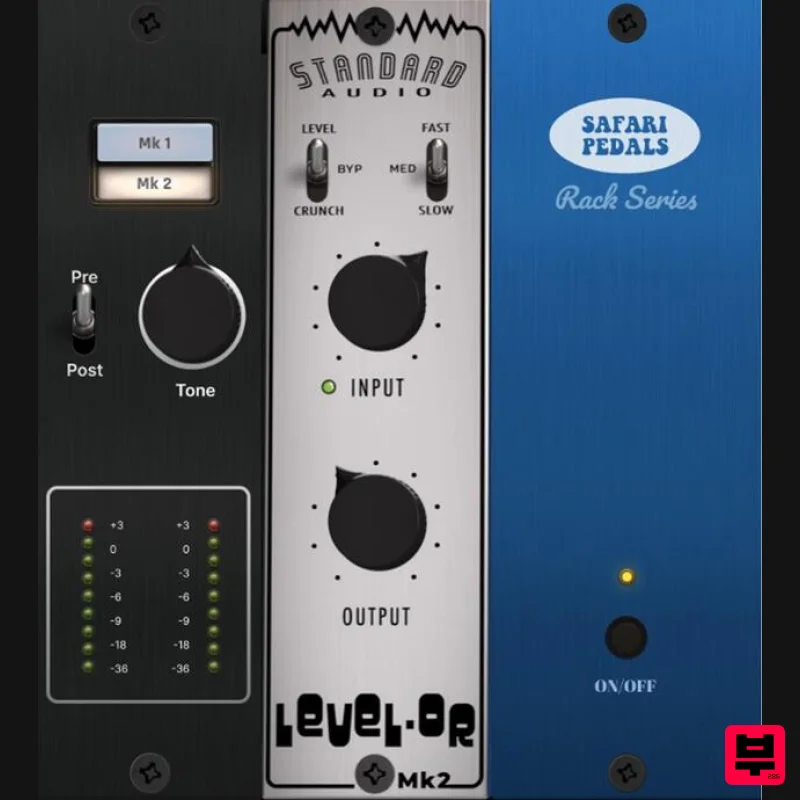
Level-Or by Standard Audio x Safari Audio Level-Or is a fierce character compressor/limiter based on the cult-classic...
Plugin Boutique DualClip
Limiter
$62
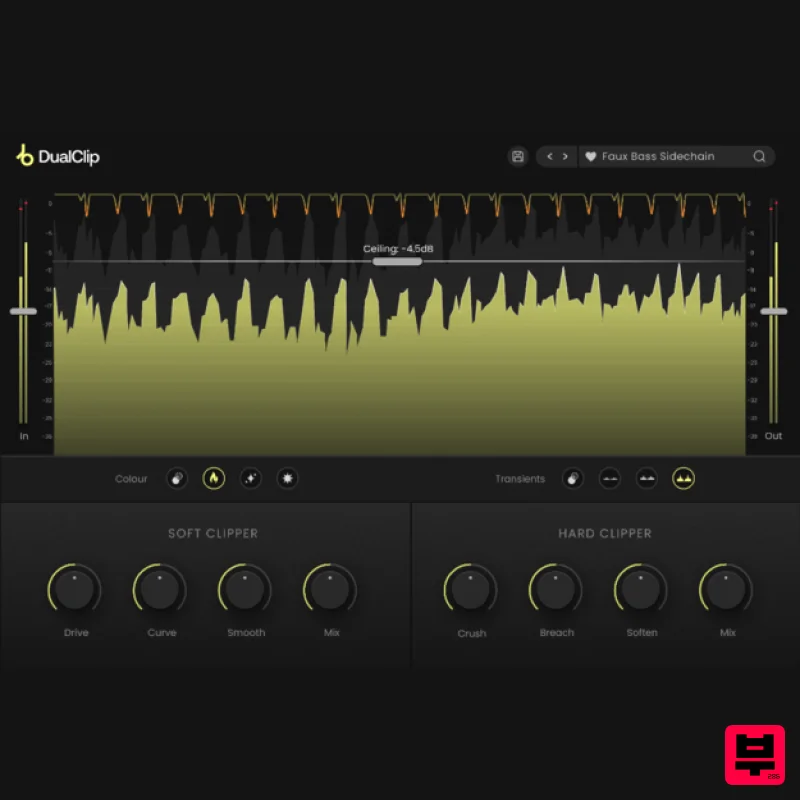
Loudness with Colour Clippers are an essential tool for achieving a huge range of saturation effects. They can...
PSP Audioware PSP Xenon
Limiter
$208
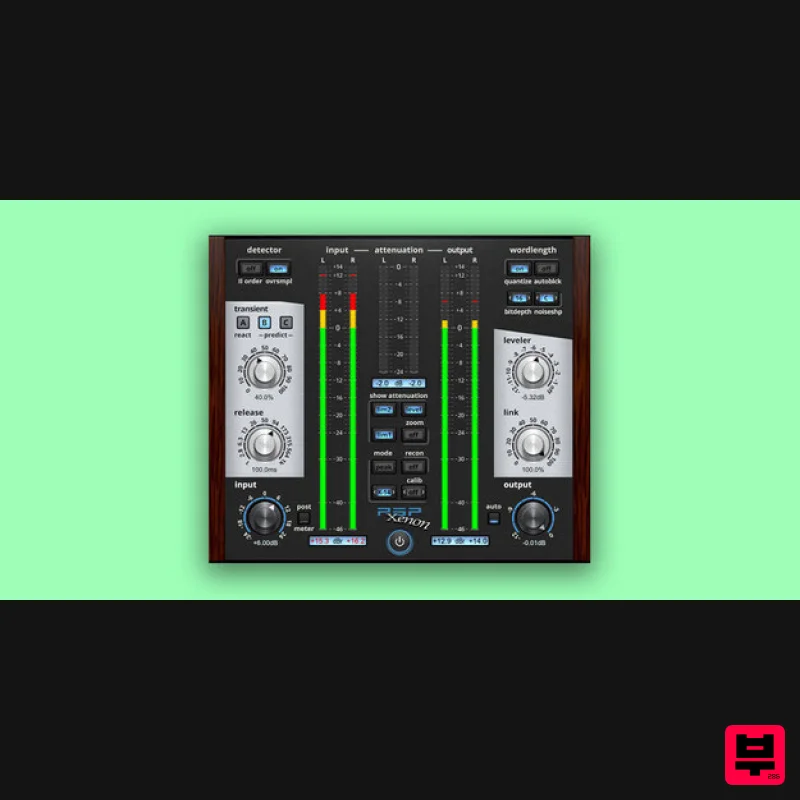
PSP Xenon is a full band, dual-stage limiter plug-in featuring an integrated leveler, advanced K-System metering, and...
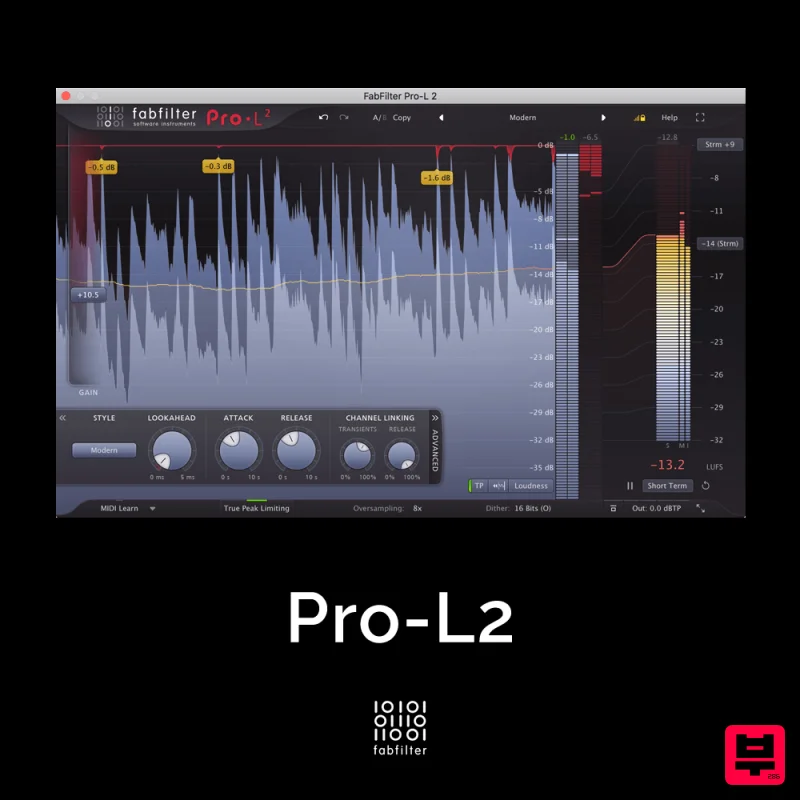
FabFilter Pro-L2
Limiter
$30
A true peak limiter is an essential tool for every mastering or mixing engineer. Are you looking for a professional,...
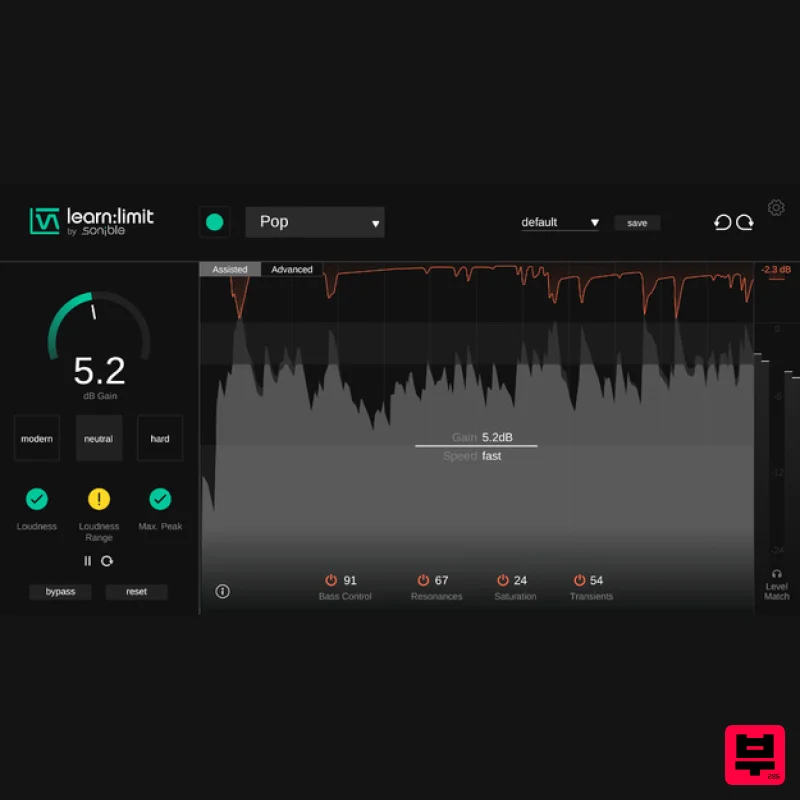
sonible learn:limit
Limiter
$72
An intelligent limiter with built-in loudness monitoring and educational hints learn:limit uses AI to set optimal...
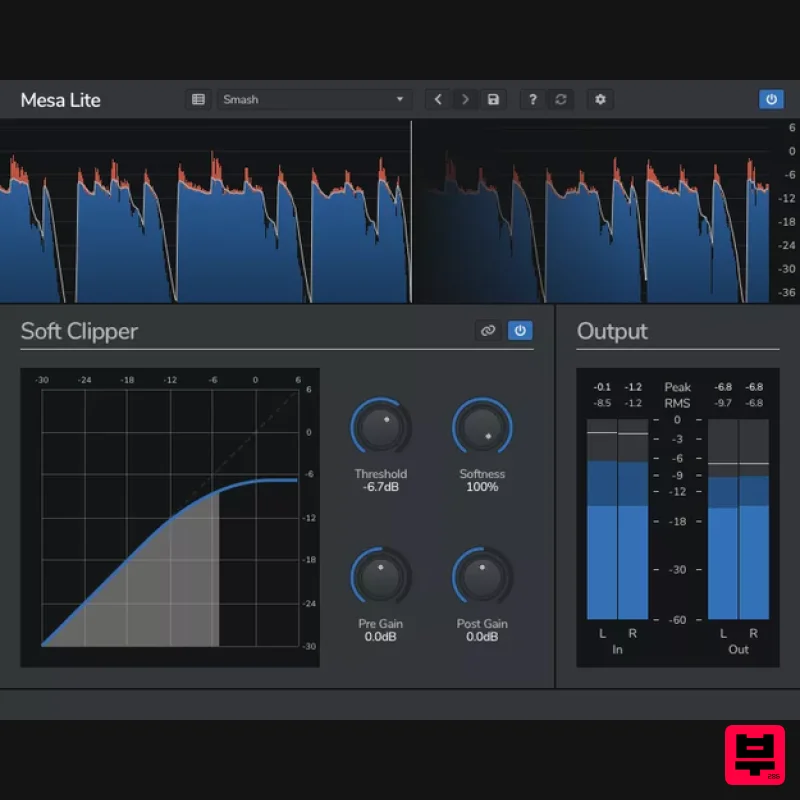
Venomode Mesa Lite
Limiter
Free
Control peaks and increase loudness without pumping Mesa is a free soft clipper designed to increase loudness and...

Safari Audio Lion Master
Limiter
$51
Precision Limiting with Saturation & Width Control Lion Master by Safari Audio is a powerful limiter designed for...
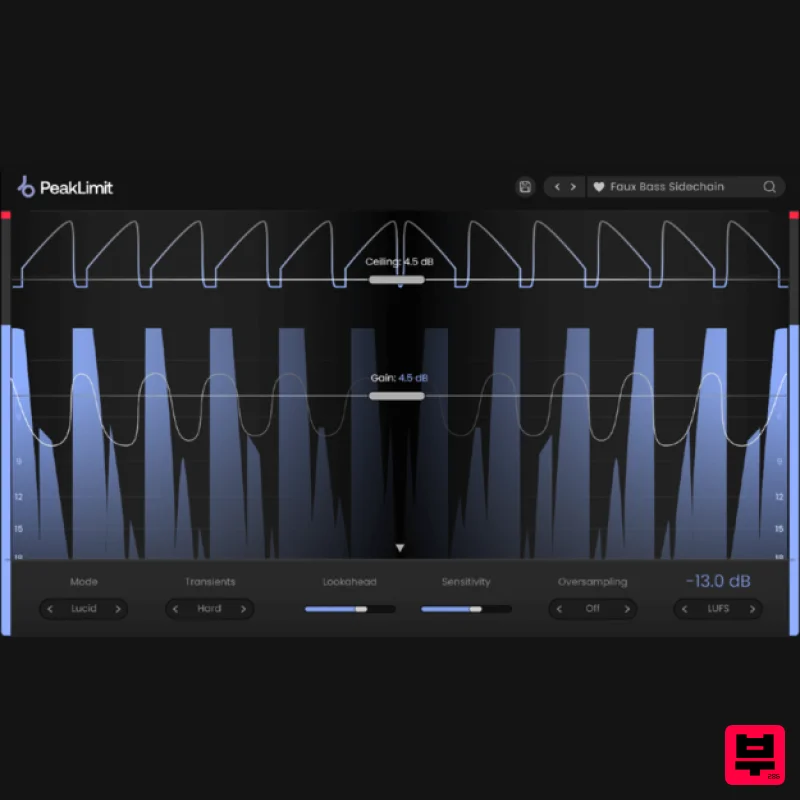
Plugin Boutique PeakLimit
Limiter
$62
Complete your Mastering Chain Before a track is complete and ready for commercial release, the mix has to go through...
Frequently Asked Questions
The W. A. Production RedClip stands out for its exceptional W. A. Production craftsmanship and innovative design.
Yes! With its affordable price point and quality construction, it's perfect for learning limiter.
Browse the similar products section to see how it stacks up against other limiter.

