
W. A. Production Punchy Worm
Professional music gear - detailed information and where to buy
W. A. Production
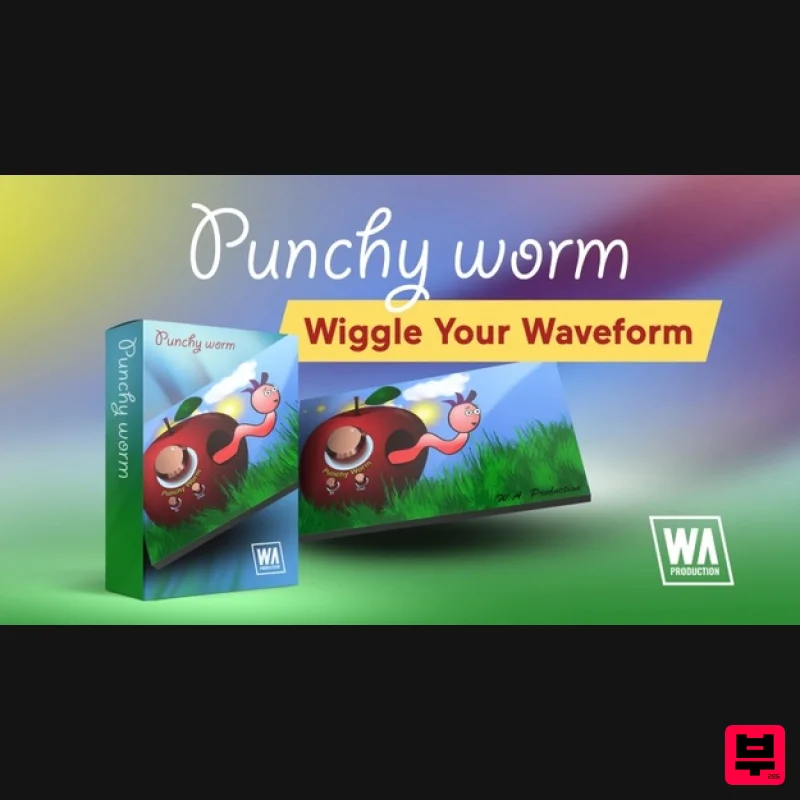
Punchy Worm
Product Info
* Prices may vary. Check retailer for current pricing and availability.
Product Description
- Wiggle Your Waveform At W.A. Production they're serious about music and over the last few years
- they've created many top-quality plugins with finely tuned controls and pro studio features. But sometimes they just like to go a bit crazy... Presenting “Punchy Worm”
- the only one-knob punch powerhouse featuring a dancing worm! This little dude can keep your beats bouncing and synths saturated as long as you keep feeding him audio apples. He’ll head-bang along with your track whilst shaping transients and adding harmonics. Why did they add a wobbly worm to their latest plugin?... They can’t really answer that with a straight face
- but in these serious times
- why not?! Easy Controls With just a couple of simple controls
- Punchy Worm keeps you concentrated on the most important thing about your music... the sound. Simply drag the dials to operate and double click to reset them to default. Trust your ears to tell you what sounds good and let the dancing worm take the strain. Punch & Saturation Depending on if you set the main dial to the left or right of centre
- you’ll hear punch or saturation
- combined with and responsive upward and downward compression. With more subtle settings you’ll hear more presence and power. Pushed harder will result in more brutal transient shaping and saturated harmonics. In / Out / Bypass Use the Input control to drive more signal into that rosy red apple
- increasing the amount of the effect and resulting in more aggressive processing (and a more frantic freakout from the bewigged worm). The Output dial can be used to volume match the original signal so you can hear exactly what effect the plugin is having on the audio
- without artificially increasing the loudness. Click the “Punchy Worm” logo to bypass the plugin for easy A/B comparison. Oversampling The leaf at the top of the interface acts as a toggle
- which can be set to x1
- x2 or x4 interval oversampling. Careful use of this control will reduce unwanted noise from digital aliasing. W. A. Production are real-life producers making creative plugins to help you achieve studio quality processing quickly and easily. Enjoy! Features Dancing worm! One-knob punch and saturation processing. In / Out controls for accurate A/Bing. Bypass toggle. Up to x4 oversampling to reduce aliasing noise. Full PDF Manual & Tutorial video. System Requirements Windows 8 or higher (32 / 64-bit) macOS 10.13 and later (64-bit only) Please Note: AAX format requires Pro Tools 11 or higher. Important Note for Mac Apple Silicon users: Before purchasing
- please review the current compatibility status of this plugin on your system here. The Sample Cast "That grooving worm had me from the start with hard-as-nails sound shaping as the icing on the (apple) cake." Manene "Punchy worm packs a serious punch. Graphically comical
- lightweight
- and easier to operate than a light switch." Registration and Activation Video <iframe frameborder="0" height="315" src="https: //www.youtube.com/embed/YJHtWvm8z0Y" width="560"></iframe> Please Note: CHORDS is used as an example. Registration 1. Click the Download button in your Plugin Boutique account or go to https://www.waproduction.com/users/login 2. Click 'Create New Account' (if you already have a W.A Production account
- enter your details
- log in and skip to step 5). 3. Enter your details > Choose your marketing preferences > Click 'Finish Registration'. 4. Your account has been registered > Click 'Register Plugin'. 5. On the license registration page
- enter the license key from your Plugin Boutique account (which will be referred to as 'serial number' on our site) > Click 'Add'. 6. Your product will now be displayed in your W.A Production account > Scroll down to My Orders and click 'View Order'. 7. Click 'Download Files'. 8. Click 'Download'. Mac Installation 1. Once the download is complete
- extract and open the ZIP folder you just downloaded > Open the Mac folder > Double-click the CHORDS .pkg installer file. 2. Click 'Continue'. 3. Read the Software License Agreement > Click 'Continue'. 4. Click 'Agree'. 5. Click 'Install'. 6. Click 'Close'. 7. Open CHORDS in your DAW. 8. Click the information icon in the bottom left-hand corner > Enter the serial number you were given in your W.A Production account > Click 'Authorize'. Your software is now ready to use in your DAW! Windows Installation 1. Once the download is complete
- extract and open the ZIP folder you just downloaded > Open the PC folder > Double-click the CHORDS PC installer file. 2. Click 'Next'. 3. Click 'Next'. 4. Select which plugin formats you would like to install > Click 'Next' > Click 'Install'. 5. Click 'Finish'. 6. Open CHORDS in your DAW. 7. Click the information icon in the bottom left-hand corner > Enter the serial number you were given in your W.A Production account > Click 'Authorize'. Your software is now activated and ready to use in your DAW!
Additional Information
About the W. A. Production Punchy Worm
Discover the distinctive sound and feel of the W. A. Production Punchy Worm, a standout choice among Enhancer.
Why Choose the W. A. Production Punchy Worm?
- •Authentic W. A. Production craftsmanship and design
- •Versatile sound suitable for multiple musical genres
- •Professional build quality and reliable performance
- •Part of W. A. Production's respected Enhancer lineup
Compare & Explore
Browse our complete selection of W. A. Production instruments or explore other Enhancer options. Use our comparison tools to find the perfect match for your musical style and budget.
Similar Products
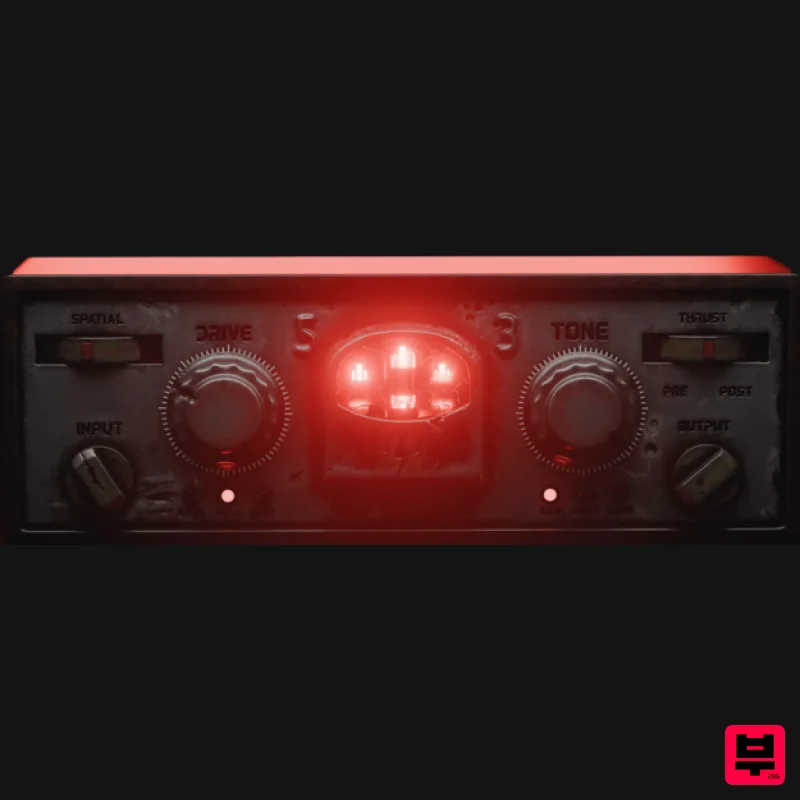
Tone Empire Cryptone
Enhancer
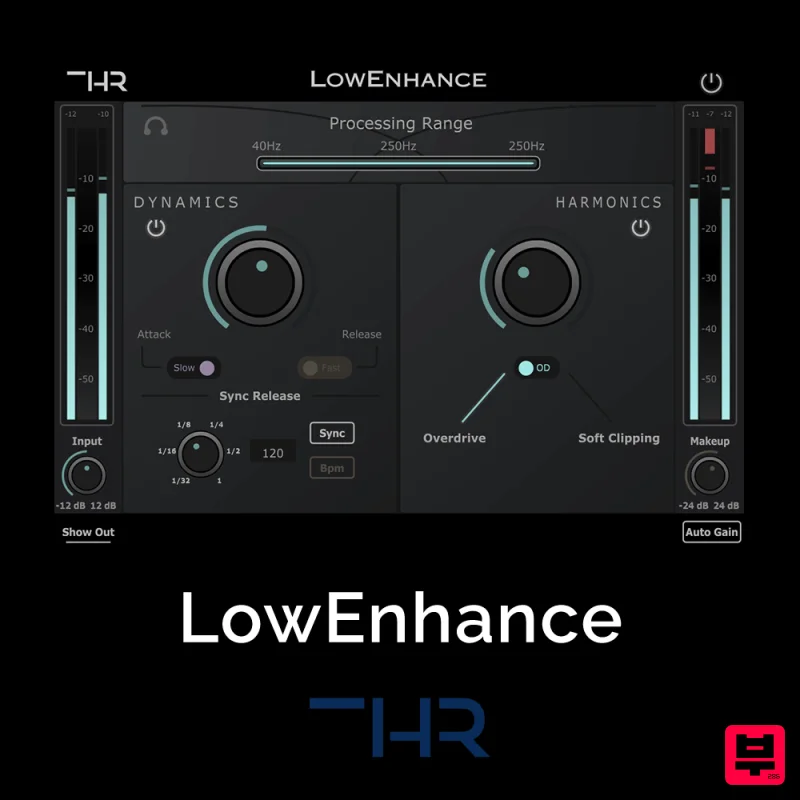
THR LowEnhance
Enhancer
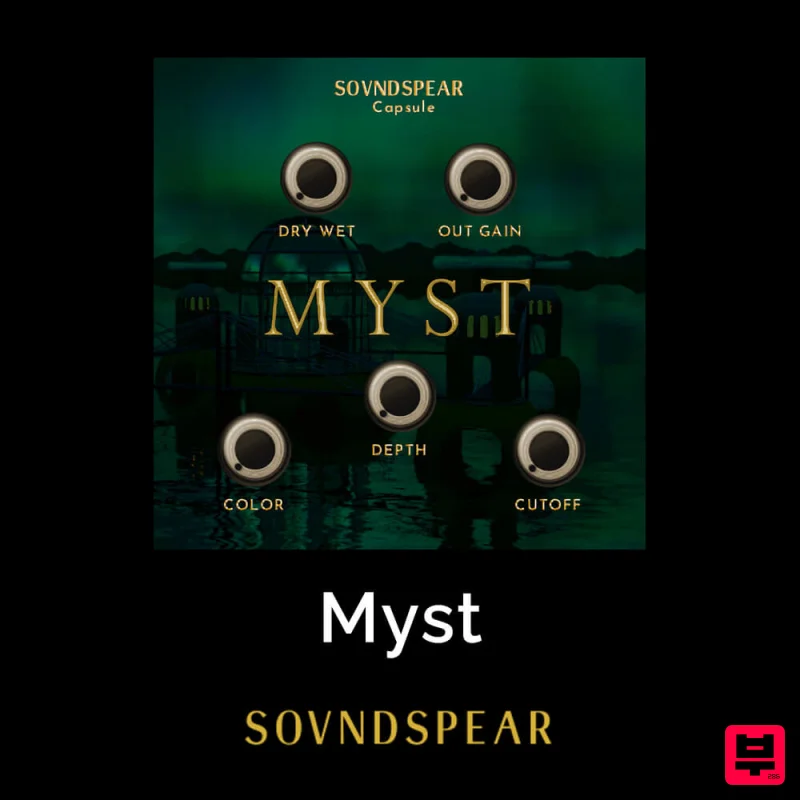
Soundspear Myst
Enhancer
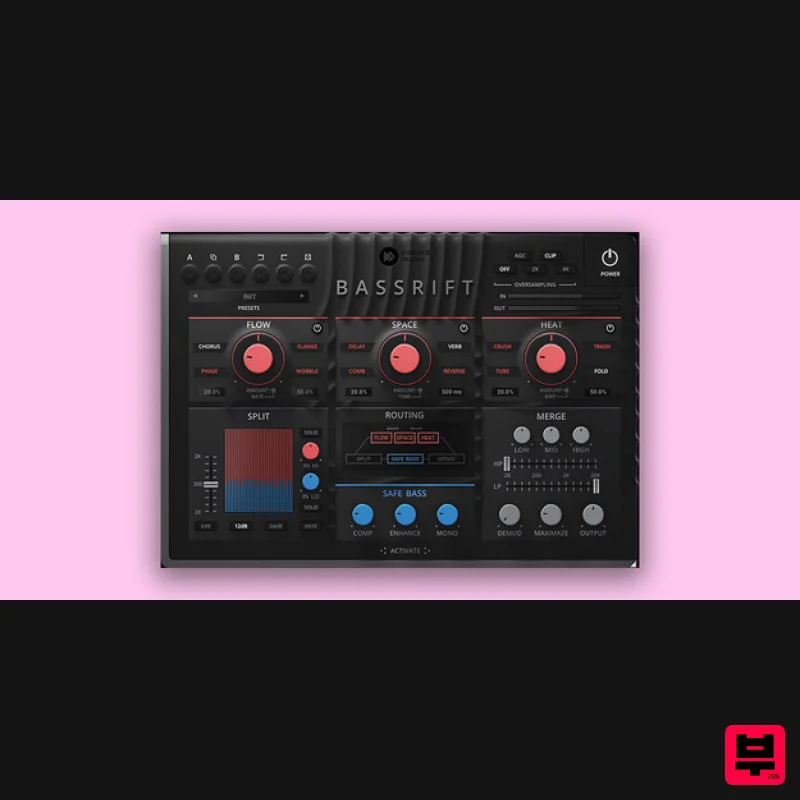
United Plugins BassRift
Enhancer
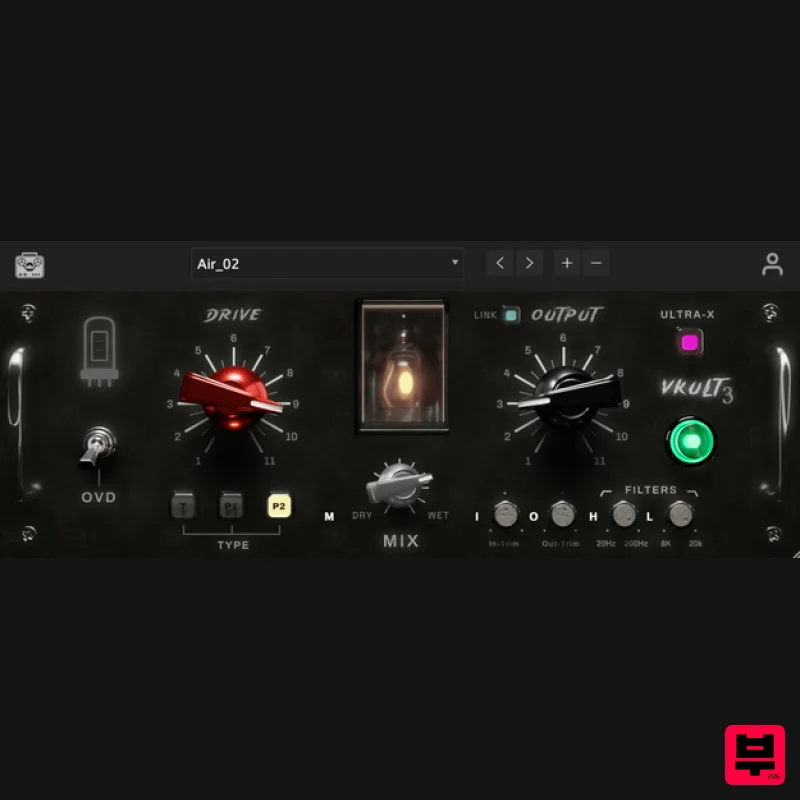
Tone Empire ValveKult 3
Enhancer
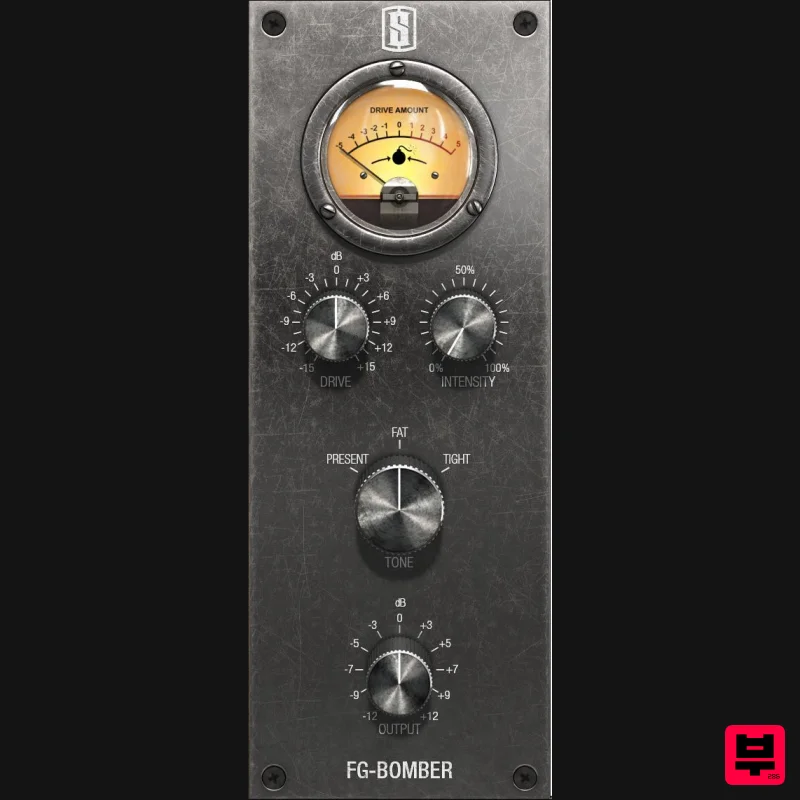
Slate Digital FG-Bomber
Enhancer
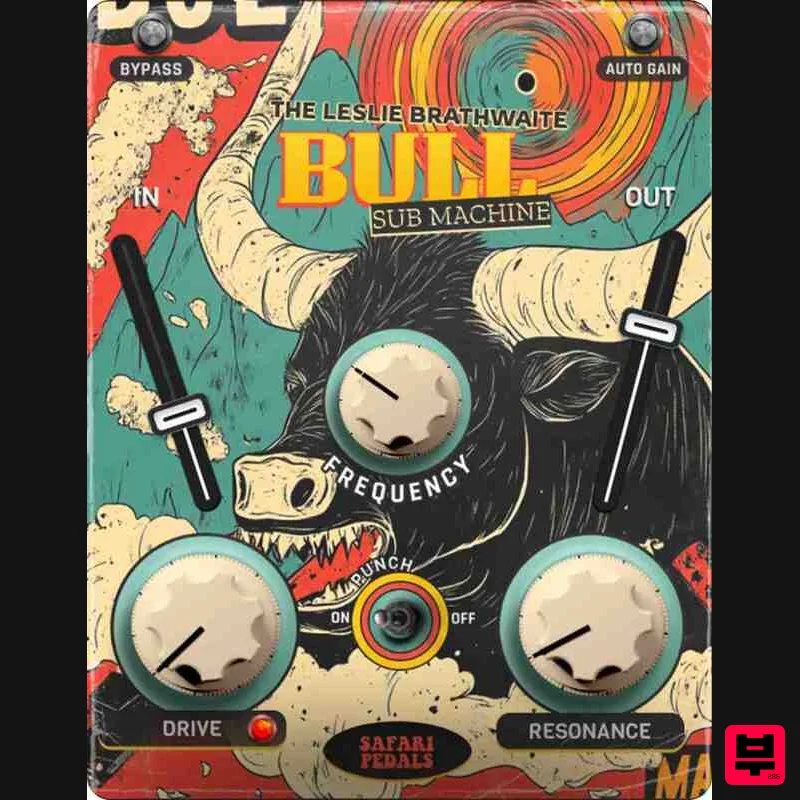
Safari Audio Bull Sub Machine
Enhancer
Plugin Boutique Exceed
Enhancer

