
W. A. Production Pumper 3
Professional music gear - detailed information and where to buy
W. A. Production
Pumper 3
Product Info
* Prices may vary. Check retailer for current pricing and availability.
Product Description
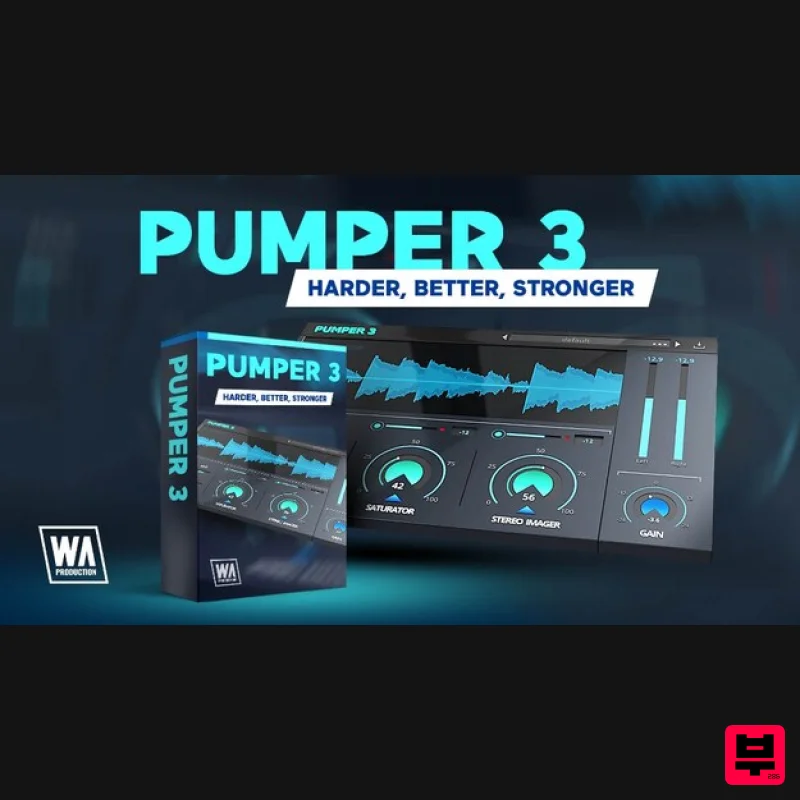
- Harder. Better. Stronger. W.A Production have done it again… after the release of “Pumper” they wanted to step up their game and give you even more control over the punch and power of your sounds. The sequel
- Pumper 3
- has been long in development as the W.A Production team toiled away to retain the stellar performance parameters of the original plugin whilst adding new features. The end result is a multi-effect powerhouse that achieves the level of immediacy
- body and depth that W.A Production fans expect and their tracks deserve. This is W.A Production's most requested update ever and builds on the Compressor
- Saturator and Stereo Imager modules of the original whilst adding more controls to fine tune the processing. Compressor The compression module has 4 flexible modes: Punchy Mode gives you that direct punch and clarity. This is great for kick drums or percussion. Fat will help to bring out the bottom end of your audio and make it sound big. Clean is more transparent and perfect for adding cohesion. Great for softer vocals or acoustic instruments. Soft is wonderful to use on your master channel. Subtle compression makes everything sound tighter
- increasing clarity without sucking the life out of your mix. New compression parameters for Pumper 3 include adjustable wet / dry parallel compression and RMS shaping controls
- ideal for perfecting your sound in the box
- without resorting to complex channel audio routing. Saturator Add warmth and depth with subtle saturation settings
- or push the dial up high for pronounced distortion with a harder edge. The new Rise and Fall settings allow you to shape transients and out the character of the saturation
- both essential controls for fine-tuning the performance of any audio. Stereo Imager Bring your tracks to life with the Stereo Image control
- adding beautifully clear width and depth. Unique to Pumper 3
- the dedicated Low and High shelf modes
- alongside frequency and resonance controls
- allow you to focus the width processing to specific frequency ranges. Use these settings to emphasise the unique characteristics of a sound. All in One Using these 3 modules simultaneously within one plugin is quick
- easy and inspiring. Each module has a dedicated input control for balancing the effects and the real-time waveform window shows a visual representation of your audio
- both before and after processing. Essential for accurate A/Bing to check the results of Pumper 3’s processing power. 50 factory presets are designed to get you up and running quickly
- with tailored settings for drums
- vocals
- bass
- keys
- synths
- acoustic instruments and mastering. These are all easily accessible from the plugin menu and of course
- you can save you own settings as user presets too. Pumper 3 is a big leap above and beyond the first version. If you’ve used and enjoyed the original Pumper in the past
- this is a perfect upgrade with expanded features and more nuanced controls. If you’re new to this kind of processing
- then Pumper 3 is a great starting point
- with interface controls as simple or complex as you want it to be. W.A Production have been using Pumper 3 to beef up their kicks
- expand synth lines and widen guitars. It’s your one-stop-shop for creating tracks that will engage and excite your listeners. W.A. Production are real-life producers making creative plugins to help you achieve studio quality processing quickly and easily. Enjoy! Features 50 Creative Presets for drums
- vocals
- synth
- bass
- acoustic
- keys and mastering 4 Compression types with adjustable RMS One-click parallel compression Hard & soft clip saturation with transient and character controls Stereo Imager with frequency focus Per-module and master gain controls Real-time waveform display Full PDF Manual & Tutorial video Resizable user interface System Requirements Windows 8 or later (32 / 64-bit) macOS 10.13 and later (64-bit only) Please Note: Pro Tools 11 or higher is required in order to use the AAX version of this plugin. Important Note for Mac Apple Silicon users: Before purchasing
- please review the current compatibility status of this plugin on your system here. Austin Leeds "Pumper 3 is an awesome plug in! It really brings energy and power to my productions. I can use it on every element in productions and also on my master channel." Evix "Pumper 3 is super easy to use and also very effective. It has all the tools to push your sound to the next level without making things complicated. A must have for producers!" Registration and Activation Video <iframe frameborder="0" height="315" src="https: //www.youtube.com/embed/YJHtWvm8z0Y" width="560"></iframe> Please Note: CHORDS is used as an example. Registration 1. Click the Download button in your Plugin Boutique account or go to https://www.waproduction.com/users/login 2. Click 'Create New Account' (if you already have a W.A Production account
- enter your details
- log in and skip to step 5). 3. Enter your details > Choose your marketing preferences > Click 'Finish Registration'. 4. Your account has been registered > Click 'Register Plugin'. 5. On the license registration page
- enter the license key from your Plugin Boutique account (which will be referred to as 'serial number' on our site) > Click 'Add'. 6. Your product will now be displayed in your W.A Production account > Scroll down to My Orders and click 'View Order'. 7. Click 'Download Files'. 8. Click 'Download'. Mac Installation 1. Once the download is complete
- extract and open the ZIP folder you just downloaded > Open the Mac folder > Double-click the CHORDS .pkg installer file. 2. Click 'Continue'. 3. Read the Software License Agreement > Click 'Continue'. 4. Click 'Agree'. 5. Click 'Install'. 6. Click 'Close'. 7. Open CHORDS in your DAW. 8. Click the information icon in the bottom left-hand corner > Enter the serial number you were given in your W.A Production account > Click 'Authorize'. Your software is now ready to use in your DAW! Windows Installation 1. Once the download is complete
- extract and open the ZIP folder you just downloaded > Open the PC folder > Double-click the CHORDS PC installer file. 2. Click 'Next'. 3. Click 'Next'. 4. Select which plugin formats you would like to install > Click 'Next' > Click 'Install'. 5. Click 'Finish'. 6. Open CHORDS in your DAW. 7. Click the information icon in the bottom left-hand corner > Enter the serial number you were given in your W.A Production account > Click 'Authorize'. Your software is now activated and ready to use in your DAW!
Additional Information
About the W. A. Production Pumper 3
The W. A. Production Pumper 3 represents excellent craftsmanship in the Dynamics Processor category.
Why Choose the W. A. Production Pumper 3?
- •Authentic W. A. Production craftsmanship and design
- •Versatile sound suitable for multiple musical genres
- •Professional build quality and reliable performance
- •Part of W. A. Production's respected Dynamics Processor lineup
Compare & Explore
Browse our complete selection of W. A. Production instruments or explore other Dynamics Processor options. Use our comparison tools to find the perfect match for your musical style and budget.
Similar Products
Zynaptiq INTENSITY 2
Dynamics Processor
Fuse Audio Labs VCE-118 – Dynamic Range Enhancer
Dynamics Processor
ALM / Busy Circuits MFX Dynamics
Dynamics Processor
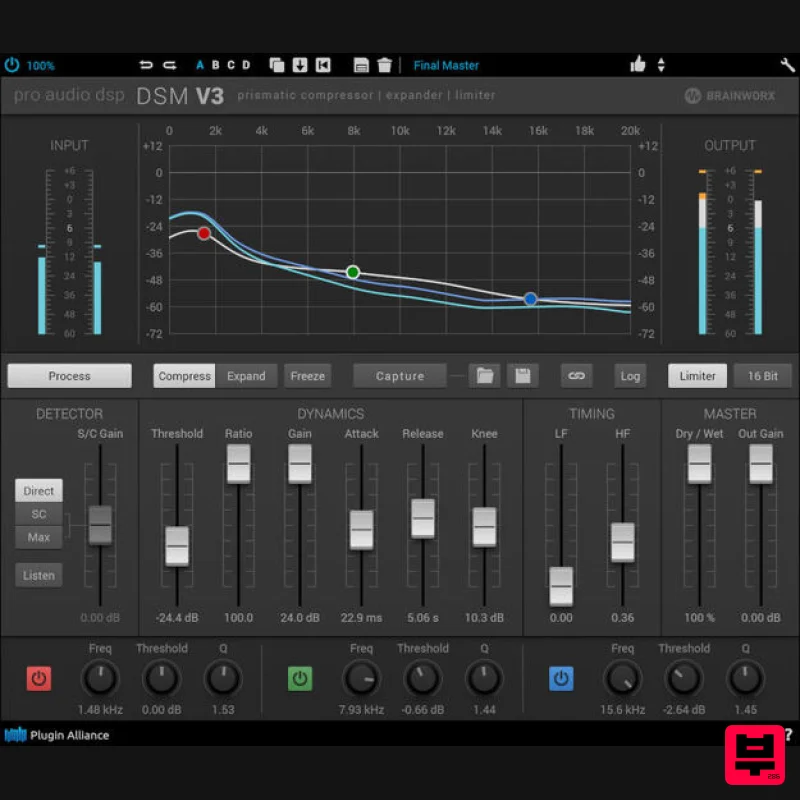
Plugin Alliance ProAudioDSP DSM V3
Dynamics Processor
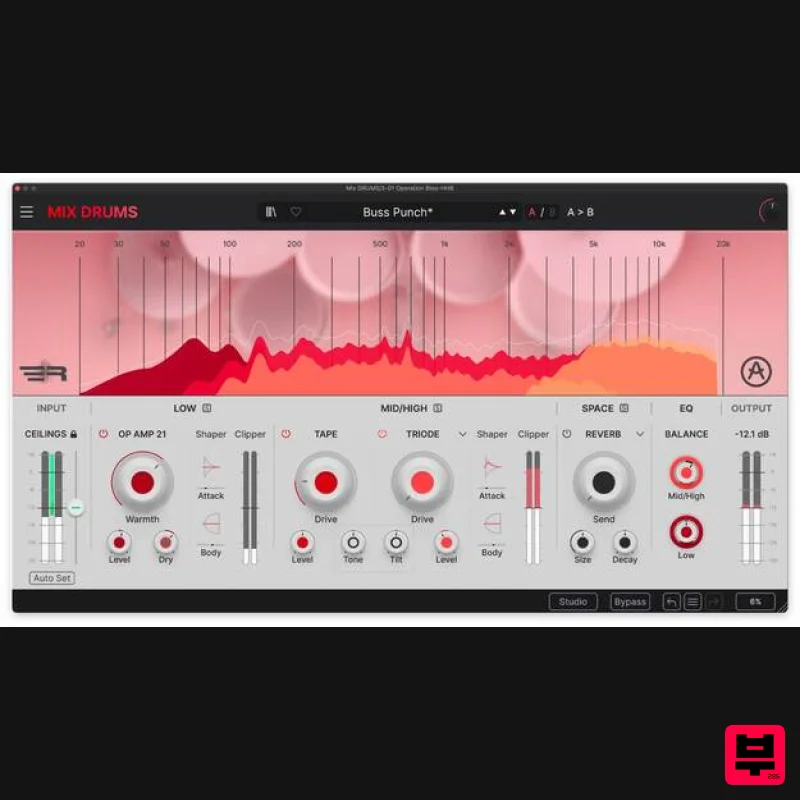
Arturia Mix DRUMS
Dynamics Processor
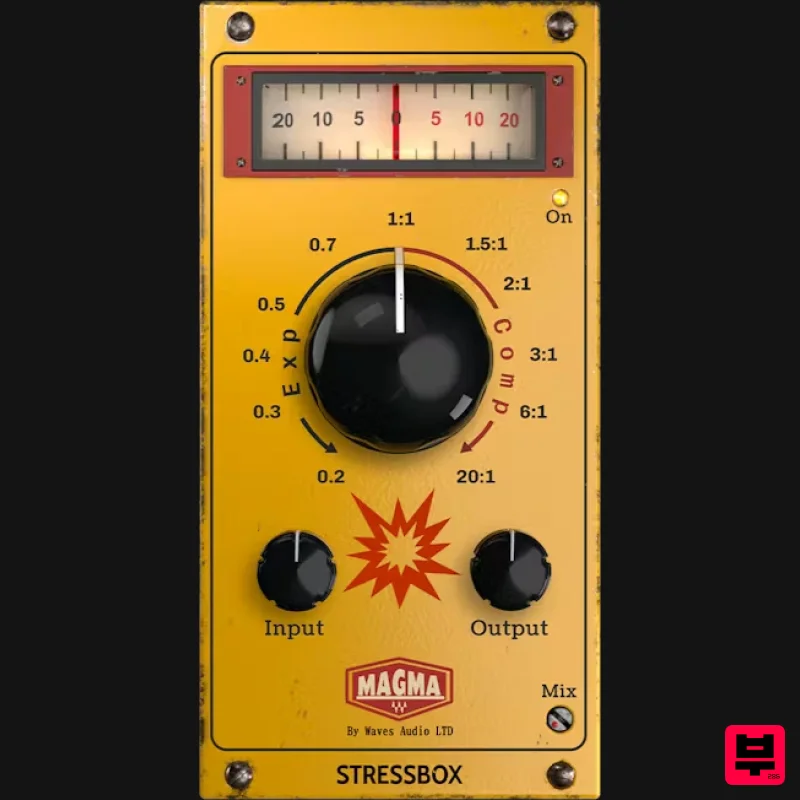
Waves Magma StressBox
Dynamics Processor
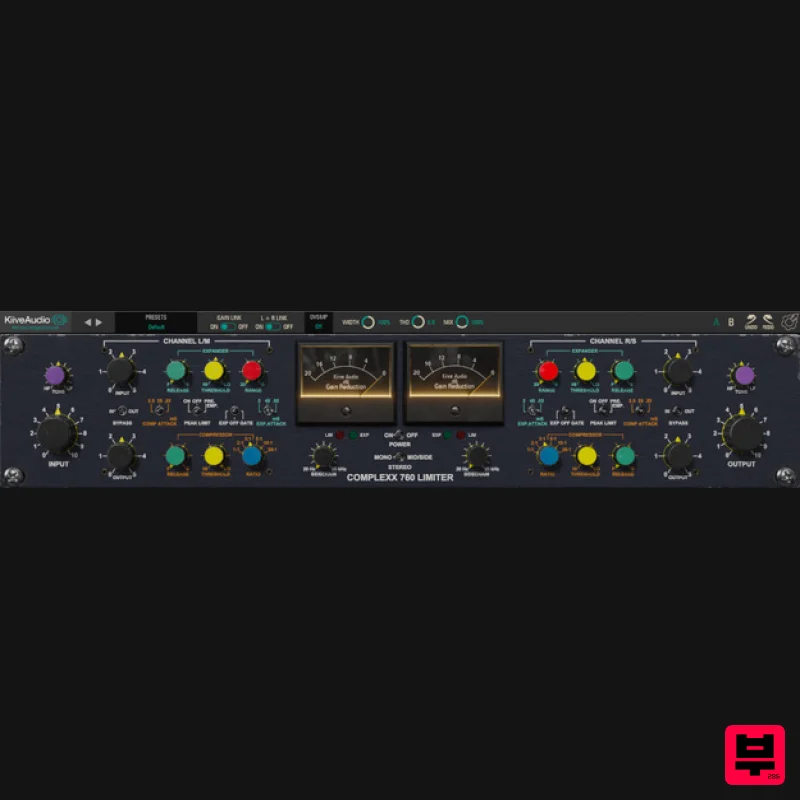
Kiive Audio Complexx
Dynamics Processor
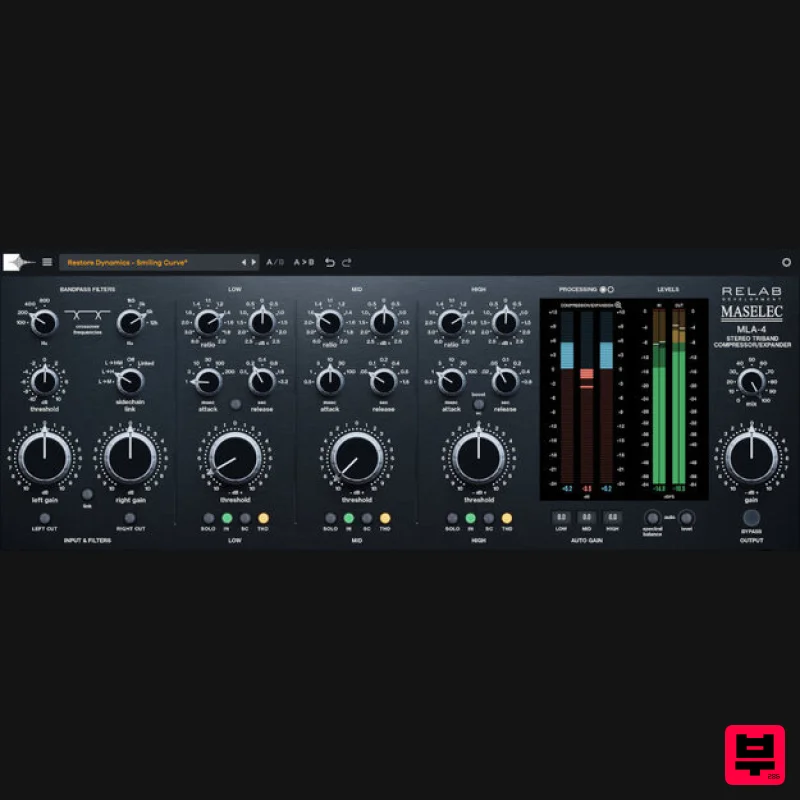
Relab Development Maselec MLA-4
Dynamics Processor

