
W. A. Production Pop for InstaChord 2
Professional music gear - detailed information and where to buy
W. A. Production
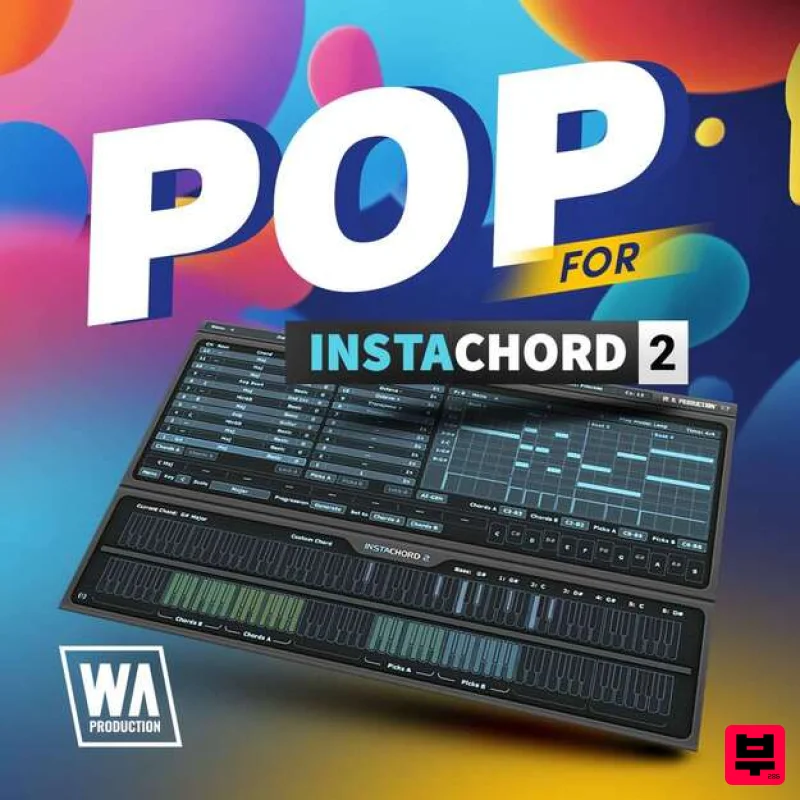
Pop for InstaChord 2
Product Info
* Prices may vary. Check retailer for current pricing and availability.
Product Description
- Pop for InstaChord 2 captures the essence of contemporary pop music
- delivering a vibrant set of 40 presets that are designed to produce the catchy chord progressions and slick hooks synonymous with today’s top charts. Inspired by hit-makers like Taylor Swift
- Dua Lipa
- and The Weeknd
- this collection empowers producers to create music with the polish and appeal that define modern pop. Each preset meticulously sets up InstaChord 2 to generate MIDI patterns that can instantly lift your productions
- providing the harmonic foundation necessary for creating memorable and radio-ready tracks. From bright
- uplifting progressions to emotive
- heart-tugging chords
- these presets offer a diverse range of sounds that cater to all corners of the pop genre. Explore Pop for InstaChord 2 and unlock the secrets to crafting hit pop songs. Whether you’re looking to create danceable tracks or intimate ballads
- these presets provide the tools needed to navigate the pop music landscape with confidence and creativity. Features 40 InstaChord 2 Presets 100% Royalty-Free System Requirements InstaChord 2 is required to use these presets Mac Installation 1. Download the .zip folder from within your Plugin Boutique User Account > Double-click it to extract the contents. 2. Open the latest version of InstaComposer in your DAW > Click 'MENU'. 3. Select 'Open Preset Folder' from the drop-down menu. 4. Double-click the 'Presets' folder. 5. Copy the 'WA_Cinematic_For_InstaComposer' folder from the downloaded .zip file > Paste it into the 'Presets' folder. Your presets are now installed and ready to use. Windows Installation 1. Download the .zip folder from within your Plugin Boutique User Account > Double-click it to extract the contents. 2. Open the latest version of InstaComposer in your DAW > Click 'MENU'. 3. Select 'Open Preset Folder' from the drop-down menu. 4. Double-click the 'Presets' folder. 5. Copy the 'WA_Cinematic_For_InstaComposer' folder from the downloaded .zip file > Paste it into the 'Presets' folder. Your presets are now installed and ready to use.
Additional Information
About the W. A. Production Pop for InstaChord 2
The W. A. Production Pop for InstaChord 2 represents excellent craftsmanship in the Expansion Packs category.
Why Choose the W. A. Production Pop for InstaChord 2?
- •Authentic W. A. Production craftsmanship and design
- •Versatile sound suitable for multiple musical genres
- •Professional build quality and reliable performance
- •Part of W. A. Production's respected Expansion Packs lineup
Compare & Explore
Browse our complete selection of W. A. Production instruments or explore other Expansion Packs options. Use our comparison tools to find the perfect match for your musical style and budget.
Similar Products

Tracktion Stonegrabber D-232 Expansion Pack (for Attracktive)
Expansion Packs

Tracktion Suitcase in a Box Expansion Pack (for Attracktive)
Expansion Packs

Tracktion SH-20 Expansion Pack (for Attracktive)
Expansion Packs

Tracktion DG-8000 Expansion Pack (for Attracktive)
Expansion Packs

Tracktion Poly-One Expansion Pack (for Attracktive)
Expansion Packs

Tracktion SA-1000 Expansion Pack (for Attracktive)
Expansion Packs

Tracktion Langweil 150 Expansion Pack (for Attracktive)
Expansion Packs

Tracktion Taurinorum Expansion Pack (for Attracktive)
Expansion Packs

