
W. A. Production Pop 2 for InstaChord 2
Professional music gear - detailed information and where to buy
W. A. Production
Pop 2 for InstaChord 2
Product Info
* Prices may vary. Check retailer for current pricing and availability.
Product Description
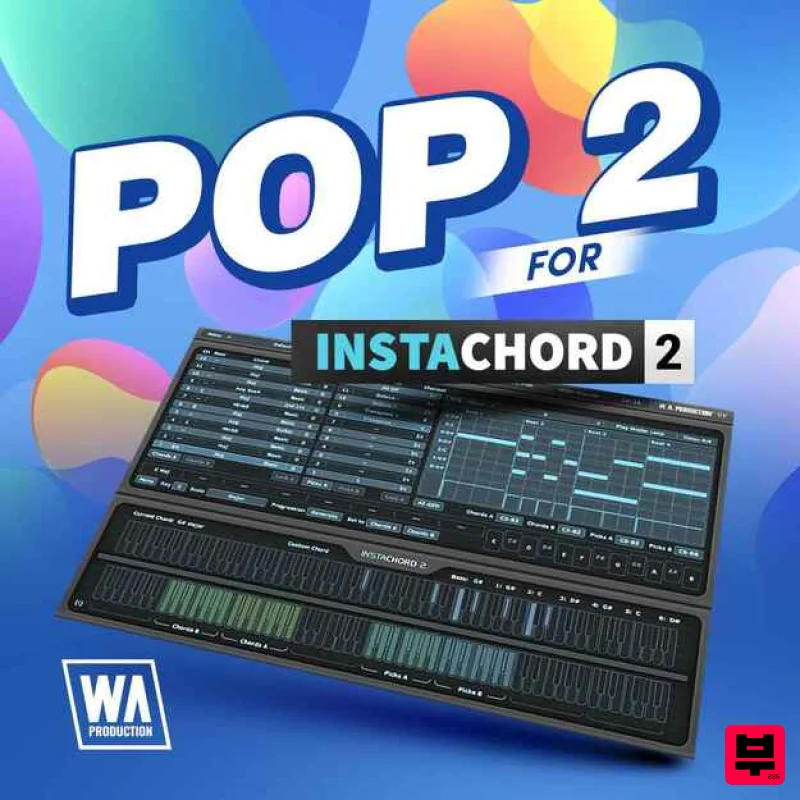
- Pop 2 for InstaChord 2 brings you a radio-ready collection of chord presets tailored for modern pop production. Whether you're creating upbeat chart-toppers
- heartfelt ballads
- or sleek electro-pop anthems
- this pack delivers the harmonic backbone needed to write infectious and emotionally engaging tracks. Instead of locking you into static progressions
- this expansion gives you the building blocks to shape your own pop chords in real time. Whether you're jamming out catchy hooks
- layering shimmering synth lines
- or trying out fresh voicings on the fly
- these presets help you dial in the modern pop sound—your way. Fully compatible with InstaChord 2
- this pack allows you to experiment with real-time chord generation and customization
- making it easy to develop professional-grade harmonies even without deep theory knowledge. Pop 2 for InstaChord 2 is your creative companion for building hits that connect and resonate. Features 40 InstaChord 2 Presets & Patterns 100% Royalty-Free Note: Jazz & Blues for InstaChord is used as an example. Mac Installation 1. Download the .zip folder from within your Plugin Boutique account > Double-click it to extract the contents. 2. Open the latest version of InstaChord in your DAW > Click 'MENU'. 3. Select 'Open Preset Folder' from the drop-down menu. 4. Double-click the 'Presets' folder. 5. Copy the WA_Jazz_Blues_For_InstaChord folder from the downloaded .zip file > Paste it into the 'Presets' folder. Your presets are now installed and ready to use. Windows Installation 1. Download the .zip folder from within your Plugin Boutique account > Double-click it to extract the contents. 2. Open the latest version of InstaChord in your DAW > Click 'MENU'. 3. Select 'Open Preset Folder' from the drop-down menu. 4. Double-click the 'Presets' folder. 5. Copy the WA_Jazz_Blues_For_InstaChord folder from the downloaded .zip file > Paste it into the 'Presets' folder. Your presets are now installed and ready to use.
Additional Information
About the W. A. Production Pop 2 for InstaChord 2
The W. A. Production Pop 2 for InstaChord 2 combines traditional design with modern performance for Expansion Packs enthusiasts.
Why Choose the W. A. Production Pop 2 for InstaChord 2?
- •Authentic W. A. Production craftsmanship and design
- •Versatile sound suitable for multiple musical genres
- •Professional build quality and reliable performance
- •Part of W. A. Production's respected Expansion Packs lineup
Compare & Explore
Browse our complete selection of W. A. Production instruments or explore other Expansion Packs options. Use our comparison tools to find the perfect match for your musical style and budget.
Similar Products

Tracktion Stonegrabber D-232 Expansion Pack (for Attracktive)
Expansion Packs

Tracktion Taurinorum Expansion Pack (for Attracktive)
Expansion Packs

Tracktion Poly-One Expansion Pack (for Attracktive)
Expansion Packs

Tracktion SH-20 Expansion Pack (for Attracktive)
Expansion Packs

Tracktion Suitcase in a Box Expansion Pack (for Attracktive)
Expansion Packs

Tracktion Langweil 150 Expansion Pack (for Attracktive)
Expansion Packs

Tracktion SA-1000 Expansion Pack (for Attracktive)
Expansion Packs

Tracktion DG-8000 Expansion Pack (for Attracktive)
Expansion Packs

