
W. A. Production Outlaw Lite
Professional music gear - detailed information and where to buy
W. A. Production
Outlaw Lite
Product Info
* Prices may vary. Check retailer for current pricing and availability.
Product Description
- Gain riding can be highly beneficial when mixing live sound
- vocals
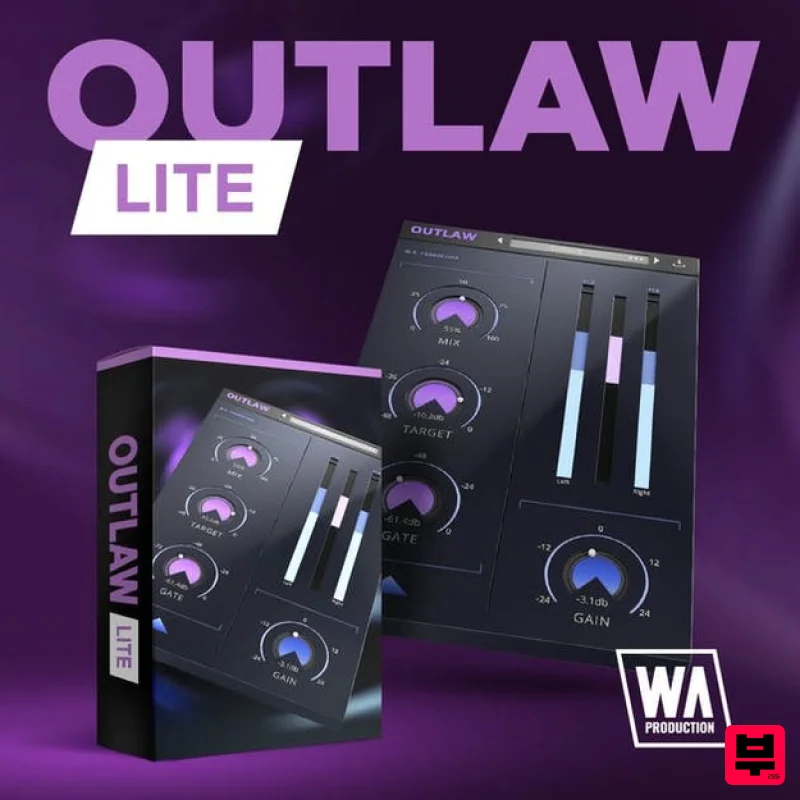
- or balancing solo instruments. The Lite version of the acclaimed Outlaw plugin is a massive first foray into the gain riding world for you. Outlaw Lite listens to the incoming audio and compensates for volume changes to mimic a real-life audio engineer's mixing desk fader movement. Forget about drawing complex volume automation and let Outlaw Lite do the hard work for you
- with gain leveling and a wealth of features. Mix
- Target
- Gate & Gain These 4 main dials give you flexible control over the fundamental parameters of Outlaw Lite
- meaning that it's easy to make broad-strokes adjustments to the plugin's performance. Adjust the intensity of the effect with the MIX dial and set the RMS target level with the TARGET dial. Use the GATE control to set a relative level so that the gain-rider ignores softer sounds. The GAIN dial controls the master output and is very useful for setting accurate levels for precise A/B signal comparison. Visual Feedback See precisely what Outlaw Lite is doing to the signal at a glance with the bold visual feedback display. The display shows the Peak and RMS volume for both the left and right channels and the amount of gain-riding. Outlaw Lite is the kind of toolbox plugin that you'll reach for every time you need to create balanced dynamics with a "human touch". Make it the first plugin on your channel for live guitars
- vocals
- bass
- and drums
- or anything that needs the touch of a sympathetic virtual engineer. W. A. Production are real-life producers making creative plugins to help you achieve studio quality processing quickly and easily. Enjoy! System Requirements Windows 8 or higher (32 / 64 bit) macOS 10.13 or higher (32 / 64 bit) AAX - ProTools 11 or higher Important Note for Mac Apple Silicon users: Before purchasing
- please review the current compatibility status of this plugin on your system here. Registration and Activation Video <iframe frameborder="0" height="315" src="https: //www.youtube.com/embed/YJHtWvm8z0Y" width="560"></iframe> Please Note: CHORDS is used as an example. Registration 1. Click the Download button in your Plugin Boutique account or go to https://www.waproduction.com/users/login 2. Click 'Create New Account' (if you already have a W.A Production account
- enter your details
- log in and skip to step 5). 3. Enter your details > Choose your marketing preferences > Click 'Finish Registration'. 4. Your account has been registered > Click 'Register Plugin'. 5. On the license registration page
- enter the license key from your Plugin Boutique account (which will be referred to as 'serial number' on our site) > Click 'Add'. 6. Your product will now be displayed in your W.A Production account > Scroll down to My Orders and click 'View Order'. 7. Click 'Download Files'. 8. Click 'Download'. Mac Installation 1. Once the download is complete
- extract and open the ZIP folder you just downloaded > Open the Mac folder > Double-click the CHORDS .pkg installer file. 2. Click 'Continue'. 3. Read the Software License Agreement > Click 'Continue'. 4. Click 'Agree'. 5. Click 'Install'. 6. Click 'Close'. 7. Open CHORDS in your DAW. 8. Click the information icon in the bottom left-hand corner > Enter the serial number you were given in your W.A Production account > Click 'Authorize'. Your software is now ready to use in your DAW! Windows Installation 1. Once the download is complete
- extract and open the ZIP folder you just downloaded > Open the PC folder > Double-click the CHORDS PC installer file. 2. Click 'Next'. 3. Click 'Next'. 4. Select which plugin formats you would like to install > Click 'Next' > Click 'Install'. 5. Click 'Finish'. 6. Open CHORDS in your DAW. 7. Click the information icon in the bottom left-hand corner > Enter the serial number you were given in your W.A Production account > Click 'Authorize'. Your software is now activated and ready to use in your DAW!
Additional Information
About the W. A. Production Outlaw Lite
Discover the distinctive sound and feel of the W. A. Production Outlaw Lite, a standout choice among Dynamics Processor.
Why Choose the W. A. Production Outlaw Lite?
- •Authentic W. A. Production craftsmanship and design
- •Versatile sound suitable for multiple musical genres
- •Professional build quality and reliable performance
- •Part of W. A. Production's respected Dynamics Processor lineup
Compare & Explore
Browse our complete selection of W. A. Production instruments or explore other Dynamics Processor options. Use our comparison tools to find the perfect match for your musical style and budget.
Similar Products
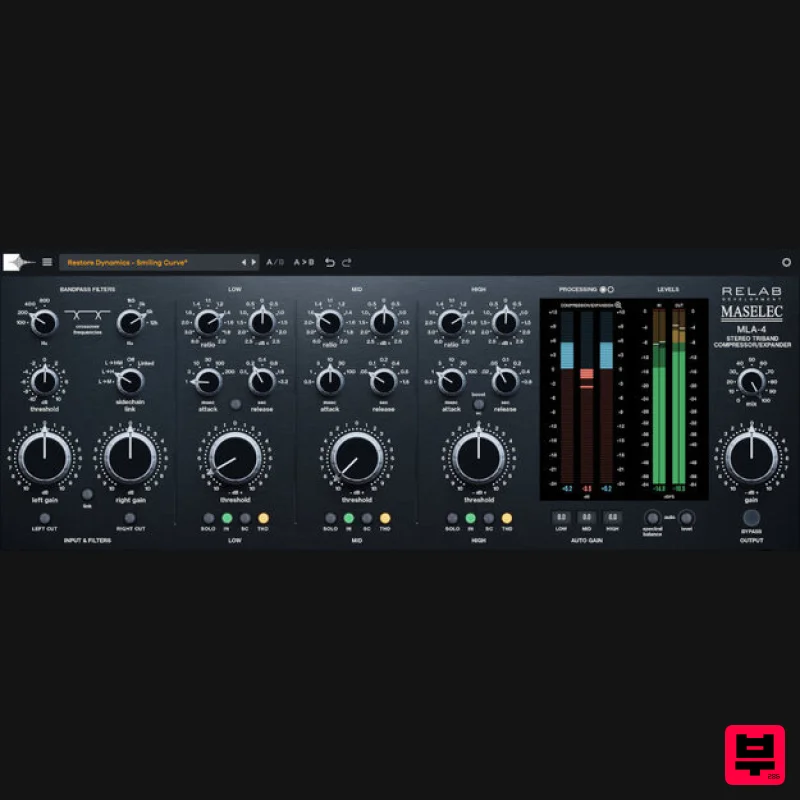
Relab Development Maselec MLA-4
Dynamics Processor
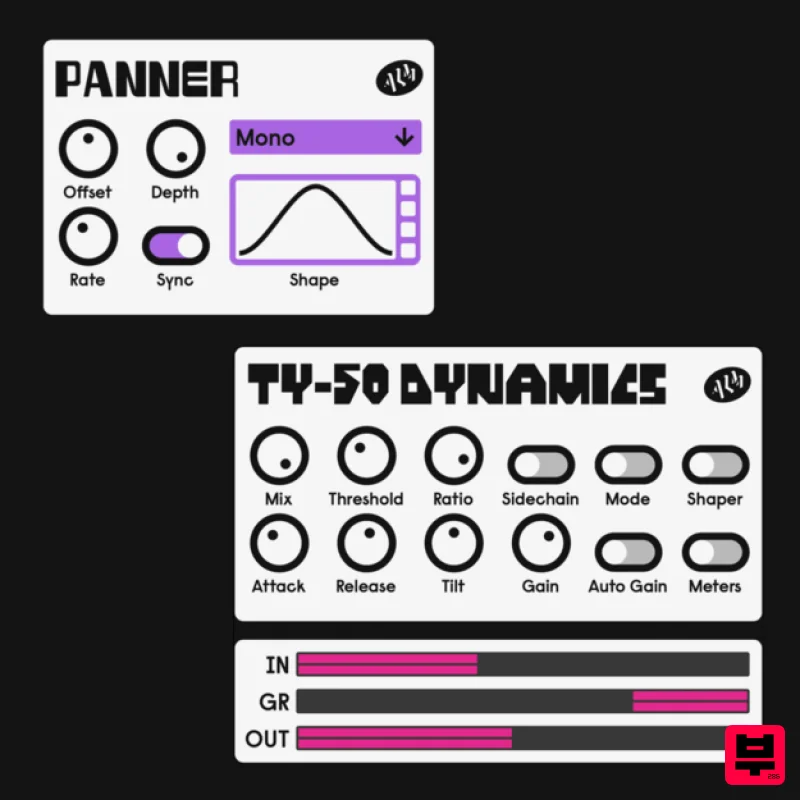
ALM / Busy Circuits MFX Dynamics
Dynamics Processor
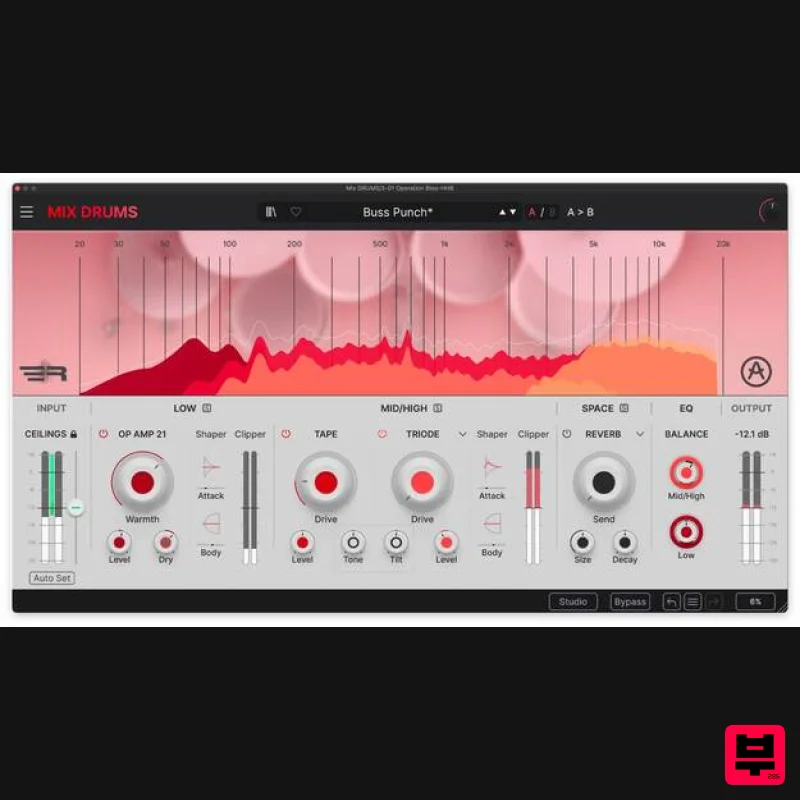
Arturia Mix DRUMS
Dynamics Processor
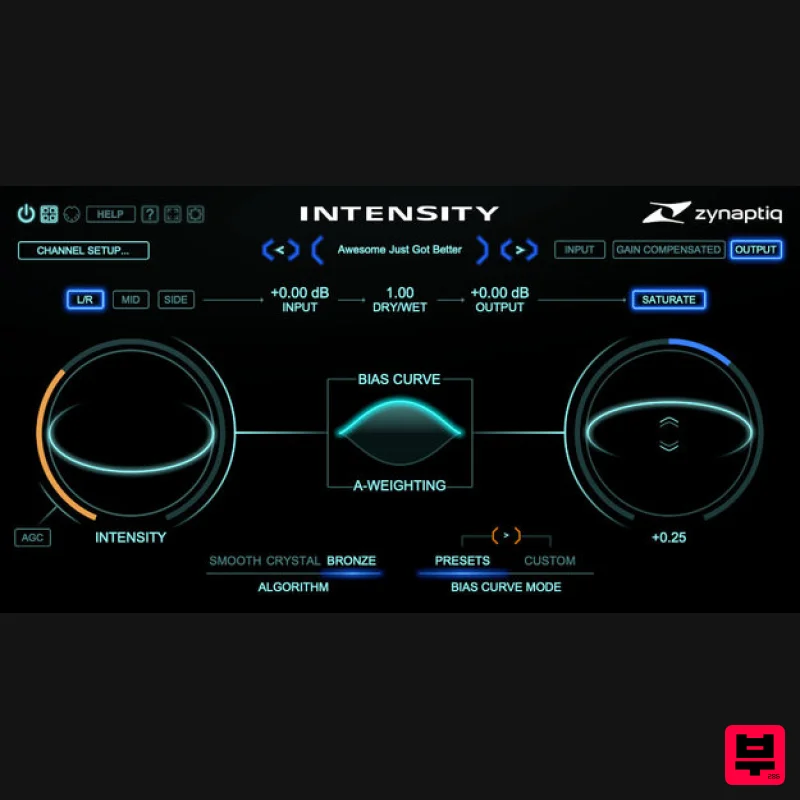
Zynaptiq INTENSITY 2
Dynamics Processor
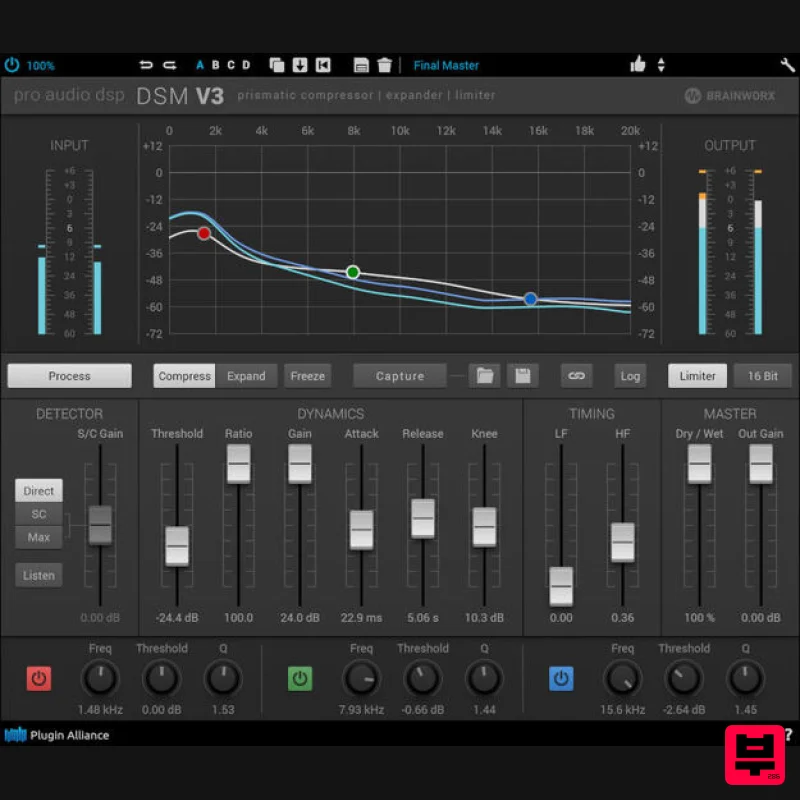
Plugin Alliance ProAudioDSP DSM V3
Dynamics Processor
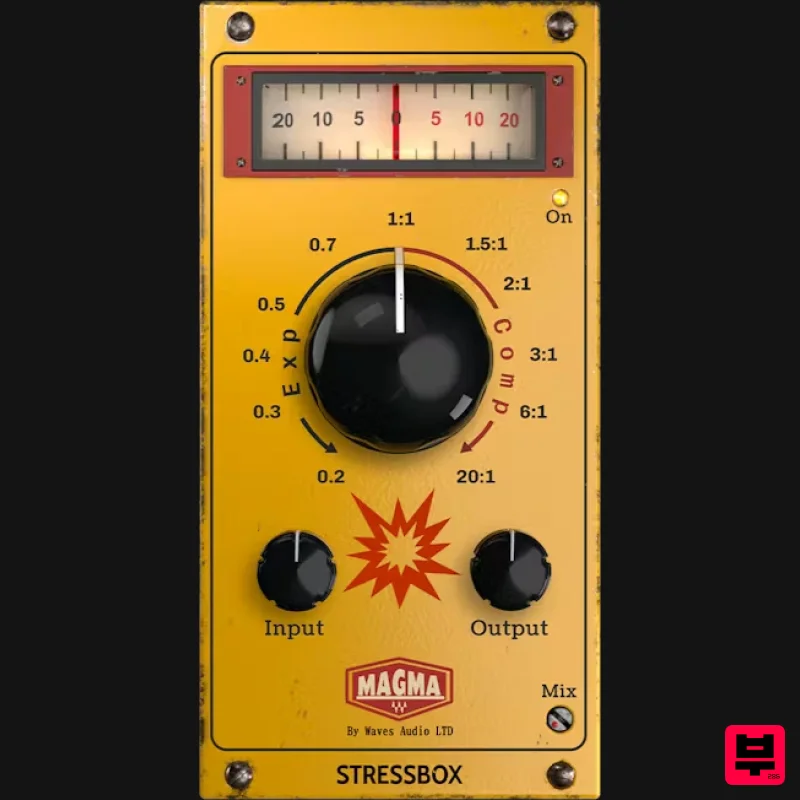
Waves Magma StressBox
Dynamics Processor
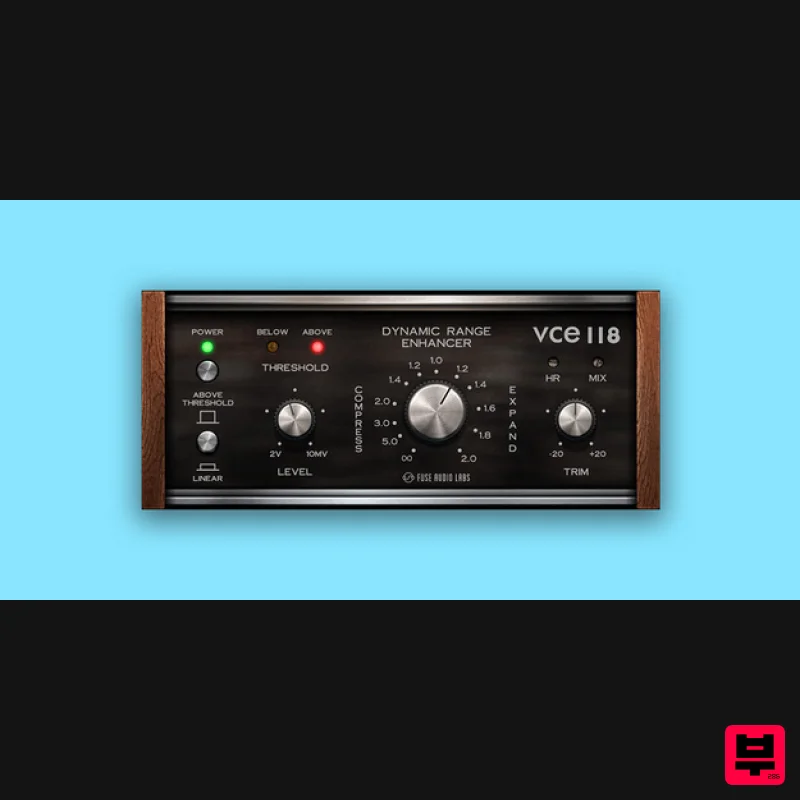
Fuse Audio Labs VCE-118 – Dynamic Range Enhancer
Dynamics Processor
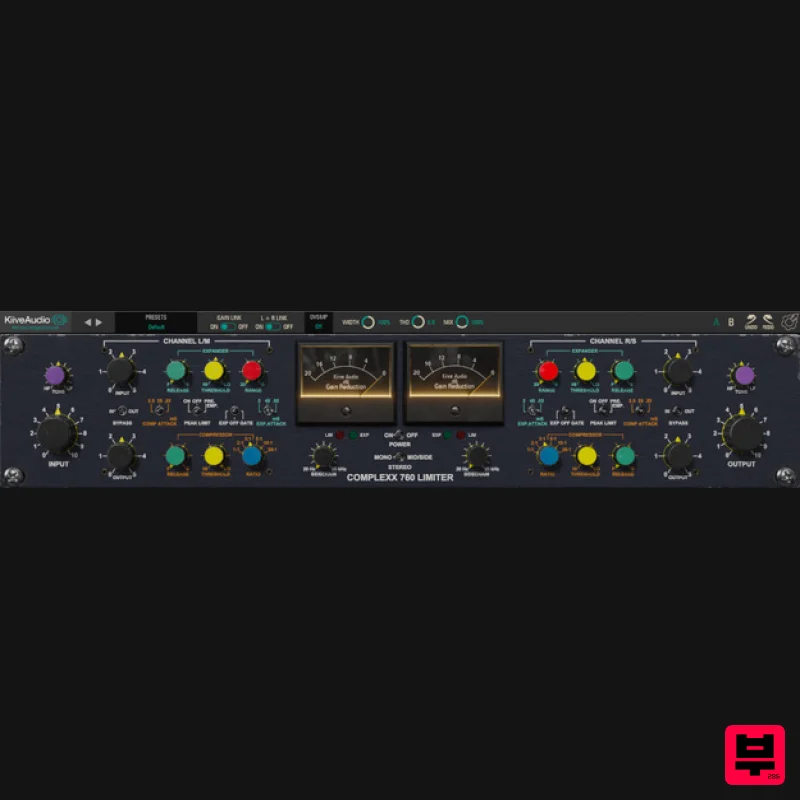
Kiive Audio Complexx
Dynamics Processor

