
W. A. Production MultiBender
Professional music gear - detailed information and where to buy
W. A. Production
MultiBender
Product Info
* Prices may vary. Check retailer for current pricing and availability.
Product Description
- Echo Chamber Let’s face it
- you already own a delay plugin... probably more than one. That’s awesome
- but you haven’t heard anything like Multibender. With delicious multi-band processing and 4 (count ‘em) simultaneous delay modules
- Multibender is your tempo-synced solution to creative delay processing. Conjure intricate percussion patterns
- wild ping-pong synths and grooving leads with just a few clicks
- or less if you use one of the inspirational presets. Each individual delay band has bespoke effects to transform boring keys into wobbly vintage progressions or tighten up your flabby bass parts with distortion and saturation for dance-floor domination. For truly epic delays
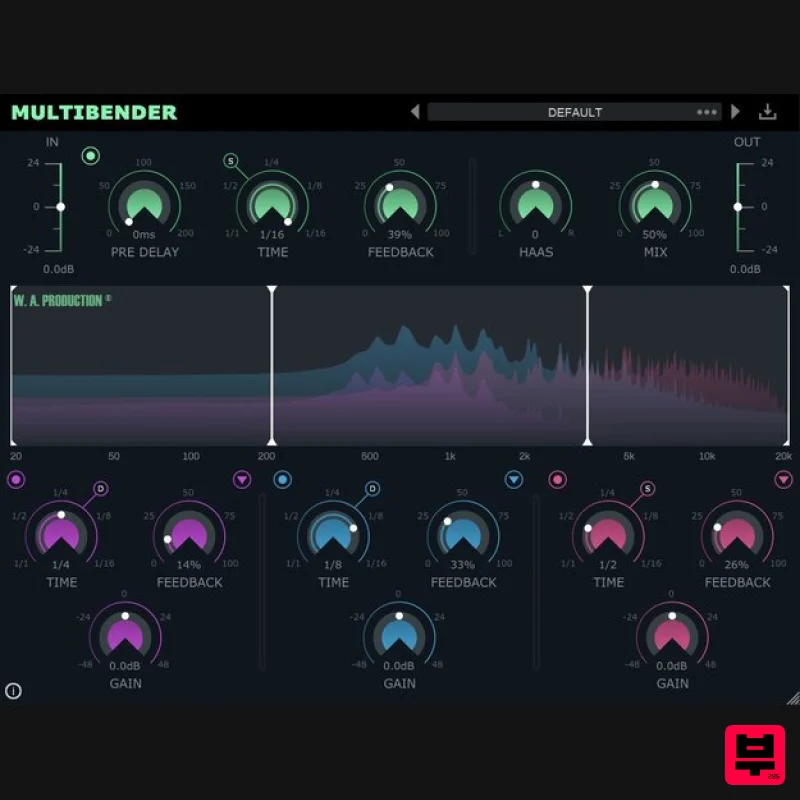
- here are the facts behind this groove-tastic effect: Multiband Madness The delay processing is split into 3 separate modules
- linked to the standard delay controls at the top of the interface
- although they can all be adjusted independently. Drag the crossover points in the waveform display to quickly set up the frequency ranges of the 3 bands. Then choose a delay time (including dotted and triplet feel)
- feedback level and gain adjustment for each. This means that you can have a short delay for your low end and longer ones for mids and highs to send them bouncing around the room. On and off buttons for each band allow you to disable any unwanted processing
- just in case you want to keep your bass line tight or mid-range clean. Saturate
- Crush & Detune Standard delays for each of the 3 bands sound complex and expansive
- but you can push the effect to the limit with 3 effects for each band. These run completely independently of one another and include saturation
- bit crush and detuning. Apply as much or as little of each process as you like to create different kinds of audio effect. Try introducing sparkling highs with saturated harmonics in the upper-frequency range. Detune the midrange delay for a wavering analogue feel in the body of the sound. Make your bass line scream with crushed low end. No HAASsle The built-in HAAS control of the main delay unit can create a subtle stereo effect by shifting the timing offset of the left or right channel - a tried and trusted technique for adding space and width to your delay adventures. Looks are everything The central window shows exactly what’s happening to each of the 3 bands as the audio passes through the plugin
- useful visual feedback to keep tabs on your signal transformations. The 3 coloured waveforms clearly display the effect of each module’s processing allowing for accurate monitoring and surgical shaping at every stage of the chain. Presets With many included presets
- it’s easy to find the perfect shuffle for your instruments and vocals. These factory options can be used on guitars
- bass
- drums
- synths and more. The presets include everything from subtle ping-pong bounces to massive big-room delays that last for days. W. A. Production are real-life producers making creative plugins to help you achieve studio quality processing quickly and easily. Enjoy! Features A 4-stage delay like you’ve never heard before. Independent multi-band processing for high
- mid & low-frequency ranges. Saturate
- Crush & Detune for each band. Straight
- Dotted & Triplet time. HAAS control for stereo width. Click & pop-free bypass. Waveform graph for accurate visual feedback. Factory presets. Full PDF Manual & Tutorial video. System Requirements Windows 8 and later (32 / 64-bit) macOS 10.13 and later (64-bit only) Please Note: AAX format requires ProTools 11 or higher. Important Note for Mac Apple Silicon users: Before purchasing
- please review the current compatibility status of this plugin on your system here. Manene "Wow
- what an innovative idea! MultiBender lets you create completely unique delay FX by splitting the effect into different bands. I've never seen anything like it
- and now I'm hooked! Great job W.A." The Samplecast "Don’t delay. Well
- actually do... and do it better than ever with MultiBender." 22Bullets "I've been loving playing with MultiBender. The ability to add different delays to different bands gives me tons of new capabilities that other delays don't. I for sure will be using this in my tracks!" Registration and Activation Video <iframe frameborder="0" height="315" src="https: //www.youtube.com/embed/YJHtWvm8z0Y" width="560"></iframe> Please Note: CHORDS is used as an example. Registration 1. Click the Download button in your Plugin Boutique account or go to https://www.waproduction.com/users/login 2. Click 'Create New Account' (if you already have a W.A Production account
- enter your details
- log in and skip to step 5). 3. Enter your details > Choose your marketing preferences > Click 'Finish Registration'. 4. Your account has been registered > Click 'Register Plugin'. 5. On the license registration page
- enter the license key from your Plugin Boutique account (which will be referred to as 'serial number' on our site) > Click 'Add'. 6. Your product will now be displayed in your W.A Production account > Scroll down to My Orders and click 'View Order'. 7. Click 'Download Files'. 8. Click 'Download'. Mac Installation 1. Once the download is complete
- extract and open the ZIP folder you just downloaded > Open the Mac folder > Double-click the CHORDS .pkg installer file. 2. Click 'Continue'. 3. Read the Software License Agreement > Click 'Continue'. 4. Click 'Agree'. 5. Click 'Install'. 6. Click 'Close'. 7. Open CHORDS in your DAW. 8. Click the information icon in the bottom left-hand corner > Enter the serial number you were given in your W.A Production account > Click 'Authorize'. Your software is now ready to use in your DAW! Windows Installation 1. Once the download is complete
- extract and open the ZIP folder you just downloaded > Open the PC folder > Double-click the CHORDS PC installer file. 2. Click 'Next'. 3. Click 'Next'. 4. Select which plugin formats you would like to install > Click 'Next' > Click 'Install'. 5. Click 'Finish'. 6. Open CHORDS in your DAW. 7. Click the information icon in the bottom left-hand corner > Enter the serial number you were given in your W.A Production account > Click 'Authorize'. Your software is now activated and ready to use in your DAW!
Additional Information
About the W. A. Production MultiBender
The W. A. Production MultiBender combines traditional design with modern performance for Echo enthusiasts.
Why Choose the W. A. Production MultiBender?
- •Authentic W. A. Production craftsmanship and design
- •Versatile sound suitable for multiple musical genres
- •Professional build quality and reliable performance
- •Part of W. A. Production's respected Echo lineup
Compare & Explore
Browse our complete selection of W. A. Production instruments or explore other Echo options. Use our comparison tools to find the perfect match for your musical style and budget.
Similar Products
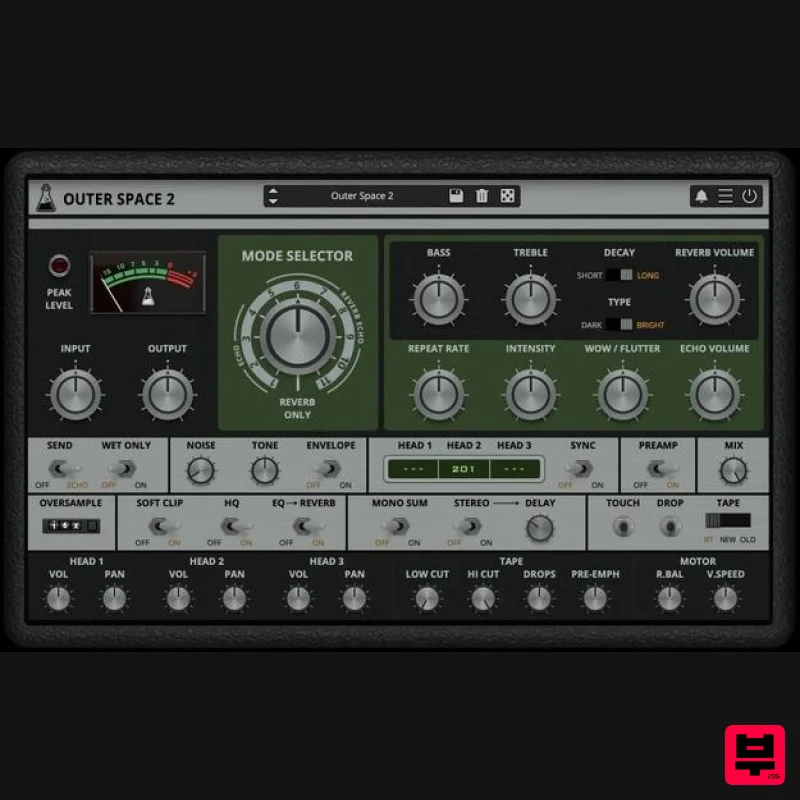
AudioThing Outer Space 2
Echo
$72
Vintage Tape Echo Outer Space 2 is a faithful emulation plugin of a famous vintage tape echo made in the early...
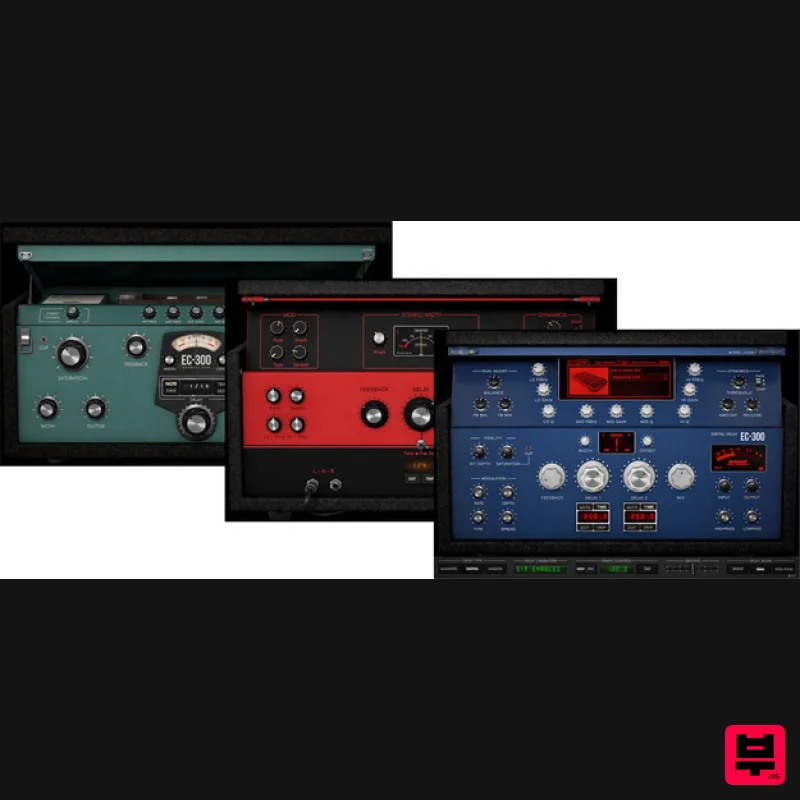
McDSP EC-300 Echo Collection HD v7
Echo
$166
Note: This product is the HD version for AAX DSP users. The Native version is also available. The EC-300 Echo...
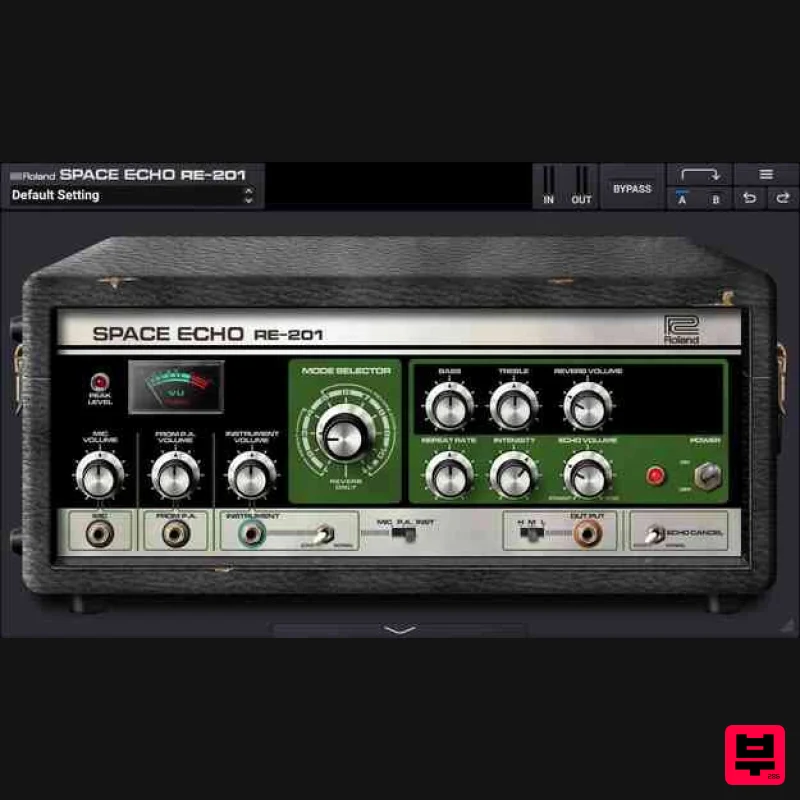
Roland RE-201 Space Echo
Echo
$213
The Sonic Supercollider The only authentic plug-in recreation of Roland’s iconic tape delay Introduced in 1974, the...
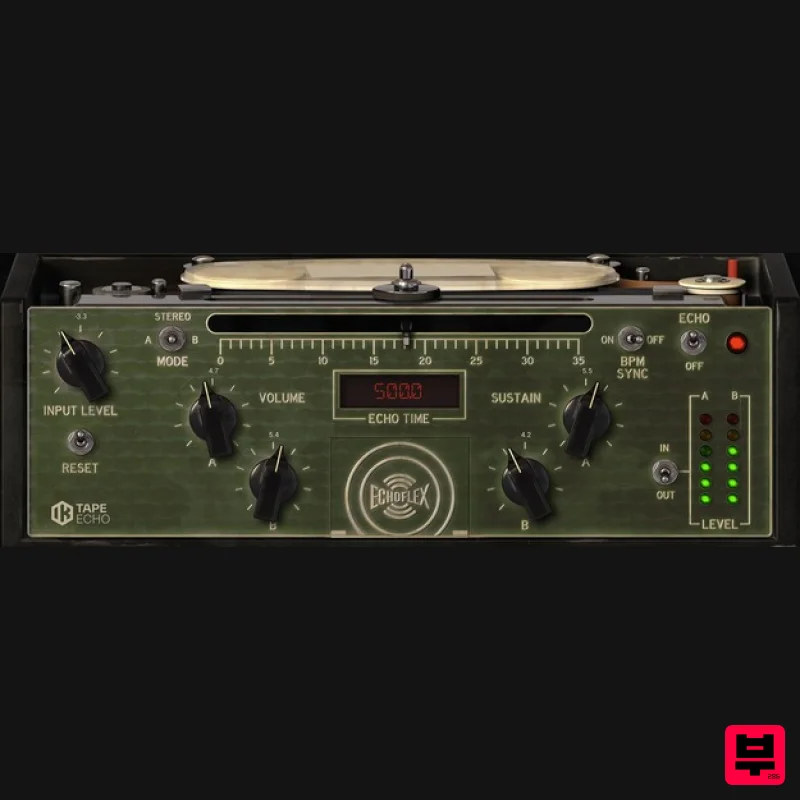
IK Multimedia Tape Echo
Echo
$125
Vintage Tape Delay Warm echoes from the past The Tape Echo is a faithful recreation of the highly sought after Echoplex...
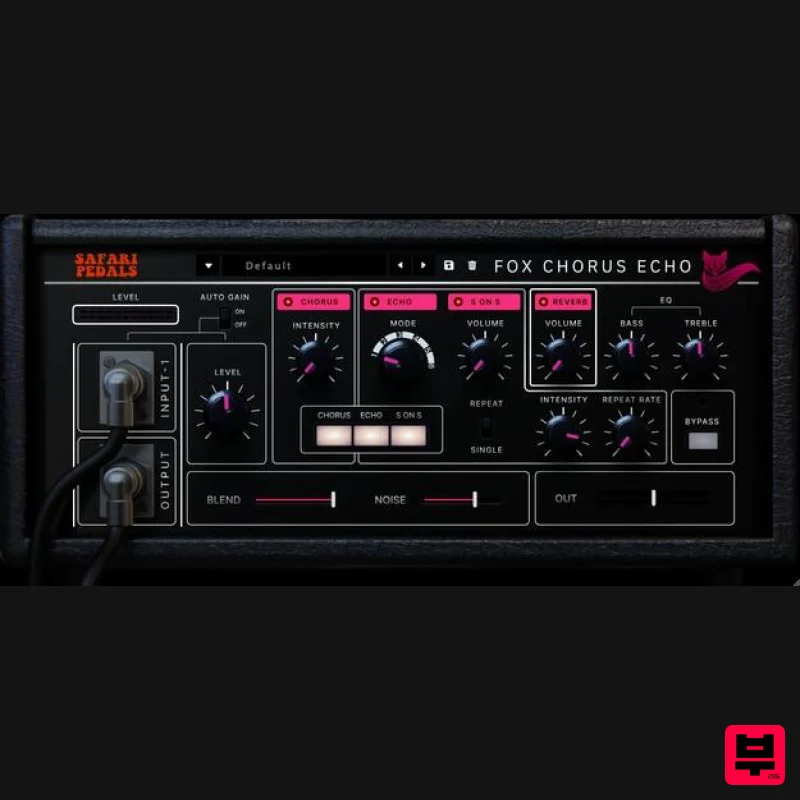
Safari Audio Fox Echo Chorus
Echo
$51
A Vintage-Inspired Echo & Chorus Plugin The Fox Echo Chorus is a modern homage to the legendary vintage tape echo...
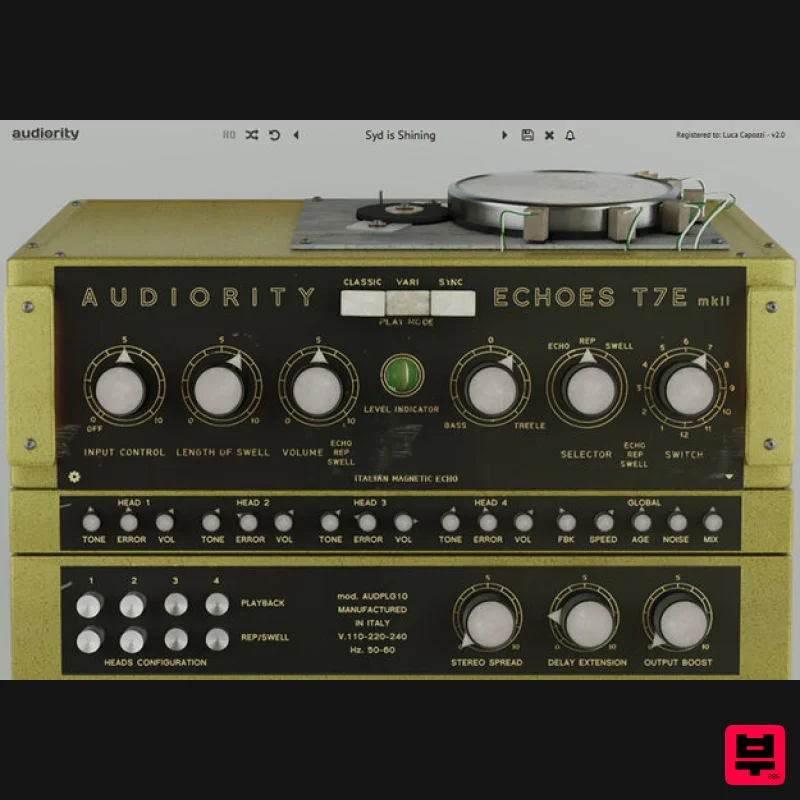
Audiority Echoes T7E MKII
Echo
$68
Analog Modelled Italian Magnetic Echo Plugin. Echoes T7E is a faithful recreation of a vintage tube magnetic echo made...
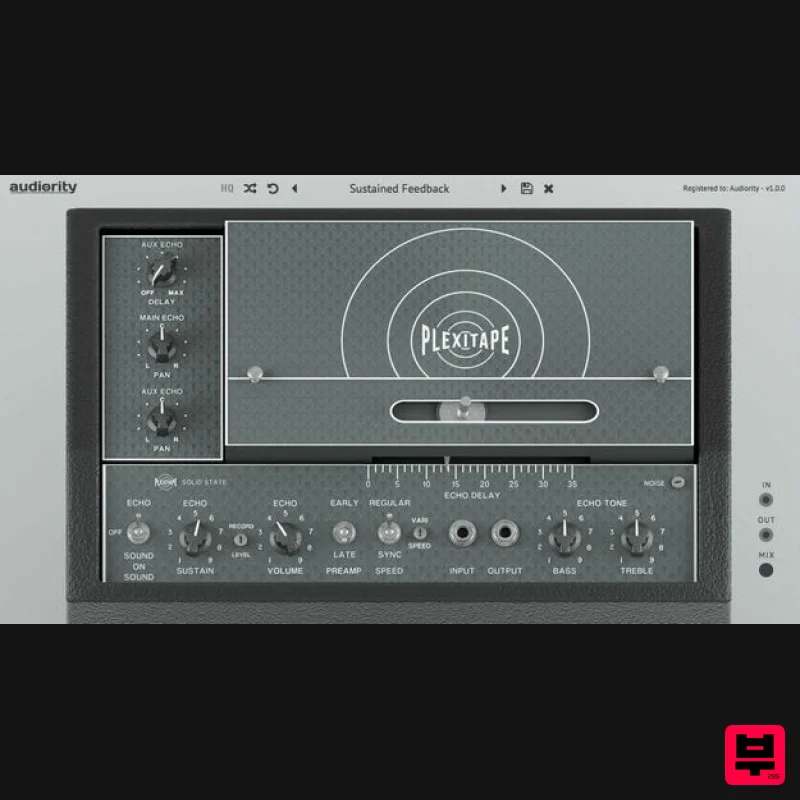
Audiority PlexiTape
Echo
$68
PlexiTape is a faithful analog modeled simulation of a vintage tape echo that made THE SOUND of the ’70s for its tone...
ALM / Busy Circuits MFX Echos
Echo
$10
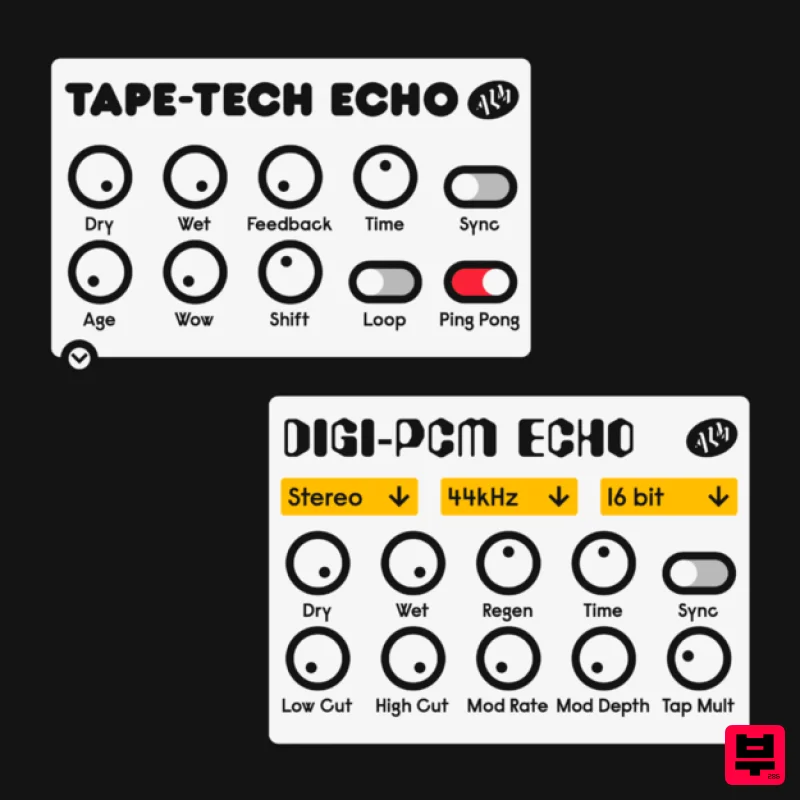
Digi-PCM and Tape-Tech Echo Plugins ‘MFX Echos’ is a pair of digital and analog inspired echos, the Digi-PCM and...
Frequently Asked Questions
The W. A. Production MultiBender stands out for its exceptional W. A. Production craftsmanship and innovative design.
Yes! With its affordable price point and quality construction, it's perfect for learning echo.
Browse the similar products section to see how it stacks up against other echo.

