
W. A. Production MIDIQ
Professional music gear - detailed information and where to buy
W. A. Production
MIDIQ
Product Info
* Prices may vary. Check retailer for current pricing and availability.
Product Description
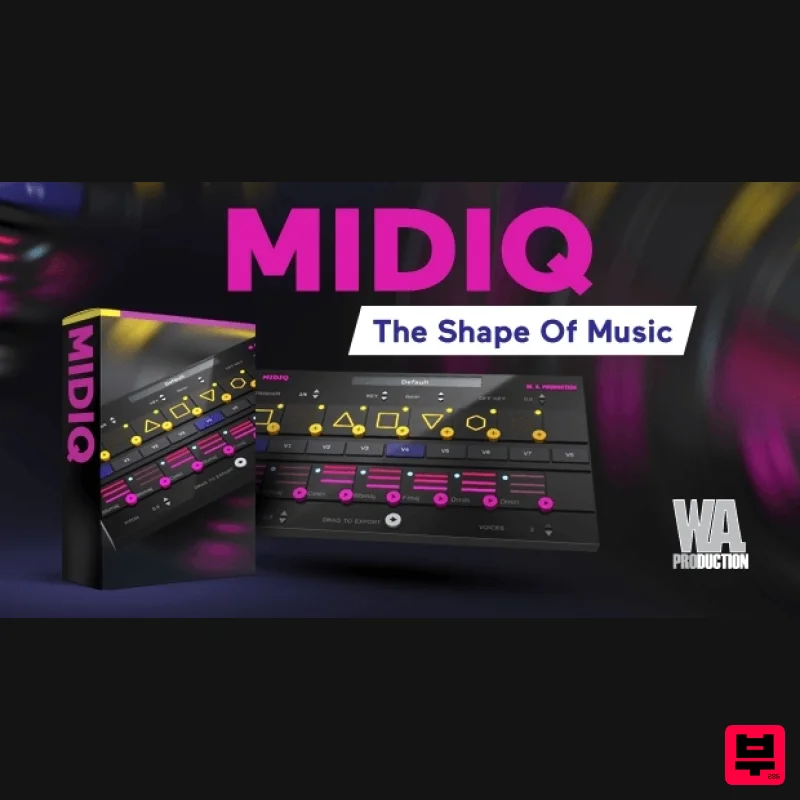
- The Shape of Music Sometimes you can sit down in the studio and you're just fresh out of ideas. That’s when you can reach for MIDIQ to kickstart concepts for chord sequences
- harmonies and bass lines. MIDIQ is an innovative MIDI sequence generator for both studio and live applications
- featuring a unique and highly interactive user interface. Generating near-limitless chord sequence possibilities
- MIDIQ uses a simple pattern language for the definition of repeating chords. The layout resembles a slot machine so the interface is very visual. In fact
- you don’t need any knowledge of music theory to get some great results from MIDIQ. Whenever you add or change a pattern symbol
- the algorithm generates a chord for this position and also creates a set of eight alternative chord sequences for the current pattern of symbols. A click on one of the chord boxes is enough to switch to a new variant. Truly inspiring stuff. Preset data is automatically saved in DAW sessions and can be exported for import into other sessions. Equally
- copy-and-paste
- drag-and-drop and drag to-host functionalities are all included for ultimate flexibility. And it doesn't stop there... experiment with feeding a chord progression into an arpeggiator
- running several plug-in instances in parallel
- generating polyrhythmic patterns and finding interesting chord progressions between two or more chords. Create chords MIDIQ runs in any DAW with MIDI routing support. Place the plug-in on the generator track or use multiple instances of the plug-in assigned to different tracks (e.g. to layer the output for the creation of very unusual
- highly polyphonic progressions or to generate polyrhythmic loops). Use the copy-and-paste functionality to copy parameters from one plug-in to another. Preset data is automatically saved in DAW sessions
- so nothing gets lost. A simplified piano roll display shows the generated chord sequence. Chords from the piano roll can be dragged to the host sequencer. Edit chords Click on a chord to manually change the chord symbols as desired. Whenever you specify a chord
- the corresponding pattern element is replaced by a lock symbol
- and the music intelligence algorithms create a new
- matching chord progression. By clicking on the unlock button
- the pattern element returns to its previous state. Explore sequences Hit "Play" just as you do in a DAW. The chord sequence is played back in a loop
- and the current loop position is displayed by yellow and blue boxes around the pattern and chord symbols
- respectively. Click on one of the chord boxes to explore alternative chord sequences for the current pattern of symbols. The new variant of the sequence will be played back with the next loop onset and the time until the next onset is displayed by a yellow countdown bar. Click on the button again to restore the main sequence. Trigger chords Use your keyboard or an external MIDI keyboard to trigger chords in your progression manually. Duration and volume of your input are used to create rhythmic and dynamic variations of the generated chord progressions. It is also possible to record a MIDI sequence in your DAW and use it as a trigger for the generated chords in MIDIQ. W. A. Production are real-life producers making creative plugins to help you achieve studio quality processing quickly and easily. Enjoy! Features Innovative user interface featuring a pattern definition area for chords Individual adjustments of MIDI velocity and muting of a generated chord Powered by intelligent algorithms for chord sequence generation Simplified piano roll display Factory Presets Drag to export System Requirements macOS 10.13 and later (64-bit only) Windows 7 and later (64-bit only) Note: This plug-in might run on older versions too
- but it's not guaranteed. Important Note for Mac Apple Silicon users: Before purchasing
- please review the current compatibility status of this plugin on your system here. Available interface types VST
- VST3
- AU (MIDI effect plug-in) Compatibility (Tested OK On): Ableton Live 10 (and later) Bitwig Studio 2 Cubase 10 FL Studio 20 (VST
- not VST3) Logic Pro X Cockos Reaper Studio One 4-5 Important Notes: This software is not compatible with Pro Tools
- Machine 2 and Reason This software is 64-bit compatible only and will not function on 32-bit systems Gloo Audio "MIDIQ is a great tool for producers who are looking to skip the hassle of traditional music theory and get to creating music faster...much faster." Tekhoover "I'm using this plugin every day
- I really like it!" Eugene "MIDIQ is a great plugin for creating amazing melodies." Mac Installation 1. Click the 'DOWNLOAD' button in your Plugin Boutique account. 2. Once the download is complete
- extract and open the ZIP folder you just downloaded > Double-click the .pkg file to begin the installation process. 2. Click 'Continue'. 3. Select your install destination > click 'Continue'. 4. Choose the installation location > click 'Install'. 5. Click 'Close' to exit the installation window. Mac Registration 1. Open MIDIQ within your DAW. 2. Click 'ACTIVATE ONLINE'. 3. Enter the serial number from your Plugin Boutique account > click 'AUTHORIZE' 4. Close MIDIQ and re-open it within your DAW. Your software is now ready to use in your DAW! Windows Installation 1. Click the 'DOWNLOAD' button in your Plugin Boutique account. 2. Once the download is complete
- extract and open the ZIP folder you just downloaded > Double-click the .exe installer file to begin the installation process. 3. Click 'Next'. 4. Confirm the VST plugin directory > click 'Next'. 5. Select which plugin formats you would like to install > click 'Next'. 6. Click 'Install'. 6. Click 'Finish' to close the installation window. Windows Registration 1. Open MIDIQ within your DAW. 2. Click 'ACTIVATE ONLINE'. 3. Enter the serial number from your Plugin Boutique account > click 'AUTHORIZE' 4. Close MIDIQ and re-open it within your DAW. Your software is now ready to use in your DAW!
Additional Information
About the W. A. Production MIDIQ
The W. A. Production MIDIQ represents excellent craftsmanship in the MIDI Arp category.
Why Choose the W. A. Production MIDIQ?
- •Authentic W. A. Production craftsmanship and design
- •Versatile sound suitable for multiple musical genres
- •Professional build quality and reliable performance
- •Part of W. A. Production's respected MIDI Arp lineup
Compare & Explore
Browse our complete selection of W. A. Production instruments or explore other MIDI Arp options. Use our comparison tools to find the perfect match for your musical style and budget.
Similar Products
Mucoder Hypercyclic
MIDI Arp
Free
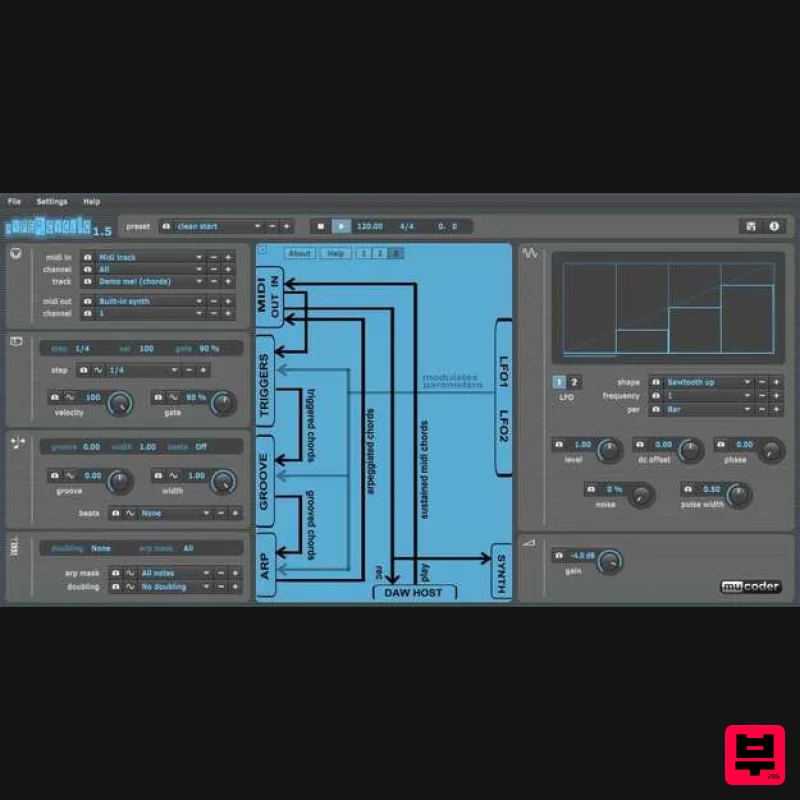
Mucoder: LFO-Driven, MIDI-Mangling Arpeggiator What is Hypercyclic? An LFO-driven MIDI arpeggiator, gate effect and...
510k PEACH
MIDI Arp
$41
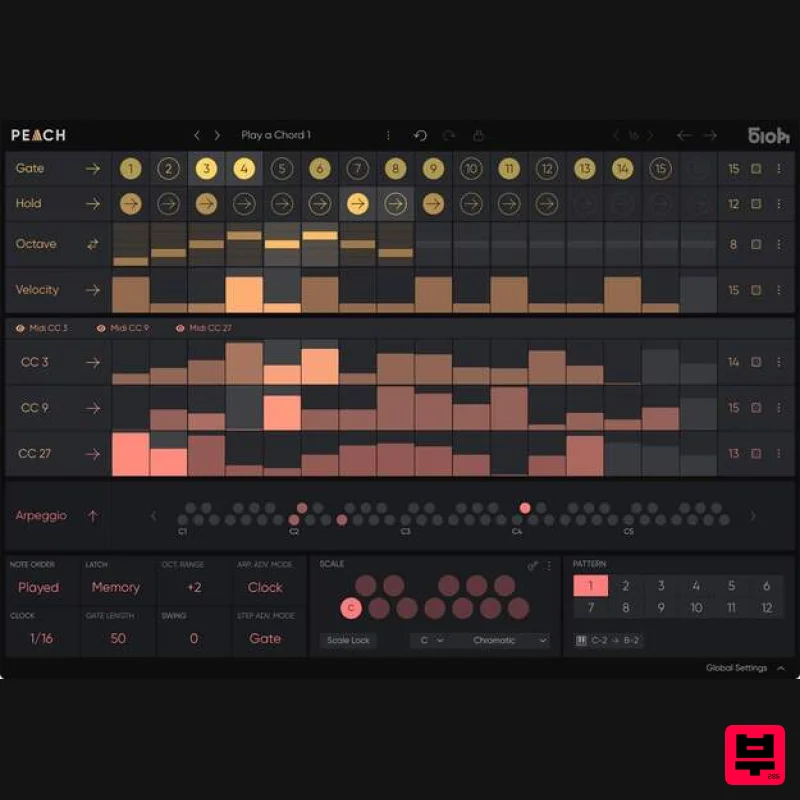
Playful, precise, and polymetric. Perfect for turning simple chords into endlessly shifting arpeggios. PEACH is a...
Kirnu Interactive Cream
MIDI Arp
$37
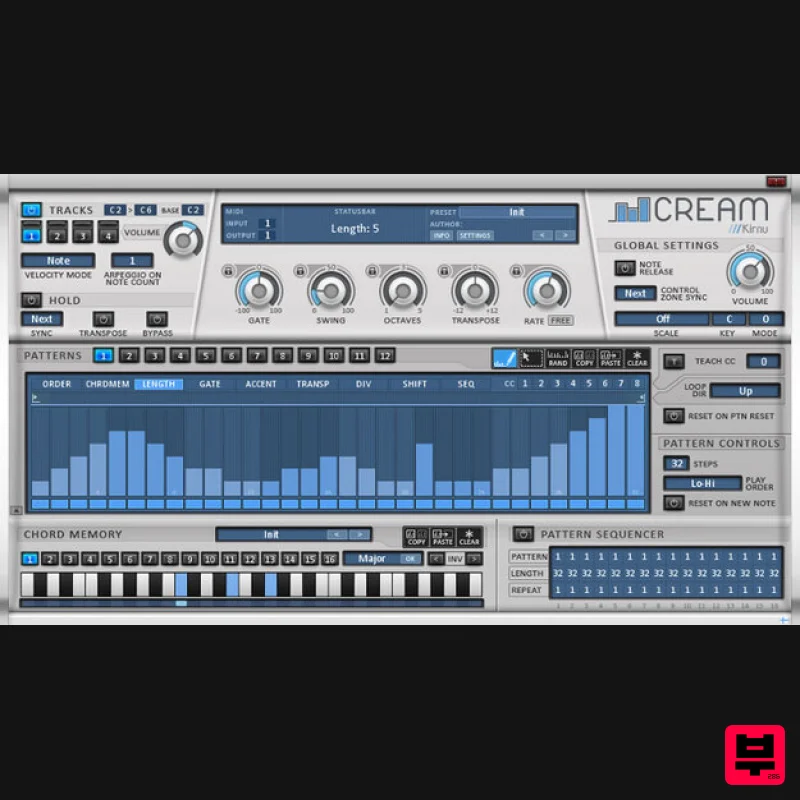
Kirnu Cream is a very powerful MIDI performer VST/AU/LPX MIDI FX plugin for Windows and Mac. It works on both 32 and 64...
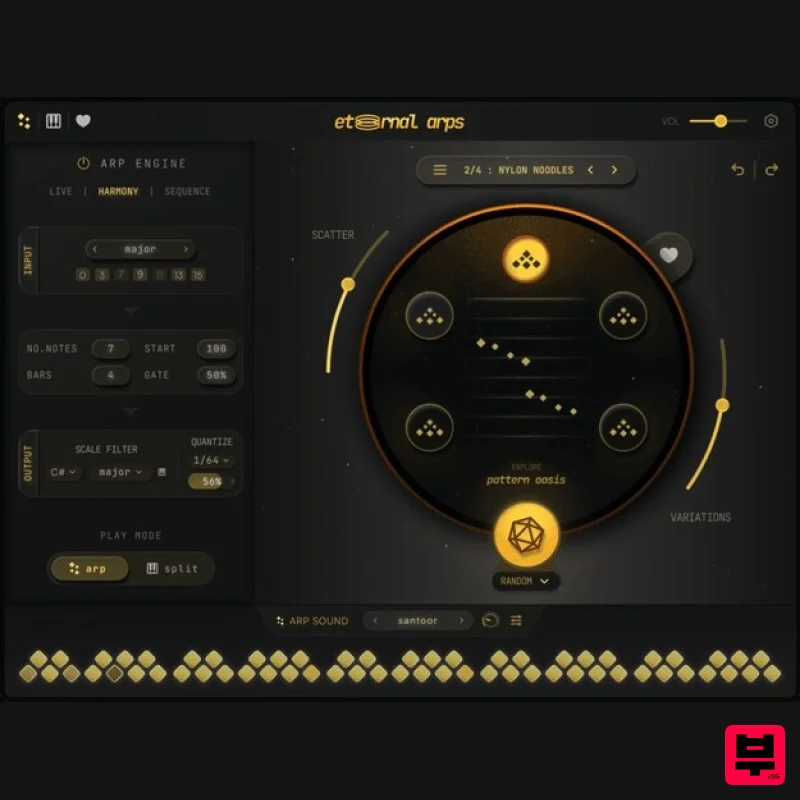
Pitch Innovations Eternal Arps
MIDI Arp
$83
A Next-Gen Instrument That Brings Arpeggios to Life Introducing a plugin like no other—Eternal Arps. Designed to...
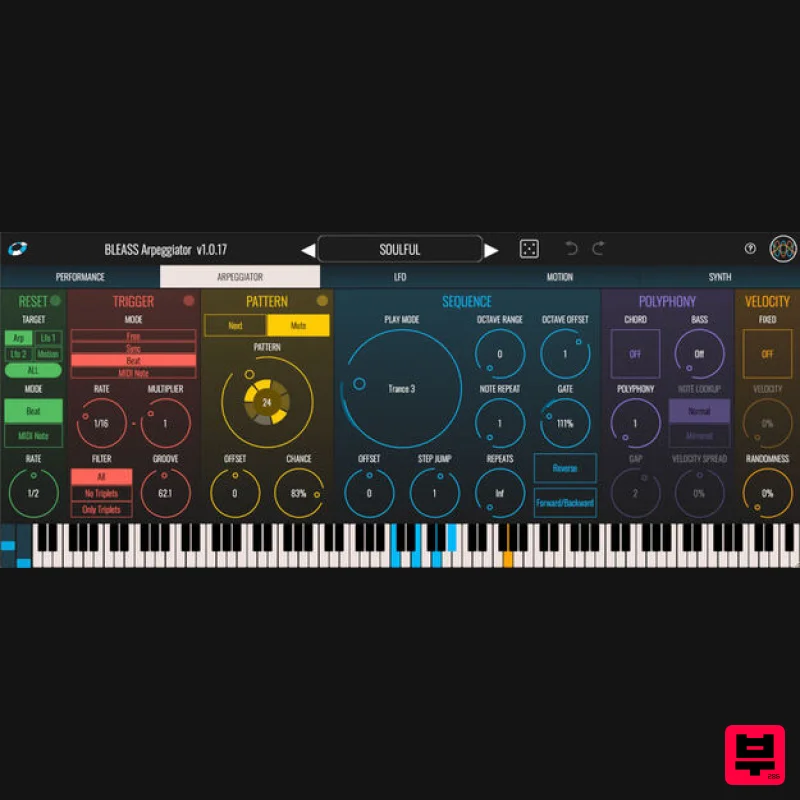
BLEASS BLEASS Arpeggiator
MIDI Arp
$41
Hands-On Creative Arpeggiation BLEASS Arpeggiator takes the inspirationally melodic power of a classic synth...
Frequently Asked Questions
The W. A. Production MIDIQ stands out for its exceptional W. A. Production craftsmanship and innovative design.
Yes! With its affordable price point and quality construction, it's perfect for learning midi arp.
Browse the similar products section to see how it stacks up against other midi arp.

